Reaction Time (Package Name: darksacor.reactiontime) is developed by Banensoft and the latest version of Reaction Time 1.14.4 was updated on October 31, 2026. Reaction Time is in the category of Educational. You can check all apps from the developer of Reaction Time and find 193 alternative apps to Reaction Time on Android. Currently this app is for free. This app can be downloaded on Android 6.0+ on APKFab or Google Play. All APK/XAPK files on APKFab.com are original and 100% safe with fast download.
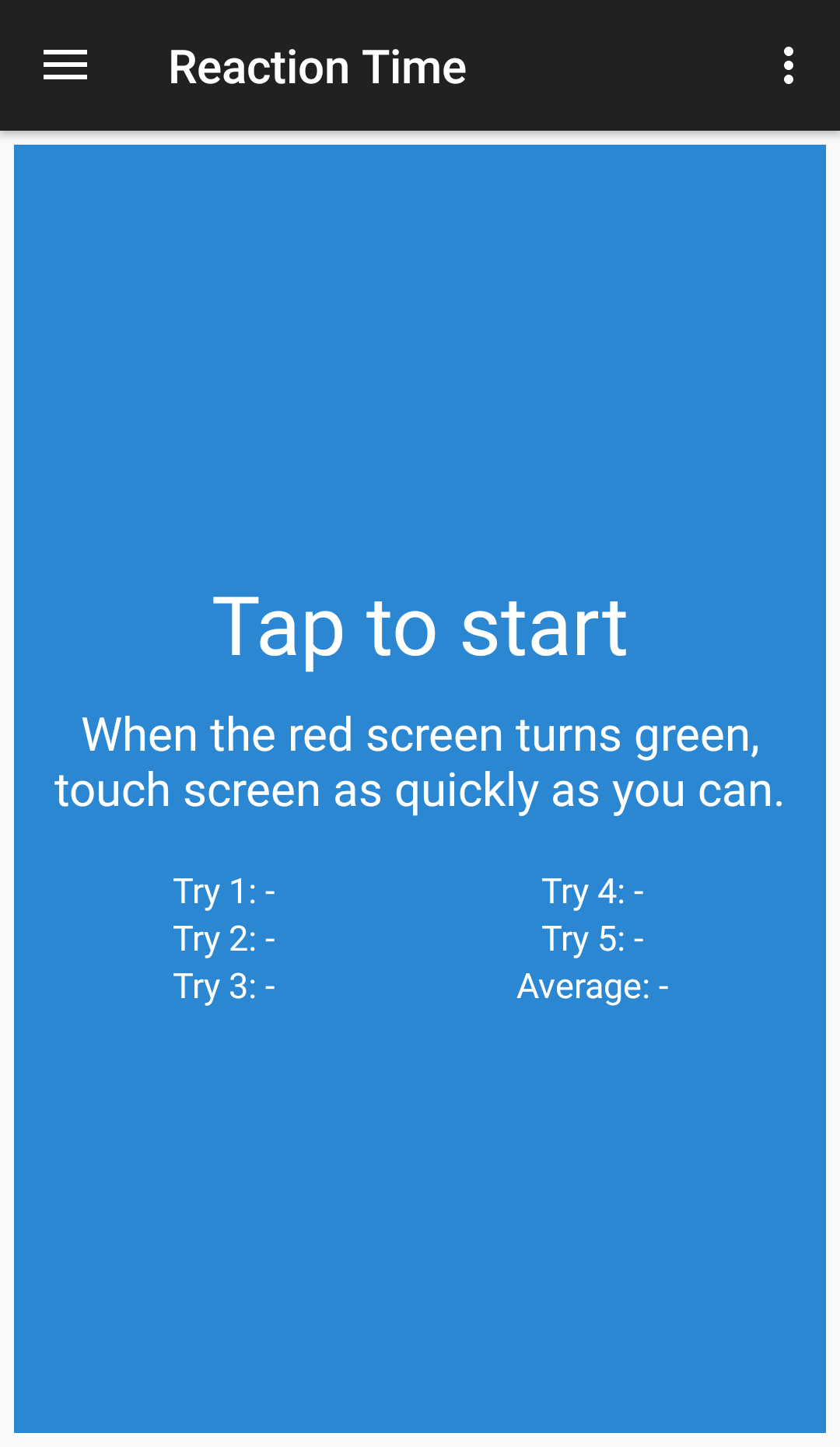
This is a simple tool to measure your reaction time. Response time is the sum of reaction time and movement time. Usually the focus in research is on reaction time. There are four basic means of measuring it but in this app we use only one: - Recognition or Go/No-Go reaction time tasks require that the subject press a button when one stimulus type appears and withhold a response when another stimulus type appears. Warning: Each device is different and there may be additional delays depending on the number of background processes and the age of the device. Instructions: ● Touch the blue screen to begin. ● Wait for the screens turns green. ● When the screens turns green, tap on the screen quickly! ● Touch the screen again to continue to the next test. Features: ● Reaction time test. ● Minigame. ● Local best tries. ● Local last tries. ● On-line leaderboard. ● Achievements. Share: ● You can share your results and compare with your friends. ● Send us a message for to help us improve or send us suggestions.
Reaction Time 1.14.4 Update
• General performance optimizations and minor bug fixes.
New update: • Now you can change touch/click mode: - Touch mode: Press and hold, then release when the screen is green. - Click mode (classic mode): Press and release. When the screen becomes green, press again. Last Update: • Now times are 50ms less because due to the delay of the screen refresh and also to the delay that exist when you press the screen and the system detects it.
APKFab.com and the download link of this app are 100% safe. All download links of apps listed on APKFab.com are from Google Play Store or submitted by users. For the app from Google Play Store, APKFab.com won't modify it in any way. For the app submitted by users, APKFab.com will verify its APK signature safety before release it on our website.