QR Product Scanner

8.2 21

v10.0 by Quantum4u
QR Product Scanner APK download QR Product Scanner APK download

About QR Product Scanner

QR Product Scanner (Package Name: com.quantum.qrscanner) is developed by Quantum4u and the latest version of QR Product Scanner 10.0 was updated on October 15, 2026. QR Product Scanner is in the category of Productivity with the feature Tools. You can check all apps from the developer of QR Product Scanner and find 96 alternative apps to QR Product Scanner on Android. Currently this app is for free. This app can be downloaded on Android 7.0+ on APKFab or Google Play. All APK/XAPK files on APKFab.com are original and 100% safe with fast download.
Create different QR codes with QR themes for adding your product information or scan any QR to fetch its product information, check profiles or authenticate
Scan an Pay Instantly
Check out Profile via scanning QR
Authenticate via QR
Multiple QR code scanner in one go. Scan multiple QR at once.
Fast QR & Barcode scanner, which supports all QR & barcode formats. Keep this app in your phone for all kinds of QR code scanning requirements.
No need to press any buttons to scan, take photos or adjust zoom, as the barcode reader works automatically.
Features of QR Product Scanner
🔥 QR & Barcode Product Scanner
🔥 QR & Barcode Reader
🔥 Scan & Pay
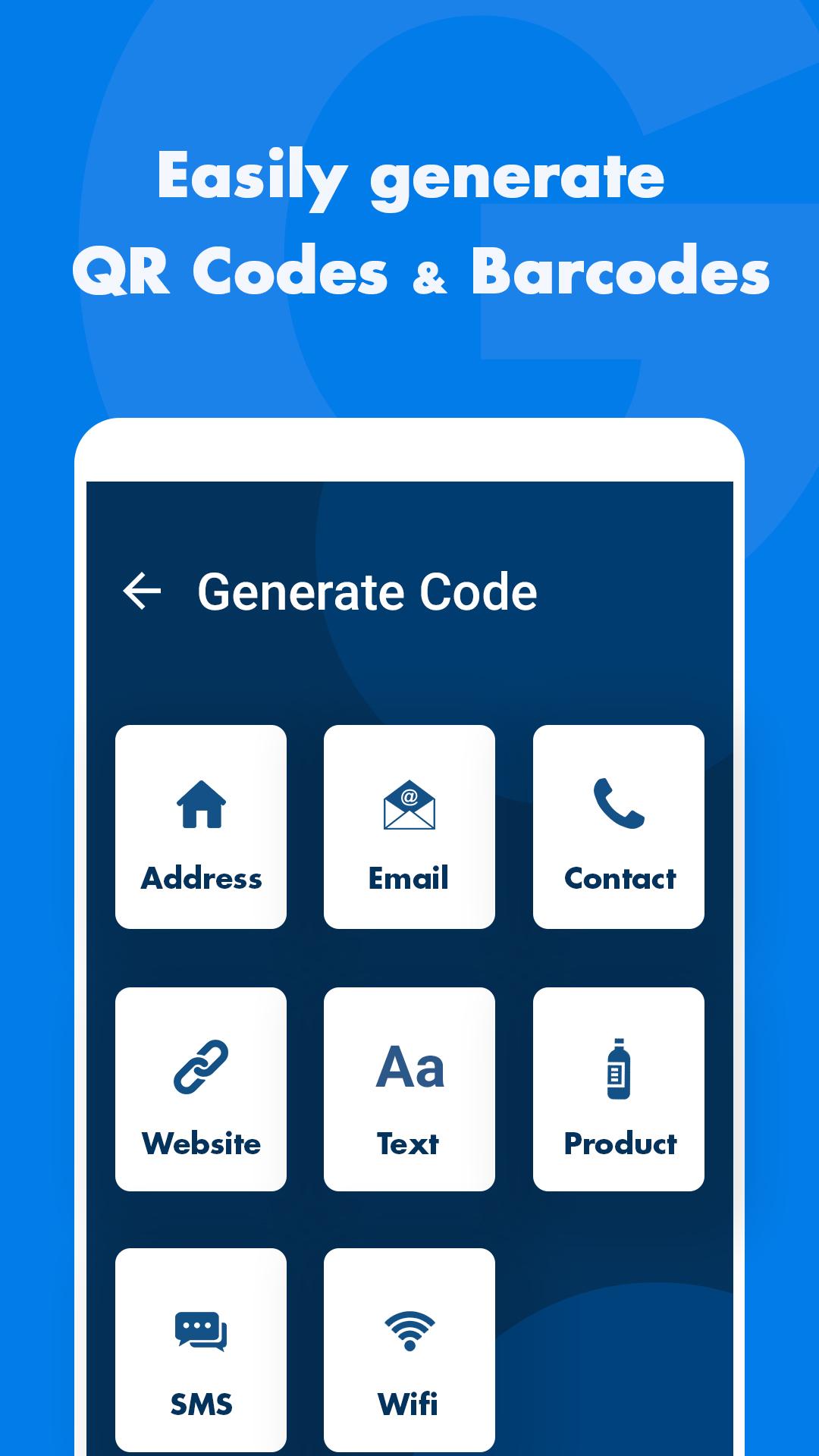
🔥 Generate Product QR Code
🔥 Create Product Information Barcode
🔥 Create a QR code for your product.
QR Code Generator & Product Scanner is a very user-friendly and easy-to-use feature of this app which gives you the ability to create customisable QR codes for your business, shopping, or any personal purpose and easily share them. This app lets you create a QR code for any purpose. Now you can open links or make web searches with its in-app browser.
Why this QR Product Scanner
✔ Scan food menu at restaurants
✔ Scan Products QR
✔ Scan & Pay Instantly
✔ Check Social Profile via QR
✔ Authenticate using QR
✔ Product Price scanner
✔ Support all QR & barcode formats
✔ Auto zoom
✔ Support scan QR & barcodes from gallery
✔ Multiple QR Templates
✔ Scan history saved
✔ Flashlight supported
✔ All scan history will be saved
✔ No Internet needed to work
Key features of Product QR Generator
☆ Let's create customisable product information QR Codes
☆ It allows users to share QR codes with their contacts.
☆ Let's create a QR code for your business card.
☆ Easily share your custom product QR code on any platform.
☆ Let's create & share a digital business card.
How can I create my Product QR Code or Barcode
☞ Open the QR Product Scanner
☞ Go to the ‘Create QR & Barcode’ option of the app.
☞ Select the type of QR code you want to create.
☞ Mention all the mandatory information which you want to put in QR code.
☞ Tap on ‘Generate’.
☞ Your QR Code is generated in seconds.
☞ You can choose to either download it or share it directly.
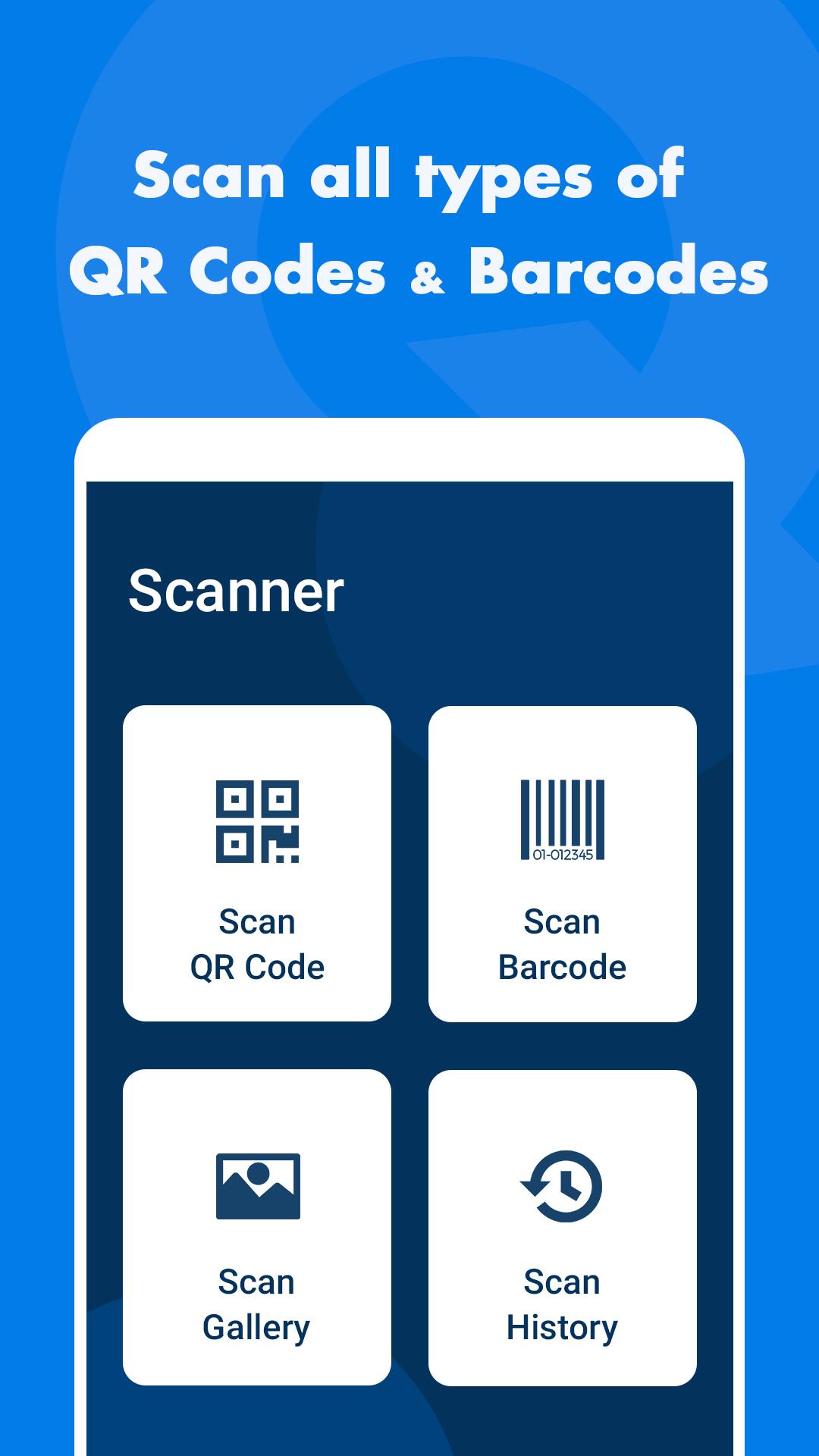
You can easily use the QR & Barcode scanner feature to scan barcodes/QR Codes, collect data and get precise information at lightning fast speeds.
Key features of QR Scanner
☆ Quickly and accurately reads and decodes barcodes & QR codes.
☆ Validate your barcode scans against the stored database
☆ To scan, you can either use your phone camera or select a QR code from your device gallery.
☆ Scan any grocery store item or online product with your phone.
☆ Search the web with an in-app browser.
☆ Batch Scanning lets you scan multiple codes in one after the other.
☆ Users can now edit scanned QR codes
How can I Scan QR Code or Barcode
☞ Open the App
☞ Scan any QR code by using your phone camera or select a QR code from your phone gallery.
☞ The app then automatically recognizes the QR/Barcode using its illuminator which reflects red light.
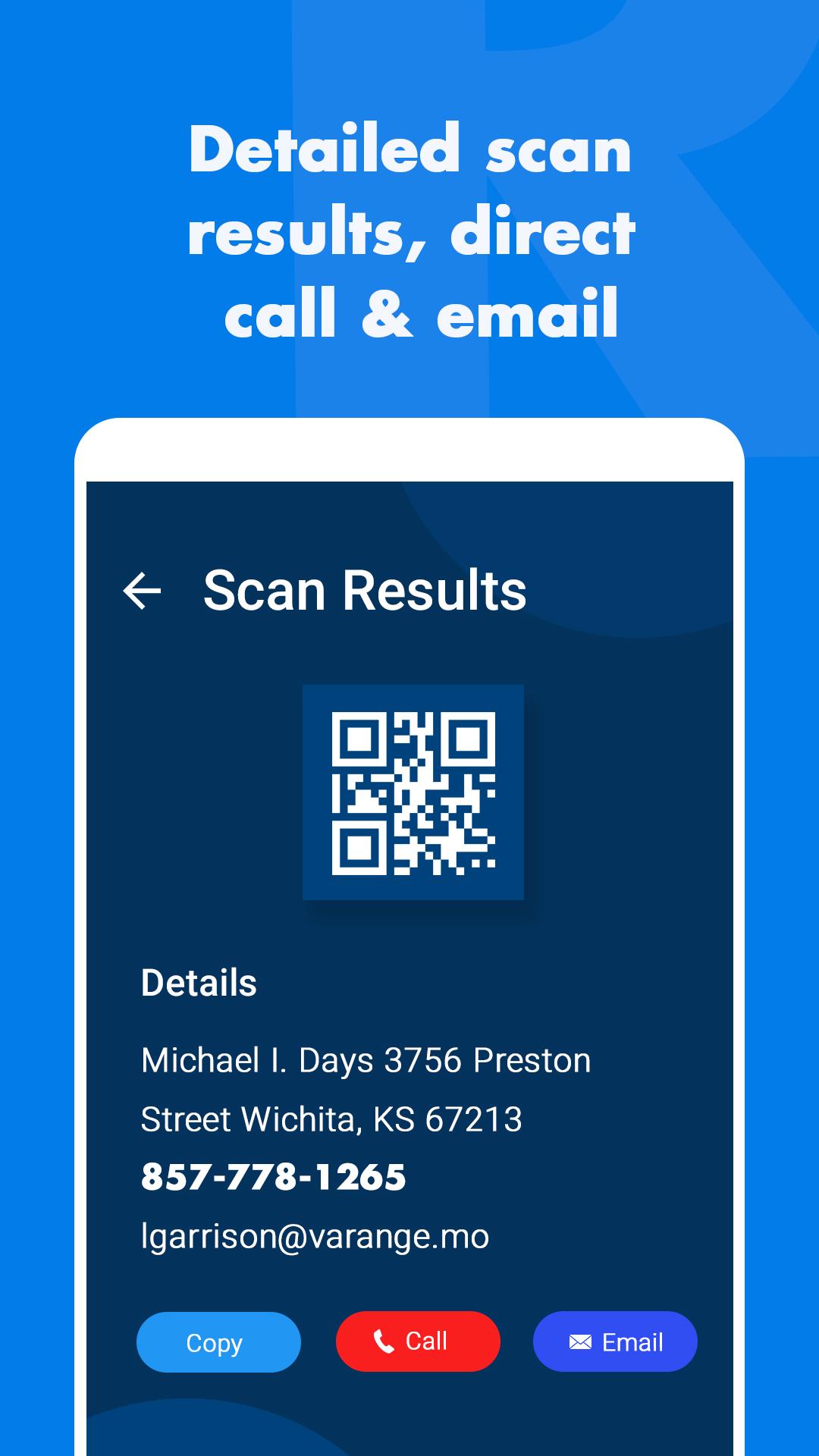
☞ The app will then decode the QR/Barcode and show you the results on the details page.
☞ The app shows you a detailed history of your past scans.
Create QR Code
Want to create your own QR code with the details you want.
QR code scanner for school books
Scan you notebooks, books or any other educational doc using QR & BarCode Scanner app
Barcode Scan
The QR & barcode scan only needs one step: auto-detect QR code and barcode as long as you open the app.
Barcode scanner app
Scan any barcode and see hidden details behind those barcodes.
Download QR Product Scanner app now
Privacy Policy:https://quantum4u.in/web/scanqr/privacy-policy
Terms & Conditions: https://quantum4u.in/web/scanqr/tandc
EULA: https://quantum4u.in/web/scanqr/eula
Read More
QR Product Scanner Features
Previous Versions More
QR Product Scanner
QR Product Scanner 10.0 APK
October 15, 2026 52.19 MB

Requires Android: Android 7.0+

Architecture: arm64-v8a, armeabi-v7a, x86, x86_64

Screen DPI: nodpi

SHA1: f63fca29d171822b5daefe56701e37fc7b33eec7

Size: 52.19 MB

QR Product Scanner
QR Product Scanner 8.0 APK
September 21, 2021 11.45 MB

Requires Android: Android 5.0+

Screen DPI: 120-640dpi

SHA1: 65e706ad2459cc12c67693aef5f25468f29c2612

Size: 11.45 MB

QR Product Scanner
QR Product Scanner 1.7 APK
April 7, 2020 8.86 MB

Requires Android: Android 4.1+

Screen DPI: 120-640dpi

SHA1: f6c617e254ae428eaf8187c1f9a8e3675e29a889

Size: 8.86 MB

QR Product Scanner
QR Product Scanner 1.6 APK
October 16, 2019 7.34 MB

Requires Android: Android 4.1+

Screen DPI: 120-640dpi

SHA1: 7817a4ce2a61fcd2511f174b4b849c8049ea1346

Size: 7.34 MB

More Information

Package Name:

com.quantum.qrscanner

Update Date:

Latest Version:

10.0

Need Update:

Submit latest version

Available on:

Google Play

Requirements:

Android 7.0+