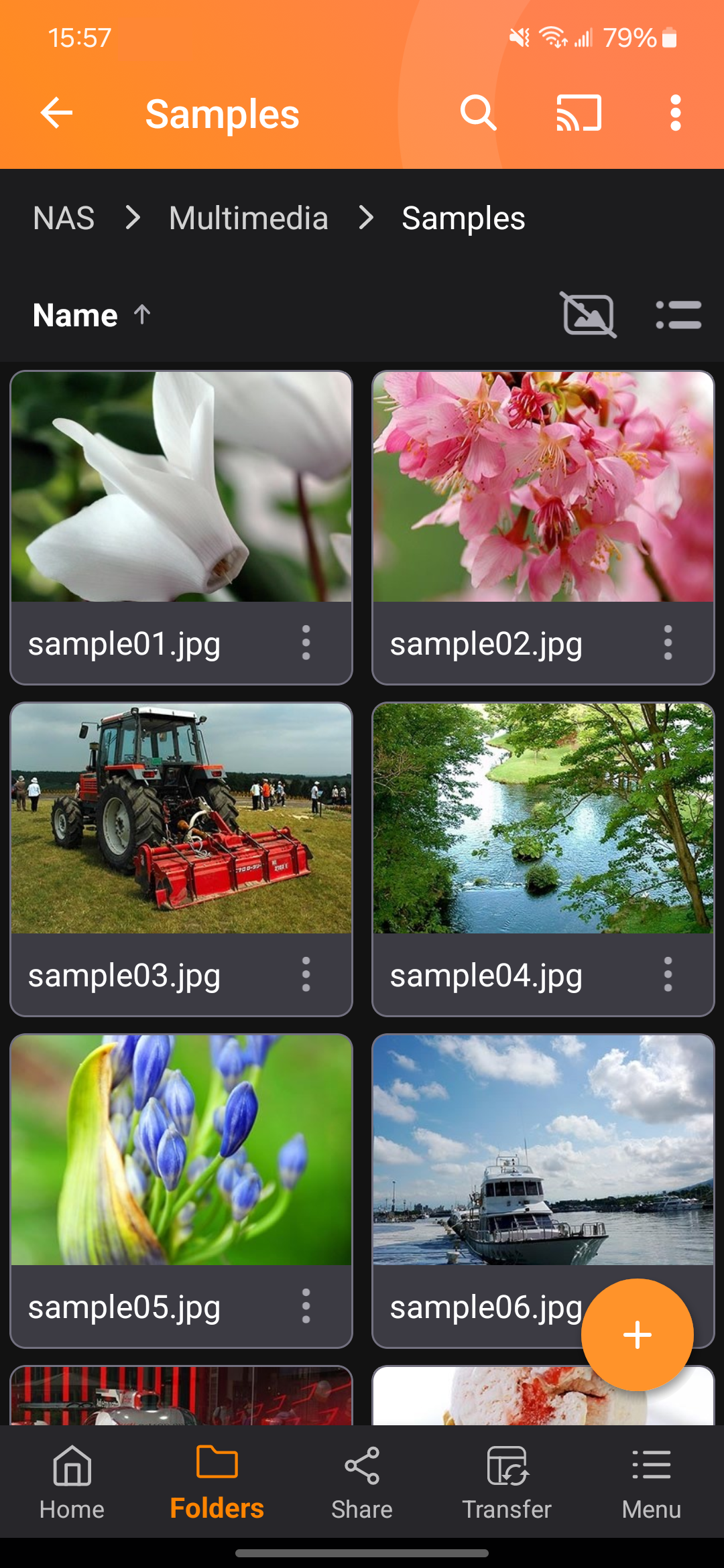
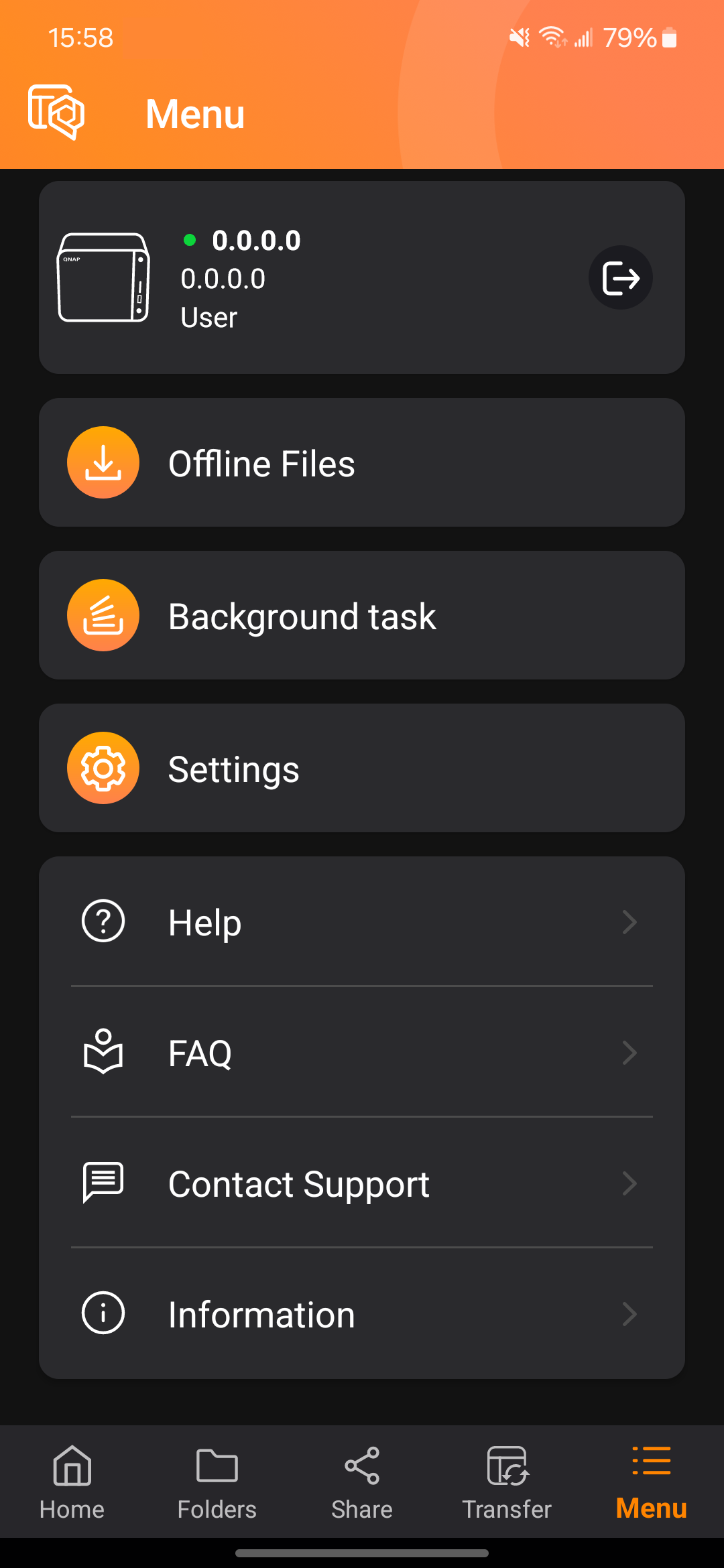
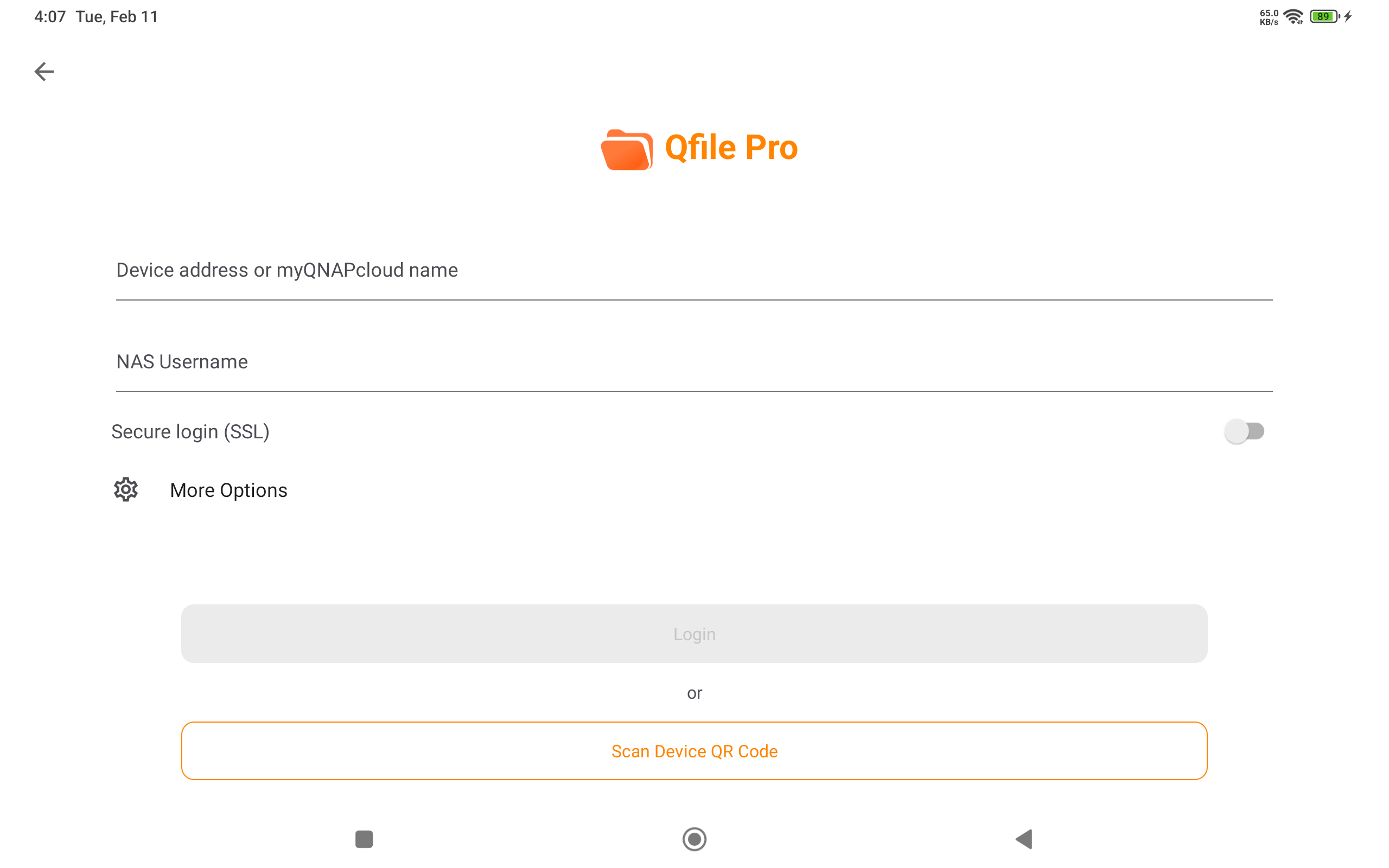
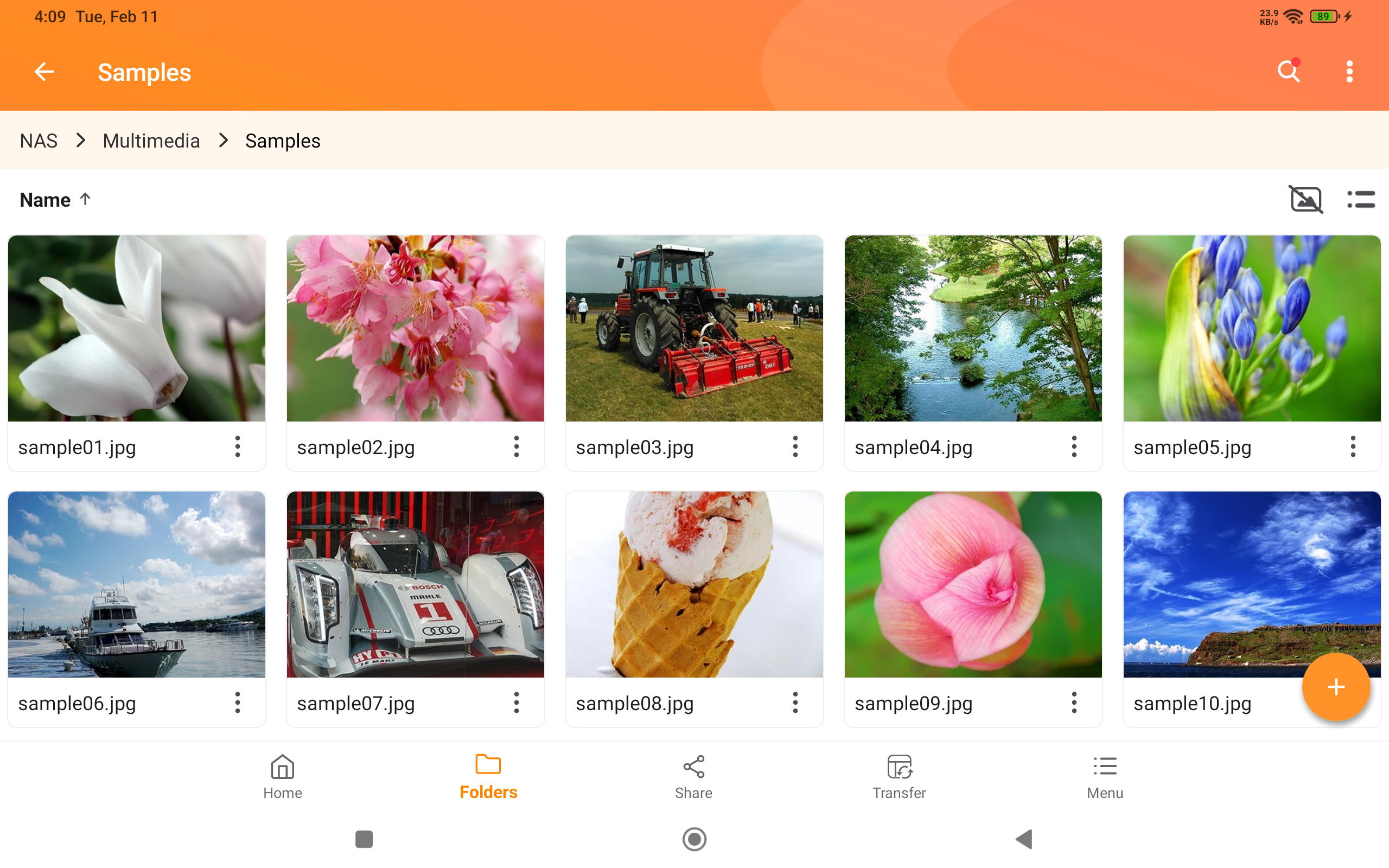
Qfile Pro (Package Name: com.qnap.qfile) is developed by QNAP and the latest version of Qfile Pro 4.6.1.0813 was updated on August 19, 2026. Qfile Pro is in the category of Productivity. You can check all apps from the developer of Qfile Pro and find 200 alternative apps to Qfile Pro on Android. Currently this app is for free. This app can be downloaded on Android 8.0+ on APKFab or Google Play. All APK/XAPK files on APKFab.com are original and 100% safe with fast download.
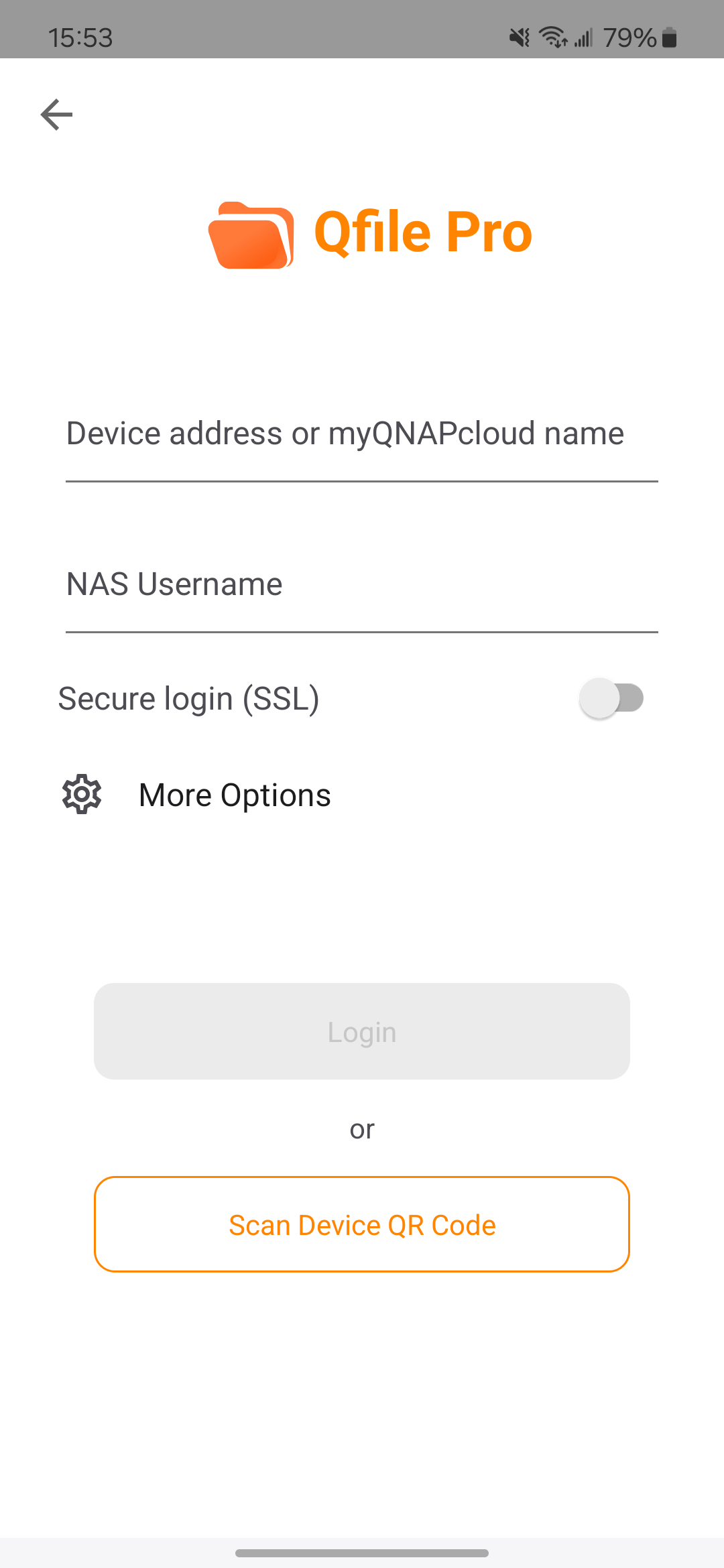
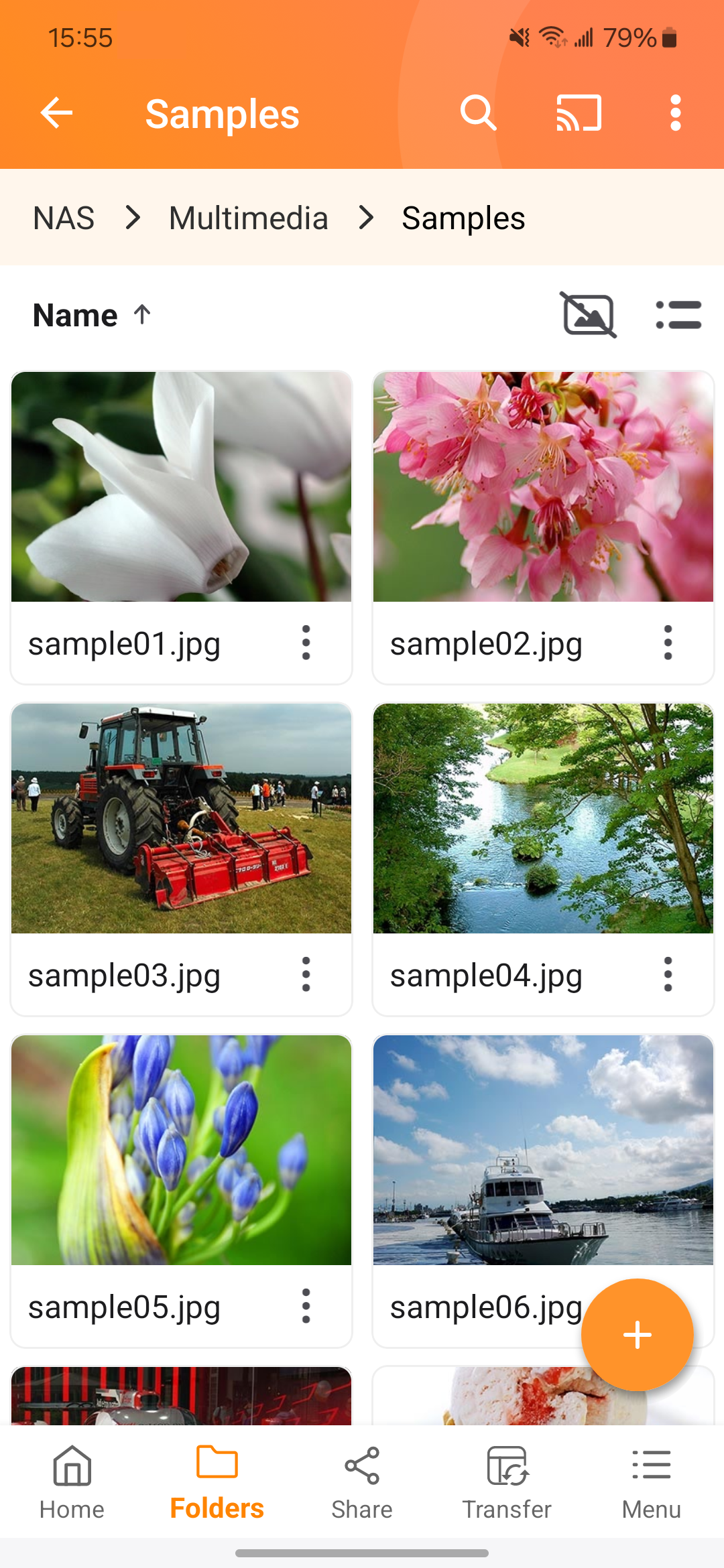
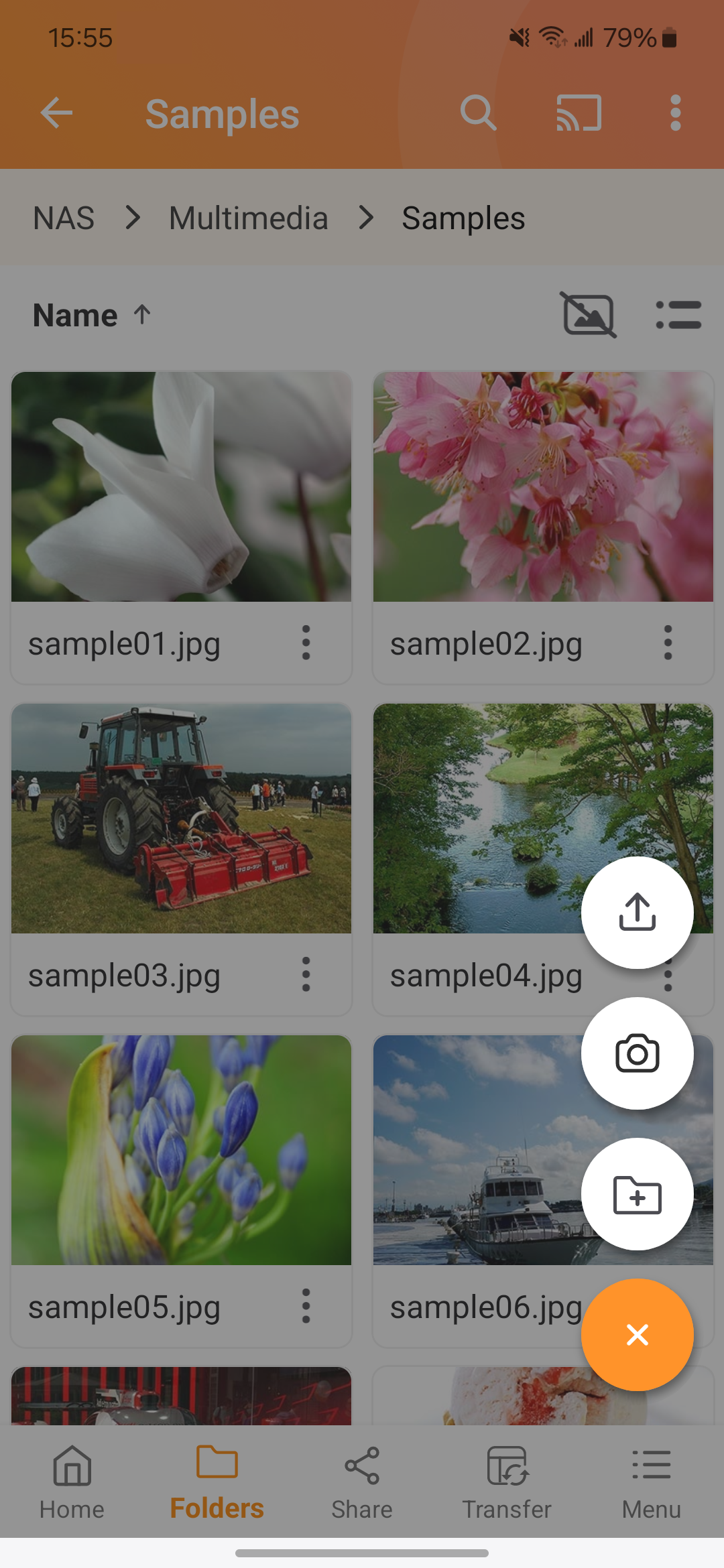
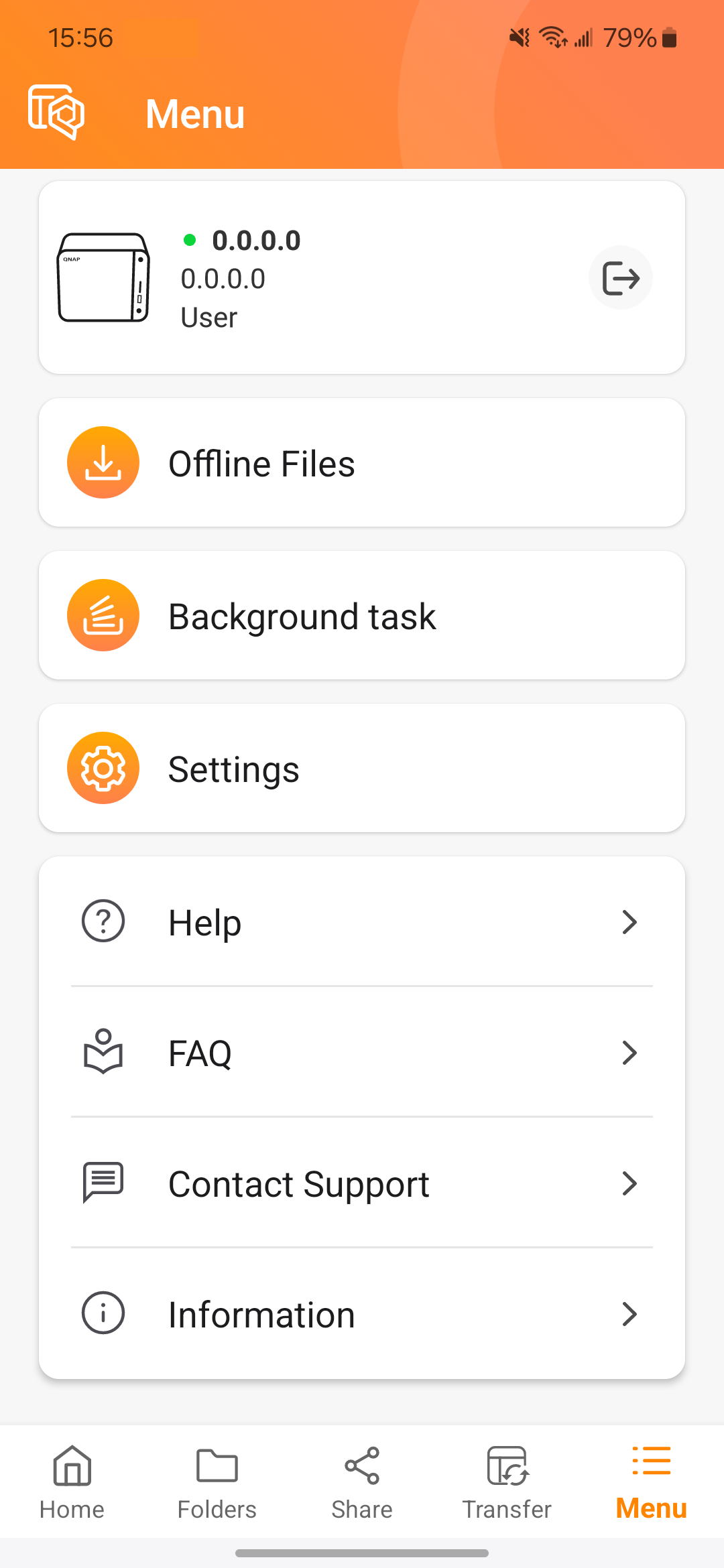
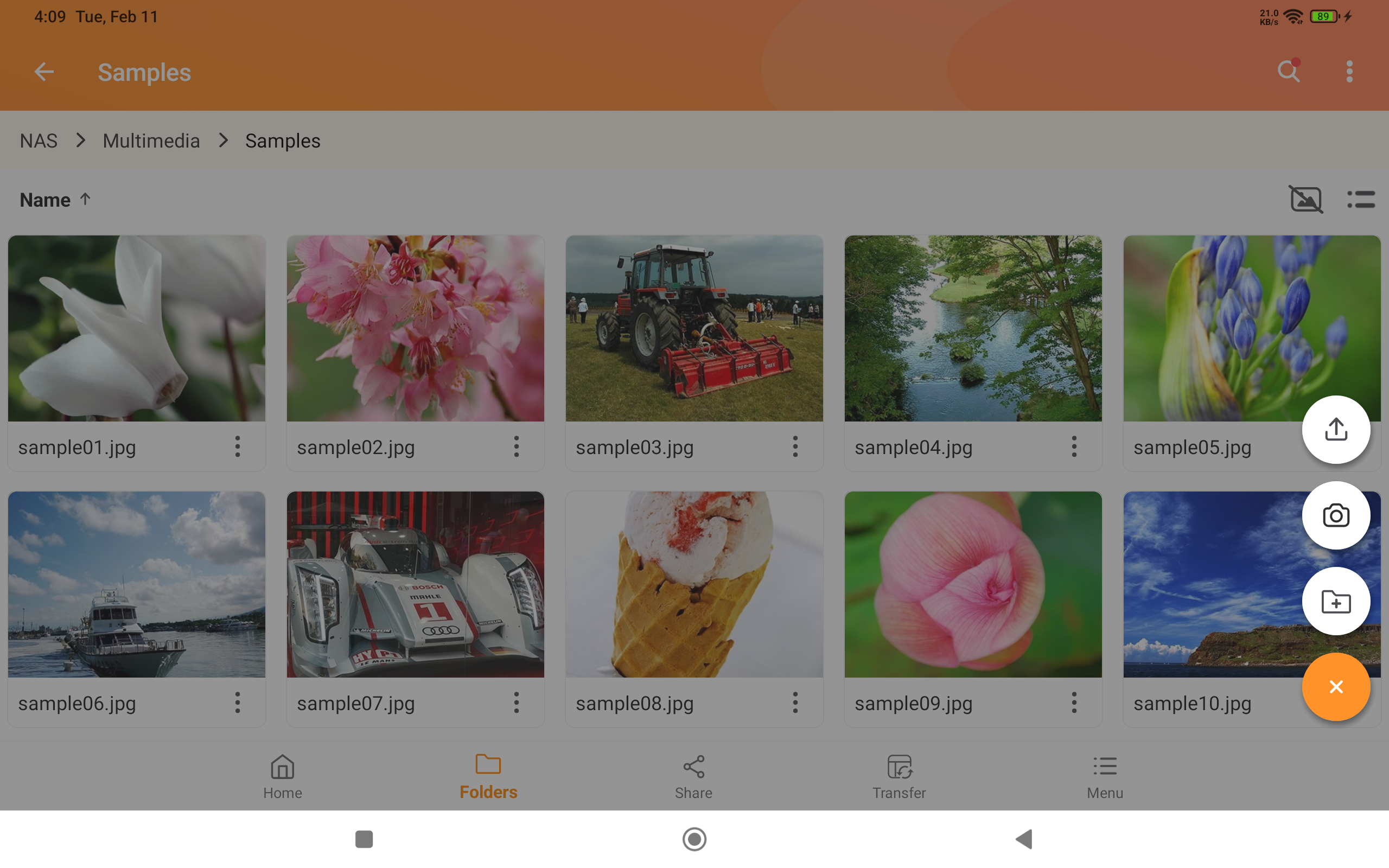
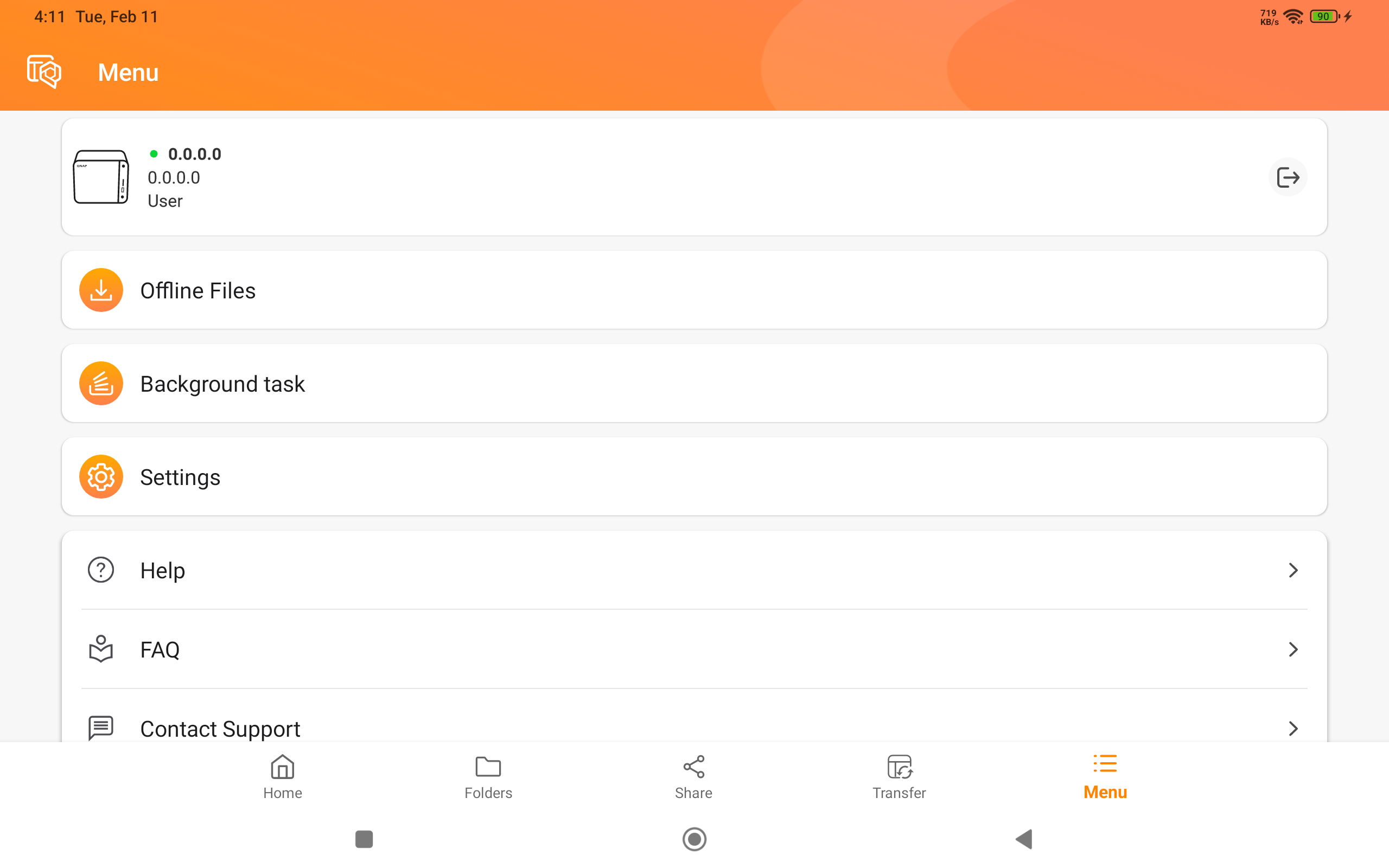
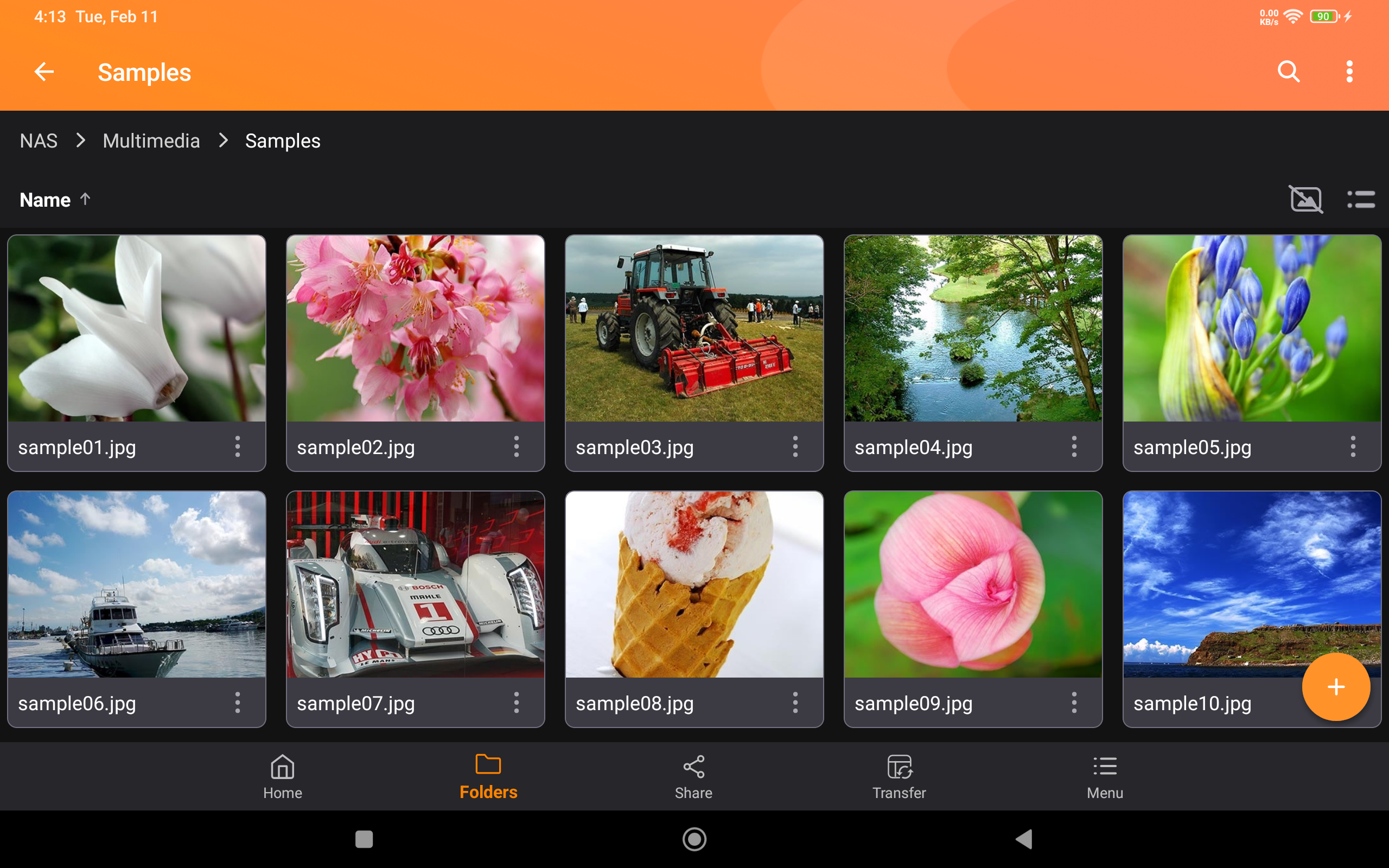
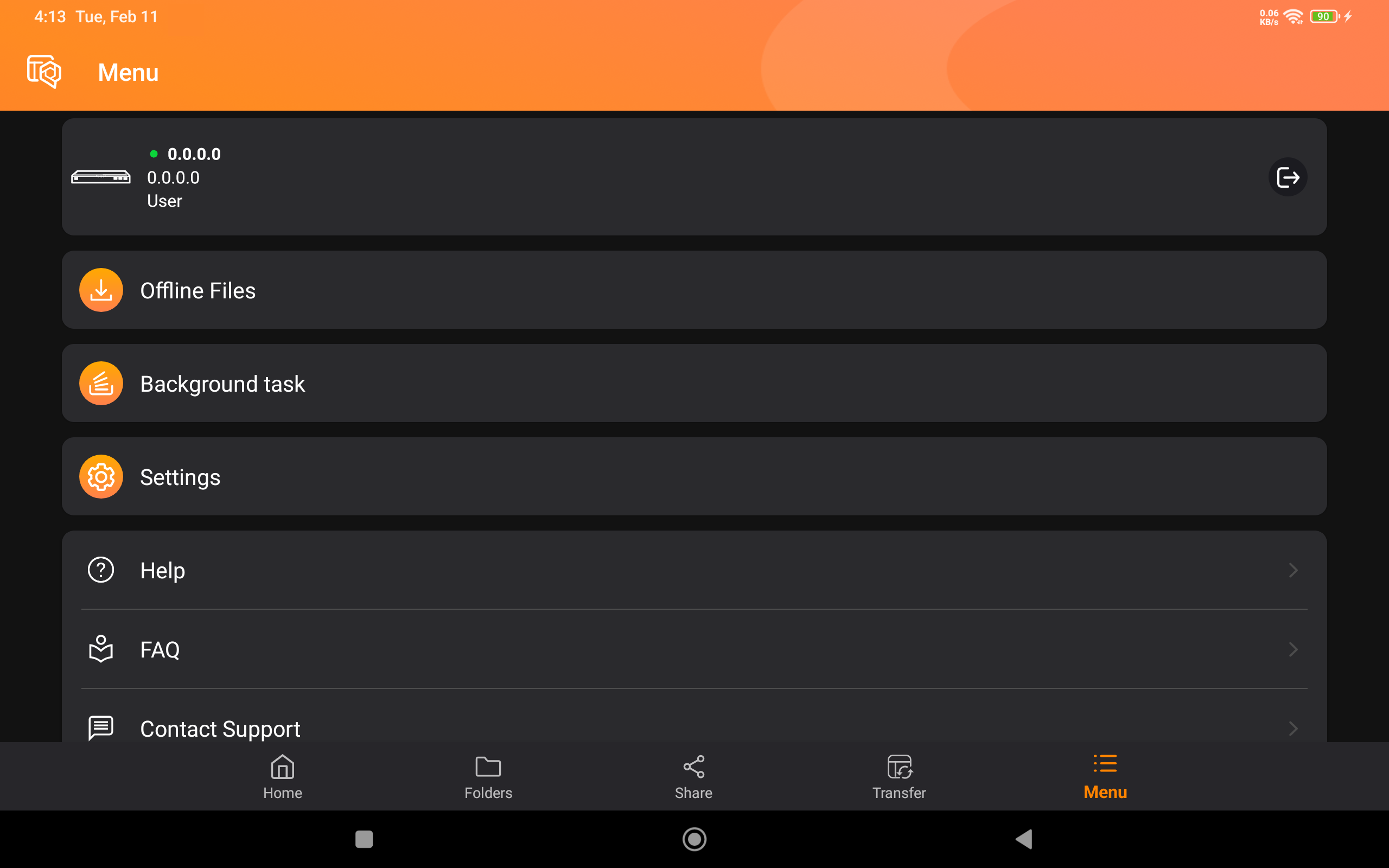
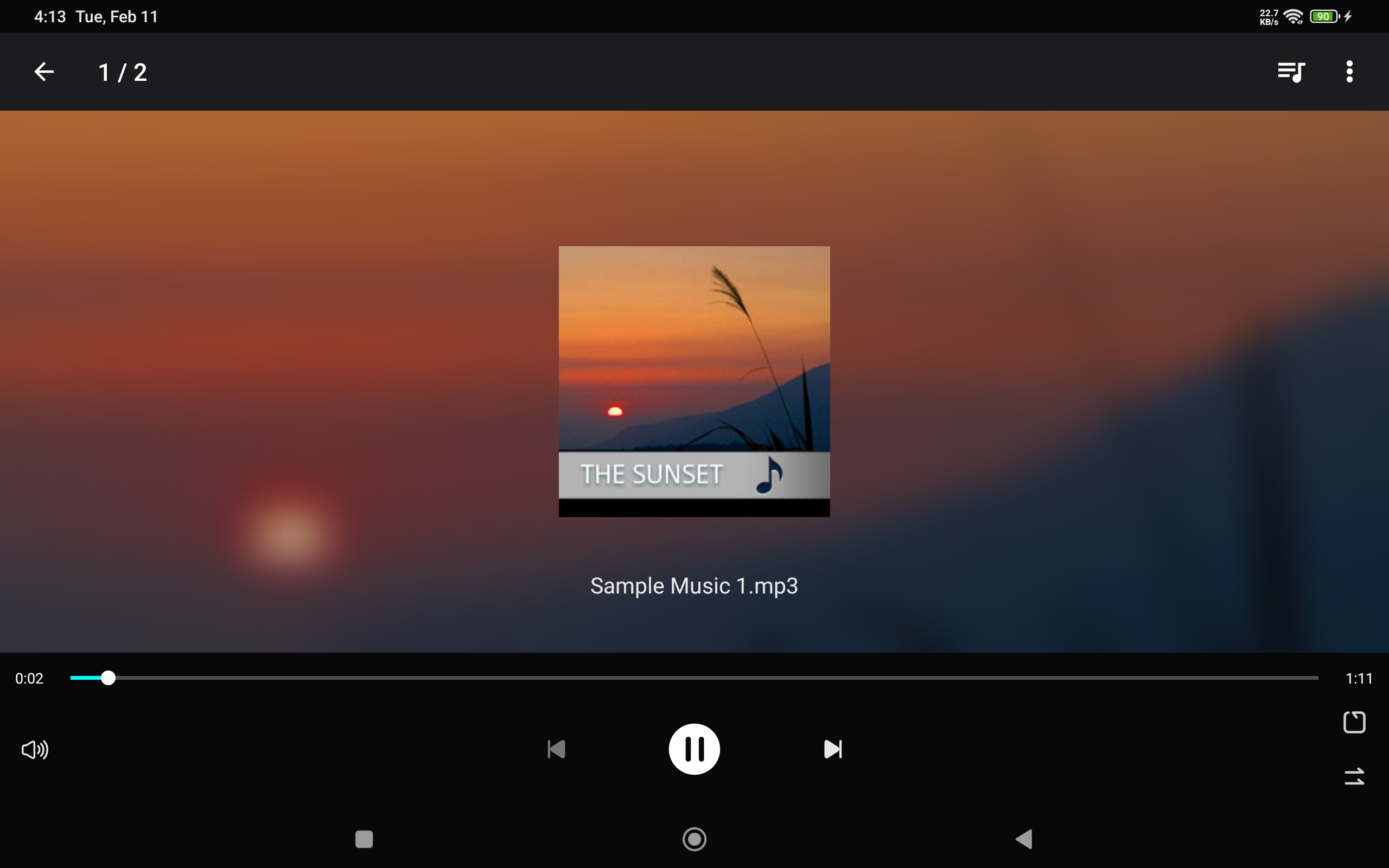
Description Ever wanted to browse and manage files stored on your QNAP NAS with your Android mobile device? The free Qfile Pro app is the perfect answer. Prerequisites: - Android 8.0 or later - QNAP NAS running QTS 4.0 or later, QuTS hero 4.5.0 or later Major features of Qfile Pro: - Access files on your QNAP NAS anytime, anywhere. - Upload your photos and documents directly from mobile devices to your QNAP NAS. - Easy sharing: Create a download link for files to share and send it via email or SMS, or simply email the file as an attachment. - Easy management: Move, copy, rename or delete files on your QNAP NAS, all via your mobile device. No computer required. - Offline file reading: Qfile Pro provides a simple way for downloading files from your QNAP NAS to mobile devices for offline reading. - Auto upload: Automatically upload files from your mobile device to your QNAP NAS. (Note: Auto uploading requires battery optimization to be disabled for Qfile Pro in your Android device’s system settings) - Qysnc integration: Synchronize files between your mobile device and your QNAP NAS. (Requires QTS 4.3.4/QuTS hero 4.5.0 or later, and Qsync Central to be installed on your QNAP NAS device.) Other features: - Support for displaying photo thumbnails. - Supports control playback from QNAP NAS to DLNA devices. (requires QNAP Media Server, and QTS 4.0/QuTS hero 4.5.0 or later) - Support for file compression (QTS 4.0/QuTS hero 4.5.0 or later) - Support for changing the download folder on an external SD card.
Qfile Pro 4.6.1.0813 Update
[Enhancements] - Improved auto upload stability. Added an option to check the data integrity of files after syncing them via Qsync. Because this option may impact sync performance, it is disabled by default. [Fixed Issues] - Fixed an issue where syncing could repeatedly fail after editing a file, causing duplicate file versions and excessive battery consumption on certain devices. - Fixed several minor issues to improve app stability. [System Requirements] - Android 8 and above.
[Enhancements] - Improved auto upload stability. Added an option to check the data integrity of files after syncing them via Qsync. Because this option may impact sync performance, it is disabled by default. [Fixed Issues] - Fixed an issue where syncing could repeatedly fail after editing a file, causing duplicate file versions and excessive battery consumption on certain devices. - Fixed several minor issues to improve app stability. [System Requirements] - Android 8 and above.
[Enhancements] - Improved auto upload stability. Added an option to check the data integrity of files after syncing them via Qsync. Because this option may impact sync performance, it is disabled by default. [Fixed Issues] - Fixed an issue where syncing could repeatedly fail after editing a file, causing duplicate file versions and excessive battery consumption on certain devices. - Fixed several minor issues to improve app stability. [System Requirements] - Android 8 and above.
[New Features] - Qfile AI Assistant: upload, search, and share files by typing or speaking. Requires Gemini Nano support and app language set to Traditional Chinese, Simplified Chinese, or English. [Enhancements] - Clearer labels on Add Device screen to distinguish NAS and myQNAPcloud Storage. - Video player now starts muted, remembers mute preference, and adds a rotation button. [Fixed Issues] - Minor stability fixes.
[New Features] - Qfile AI Assistant: upload, search, and share files by typing or speaking. Requires Gemini Nano support and app language set to Traditional Chinese, Simplified Chinese, or English. [Enhancements] - Clearer labels on Add Device screen to distinguish NAS and myQNAPcloud Storage. - Video player now starts muted, remembers mute preference, and adds a rotation button. [Fixed Issues] - Minor stability fixes.
[Enhancements] - Added an option to check the data integrity of files after uploading. Because this option may impact upload performance, it is disabled by default. [Fixed Issues] - Fixed several minor issues to improve app stability.
[Enhancements] - Added an option to check the data integrity of files after uploading. Because this option may impact upload performance, it is disabled by default. [Fixed Issues] - Fixed several minor issues to improve app stability.
APKFab.com and the download link of this app are 100% safe. All download links of apps listed on APKFab.com are from Google Play Store or submitted by users. For the app from Google Play Store, APKFab.com won't modify it in any way. For the app submitted by users, APKFab.com will verify its APK signature safety before release it on our website.