Postershop (Package Name: com.tar7ah.postershop) is developed by Tar7ah and the latest version of Postershop - Typography Design 3.5 was updated on October 28, 2026. Postershop - Typography Design is in the category of Photography. You can check all apps from the developer of Postershop - Typography Design and find 200 alternative apps to Postershop - Typography Design on Android. Currently this app is for free. This app can be downloaded on Android 6.0+ on APKFab or Google Play. All APK/XAPK files on APKFab.com are original and 100% safe with fast download.
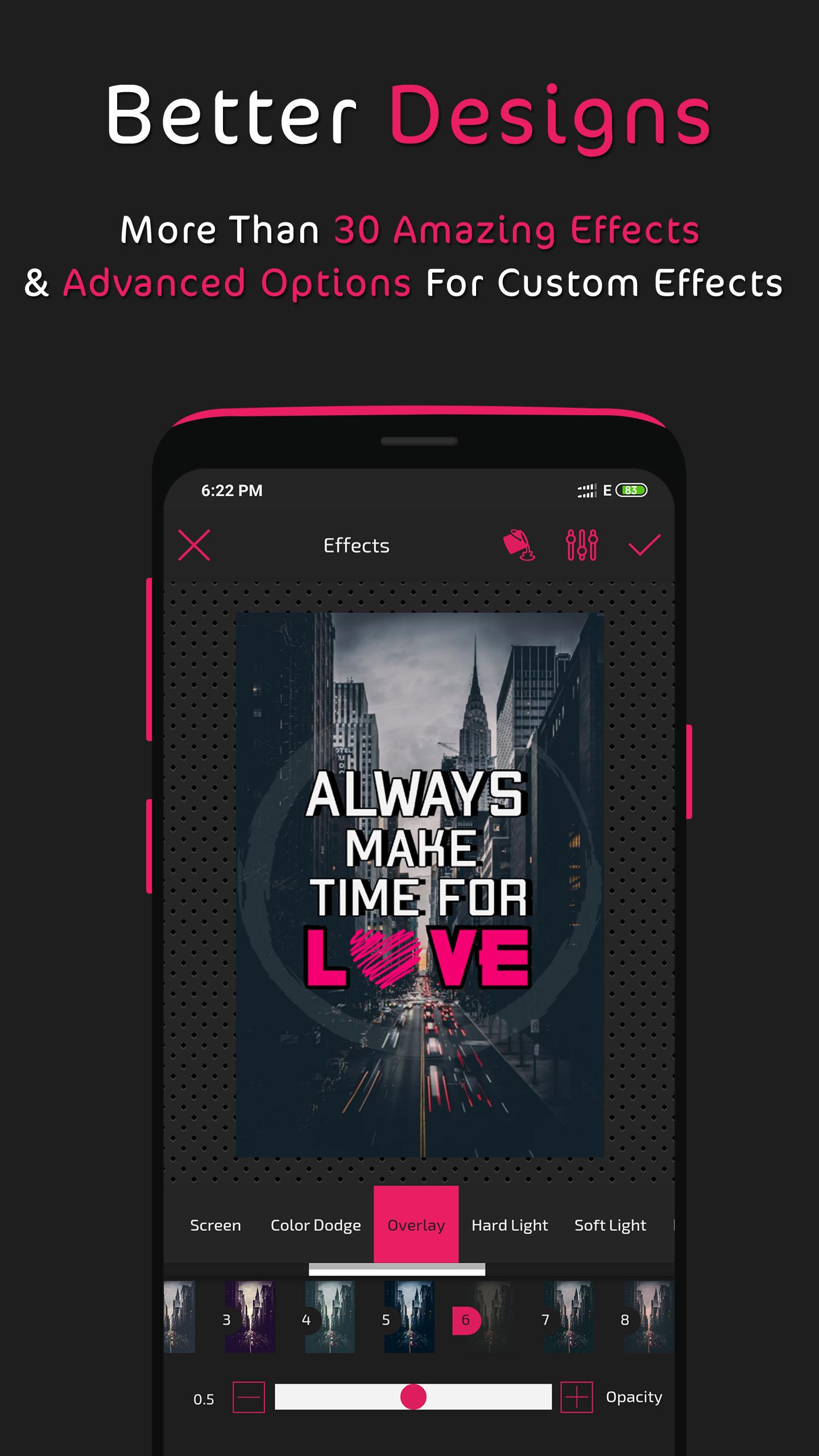
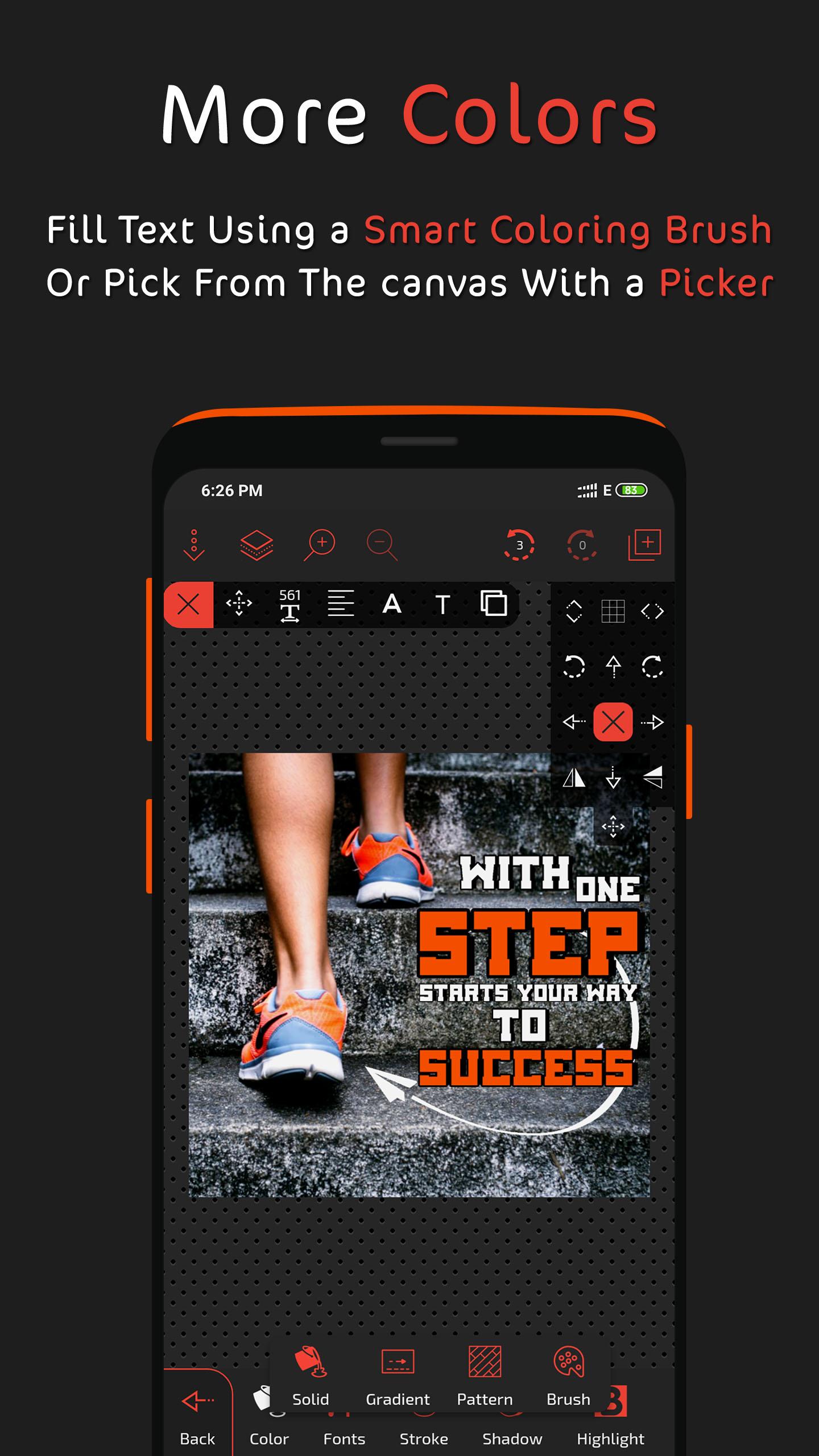
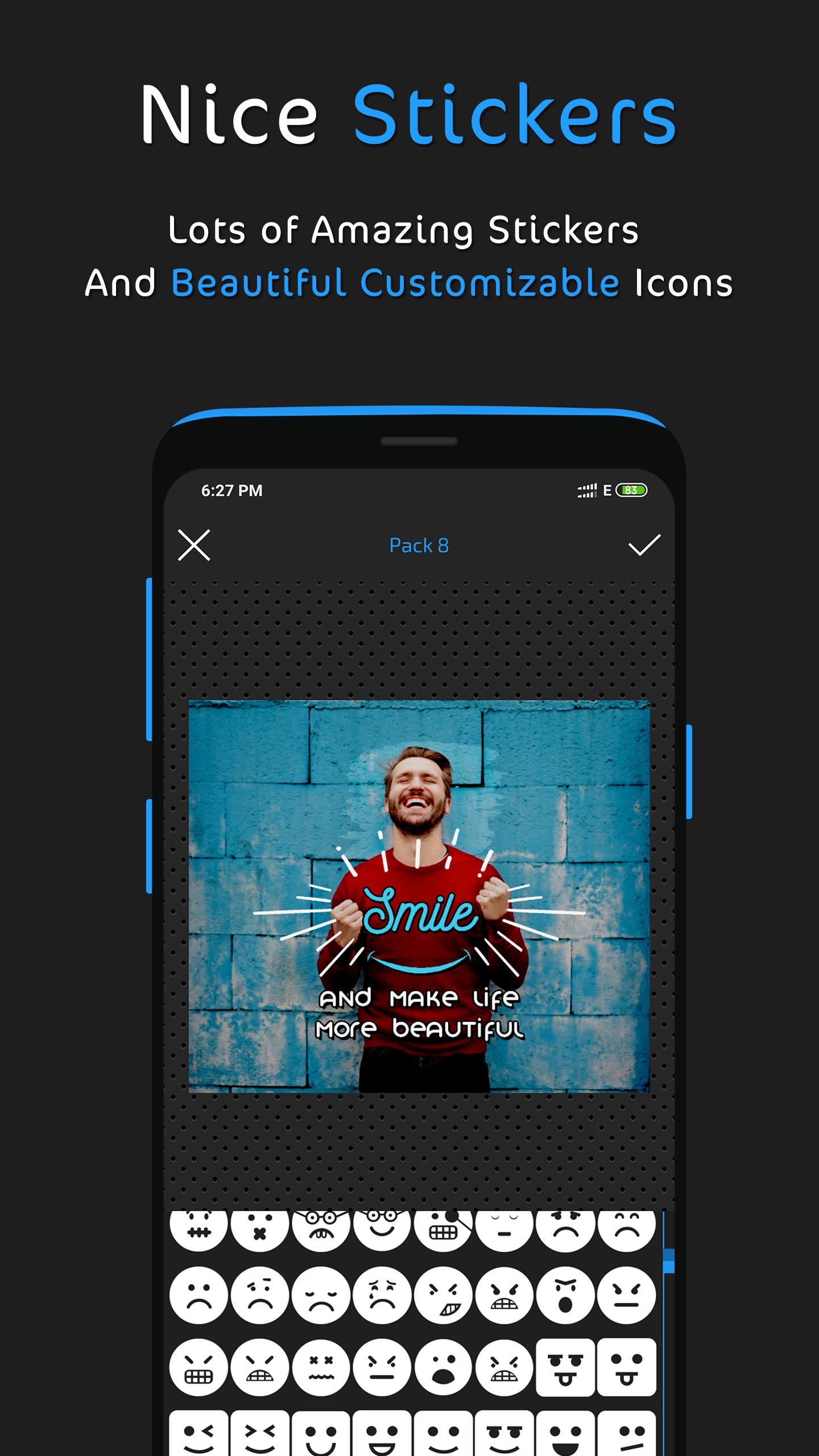
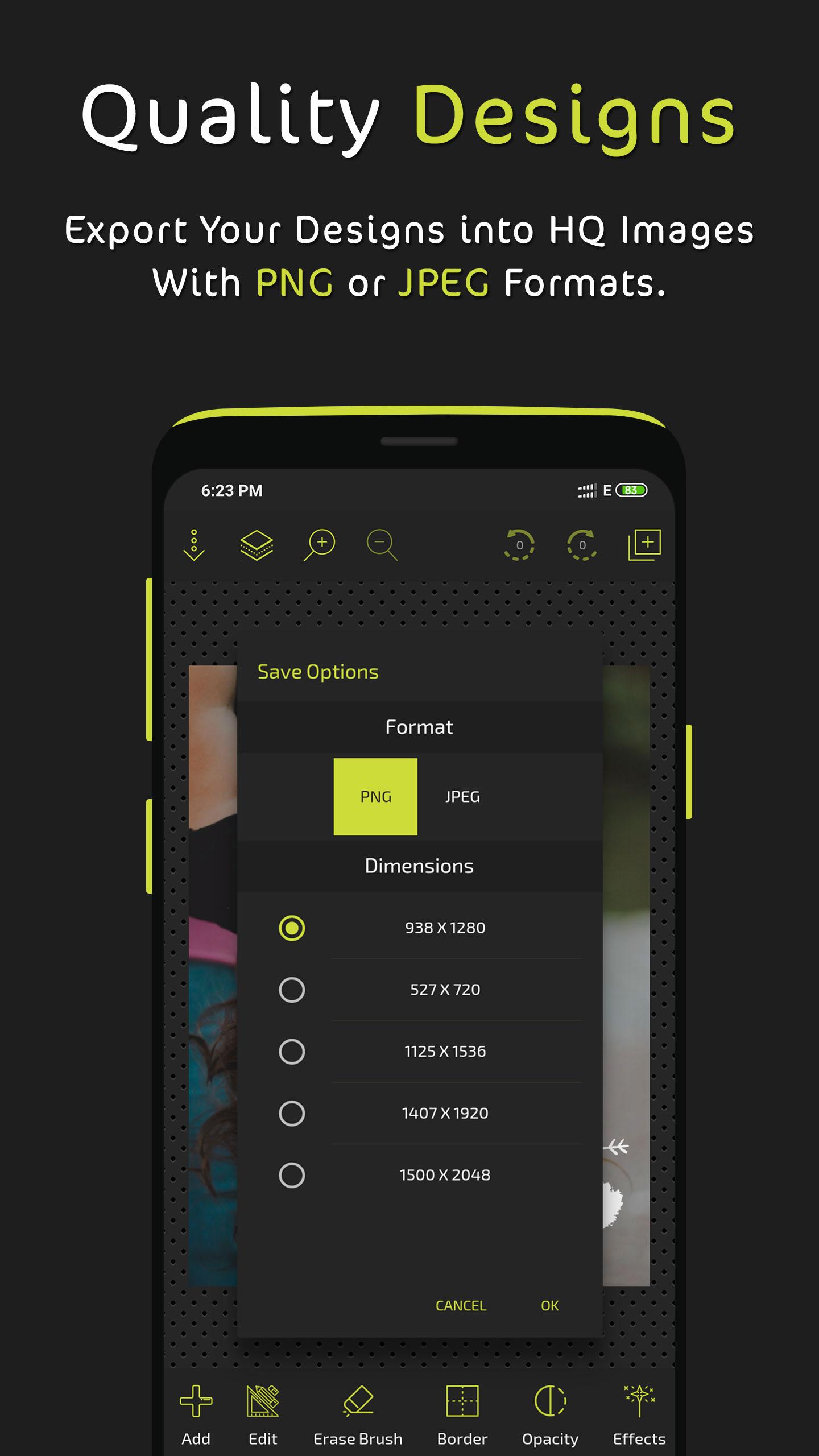
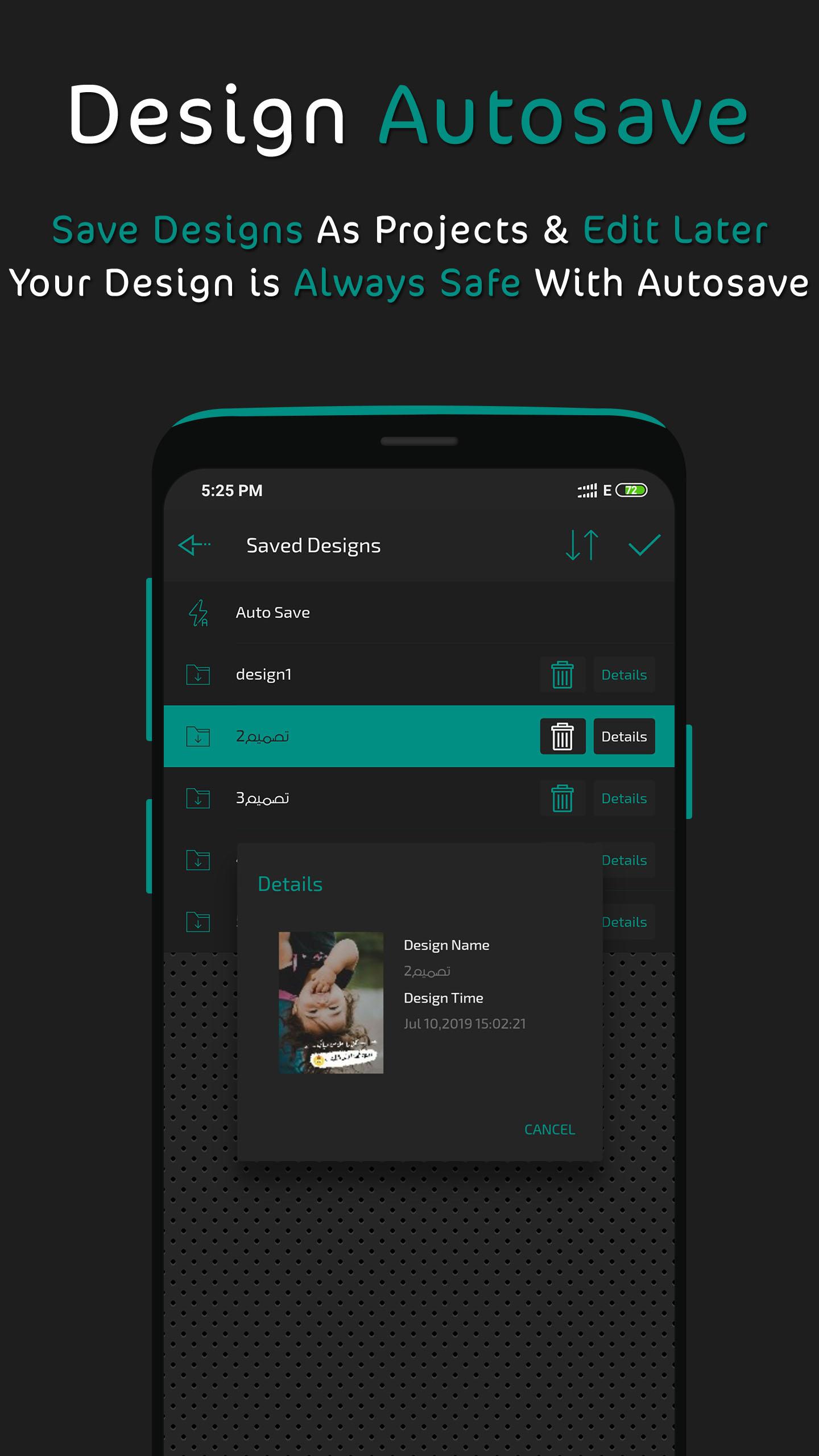
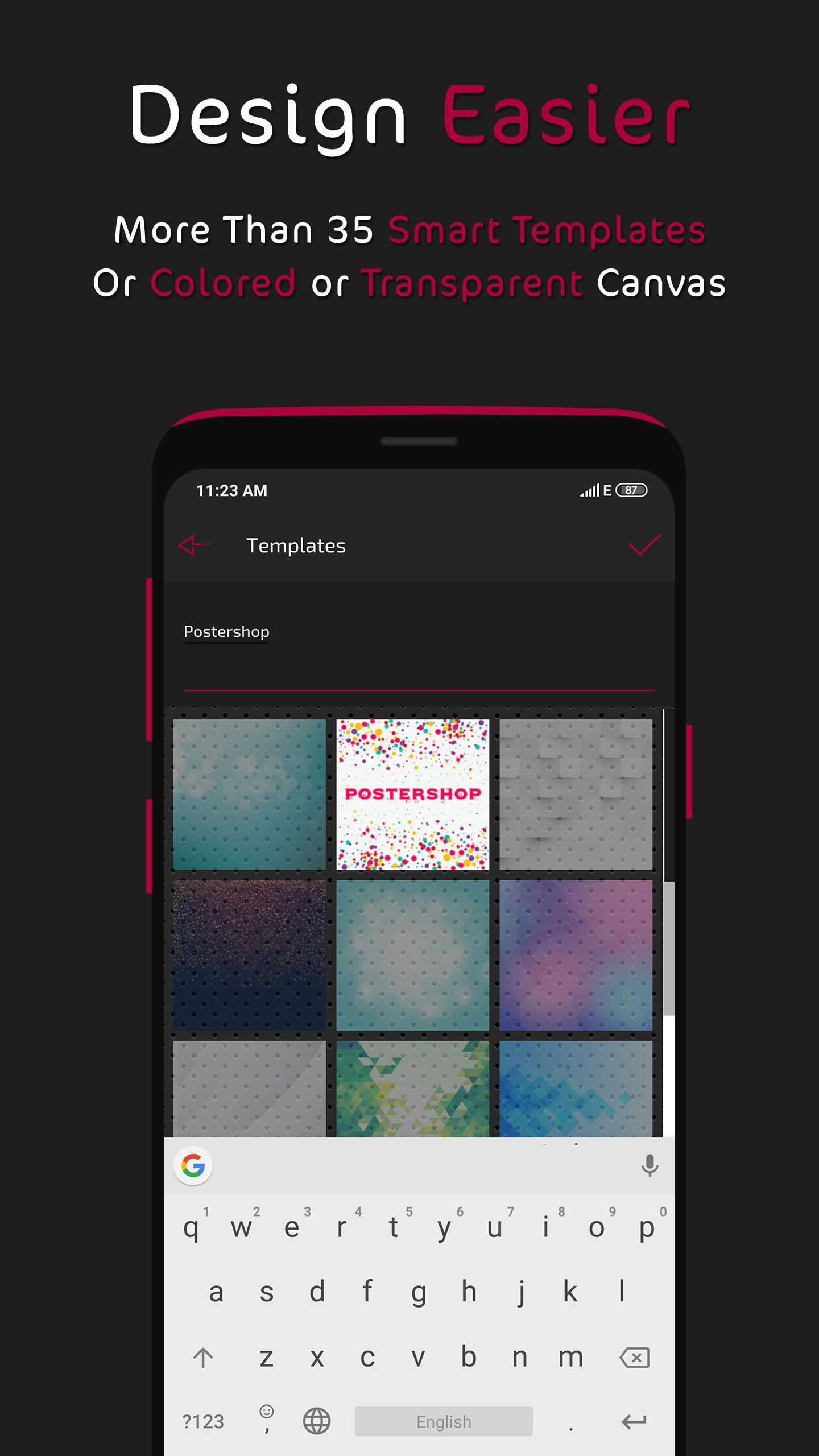
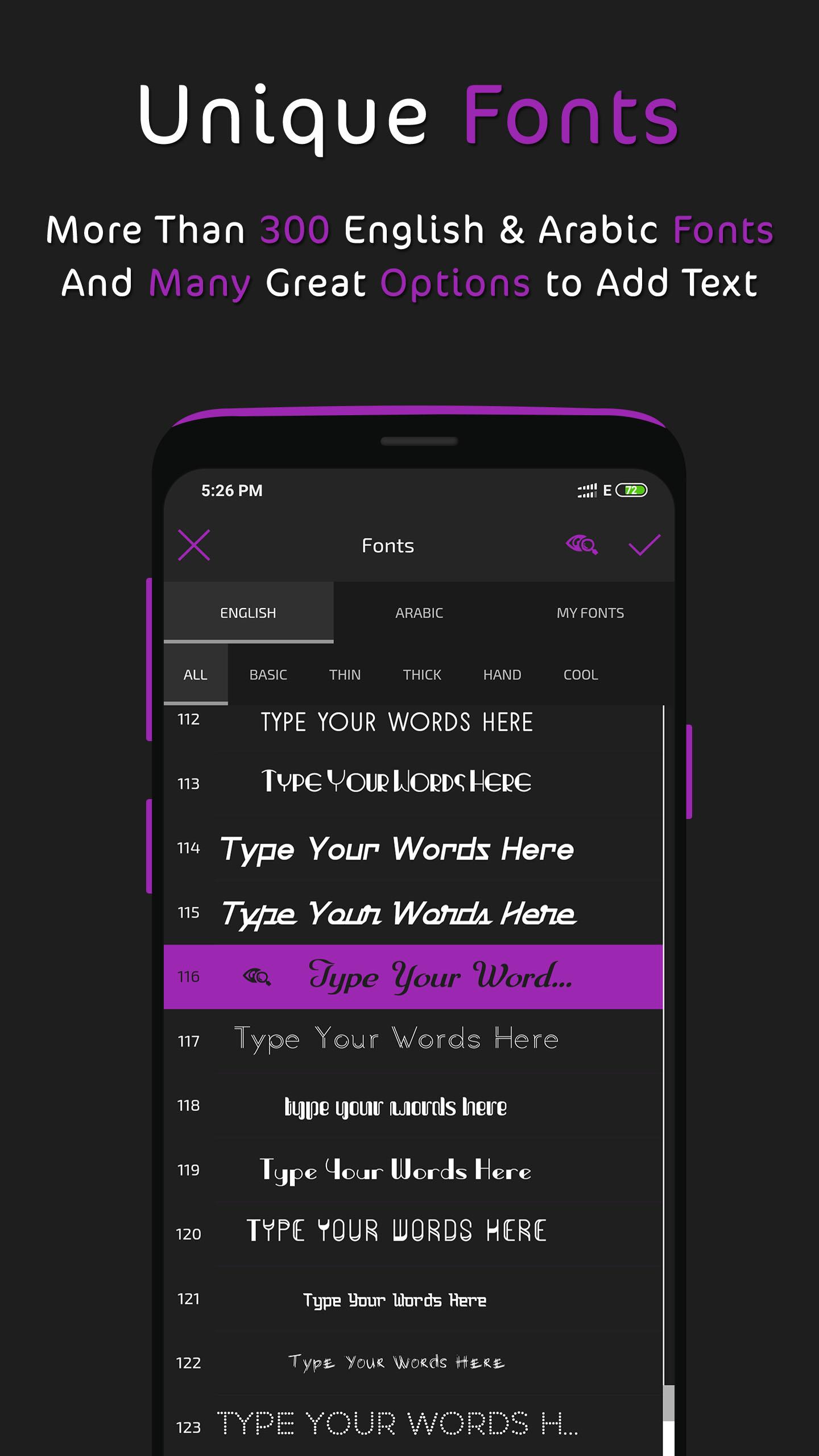
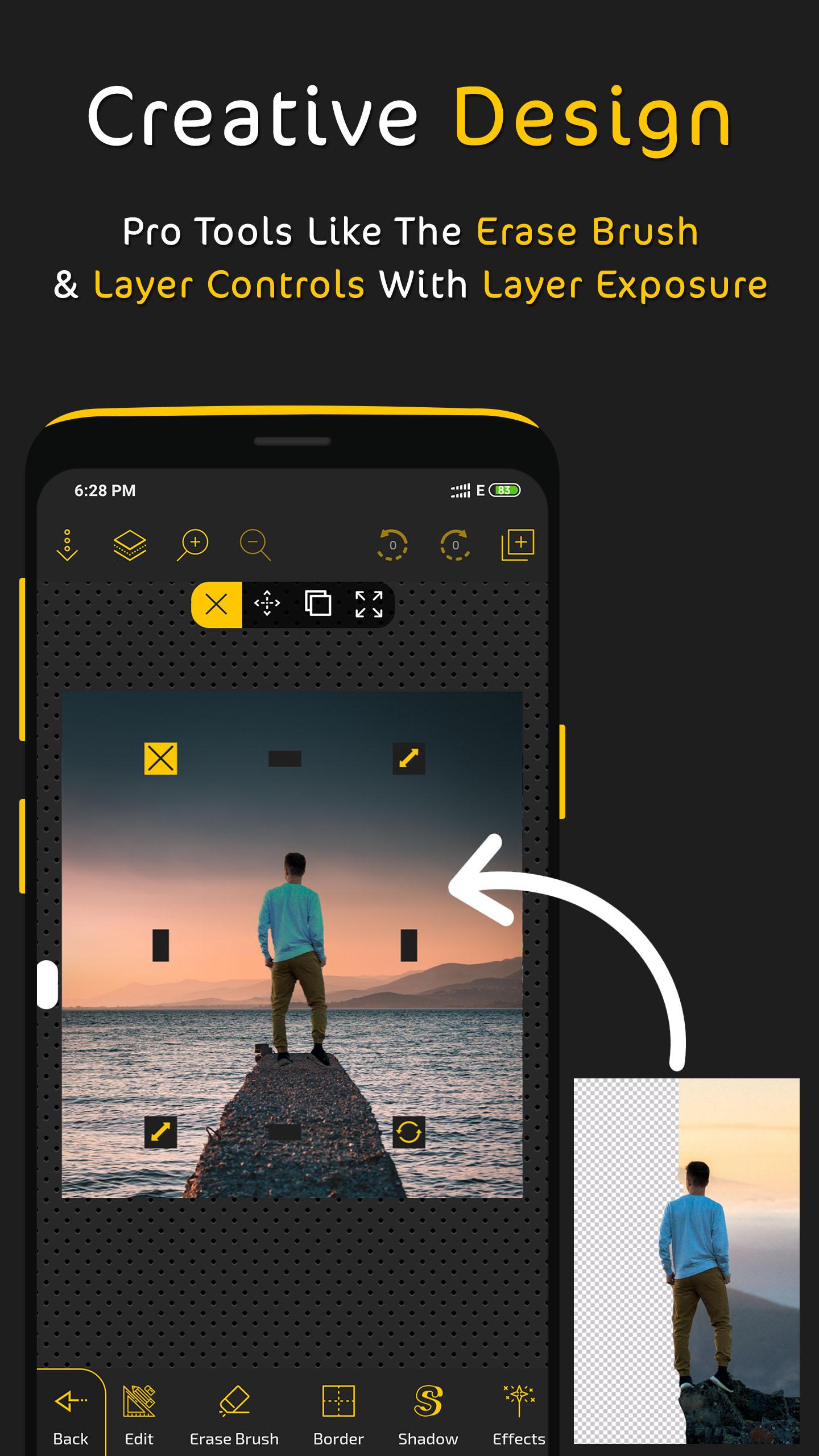
Designed with simplicity in mind, Postershop is the perfect app for poster and typography design. We provided many amazing tools and options you’ll need to make your posters pop and be unique. It’s not only an easy app to use which you can control your designs completely with, but it also has a variety of unique tools you won’t find elsewhere. With all features included, we have no doubt that Postershop is the best professional poster maker you’ll find for smartphones. So if you needed to edit photos or create posters, quotes or even logos, Postershop is the way to go. • Features: - Ways to start your poster design: 1- Pick one of 39 amazing smart modifiable templates. 2- Start with a colored canvas. 3- Design on a photo chosen from your gallery. (Use your own photos). 4- Start with an empty transparent canvas. - Objects you can add to the design: 1- Text. 2- Image from gallery. 3- Shapes (rectangle, circle, draw a polygon …etc). 4- Draw (brush). 5- Modifiable icons. 6- Stickers. - Text tools and features: 1- Fill with multiple options. 2- Lots of fonts with the ability to add custom fonts. 3- Opacity. 4- Stroke. 5- Shadow. 6- Highlight. 7- Reflection. 8- Layer exposure (Blend modes). 9- Filters. 10- And other tools. - Layers menu: 1- Change order and sort layers. 2- Clone any layer. 3- Lock, hide, or delete any layer. 4- Center or/and widen layer. 5- Layer exposure (Blend modes). - Fill options: 1- Fill with a single color. 2- Linear and radial gradient. 3- Pattern. 4- Color brush. 5- Fill with an image from the gallery. 6- Color picker (pick a color from an image). 7- Color wheel. - Photo editing tools: 1- Crop and rotate. 2- Ai powered background removal tool. 3- Eraser brush. 4- Effects and filters. (with the ability to create custom effects). 5- Layer exposure (Blend modes). 6- Add Border. 7- Control image radius. 8- And other tools. - Design save and export options: 1- Save as a PNG photo with multiple resolution options. 2- Save as a JPEG photo with modifiable quality and with multiple resolution options. 3- Save as a design you can revisit and edit later and with design auto save. - Other features: 1- Draw with a brush in any color and change its width and fill easily. 2- Group and ungroup feature for better design control. 3- Add dashes to strokes & borders. 4- Zoom feature. 5- Control tools shortcuts. 6- Grid and pixel movement. 7- Share images option. We also included other features we leave for you to explore and benefit from in your own creative way as you use the app and make your own posters and design and edit your own image. .............................................................. We read your reviews and consider all suggestions for next updates so keep them coming. You can also follow us and share your designs and posters with us on social media: www.facebook.com/postershopeditor
APKFab.com and the download link of this app are 100% safe. All download links of apps listed on APKFab.com are from Google Play Store or submitted by users. For the app from Google Play Store, APKFab.com won't modify it in any way. For the app submitted by users, APKFab.com will verify its APK signature safety before release it on our website.