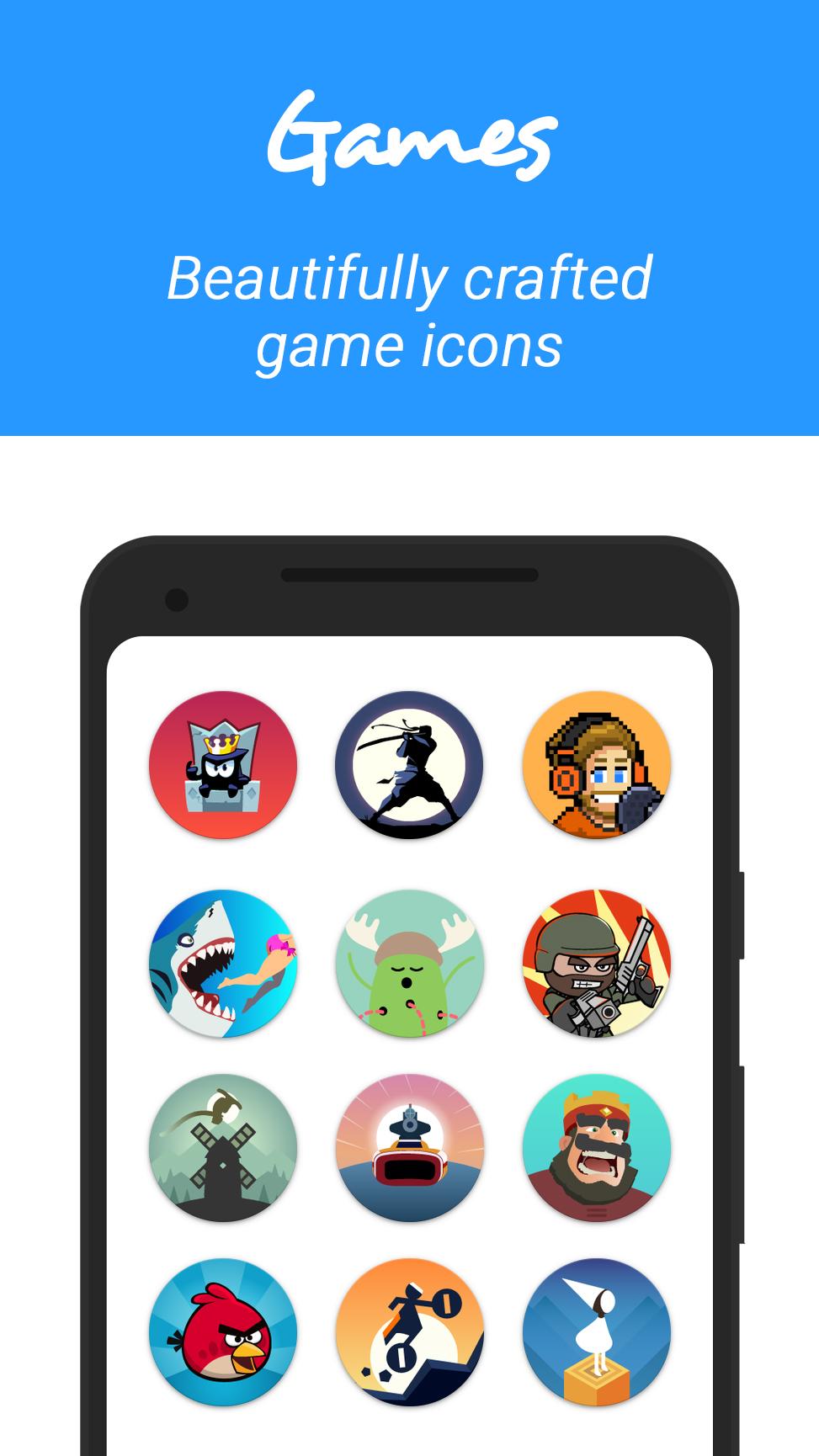
6910+ clean beautiful round Icons inspired by Flat Icon design.
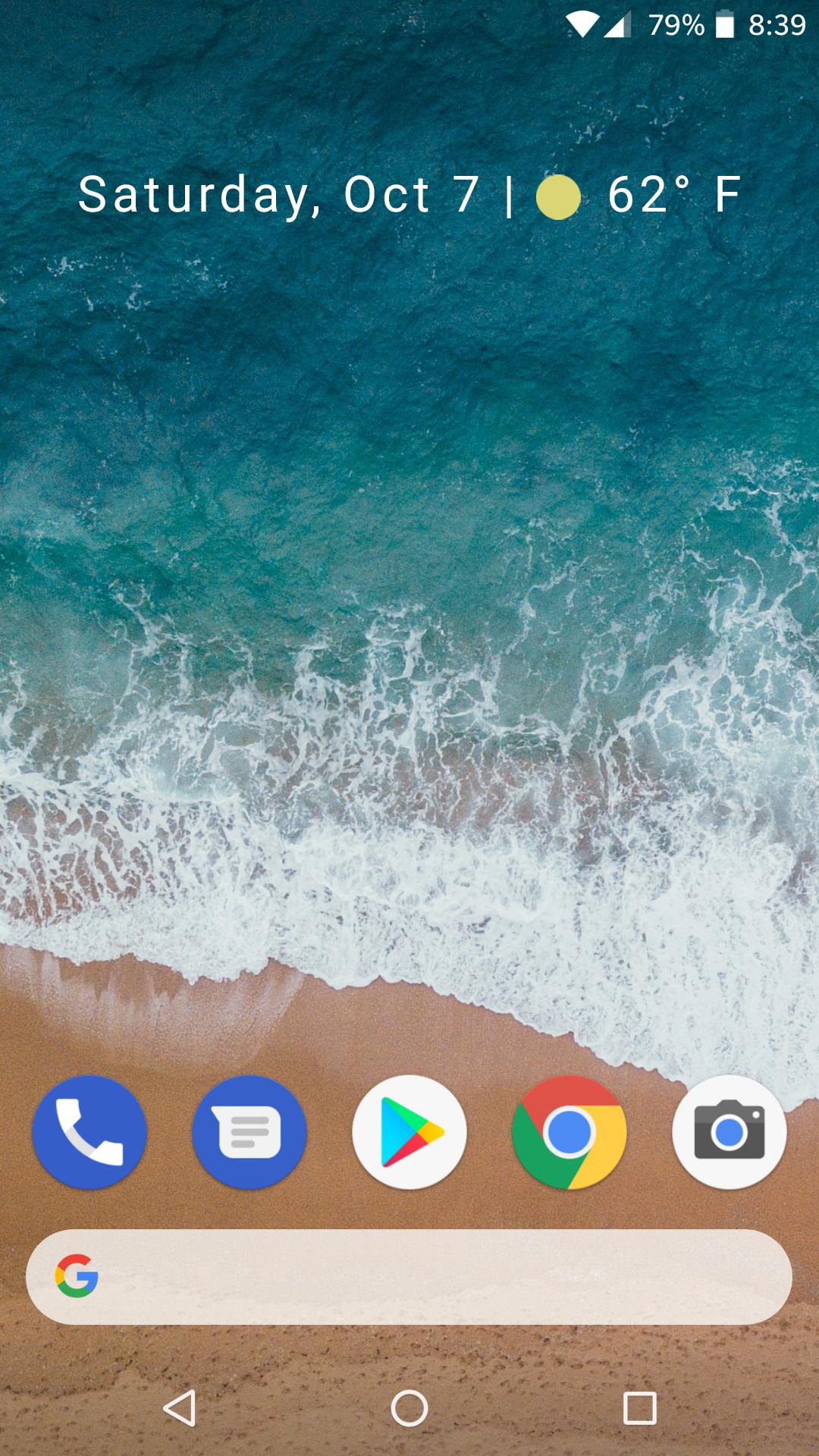
Please Note :- This is an icon pack and it requires a custom android launcher like apex, nova etc. to work. It won't work with Google Now Launcher, Pixel Launcher or any launcher that came factory installed (except Lg , Xperia Home , Asus Launcher, One Plus Launcher & Blackberry Launcher). Before leaving a review that it does not work, kindly install one of the compatible launchers and try applying it. How to get the Pixel 2 Look Download & Install Nova Launcher and make sure you are a Beta userNow make the following changes to Nova Launcher Settings
Desktop★ Desktop Grid -> 7x5
★ Icon Layout -> Icon Size -> 110%
★ Icon Layout -> Label -> Off
★ Width & Height Padding -> Medium
★ Persistent Search Bar Off
★ Search Bar -> Style -> The first with rounded corners
★ Search Bar -> Color -> White with 10 % transparency
★ Search Bar -> Logo -> The colored G with Voice Search icon disabled
★ Page Indicator -> None
App & Widget Drawers★ Drawer app grid -> 5x5
★ Icon Layout -> Icon Size -> 110%
★ Frequently used apps -> Yes
★ App Drawer style -> Vertical
★ Card Background -> Off
★ Swipe to Open -> On
★ Swipe Indicator -> On
★ All other options to default
Dock (Enabled)★ Icon Layout -> Icon Size -> 110%
★ Icon Layout -> Label -> Off
★ Searchbar in Dock -> Below Icons
★ Width & Height Padding -> Medium
Look & Feel★ Icon Theme -> Pixel Icon Pack
★ Normalize Icon Size -> Off
In order to get the weather & calendar widget, download & install Another widget app★ Long press on Home screen, select Widgets. select Another Widget. Touch & hold to place it on home screen.
★ Another Widget app window will open. Scroll down and enable the weather widget
★ Resize the widget so that it looks like in the pixel 2.
FEATURES★ Includes
6910+ icons and counting
★ Icon resolution
192x192px★ Cloud Based Quad HD Wallpapers
★ Material Design Theme Dashboard
★ Supports Dynamic Calendars
★ Icons masking to theme your unthemed icons
★ Many alternate icons to choose from.
★ MUZEI live wallpaper support
★ Icons sorted in various categories with search and preview function.
SUPPORTED LAUNCHERSApply From Icon Pack Dashboard★ ABC Launcher
★ Action Launcher
★ Adw Launcher
★ Apex Launcher
★ Atom Launcher
★ Aviate Launcher
★ Cyanogenmod Theme Engine
★ Holo Launcher
★ iTop Launcher
★ KK Launcher
★ LG Home (except LG Launcher Android 7.0)
★ Lucid Launcher
★ M Launcher
★ Mini Launcher
★ MN Launcher
★ New Launcher
★ Next Launcher
★ Nougat Launcher
★ Nova Launcher
★ S Launcher
★ Smart Launcher
★ Solo Launcher
★ V Launcher
★ ZenUI Launcher
★ Zero Launcher
Apply From Launcher Settings★ Arrow Launcher
★ Asus Launcher
★ Awesome Icons
★ Blackberry Launcher
★ Epic Launcher
★ Inspire Launcher
★ Lens Launcher
★ L Launcher
★ Nemus Launcher
★ Nine Launcher
★ One Plus Launcher
★ Themer
★ TSF Launcher
★ Unicon ( Icon themer ) & XGELS
★ Xperia Home
★ Doodol Launcher
★ and probably more
=> You should have a custom launcher installed like apex or nova to use this theme / icon pack
=> You can also apply this theme / icon pack from the respective launcher's theme / icon settings
=> Do consider rating my themes / icon packs if you like them.
MY OTHER THEMES / ICON PACKSCheck them out here :- http://goo.gl/Xmajxc
FOLLOW MEGoogle Plus :- https://plus.google.com/109577502953759189269/posts
GOT ANY ISSUES!!Feel free to mail me at
[email protected]CREDITSTapet App for giving permission to list their wallpapers https://goo.gl/aiVP89
Freepik.com & Flaticon.com for royalty free designs
Dani Mahardhika for Candybar Icon Pack Dashboard