Listta: to-do list & planner

7.7 251

v4.16.0 by Listta Inc

Listta: to-do list & planner XAPK download Listta: to-do list & planner XAPK download

About Listta

Listta (Package Name: app.listta.goals) is developed by Listta Inc and the latest version of Listta: to-do list & planner 4.16.0 was updated on August 12, 2024. Listta: to-do list & planner is in the category of Productivity. You can check all apps from the developer of Listta: to-do list & planner. Currently this app is for free. This app can be downloaded on Android 6.0+ on APKFab or Google Play. All APK/XAPK files on APKFab.com are original and 100% safe with fast download.
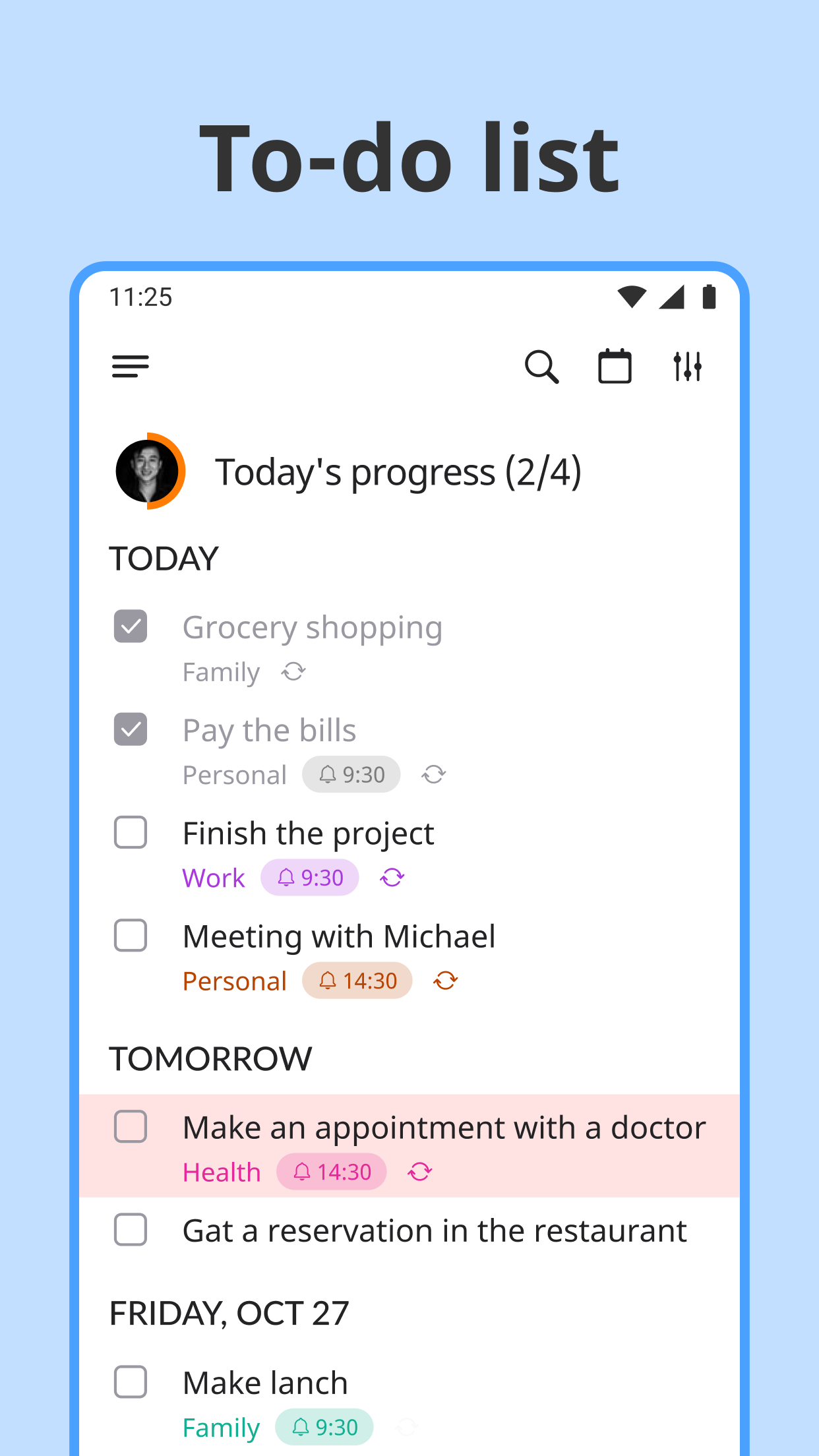
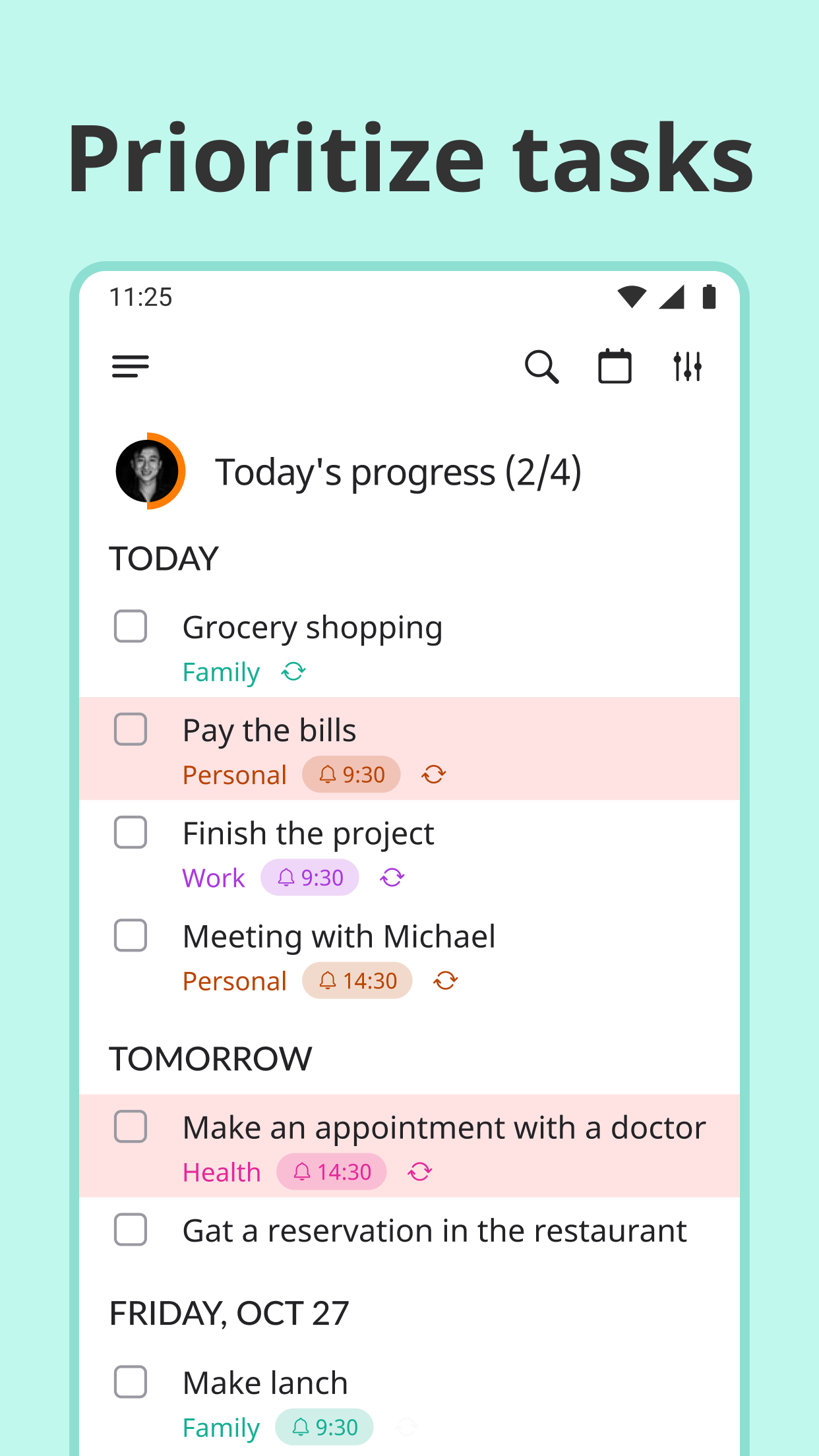
Listta is a multifunctional structured to do list planner app with unique reminders, and a handy task manager, schedule planner and important note organizer for your productivity. Using it, you can easily organize to do list, as it is a personal assistant in your hand.
It takes no time for learning, as it is easy-to-use. Listta allows you to quickly start planning your daily routine, increase your productivity, get important to do list & appointment reminders, complete tasks on time & file all your ideas and notes.
IN LISTTA you can:
1. Schedule tasks in a handy & useful format with light or dark mode
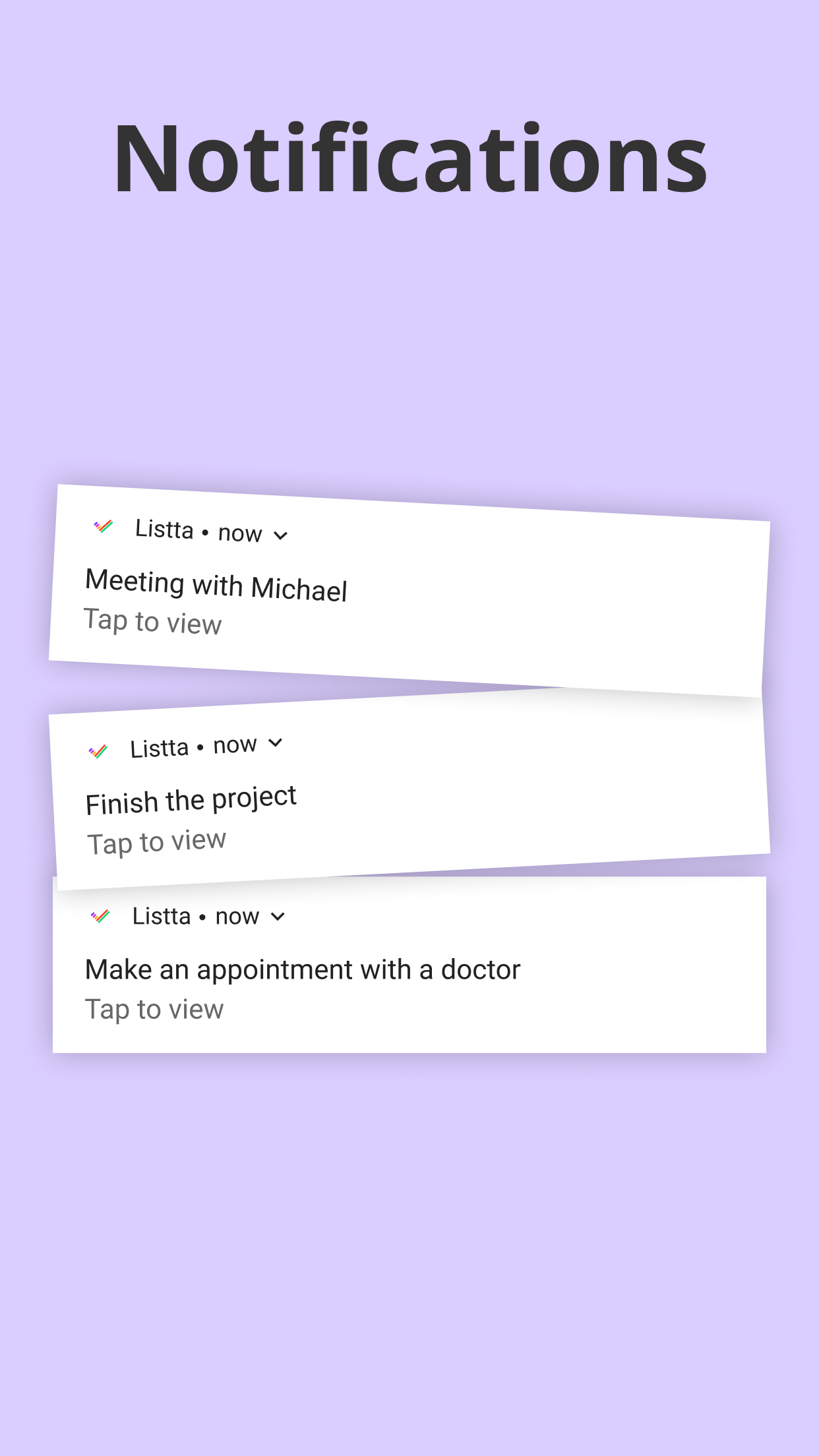
2. Set reminders with Listta's unique melodies
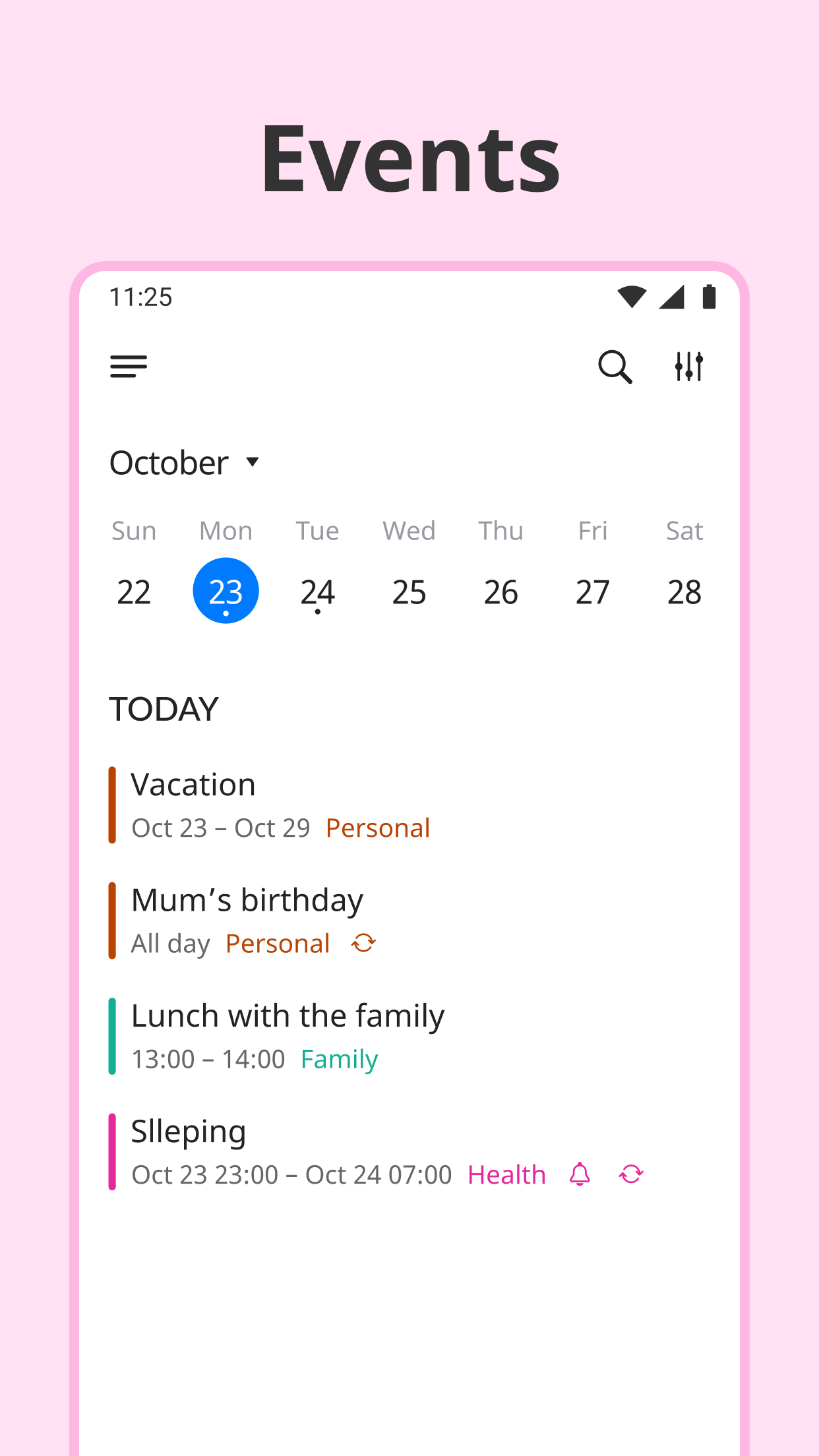
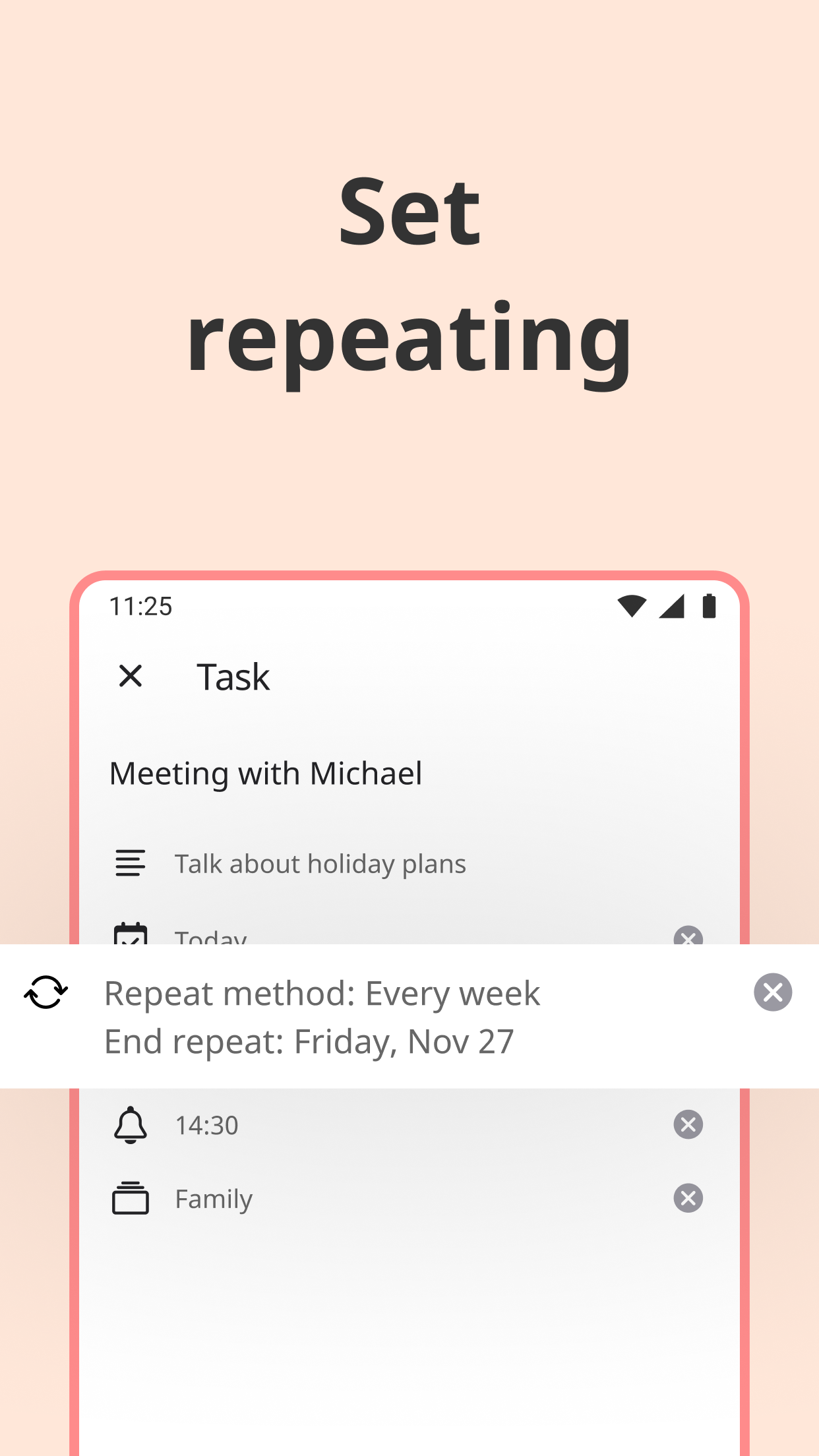
3. Create recurring events, lists & tasks
4. Arrange your daily schedule with a handy calendar
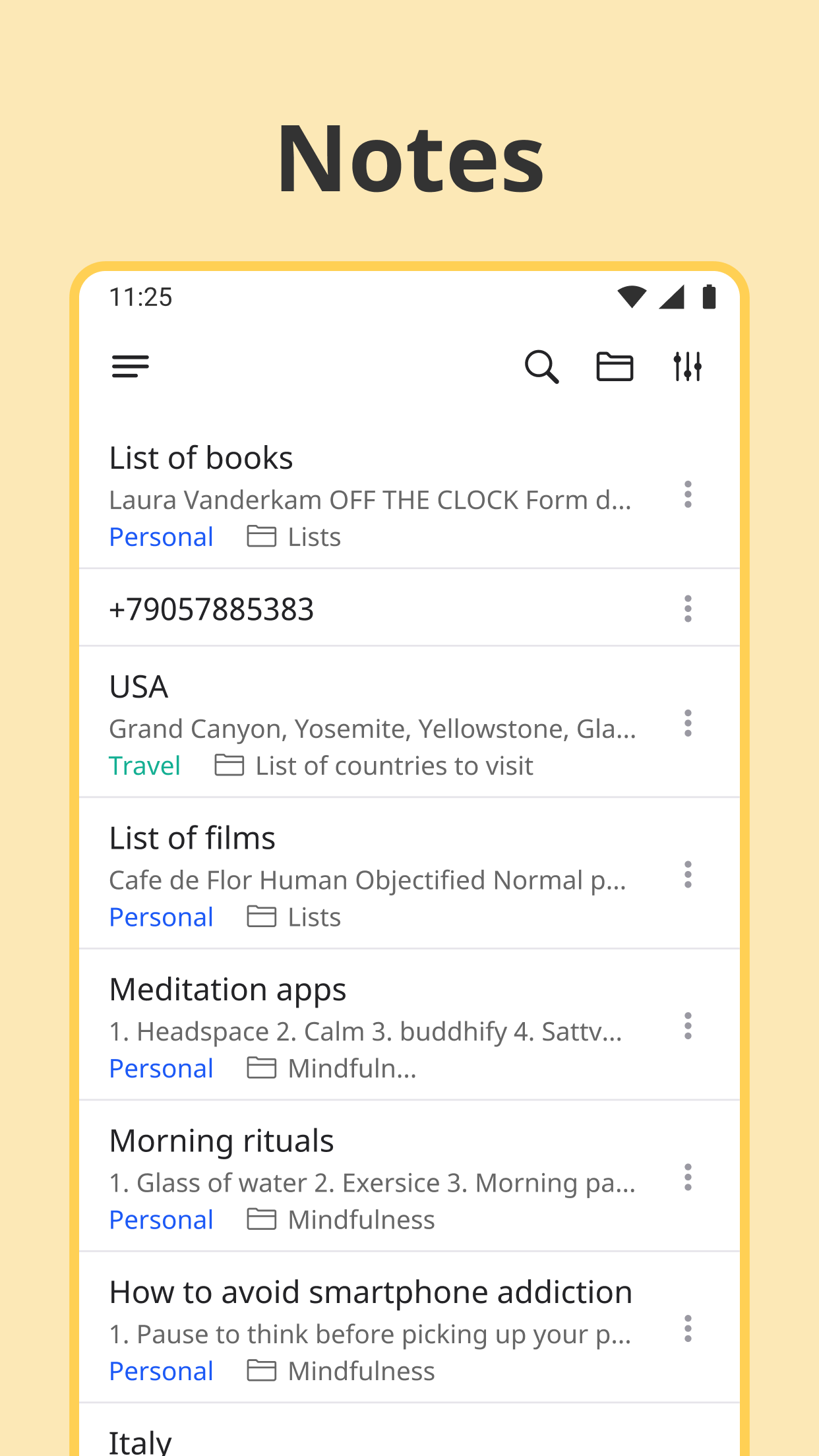
5. File all your ideas, checklists & thoughts in notes using tree-structured folders
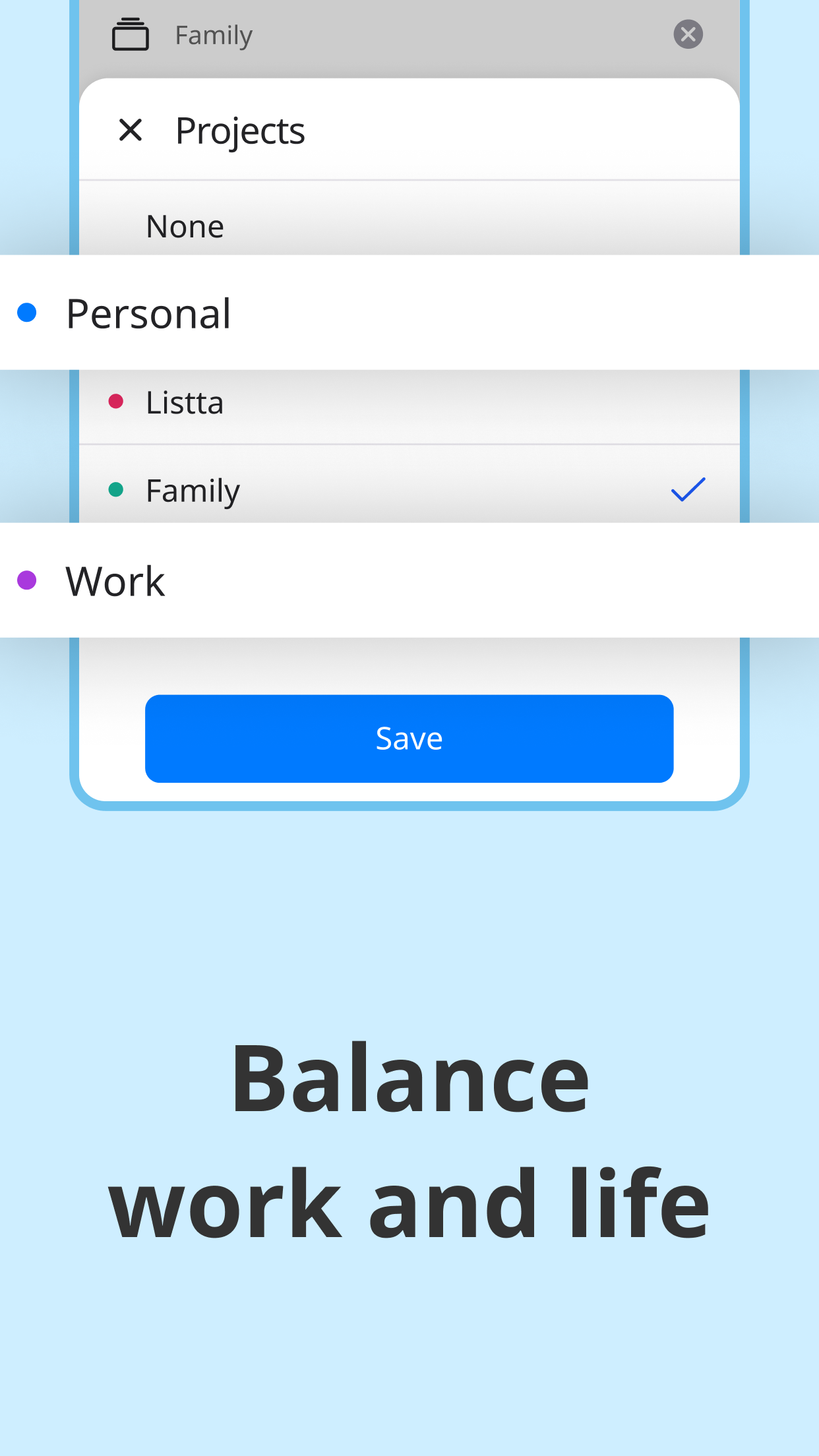
6. Work with tasks, events & notes right from inside of the project
7. Use filters, set priorities and add descriptions
On top of the features of the Listta app, you can also enjoy its advantages as follows:
• functionality of its schedule tracker, as you can use it in daily routine, at work, at school, for training, make personal schedules, use it for diet, make wish lists, record important dates & anniversaries, daily schedules, texts;
• easy to use viewing of tasks, events & notes associated with a specific project;
• sorting by priority, title and reminder time so that you can customize your productivity to do list the way you like;
• data automatic synchronization & backup to prevent any loss of your data, for example, when changing devices. All information is stored in the cloud service via Google Drive, which is linked to your Google account.
How can Listta makes you more productive?
● you can speedily start planning, even if you have never done it, as the app is easy to use
● through the use of reminders with unique ringtones & recurring tasks & to-dos, you will no longer forget your friends' birthdays or a sudden event that will take place in a week
● in a note section with tree-structured folders, you can easily navigate through your checklist of notes and keep important information on hand
● you can add related information to each task or event, so you will most assuredly not forget the details even after a few weeks
● using projects, you can effectively focus on a specific area, working with tasks, events & notes right from inside of the project
Moreover, this is not all the benefits of the Listta mobile app organizer, as we will soon add the following features:
1. Habits. A simple and easy-to-use tracker for developing new habits
2. Goals. An option to track the achievement of your goals, as well as arrange planning based on your true wishes
3. Synchronization with Google and Apple calendars
4. Manual task drag-and-drop. An option to arrange your daily routine, without reference to a title & time
5. General screen with tasks and events with reference to here and now
6. Widgets. A convenient way to work more productive with your tasks on the main screen of your smartphone
7. Team work
8. App version for PC
9. Blog with good practices, articles and much more besides!
Handy daily planner and easy-to-use task manager. Use it to create to do lists, schedule your days, manage the calendar, set reminders and take notes. Be on the case to manage your daily agenda and increase your productivity with Listta!

Listta 4.16.0 Update

Now it's even more convenient to use the Projects functionality and track your progress!
Read More
Listta Features
Previous Versions More
Listta: to-do list & planner
Listta: to-do list & planner 4.16.0 XAPK APKs
August 12, 2024 51.77 MB

Requires Android: Android 6.0+

Architecture: arm64-v8a

Screen DPI: 160-640dpi

SHA1: b0dd62ba36d65b70a00a4f6cc19d2f5f20de800c

Size: 51.77 MB

What's New:

Now it's even more convenient to use the Projects functionality and track your progress!
Listta: to-do list & planner
Listta: to-do list & planner 4.12.0 APK
February 8, 2024 107.15 MB

Requires Android: Android 6.0+

Architecture: arm64-v8a, armeabi-v7a, x86_64

Screen DPI: 120-640dpi

SHA1: c7e6d6926809260b078017bd0376b83b8754e12a

Size: 107.15 MB

What's New:

Meet the new functionality in Listta! 29 powerful tools for easy text formatting of Tasks, Events and Notes.
Listta: to-do list & planner
Listta: to-do list & planner 4.12.0 XAPK APKs
February 26, 2024 49.02 MB

Requires Android: Android 6.0+

Architecture: arm64-v8a

Screen DPI: 160-640dpi

SHA1: 78243a59a430d2f95096bf0508d4f3ef76020de4

Size: 49.02 MB

What's New:

Meet the new functionality in Listta! 29 powerful tools for easy text formatting of Tasks, Events and Notes.
Listta: to-do list & planner
Listta: to-do list & planner 4.11.0 APK
January 23, 2024 103.3 MB

Requires Android: Android 6.0+

Architecture: arm64-v8a, armeabi-v7a, x86_64

Screen DPI: 120-640dpi

SHA1: ef936874274fc0c25fb6bc6f02cbb1c09f08c406

Size: 103.3 MB

What's New:

The Listta app is now even more stable and convenient! In this version we have fixed some bugs and improved the functionality to make planning even more enjoyable for you.
More Information

Package Name:

app.listta.goals

Update Date:

Latest Version:

4.16.0

Need Update:

Submit latest version

Available on:

Google Play

Requirements:

Android 6.0+