Editor's Review
NewsBlur is a personal news reader that brings people together to talk about the world.
About NewsBlur
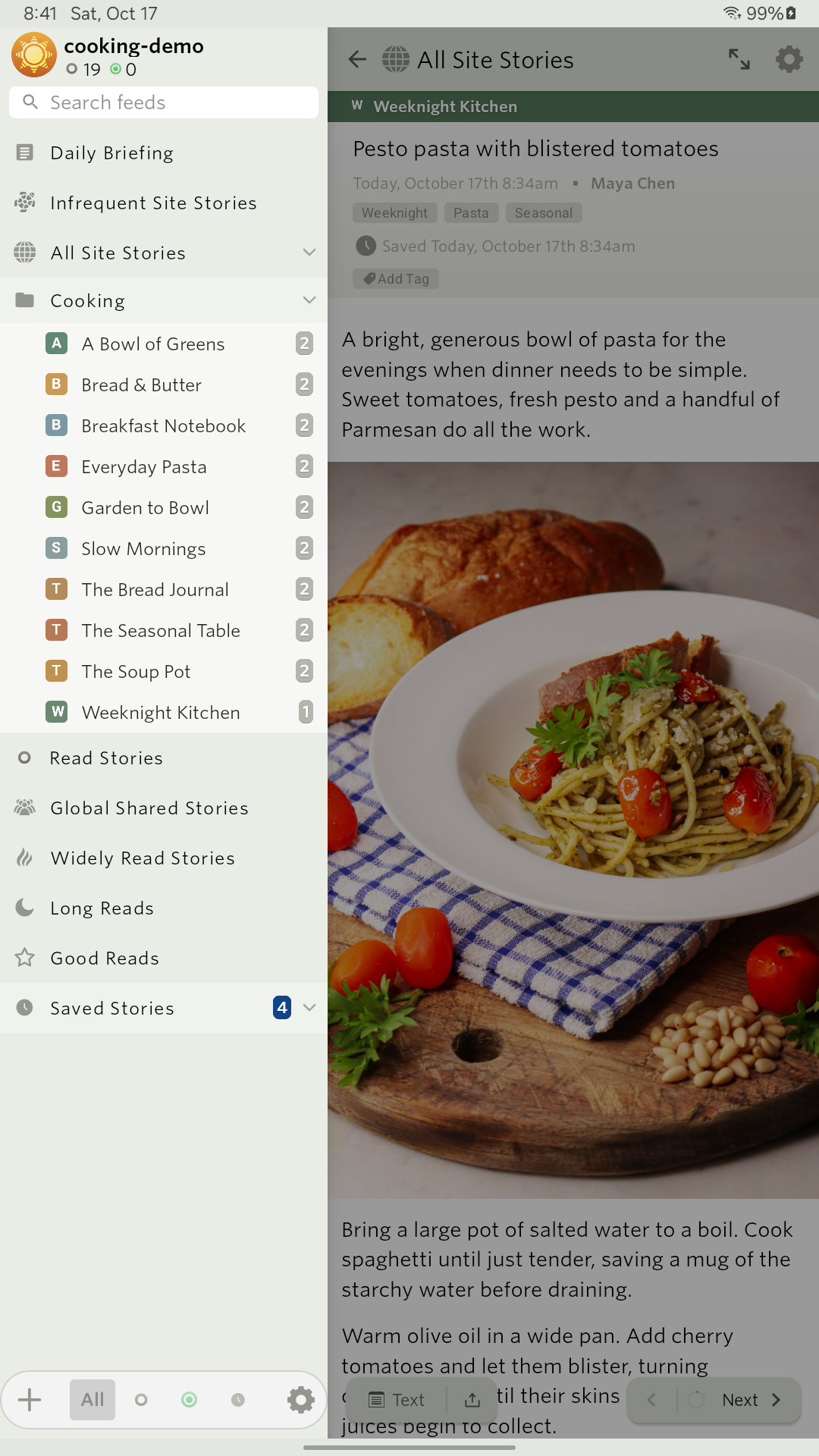
NewsBlur (Package Name: com.newsblur) is developed by NewsBlur, Inc. and the latest version of NewsBlur: RSS News Reader 17.0 was updated on November 17, 2026. NewsBlur: RSS News Reader is in the category of News & Magazines with the feature IFTTT integration and News aggregator, etc. You can check all apps from the developer of NewsBlur: RSS News Reader and find 200 alternative apps to NewsBlur: RSS News Reader on Android. Currently this app is for free. This app can be downloaded on Android 8.0+ on APKFab or Google Play. All APK/XAPK files on APKFab.com are original and 100% safe with fast download.
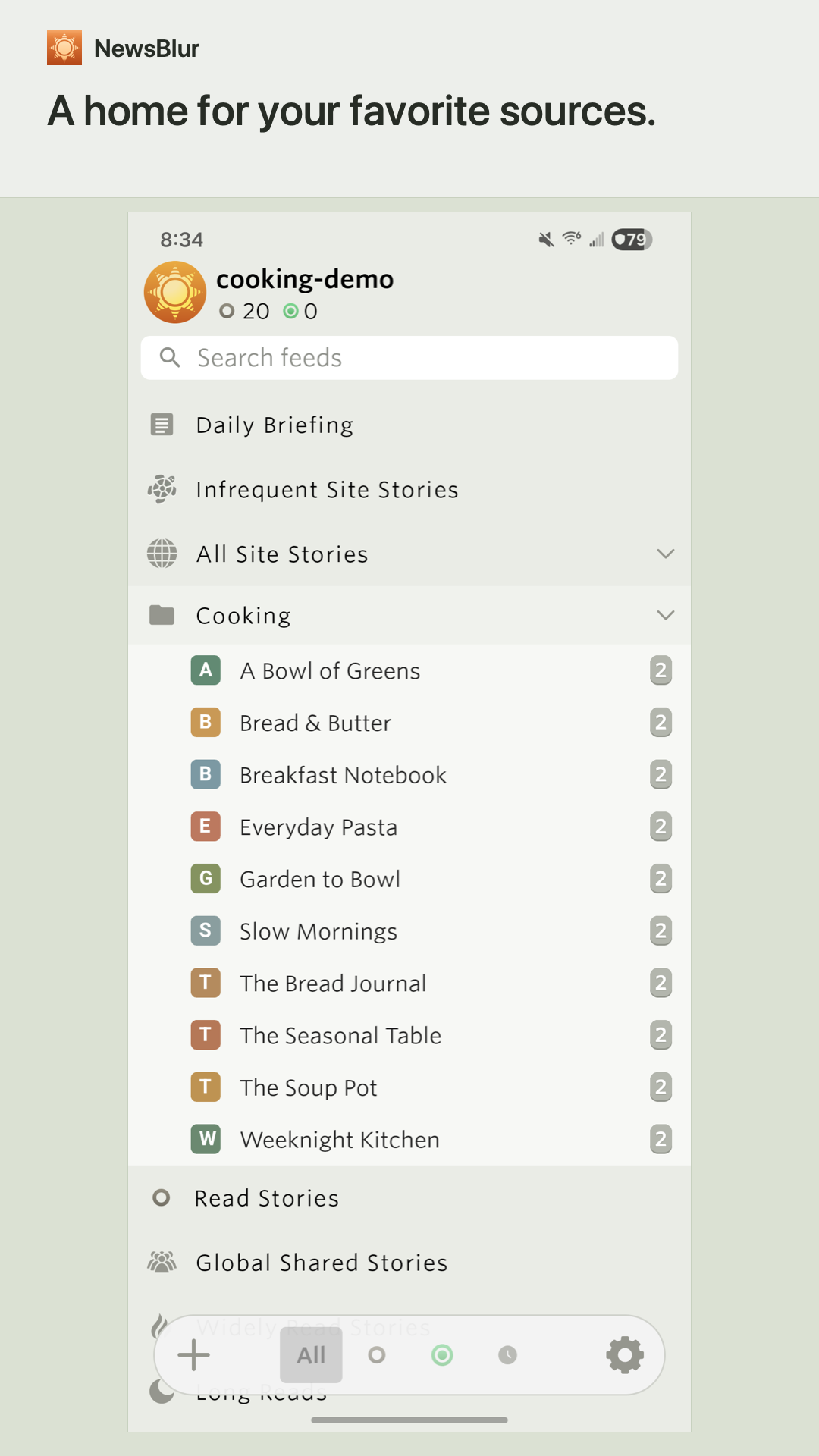
Bring your favorite sites together in NewsBlur, a personal RSS reader for news, blogs, newsletters, and more. Your subscriptions and reading progress stay in sync across your phone, tablet, and the web.
READ YOUR WAY
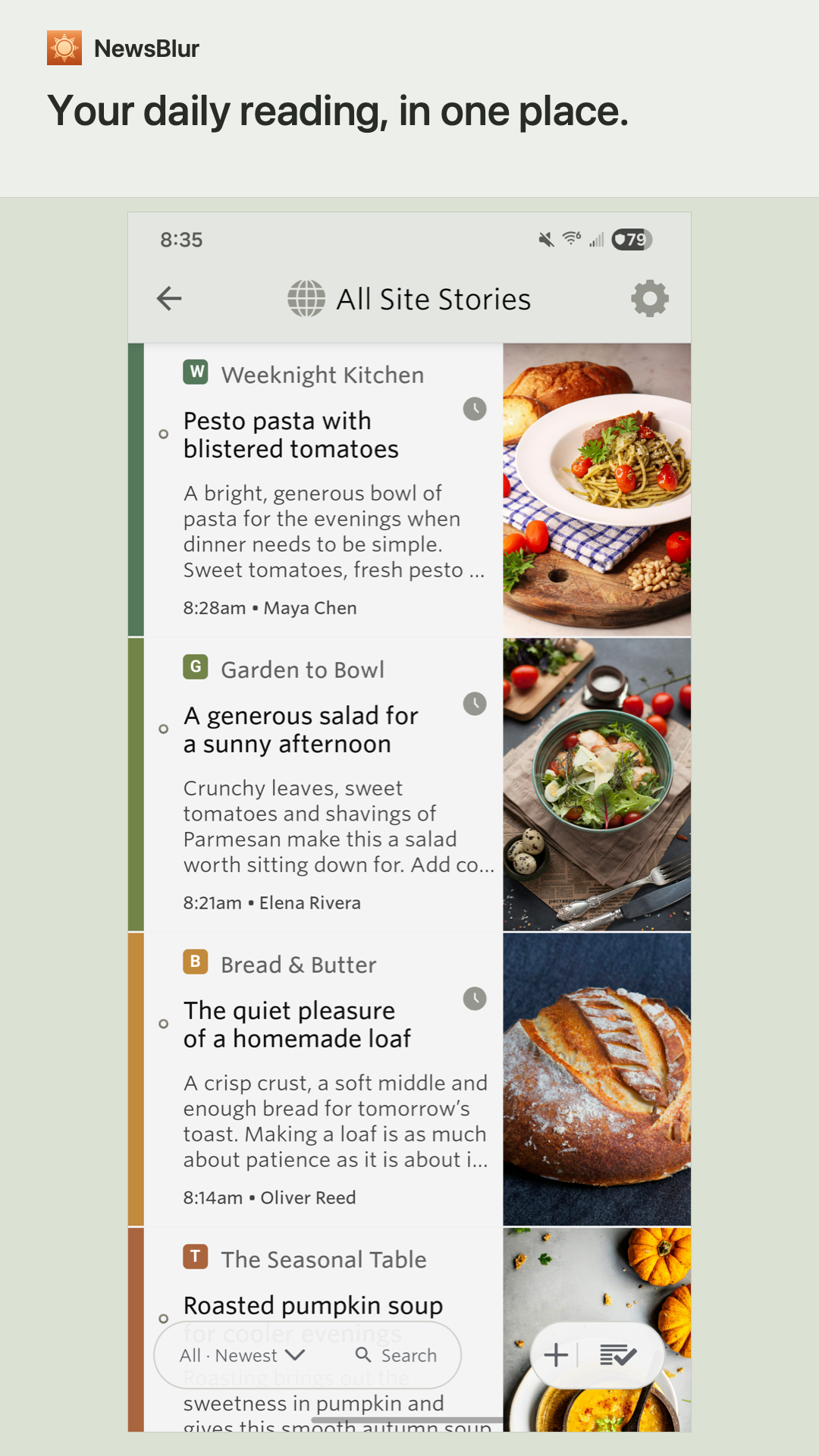
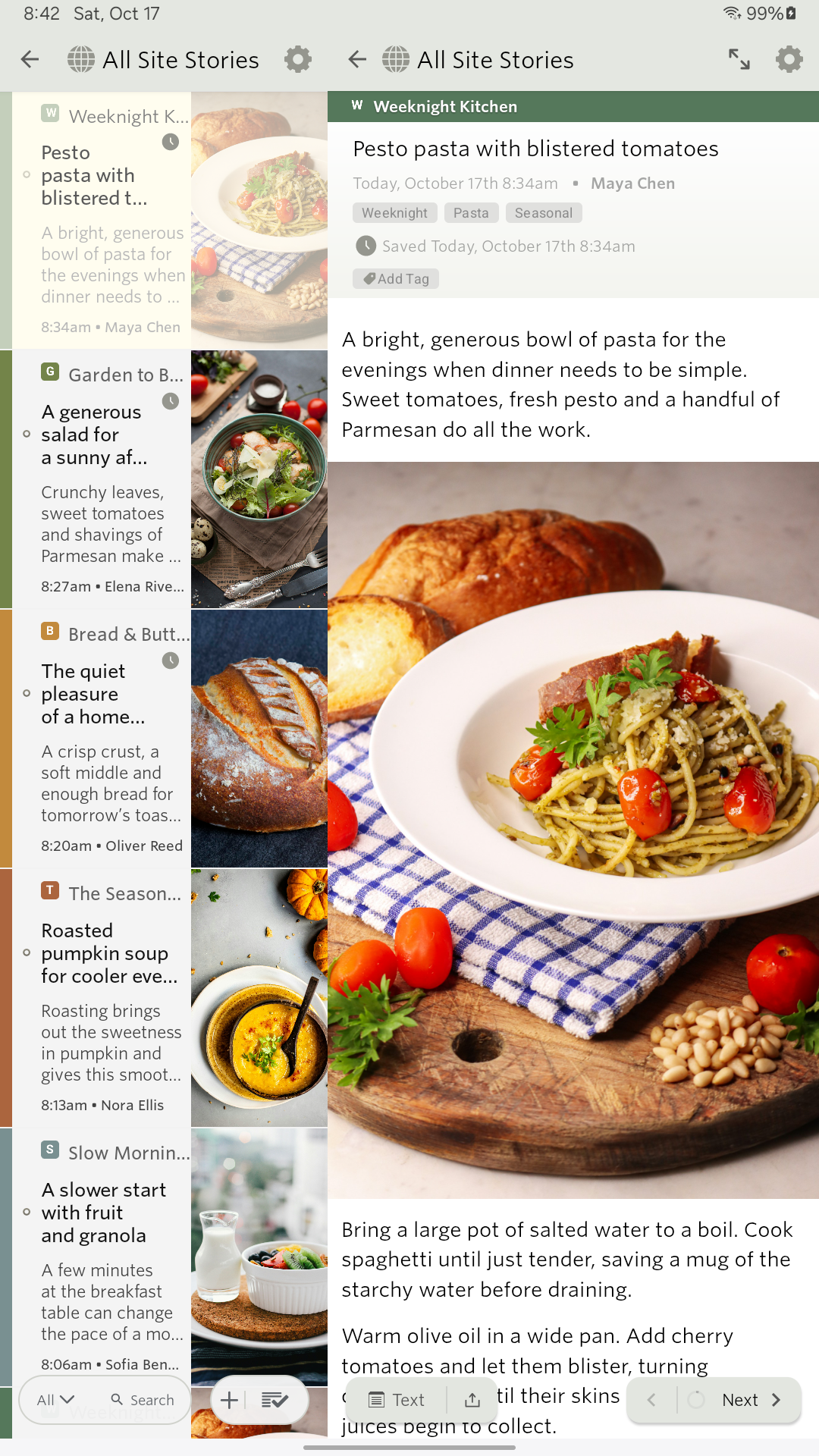
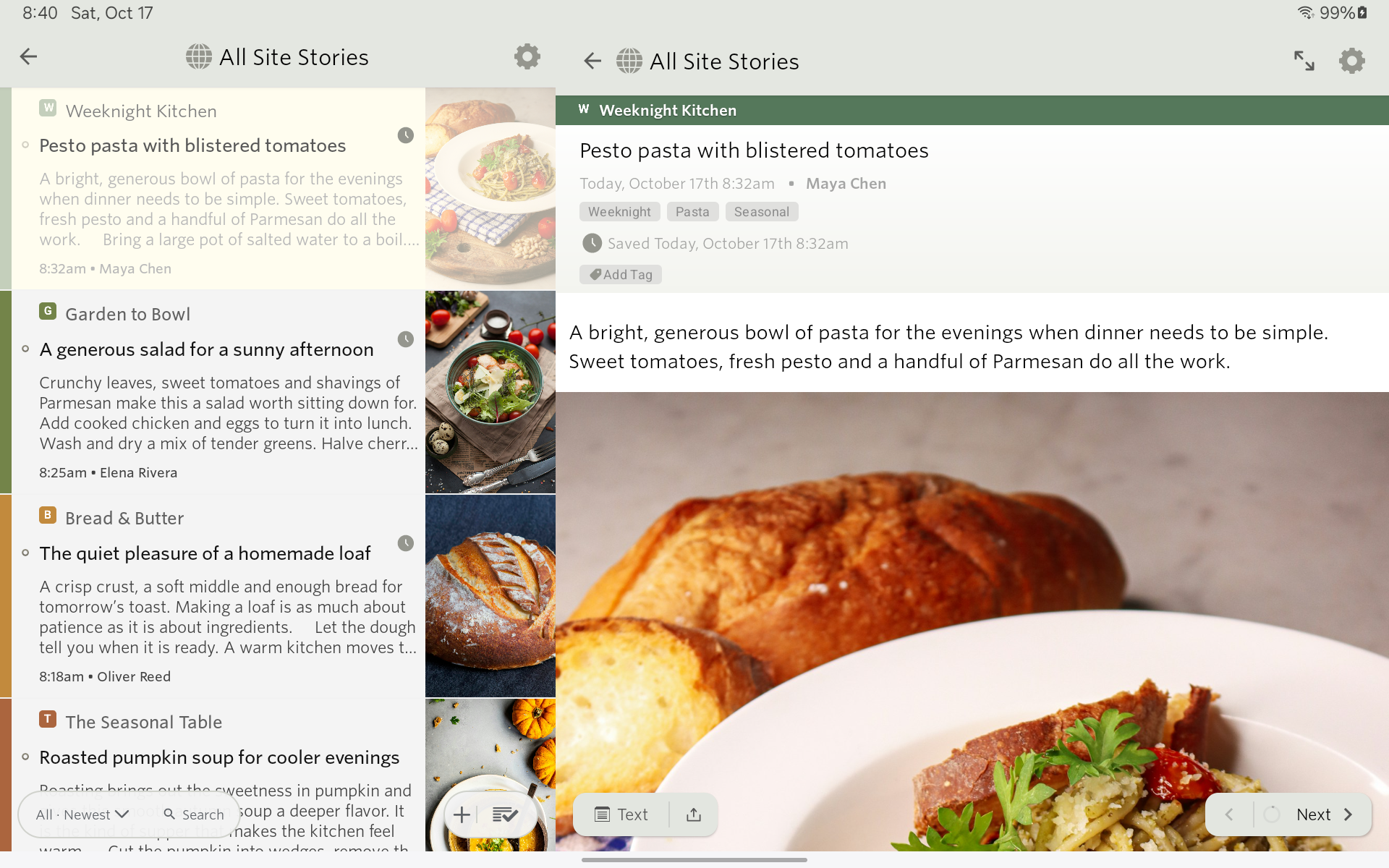
Read one site at a time or combine a folder into one story list. Choose a theme, adjust the text, and move between stories with gestures. Download stories for offline reading. On tablets and foldables, keep the story list beside your article, resize the panes, or expand each pane to full screen.
A MORE LIVELY READER
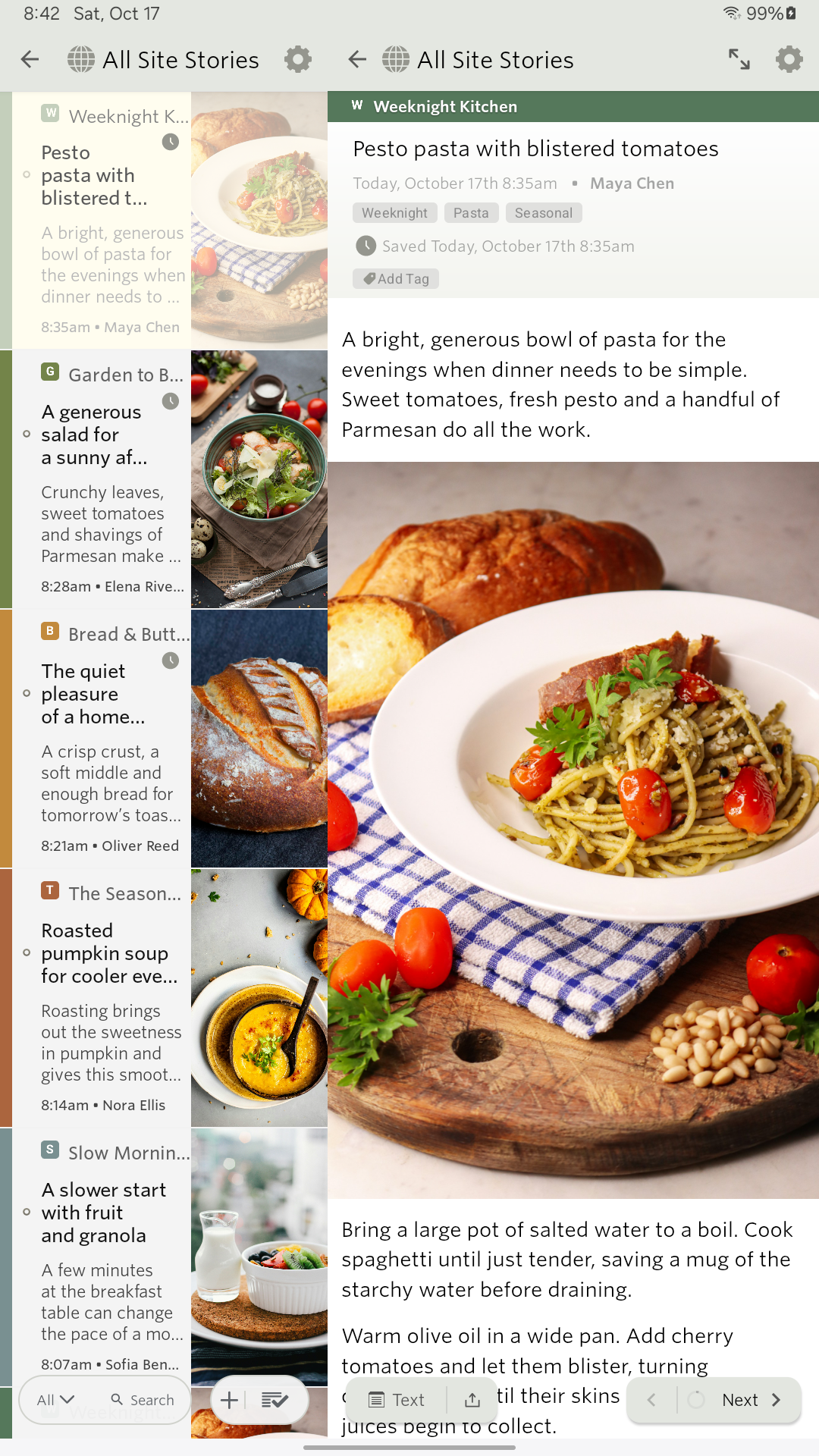
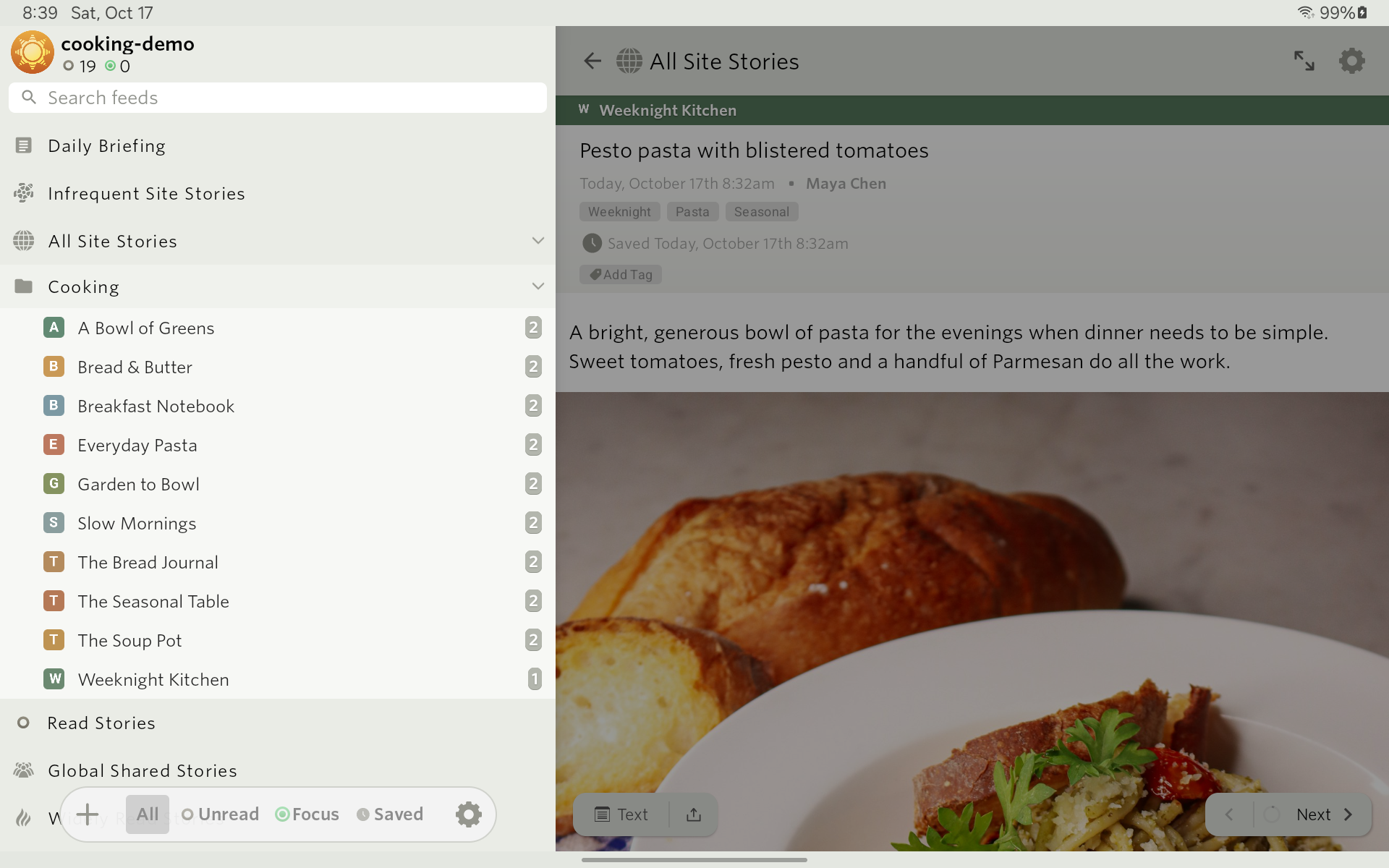
Feeds, folders, story titles, and articles arrive with gentle animation. Switch between All, Unread, Focus, and Saved with responsive transitions. Prefer less movement? Turn on Reduce motion in Appearance to keep the fades without the sliding and scaling.
FIND YOUR FOCUS
Train NewsBlur on authors, tags, and words in headlines to highlight stories you want and hide ones you don't. Make your reading list reflect what matters to you.
DISCOVER AND KEEP
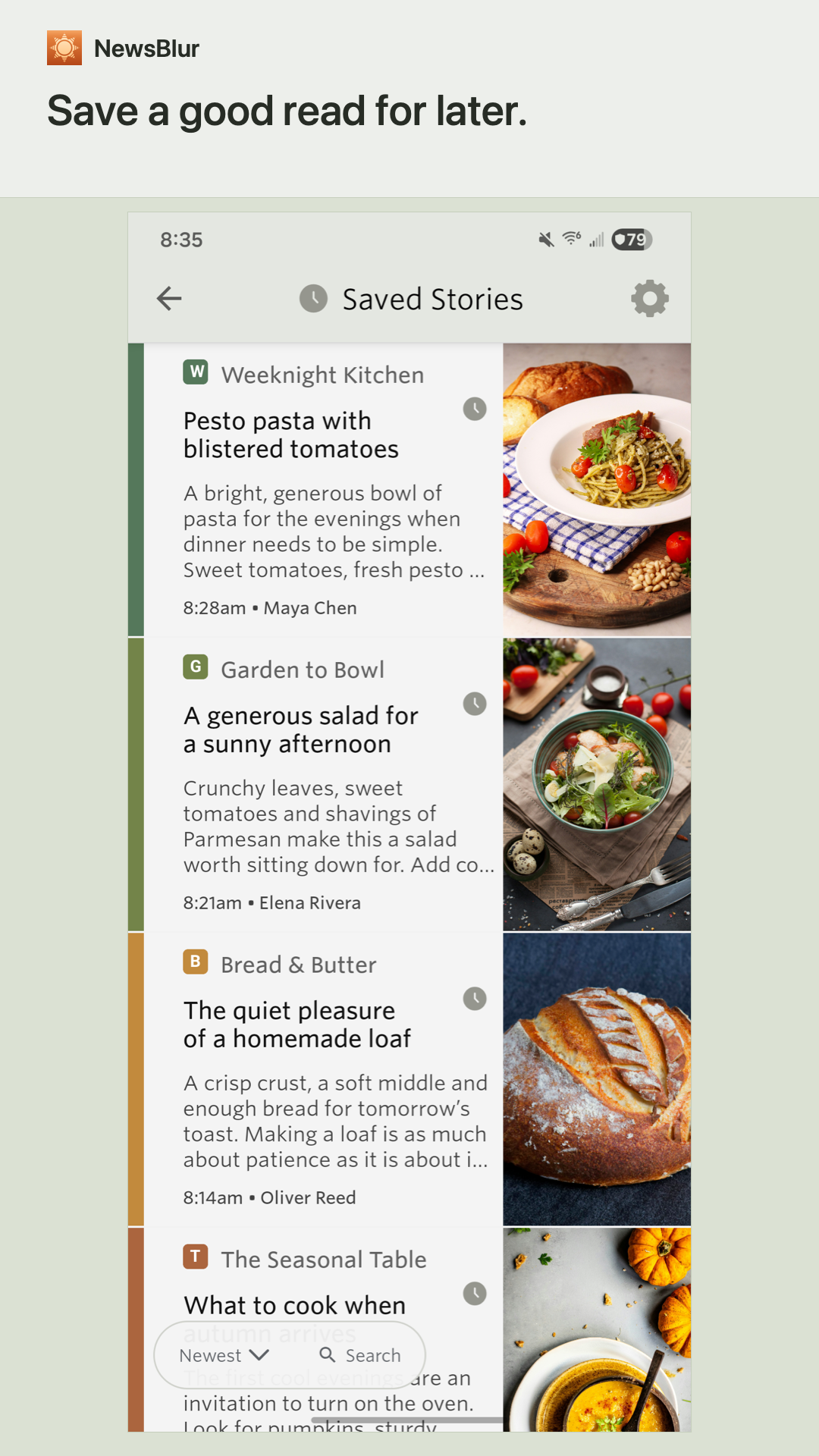
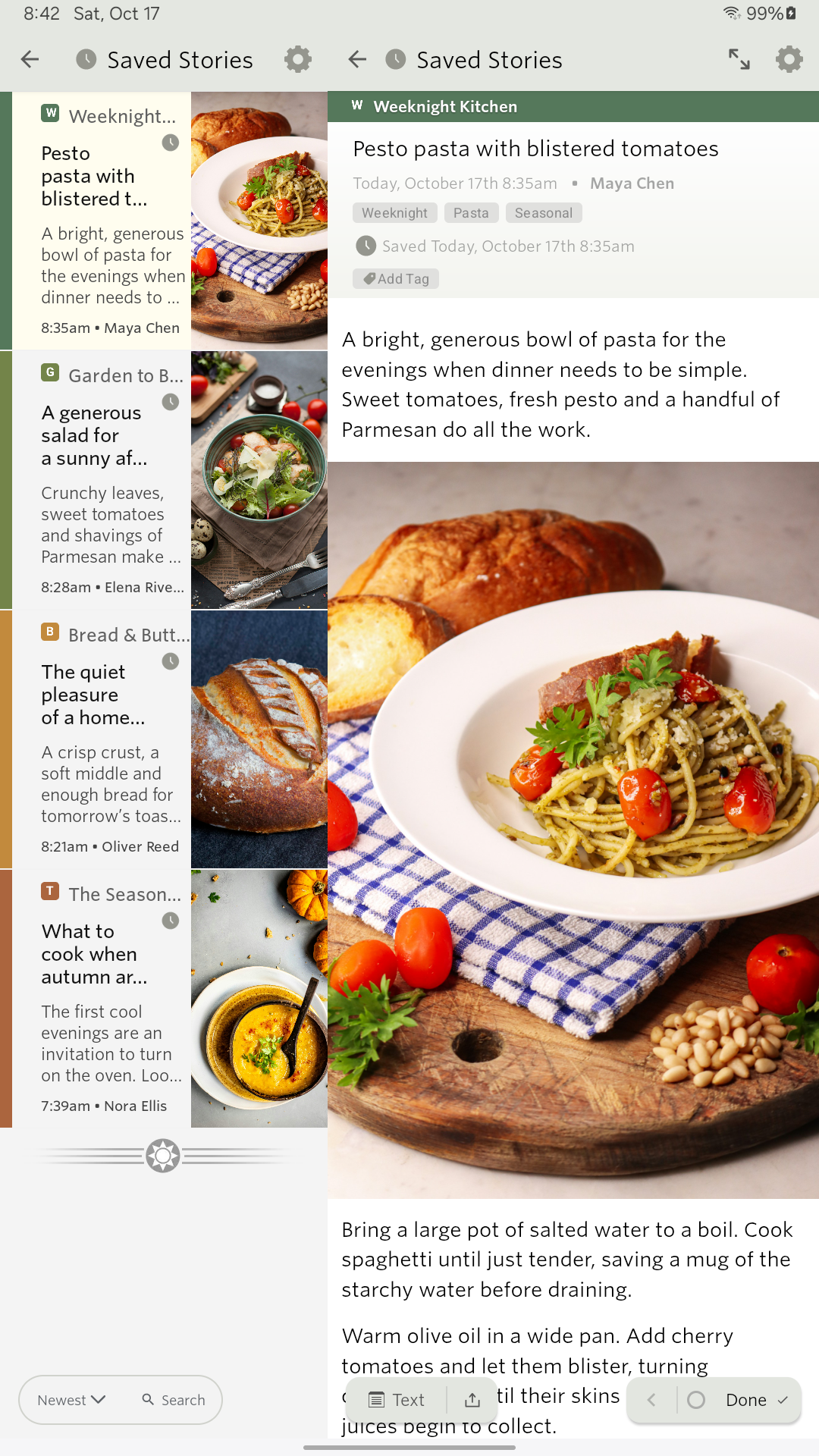
Preview new sites before subscribing. Save stories for later, organize saved stories with tags, and search your reading. Share stories with comments on your NewsBlur blurblog and follow what friends are reading.
LISTEN TO YOUR STORIES
Turn articles into audio with voices in 21 languages. Follow highlighted paragraphs, tap to jump ahead, adjust playback speed, and queue stories in Up Next. Keep listening with the screen locked. Premium Archive includes 1 hour of listening per week, and Premium Pro includes 10 hours per week. Allowances reset every Sunday. Auto-continue follows your chosen list order in Saved Stories and Read Stories. Free and Premium accounts can try 30-second previews.
GO DEEPER
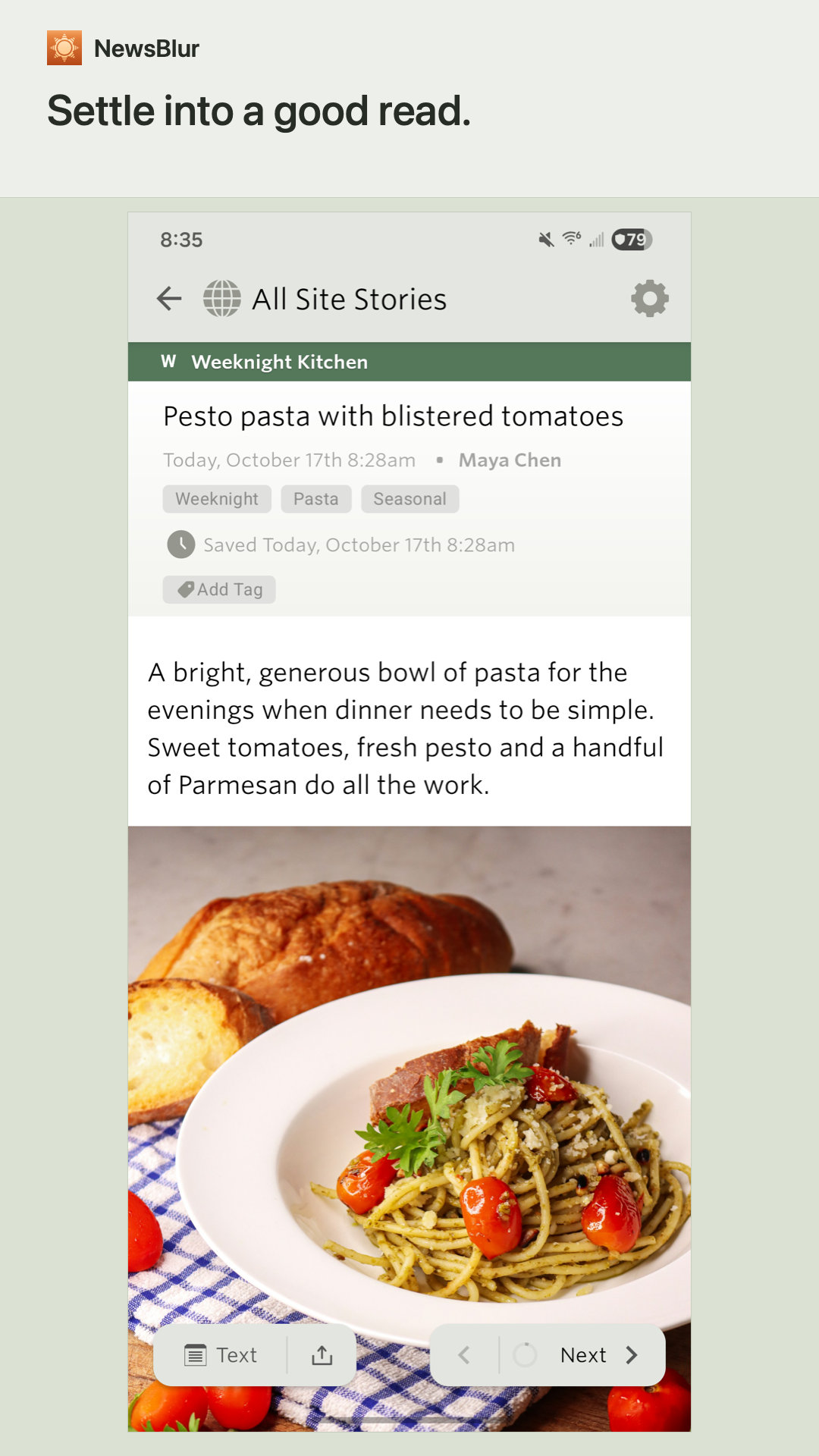
Switch to Text view for an extracted article. Ask AI for a summary, background, or answers about a story. Availability and usage limits depend on your account plan.
IN YOUR LANGUAGE
Choose from 21 interface languages, including right-to-left layouts for Arabic and Hebrew. Set your language in the app or follow your device settings. Stories stay in the language they were published in.
A NewsBlur account is required. Free accounts and optional paid subscriptions are available. Some features require a paid plan.
Terms of use: https://www.newsblur.com/tos
Privacy policy: https://www.newsblur.com/privacy
NewsBlur 17.0 Update
NewsBlur 17 brings lively, ordered animations to feeds, folders, story titles, and articles, plus fast transitions between All, Unread, Focus, and Saved. Turn on Reduce motion in Preferences > Appearance to remove movement while keeping fades. It's off by default. Discovery tags have more room on phones, and tablet dialogs work better when rotating the screen.
Read More