About My Files
My Files (Package Name: com.myfiles.folder.filemanager.simple) is developed by My Files Folder and the latest version of My Files Folder 3.5 was updated on March 13, 2023. My Files Folder is in the category of Productivity. You can check all apps from the developer of My Files Folder. Currently this app is for free. This app can be downloaded on Android 5.0+ on APKFab or Google Play. All APK/XAPK files on APKFab.com are original and 100% safe with fast download.
My Files Folder is a Simple File Manager, Professional file and folder manager for Android devices.
"My Files Folder" Easy to file manages all the files Archive on your android smartphone! Manage files on your Samsung device. "My Files" manages all the files on your smartphone, just like a file explorer on your computer.
My Files folder helps you manage and organise any file stored on your device or other locations (for example Samsung Cloud, Google Drive or an SD card). Using My Files, you can view your images, videos, audio files and documents, move files to and from internal and external storage and remove data.
Have you ever looked for a tool to organize files on your smartphone?
My Files Folder is the official Android file management app. Easy to move all your files around on your android smartphone without all the headache. Plus, it gets rid of any duplicate files and useless old docs that you don't really need.
My Files Folder is a file management app that helps you manage all the files hider you have stored on your Android smartphone, including deleting duplicate files. With Samsung My Files Folder you've got an effective, smooth, and lightweight file manager. Keep files and folders organized with this handy manager.
Key features
✔ FileMaster File Manage, My Files Transfer
✔ File Explorer Images, Pictures, Videos, Movies, Audio, Music, Documents (pdf, xls, ppt etc), Archives (zip, rar etc) and APK
✔ My Files SD Card Manager
✔ Use Files to keep enough of memory
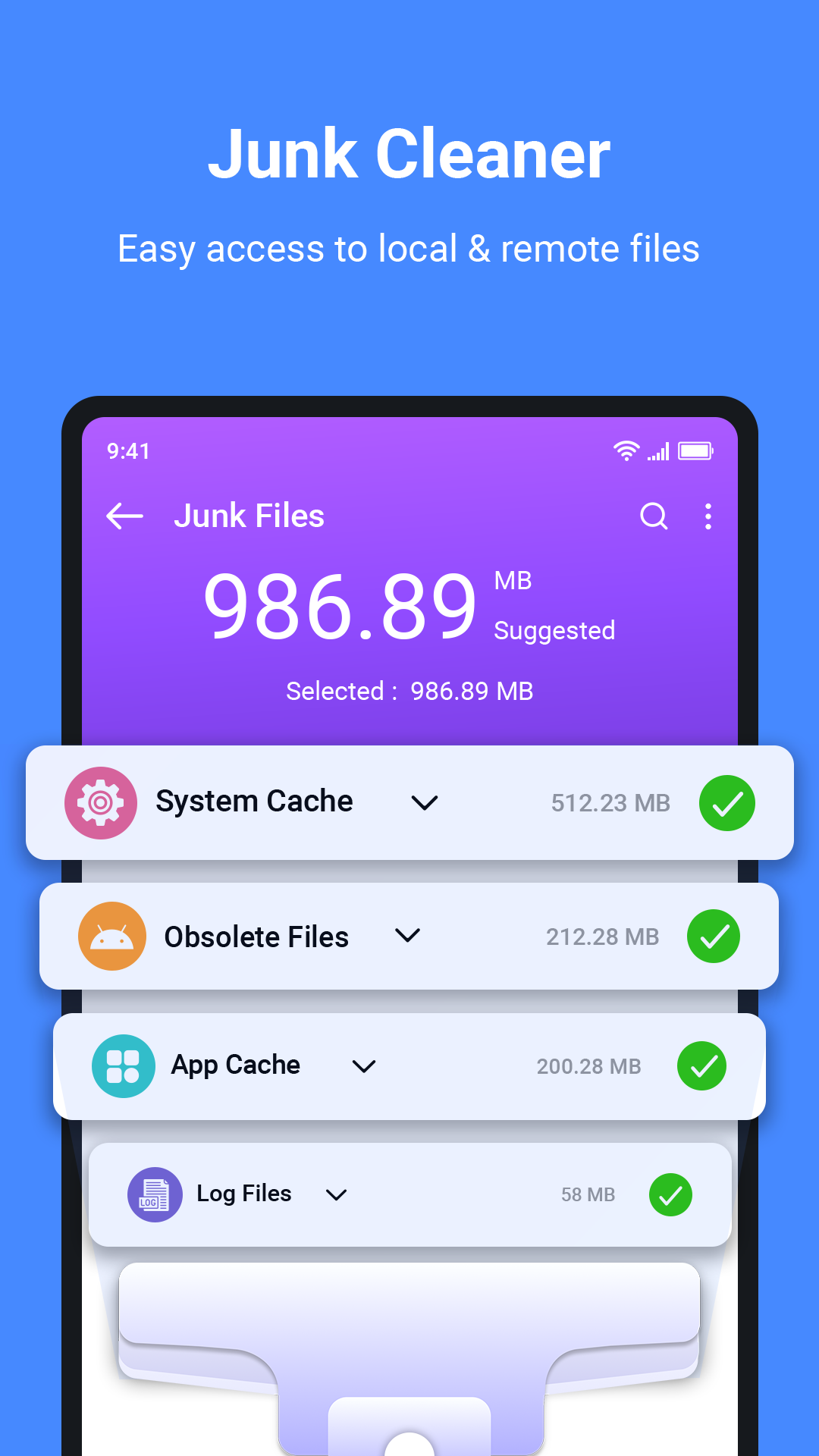
✔ Provides a function used to analyze and free up storage space
✔ ES File Explorer (File Manager) supports to Recover My Files
✔ File Master - A device manager and optimization tool
✔ Easy to Manage all Apk files
✔ Easily transfer files to an SD card to free up your phone’s storage
✔ ASTRO File Manager Manage your folders files effectively with this android file organizer and browser
Key features My Files Folder and storage with File Browser
1. Free up storage space easily by tapping the "Storage Analysis" button on the main screen.
2. You can hide any unused storage space from the main screen via the "Edit My Files home".
3. You can view long file names without ellipses using the "Listview" button.
4. Browse and manage files stored on your smartphone, SD card, or USB drive conveniently.
5. Users can create folders; move, copy, share, compress, and decompress files and view file details.
6. You can view and manage each of the files and folders on the internal or external memory of your device.
The Recent Files list: Files the user has downloaded, run, and/or opened
The Categories list: Types of files, including downloaded, document, image, audio, video, and installation files (.APK)
Folder and file shortcuts: Show on the device home screen and the My Files Folder main screen storage.
My Files Browser SD Card Manager is one of the best free file managers for Android. It allows local and cloud storage management and lets you organize files between internal memory, MicroSD, and supports all! My files app for samsung provides a file explorer that can easily clean and delete any unwanted app or folder.
File Manager : Free ZArchiver and easily With Mi File Manager’s, file management becomes easier than ever before! Files by Google is the file manager and storage browser that helps you find what you’re looking for fast.
My Files Samsung browser you can easily organize your files into various folders, as well as rename, copy, move or delete any file. You can also manage files stored on SD cards, USB drives and files in the cloud storage connected with your smartphone at the same time. You can also decompress ZIP or RAR files, access the contents of documents in many different file types, and even access the content on your Phone.
File Expert Commander is a powerful file manager cloud storage that allows you to handle any file on your Android device.
Download and experience "My Files" now.
Read More