MVK Biometric Password Manager
7.8 4
Version 1.0.9 by Vraimobile
7.8 4
Version 1.0.9 by Vraimobile

IS IT FREE?
No. Voice Biometrics and Stealth Mode features are available via in-app purchases. MVK can be downloaded for free in its simplest form and you can add the features you want using In-App purchasing. It’s a cost-effective insurance policy for your personal mobile data.
We’d love to give it away but we spend money developing MVK, operating and managing the hosting platforms, and integrate and pay for some of the smartest voice biometric technology around. There are new features coming along all the time that will be available to you. It’s also the best around and we intend to keep it that way.
MVK required Android 3.0 API Level 11 or above.
HOW DOES IT WORK?
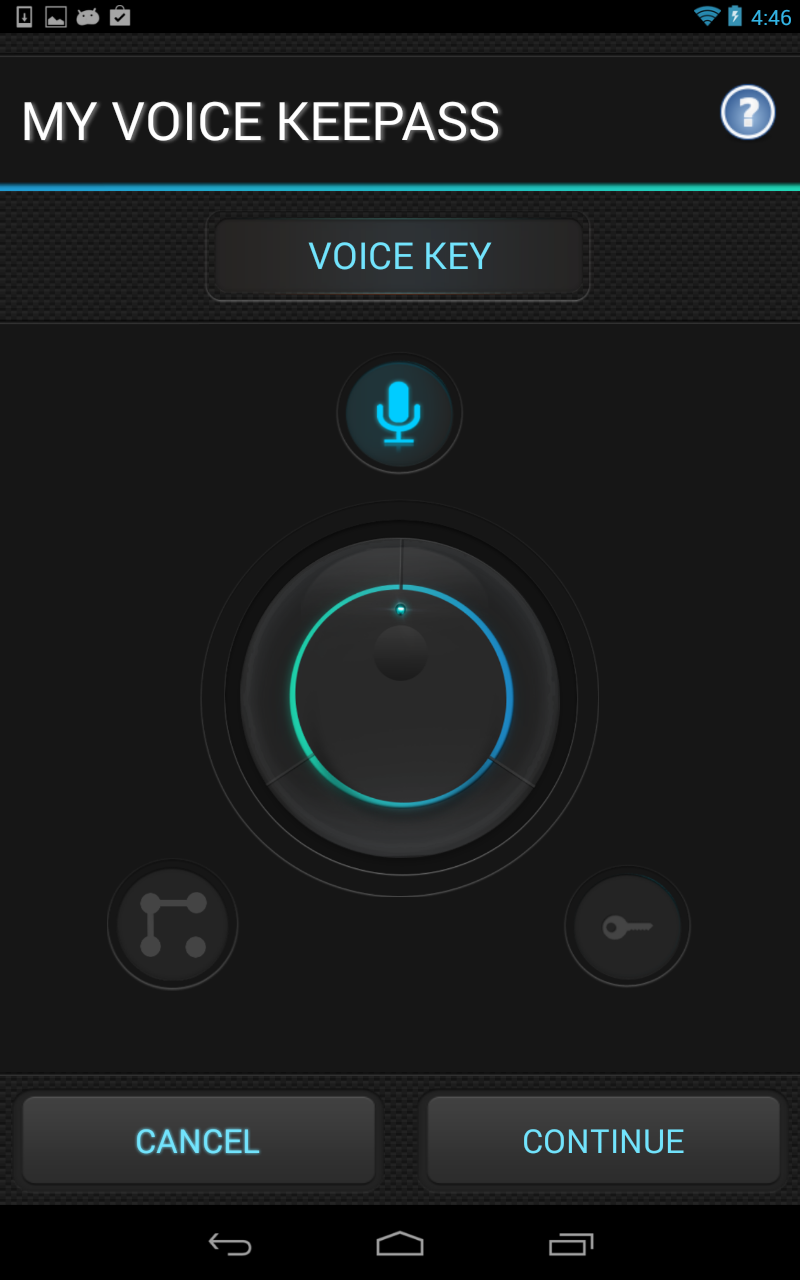
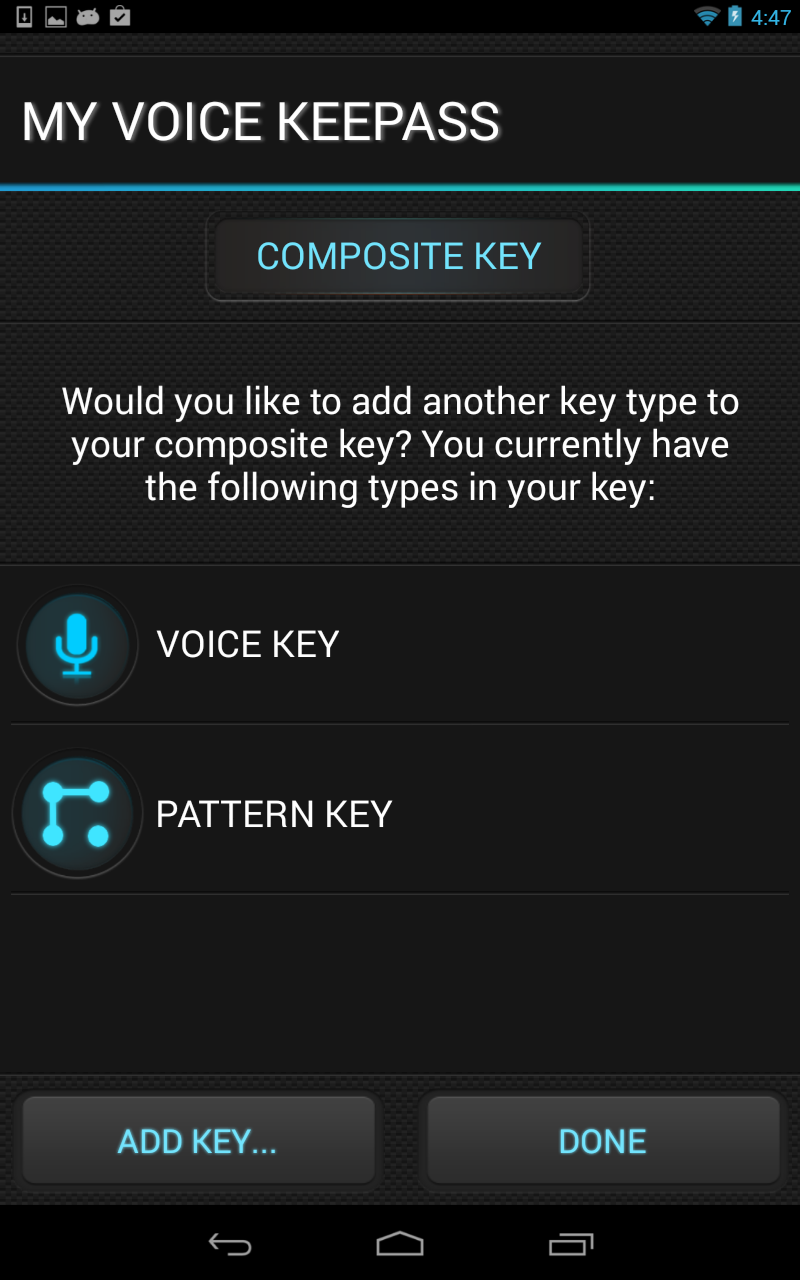
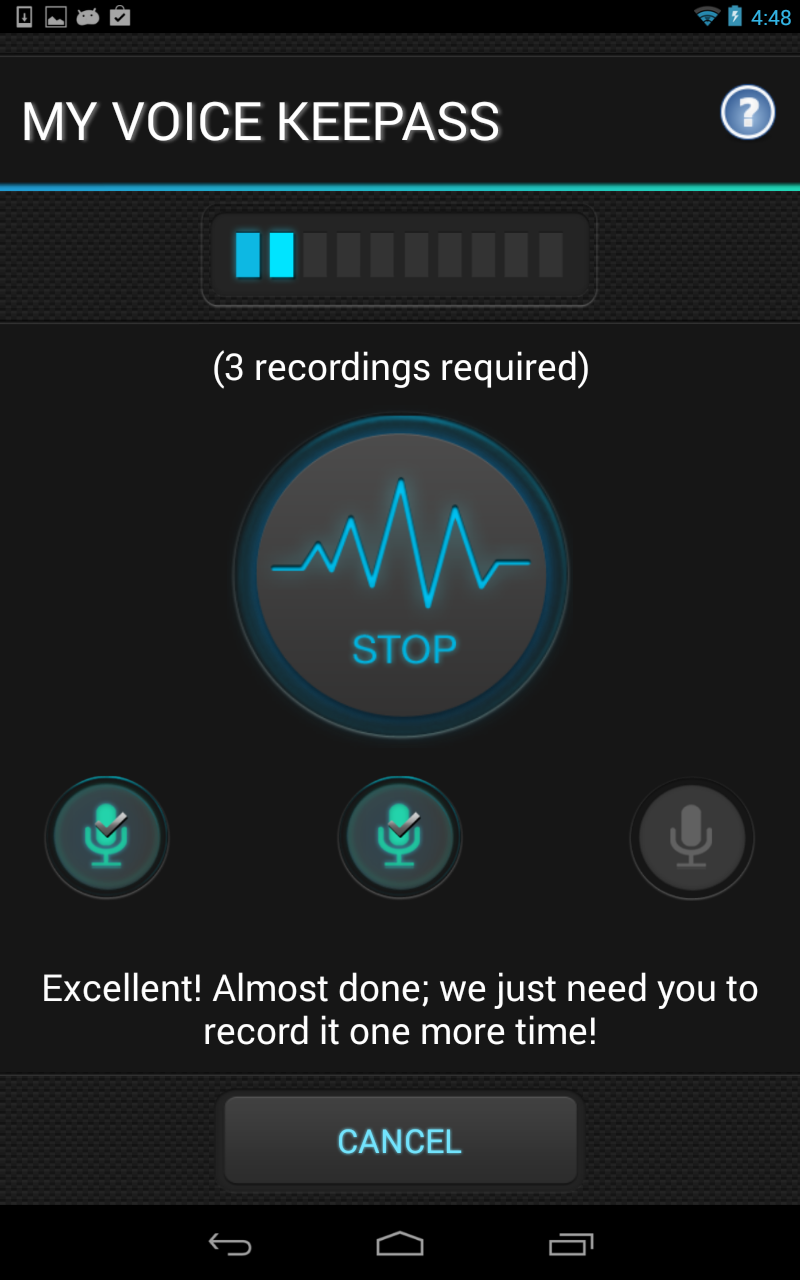
To start off just record the prompted phrase a few times and it will build your voice biometric file in seconds. After that you’ll only need to say the phrase once to open the voice biometric lock. We will be adding different phrases and new languages over time to give more choice. We use pre-set phrases because they help us to achieve high calibration of your voice.
We do not have access to your password vault. We only store an encrypted vault unlock key-we can not de-crypt your key, as the de-crypt keys are on your device. So keep a backup of your vault.
Additionally, remember that the purpose of MVK is not to record what you say – its analysing how you say it and it will create a very detailed model of your voice characteristics – a bit like creating a fingerprint - only better.
MVK also comes with Stealth Mode feature, so it won’t even appear on your list of apps.
WHY DO I NEED IT?
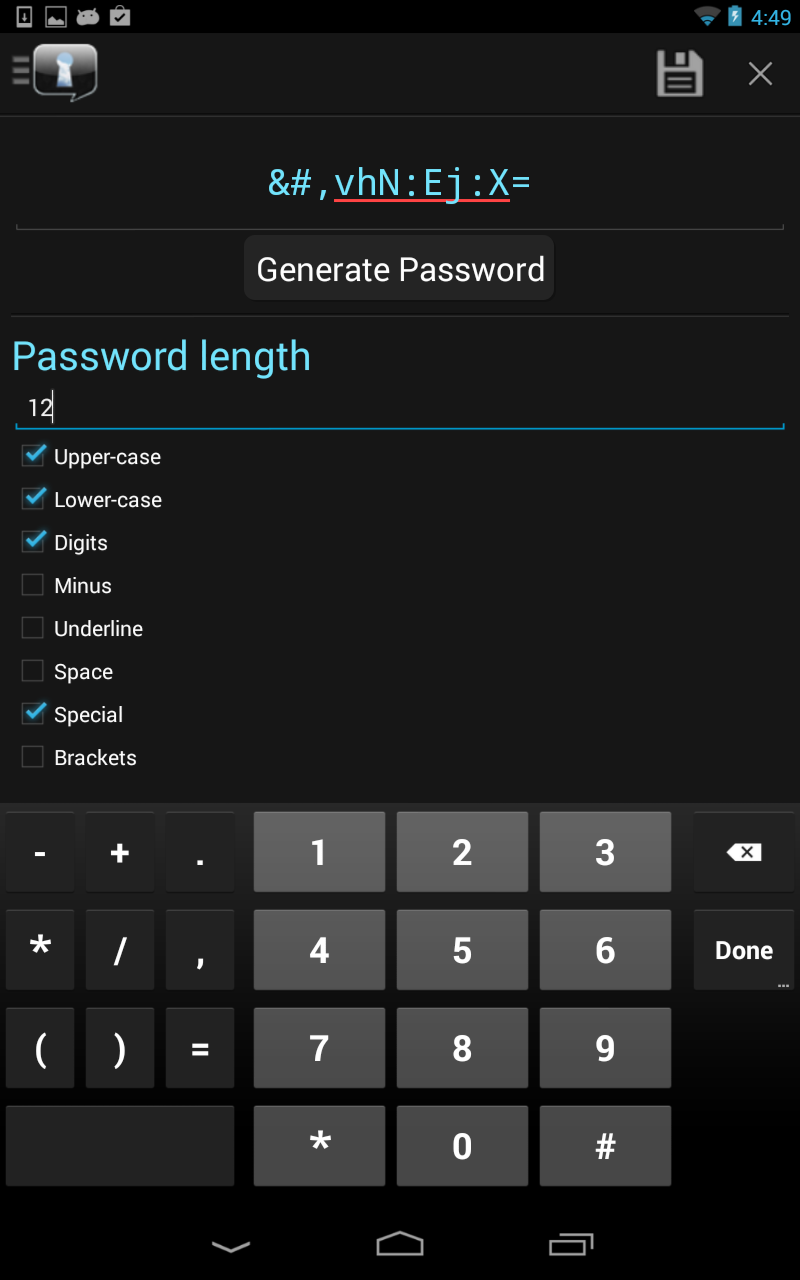
We all have too many passwords and phrases to remember. We all know we shouldn’t use the same ones over and over again. And we know they should not be easy for someone else to guess – or hack. Which means they should be long and have mixed characters - but if we do that it makes them even harder to remember.
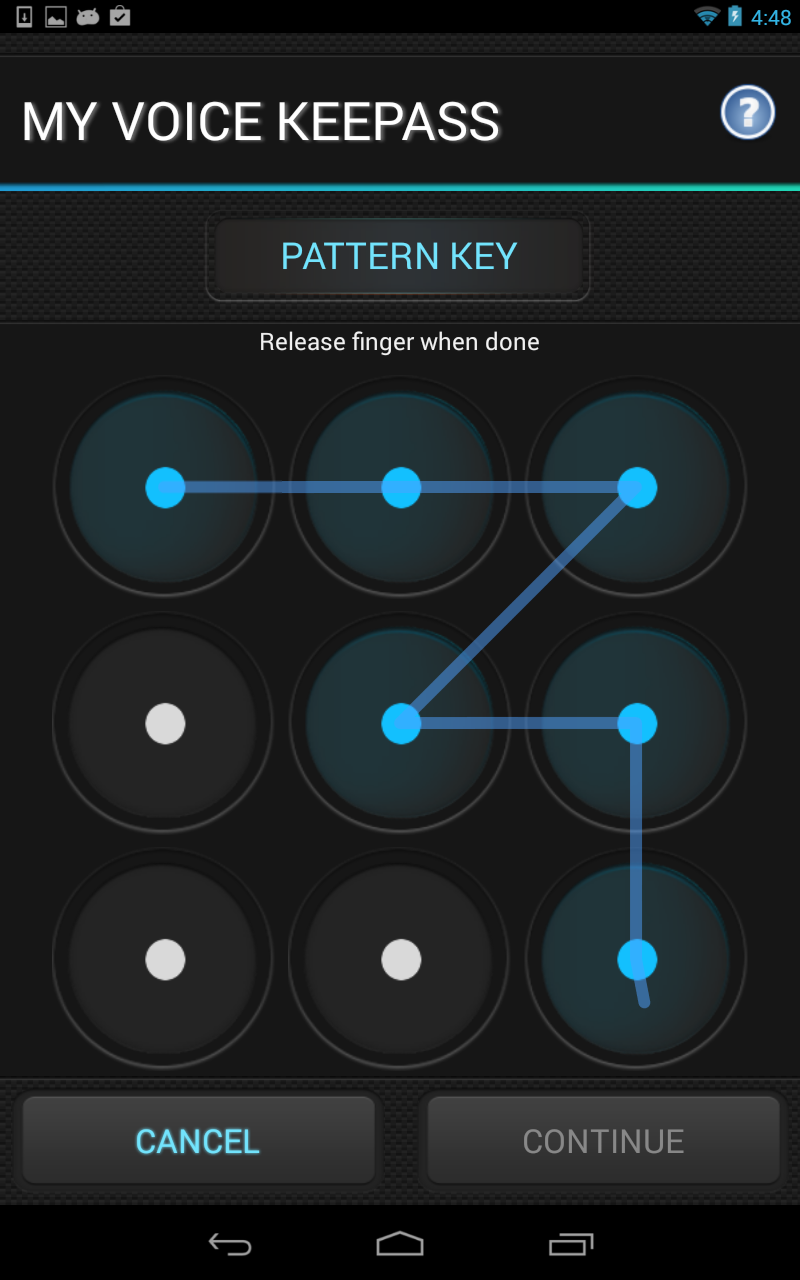
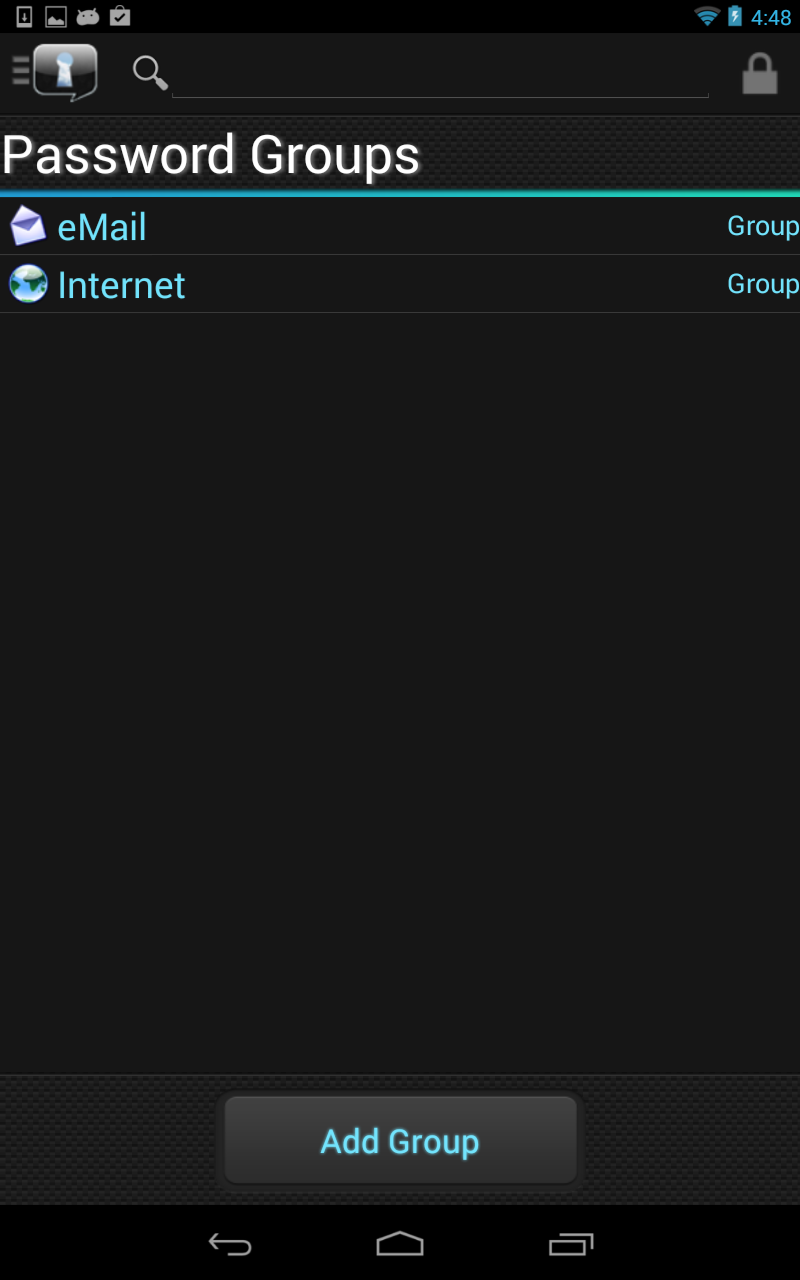
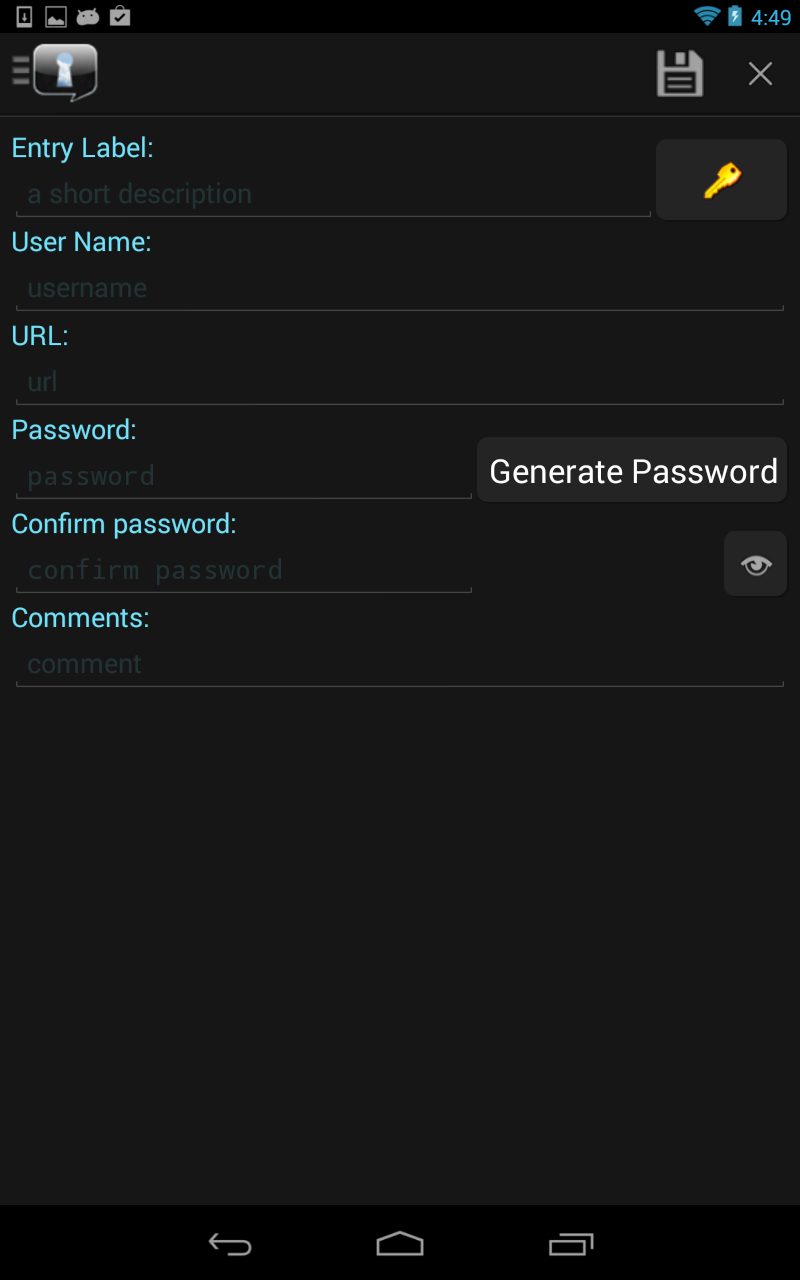
If someone gets your passwords you have a big problem. Identity theft is real and all around us. It’s in the news every day. MVK helps you to manage your passwords in a secure way. You can put all your passwords in one place, which is multi-locked. MVK will also generate your passwords for you which are secure (ie long/random) which you won’t need to remember. You can just look them up and auto-fill a password field on a web page.
It makes sense to use passwords that can’t easily be guessed by someone or broken using specialist software by hackers. It also makes equally good sense to keep them somewhere safe where nobody else can access them. MVK makes that really easy to do.
VOICE BIOMETRICS:
Your voice is as unique to you as your fingerprint and it can’t be copied or written down and left lying around. You never have to remember it because it’s who you are. MVK creates a voice biometric print from your voice. So now you can use your voice to unlock your passwords. It’s the only password manager that uses Voice Biometrics to lock away your personal data. This makes MVK the most secure password manager on the market. It uses world leading technology that is now available for your own personal security. We will also be adding new features in every new release which you can easily add into your app.
SUPPORT:
If you have any problems using the app or have feature requests, please email us at [email protected] before leaving negative reviews.
Requires Android: Android 3.0+
Architecture: armeabi, armeabi-v7a, mips, x86
Screen DPI: 160-640dpi
SHA1: 8bcb1f2ee44dfbf82a7ef8b456d186b84c42589a
Size: 4.56 MB
What's New:
Package Name:
Category:
Update Date:
2014-12-03
Latest Version:
Version 1.0.9
Need Update:
Requirements:
Android 3.0+
Report:

ChatGPT
Your AI assistant for writing, search, image generation, and more
9.4 3M+
Google Gemini
Chat to start writing, planning, creating, learning and more with Google AI
9.2 2M+

MyJio: For Everything Jio
True 5G, recharges, payments & UPI, music & movies, backup, games, news & more.
8.9 2M+

Microsoft Word: Edit Documents
Craft your story with formatting and grammar tools to ensure it’s right, always
9.6 1M+
Samsung Notes
Samsung Notes can create and edit documents and collaborate with others
9.7 958K+
Google Drive
Store, access, and share securely with Google Drive, part of Google Workspace.
8.7 1M+
