Move to iOS is an official app to transfer all your data from Android to iOS devices.
Features:
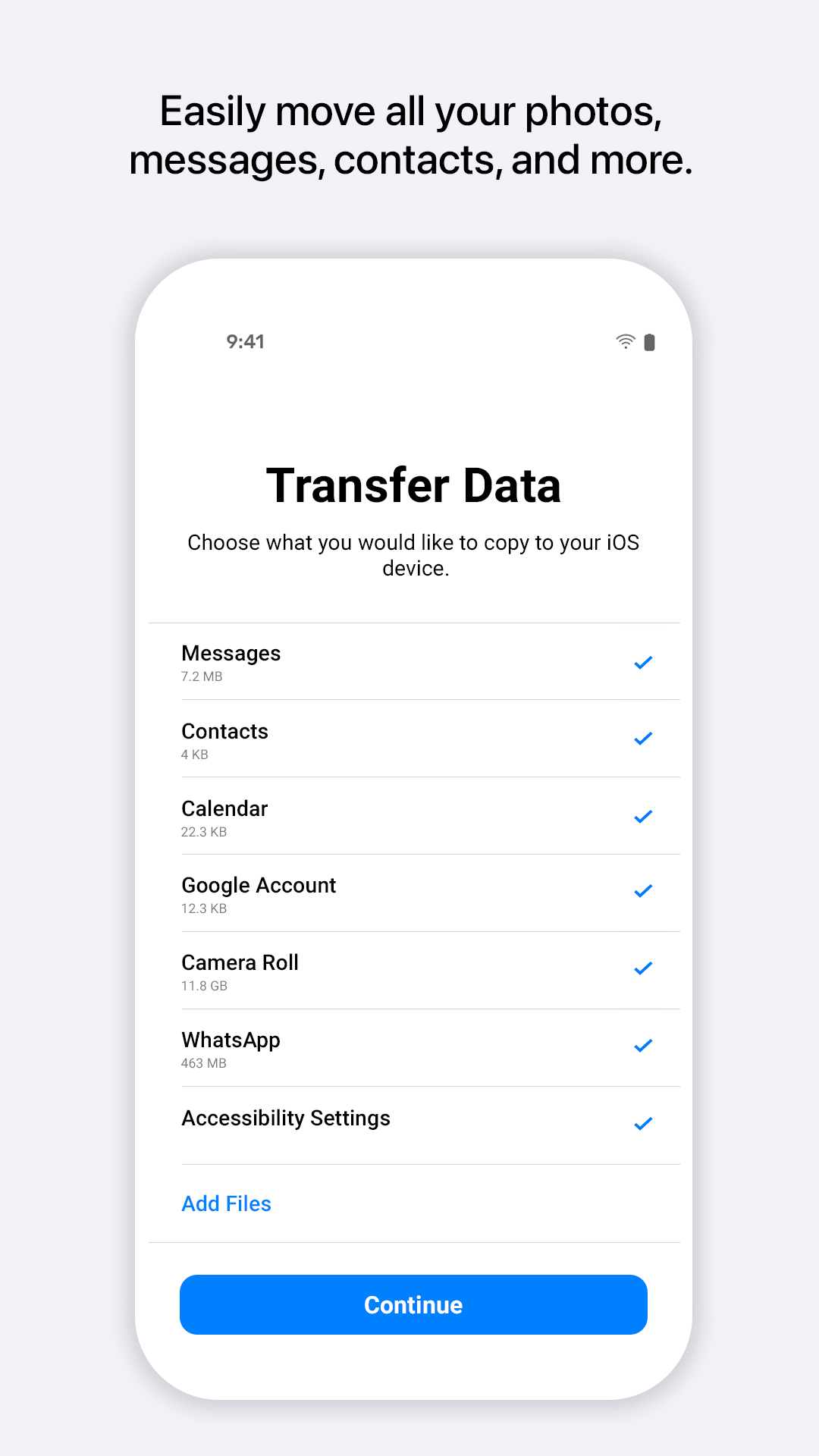
Securely transfer all your data, including contacts, messages, photos and more.
Transfer over a private Wi-Fi network.
About Move to iOS
Move to iOS (Package Name: com.apple.movetoios) is developed by Apple and the latest version of Move to iOS 4.0.3 was updated on May 19, 2025. Move to iOS is in the category of Tools. You can check all apps from the developer of Move to iOS and find 200 alternative apps to Move to iOS on Android. Currently this app is for free. This app can be downloaded on Android 6.0+ on APKFab or Google Play. All APK/XAPK files on APKFab.com are original and 100% safe with fast download.
Everything about iOS is designed to be easy. That includes switching to it. With just a few steps, you can migrate your content automatically and securely from your Android device with the Move to iOS app. No need to save your stuff elsewhere before switching from Android. The Move to iOS app securely transfers all kinds of content data for you: Apps Calendars Call logs Contacts Camera photos and videos Mail accounts Message history Voice memos WhatsApp content Make sure to keep your devices nearby and connected to power until the transfer is complete. When you choose to migrate your data, your new iPhone or iPad will create a private Wi-Fi network and find your nearby Android device running Move to iOS. After you enter a security code, it will begin transferring your content and put it in the right places. Just like that. Once your content has been transferred, you’re ready to get going. That’s it — you can start using your new iPhone or iPad and experiencing its endless possibilities. Enjoy. Required App Permission Location: To establish a Wi-Fi connection between the Android device and the iPhone or iPad, which is needed to migrate the data. Optional App Permission - SMS: To migrate your text messages, including multi-media messages and group chats, on iPhone or iPad. - Photos and Videos: To migrate your photos, videos, and related metadata to iPhone or iPad. - Notifications: To allow local Android notifications about the status of your migration to iPhone or iPad. - Contacts: To migrate your contacts to iPhone or iPad. - Music and Audio: To migrate your downloaded media, audio recordings, and voice memos to iPhone or iPad. - Phone: To migrate your SIM and carrier information so you can make and manage phone calls on iPhone or iPad. - Calendar: To migrate your calendar events to iPhone or iPad. - Call Logs: To migrate your call history to iPhone or iPad. You can use Move to iOS even without providing consent to any of the above optional app permissions. However, some features of the service may not be available.
Move to iOS 4.0.3 Update
• Faster data migration using a cabled connection between your iPhone and your Android phone (USB-C or USB-C to Lightning) • Connect over WiFi or Personal Hotspot • iOS tips are now displayed during migration • Call history and Dual SIM labels are now migrated • Voice recordings are now migrated to the Voice Memos app or the Files app depending on the file format • New languages supported: Bangla, Gujarati, Kannada, Malayalam, Marathi, Odia, Punjabi, Tamil, Telugu, and Urdu
Here is What’s New for v3.5.1. * Migration is faster with support for network speeds up to 5GHz * Photo transfers now support individual images above 2GB * Message migration is improved with support for more variations of Android OS * Pairing your Android phone is more seamless with support for the latest Android APIs * Speed and reliability improvements for iOS 14.6 and above
Here Is What’s New for v3.5.1. * Migration is faster with support for network speeds up to 5GHz * Photo transfers now support individual images above 2GB * Message migration is improved with support for more variations of Android OS * Pairing your Android phone is more seamless with support for the latest Android APIs * Speed and reliability improvements for iOS 14.6 and above
APKFab.com and the download link of this app are 100% safe. All download links of apps listed on APKFab.com are from Google Play Store or submitted by users. For the app from Google Play Store, APKFab.com won't modify it in any way. For the app submitted by users, APKFab.com will verify its APK signature safety before release it on our website.