MoonCatcher Mk2 (Package Name: jp.cariya.android.MoonCatcher2) is developed by Cariya Japan Inc. and the latest version of MoonCatcher Mk2 1.4.5 was updated on September 6, 2022. MoonCatcher Mk2 is in the category of Photography. You can check all apps from the developer of MoonCatcher Mk2 and find 35 alternative apps to MoonCatcher Mk2 on Android. The current price of this app is $0.99. This app can be downloaded on 5.0 on APKFab or Google Play. All APK/XAPK files on APKFab.com are original and 100% safe with fast download.
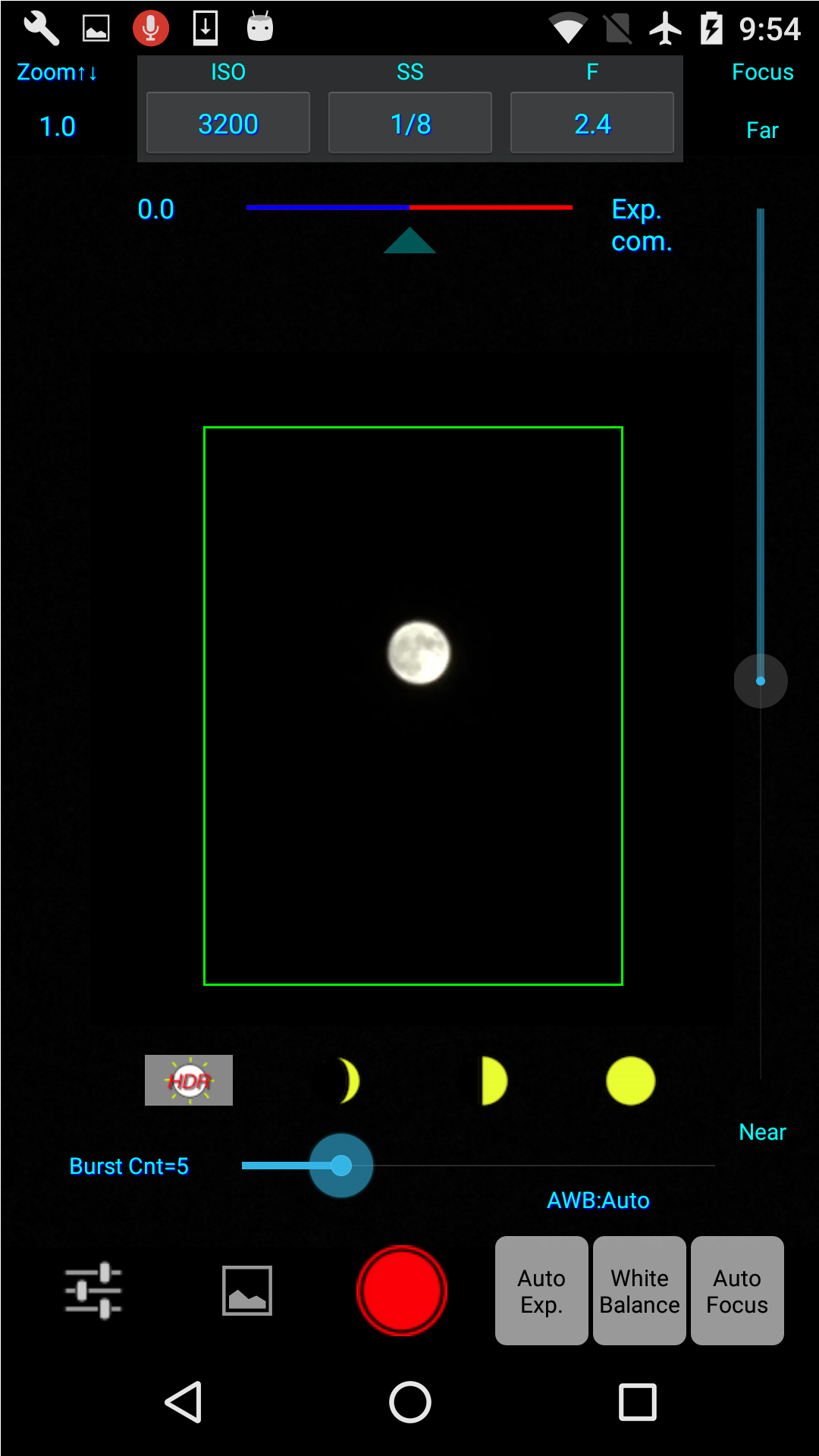
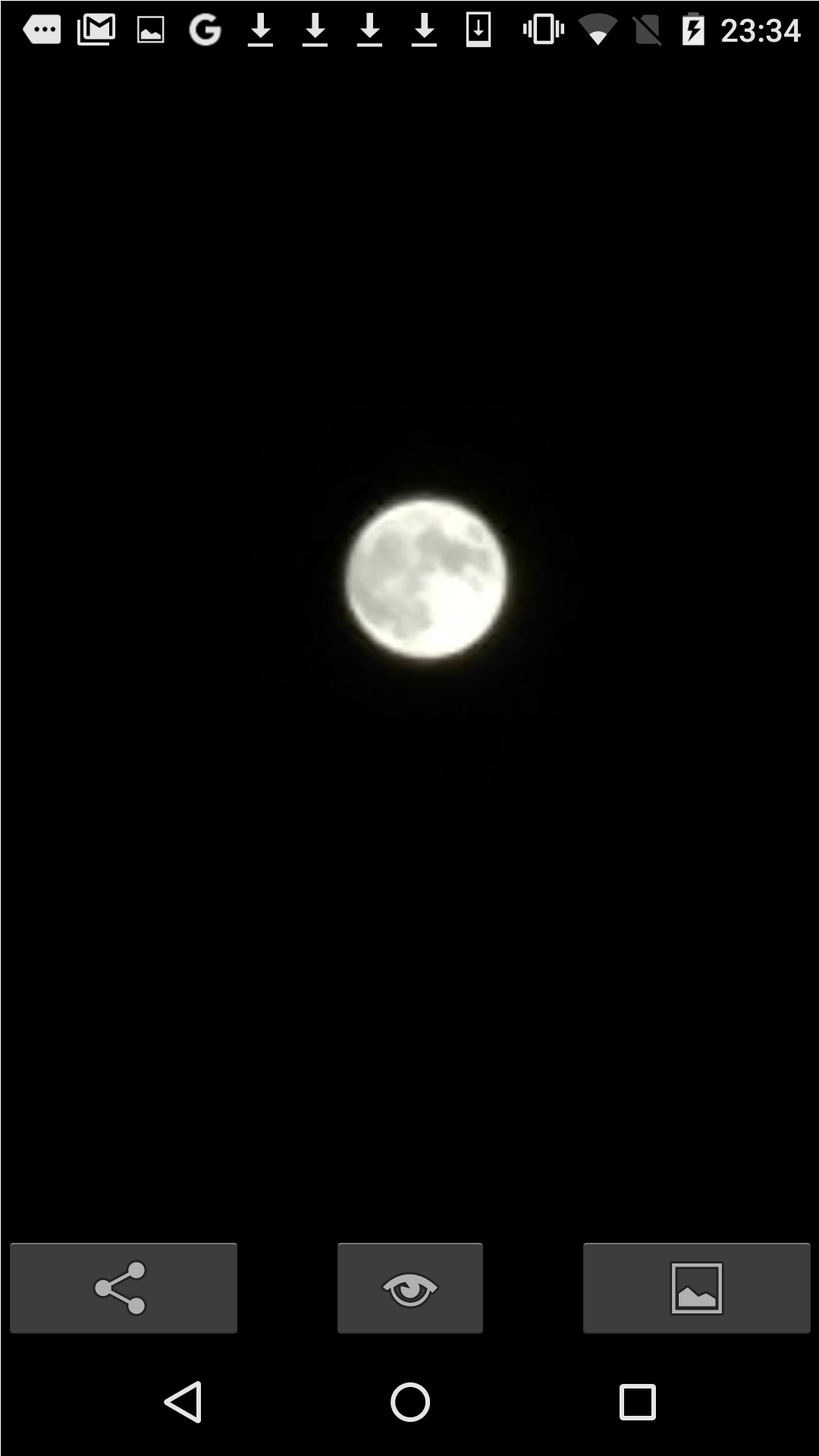
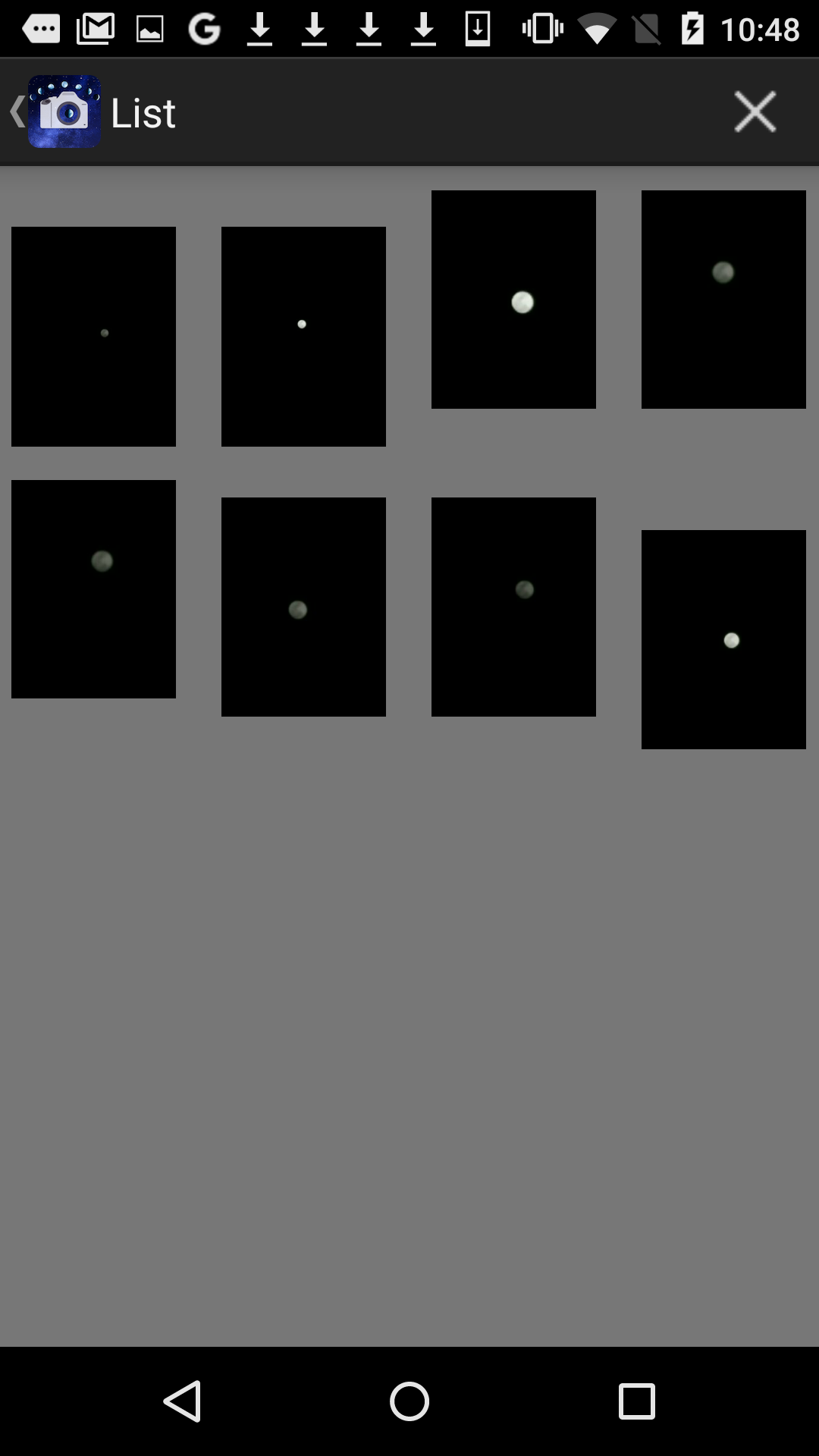
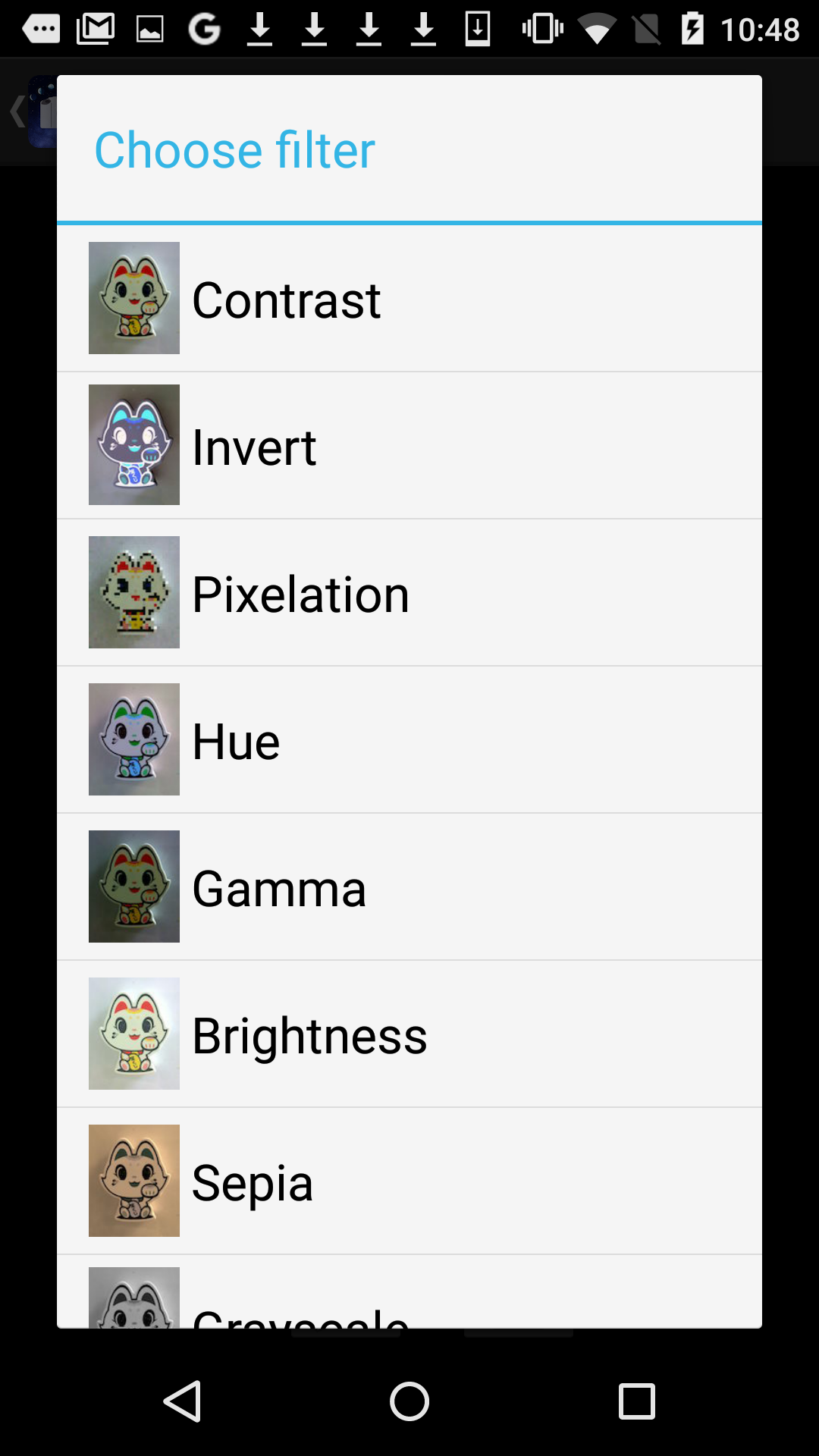
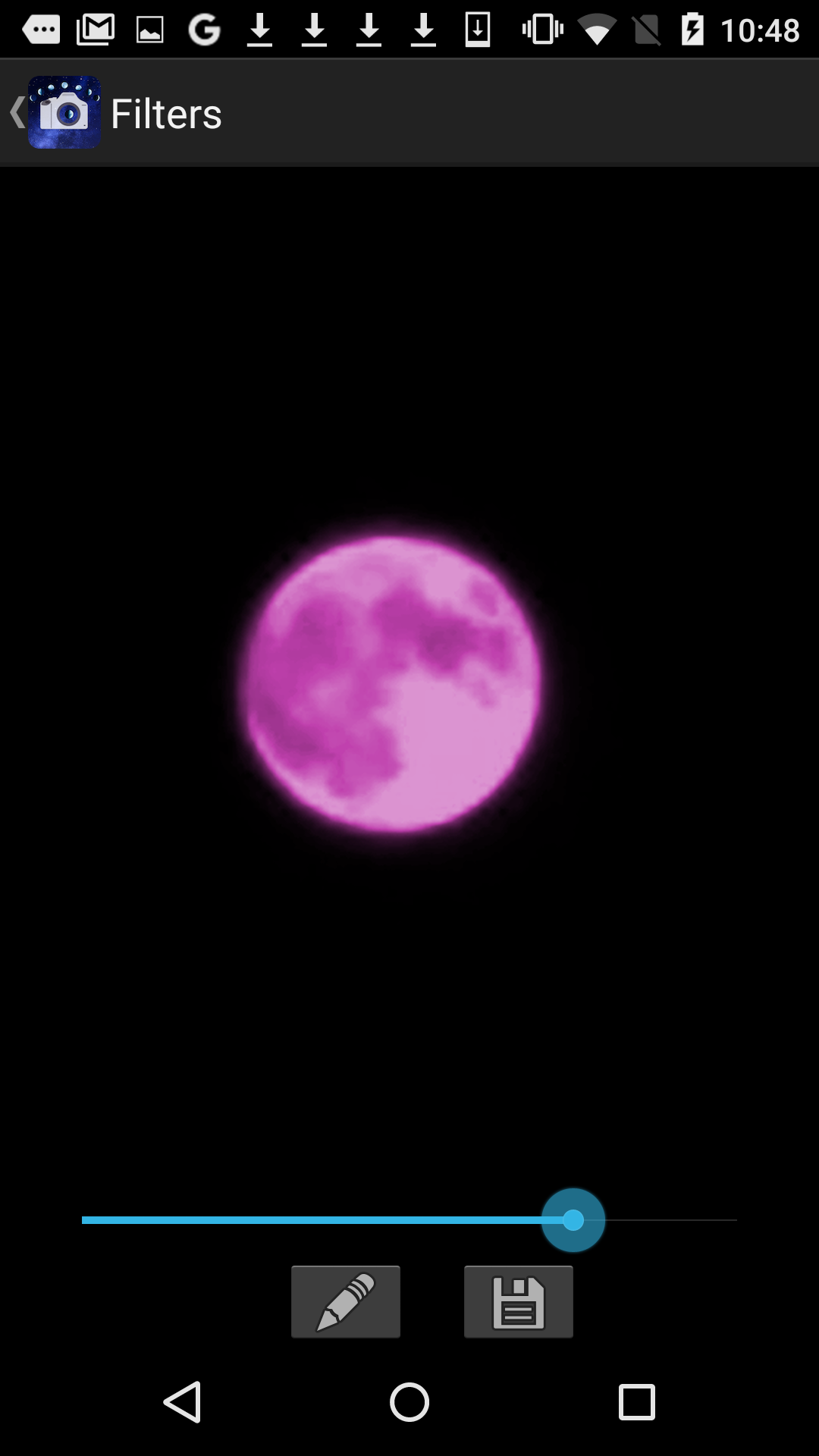
The zooming factor is expanded more than the original so that you can catch the small moon in close-up on the screen. You can do zooming by flicking the screen up and down. It utilizes the hand-operated control function of the camera and allowed you to take pictures of the bright moon in the night sky with appropriate brightness by turning down exposure. In addition, it makes the pattern on the moon clear by emphasizing black parts with combining the plural images after consecutive shots. It has HDR function for daytime photographs, and you can take pictures easily with high dynamic range by changing the number of the consecutive shots and composition sheets. You can use more than 40 kinds of filters which make various effects to the photographs. You become able to use all functions by purchasing a paid version. This app functions are as follows. (1) Photography function for a crescent moon, a waxing moon and a full moon. It combine the plural images of the consecutive shots of the moon in the night sky into one high-definition image using the most suitable multiple exposure technique. It sets each exposure in response to a crescent moon, a waxing moon or a full moon appropriately. (Darken exposure) It combines photos of 1-3 times of consecutive shots into one. (Some models might not be able to set adequate exposure level) (2) HDR function It combines photos of consecutive shots changing exposure with each timing into one piece of photo which has artificially expanded dynamic range. You can set the number of consecutive shots to 1-20. (3) Camera function ・Indication of exposure information It displays ISO level, shutter speed and aperture stop in real time. (Some models do not display them) ・White balance setting In addition to automatic setting, you can set the white balance corresponding to the conditions such as incandescent, daylight, shade, etc. ・Zoom function You can zoom in or out by flipping down or up action. In addition to the maximum zoom magnification that the camera permits, it independently enlarges zoom magnification. In this case, it surrounds the zoom area with green frame lines and let you know easily a zoom position at the whole. ・Resolution You can select all resolution that a camera has. (Only in the paid version) (4) Other functions ・Shake correction It minimizes the position displacement in combining the plural images at the consecutive shots. ・Gallery The photographs taken by this app are stored in the storage and you can see the list of them on a list screen. (Only in the paid version) You can delete the image by tapping an ✖️icon and choosing images, then tapping a trash box icon. ・Image processing When you tap a thumbnail, the image will be enlarged. When you tap an editing icon here, it displays a list of filters for image processing. This app has about 40 filters such as 'Brightness','Contrast','Blur','Sharpening','Sepia','Monochrome','Edge detection', 'Sketch' and so on. Select a filter from these filters and you can do actual processing to the image on the screen by the selected filter. The image processed can be stored in the storage, then you can do another processing subsequently. ・Share function You can share photographs through email or various SNS. *** This app includes the following open sources. ・openCV(Copyright (C) 2000-2015, Intel Corporation, all rights reserved.; Copyright (C) 2009-2011, Willow Garage Inc., all rights reserved.; Copyright (C) 2009-2015, NVIDIA Corporation, all rights reserved.; Copyright (C) 2010-2013, Advanced Micro Devices, Inc., all rights reserved.; Copyright (C) 2015, OpenCV Foundation, all rights reserved.; Copyright (C) 2015, Itseez Inc., all rights reserved.) ・GPUImage for android(Copyright 2012 CyberAgent, Inc.) ・GPUImage(Copyright (c) 2012, Brad Larson, Ben Cochran, Hugues Lismonde, Keitaroh Kobayashi, Alaric Cole, Matthew Clark, Jacob Gundersen, Chris Williams. All rights reserved.)
APKFab.com and the download link of this app are 100% safe. All download links of apps listed on APKFab.com are from Google Play Store or submitted by users. For the app from Google Play Store, APKFab.com won't modify it in any way. For the app submitted by users, APKFab.com will verify its APK signature safety before release it on our website.