Modern Analog Clock-7

8.9 357

v6.0 by Style-7

Modern Analog Clock-7 XAPK download Modern Analog Clock-7 XAPK download

About Modern Analog Clock-7

Modern Analog Clock-7 (Package Name: com.style7.modernclockforandroid_7) is developed by Style-7 and the latest version of Modern Analog Clock-7 6.0 was updated on November 24, 2025. Modern Analog Clock-7 is in the category of Tools. You can check all apps from the developer of Modern Analog Clock-7 and find 52 alternative apps to Modern Analog Clock-7 on Android. Currently this app is for free. This app can be downloaded on Android 5.0+ on APKFab or Google Play. All APK/XAPK files on APKFab.com are original and 100% safe with fast download.
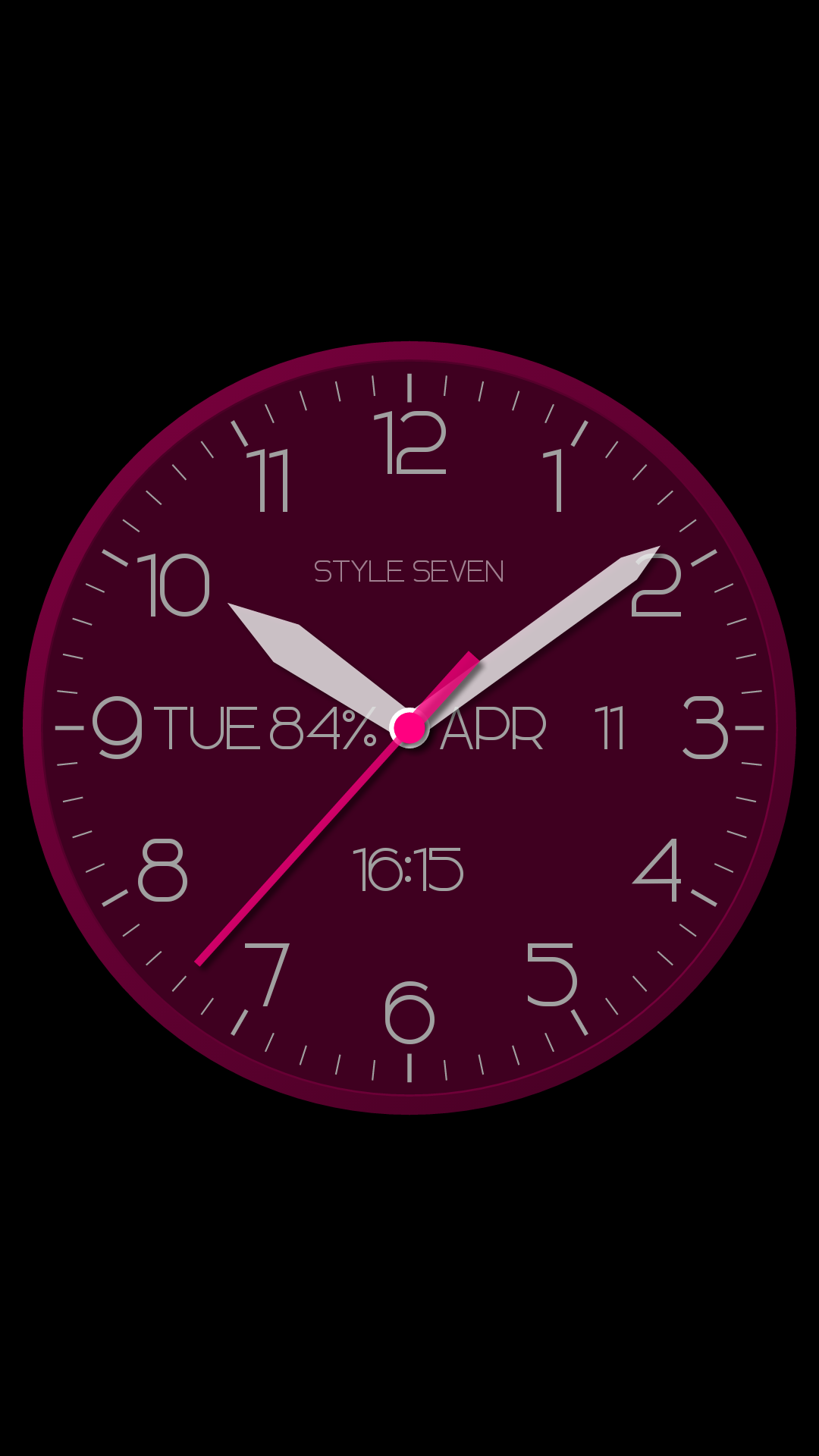
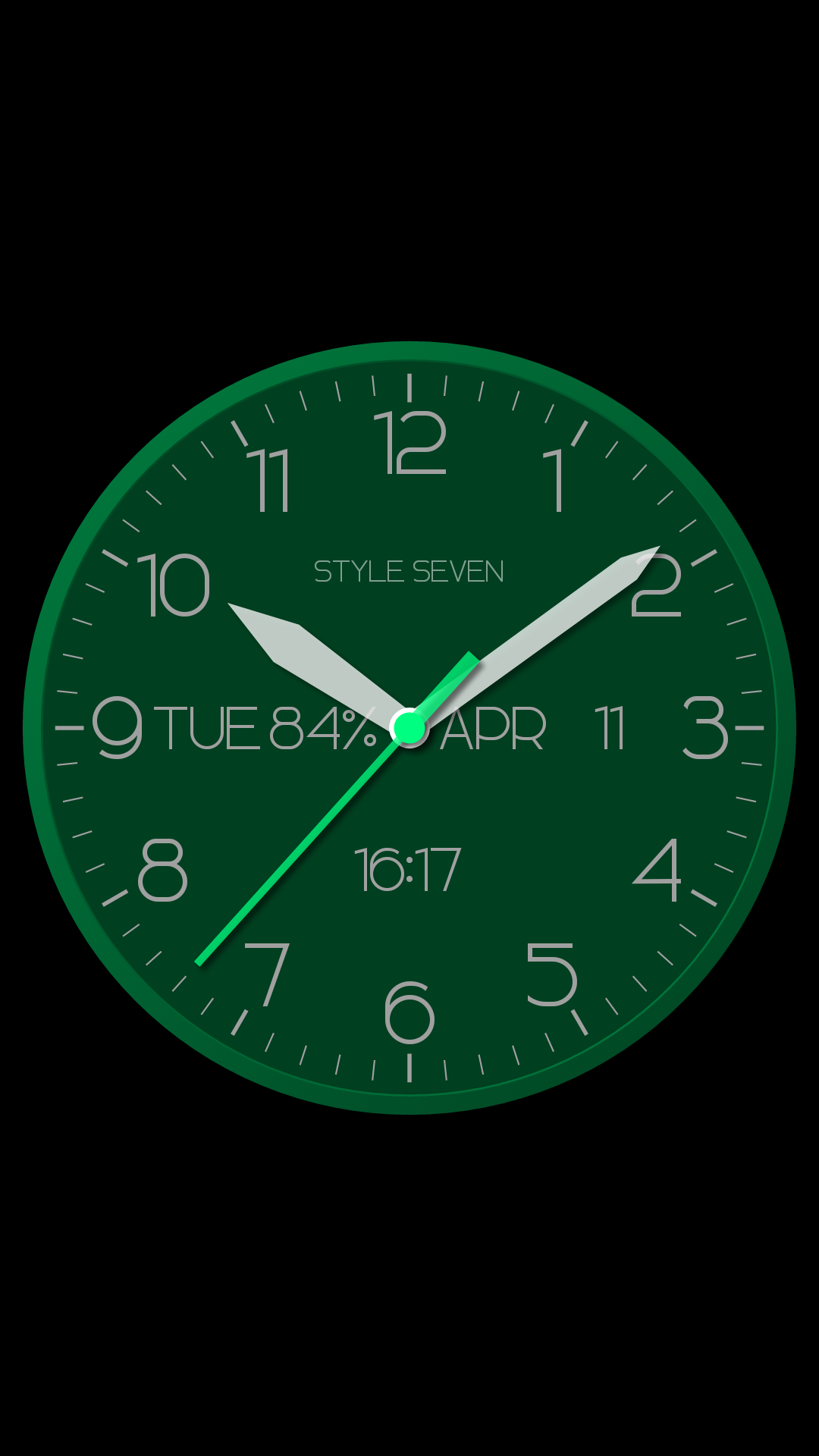
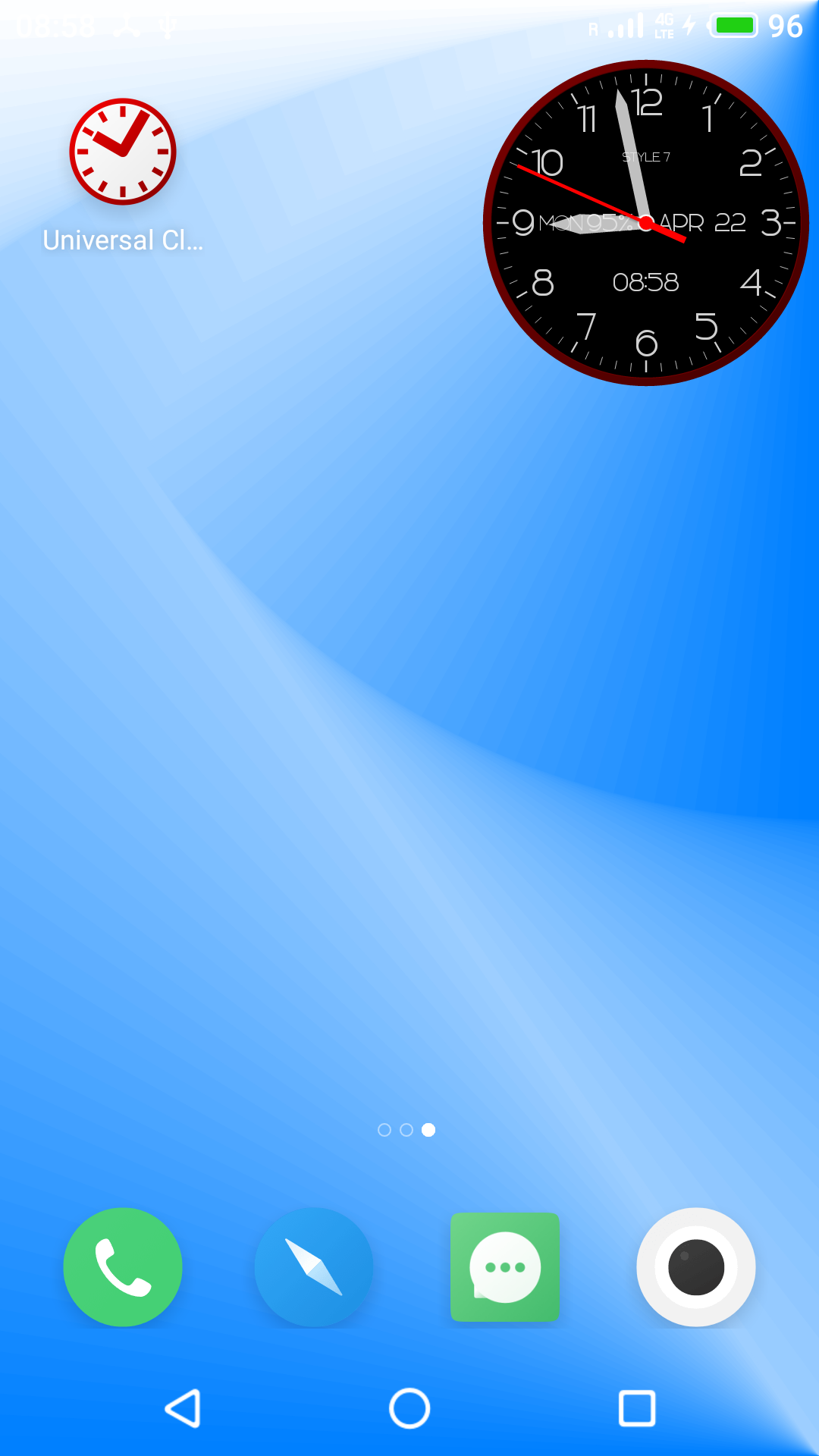
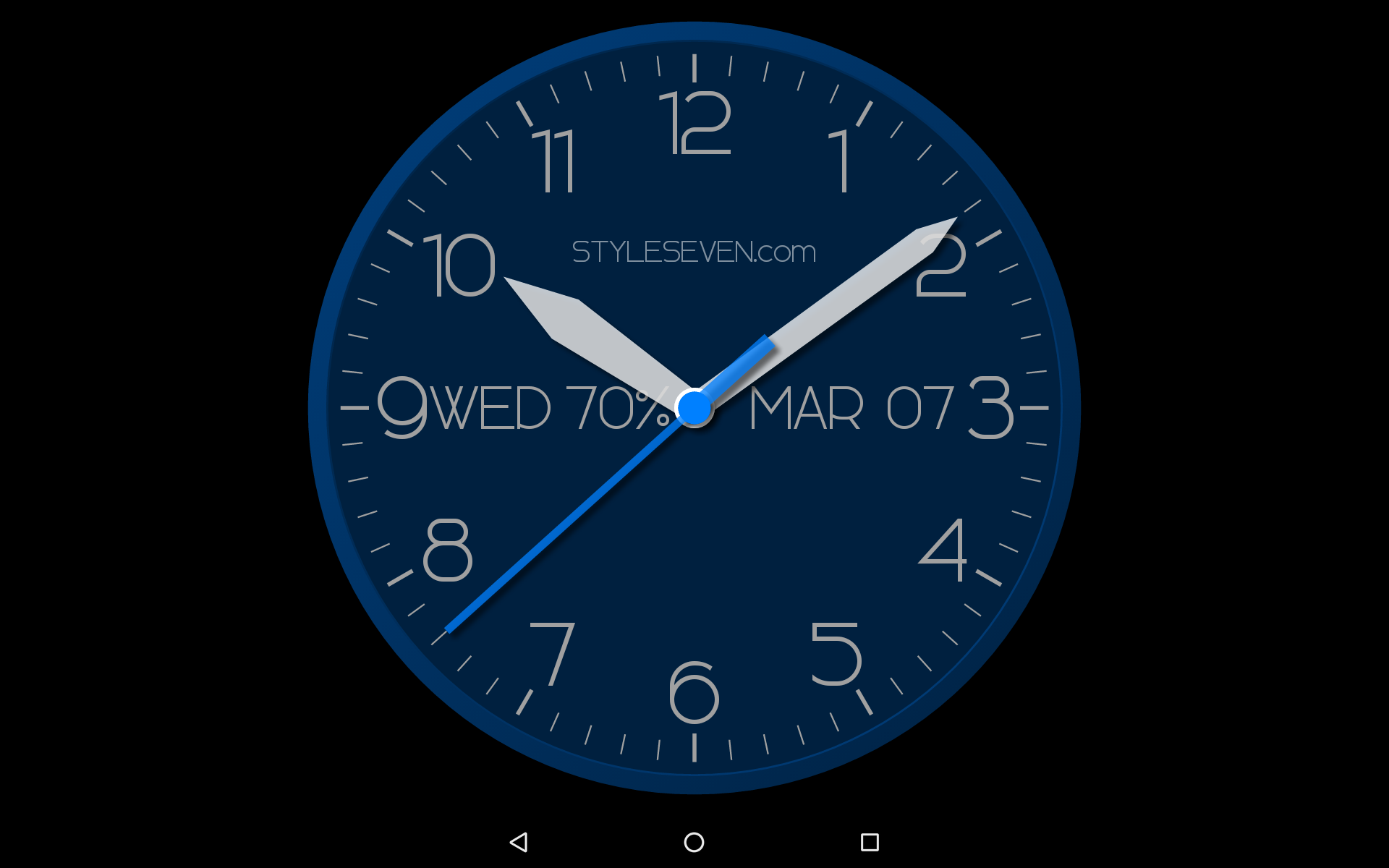
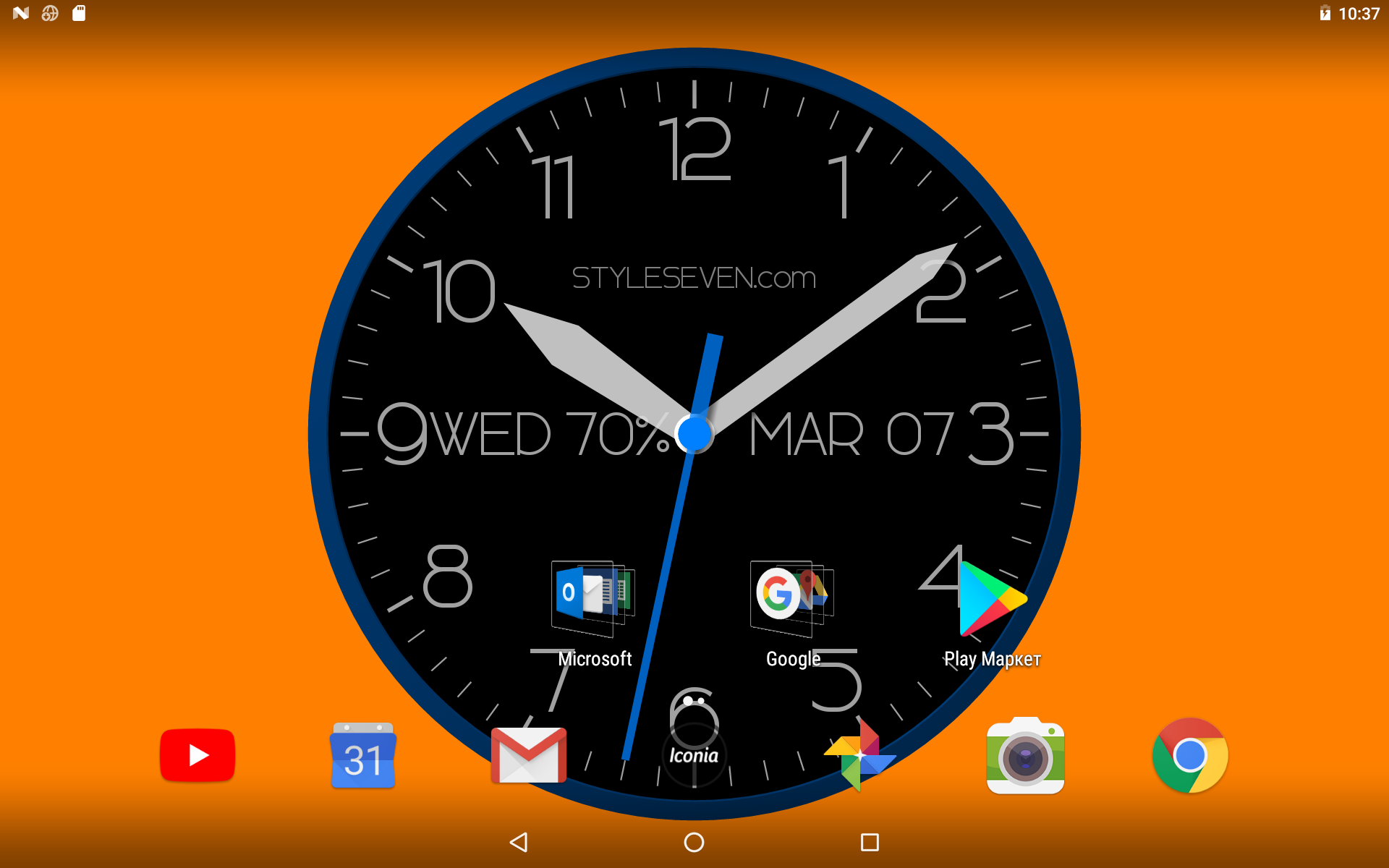
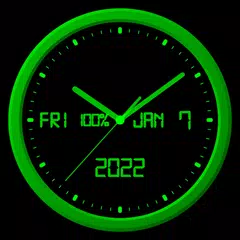
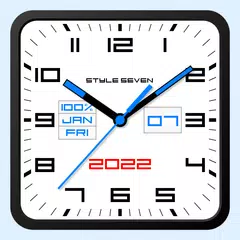
Original color analog clock based on one color. You can use it as application, Live Wallpaper and widget. The clock also shows the current date, month, day of the week, battery charge and can hint the current time by voice.
Use the analog clock as topmost or overlay clock. The clock will be set under all windows. You can change position of the clock by drag and drop method and size of the clock.
Use the analog clock as screensaver while a device is charging.
🕒 Use analog clocks as “Night Clock” — a calm mode with economy style (black background and dark‑gray hands) that saves battery.
Random position change every minute protects the screen from burn‑in.
All options work in Fullscreen mode, Live Wallpaper, and Screensaver.
🌙 Use analog clocks as “Always on Screen” — the clock remains visible even when the screen is turned off. ⚠ Important: the function does not start automatically, you need to launch it manually in Fullscreen mode.
“Always on Display” emulation works through additional options: 🔆 brightness control and Auto‑lock on exit.
Additional features:
* Change slot position for date, month, day of the week, battery charge or hide slots.
* Set background color.
* Color or black dial.
* Set a background image;
* Time to speech by double tap or periodically.
Additional options for Live Wallpaper:
* Set size and align the clock on the Home screen.
Additional options for widget:
* Show second hand on/off.
* Action by tap: open this app, time to speech, open inbuilt Alarm app.
* Resize widget by standard method.

Modern Analog Clock-7 6.0 Update

⚙️ Settings → Night Mode
🕒 Economy style (black background and dark‑gray hands) helps save battery
🔄 Random position change every minute protects the screen from burn‑in
📱 All options work in Fullscreen mode, Live Wallpaper, and Screensaver
🌙 In Fullscreen mode you can enable Always on Display emulation through options: brightness control and Auto‑lock on exit. ⚠ Important: the function does not start automatically, you need to launch it manually
Read More
Modern Analog Clock-7 Features
Related Videos
Previous Versions More
Modern Analog Clock-7
Modern Analog Clock-7 6.0 XAPK APKs
November 24, 2025 5.01 MB

Requires Android: Android 5.0+

Screen DPI: nodpi

SHA1: 40e1a8c30c4e57ed3b4c406a00b5409d030e71e1

Size: 5.01 MB

What's New:

⚙️ Settings → Night Mode
🕒 Economy style (black background and dark‑gray hands) helps save battery
🔄 Random position change every minute protects the screen from burn‑in
📱 All options work in Fullscreen mode, Live Wallpaper, and Screensaver
🌙 In Fullscreen mode you can enable Always on Display emulation through options: brightness control and Auto‑lock on exit. ⚠ Important: the function does not start automatically, you need to launch it manually
Modern Analog Clock-7
Modern Analog Clock-7 5.7 XAPK APKs
September 26, 2025 9.7 MB
Variant
Arch
Version
DPI
Android 5.0+
nodpi
Android 5.0+
nodpi
Android 5.0+
nodpi
Modern Analog Clock-7
Modern Analog Clock-7 5.61 XAPK APKs
April 28, 2025 5.1 MB

Requires Android: Android 5.0+

Screen DPI: nodpi

SHA1: a5e61f85dd4097a461c60d171aeb0b8247a17986

Size: 5.1 MB

What's New:

* Menu - Help;
* Minor changes.
Modern Analog Clock-7
Modern Analog Clock-7 5.6 APK
April 4, 2025 5.4 MB

Requires Android: Android 5.0+

Screen DPI: nodpi

SHA1: 987cc84889a4ff0da57d1a61fdb5c732b2f89d4f

Size: 5.4 MB

What's New:

Screen saver for charging device.
For set: Menu-Set clock as-Screen saver.
For help (reccomended for read): Menu-Help.
For tune: Settings-Screen saver.
More Information

Category:

Tools Apps

Update Date:

Latest Version:

6.0

Need Update:

Submit latest version

Available on:

Google Play

Requirements:

Android 5.0+