IllustPoser (Package Name: net.t_denrai.mmdagent) is developed by 株式会社朝日健康システム and the latest version of Illust Poser 6.0.0 was updated on March 28, 2020. Illust Poser is in the category of Art & Design with the feature Entertainment. You can check all apps from the developer of Illust Poser and find 82 alternative apps to Illust Poser on Android. Currently this app is for free. This app can be downloaded on Android 5.0+ on APKFab or Google Play. All APK/XAPK files on APKFab.com are original and 100% safe with fast download.
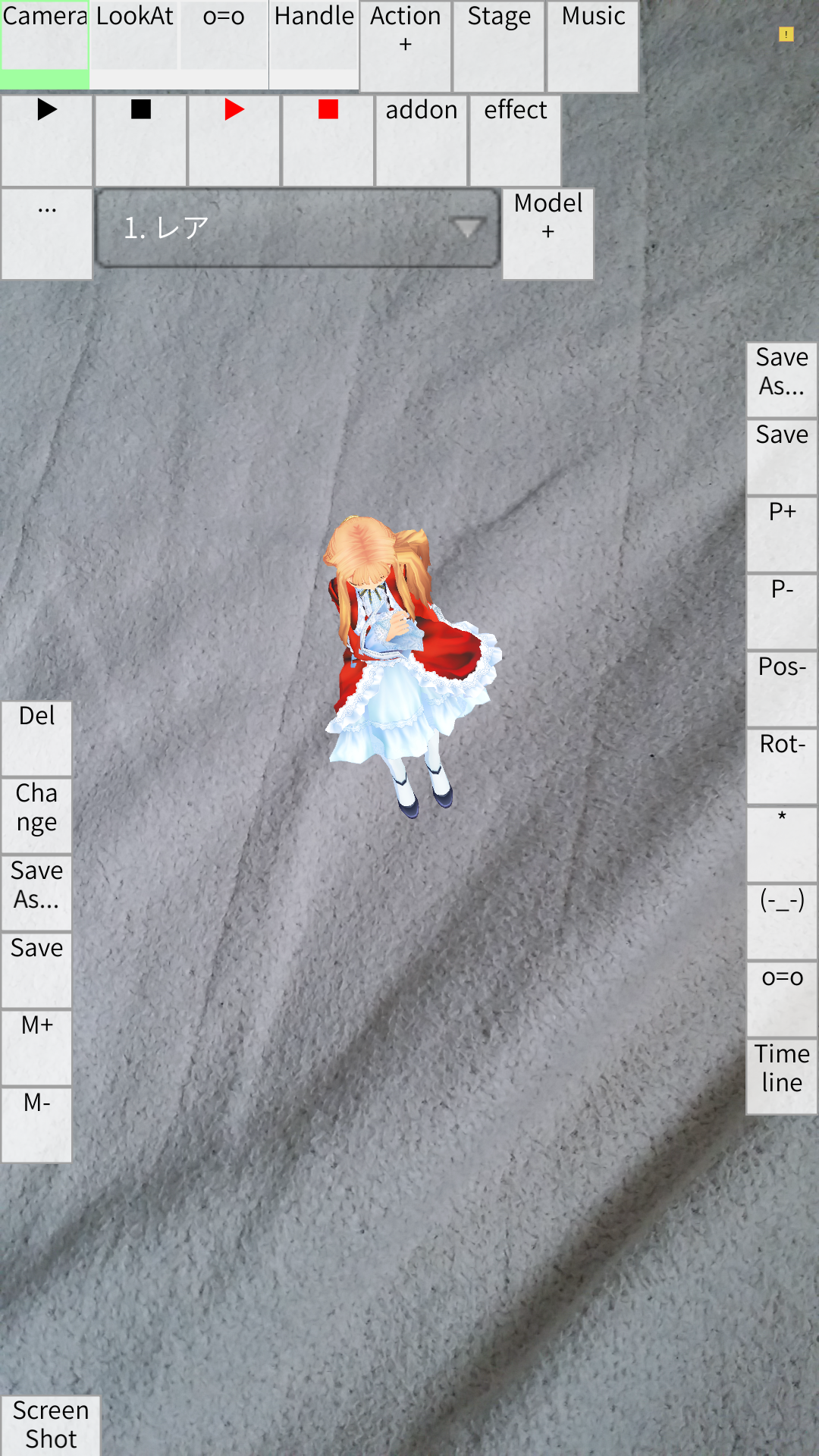
■About this app Illustration Poser is an Android-only application that allows you to make 3D characters pose. This app supports loading the following files pmd/pmx: model files vmd: motion files vpd: Pose files When you install the application for the first time, you will be asked to select write permission, so please allow it. If you do not, you will not be able to open the file. When the buttons are too small and difficult to press In video production mode, press the "..." button in the "Interface" tab and move the DPI bar to the right. How to make a model dance 1. In "Model Creation" mode, press the "+" button and select a model from the file selection. 2. In "Animation creation" mode, press the "Add vmd" button and select a motion from the file selection. 3. In "Animation creation" mode, press ▶ button to start playback. 4. For camera motion, press the area where the model name is displayed in the "Model Creation" mode, select "Camera/Lighting", and then perform steps 2 and 3. How to register accessories 1. Load the accessory as a model. 2. Select the model where you want to place the accessory 3. Select the bones of the model 4. Click the "Register Accessory" button to register the accessory. How to playback motion with different expressions and positions 1. Click the "Timeline" button in "Animation Creation" to open the window and select frame 0. 2. Change facial expressions in "Pose Creation". 3. Press the "Pose Registration" button in "Animation Creation" to register the current pose in frame 1. 4. Press the "Play" button to play the animation. When the operation goes wrong Deleting the setting data may fix the problem. Delete "MMDAgent/save.dat" in the SD or internal storage. Supported files Stage files (pmd/pmx/x/lwo/zip) Model files (pmd/pmx/x/lwo/zip) VMD files (vmd/zip) Music files (wav/mp3) Pose files (vpd/zip)
* Fixed morph not being updated without bone update * Fixed skinning not being updated again when returning from standby * Text input for gravity setting * Text input for edge setting
APKFab.com and the download link of this app are 100% safe. All download links of apps listed on APKFab.com are from Google Play Store or submitted by users. For the app from Google Play Store, APKFab.com won't modify it in any way. For the app submitted by users, APKFab.com will verify its APK signature safety before release it on our website.