MiVuePro (Package Name: com.mitac.mitubepro) is developed by Mio Technology and the latest version of MiVue Pro 1.1.233.1 was updated on September 22, 2026. MiVue Pro is in the category of Tools with the feature Social. You can check all apps from the developer of MiVue Pro and find 132 alternative apps to MiVue Pro on Android. Currently this app is for free. This app can be downloaded on Android 8.0+ on APKFab or Google Play. All APK/XAPK files on APKFab.com are original and 100% safe with fast download.
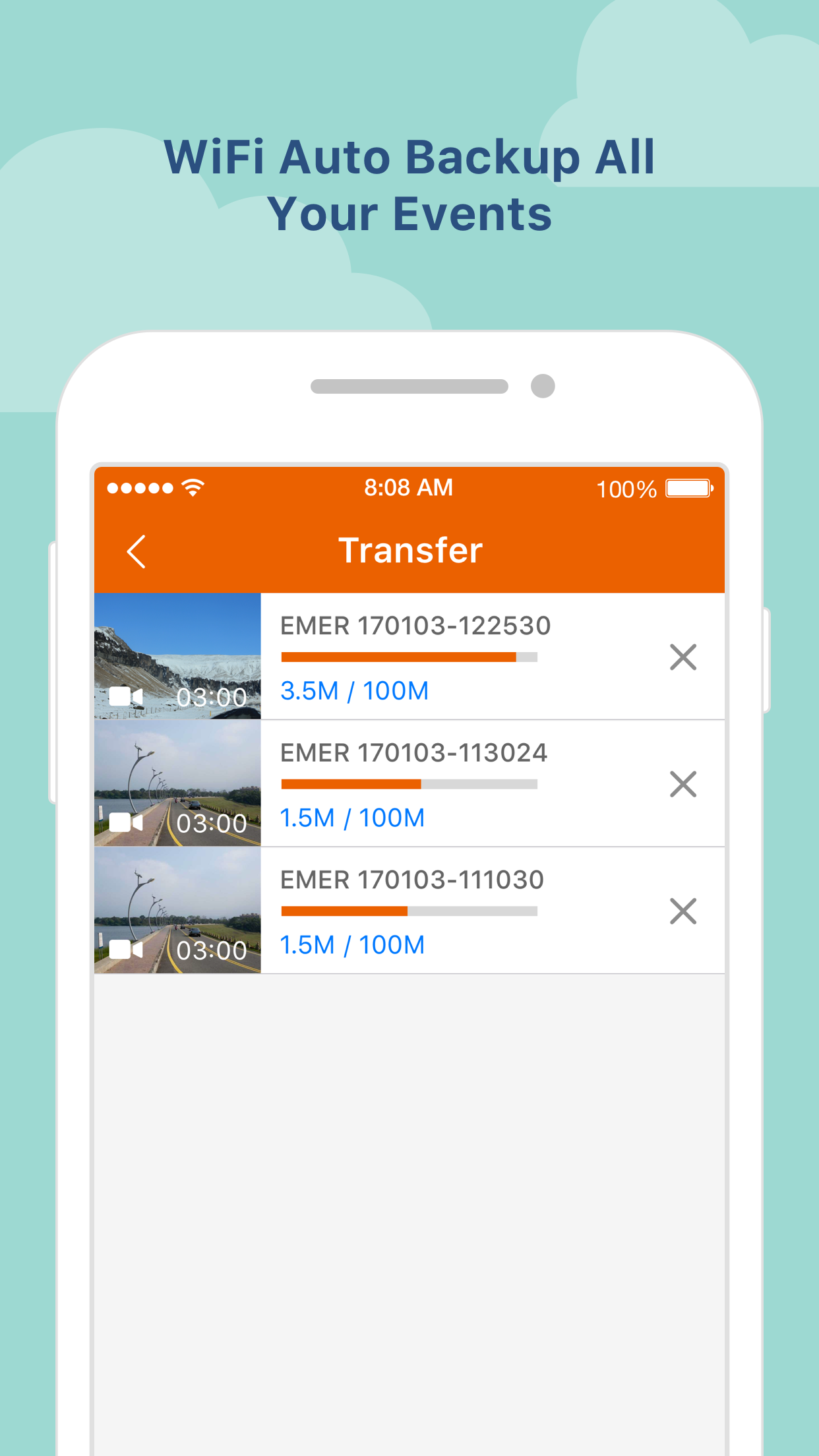
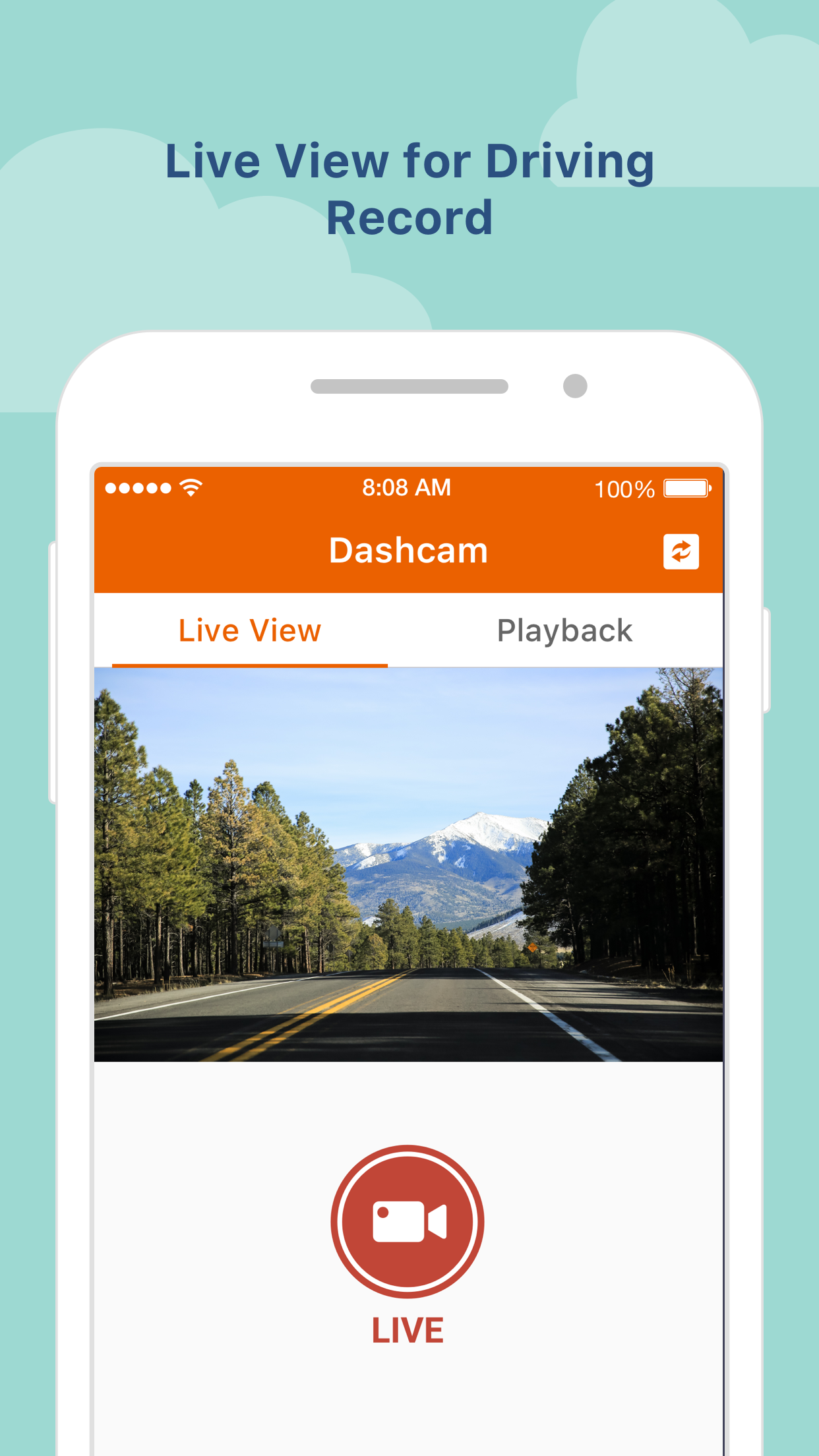
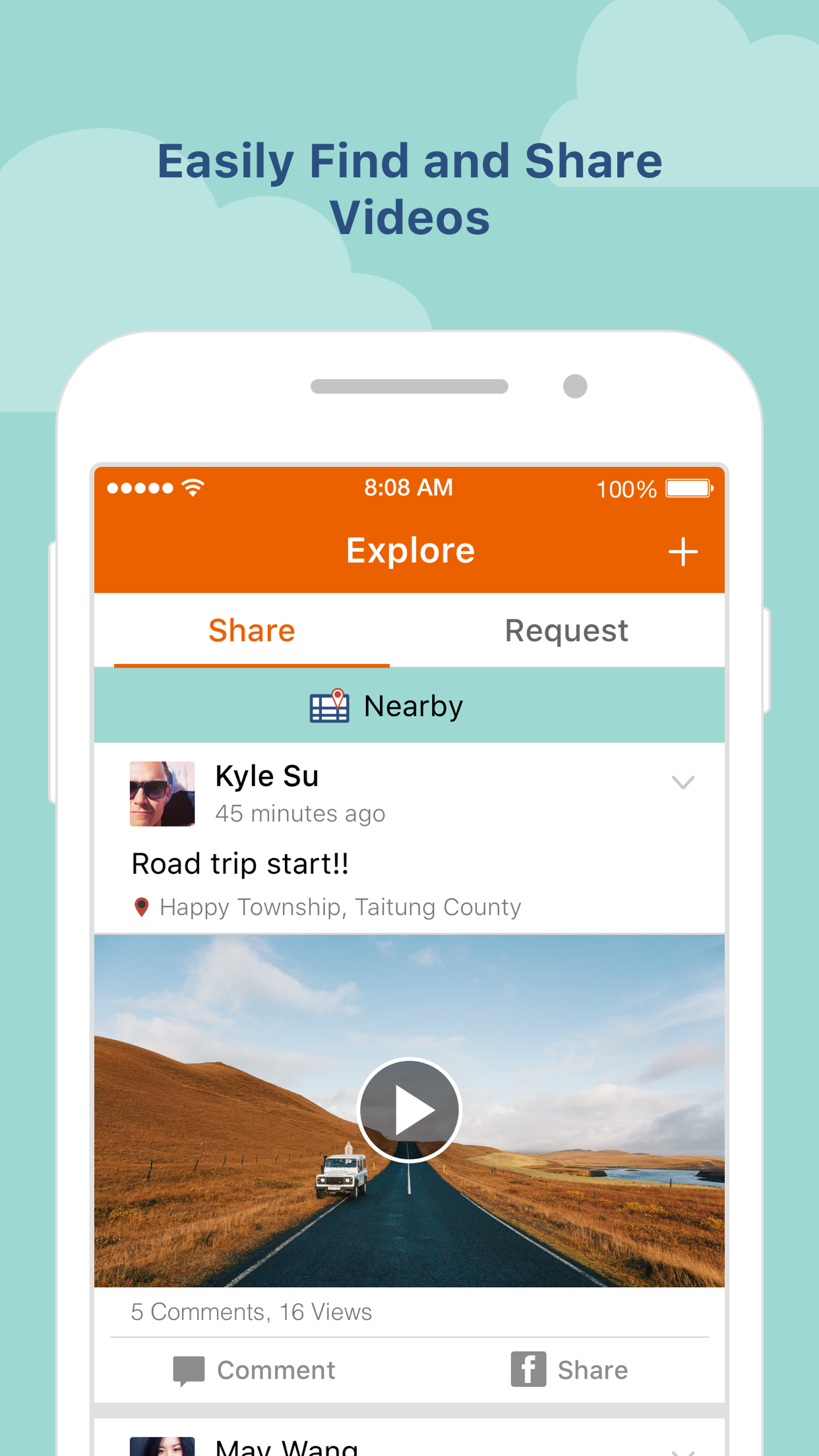
Sent on impact, seen on mobile! When an incident happens, the dash cam will automatically save the file to the event folder and send footage to the MiVue™ Pro app via WIFI in real-time (WIFI video backup function won’t consume your 3G/4G data, it uses point-to-point transmission technology). You can transmit the picture or video from Mio dash cam to your smartphone through Wi-Fi, and store the picture and video in the shared storage of smartphone. When you open MiVue Pro app, you can review or delete the files which you’ve stored in smartphone via MiVue Pro directly. Live View and video organizer Click “Live View” to adjust horizontal level of the camera before installation. Videos will be categorized by date and type (Normal, Event or Parking mode folders). Set up your dash cam through the MiVue™ Pro app Change the settings and format the memory card of the dash cam directly through your smartphone. WIFI OTA (Over-the-Air) update Use your smartphone to download and update the firmware, speed camera data and voice versions without having to withdraw the memory card. (Downloading data will consume your 3G/4G data, the update settings may vary depending on the different dash cam models). * APP function may vary depending on different dash cam models. If you have any issue when you connect to app, please refer the FAQ below https://service.mio.com/M0100/F0110_DownLoad_Faq.aspx?bullid=AllBull&faqid=131685 for trouble shooting. If the problem couldn't be solved, please provide your smartphone model, OS version, and the device model. Also, please describe your problem and scenario for us, our service team will reply you asap.
MiVuePro 1.1.233.1 Update
• Brand-new gallery experience with thumbnail previews for videos and photos, making it easier to browse SD card files. • New Home screen UI with improved navigation and usability. • Added download status indicators for quick identification of downloaded files. • Improved video playback, full-screen viewing, multi-camera switching, and photo preview. • Enhanced NFC, Bluetooth, Wi-Fi connectivity, and OTA update reliability. • Various bug fixes and performance improvements.
• Brand-new gallery experience with thumbnail previews for videos and photos, making it easier to browse SD card files. • New Home screen UI with improved navigation and usability. • Added download status indicators for quick identification of downloaded files. • Improved video playback, full-screen viewing, multi-camera switching, and photo preview. • Enhanced NFC, Bluetooth, Wi-Fi connectivity, and OTA update reliability. • Various bug fixes and performance improvements.
Fixed an issue where the app might show a “Not Responding” error in certain scenarios. Improved the reconnection flow and message display after changing the Wi-Fi password. Fixed reconnection issues on some QR Code-supported models after changing the password. Fixed incorrect message display during playback of downloaded videos. Fixed issues related to speed camera detection toggle and GPS reminder messages. Fixed an issue where SD card video preview might play audio without displaying video.
Fixed an issue where the app might show a “Not Responding” error in certain scenarios. Improved the reconnection flow and message display after changing the Wi-Fi password. Fixed reconnection issues on some QR Code-supported models after changing the password. Fixed incorrect message display during playback of downloaded videos. Fixed issues related to speed camera detection toggle and GPS reminder messages. Fixed an issue where SD card video preview might play audio without displaying video.
• Improved user experience • Faster and more stable Wi-Fi connection • Refined Wi-Fi password flow (clearer second confirmation) • Simplified first-launch onboarding for a smoother setup • String fixes • Corrected UI text and translations • Bug fixes • Fixed issues related to Photos/Album permission in certain scenarios
APKFab.com and the download link of this app are 100% safe. All download links of apps listed on APKFab.com are from Google Play Store or submitted by users. For the app from Google Play Store, APKFab.com won't modify it in any way. For the app submitted by users, APKFab.com will verify its APK signature safety before release it on our website.