Links Saver (Package Name: com.linkssaver.thelinksbox) is developed by LinksSaver IT and the latest version of Links Saver 6.22 was updated on December 9, 2020. Links Saver is in the category of Productivity. You can check all apps from the developer of Links Saver and find 164 alternative apps to Links Saver on Android. Currently this app is for free. This app can be downloaded on Android 6.0+ on APKFab or Google Play. All APK/XAPK files on APKFab.com are original and 100% safe with fast download.
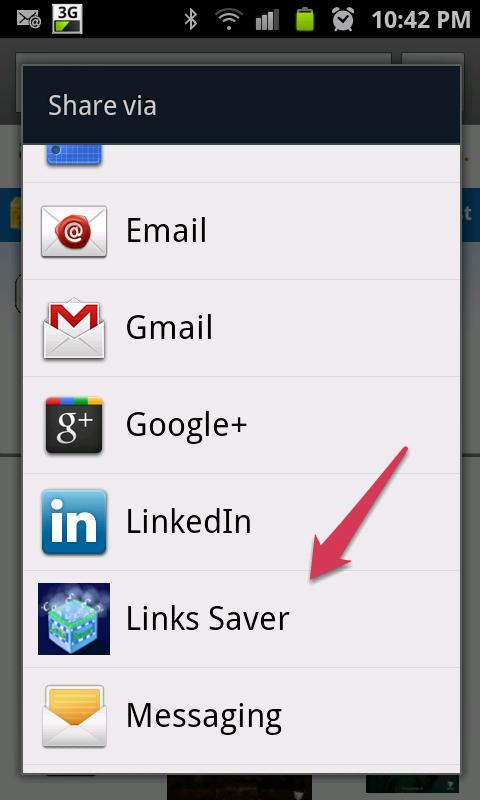
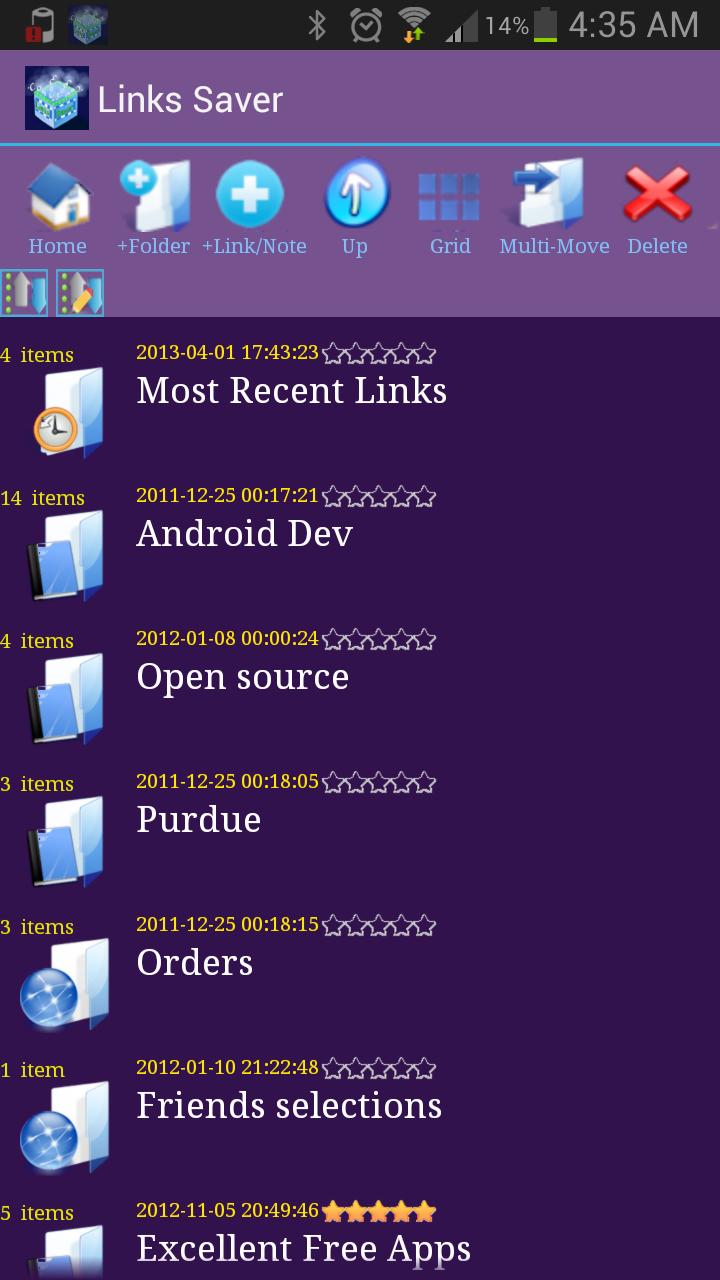
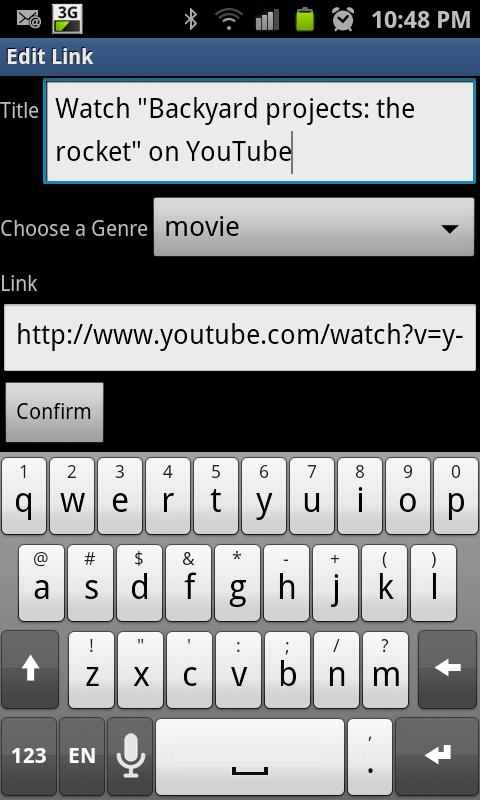
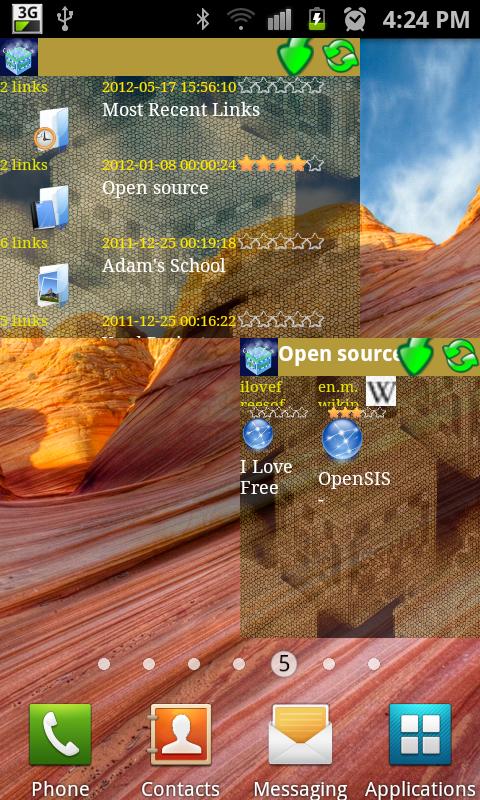
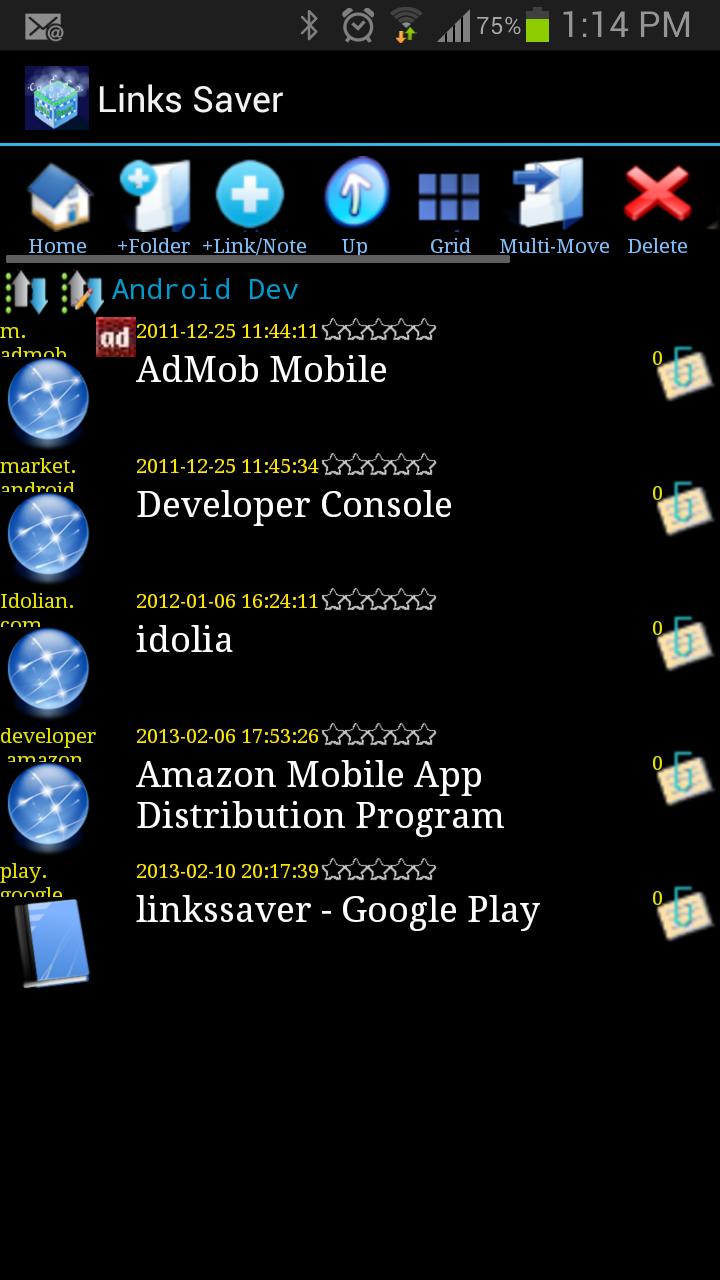
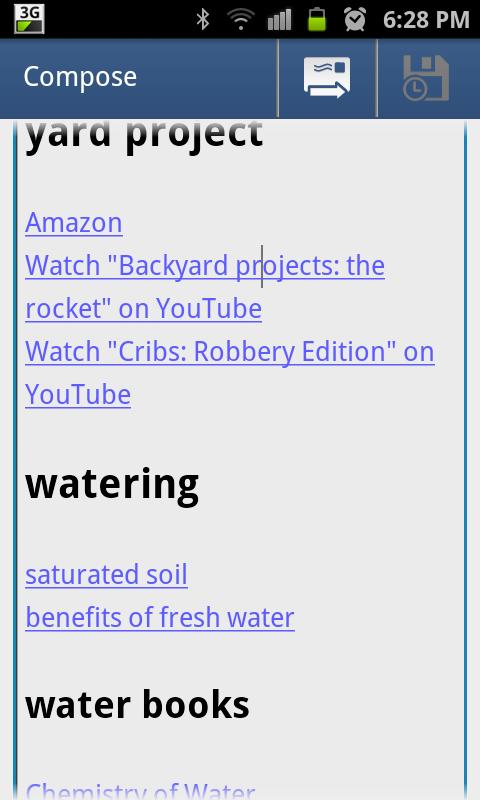
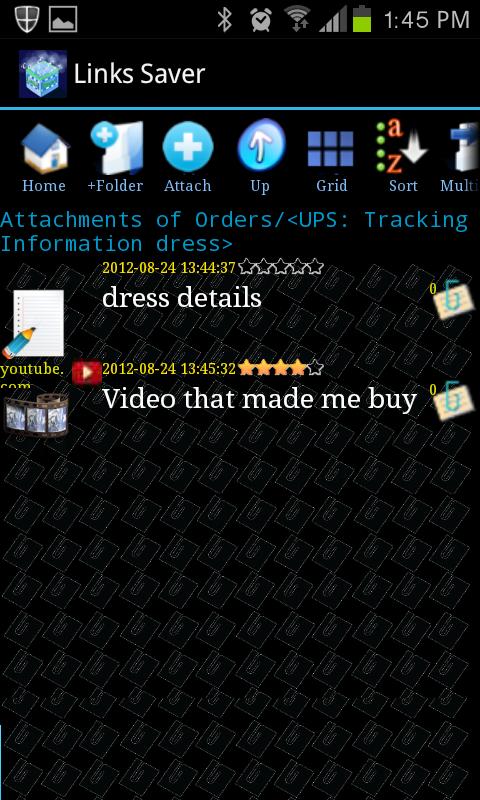
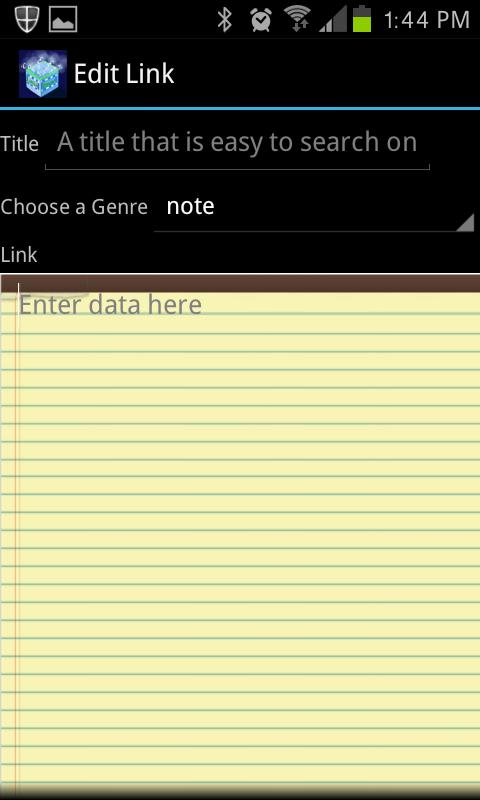
A totally different websites Bookmarker. Versatile and flexible media player with emphasis on personalizing playlists with annotation. Link to your websites and also phone songs, movies, documents, and all files. Annotate with notes, images, website, and other files types. https://www.youtube.com/embed/9_BoQoOs_LE Bookmark: An easy to use Bookmarking application for easy storage and organization of internet links you encounter in browsers, emails, blogs, etc. Like to accumulate a storyboard of links before sharing? Then, build these in a folder and share the entire folder in one click when you are ready. Can't remember a link for an important article? Then, maybe you need this application to start organizing important internet links you encounter and attach important notes and reminders to them as you bookmark them inside this app. Don't have time to go over the many links friends send you? Store in a Links Saver folder and comeback to them at your convenience. Even stores offline downloads of the pages. You can backup and share entire structures and substructure from LinksSaver. LinksSaver uses standard XML format for this. You can download as many pages for offline reading as you want from a website link allowing you to create a site history trail. These can also be archived and shared with your links. Link to files: You can also add LinksSaver links to local files on local storage. This allows you to have infinite number of file combinations with negligible increase in memory usage. It also allows for all the features you have with your URLs like commenting on files, attaching other files and URL links, and combining with other files and URLs. You can now create many arrangements with one unified view of local file and Internet links. Again, it is very important to emphasize that no copies of any file are made. Only links (pointers) to these files are stored in LinksSaver. So, if you ever wanted to group a video with couple of images and a PDF brochure together but you did not want to move the images from the gallery and you also did not want to make copies of these large files, well, now you can AND you can add comments and attach web URLs, etc. Media Player: You can create playlists and play media files (sound only) of all media types like mp3 using Linkssaver player which also tries to display personal notes attached to every file. It even uses an attached image as the song's cover. This allows you to personalized every song you play. Some annotations also appear on Bluetooth connected devices (Marshmallow onward). Auto-correct links: links to local files that are broken because of change in SSD cards (for changing phones or upgrading SSD storage), can be fixed automatically. Auto zipping is another important functionality. Aren't you tired of having to recreate the structure (copying files left, right and center) of what you want to archive before archiving? well, now there is a solution as a byproduct of saving local file links in LinksSaver. Upon sharing any folder structure or exporting any folder structure, LinksSaver will ask you if you want to share/export an archive of the files of the local links. If you ask for archiving, then LinksSaver will AUTOMATICALLY collect all the files from their various places into one archive without actually copying them. The archive is now ready to share/export. If you are sharing in HTML format, the generated .zip file will have an HTML page with all the internal links of the local files modified to point to the files that are now inside the archive. The receiver just needs to unzip the archive, open the HTML page at the root of the archive, and just click on the links in the page. Links of local files will open attached files in the archive. If you share/export a LinksSaver archive format (.lzip extension), then LinksSaver can automatically unzip and import the entire LinksSaver structure with proper links to all local files with few clicks.
Links Saver 6.22 Update
More protection against crashes. Scale down card view to have more displayed at initial display
APKFab.com and the download link of this app are 100% safe. All download links of apps listed on APKFab.com are from Google Play Store or submitted by users. For the app from Google Play Store, APKFab.com won't modify it in any way. For the app submitted by users, APKFab.com will verify its APK signature safety before release it on our website.