Ledlenser Connect (Package Name: com.triboot.ledlenserconnect) is developed by Ledlenser GmbH & Co. KG and the latest version of Ledlenser Connect 4.0.5 was updated on October 15, 2026. Ledlenser Connect is in the category of Sports. You can check all apps from the developer of Ledlenser Connect and find 200 alternative apps to Ledlenser Connect on Android. Currently this app is for free. This app can be downloaded on Android 5.1+ on APKFab or Google Play. All APK/XAPK files on APKFab.com are original and 100% safe with fast download.
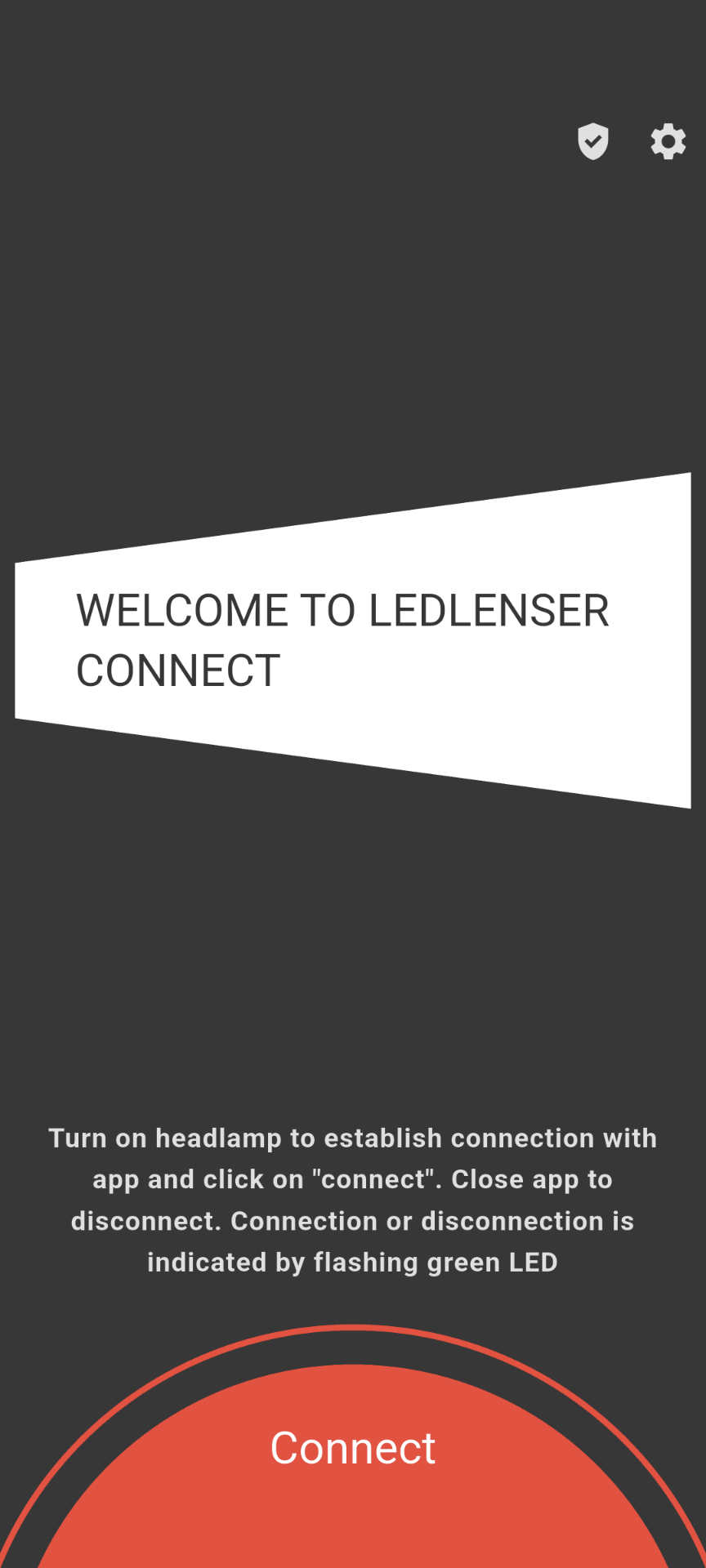
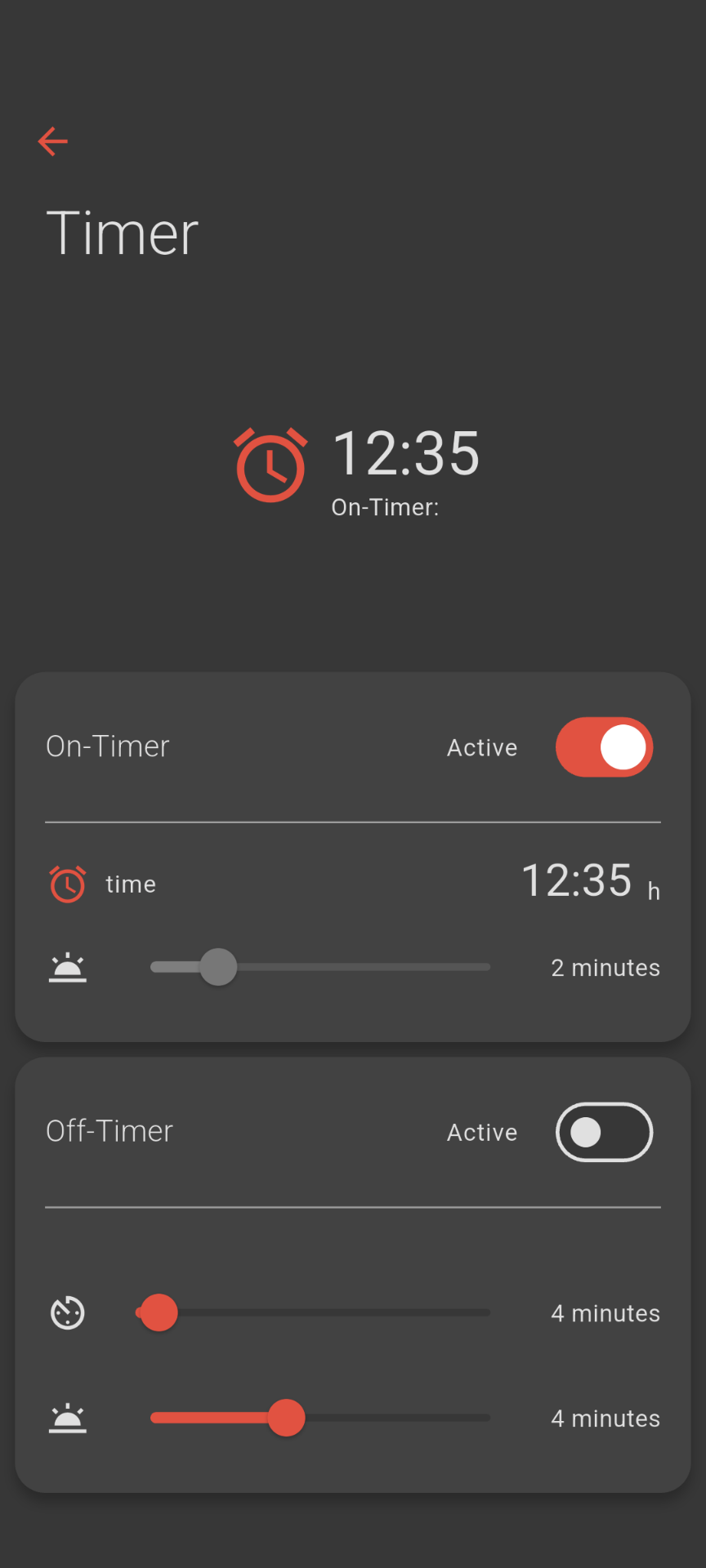
With Ledlenser Connect, you can control and personalize your Ledlenser light via Bluetooth®. The app allows you to adjust your Ledlenser’s light settings to suit your needs. You can create custom profiles, ensuring you always have the right light for your specific application. On some models, timers allow you to schedule when the light turns on and off. Profiles and timers are available for an additional charge on certain models. This feature is not available for H19R models (2026 editions) and the H21R. Compatible with: Ledlenser HF8R Core/Work/Signature, MH11/iH11R, H7R Signature, H19R, H19R Pro, H19R Signature (2020 & 2026 editions), H21R, Bluetooth® 21700 Li-Ion Batterybox, Bluetooth® 2x 21700 Li-Ion Batterybox, Wireless Remote Control Type A, and ML6 Connect WL. Remote and Direct Control: You can control your light not only via the physical switch but also in real-time using the app. This is particularly useful when the light is out of reach—such as when it is hanging or mounted. You can access all the light functions available on the specific model. The "Light Pattern Control" function even allows you to customize the beam pattern of the HF8R, H19R, and H21R (available as a paid upgrade for HF8R Core/Work models), ensuring you have the perfect light for any situation. Personalize Your Light Settings: The "Profiles" section lets you easily select the light functions best suited to your needs. You can configure settings for up to eight different profiles—such as hiking, camping, or working in the dark—tailored to your specific activities. Within a profile, you can freely define up to six light functions—such as brightness, light color, and other features depending on the lamp model. You can send your custom light program to your lamp with the push of a button. It is then immediately available via the lamp's switch—even without a smartphone. Available as a paid upgrade for the HF8R Core/Work. SOS function: In emergency situations, you can use the SOS button to directly transmit an international visual distress signal. The Alpine distress signal is also available on the ML6 Connect WL as well as all HF8R, H19R (2026 Edition), and H21R models. This is helpful, for instance, if mobile phone reception fails in the mountains and mountain rescue services are needed. Light at the right time: On certain models, this function allows you to schedule the lamp to turn on or off at a specific time. This lets you use the light to wake up or ensures the light turns off after a set period to conserve battery life—for example, if you fall asleep. You can also choose whether the light should gradually dim when turning off or gradually brighten when turning on. Available as a paid upgrade for the HF8R Core/Work. This feature is not available for H19R models (2026 editions) and the H21R. Keep track of time with a flashing signal: In certain situations—such as interval training or specific tasks performed in the dark—keeping track of time is important. It is convenient not to have to look at a watch. On some models, your lamp can signal that a specific number of minutes has passed by flashing after a custom-set time interval. The light remains on continuously between intervals but flashes briefly once. With multiple consecutive intervals, "Smart Blink" can indicate the number of completed intervals, allowing you to see at a glance how much total time has elapsed. Available as a paid upgrade for the HF8R Core/Work. This feature is not available for H19R models (2026 editions) and the H21R.
Ledlenser Connect 4.0.5 Update
***Android SDK Updated*** + Display safe areas are now being observed.
APKFab.com and the download link of this app are 100% safe. All download links of apps listed on APKFab.com are from Google Play Store or submitted by users. For the app from Google Play Store, APKFab.com won't modify it in any way. For the app submitted by users, APKFab.com will verify its APK signature safety before release it on our website.