lDosBox

7.2 42

v3.0 by Luigi B.

lDosBox APK download lDosBox APK download

About lDosBox

lDosBox (Package Name: lb.myapp.ldosbox) is developed by Luigi B. and the latest version of lDosBox 3.0 was updated on May 4, 2021. lDosBox is in the category of Tools. You can check all apps from the developer of lDosBox and find 102 alternative apps to lDosBox on Android. Currently this app is for free. This app can be downloaded on Android 7.0+ on APKFab or Google Play. All APK/XAPK files on APKFab.com are original and 100% safe with fast download.
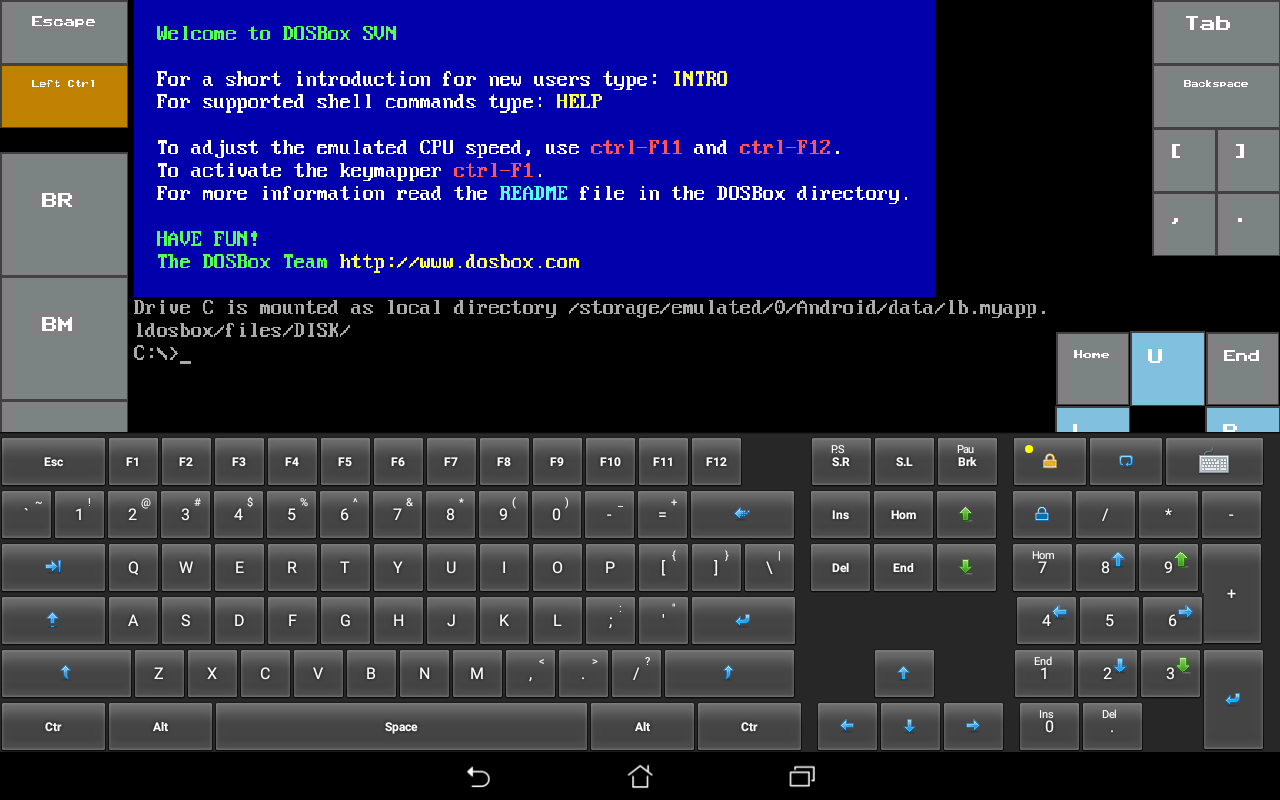
lDosBox is a port of the Dosbox emulator (http://www.dosbox.com/).
The modified dosbox sources are included as a tgz archive stored in the internal SD card (Android/data/lb.myapp.dosbox).
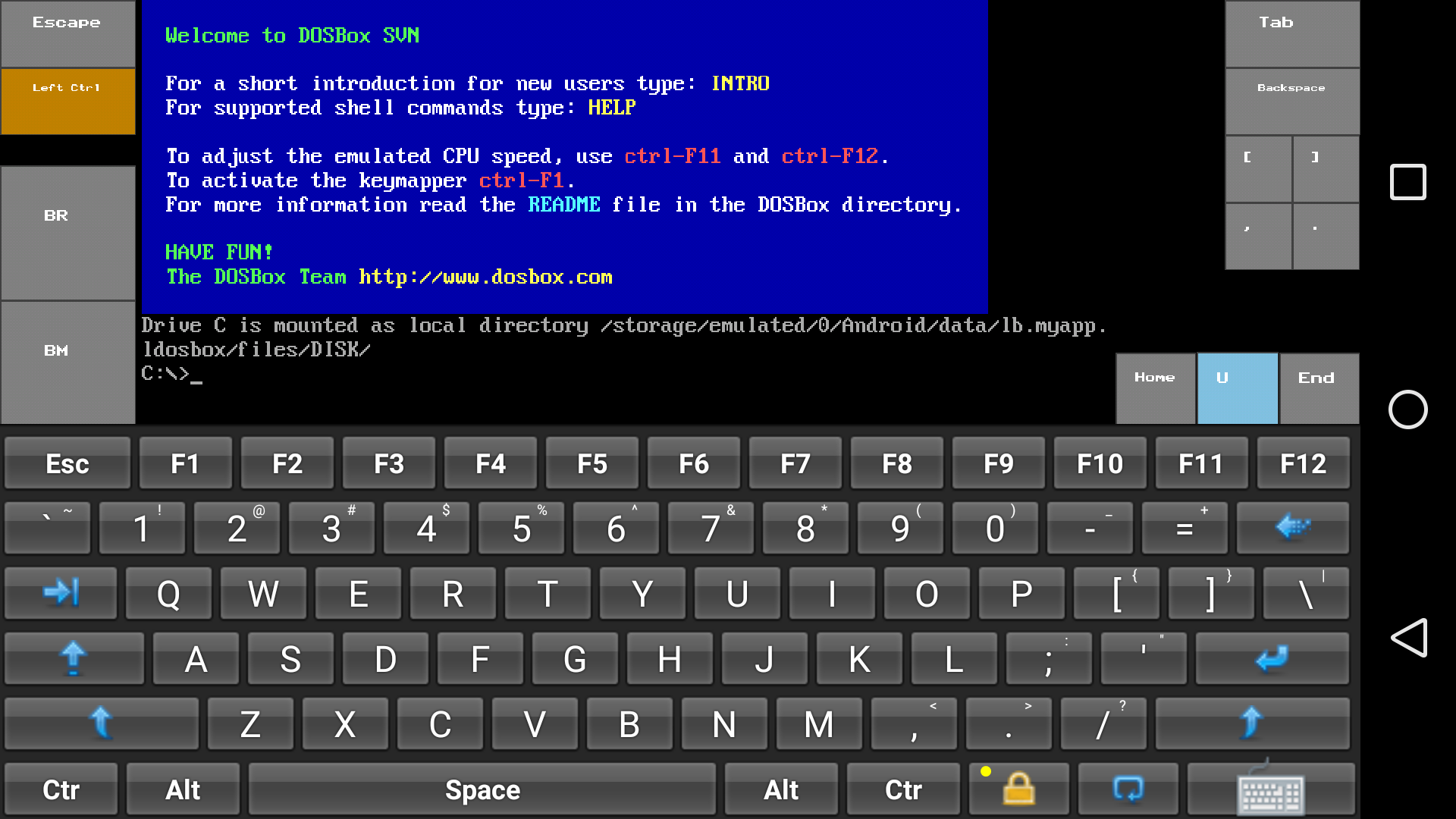
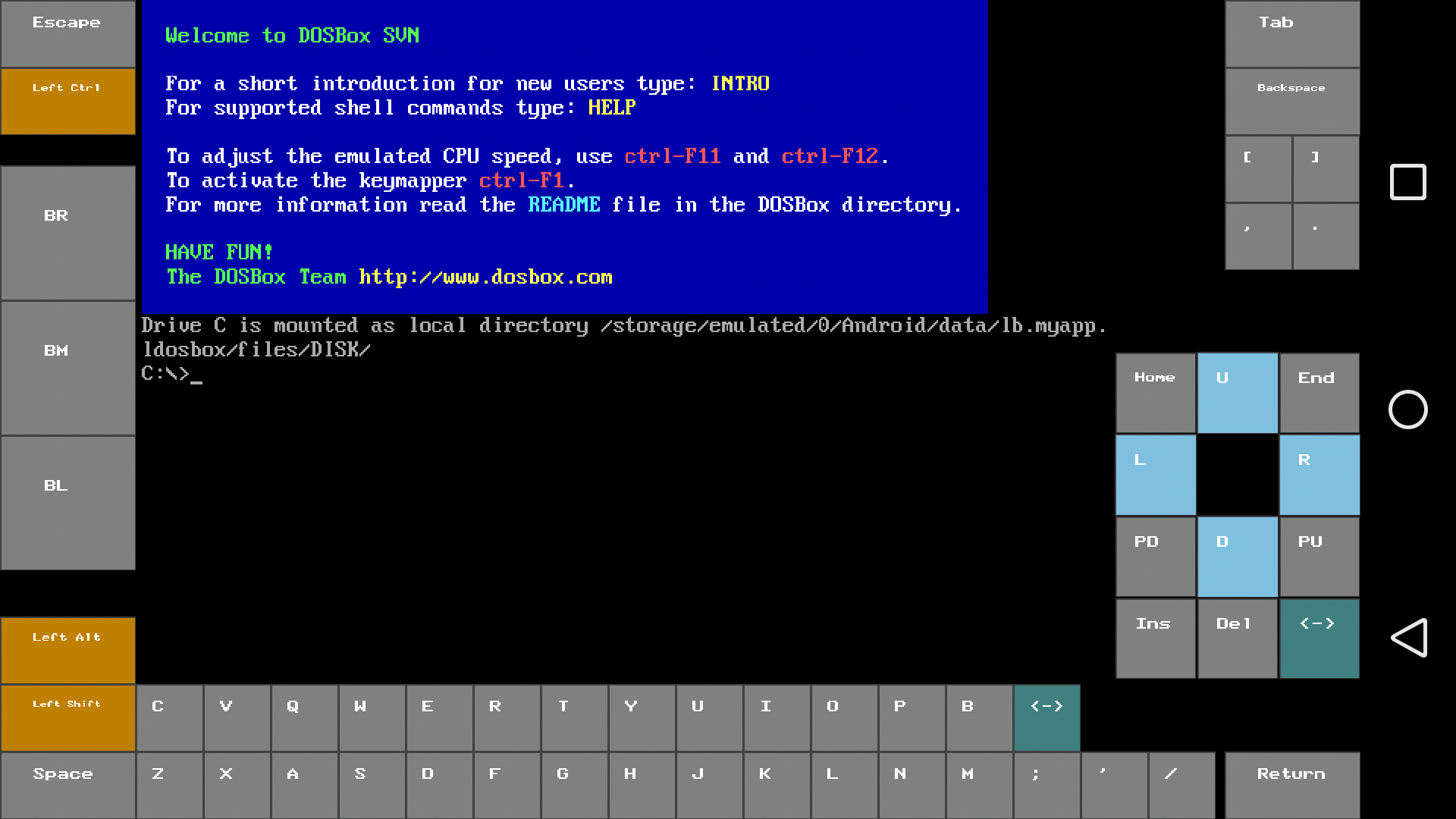
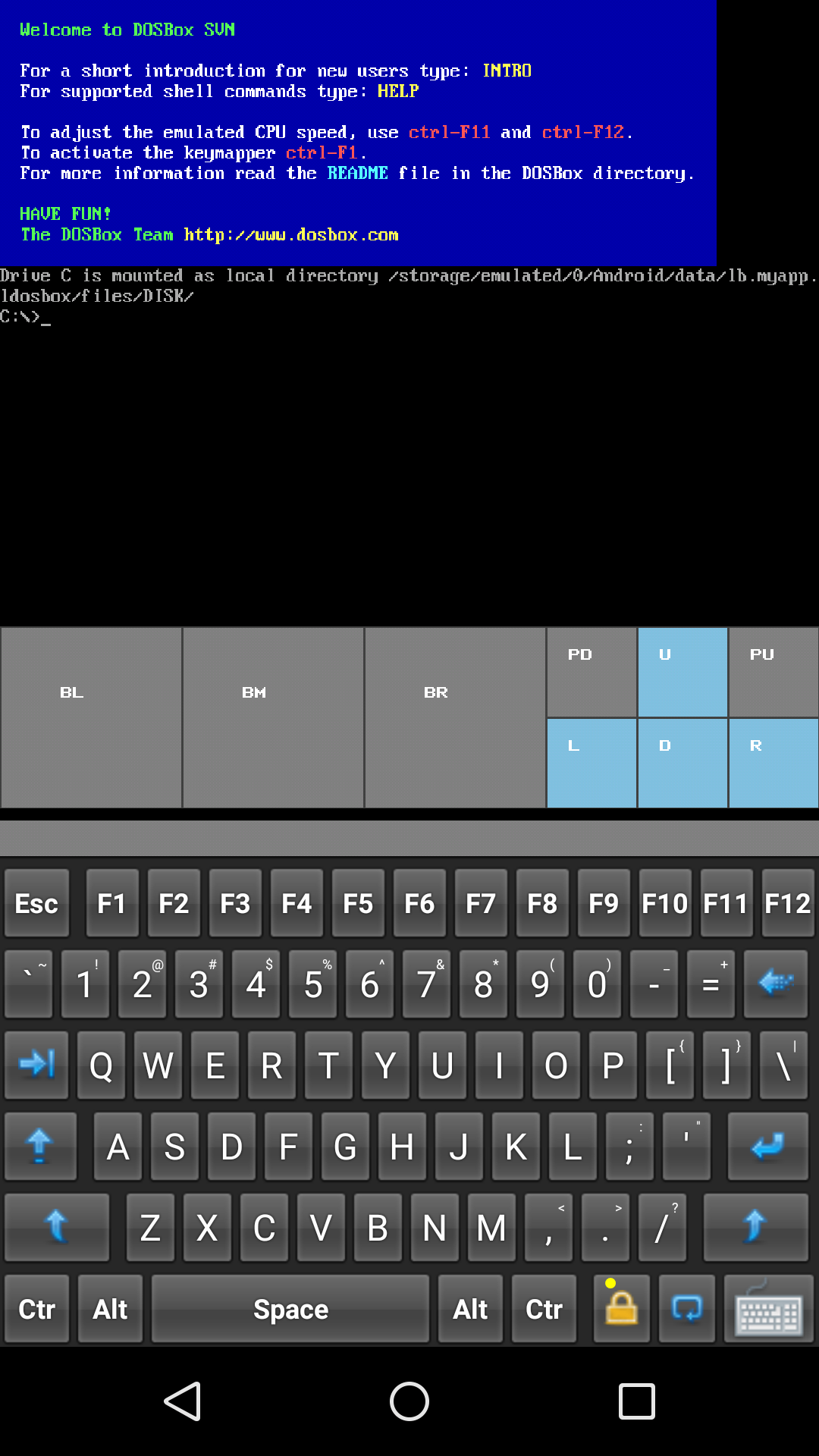
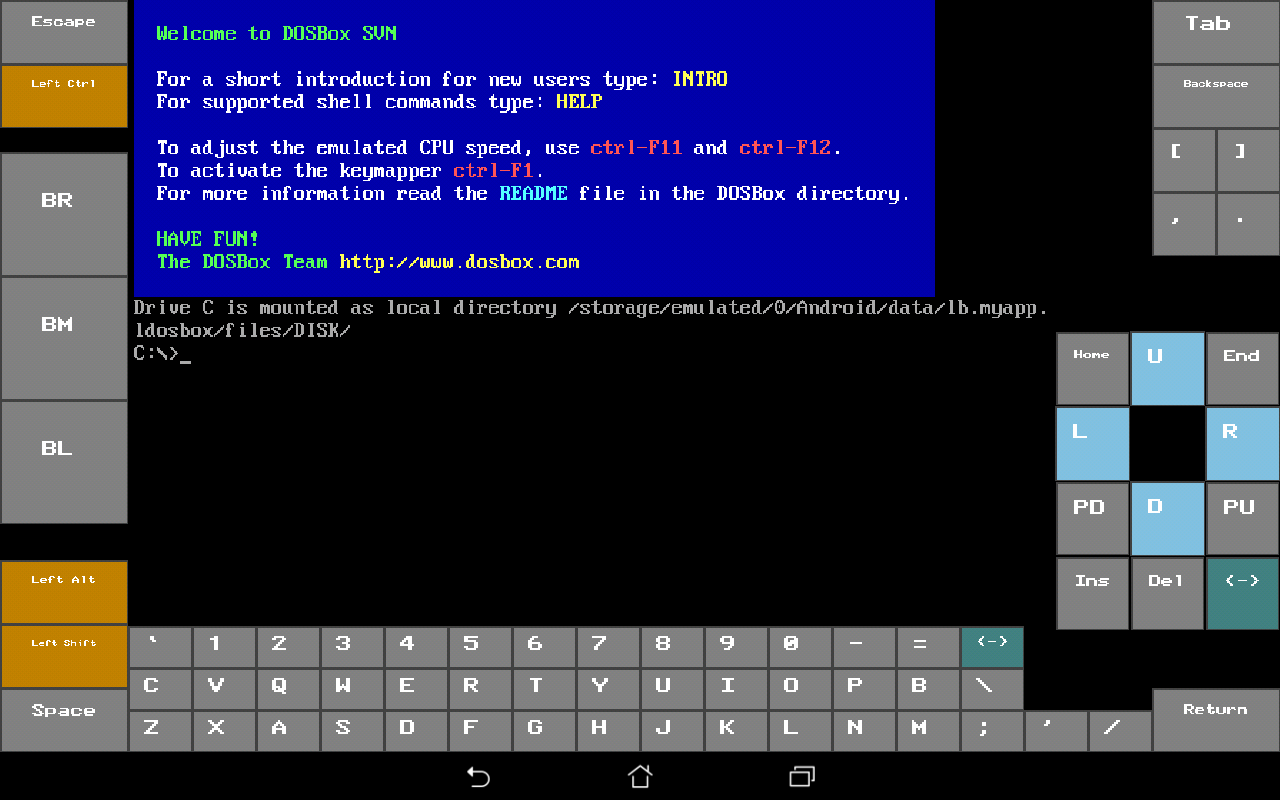
lDosBox uses the same interface of my Bochs port, lBochs. That means that a virtual PC keyboard is provided, but you can use your own virtual keyboard if you like.
It's possible to create shortcuts for different dosbox configurations, and even shortcuts for programs.
It registers itself for running .bat files, but there are limitations and this may not work on all Android systems.
All the settings are made through a popup menu with quite many options.
The back button usually opens the menu if a menu button is not reported by Android on the device.
Don't mount the root of filesystems containing important data, to avoid deleting them by mistake inside the emulator
N.B. This app was first created as an experiment just for my personal use. Then I decided to make it available to the community as I think it can be interesting. There is no official or guaranteed support and I don't know if I'll maintain it in the future years.
The app is still considered in a sort of beta/testing stage.
Many thanks to:
SDL (libsdl.org) - No porting possible without that
Dosbox (dosbox.com) - They made the real thing
Free icons authors (iconarchive.com) - I'm good at coding but bad at drawing
** WARNING **
The app seems quite stable to me, but it's easily possible to make it very unstable and it may crash immediately if the user plays too much with the configuration, or if the guest system is not managed well.
It's possible that you have to reboot your Android device in some cases.
It's possible that in some cases you have to uninstall and reinstall the app to make it work again.
Than the app may drain your battery quickly, but this depends on the configuration (emulated cpu cycles).
It's possible that the device CPU becomes stressed causing overheating.
So use it at your own risk.
** WARNING **

lDosBox 3.0 Update

Alignment with dosbox svn.
Targeting Android 11. No more file system access.
Use the File Management feature to import stuff in app private area.
Read More
lDosBox Features
Previous Versions More
lDosBox
lDosBox 3.0 APK
May 4, 2021 5.07 MB

Requires Android: Android 7.0+

Architecture: arm64-v8a

Screen DPI: 160-640dpi

SHA1: 11646f38dfa48328c1d203b782c3533ac13ac581

Size: 5.07 MB

What's New:

Alignment with dosbox svn.
Targeting Android 11. No more file system access.
Use the File Management feature to import stuff in app private area.
lDosBox
lDosBox 2.0 APK
September 2, 2020 4.68 MB

Requires Android: Android 7.0+

Architecture: arm64-v8a

Screen DPI: 160-480dpi

SHA1: 6afaf3b9bf9e0274fa8aed290a63ee42111b50cd

Size: 4.68 MB

What's New:

Some updates for new Android versions.
Alignment with dosbox.
lDosBox
lDosBox 1.8.1 APK
June 9, 2019 5.34 MB

Requires Android: Android 6.0+

Architecture: arm64-v8a, armeabi-v7a

Screen DPI: 160-480dpi

SHA1: 703d13dd5c0eb667e14e8bf46e61b7407bb1713d

Size: 5.34 MB

What's New:

Recompilation with latest ndk.
lDosBox
lDosBox 1.8 APK
June 2, 2019 5.3 MB

Requires Android: Android 6.0+

Architecture: arm64-v8a, armeabi-v7a

Screen DPI: 160-480dpi

SHA1: 92653dca56f4a3575eaa5511cf78d498f130cef0

Size: 5.3 MB

What's New:

Display 4:3 AR management. The standard dosbox method is still available but the new forced 4:3 AR method is the default.
Stability and bug fix.
More Information

Package Name:

lb.myapp.ldosbox

Category:

Tools Apps

Update Date:

Latest Version:

3.0

Need Update:

Submit latest version

Requirements:

Android 7.0+