Shadow PC

8.3 389

v3.32.1 by Shadow SAS.

Shadow PC アプリダウンロード Shadow PC アプリダウンロード

Shadowの詳細

Shadow SAS.からリリースされた『Shadow』はエンタメアプリだ。apkfab.com/jpから『Shadow』のファイルサイズ(APKサイズ):28.84 MB、関連ムービー、pv、スクリーンショット、詳細情報などを確認できる。apkfab.com/jpではShadow SAS.より配信したアプリを簡単に検索して見つけることができる。『Shadow』に似ているアプリや類似アプリは200個を見つける。現在、Shadow PC appのダウンロードも基本プレイも無料だ。『Shadow』のAndroid要件はAndroid 5.0+なので、ご注意ください。APKFabあるいはGooglePlayから『Shadow PC apk』の最新バージョンを高速、安全にダウンロードできる。APKFab.com/jpでは全てのAPK/XAPKファイルがオリジナルなものなので、高速、安全にダウンロードできる。
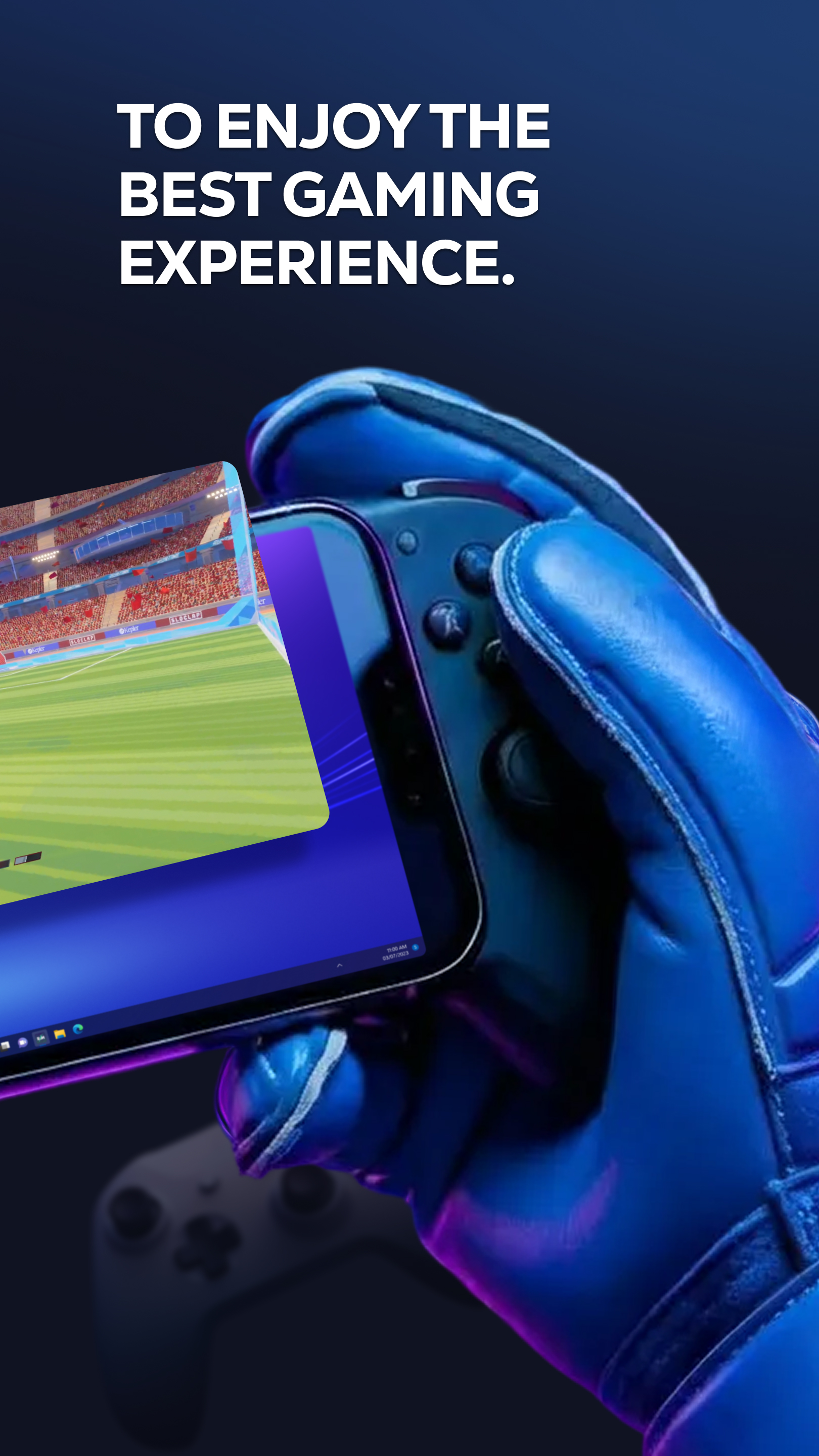
Put the power of a high-end gaming desktop right at your fingertips. Shadow PC gives you access to a real Windows 11 PC in the cloud, capable of running your most demanding games and software. Forget hardware limitations and turn your smartphone, tablet, or Android TV into an ultra-powerful gaming machine.
BUILT FOR PERFORMANCE
Enjoy stunning graphics and exceptional smoothness. Shadow PC lets you play with Ultra settings, enjoy Ray Tracing in supported games, and reach up to 4K / 120 Hz on compatible displays. Experience true console-like gameplay thanks to support for PlayStation, Xbox, and MFi controllers, as well as keyboard and mouse via Bluetooth. Use the built-in virtual controller with customizable touch controls to play wherever you are.
A FULL PC, WITH NO RESTRICTIONS
Shadow PC is not just a game streaming service with a predefined catalog. It’s your PC. Log in to your Steam, Epic Games, Ubisoft, Battle.net, or GOG accounts. Download and play the games you already own, install mods, and use your usual launchers and tools. Beyond gaming, Shadow PC also lets you work, create, and stream: Photoshop, OBS, Discord, editing or development software—just like on a local computer.
TECHNOLOGY ADAPTED TO YOUR CONNECTION
Thanks to our proprietary streaming protocol, Shadow PC delivers optimized smoothness and responsiveness over 4G, 5G, and Wi-Fi. Low Bandwidth Mode automatically adjusts streaming quality to ensure a stable session, even on the go. Latency is minimized for an experience close to a physical PC.
KEY FEATURES
* Full Windows 11 PC in the cloud
* High-end graphics performance, Ray Tracing compatible
* Ready for 4K and 120 Hz on supported displays
* Built-in virtual touch controller
* Controller, keyboard, and mouse support via Bluetooth or wired
* Second screen: use your mobile to manage chats or streams
* Companion mode: use your mobile as a keyboard during PC or TV sessions
HOW IT WORKS
1. Subscribe on shadow.tech
2. Download the Shadow PC app
3. Connect a controller or use touch controls
4. Launch your virtual PC and play
続きを読む
Shadow 特徴
関連動画
バージョン履歴 もっと見る
Shadow PC
Shadow PC 3.31.1 XAPK APKs
2026年02月21日 41.75 MB
Variant
Arch
Version
DPI
arm64-v8a, armeabi-v7a
Android 5.0+
160-640dpi
arm64-v8a
Android 5.0+
160-640dpi
Shadow PC
Shadow PC 3.30.3 XAPK APKs
2025年12月08日 57.14 MB
Variant
Arch
Version
DPI
arm64-v8a
Android 5.0+
160-640dpi
arm64-v8a
Android 5.0+
160-640dpi
Shadow PC
Shadow PC 3.29.3 XAPK APKs
2025年09月11日 57.97 MB
Variant
Arch
Version
DPI
arm64-v8a
Android 5.0+
160-640dpi
arm64-v8a
Android 5.0+
160-640dpi
Shadow PC
Shadow PC 3.28.7 XAPK APKs
2025年08月08日 53.14 MB

Requires Android: Android 5.0+

Architecture: arm64-v8a

Screen DPI: 160-640dpi

SHA1: 5212987a72c9bd14bc7f94bee843d22ef1ffa8c9

Size: 53.14 MB

What's New:

New:
- Experimental new rendering system, you can enable it from the video settings.
- Improved detection of Shadow PC status.
- Improved performance.
Fixes:
- Error code L-111 if the application fails to retrieve the VM's IP after 45s.
- Fixed slider appearance in settings.
- Error code U-110 becomes the default error code during updates when there is a 150s timeout.
追加情報

パケージ名:

com.blade.shadowcloudgaming

更新日:

最新バージョン:

3.32.1

バージョンアップ申請:

最新版提出

で手に入れよう:

Google Play

Android要件:

Android 5.0+