Shadow PC

8.7 429

v3.36.2 por Shadow SAS.

Baixar Shadow PC XAPK Baixar Shadow PC XAPK

Sobre Shadow PC

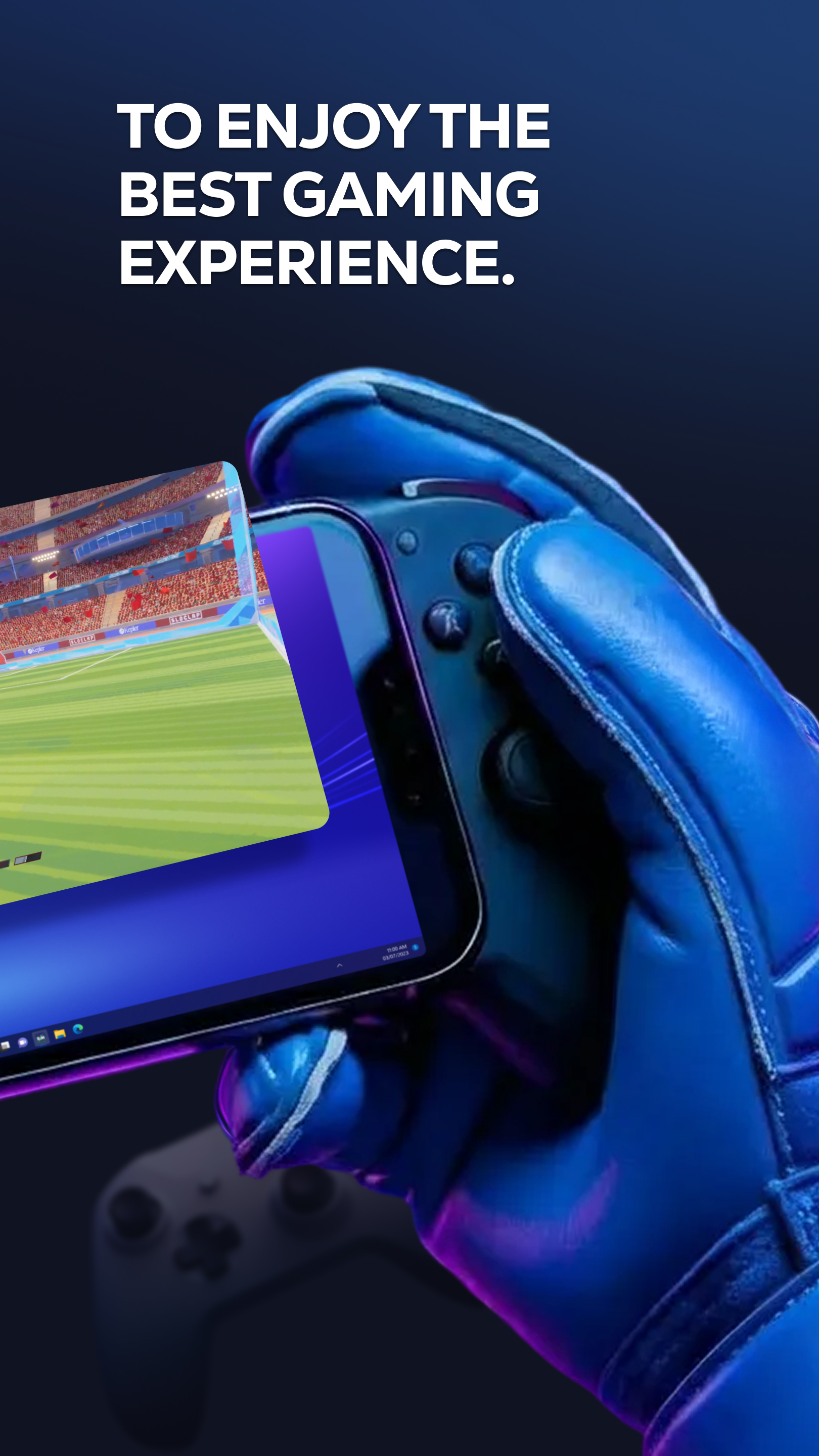
Put the power of a high-end gaming desktop right at your fingertips. Shadow PC gives you access to a real Windows 11 PC in the cloud, capable of running your most demanding games and software. Forget hardware limitations and turn your smartphone, tablet, or Android TV into an ultra-powerful gaming machine.
BUILT FOR PERFORMANCE
Enjoy stunning graphics and exceptional smoothness. Shadow PC lets you play with Ultra settings, enjoy Ray Tracing in supported games, and reach up to 4K / 120 Hz on compatible displays. Experience true console-like gameplay thanks to support for PlayStation, Xbox, and MFi controllers, as well as keyboard and mouse via Bluetooth. Use the built-in virtual controller with customizable touch controls to play wherever you are.
A FULL PC, WITH NO RESTRICTIONS
Shadow PC is not just a game streaming service with a predefined catalog. It’s your PC. Log in to your Steam, Epic Games, Ubisoft, Battle.net, or GOG accounts. Download and play the games you already own, install mods, and use your usual launchers and tools. Beyond gaming, Shadow PC also lets you work, create, and stream: Photoshop, OBS, Discord, editing or development software—just like on a local computer.
TECHNOLOGY ADAPTED TO YOUR CONNECTION
Thanks to our proprietary streaming protocol, Shadow PC delivers optimized smoothness and responsiveness over 4G, 5G, and Wi-Fi. Low Bandwidth Mode automatically adjusts streaming quality to ensure a stable session, even on the go. Latency is minimized for an experience close to a physical PC.
KEY FEATURES
* Full Windows 11 PC in the cloud
* High-end graphics performance, Ray Tracing compatible
* Ready for 4K and 120 Hz on supported displays
* Built-in virtual touch controller
* Controller, keyboard, and mouse support via Bluetooth or wired, with full keyboard control via Android's accessibility service
* Second screen: use your mobile to manage chats or streams
* Companion mode: use your mobile as a keyboard during PC or TV sessions
HOW IT WORKS
1. Subscribe on shadow.tech
2. Download the Shadow PC app
3. Connect a controller or use touch controls
4. Launch your virtual PC and play

Atualização de Shadow PC 3.36.2

New:
- Automatic framerate adaptation during network congestion to reduce stuttering
- Redesigned settings interface
- Added remaining session time
- Added remaining monthly usage time
- Added a notification shortly before the session ends
- Fixed standard mice not being recognized
- Fixed the connected devices list not refreshing
- Fixed companion mode stuck in loading
Leia Mais
Recursos de Shadow PC
Versões Antigas Mais
Shadow PC
Shadow PC 3.36.2 XAPK APKs
November 24, 2026 62.71 MB

Architecture: arm64-v8a

Screen DPI: 160-640dpi

SHA1: 12fed92186a4dc90dea08d50dad64580a544e0e7

Size: 62.71 MB

What's New:

New:
- Automatic framerate adaptation during network congestion to reduce stuttering
- Redesigned settings interface
- Added remaining session time
- Added remaining monthly usage time
- Added a notification shortly before the session ends
- Fixed standard mice not being recognized
- Fixed the connected devices list not refreshing
- Fixed companion mode stuck in loading
Shadow PC
Shadow PC 3.35.2 XAPK APKs
August 19, 2026 64.58 MB
Variant
Arch
Version
DPI
arm64-v8a
160-640dpi
arm64-v8a
160-640dpi
Shadow PC
Shadow PC 3.34.3 XAPK APKs
June 14, 2026 64.24 MB
Variant
Arch
Version
DPI
arm64-v8a
160-640dpi
arm64-v8a
160-640dpi
Shadow PC
Shadow PC 3.34.0 XAPK APKs
June 3, 2026 38.63 MB
Variant
Arch
Version
DPI
armeabi-v7a
Android 6.0+
160-640dpi
arm64-v8a
160-640dpi
Mais Informações

Nome do Pacote:

com.blade.shadowcloudgaming

Data de Atualização:

Última Versão:

3.36.2

Solicite Atualização:

Enviar última versão

Disponível em:

Google Play

Requisitos:

Android 6.0+