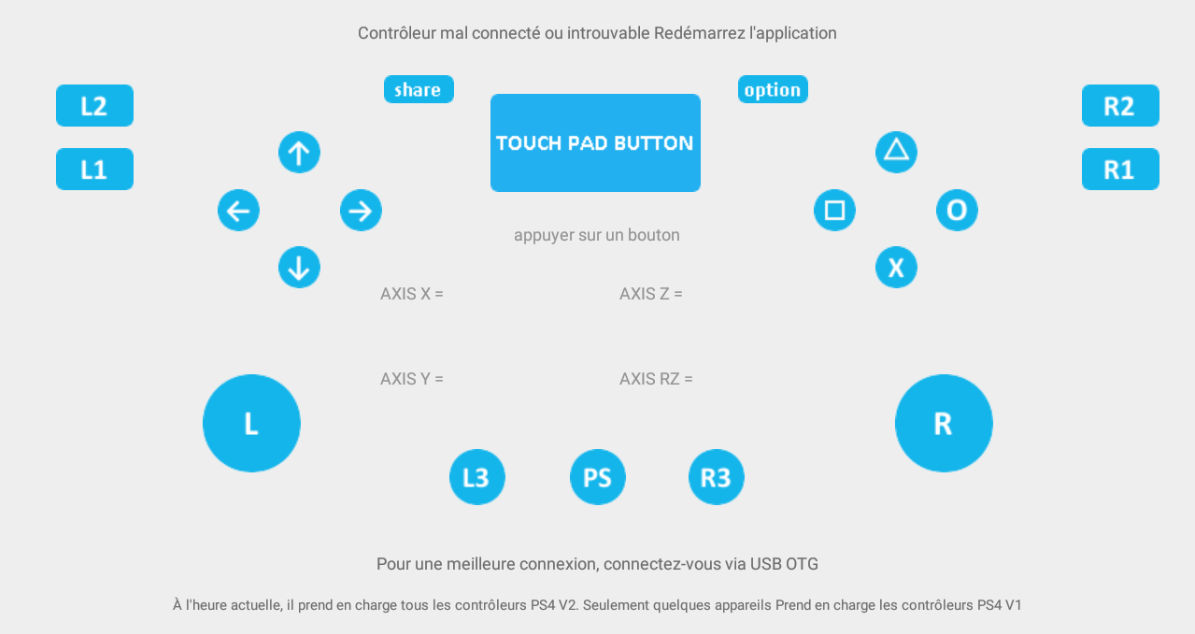
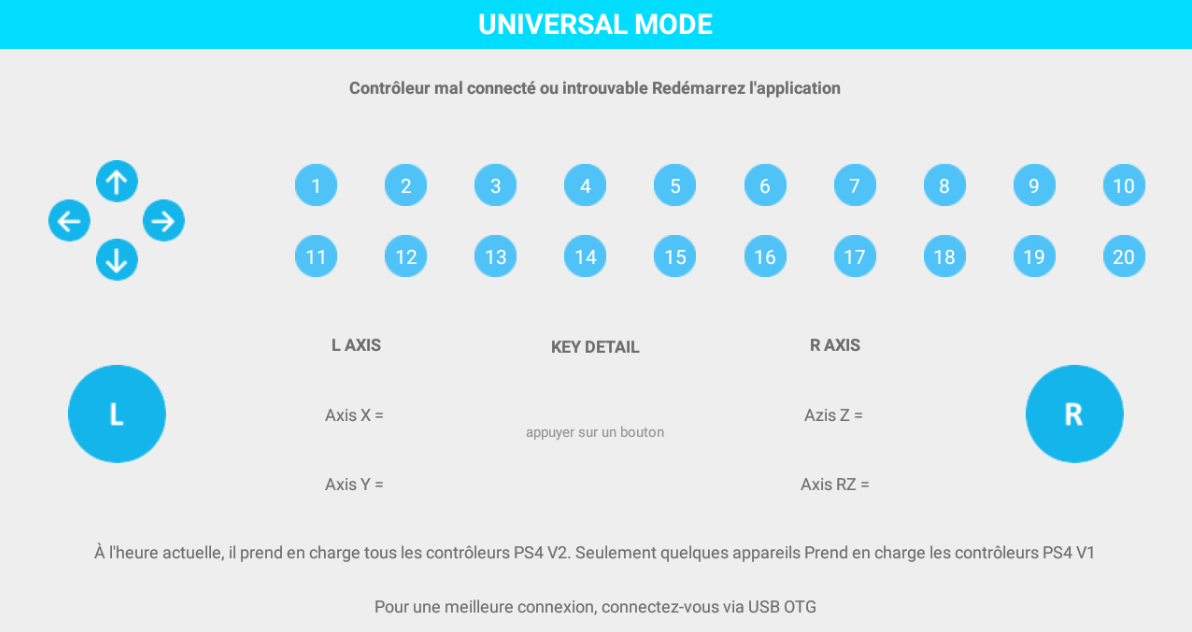
PS4 Latest Remote Controll

3.7 2

v4.3.2 di FMDEV Inc

download PS4 Latest Remote Controll APK download PS4 Latest Remote Controll APK

Su PS4 new 2019

To use second screen features, tap the “Connect to PS4” icon in the app and tap “Second Screen.” Assuming your smartphone and PlayStation 4 are on the same network, your phone should automatically find your PS4. Tap it to connect. If you don’t see the PS4, ensure both devices are on the same network.
After you do, you’ll be told to go to the Settings > PlayStation App Connection Settings > Add Device menu on your PS4. You’ll see a code displayed here. Type the code into the app to register your smartphone with your PS4. The Settings > PlayStation App Connection Settings screen on your PS4 gives you a list of connected devices and allows you to remove them in the future, if you like.
When you’re done, you’ll see that your PS4 is now connected when you tap Connect to PS4 > Second Screen. This screen also gives you a power button, allowing you to quickly put your PS4 into rest mode.
Leggi di Più
Caratteristiche PS4 new 2019
Versioni Precedenti Altro
PS4 Latest Remote Controll
PS4 Latest Remote Controll 4.3.2 APK
April 9, 2019 2.89 MB

Requires Android: Android 5.0+

Screen DPI: 160-640dpi

SHA1: 552bb7bd8ca5d2d5e78ec0064178ab9a60592b75

Size: 2.89 MB

Maggiori Informazioni

Data Aggiornamento:

Ultima Versione:

4.3.2

Aggiornamento Necessario:

Invia l'ultima versione

Requisiti:

Android 5.0+