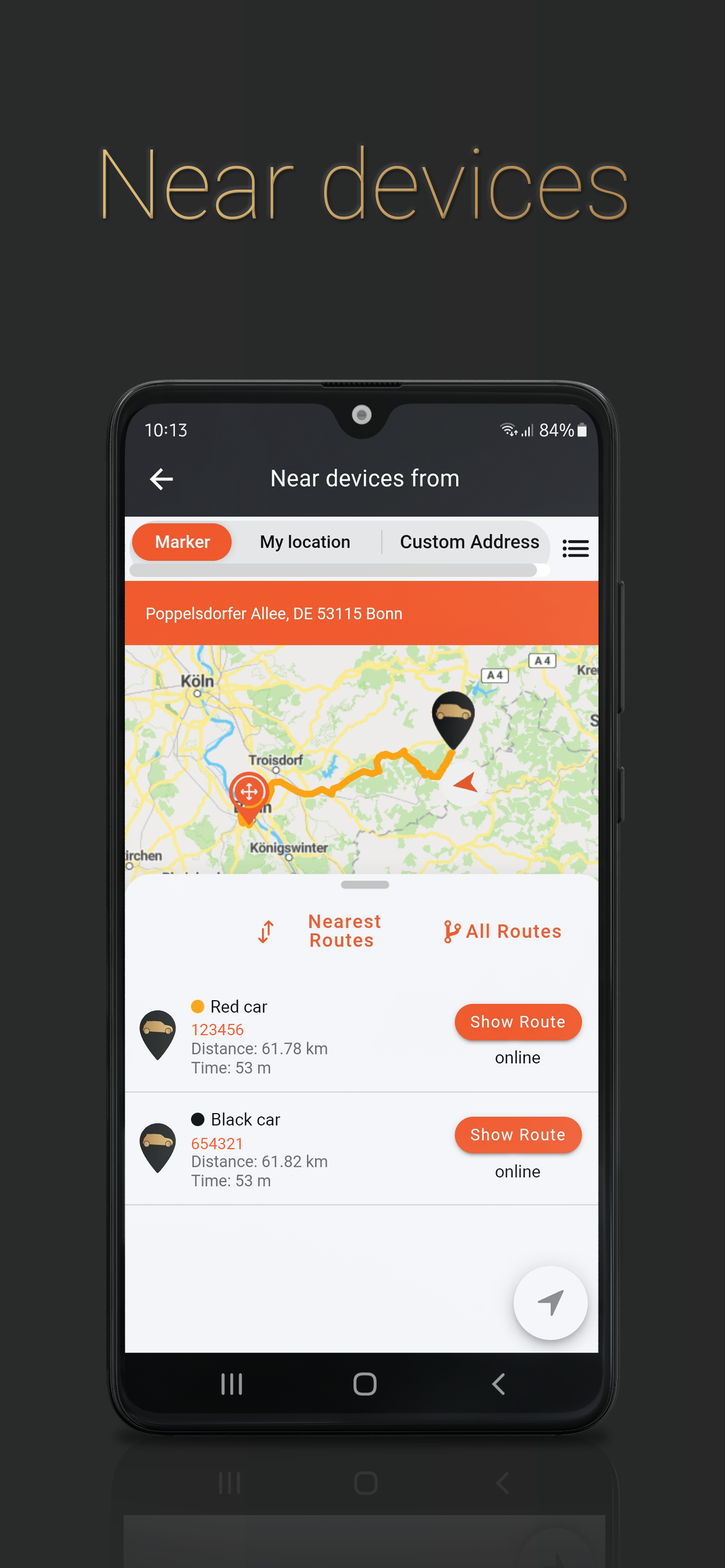
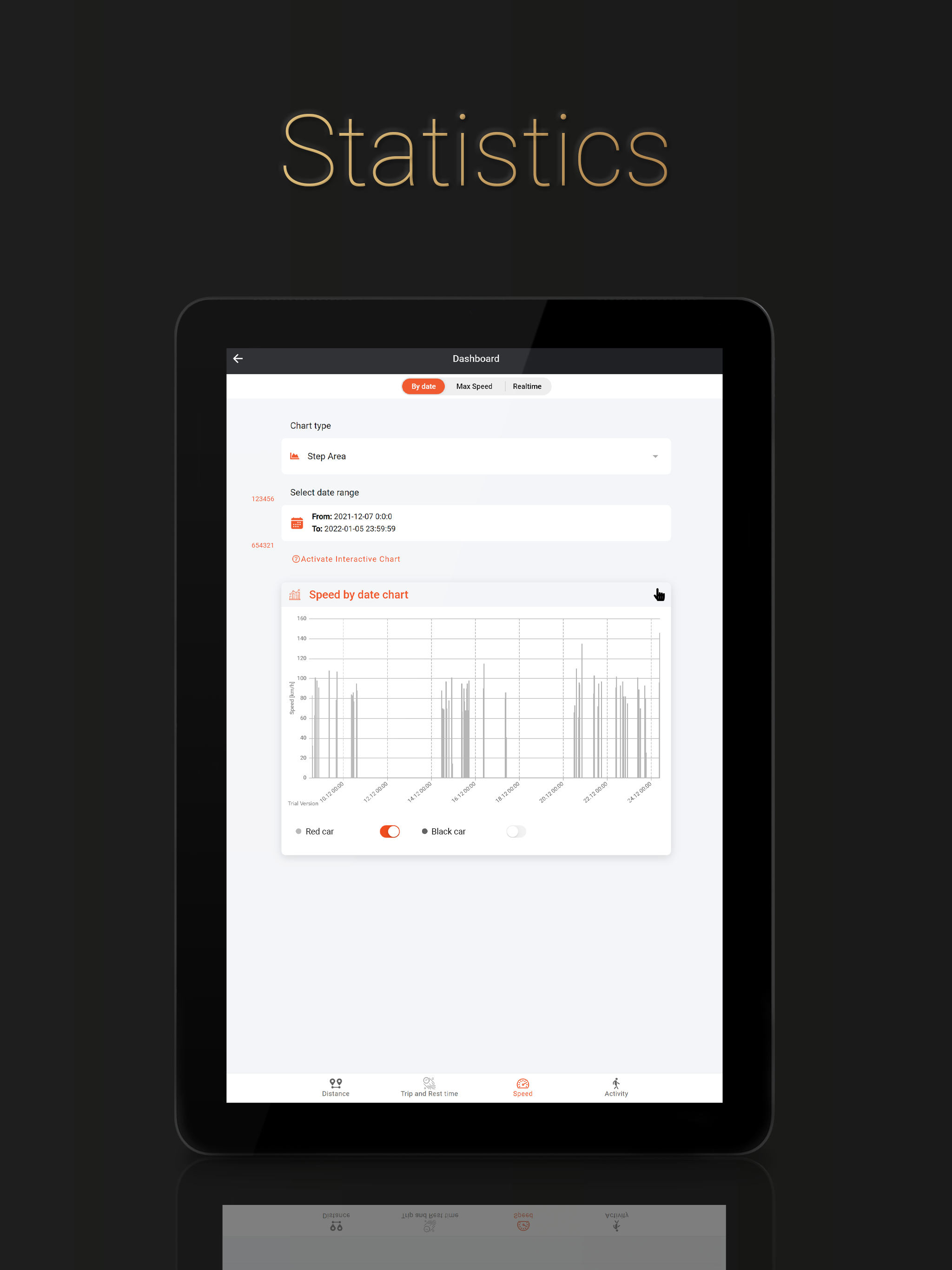
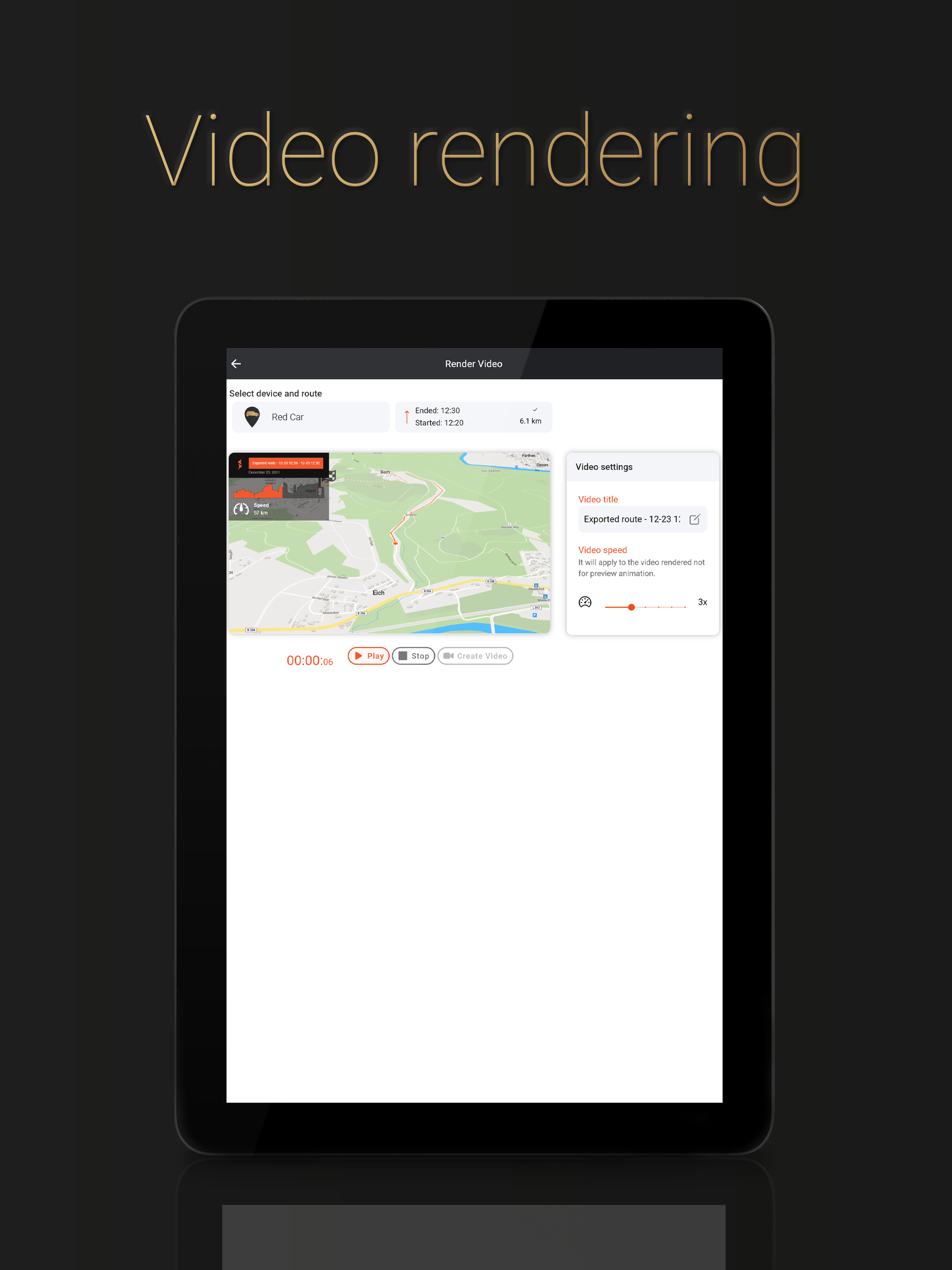
1. Added a reminder popup that appears when no Battery-Saving-Zone is configured, allowing quick setup to help reduce battery drain on pet devices. 2. Added an indicator in the Latest Data view to show whether a pet device was inside a Wi-Fi Saving Zone at its most recent data point. 3. Added Ignition Statistics for supported devices, displaying total active hours and detailed daily ON/OFF working intervals. 4. Introduced a new and improved Geofence creation experience.
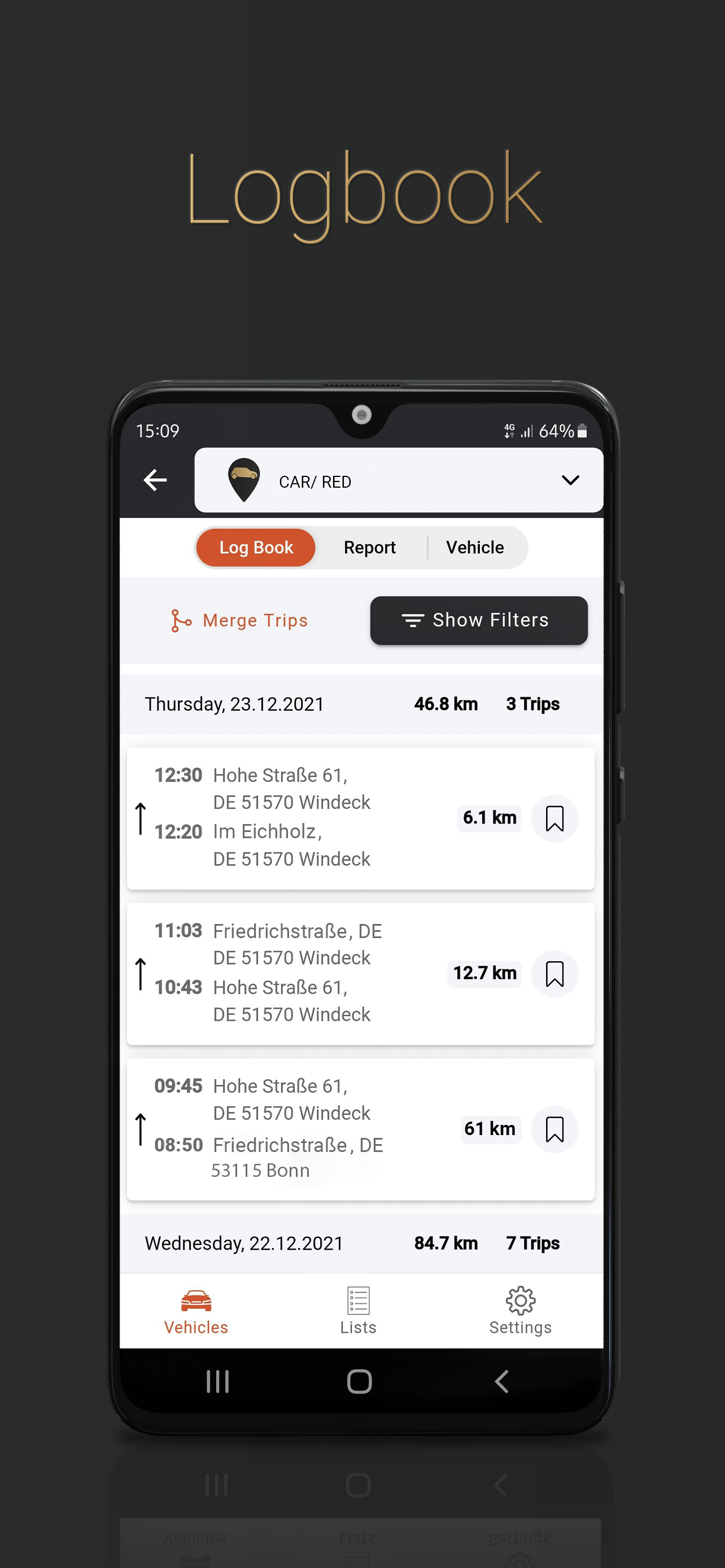
- Fixed Geofence resize saving issue. - Implemented Bluetooth commands for Salind DOG Tracker 4G. - Enabled Battery Saving Zone for Salind DOG Tracker 4G. - Resolved dashboard issue for 365-day plan users where data beyond 3 days didn’t load. - Fixed driver filtering by name on the Logbook Logs page. - Fixed automatic timezone update when user’s timezone changes without re-login. - Addressed various design and styling issues across the app.
1. Fixed the issue in Logbook Settings where the success message appeared multiple times. 2. Fixed app crash issues when opening the Activity page for certain devices. 3. Fixed the logbook permission issue in the User Management page. 4. Fixed various design-related issues.
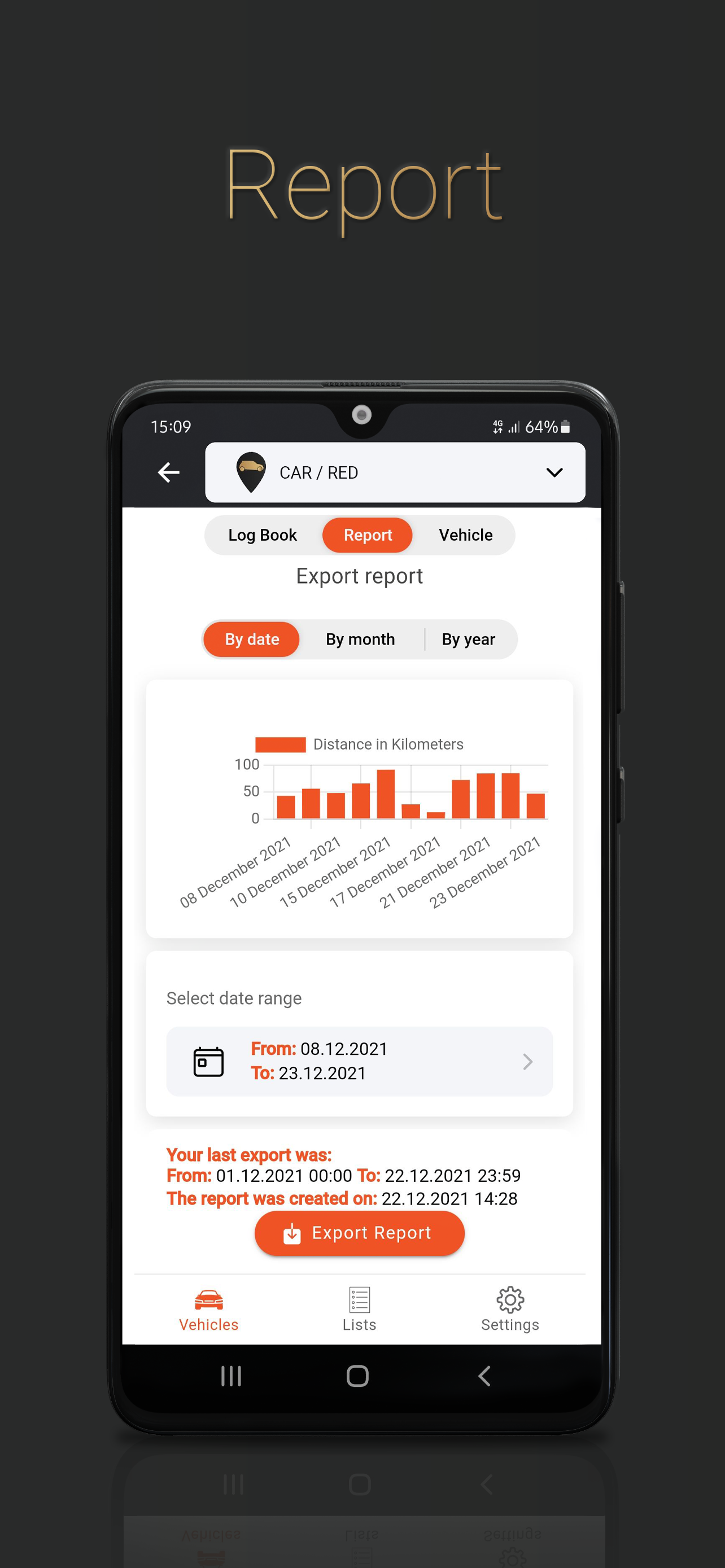
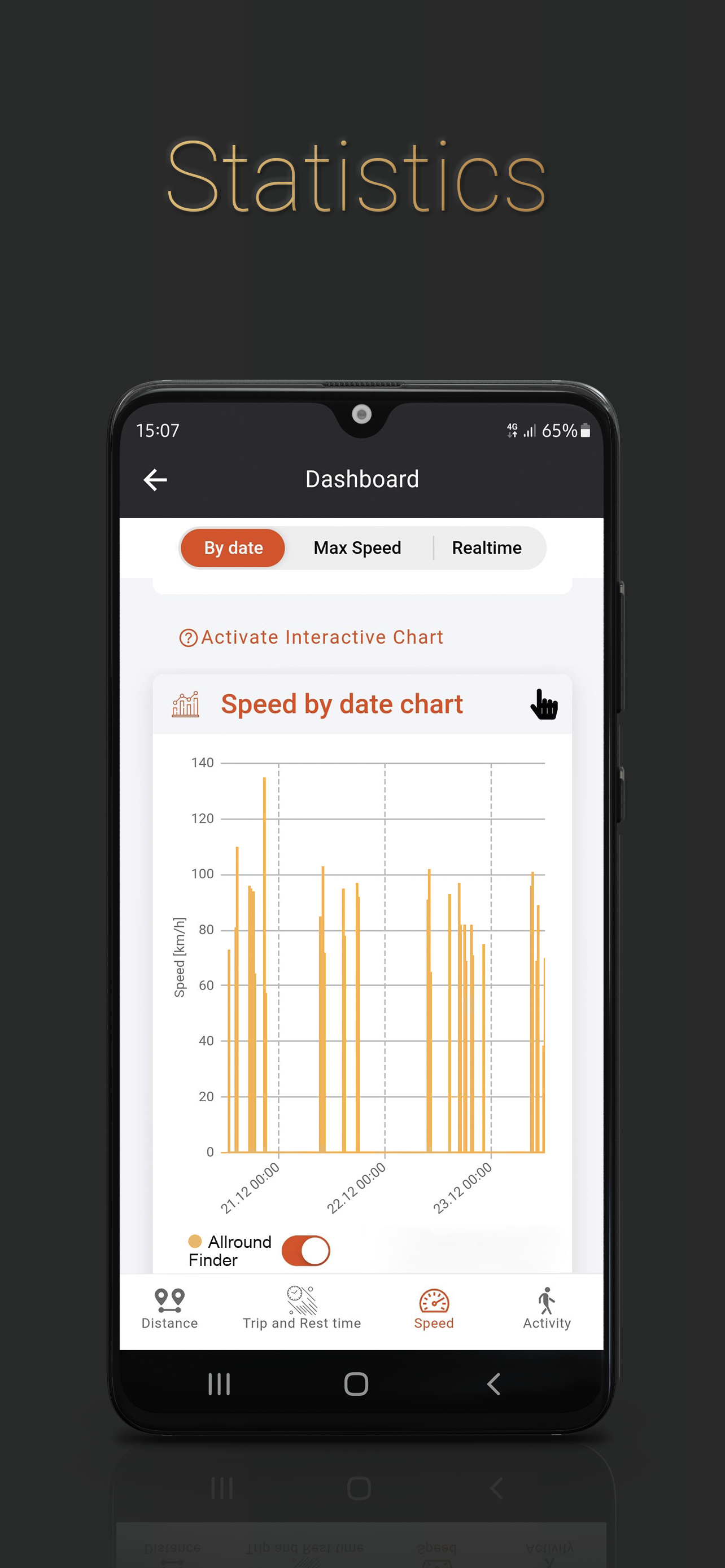
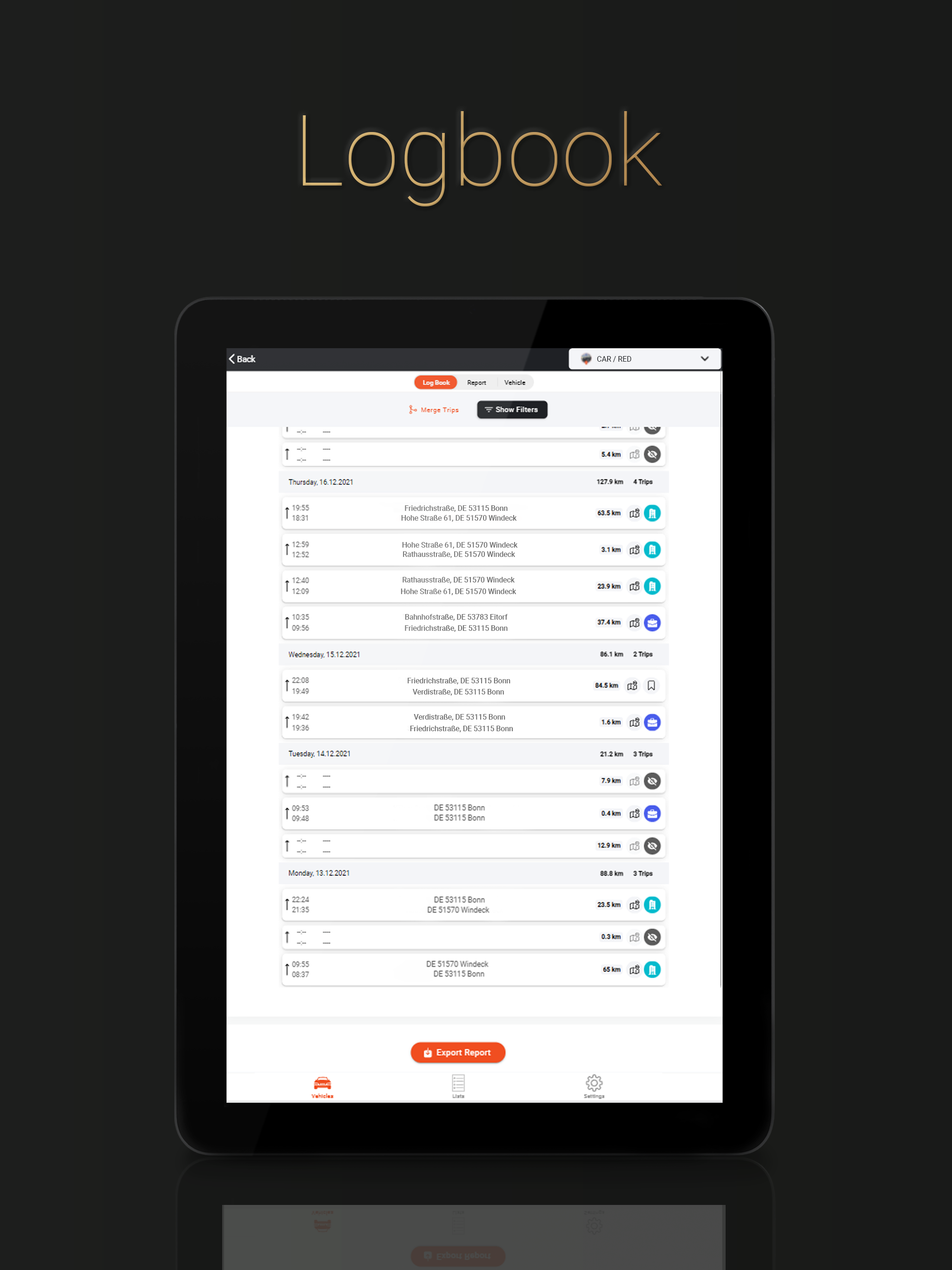
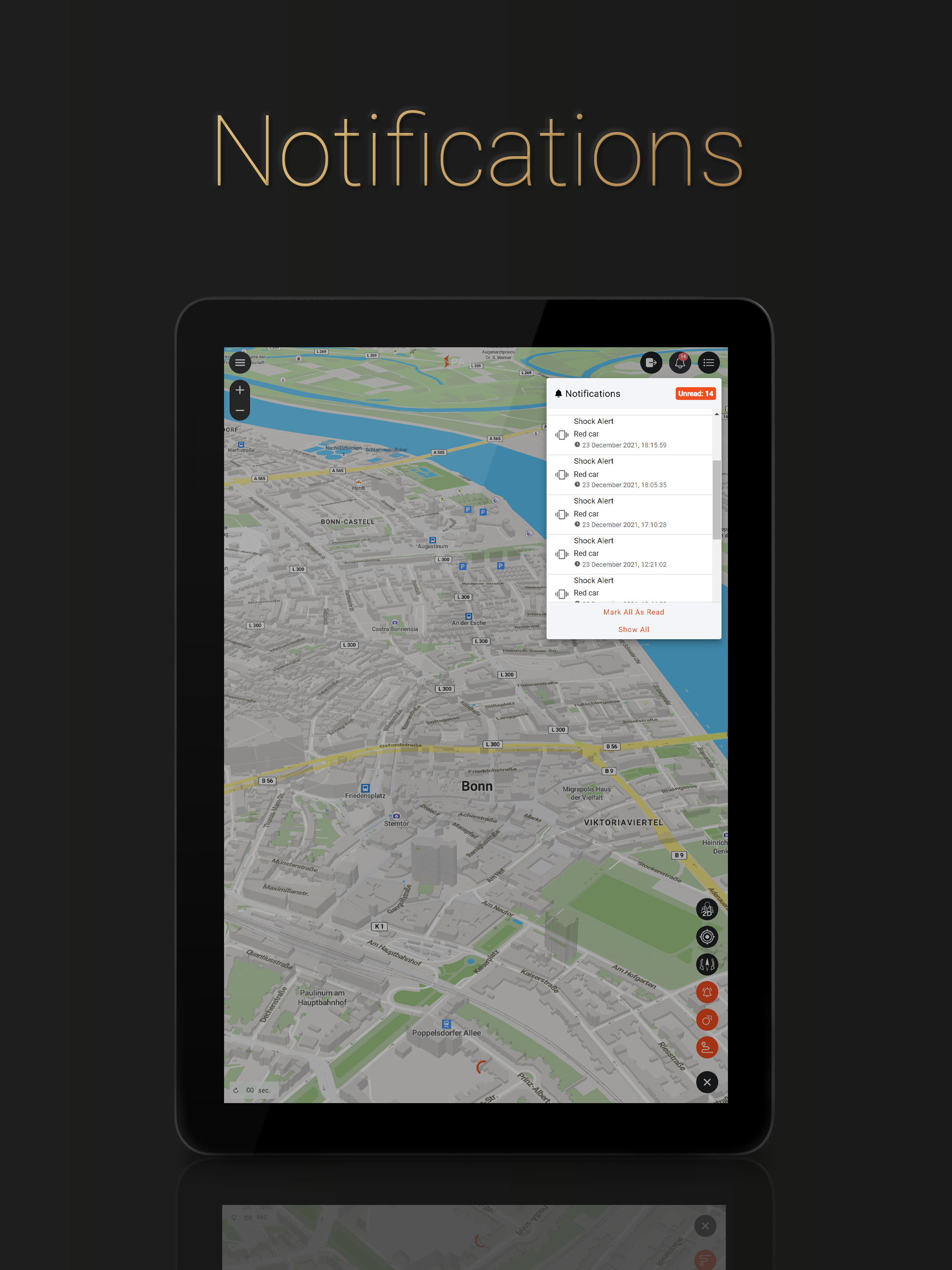
1. Improved polylines for smoother and more accurate map visuals. 2. Enhanced statistics — consistent display across sections. 3. Improved logbook distance calculations for better accuracy. 4. Added option to set logbook permissions separately from device permissions in the User Management page. 5. Added push notifications for unmarked routes in the logbook (configurable in Logbook Settings).
APKFab.com e il link per il download di questa app sono sicuri al 100%. Tutti i link per il download delle app elencate su APKFab.com provengono da Google Play Store o sono inviati dagli utenti. Per le app da Google Play Store, APKFab.com non le modificherà in alcun modo. Per le app inviate dagli utenti, APKFab.com verificherà la sicurezza della firma APK prima di rilasciarle sul nostro sito web.