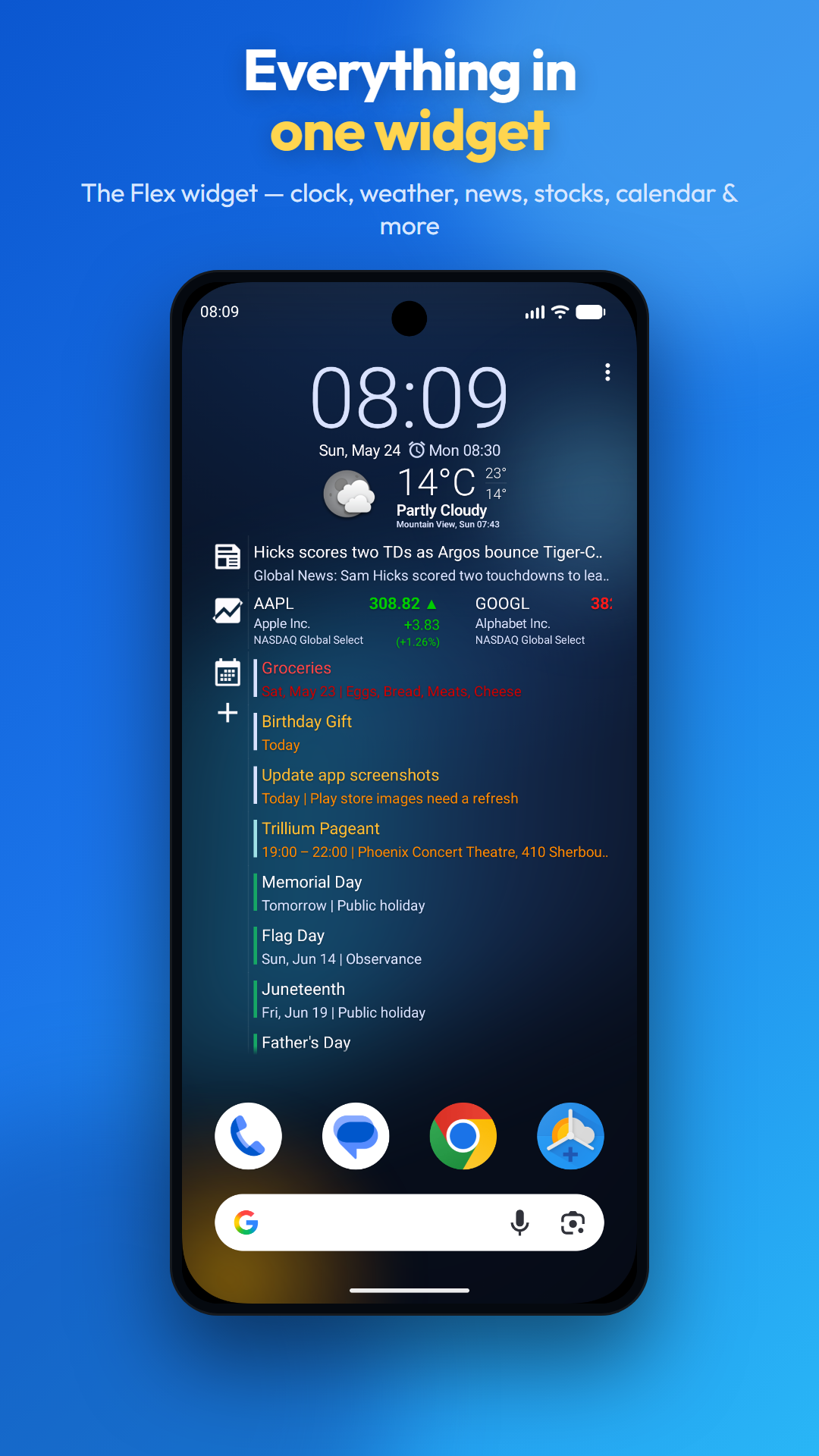
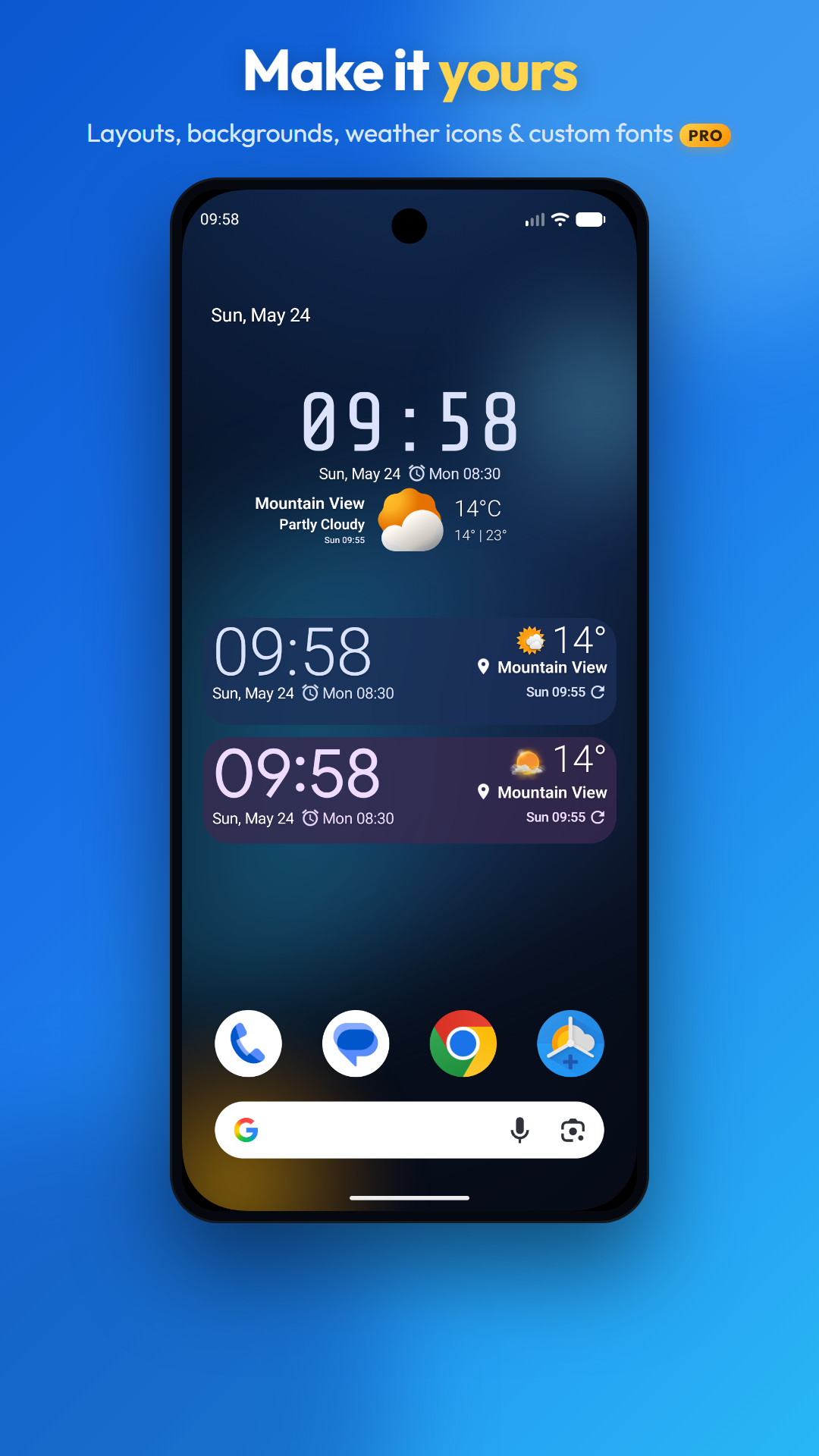
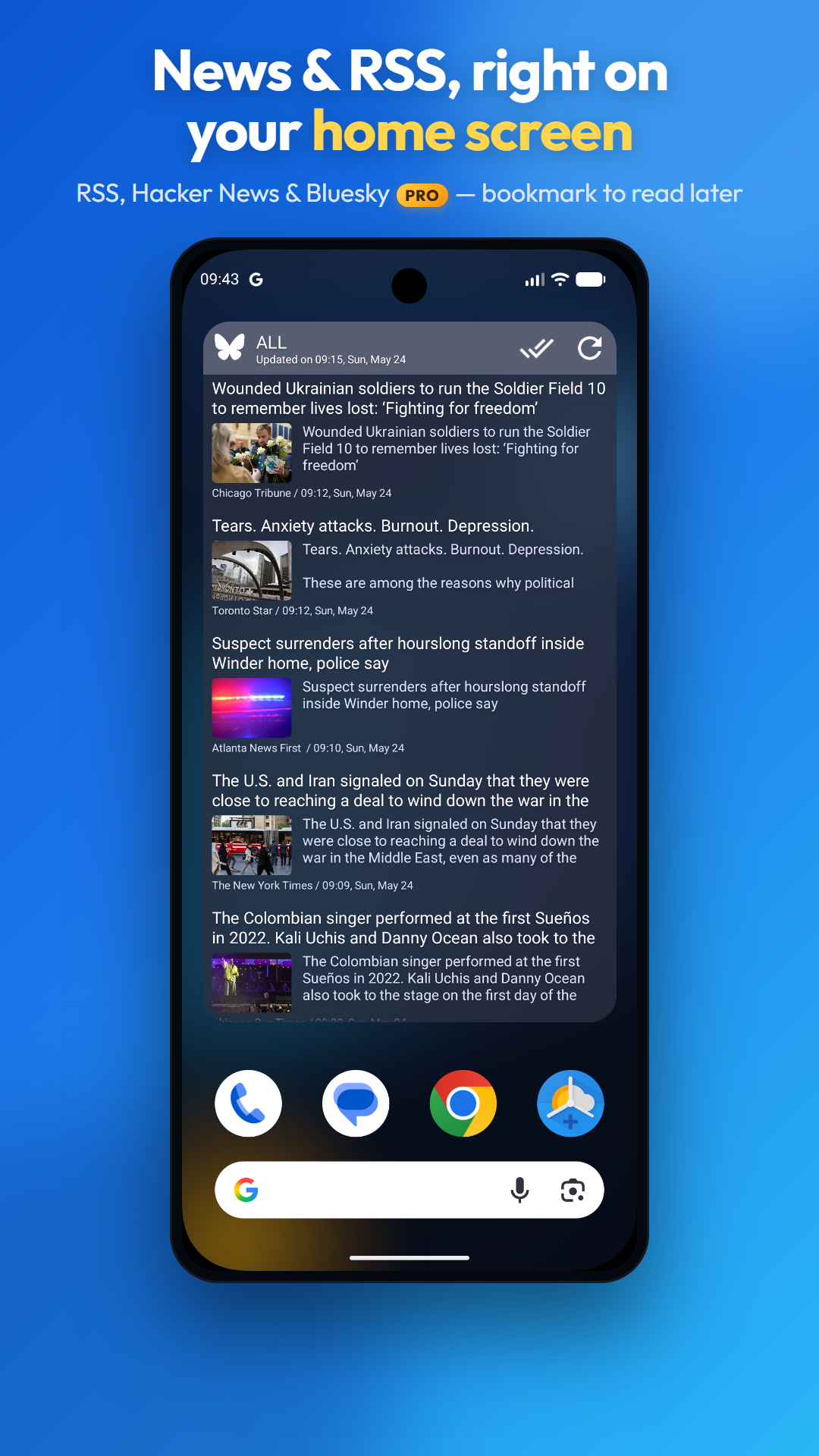
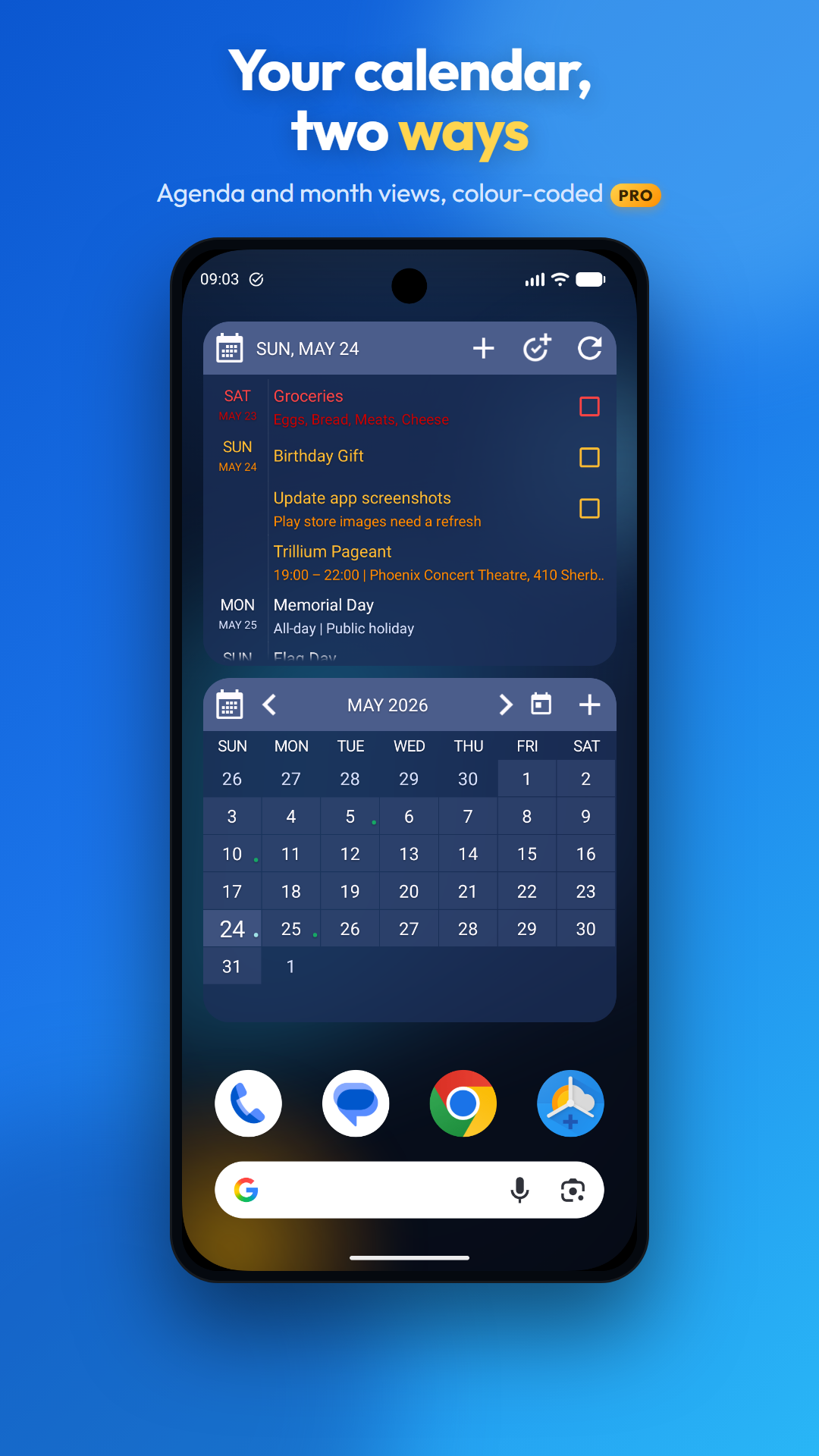
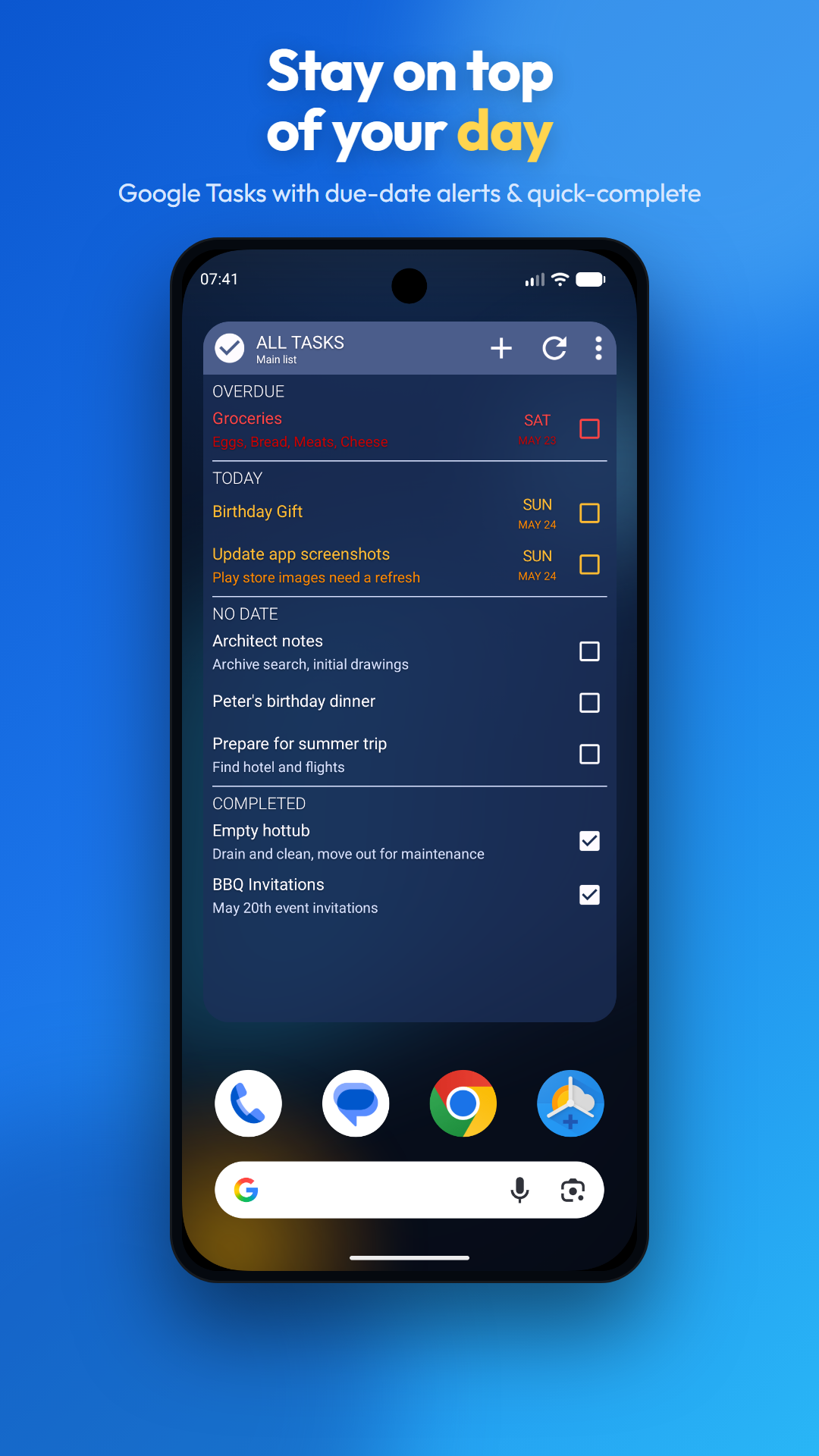
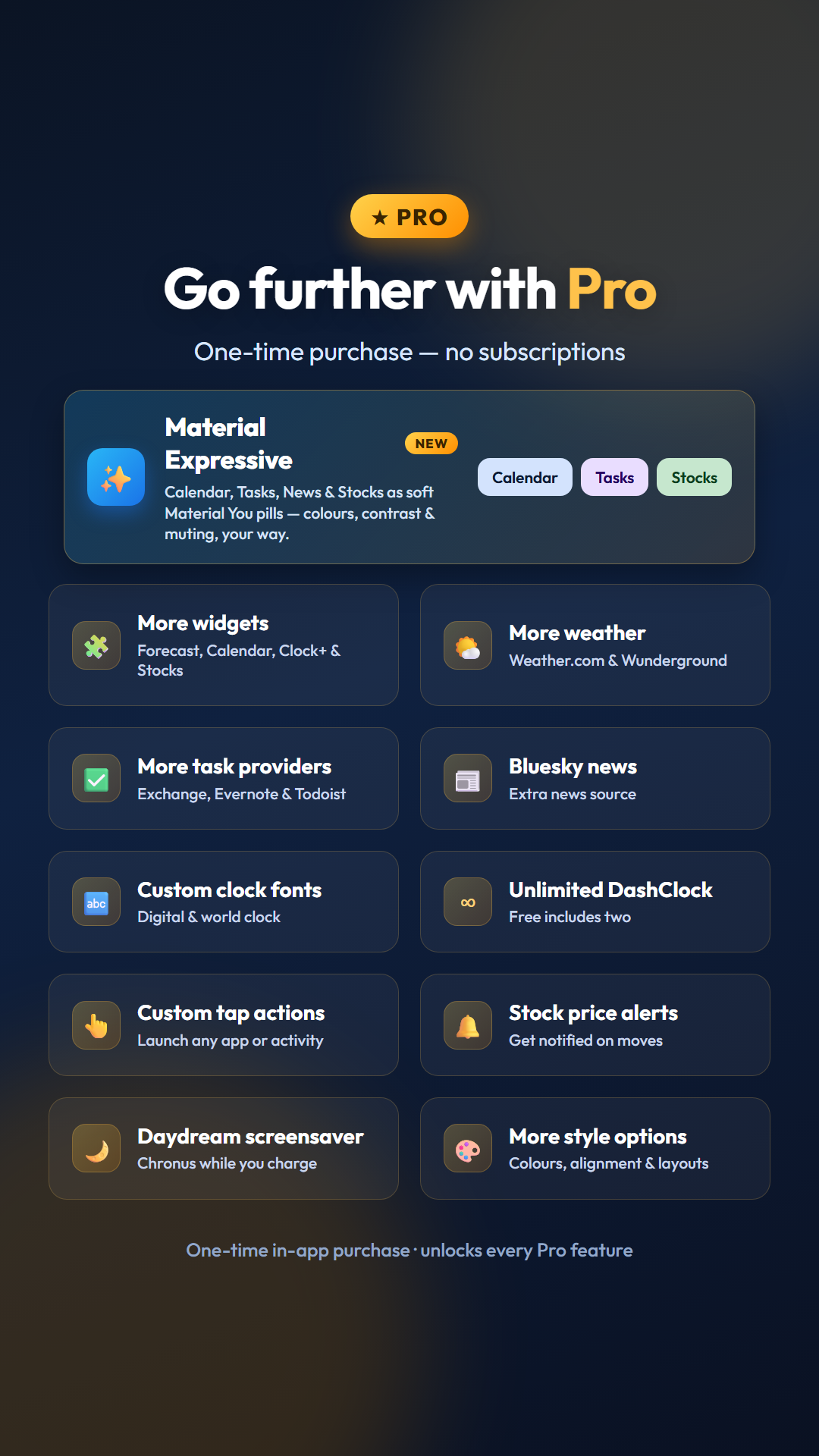
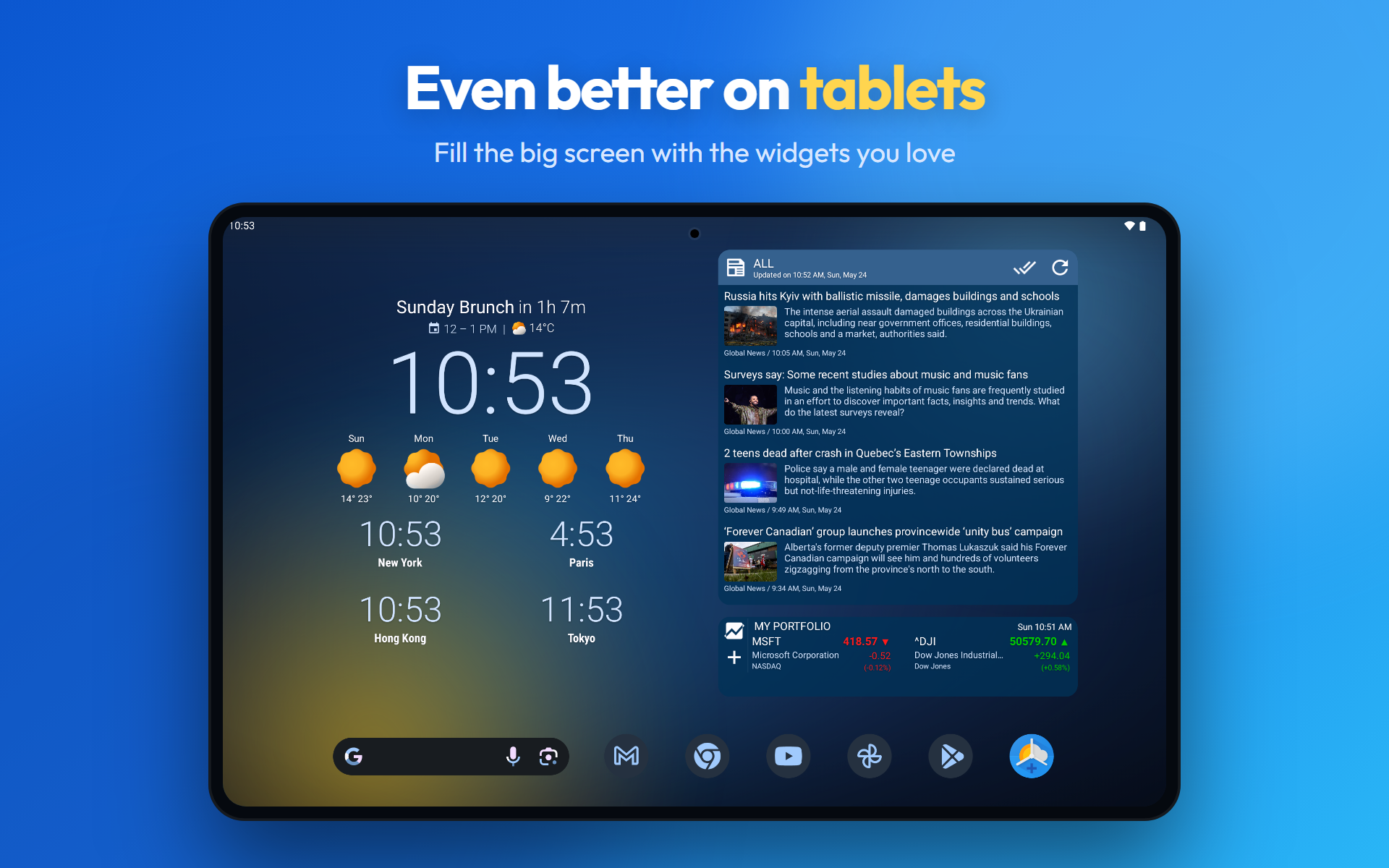
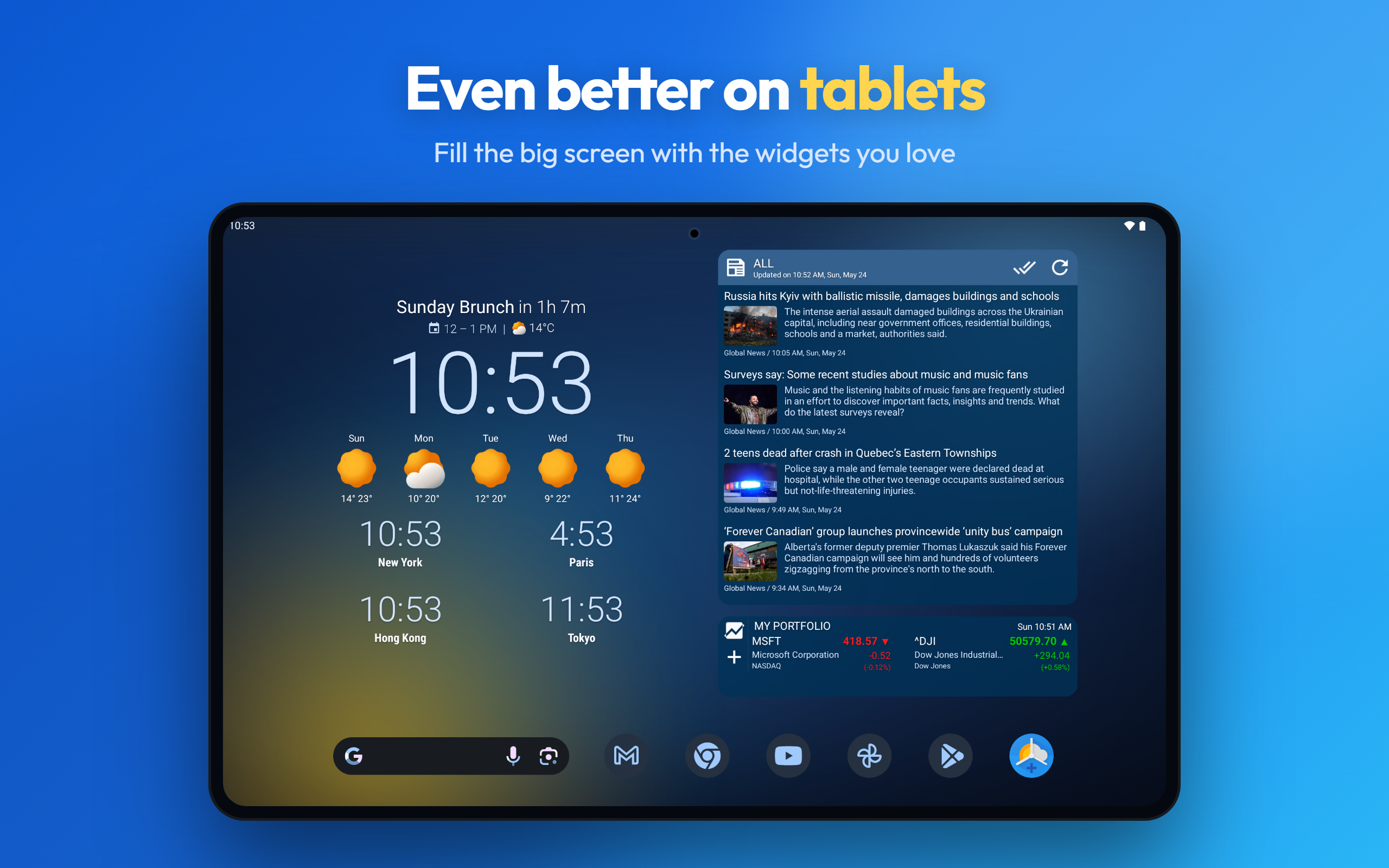
Metti ciò che conta di più nella schermata Home — l'ora, il meteo, il prossimo appuntamento, le notizie che segui, le attività di oggi, il tuo portafoglio — in un unico set di widget altamente personalizzabile. Ogni widget di Chronus condivide gli stessi servizi in background efficienti, così ottieni informazioni ricche e aggiornate senza il consumo di batteria e dati di un widget separato per ogni cosa. Scegli i widget che vuoi; quelli che non usi rimangono inattivi e non consumano alcuna risorsa. Widget inclusi • Flex e Flex Analogico — widget tutto-in-uno con orologio, calendario, meteo, notizie, attività, azioni e estensioni DashClock • Varianti Clock+ — layout digitali, analogici, dash e orologio+meteo combinati • Pixel e Pixel 2 — orologio e meteo puliti a colpo d'occhio • Notizie, Attività e Meteo — widget dedicati a scopo singolo • Dash — compatibile con qualsiasi estensione DashClock Punti salienti • Personalizzazione approfondita — caratteri, dimensioni, colori, allineamenti e layout per quasi ogni elemento • Supporto colori dinamici Material You su Android 12+ • Meteo da 12 provider: OpenWeatherMap, AccuWeather, Met Norway, The Weather Company, Weatherbit, WeatherAPI, Visual Crossing, Tomorrow.io, WeatherStack, Pirate Weather, Open-Meteo e MeasureSpace • Notizie da qualsiasi fonte RSS o Hacker News, con segnalibri integrati per salvare articoli da leggere dopo e una vista Salvati dedicata • Google Tasks con notifiche sulle scadenze e azioni di completamento rapido • Calendario in stile agenda scorribile con eventi imminenti codificati a colori e grassetto • Notifiche di sistema per Meteo, Calendario e Attività • Backup e ripristino su archivio locale o Google Drive • Disponibile come fonte meteo per LineageOS e ROM derivate Funzionalità Pro (acquisto unico in-app) • Widget aggiuntivi: Previsioni, Calendario, Clock+ Previsioni e Azioni • Provider meteo aggiuntivi: Weather.com e Wunderground • Provider di notizie aggiuntivi: Bluesky • Font orologio personalizzati per widget orologio digitale e mondiale • Provider di attività aggiuntivi: Microsoft Exchange, Evernote e Todoist • Estensioni DashClock illimitate (la versione gratuita ne include due) • Molte altre opzioni di stile, colore, allineamento e layout per ogni widget • Azioni tap personalizzate per avviare qualsiasi app o attività • Avvisi sui prezzi delle azioni • Screensaver Daydream Da sapere • I widget della schermata di blocco sono nativi su Android 16+; su Android 5–15 richiedono un'app di terze parti • Dettagli sulle autorizzazioni: https://www.dvtonder.com/privacy.html Crediti Chronus è sviluppato da David van Tonder con contributi di Danny Baumann e Jorge Ruesga. Un grande grazie a Nicolai Ehemann, Matt Booth e ai traduttori volontari che mantengono l'app disponibile in 36 lingue.
Aggiornamento Chronus 28.3.1
Version 28.3.1 • Calendar: birthday colour, optional crossed-out completed tasks • Dialogs: new rounded look, clearer in dark mode • Forecast widgets: tap the weather to open the forecast • News reader: tap the list title to switch All, Unread and Saved Fixes: • Freezes with some backup folders • Forecast tap action reset after editing a widget • News sources resetting to RSS only • Google weather tap working only once on some launchers • Task edits lost on rotation • Updated libraries
Version 28.3.1 • Calendar: birthday colour, optional crossed-out completed tasks • Dialogs: new rounded look, clearer in dark mode • Forecast widgets: tap the weather to open the forecast • News reader: tap the list title to switch All, Unread and Saved Fixes: • Freezes with some backup folders • Forecast tap action reset after editing a widget • News sources resetting to RSS only • Google weather tap working only once on some launchers • Task edits lost on rotation • Updated libraries
Version 28.3 • Flex and Clock+ Analogue: New Material Expressive style (Pro) • Stocks: An = sign for unchanged stocks Fixes: • Startup freezes (ANRs) and a crash when resizing or rotating • Pro widgets briefly reverting to their free layout • Weather, world clock and stock taps failing on some devices • Clock not updating after a time zone change • World clocks: Wrong city names, font, colour and update issues • Stocks: Compact view alignment • Flex: Panels cut off or pushed out
Version 28.2.x • New Material Expressive style (Pro) for the Clock+ and Dash widgets • Weather widgets: choose a Standard, Classic or Expressive display • Next alarm: pick which apps' alarms to show Fixes: • Freezes (ANRs) at startup and on custom-font clock updates • Crashes and stalled widgets after a reboot • Next alarm missing from clock widgets and the alarm extension • Dash widgets not showing or updating extensions • Weather on narrow widgets, News scrolling, Stocks symbols • Dash fixes
Version 28.2 • New Material Expressive style (Pro) for the Clock+ and Dash widgets • Weather widgets: choose a Standard, Classic or Expressive display • Next alarm: pick which apps' alarms to show Fixes: • Freezes (ANRs) at startup and on custom-font clock updates • Crashes and stalled widgets after a reboot • Next alarm missing from clock widgets and the alarm extension • Dash widgets not showing or updating extensions • Weather on narrow widgets, News scrolling, Stocks symbols
APKFab.com e il link per il download di questa app sono sicuri al 100%. Tutti i link per il download delle app elencate su APKFab.com provengono da Google Play Store o sono inviati dagli utenti. Per le app da Google Play Store, APKFab.com non le modificherà in alcun modo. Per le app inviate dagli utenti, APKFab.com verificherà la sicurezza della firma APK prima di rilasciarle sul nostro sito web.