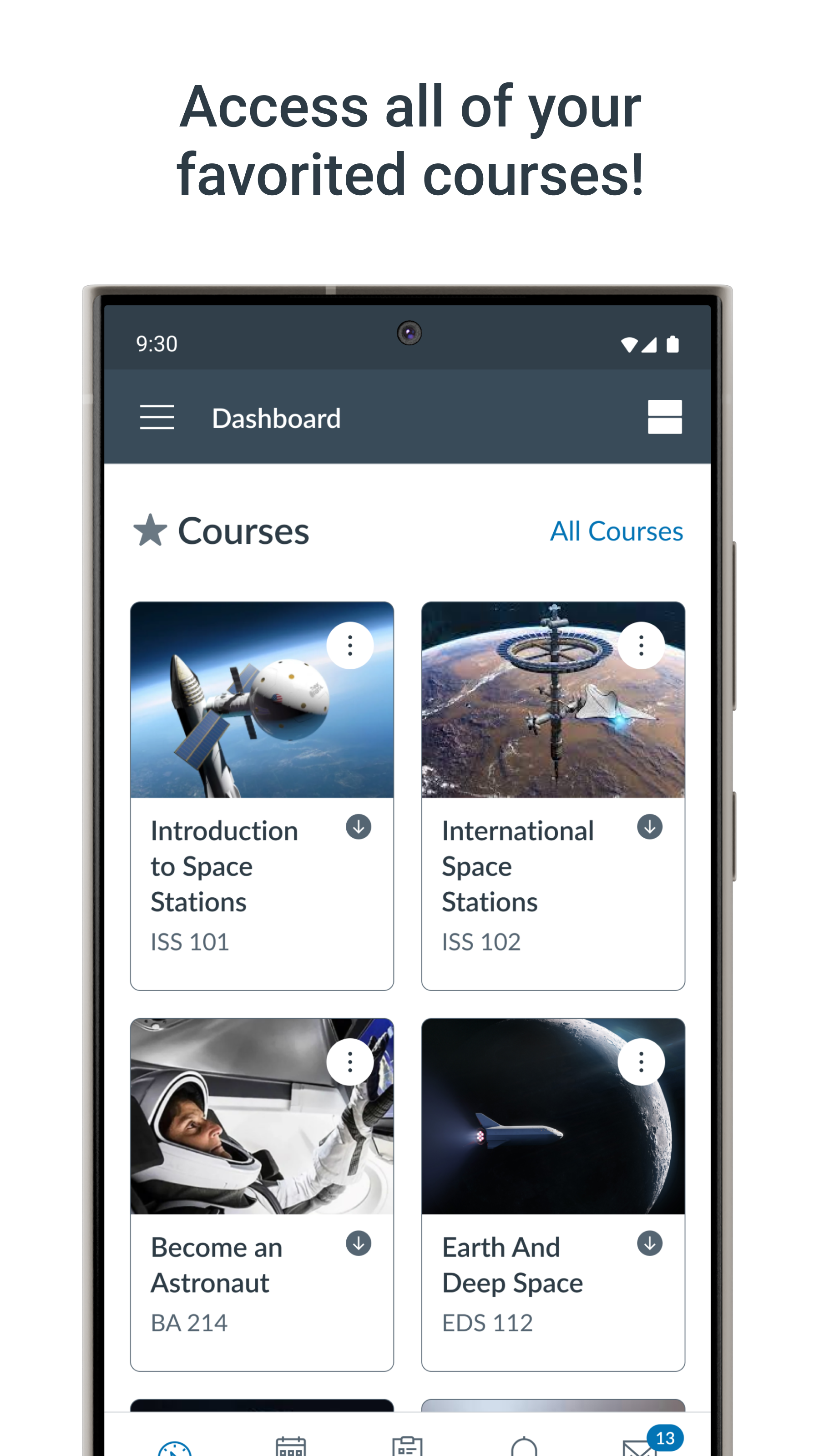
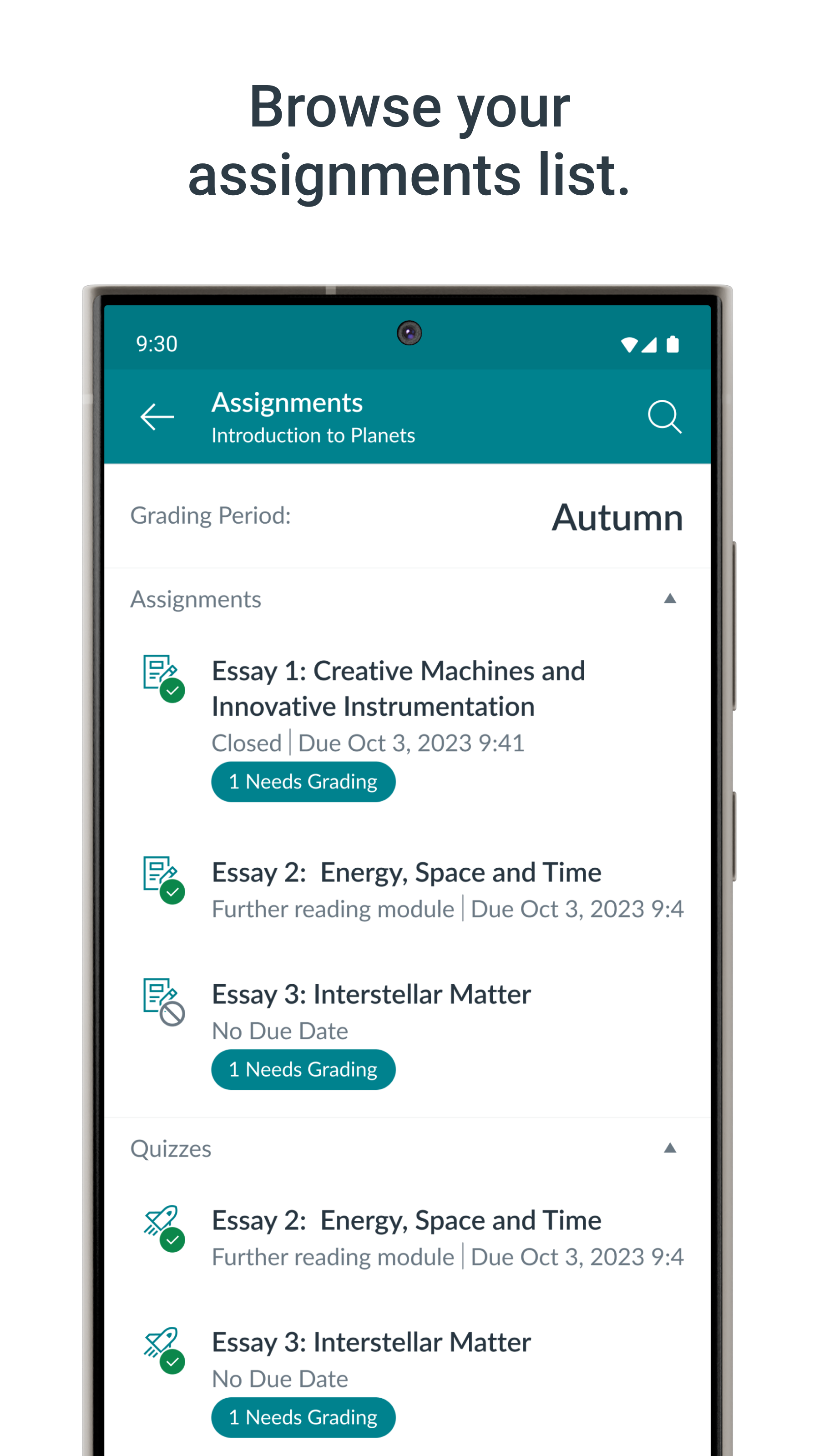
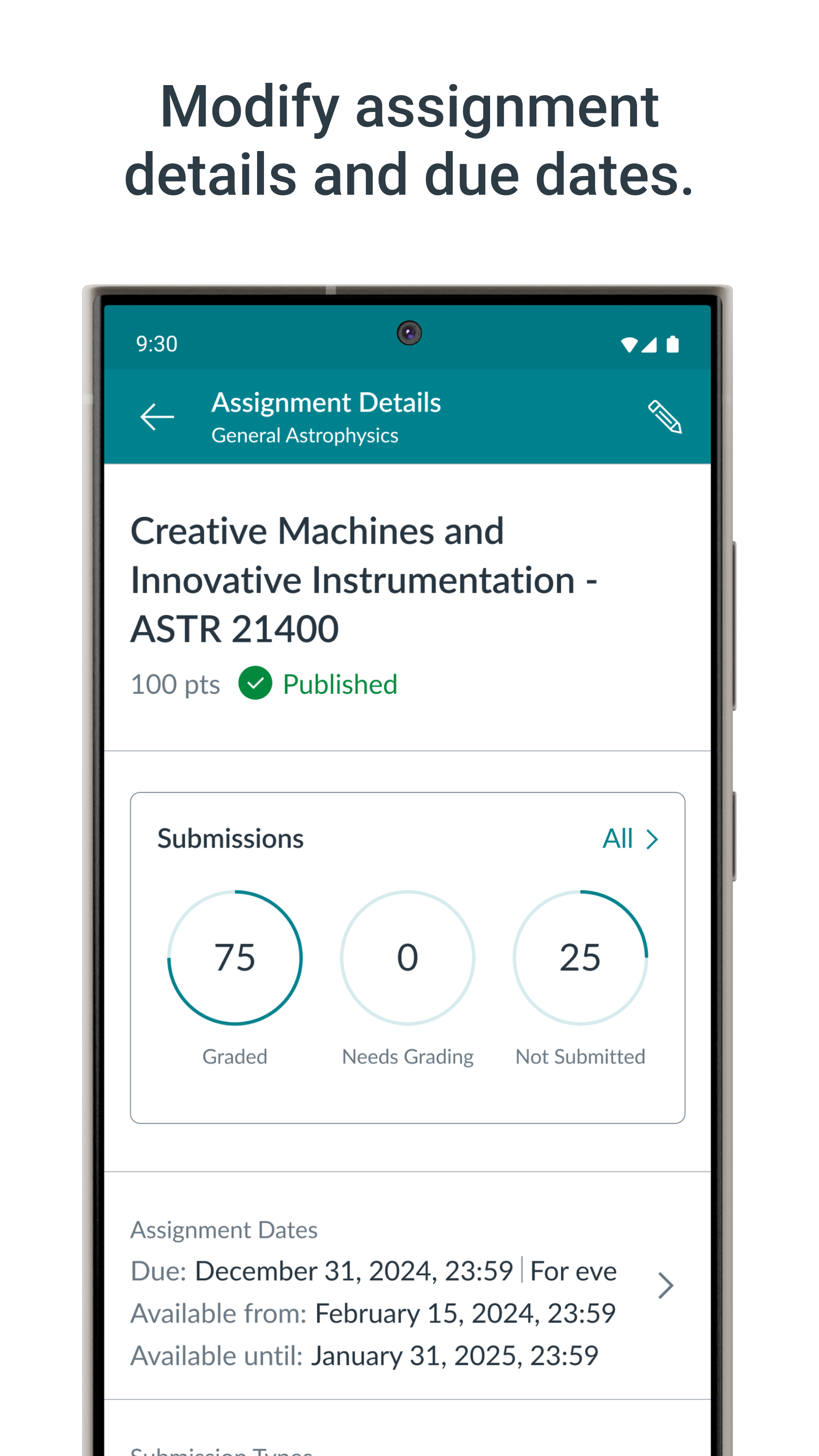
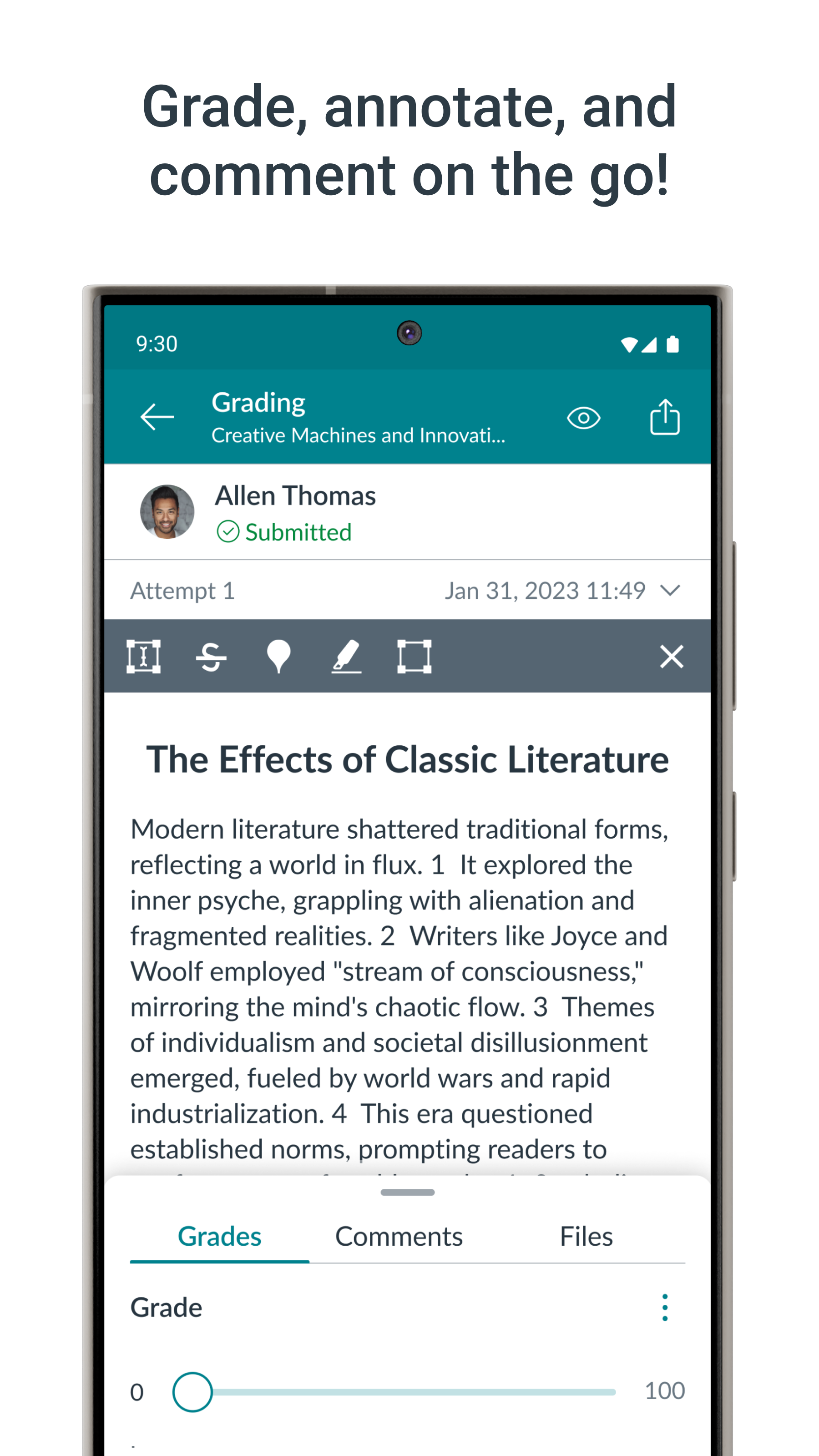
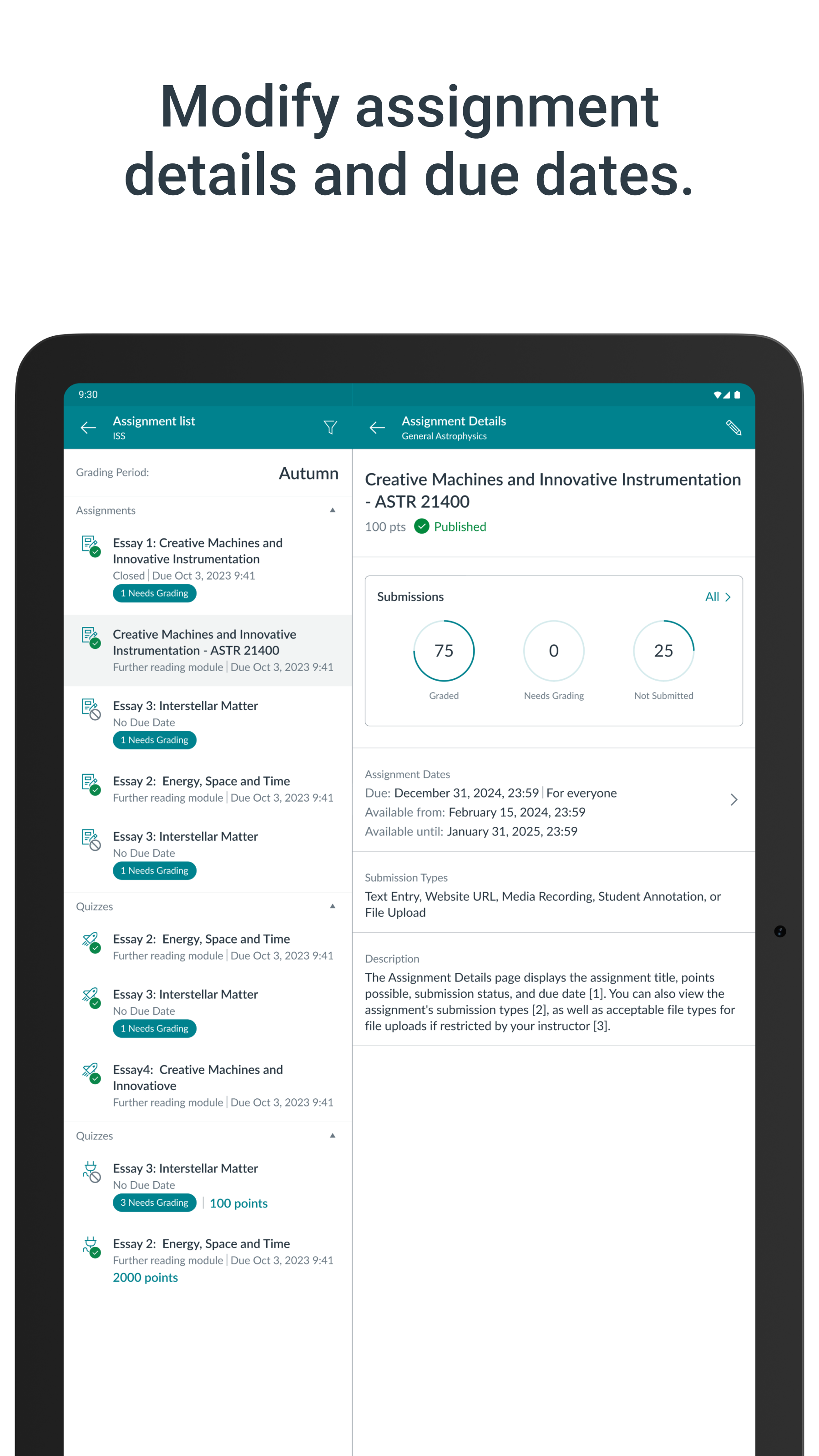
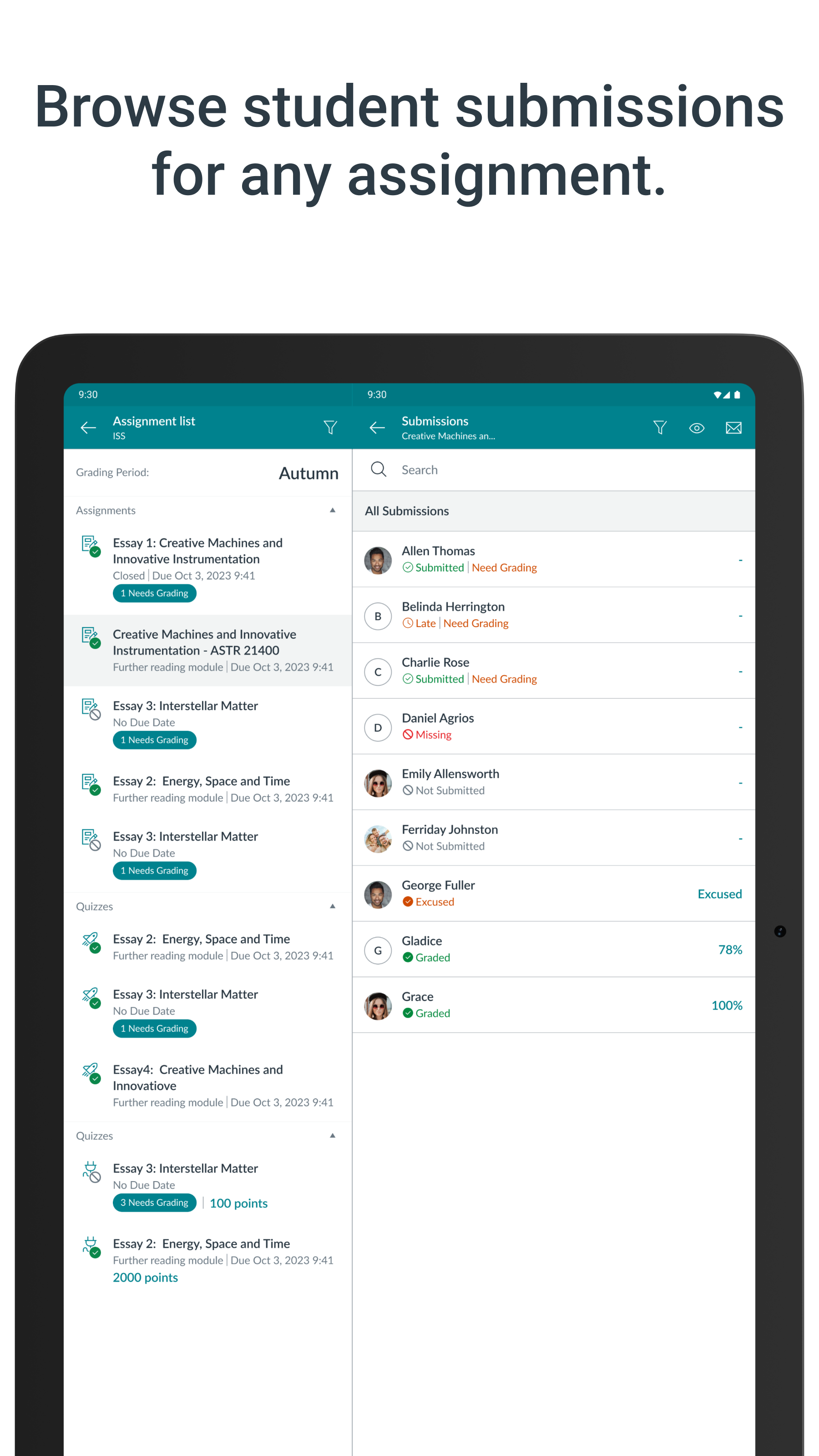
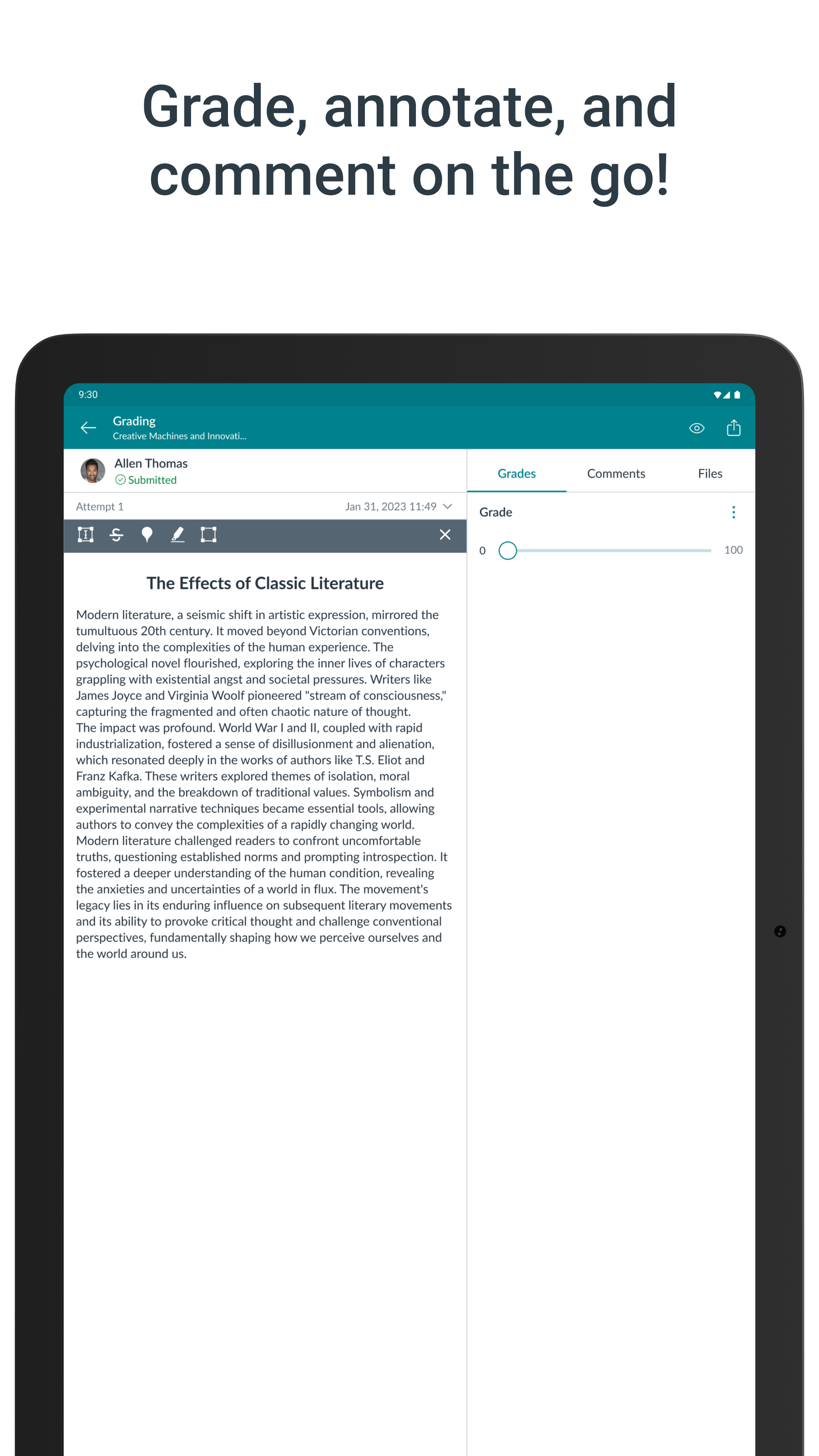
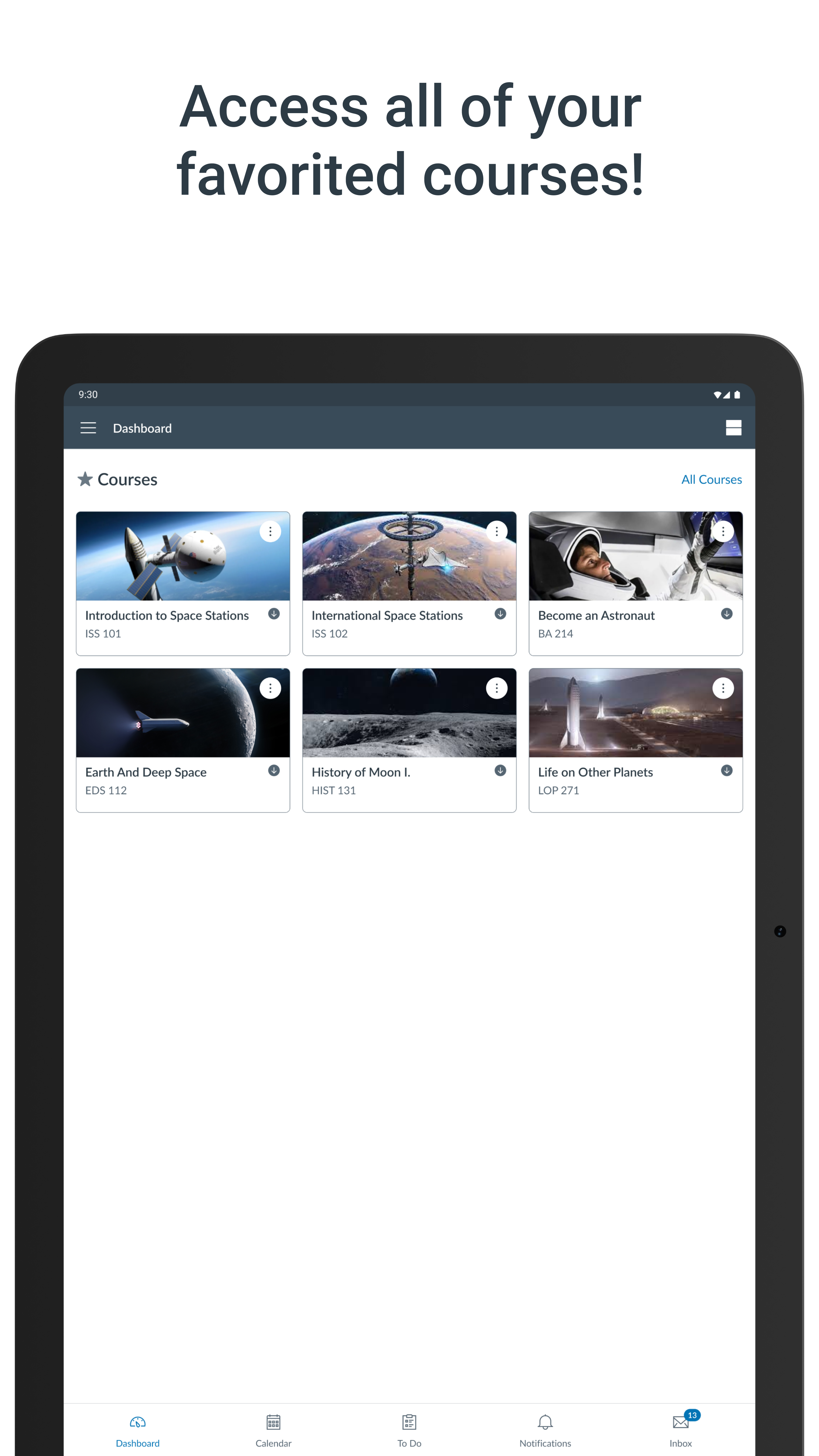
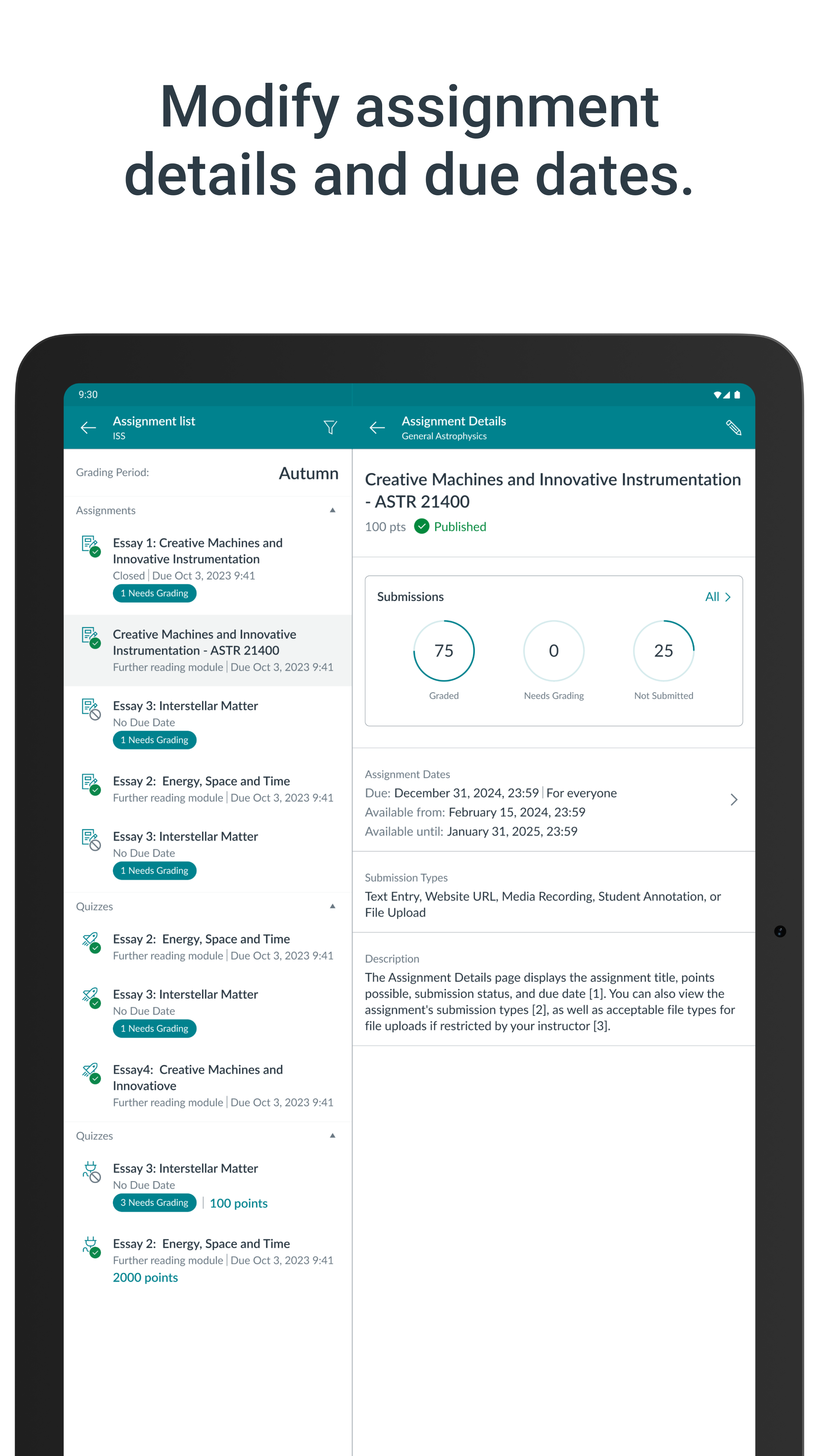
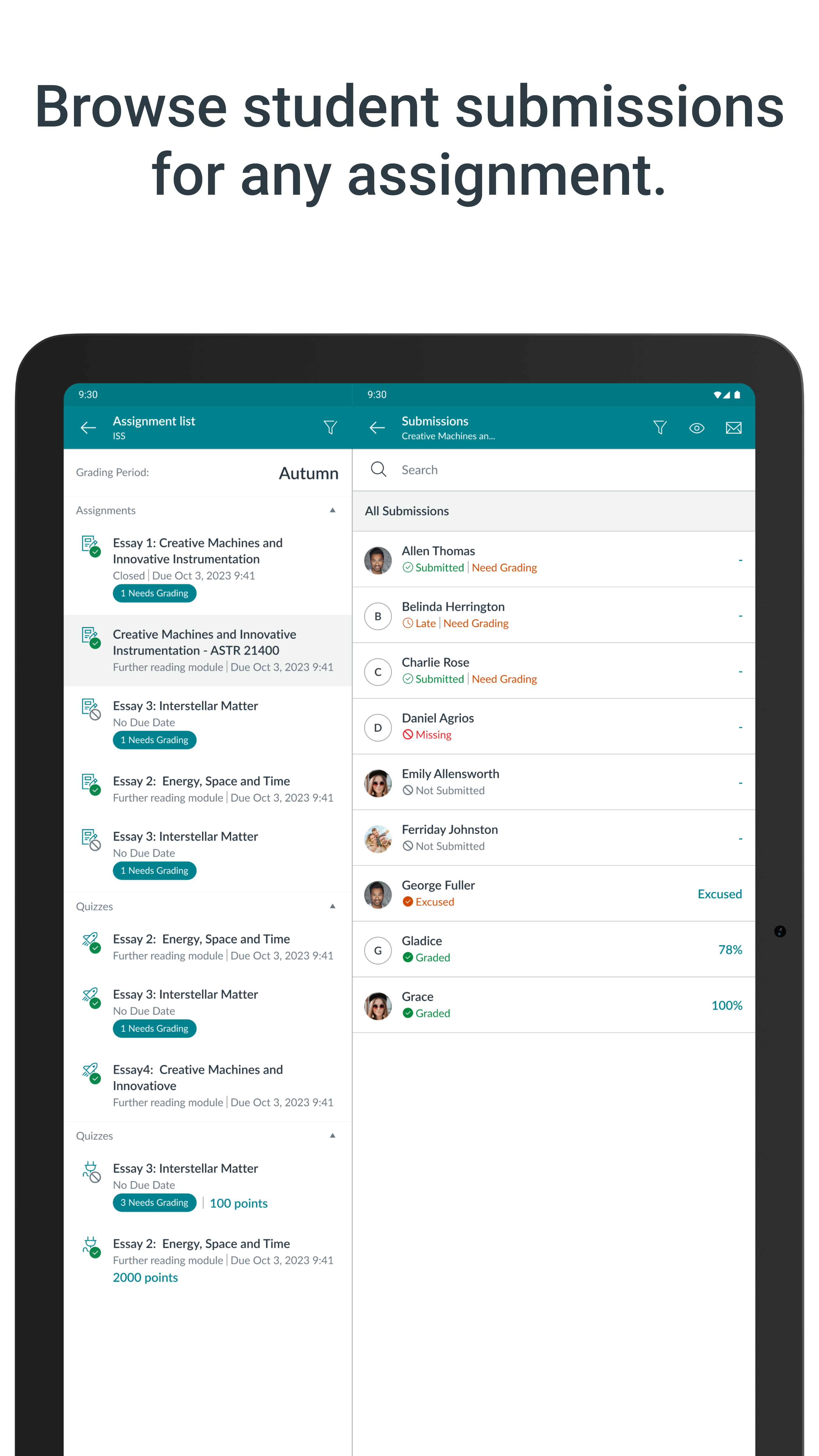
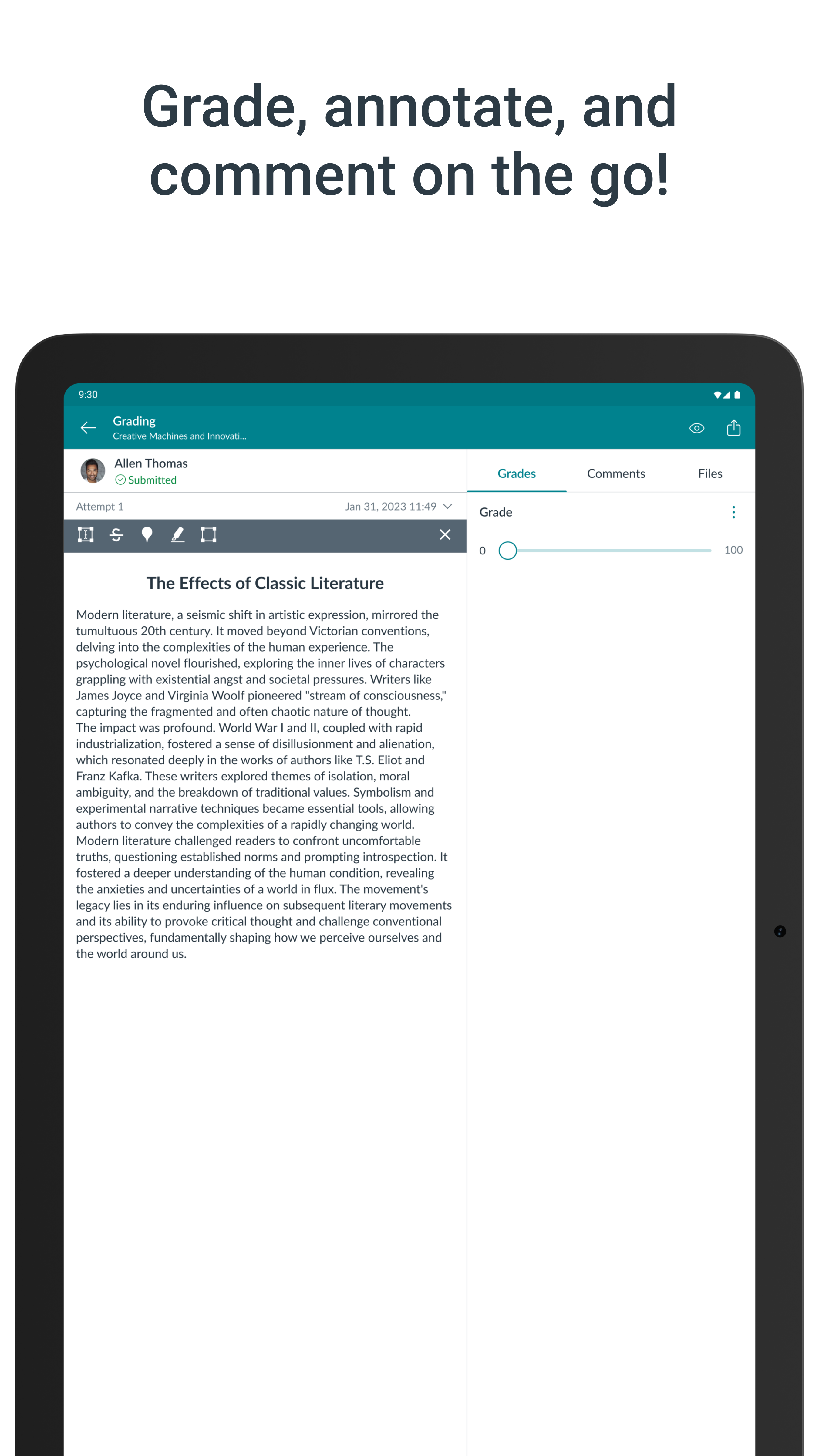
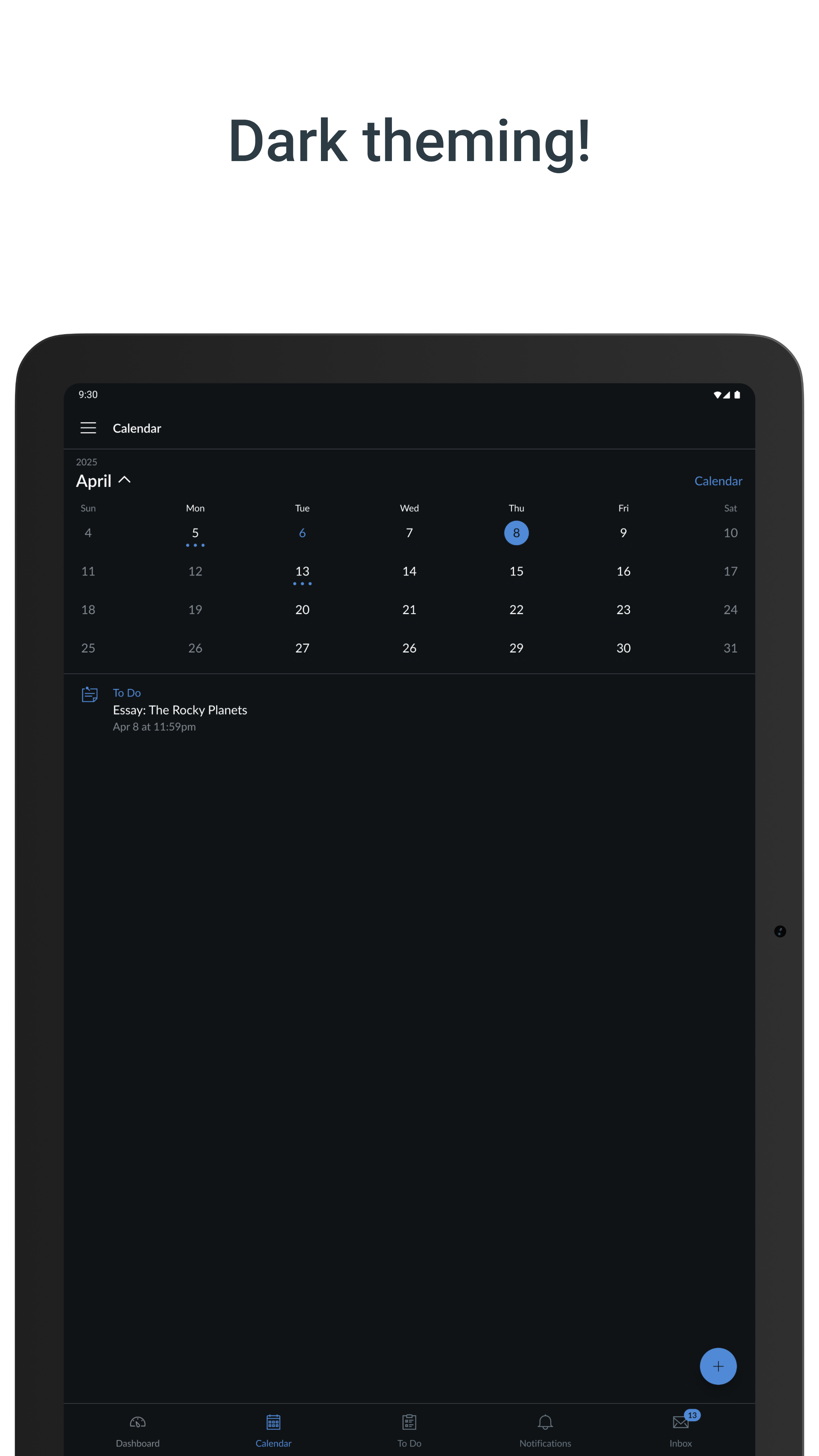
Il tempo è la risorsa più preziosa di un insegnante. Risparmio di tempo e l'uso della tela in modo più efficiente dal dispositivo mobile con Canvas Maestro. Tela Maestro permette agli insegnanti di facilitare i loro corsi in movimento, sia all'interno che all'esterno della classe. Questa applicazione consente di accedere rapidamente a tre delle più frequenti compiti di facilitazione dei corsi per gli insegnanti: • CLASSIFICAZIONE: Sfoglia osservazioni e fornire un feedback ai vostri studenti con una nuova e migliorata speedgrader cellulare incorporato in questa applicazione. • Comunicare: inviare annunci e messaggi (tra cui "Gli studenti dei messaggi che si ..."), e partecipare a discussioni corso dal palmo della tua mano. • Aggiornamento: hanno bisogno di cambiare una data di scadenza? O pubblicare un incarico? O fissare un errore di ortografia? Tela Maestro permette di aggiornare il contenuto del corso. Canvas Maestro è il compagno Canvas cellulare perfetto per la facilitazione ovviamente!
Aggiornamento Canvas Teacher 2.5.1
- Calendar and to-do lists now respect your device's first day of week setting - Teachers using screen readers will now receive clear audio feedback when grades are saved in SpeedGrader, along with visual indicators for all users showing saving, saved, and failed states. - Fixed an issue where assignments with multiple due dates would fail to load when opened from the calendar - Courses now can be reordered on the Dashboard.
- Users can now open Studio embedded videos in immersive full-screen view for a better viewing experience - Added Portfolio to the navigation menu - Improved accessibility for SpeedGrader grading slider - screen readers now announce grade values clearly without confusing duplicate announcements - Added Korean language localization - Various bug fixes
- Fixed an issue where newly sent messages would not appear immediately in the inbox - Fixed an issue where letter grades in SpeedGrader would incorrectly round down to the next lower grade, especially for low-point assignments - Fixed an issue where People page filters would reset after rotating the device - Teachers can now reorder their dashboard cards by dragging them.
APKFab.com e il link per il download di questa app sono sicuri al 100%. Tutti i link per il download delle app elencate su APKFab.com provengono da Google Play Store o sono inviati dagli utenti. Per le app da Google Play Store, APKFab.com non le modificherà in alcun modo. Per le app inviate dagli utenti, APKFab.com verificherà la sicurezza della firma APK prima di rilasciarle sul nostro sito web.