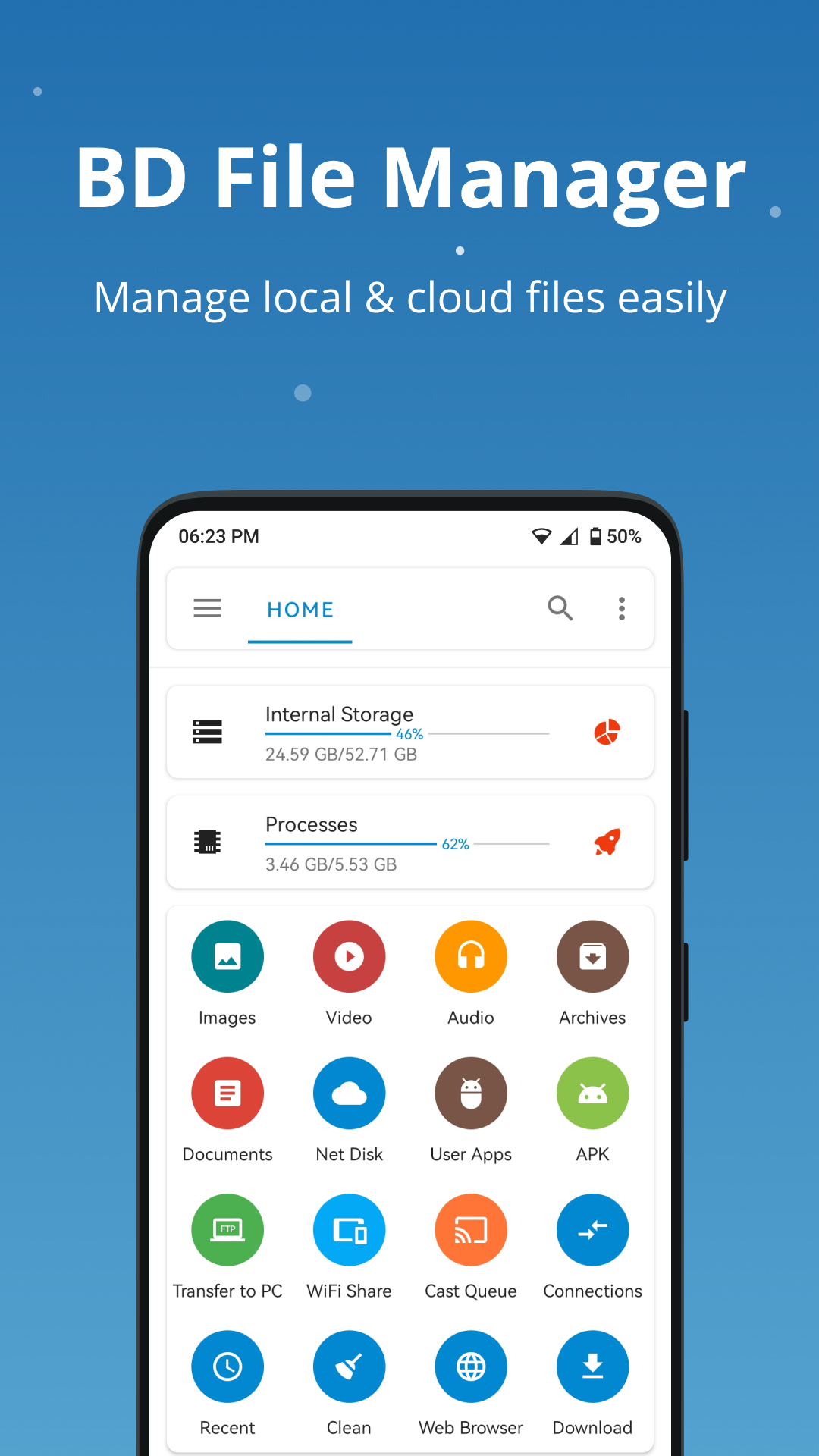
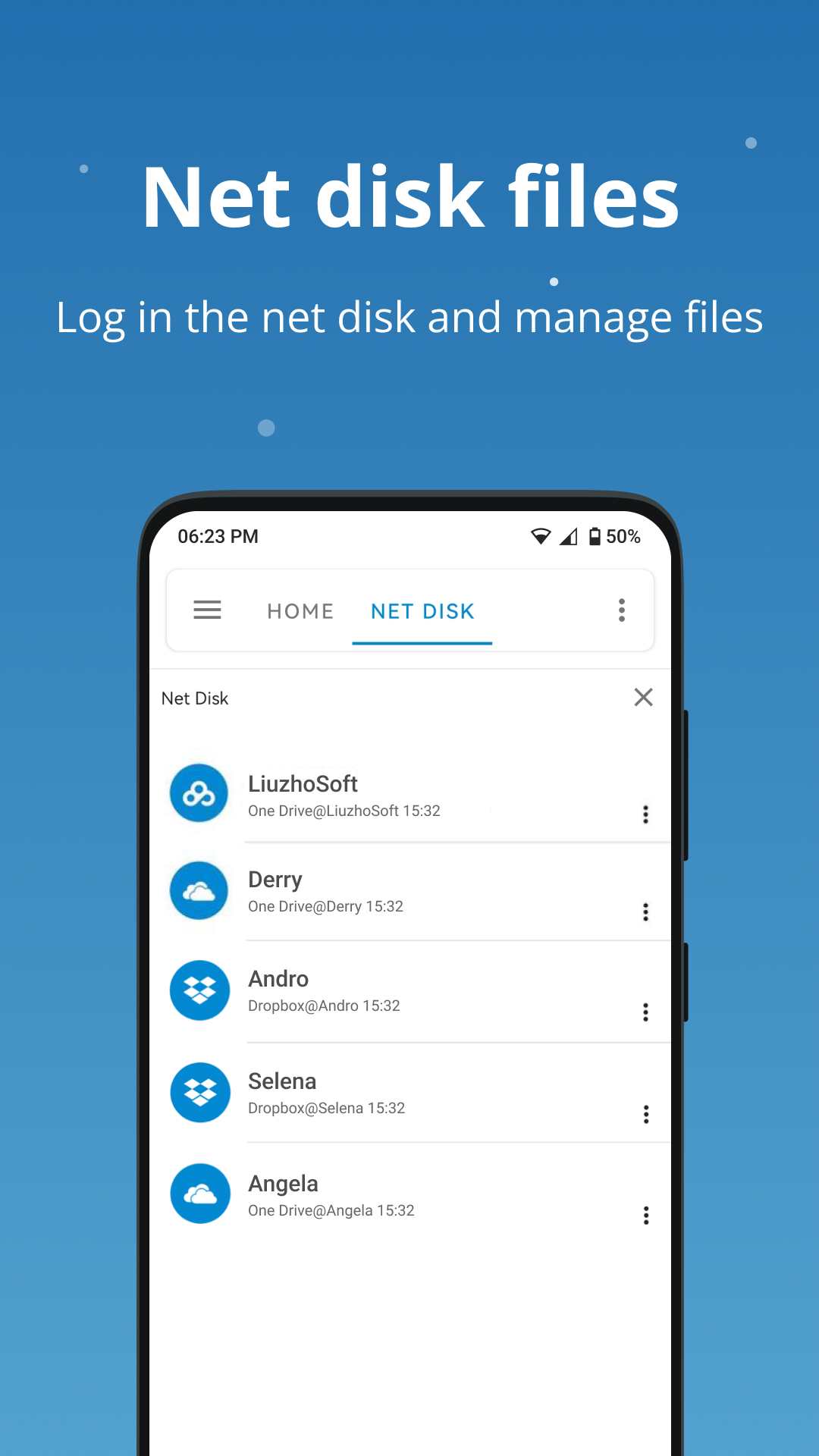
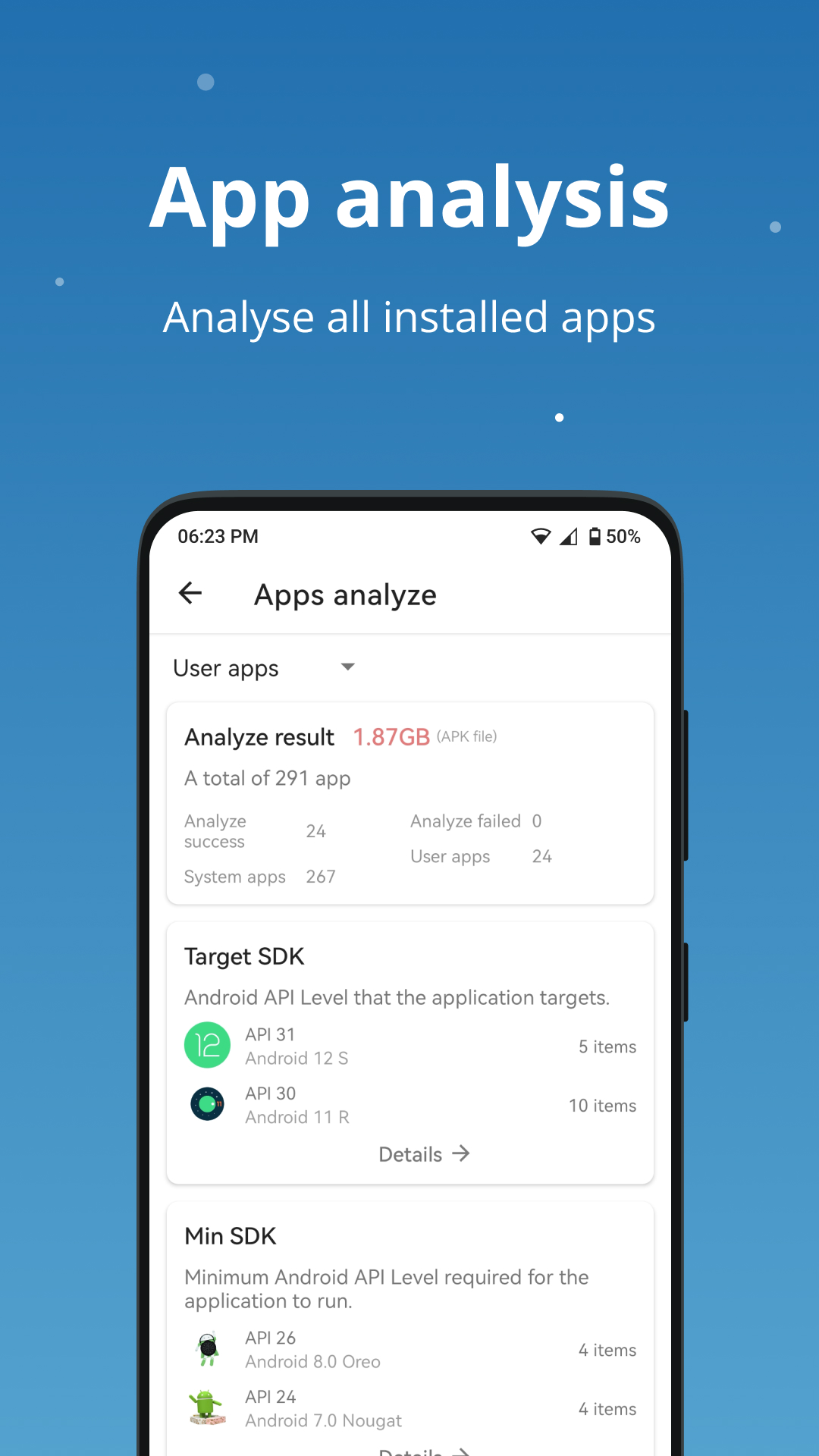
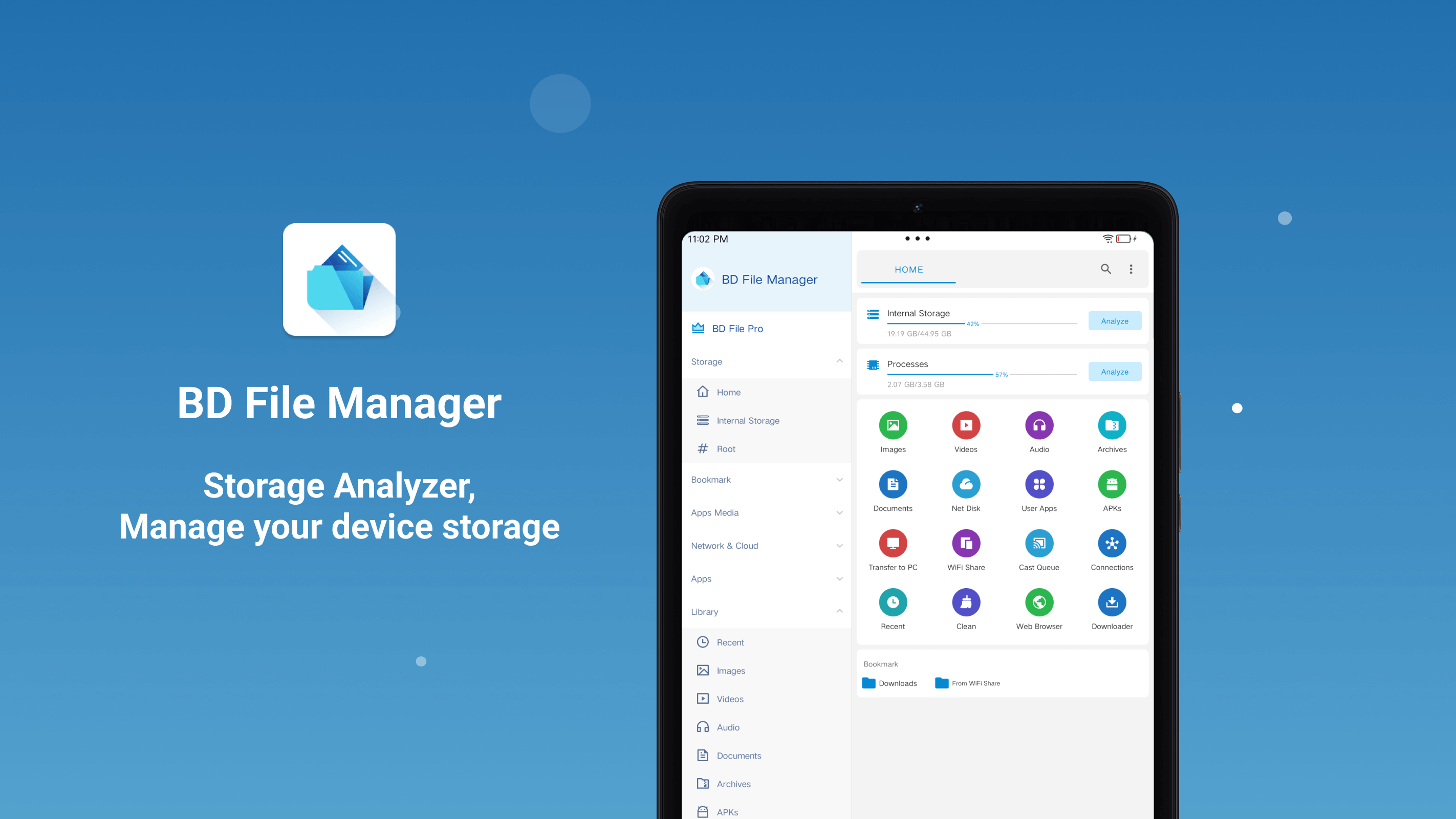
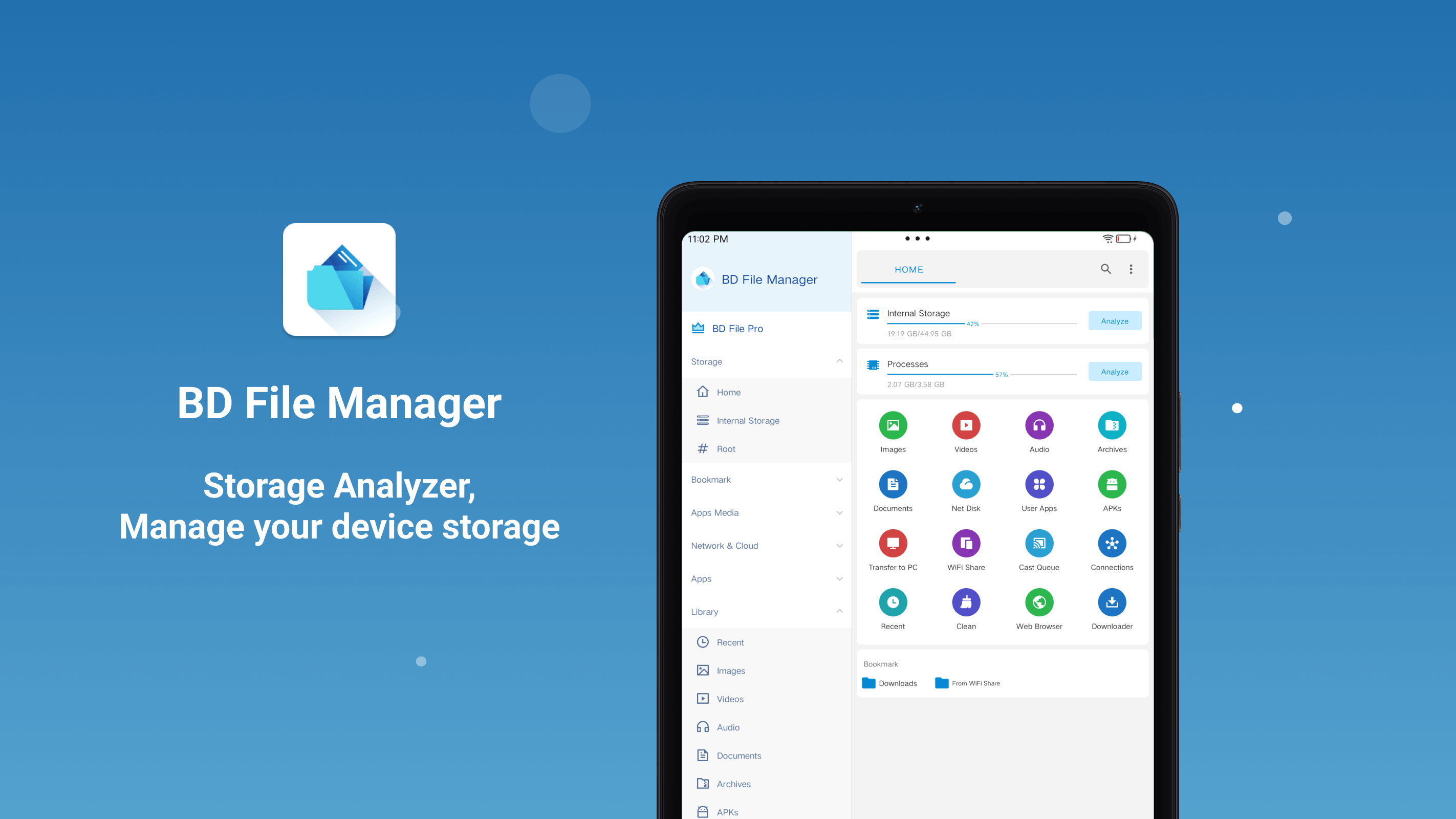
BD File Manager è un file manager per la gestione di file su memoria Android, schede SD, unità USB, archiviazione di rete e servizi cloud supportati. Mantieni i tuoi file locali e remoti organizzati da un'unica app. Archiviazione locale ed esterna Esplora e organizza i file sul tuo dispositivo Android, schede SD, unità USB e dispositivi di archiviazione OTG. Archiviazione di rete e cloud Connettiti all'archiviazione di rete tramite SMB, FTP, FTPS, SFTP e WebDAV. Accedi ai file nei servizi cloud supportati, tra cui OneDrive, Dropbox e Google Drive. Esplorazione e organizzazione dei file Trova i file per categoria, inclusi Download, Immagini, Audio, Video, Documenti e File recenti. Copia, sposta, rinomina, condividi e organizza i file nelle posizioni di archiviazione supportate. Gestione degli archivi Apri ed estrai archivi ZIP, RAR, 7Z, ISO, TAR e GZIP. Crea archivi nei formati supportati. Analisi e pulizia dello spazio di archiviazione Analizza lo spazio di archiviazione interno, visualizza le dimensioni delle cartelle e scopri quali file occupano più spazio. Trova file vuoti, file temporanei, file di cache supportati, log, duplicati e file di grandi dimensioni, quindi scegli cosa rimuovere. Lettore video e musicale integrato Riproduci video e musica da memoria locale, memoria di rete e servizi cloud supportati senza dover cambiare app. Accesso al PC e trasferimento file wireless Avvia un server FTP per accedere e gestire lo spazio di archiviazione del tuo dispositivo Android da un computer sulla stessa rete locale. Trasferisci file tra dispositivi tramite LAN senza bisogno di un cavo dati. Informazioni sulle app Esplora le app utente e di sistema installate. Visualizza i dettagli dei pacchetti, le attività, le autorizzazioni, le firme e le informazioni del manifesto. BD File Manager riunisce file locali, archiviazione cloud, protocolli di rete, strumenti di archiviazione, analisi dello spazio di archiviazione, riproduzione multimediale e trasferimento file wireless in un unico file manager.
Aggiornamento BD Gestore File v1.8.11.0
New - Added support for viewing DOCX, PPT, and Excel files - Added support for editing audio file metadata - Wireless Share tasks now show transfer progress Improved - File search experience - Casting experience Other - Bug fixes and experience improvements
New - Added support for viewing DOCX, PPT, and Excel files - Added support for editing audio file metadata - Wireless Share tasks now show transfer progress Improved - File search experience - Casting experience Other - Bug fixes and experience improvements
New - Added support for viewing DOCX, PPT, and Excel files - Added support for editing audio file metadata - Wireless Share tasks now show transfer progress Improved - File search experience - Casting experience Other - Bug fixes and experience improvements
New - Added support for viewing DOCX, PPT, and Excel files - Added support for editing audio file metadata - Wireless Share tasks now show transfer progress Improved - File search experience - Casting experience Other - Bug fixes and experience improvements
New - Added support for magnet link and torrent file downloads - Added a new authorization method for accessing Android/data Fixes - Fixed SMB anonymous access failures - Fixed an issue where tasks moved to the Recycle Bin could not be cancelled - Fixed an issue where batch renaming could fail
New - Added support for magnet link and torrent file downloads - Added a new authorization method for accessing Android/data Fixes - Fixed SMB anonymous access failures - Fixed an issue where tasks moved to the Recycle Bin could not be cancelled - Fixed an issue where batch renaming could fail
New - Added support for magnet link and torrent file downloads - Added a new authorization method for accessing Android/data Fixes - Fixed SMB anonymous access failures - Fixed an issue where tasks moved to the Recycle Bin could not be cancelled - Fixed an issue where batch renaming could fail
New - Home tab preview, with Settings moved to the sidebar - pCloud support - Monochrome launcher icon support Improved - Settings page structure Fixes - SMB anonymous login failures - Occasional issue where the sidebar could not be collapsed - Duplicate vibration when long-pressing files in the list Other - Bug fixes and experience improvements
New - Home tab preview, with Settings moved to the sidebar - pCloud support - Monochrome launcher icon support Improved - Settings page structure Fixes - SMB anonymous login failures - Occasional issue where the sidebar could not be collapsed - Duplicate vibration when long-pressing files in the list Other - Bug fixes and experience improvements
New - Support opening File Transfer Station from the system share menu Improved - Improved performance when cutting and moving local files - Automatically load original images when viewing cloud photos - Added navigation between search matches in the text editor Fixes - S3 upload errors - Possible crash after sending files via wireless sharing - Recent list not refreshing after renaming files Other - Experience improvements and bug fixes
New - Support opening File Transfer Station from the system share menu Improved - Improved performance when cutting and moving local files - Automatically load original images when viewing cloud photos - Added navigation between search matches in the text editor Fixes - S3 upload errors - Possible crash after sending files via wireless sharing - Recent list not refreshing after renaming files Other - Experience improvements and bug fixes
New - Support opening File Transfer Station from the system share menu Improved - Improved performance when cutting and moving local files - Automatically load original images when viewing cloud photos - Added navigation between search matches in the text editor Fixes - S3 upload errors - Possible crash after sending files via wireless sharing - Recent list not refreshing after renaming files Other - Experience improvements and bug fixes
APKFab.com e il link per il download di questa app sono sicuri al 100%. Tutti i link per il download delle app elencate su APKFab.com provengono da Google Play Store o sono inviati dagli utenti. Per le app da Google Play Store, APKFab.com non le modificherà in alcun modo. Per le app inviate dagli utenti, APKFab.com verificherà la sicurezza della firma APK prima di rilasciarle sul nostro sito web.