HandWrite Pro (Package Name: net.thoster.handwrite) is developed by Alstapp Note & Draw and the latest version of HandWrite Pro Vector Notes 10.1 was updated on October 15, 2026. HandWrite Pro Vector Notes is in the category of Productivity with the feature Export to PDF and Handwritten Notes, etc. You can check all apps from the developer of HandWrite Pro Vector Notes and find 200 alternative apps to HandWrite Pro Vector Notes on Android. Currently this app is for free. This app can be downloaded on Android 8.0+ on APKFab or Google Play. All APK/XAPK files on APKFab.com are original and 100% safe with fast download.
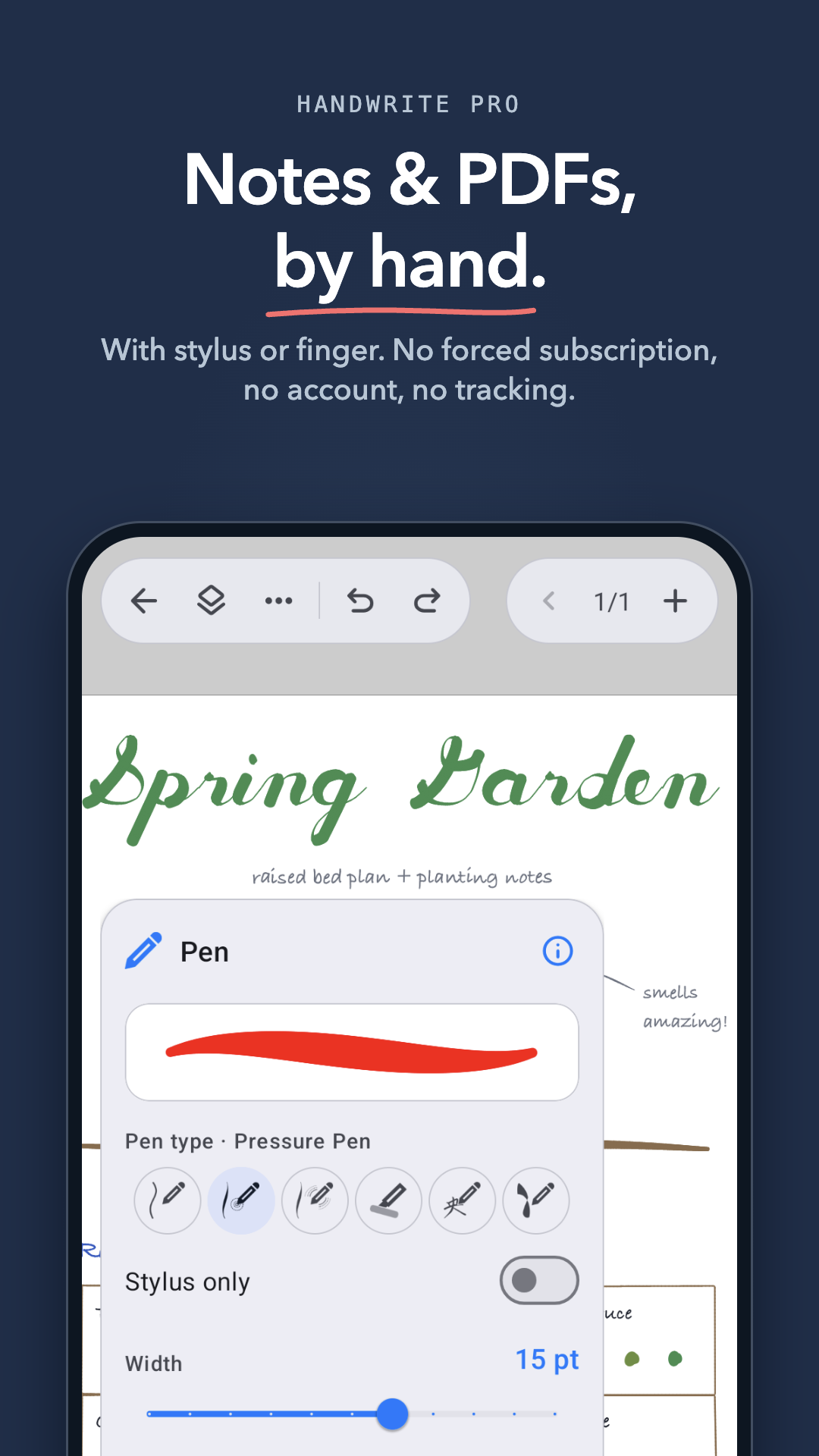
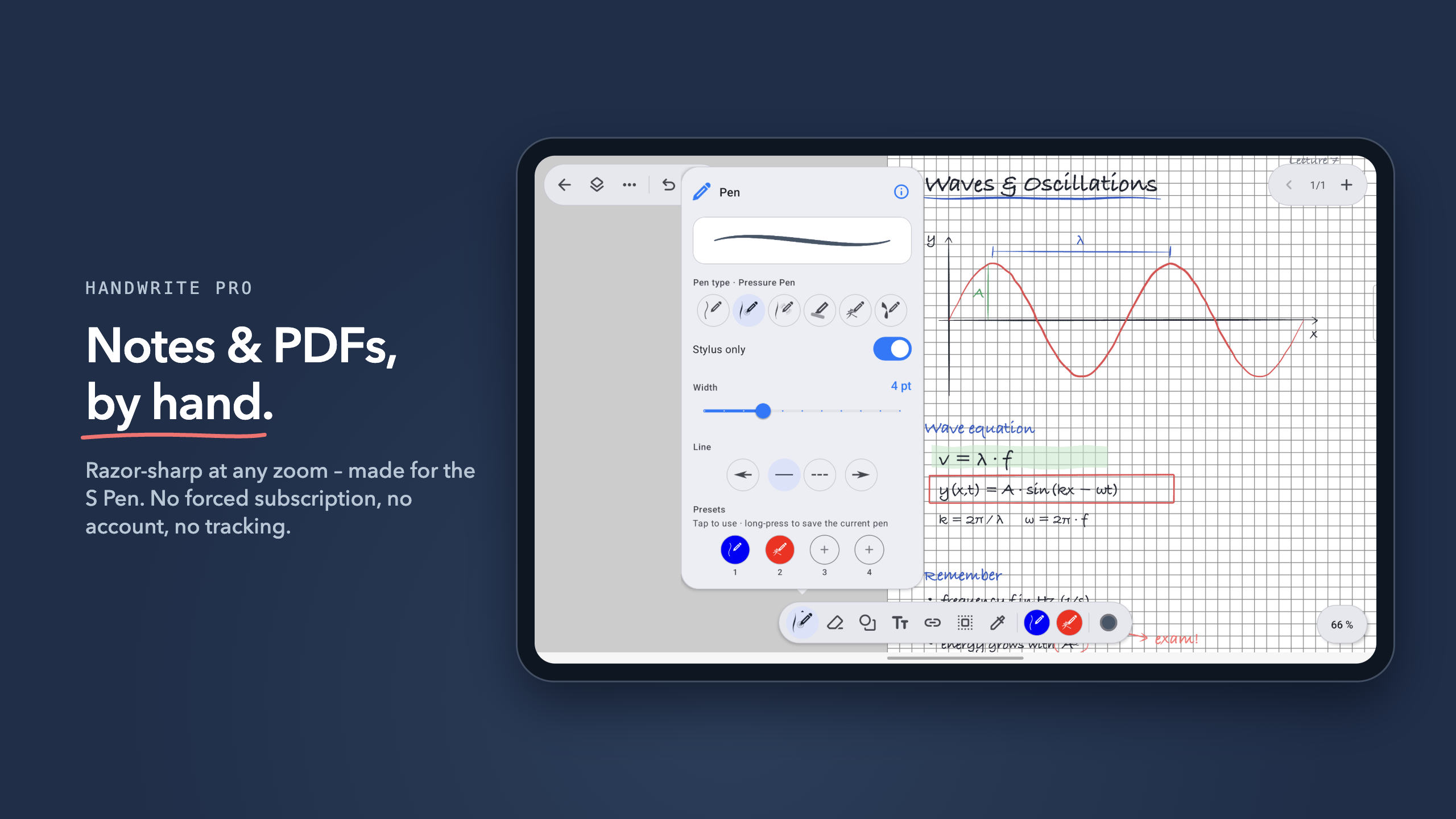
Handwritten notes, PDFs and sketches with stylus or finger – razor-sharp at any zoom. No forced subscription, no account, no tracking.
Over 1 million downloads. Built in Hamburg, Germany, by an independent developer.
NEW IN VERSION 10
- All-new design with dark mode
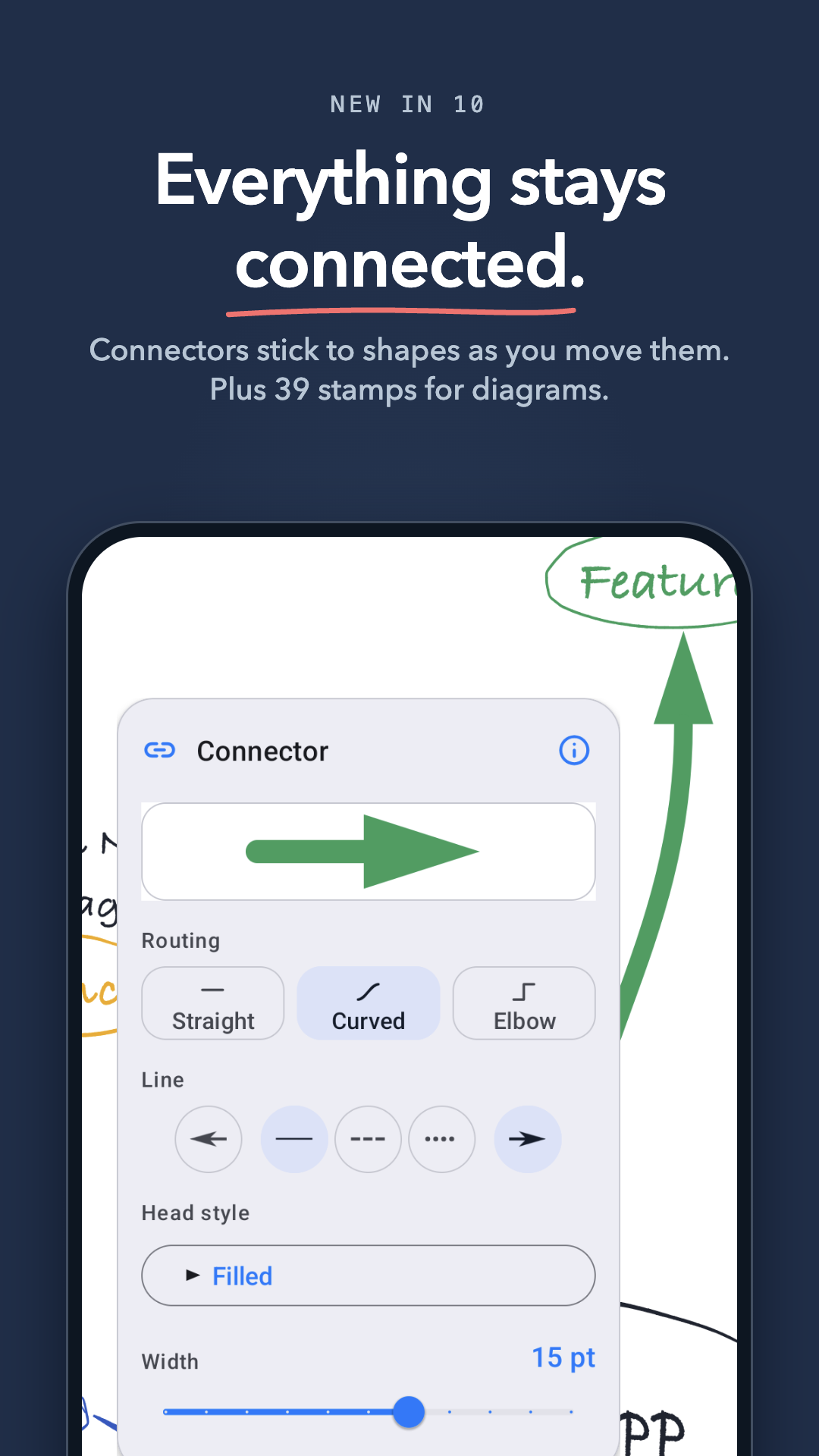
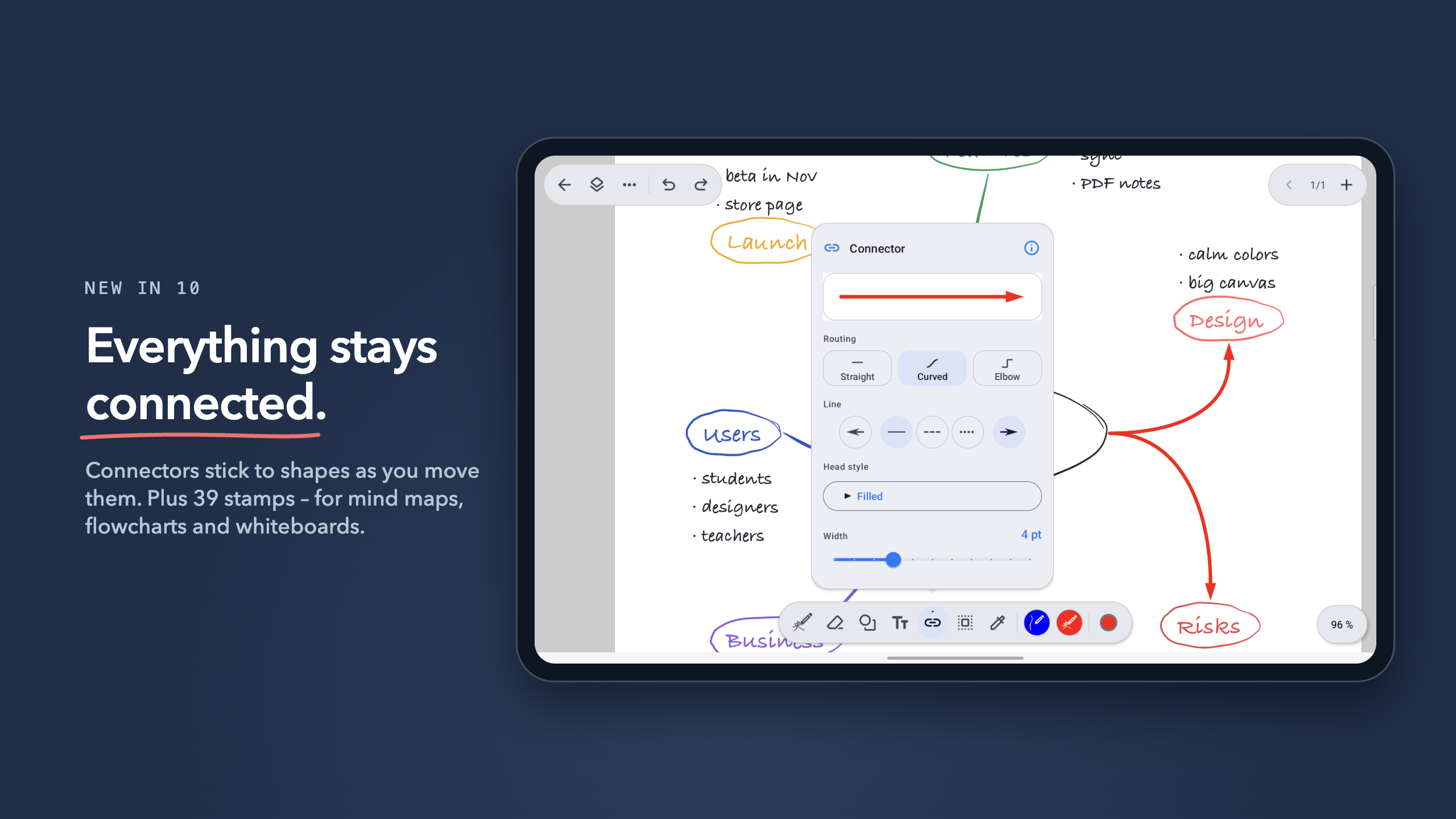
- Shapes, connectors and 39 stamps for diagrams
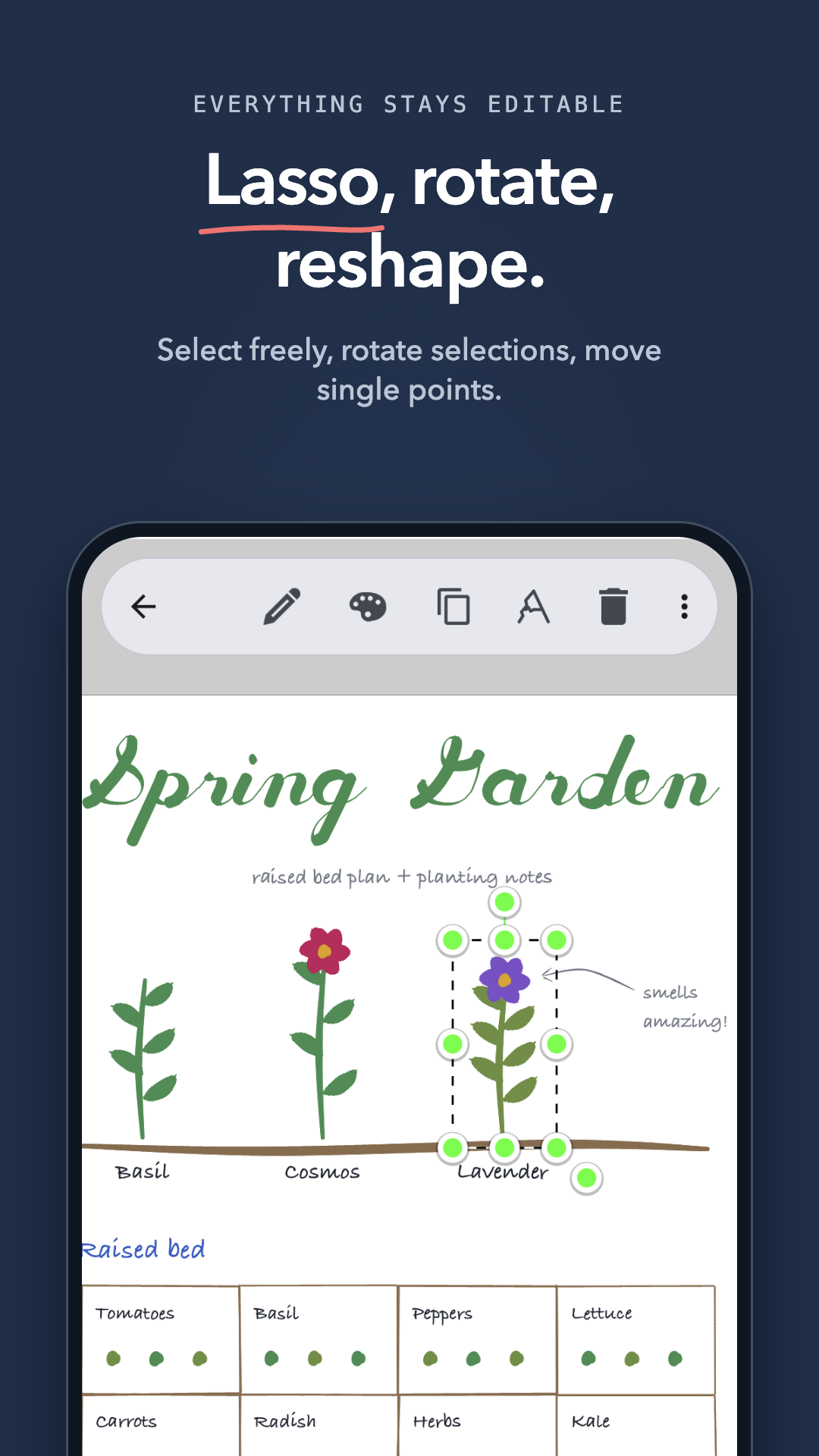
- Lasso selection, alignment guides, snap to grid
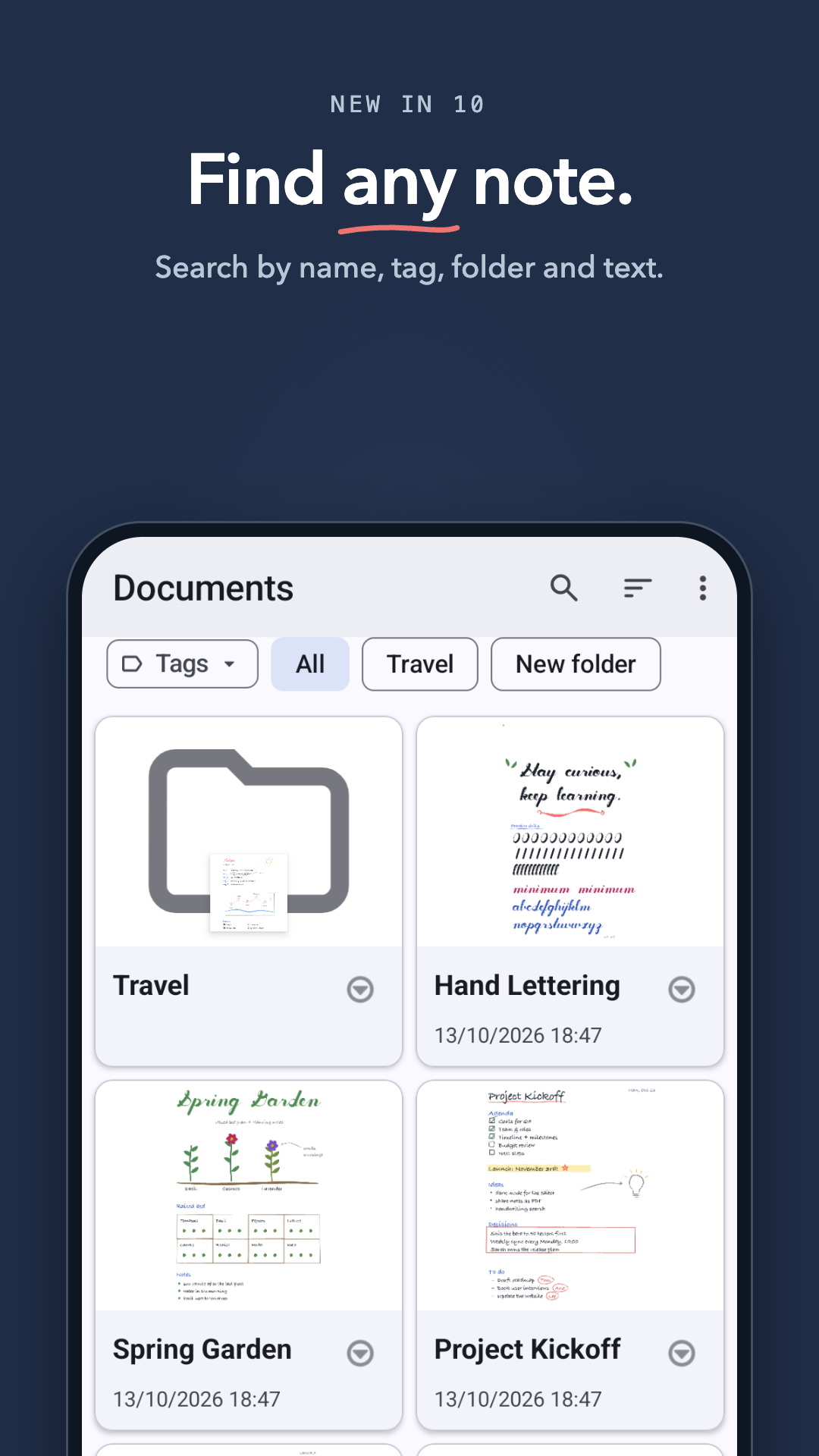
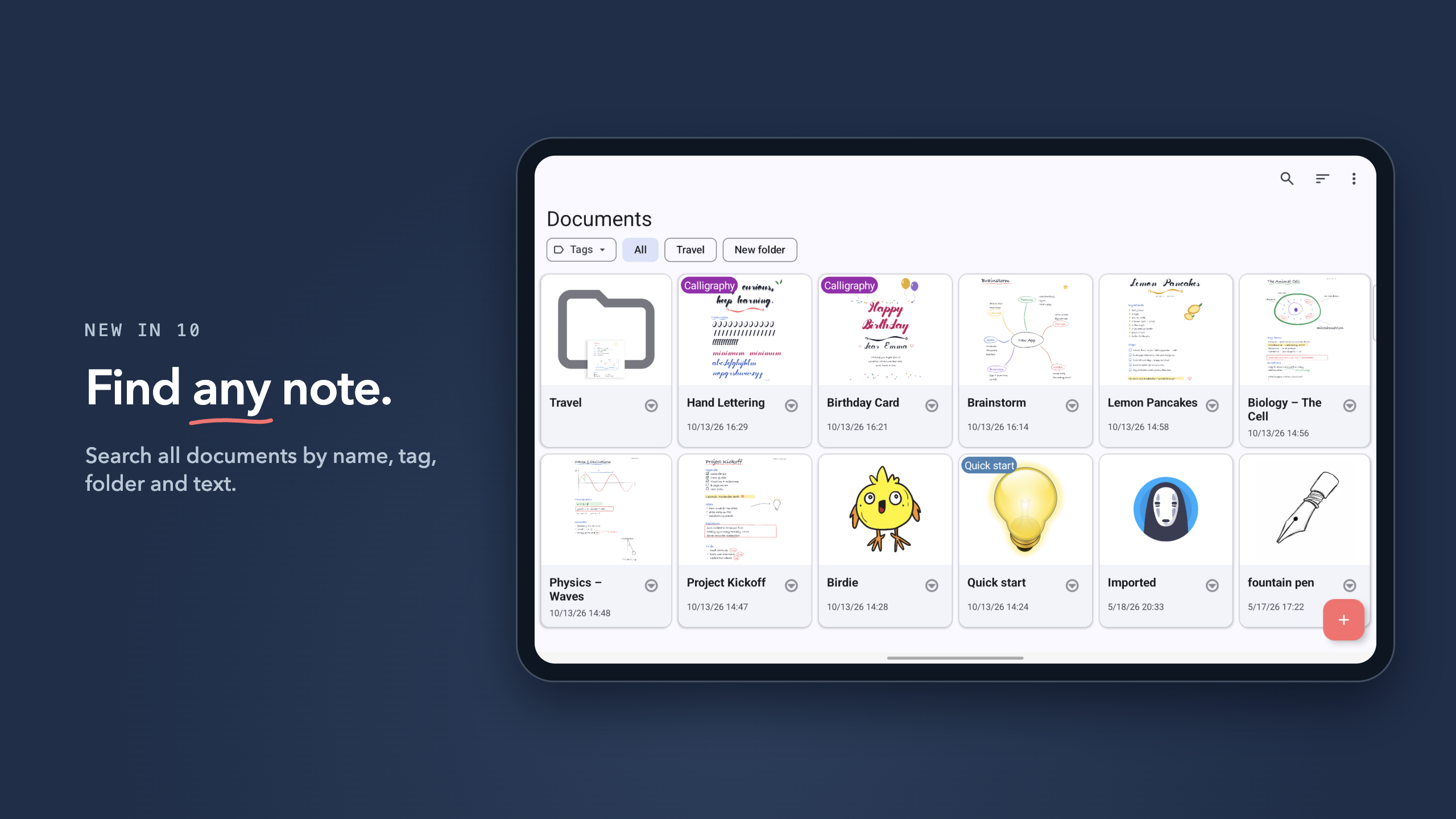
- Presentation mode and search across all notes
WRITING & PDF
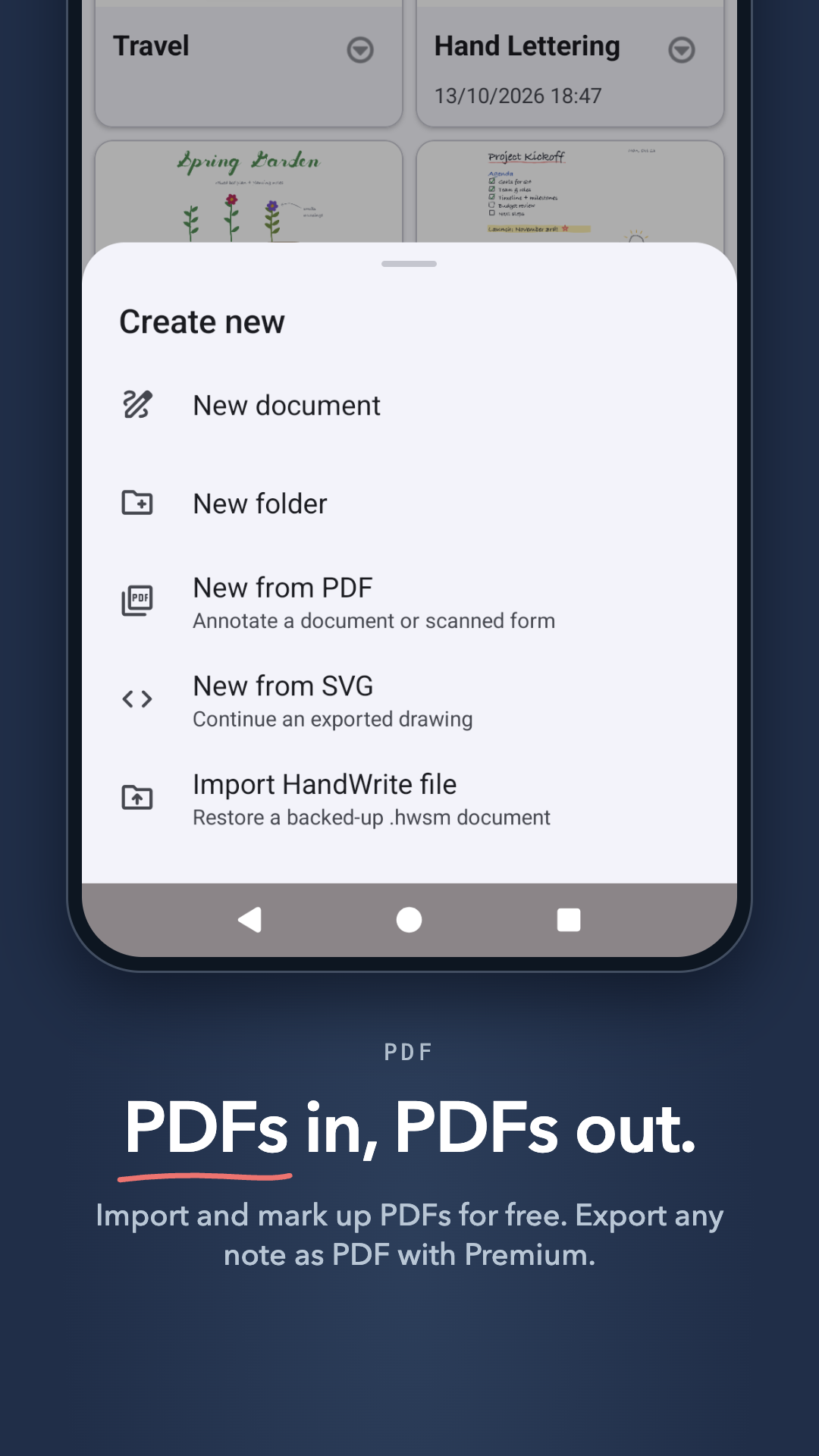
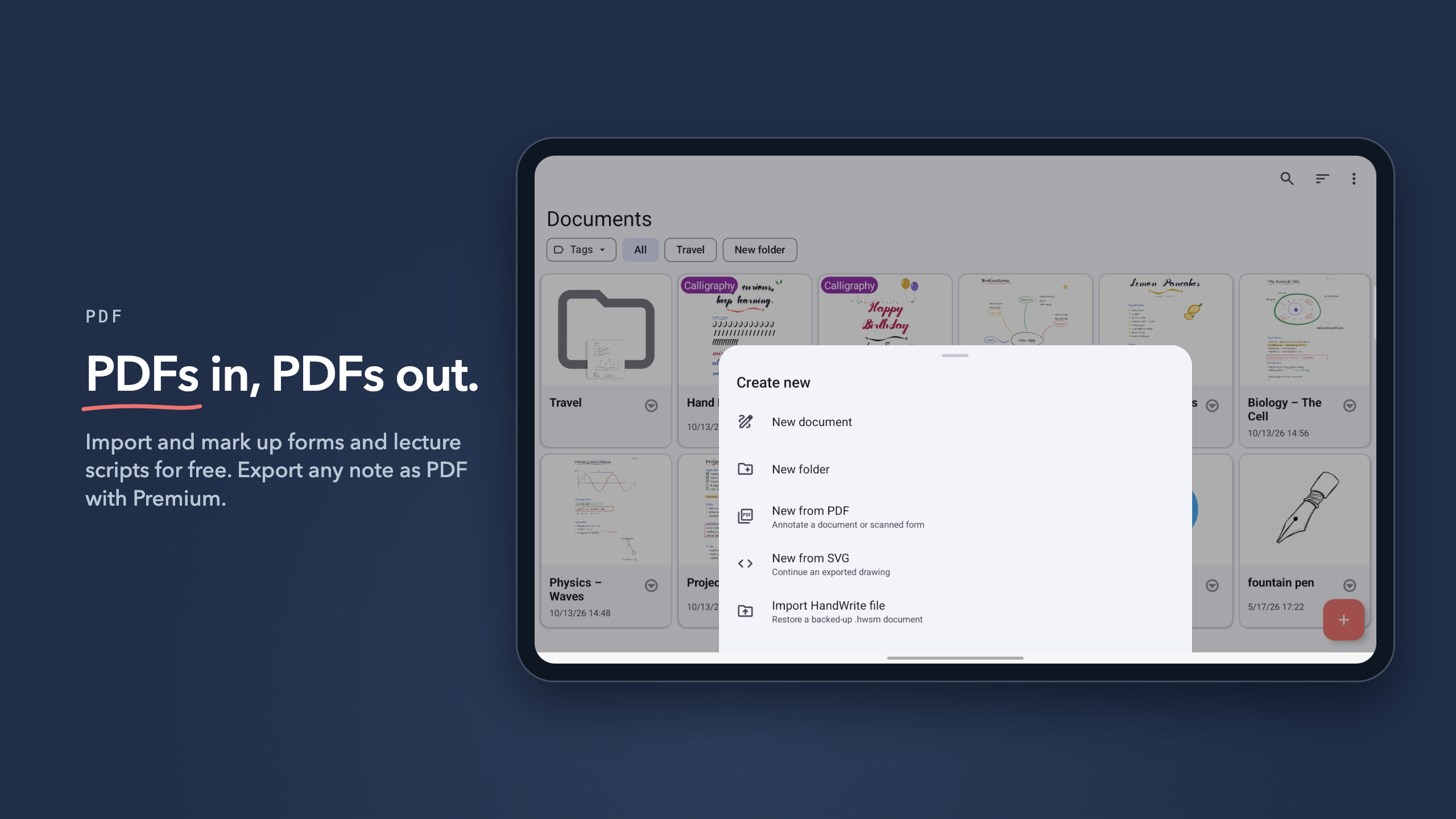
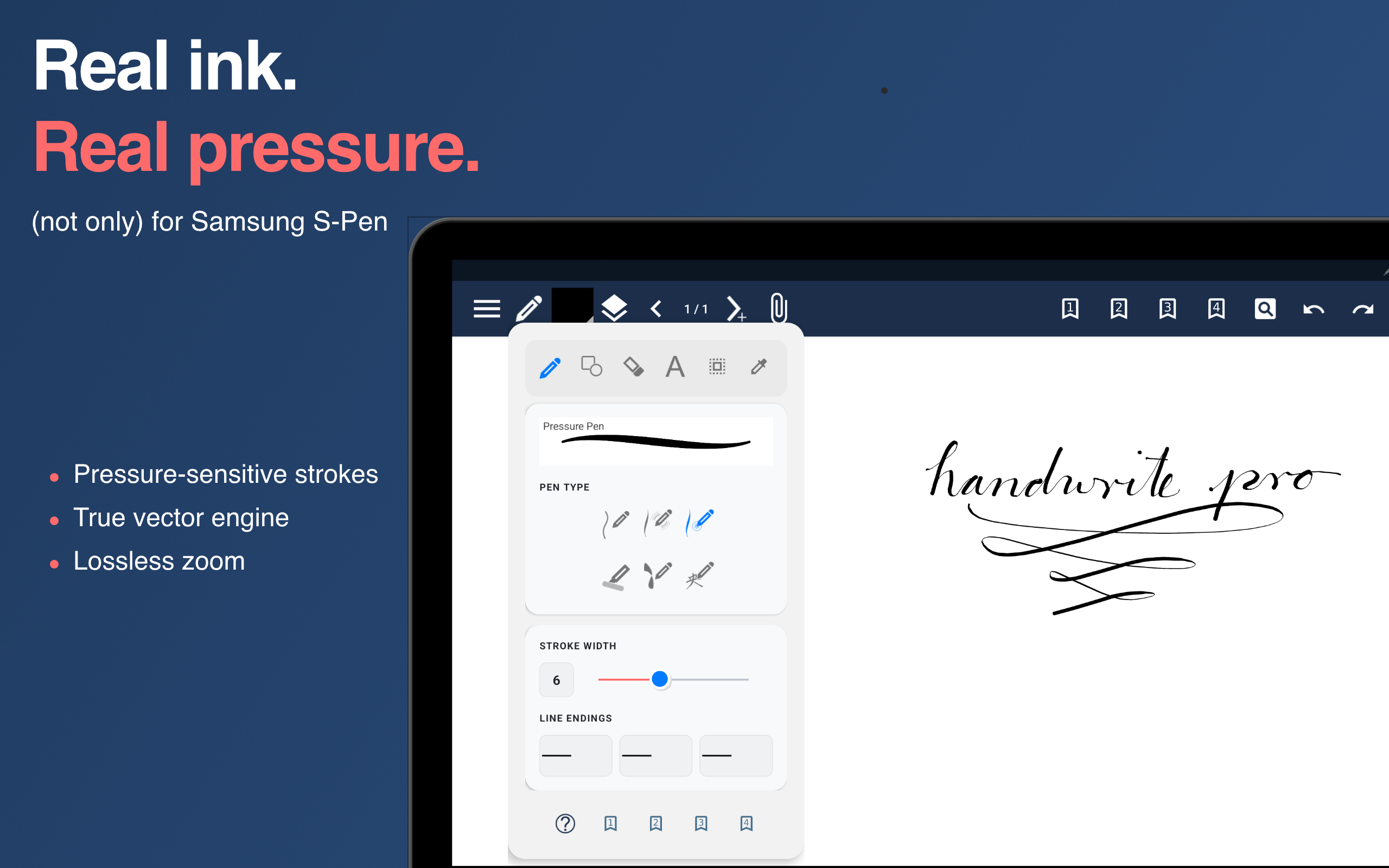
Write with pressure sensitivity using the S Pen or any other active stylus – or with your finger: the Speed Pen shapes each line from your writing speed. Import PDFs and annotate lecture scripts, forms and contracts right inside the document. Pick your paper: endless canvas, lined, dotted, grid or a custom size.
SKETCHES & DIAGRAMS
Draw shapes and link them with connectors that stay attached when you move things around. 39 stamps, alignment guides and a snap grid turn a quick sketch into a clean diagram, flowchart or mind map – just like on a whiteboard. Every stroke stays editable, down to a single point.
VECTOR ENGINE
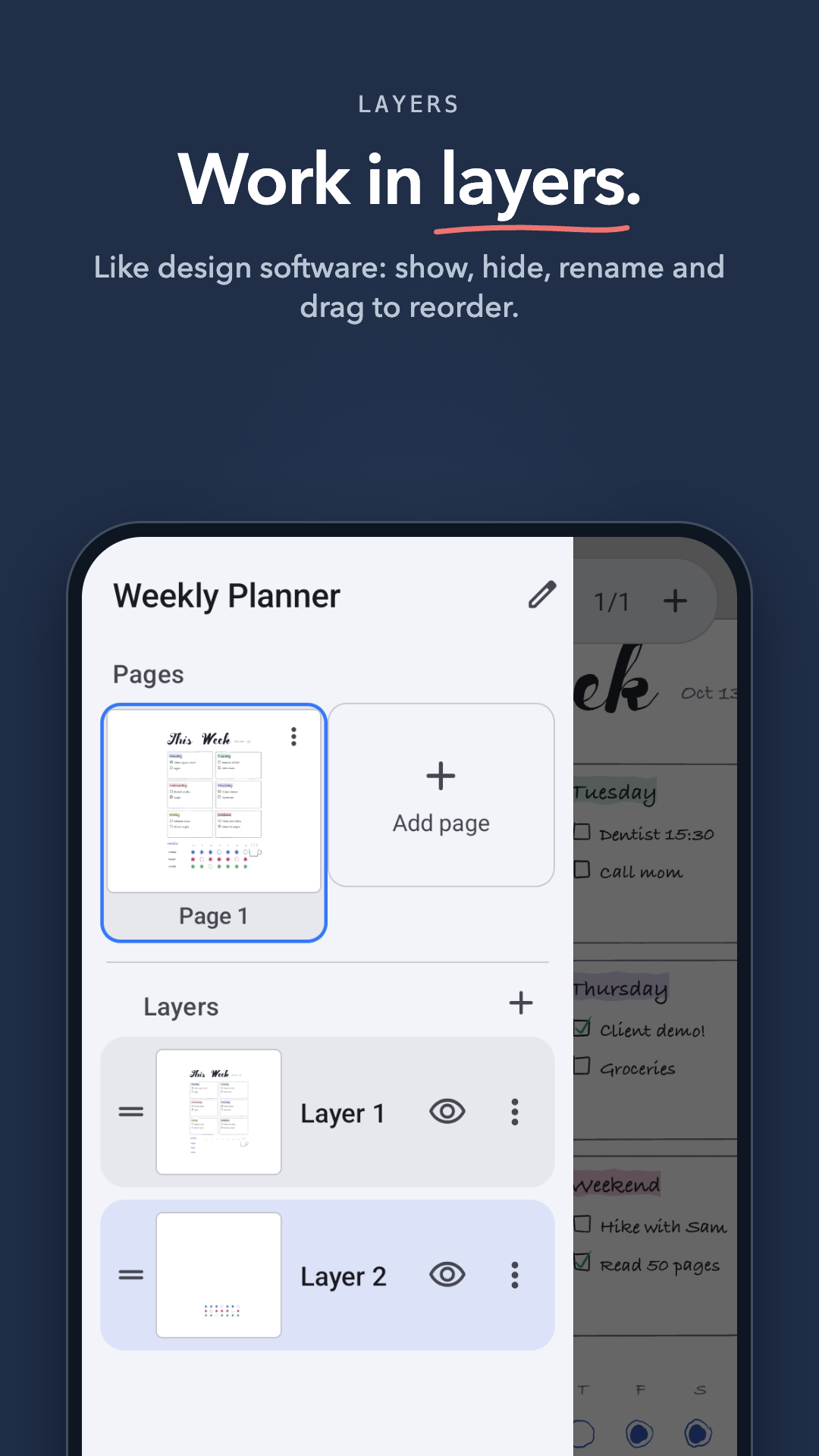
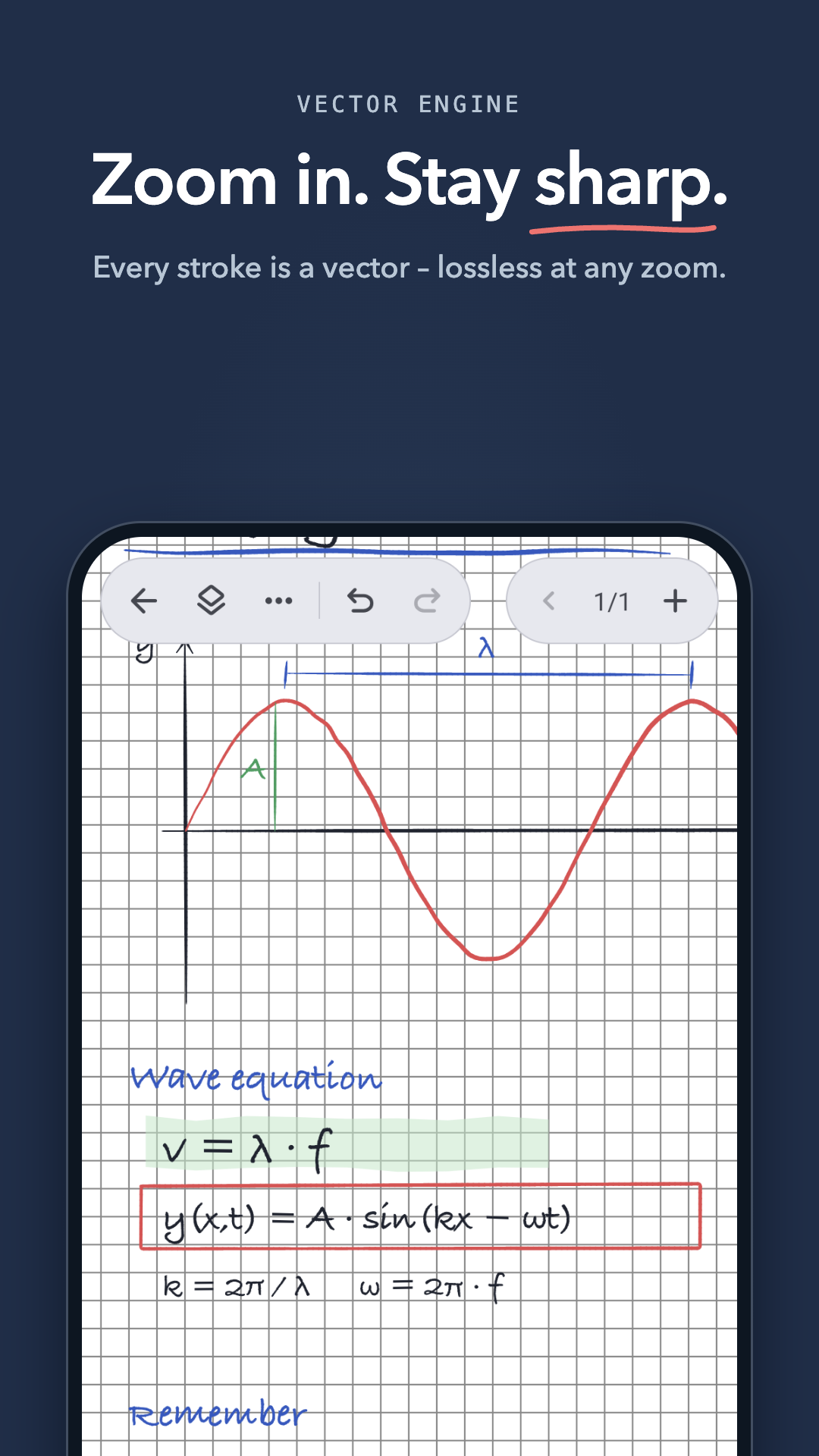
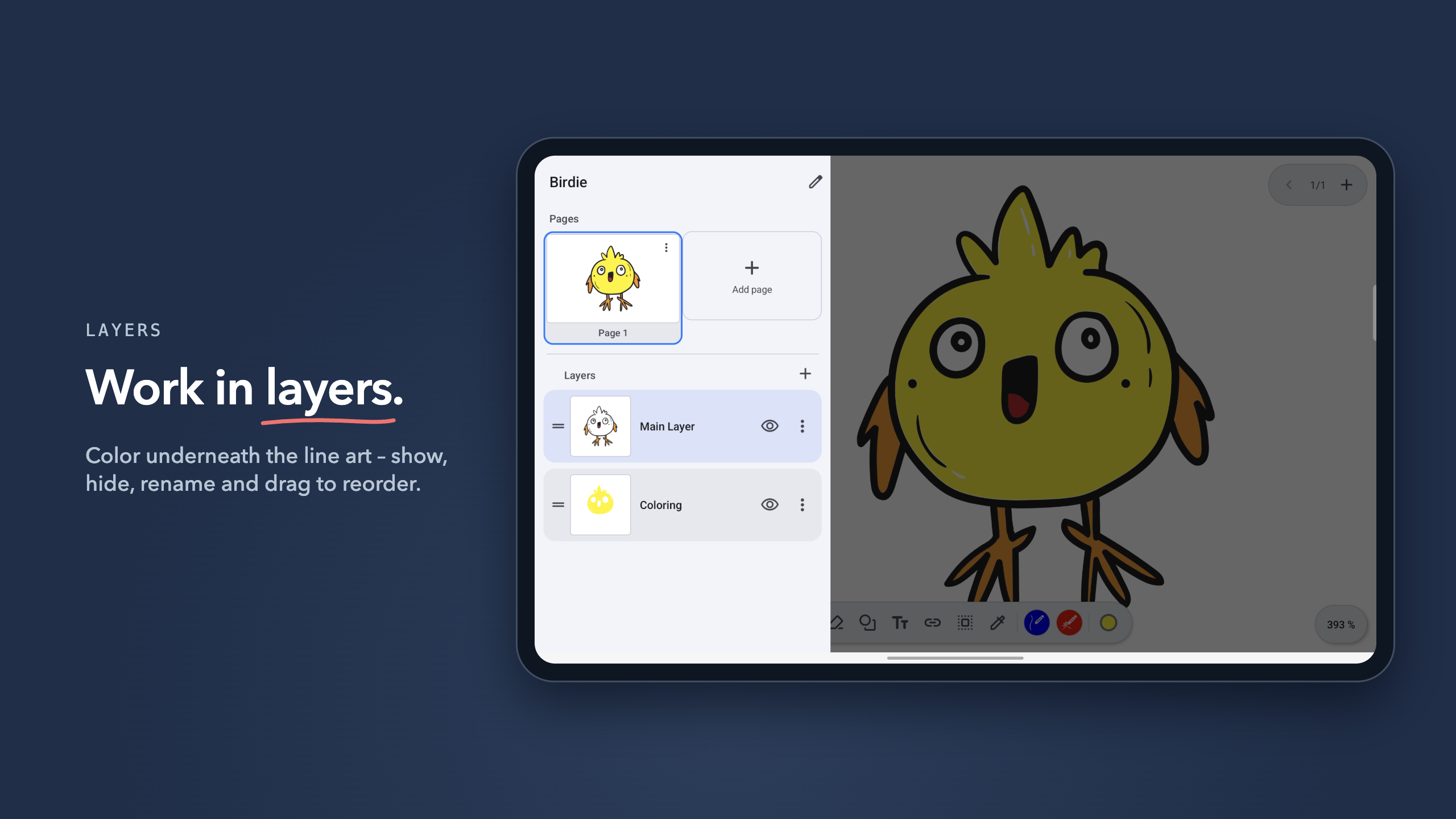
Most note apps store your strokes as pixels. HandWrite Pro stores them as vectors: zoom as far as you like and every line stays sharp. Work in layers like in design software and export your drawings as SVG for Inkscape, Illustrator or Figma.
HANDWRITING TO TEXT
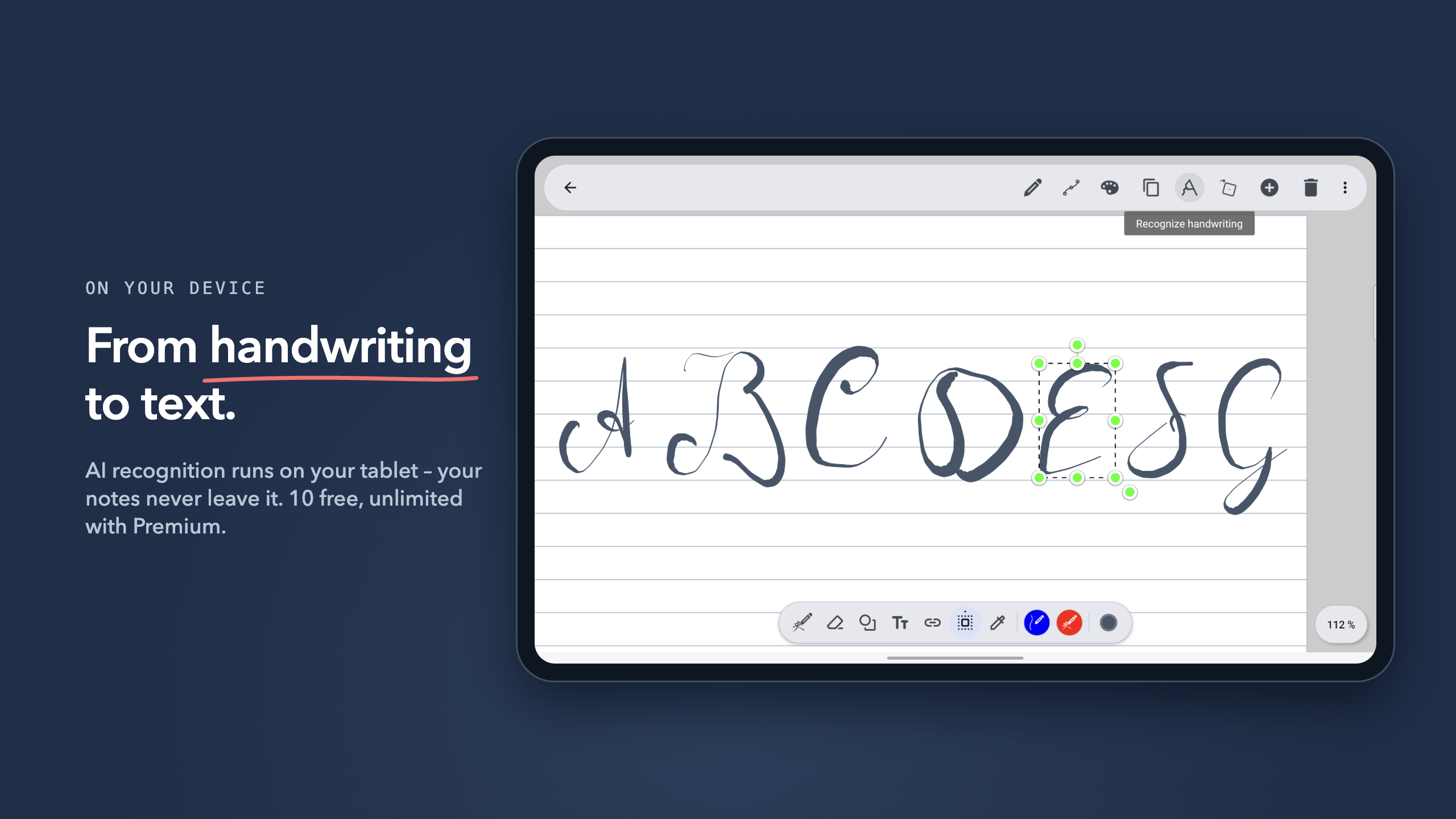
Turn handwriting into text with on-device AI that works offline. Your notes never leave your tablet. 10 recognitions are free, unlimited with Premium.
ORGANIZATION
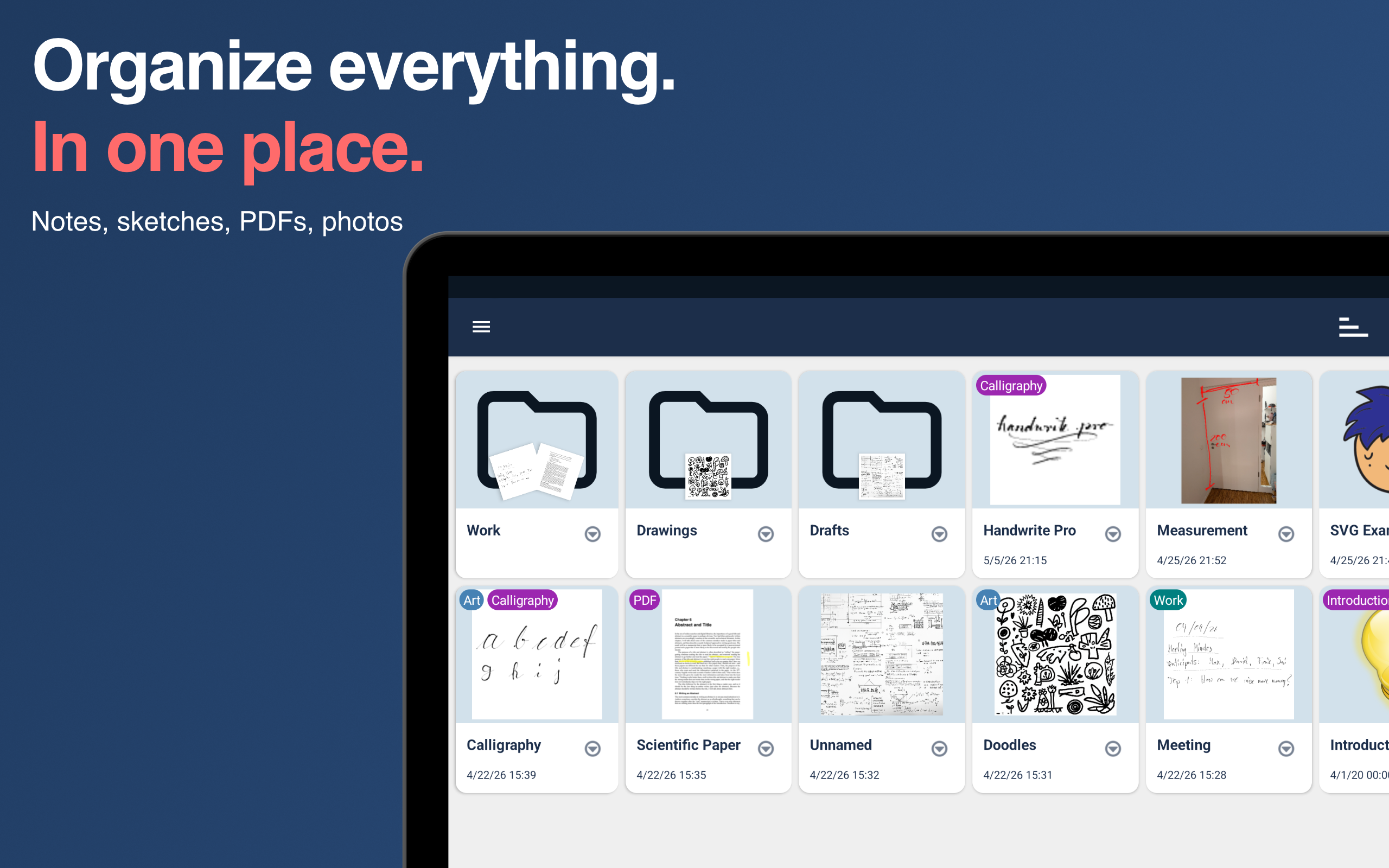
Folders, tags and filters keep your notebook tidy. Search finds any note by name, tag, folder and text.
YOUR DATA
- No account, no tracking, no analytics
- GDPR-compliant
- Sync with Google Drive or your own Nextcloud server (Premium)
FAIR PRICING
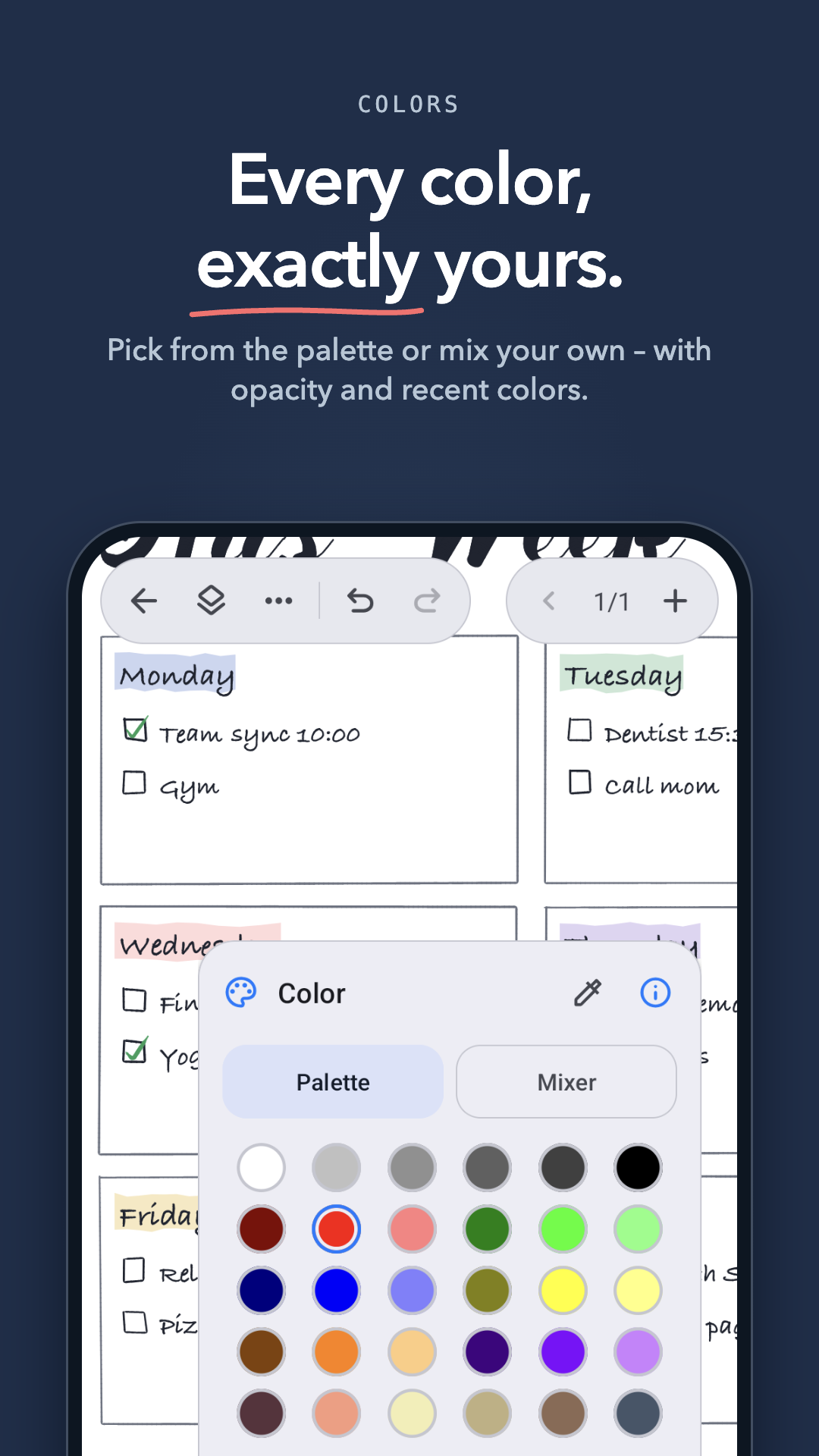
Most features are free forever – writing, drawing, PDF markup, shapes, connectors, layers and export as PNG or JPG. Premium adds:
- Unlimited handwriting to text
- Calligraphy and fill pens (try the calligraphy pen free for 50 strokes)
- Filled shapes
- PDF export
- SVG export
- Cloud sync with Google Drive or Nextcloud
You choose: the lifetime license (recommended) – pay once, yours forever – or a low-cost subscription to try it out, cancel anytime. No hidden costs.
HOW PEOPLE USE IT
- Students: lecture notes, math problems and annotated PDF scripts in one notebook
- Teachers: solutions on separate layers, present your board notes full screen
- Designers: sketch and continue in vector tools via SVG
- Professionals: mark up and sign contracts and PDF forms
BEST ON
Samsung Galaxy Tab with S Pen, and any Android tablet or phone with an active stylus.
SUPPORT
Questions or feedback? Email
[email protected] or visit www.hand-write.com – we read every message.