Girls Sun Glasses selfie

1.0 3

v1.10 by Free Apps Collection

Girls Sun Glasses selfie APK download Girls Sun Glasses selfie APK download

About Girls Sun Glasses Selfie

Girls Sun Glasses Selfie (Package Name: com.freeappscollection.girls.fashion.sun.glasses.sefie.photo.frames) is developed by Free Apps Collection and the latest version of Girls Sun Glasses selfie 1.10 was updated on December 14, 2020. Girls Sun Glasses selfie is in the category of Photography. You can check all apps from the developer of Girls Sun Glasses selfie. Currently this app is for free. This app can be downloaded on Android 5.0+ on APKFab or Google Play. All APK/XAPK files on APKFab.com are original and 100% safe with fast download.
Sunglasses or sun glasses are a form of protective eye wear designed primarily to prevent bright sunlight and high-energy visible light from damaging or discomforting the eyes.
Please use appropriate photo angle according to the photo frames.
It’s very easy to give a beautiful look to your own or your beloved persons photos with sun glasses.
Features:
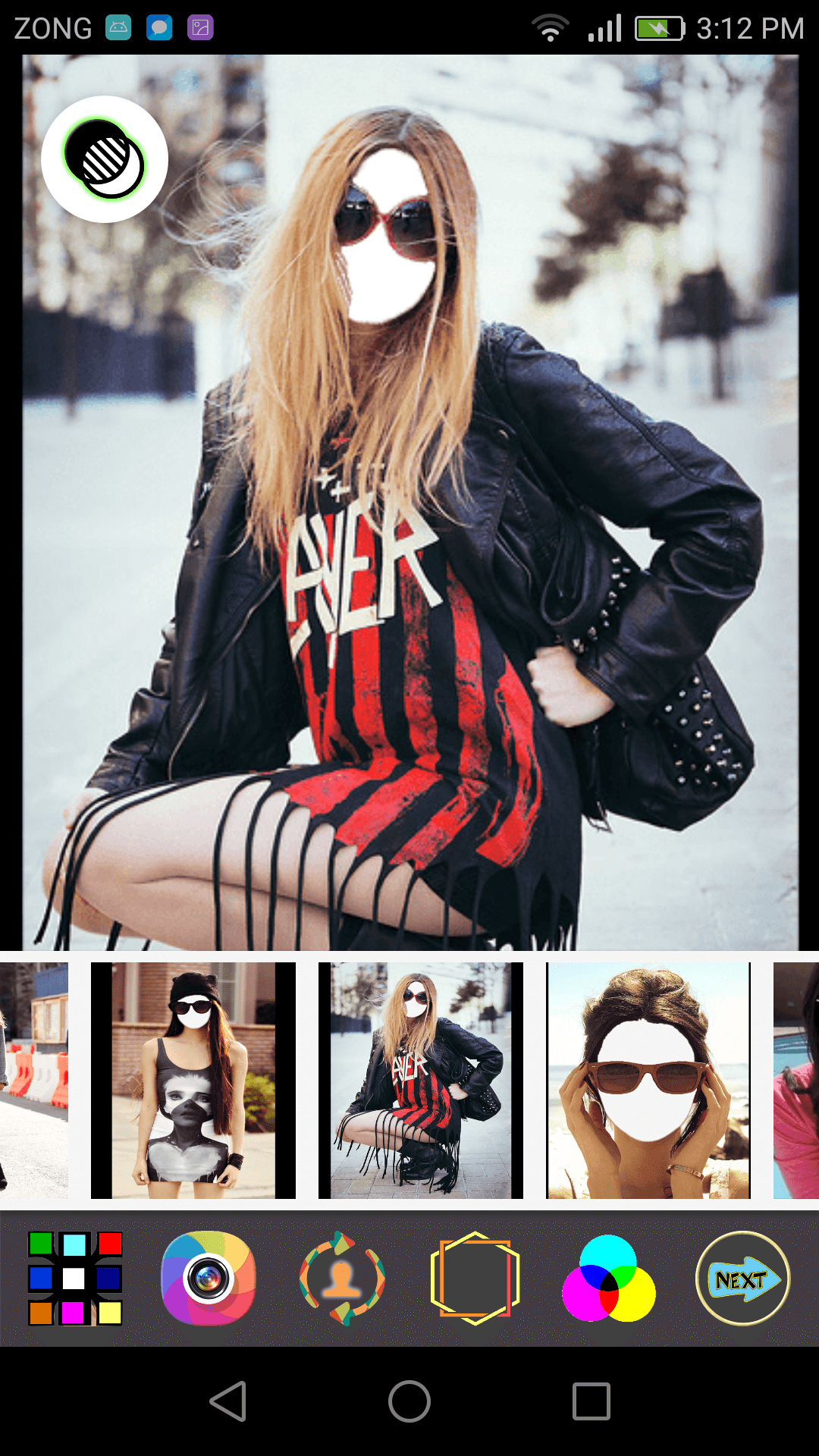
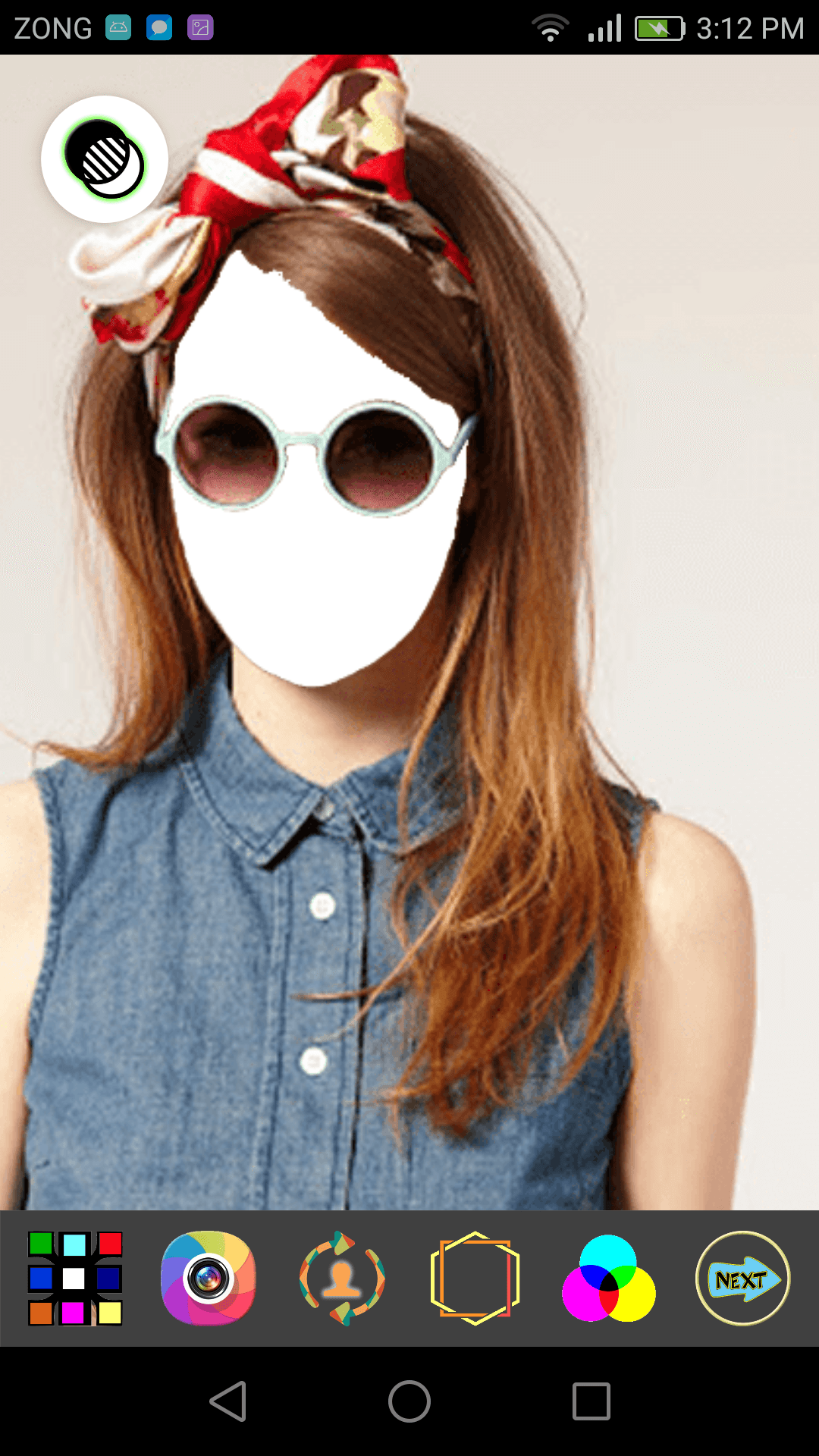
Cute and beautiful frames for your face and pictures.
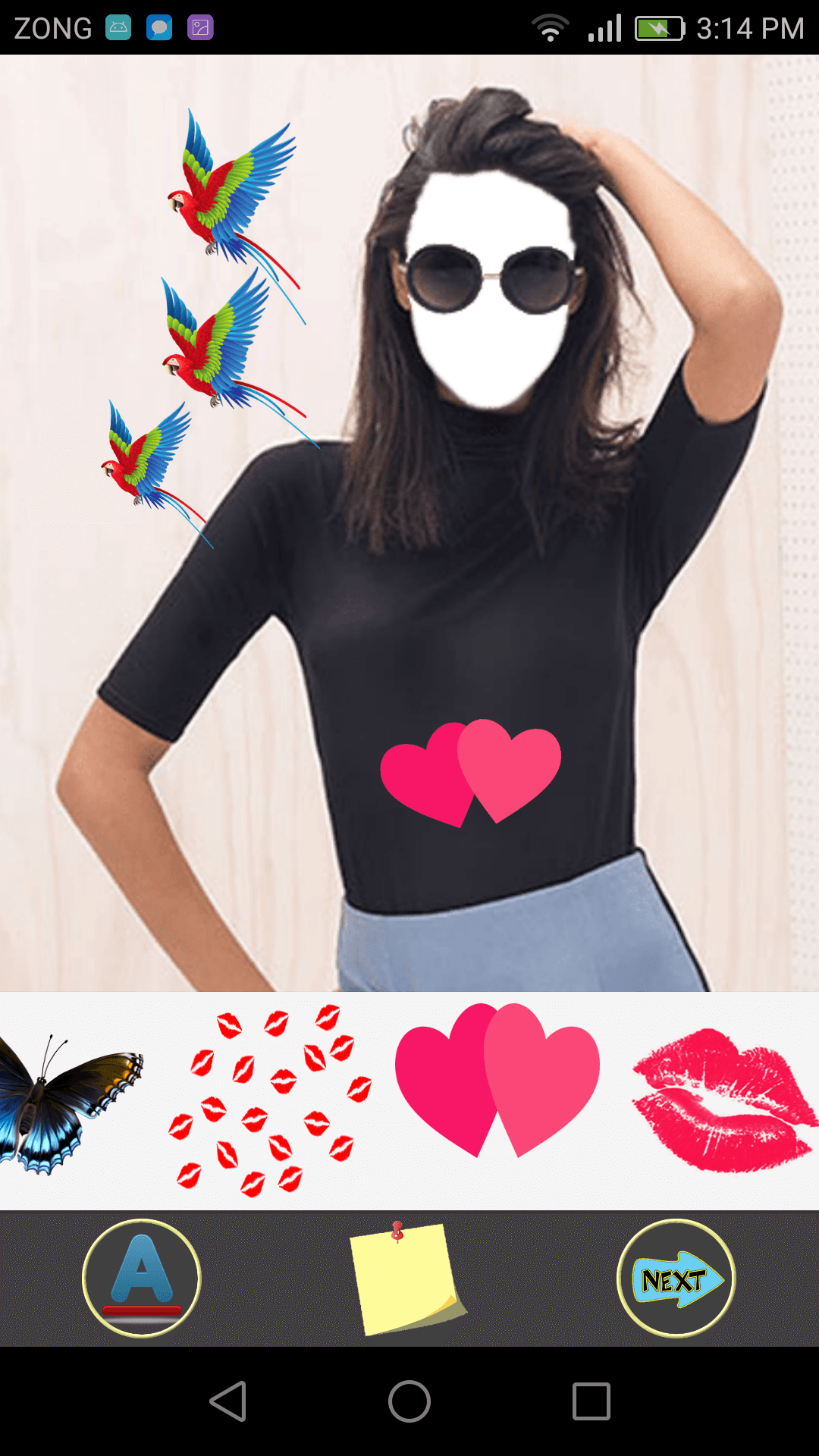
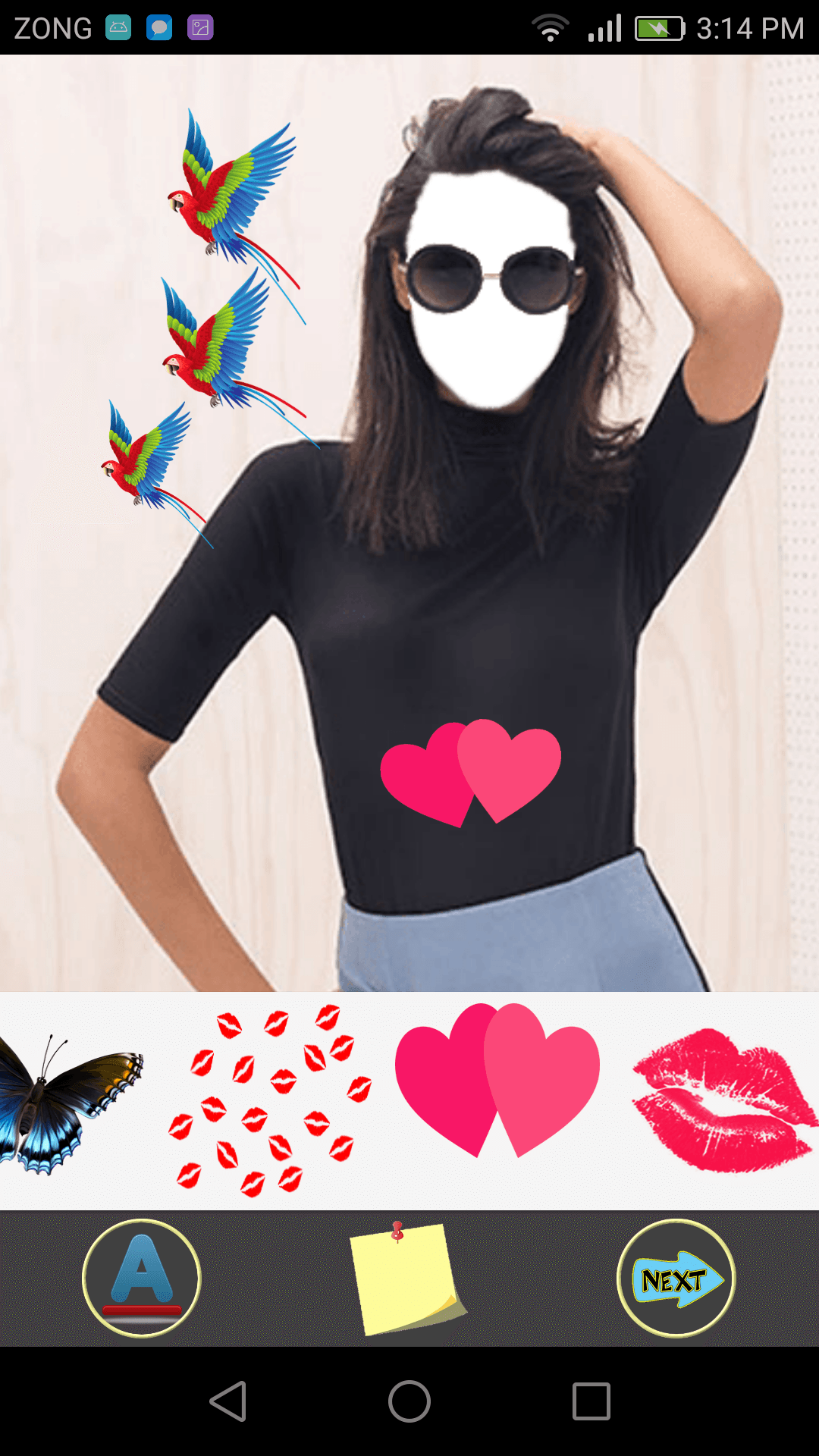
Paste stickers on you photo, change effects and add text on your photo.
You can save your completed or edited photo and can share it on social media or email it etc.
This app is free and very easy to use.
How to use:
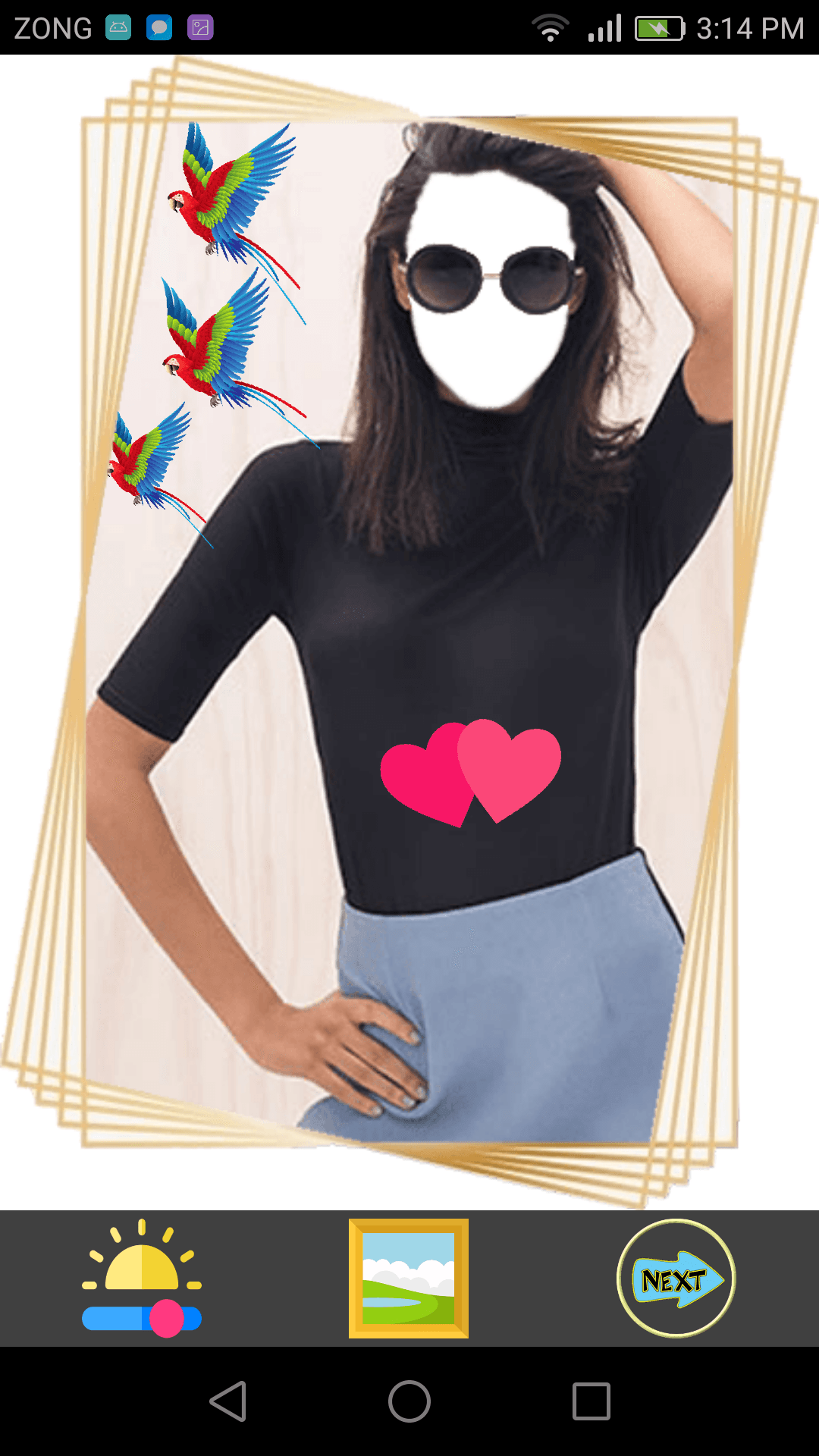
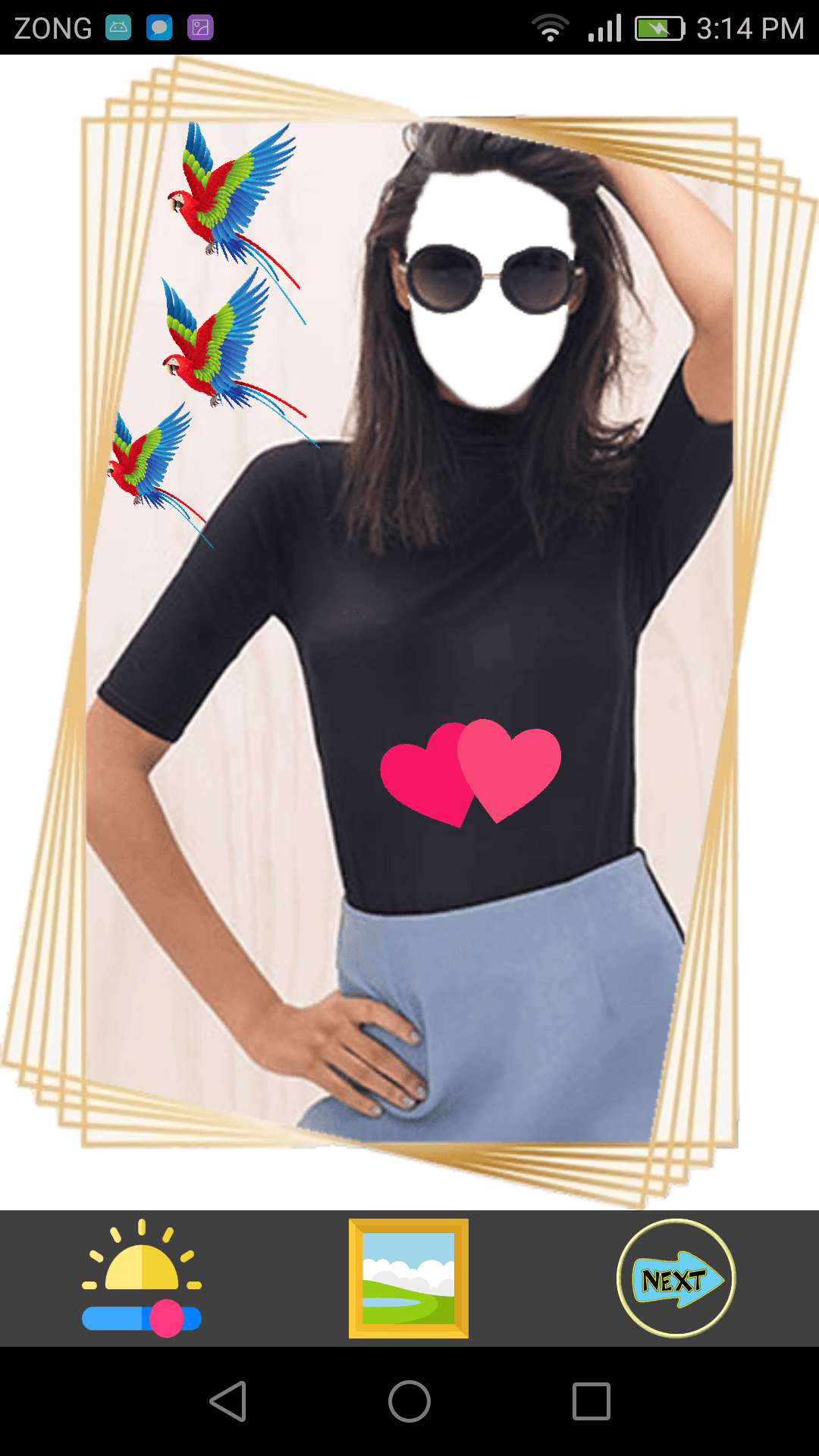
Install and run the App. On the first page, there are 3 buttons. You can click “?” button to know how to use this App. The second button is the privacy policy that shows that this App is safe and secure and you can use this app without any fear of data stolen or loss. To start the App, click on Start button. Now you are on the first screen. Here are buttons for Frame selection, Photo selection, a button to flip/change the face direction; a button to set the width of the frame to set your face in the selected frame, another button is here to set the color of your face according to the frame color. First choose the frame you like to set your photo. Then select your photo from your gallery or camera. When you complete it, your selected photo is behind the frame. If you cannot see the face behind the frame then click on Opacity button, now you can see the face easily and can adjust it in the frame. Use your fingers to set the face on right place and rotate it according to the frame. Use Flip button to set the face direction of your photo. Next button is to adjust the frame according to your mobile screen size. You can add filters on your photo. Now click on next step button. Here you can add any text on your edited picture and paste a sticker you like, you can choose from a list of stickers. Then go next. Here you can adjust the brightness, contrast and saturation of your edited picture. And you can set a border around your picture if you like then go next. Everything is ok. You can give any effect to your whole picture. Save your picture and share it with your family and friends.
Deleting a saved frame:
In your saved work, as you click a saved photo, there is a dialogue box to ask you to preview or delete the photo.
Disclaimer:
This application complies with US copyright law guidelines of fair use. If you feel there is a direct copyright or trademark violation that doesn't follow within the fair use guidelines, please contact us directly.
Read More
Girls Sun Glasses Selfie Features
Previous Versions More
Girls Sun Glasses selfie
Girls Sun Glasses selfie 1.10 APK
December 20, 2020 10.49 MB

Requires Android: Android 5.0+

Screen DPI: 160-640dpi

SHA1: 882084ccb41b3684b879fd127cd0c2ed6ab76ee5

Size: 10.49 MB

Girls Sun Glasses selfie
Girls Sun Glasses selfie 1.9 APK
December 7, 2020 10.43 MB

Requires Android: Android 5.0+

Screen DPI: 160-640dpi

SHA1: a3eae0ef39cd121ac43a4a548aac9e23e8d7ac5b

Size: 10.43 MB

Girls Sun Glasses selfie
Girls Sun Glasses selfie 1.7 APK
January 28, 2018 11.26 MB

Requires Android: Android 4.0+

Screen DPI: 120-640dpi

SHA1: 4d36f032357de76e10d978f003cd56441c5a000e

Size: 11.26 MB

Girls Sun Glasses selfie
Girls Sun Glasses selfie 1.6 APK
March 14, 2016 21.77 MB

Requires Android: Android 3.0+

Screen DPI: 160-640dpi

SHA1: ee52ae7548a0df1deeeb8007883be620e2760525

Size: 21.77 MB

What's New:

new updated and improved design.
border frames also added
new frame after every 3 days through notification alert.
More Information

Update Date:

Latest Version:

1.10

Need Update:

Submit latest version

Requirements:

Android 5.0+