Genius Timer (Package Name: com.ciast.geniustimer) is developed by TOPNOTCHAPPS4U and the latest version of Genius Timer 1.8 was updated on December 13, 2014. Genius Timer is in the category of Productivity. You can check all apps from the developer of Genius Timer. Currently this app is for free. This app can be downloaded on Android 3.0+ on APKFab or Google Play. All APK/XAPK files on APKFab.com are original and 100% safe with fast download.
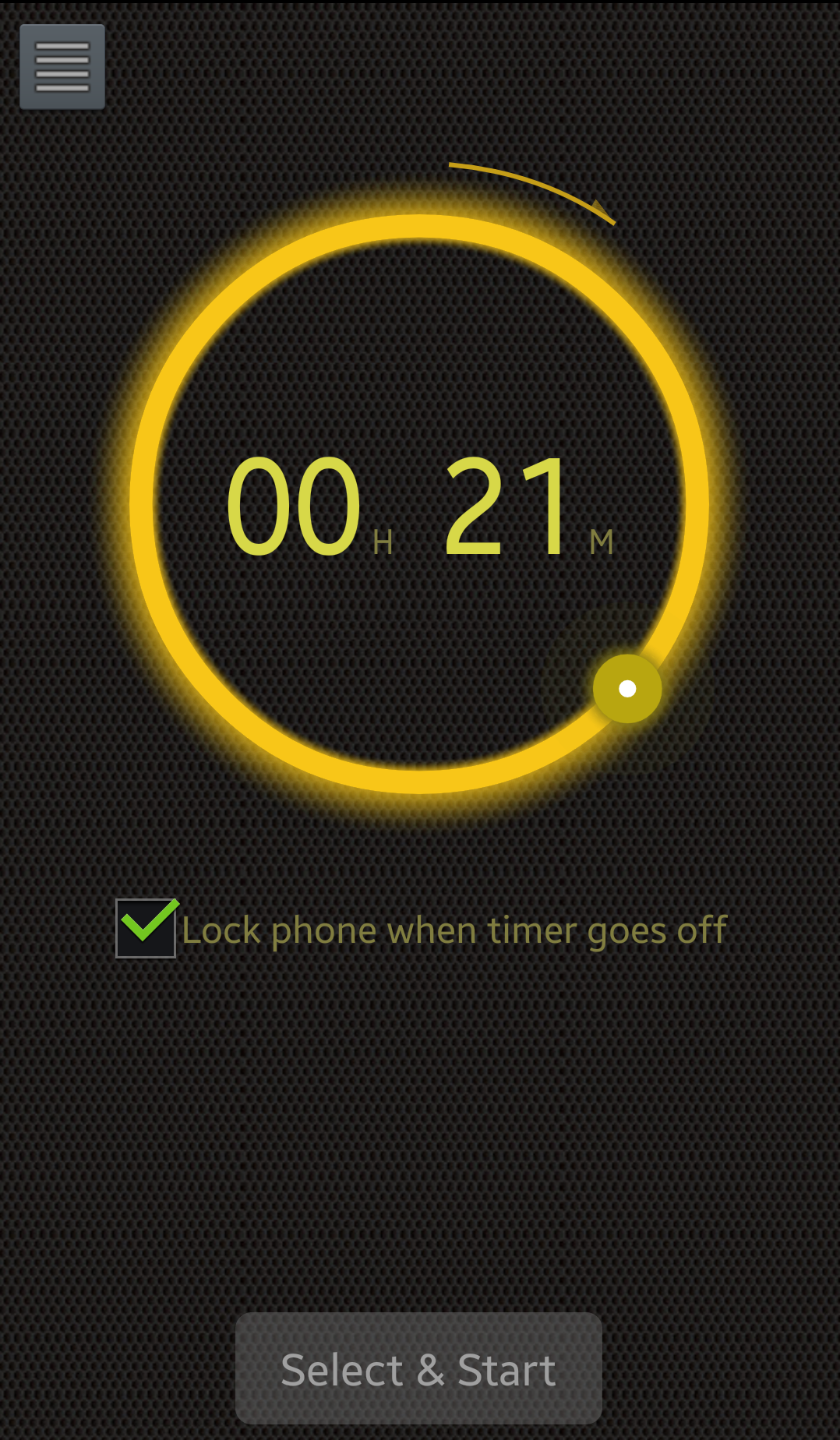
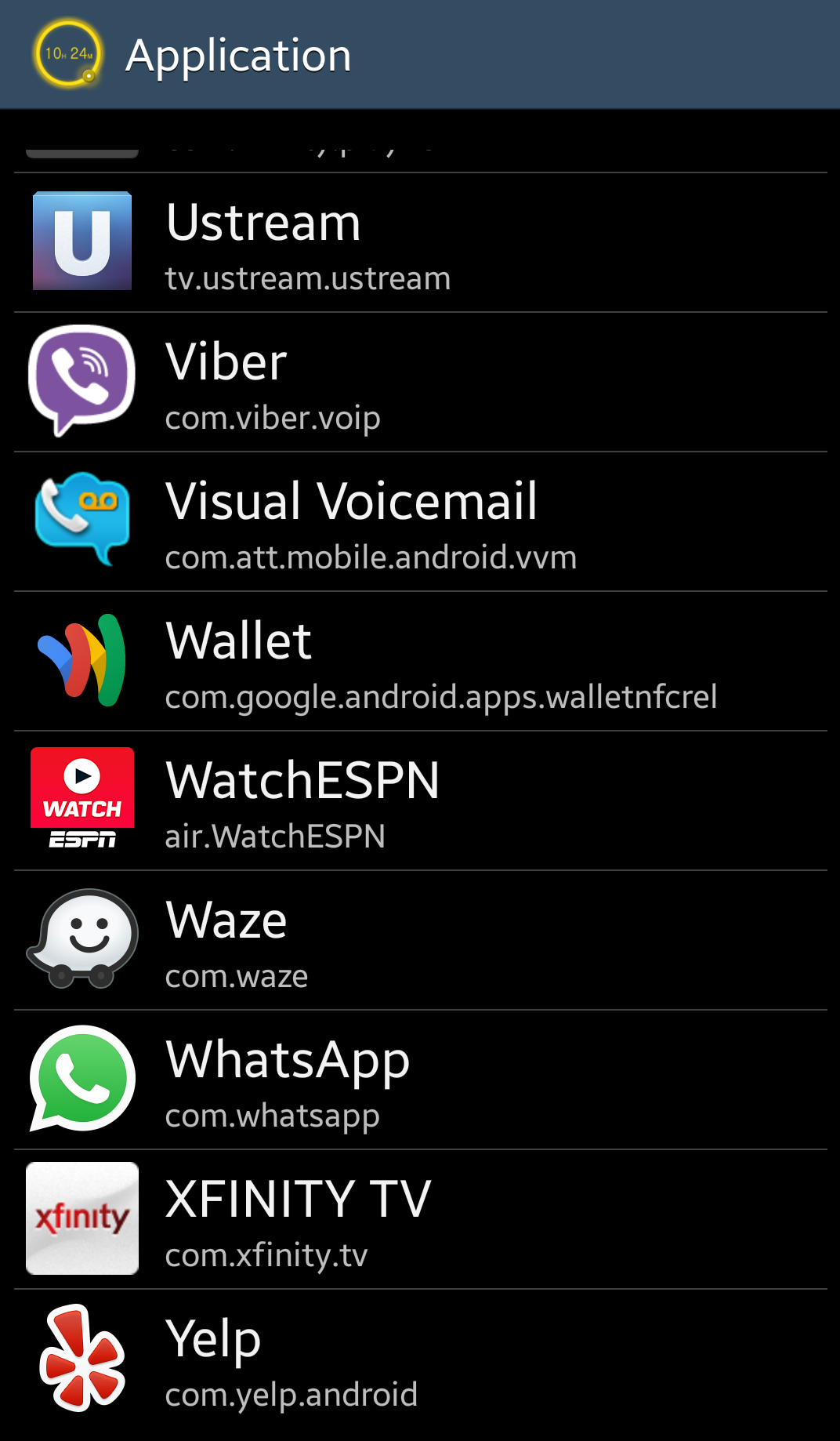
It's a timer that allows you to control a desired time you want to spend on the device without having to keep looking at your watch, at the end of the timer the device will go into sleep mode. It also has an option to lock the device, perfect to control your child use on the device. Steps: 1 – Launch Genius Timer Application. 2 - Set the countdown timer then click on the “Select & Start” button. 3 - Select the application you want to use and the application will launch automatically. 4 - Genius Timer will put the device into sleep mode, If the Child Lock mode option is checked, it will lock the device when it goes into sleep mode. It works with any application (Facebook, You tube, Games, NextFlix, Spodify,Pandora etc...) On your device. The device needs to rooted to close any music player applications as a music sleep timer. ||| Music Timer ||| The device need to rooted for Genius Timer to close any music applications. ||| Child Lock ||| Genius Timer allows the parents to set a usage time limit on a device. It disrupts the usage (into sleep mode) of the device when the time limit is set. When the timer runs out, the phone will fall into sleep mode, not allowing the child to get back on the device Our intuitive user interface allows you to effortlessly set the duration of the timer and start it. **Genius Timer will only lock device if the phone’s locking feature is turned on the device** ||| Support & Feedback ||| We love to hear from you! Please feel free to email us your suggestions, bugs and questions using the contact us option inside the menu of Genius Timer. If you have a concern please contact us before leaving a negative comment. Thank you! ||| Asked questions ||| Why can I delete the application? It is to prevent your child from erasing it and the it's a permission required to lock the phone. To lock the screen, Android will require this app to be a device administrator. If uninstalled, you will need to remove this permission first. Contact us and we will let you know how to uninstall. ************************************ Prevent your battery from draining Free version The free version contains ads "genius timer" "child lock" "sleep phone" "music timer" "screen lock" "sleep timer" "music off" "kids lock" "app timer" "child timer" "timer" "kids timer" "personal timer" "app timer" "time keeper"
APKFab.com and the download link of this app are 100% safe. All download links of apps listed on APKFab.com are from Google Play Store or submitted by users. For the app from Google Play Store, APKFab.com won't modify it in any way. For the app submitted by users, APKFab.com will verify its APK signature safety before release it on our website.