GameBox – Game Profiles (Package Name: com.gosm.gamebooster) is developed by VivuTeam and the latest version of GameBox – Game Profiles 1.11.7 was updated on October 13, 2026. GameBox – Game Profiles is in the category of Tools. You can check all apps from the developer of GameBox – Game Profiles and find 91 alternative apps to GameBox – Game Profiles on Android. Currently this app is for free. This app can be downloaded on Android 6.0+ on APKFab or Google Play. All APK/XAPK files on APKFab.com are original and 100% safe with fast download.
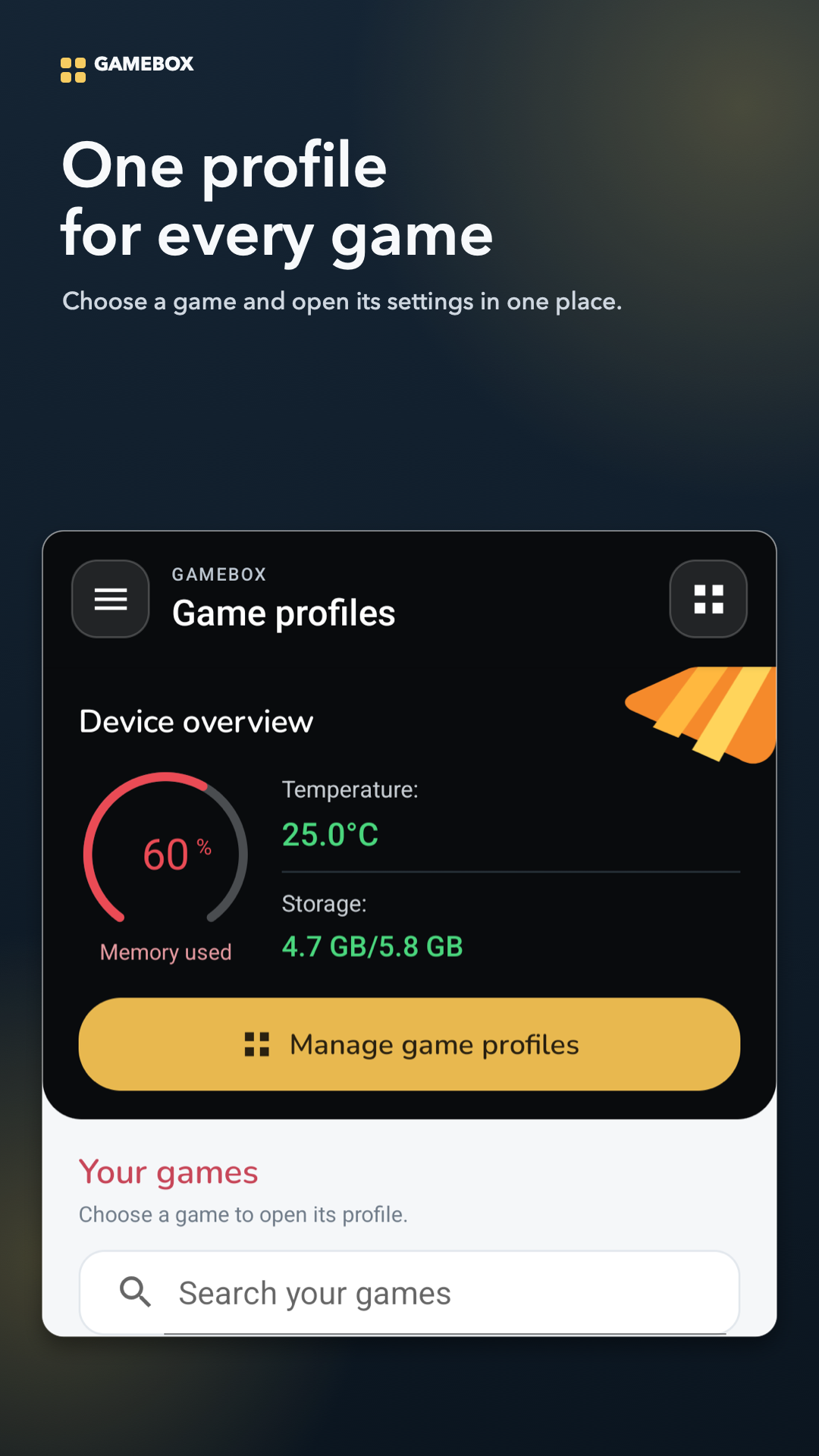
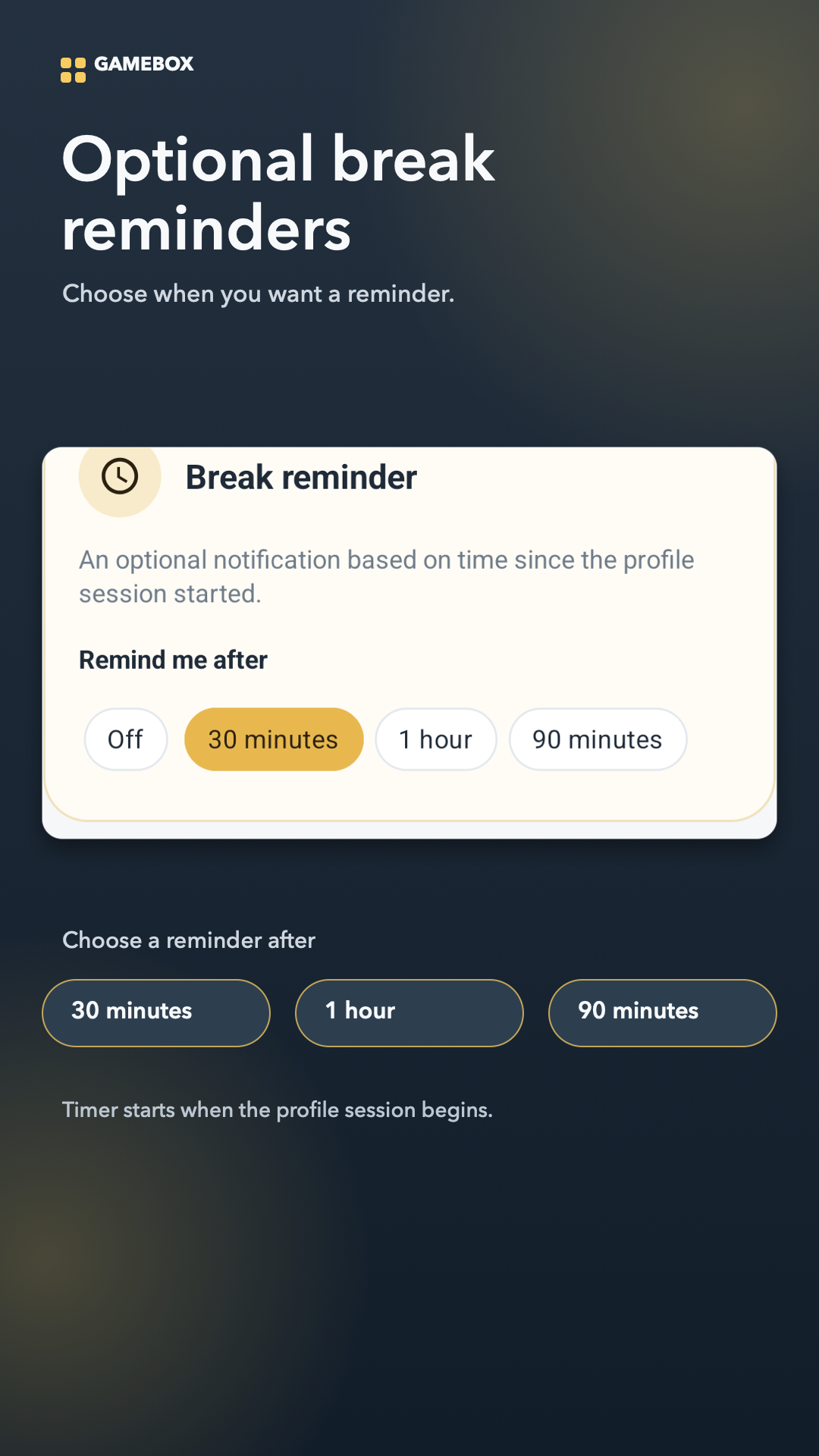
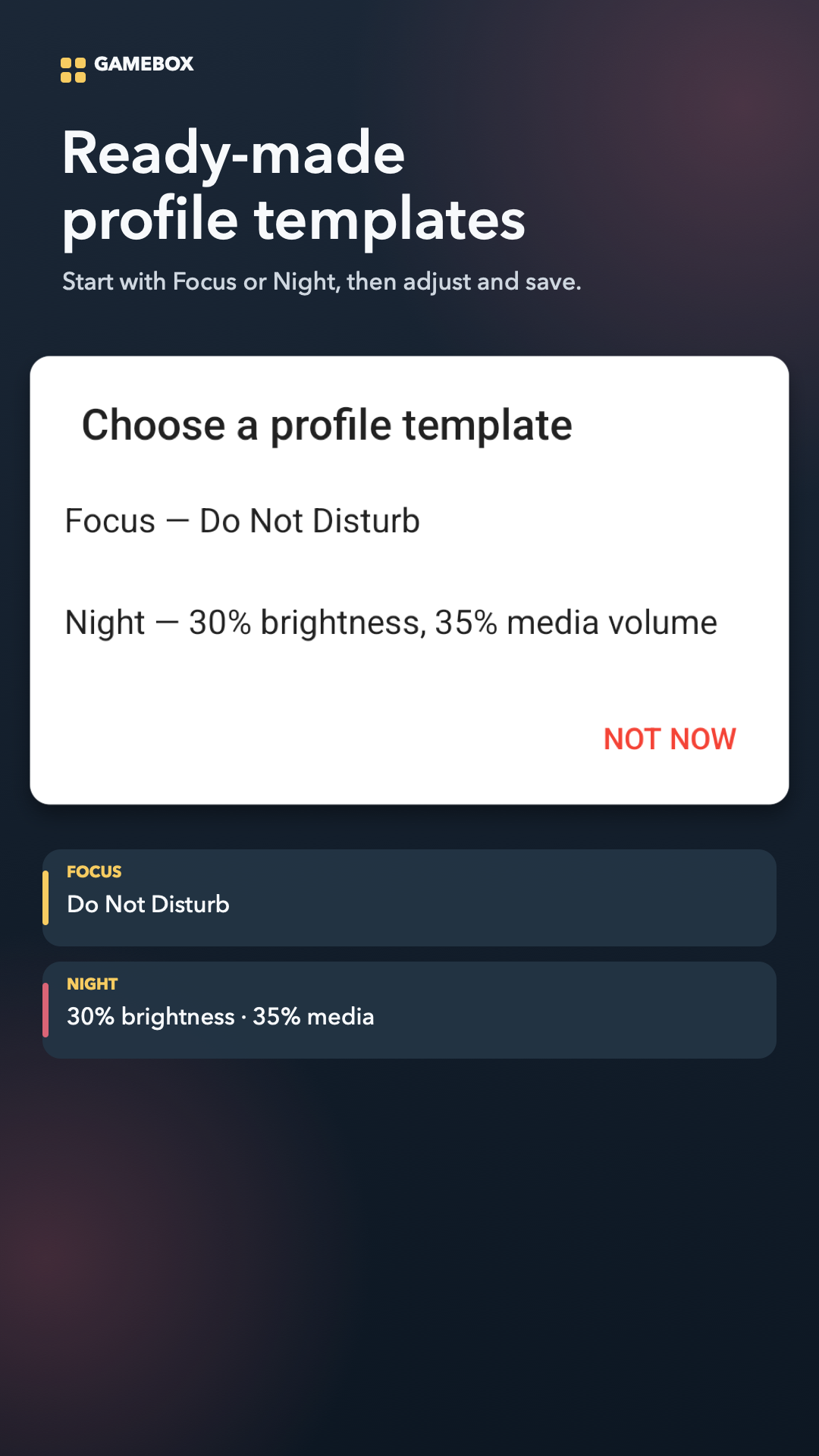
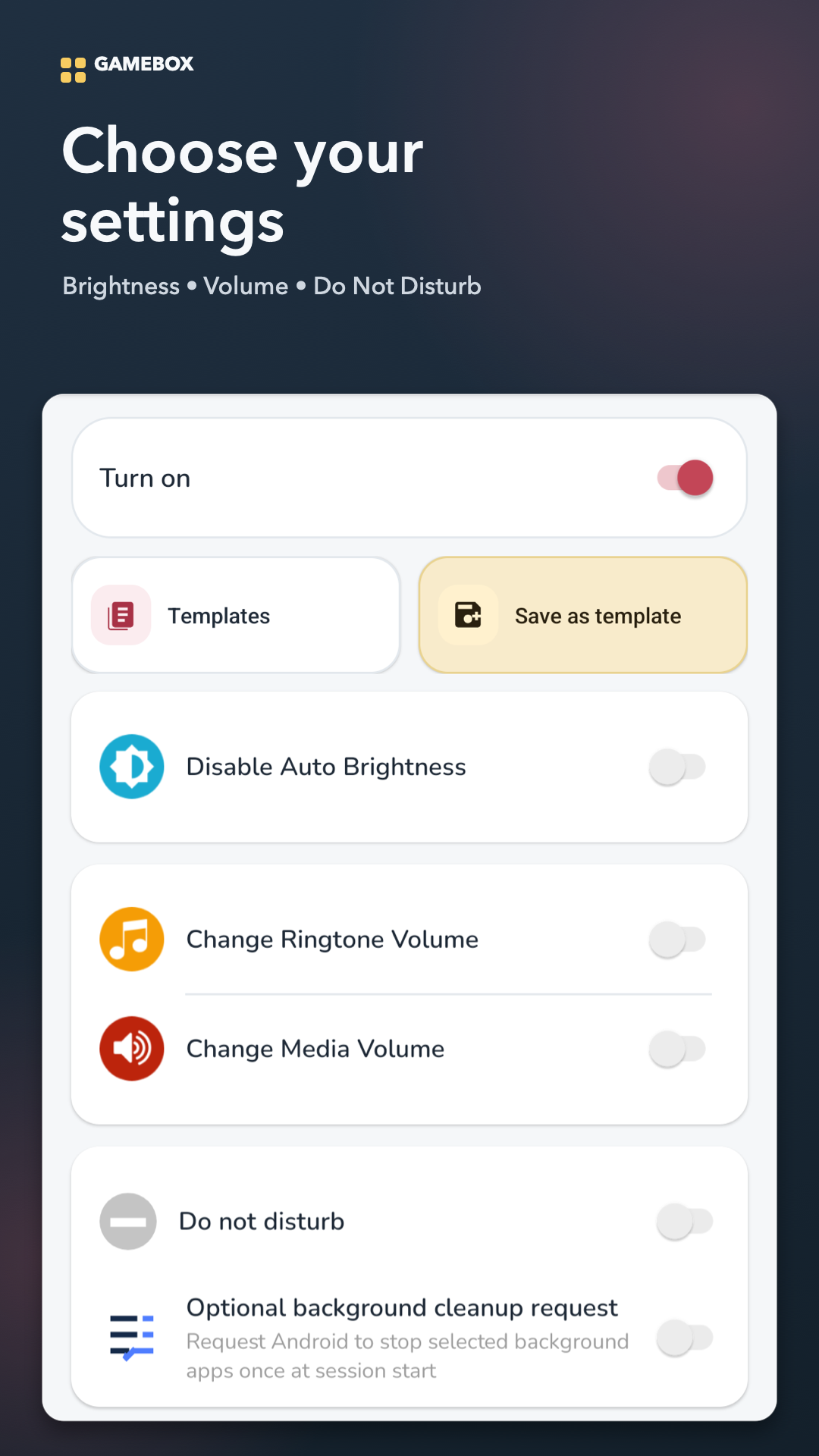
Set up selected Android settings before launching a game with GameBox. GameBox lets you save a profile for each game in your list. Choose the options you want, review them before starting, and apply them for that play session. Features • Save and manage a separate profile for each game. • Choose screen brightness, ringtone volume, media volume, Do Not Disturb, and an optional eye-protection overlay. • Start with the Focus or Night template, customize it, and save your own templates for reuse. • Set an optional break reminder after 30 minutes, 1 hour, or 90 minutes. • Optionally ask Android to stop selected background apps once when a session starts. Android may restart these apps. • Review a session report showing which selected settings were applied or unavailable. When a session ends, GameBox attempts to restore the previous settings it changed. Access and control Some options require Android access, such as permission to modify system settings, Do Not Disturb access, or display over other apps. You can review these requests and continue without granting optional access. A setting that requires access will not be applied unless access is granted. GameBox manages selected device settings for a play session. It does not overclock CPU or GPU, measure FPS, or guarantee higher FPS.
GameBox – Game Profiles 1.11.7 Update
• Create a profile for each game and choose the settings to use during a session. • Configure brightness, ringtone and media volume, Do Not Disturb, and eye protection. • Start with Focus or Night templates, or save your own. • Set optional break reminders for 30 minutes, 1 hour, or 90 minutes. • Use session controls and review the session report and restore status.
APKFab.com and the download link of this app are 100% safe. All download links of apps listed on APKFab.com are from Google Play Store or submitted by users. For the app from Google Play Store, APKFab.com won't modify it in any way. For the app submitted by users, APKFab.com will verify its APK signature safety before release it on our website.