G3 TweaksBox (Package Name: it.ptoti.g3_tweaksbox) is developed by P_Toti and the latest version of G3 TweaksBox 1.3.7 was updated on October 13, 2014. G3 TweaksBox is in the category of Personalization. You can check all apps from the developer of G3 TweaksBox and find 75 alternative apps to G3 TweaksBox on Android. Currently this app is for free. This app can be downloaded on Android 4.4+ on APKFab or Google Play. All APK/XAPK files on APKFab.com are original and 100% safe with fast download.
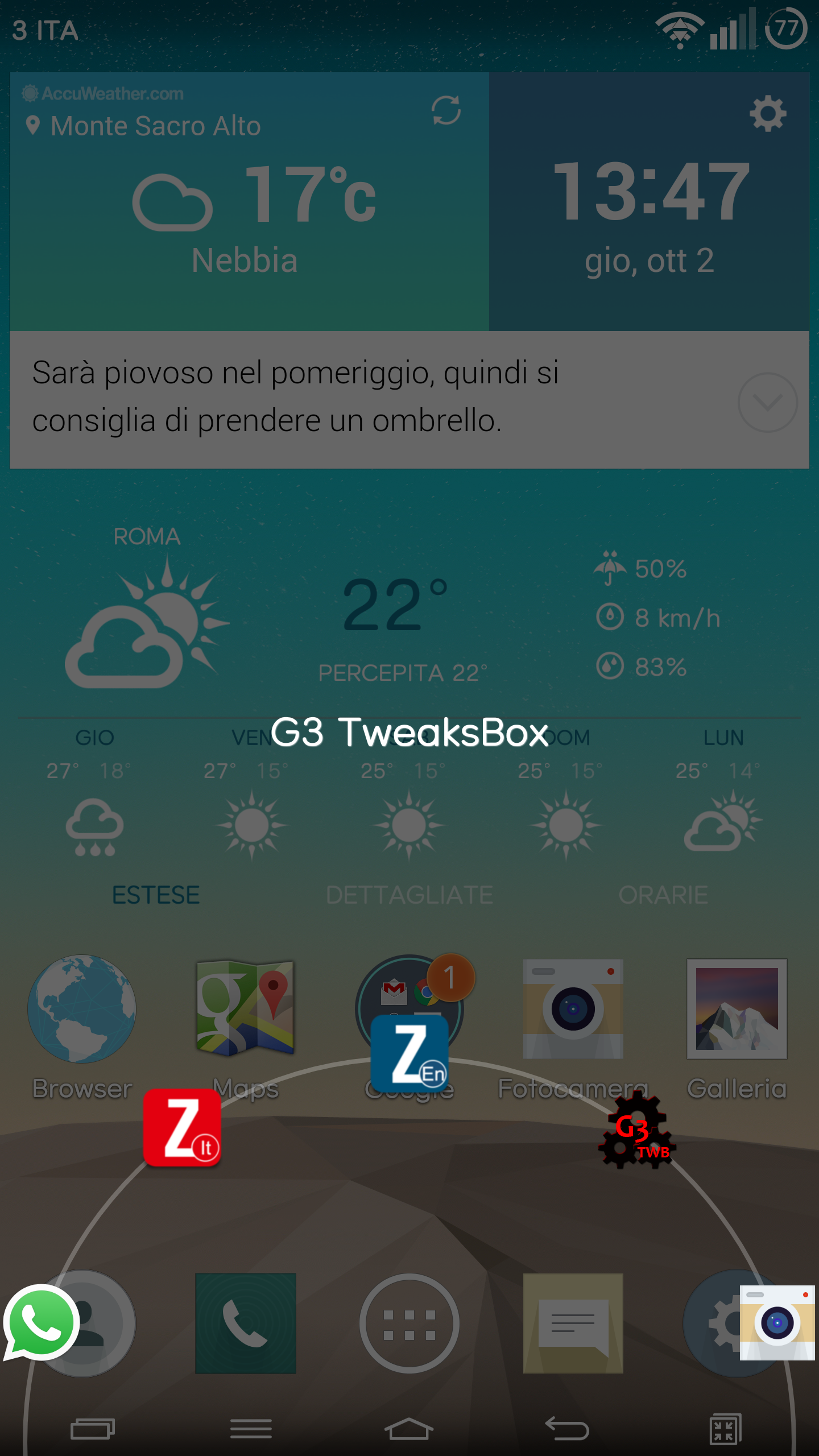
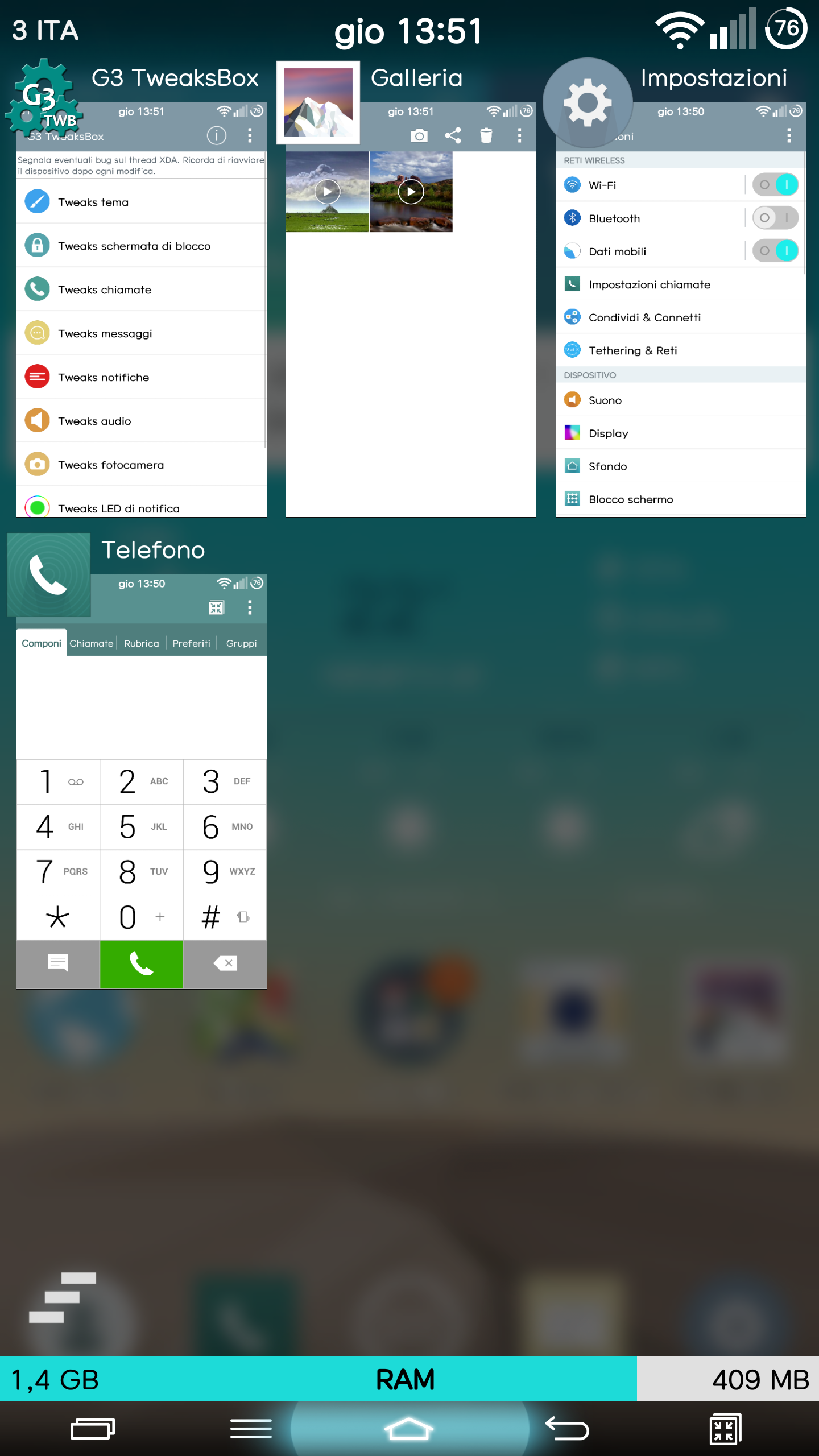
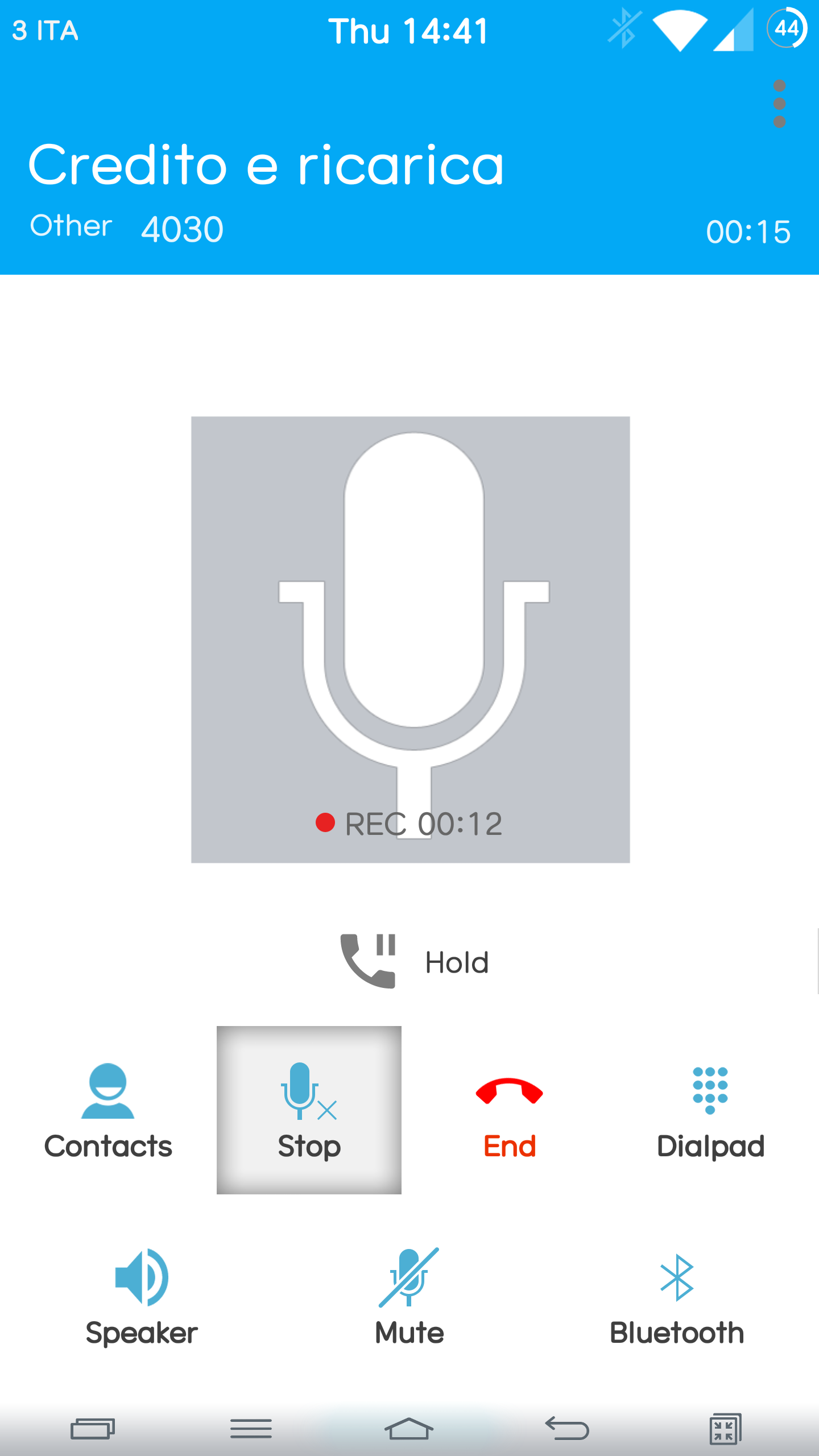
- IT WORKS ONLY ON LG G3 - It Requires Root Access - It Requires Xposed Framework PLEASE Report any bugs here: http://forum.xda-developers.com/showthread.php?t=2792242 Some Features: TINTED BARS MOD: -Tint status bar according to the action bar -Status bar shadow on apps -Link status and navigation bar color STATUS BAR TWEAKS: -Status Bar color -Hide status bar shadow on home -Battery tweaks(color,size,hide) -Circle Battery(with custom style,color,animations) -Status bar icon colors -Hide status bar icons -Change status bars' icon set -Clock tweaks(position,color,style,html,hide) -Carrier tweaks(visibility,color,custom text,custom size) -Brightness changing with sliding the status bar NAVIGATION BAR TWEAKS: -Navigation Bar color -Hide navigation bar shadow on home -Button colors -Button glow color -Navigation bar size -Button scaling -Button long pressing actions(with many actions and custom timeout) -Up to 7 buttons in the navigation bar -Replace QMemo with Search button -Restore Menu button RING PAD TWEAKS: -Up to 5 custom apps -Disable ringpad option NOTIFICATION PANEL TWEAKS: -Blurred Background Effect -Custom background for each element -Custom color for each element -Options to hide elements -Custom app on clock button pressing -Custom carrier text QUICKSETTINGS PANEL TWEAKS: -Custom background -Custom toggle color -Hide label buttons -Add brightness tile RECENT APPS WINDOW TWEAKS: -Hide buttons -Add Clear button(AOSP style with a long pressing option) -Add Ram Bar(with custom colors) CALL TWEAKS: -Call Recording -Auto Call Recording -Set Call History as Default Tab -Enable Noise Suppression MESSAGE TWEAKS: -Exclude contacts without phone numbers in messaging app option -New Message screen off option -Increase recipient limit to 100 -Enhance zoom range -Add sent time stamp to msg details LOCKSCREEN TWEAKS: -Enable QuickUnlock -Enable Rotation -Disable carrier text and icon -Hide alarm info -Hide charging info -Hide pattern string -Hide swype string -Hide Knock code string and brackets -Hide statusbar clock -Show Remaiming Attemps -Enable Easy UI NOTIFICATION TWEAKS: -Hide input switcher notification -Disable charging plug/unplug notifications -Hide full battery notification -Hide AC charging notification -Hide slow charging notification -Hide wireless charging notification -Hide Quietmode schedule notification -Hide Battery saver notification -Hide Low Battery Dialog -Hide Airplane Mode Dialog -Disable Data roaming notification and popup -Disable voice mail notifications -Disable voice roaming notification CAMERA TWEAKS: -Disable Shutter Sound -Disable Video Recording Sounds -Disable Camera Sound -Disable Focus Sounds -Disable low battery check SOUND TWEAKS: -Disable Safety HeadSet Volume -Auto Expand Volume Panel -Skip Tracks with volume Keys -More Volume Steps -Disable Volume adjust sounds -Link Ringtone and notification volume LED TWEAKS: -Change default led color for missed call -Change default led color for incoming call -Change default led color for missed messages LAUNCHER TWEAKS: -Hide icon labels from the homescreen -8 Hotseat items -Custom Grid on homescreen -Hide Tabs on App Drawer -Hide icon labels from the App Drawer -Custom Grid Size on App Drawer -Hide Clock On Launcher -Enable LG Launcher Hidden Settings MISC TWEAKS: -Enable All Rotations -Freeze rotation to the current one(disable forced rotation to potrait when you disable auto rotation)* -Disable Navigation Bar -More items in powermenu -Disable the power menu when device is locked -Volume button actions while LCD is idle. -Show Extended Kernel Info -Disable Overflow menu button -Disable full-screen keyboard in landscape mode -Enable Knock OFF on Navigation Bar *DISCLAIMER* I take no responsibility for any fault or damage caused by any procedures of the app. No warranties of any kind are given
G3 TweaksBox 1.3.7 Update
Available also in Korean,Italian,Chinese,French,Hungarian,Russian,Spanish language. 1.3.7 Added Turkish translation Minor bugfixing 1.3 New THEME engine(please read F.A.Q here http://goo.gl/AW0DBZ) Added an option to take out Recents from the navigation bar. Added an option to make all notifications collapsed as default Added an option to set blur transparency for Recent Apps Bg
Available also in Korean,Italian,Chinese,French,Hungarian,Russian,Spanish language. 1.3.7 Added Turkish translation Minor bugfixing 1.3 New THEME engine(please read F.A.Q here http://goo.gl/AW0DBZ) Added an option to take out Recents from the navigation bar. Added an option to make all notifications collapsed as default Added an option to set blur transparency for Recent Apps Bg
APKFab.com and the download link of this app are 100% safe. All download links of apps listed on APKFab.com are from Google Play Store or submitted by users. For the app from Google Play Store, APKFab.com won't modify it in any way. For the app submitted by users, APKFab.com will verify its APK signature safety before release it on our website.