FPS Tachometer (Package Name: dennis.glowiszyn.fpstachometer) is developed by Dennis Glowiszyn and the latest version of FPS Tachometer: FPS Counter 2.2.4 was updated on October 22, 2026. FPS Tachometer: FPS Counter is in the category of Productivity. You can check all apps from the developer of FPS Tachometer: FPS Counter. Currently this app is for free. This app can be downloaded on Android 7.0+ on APKFab or Google Play. All APK/XAPK files on APKFab.com are original and 100% safe with fast download.
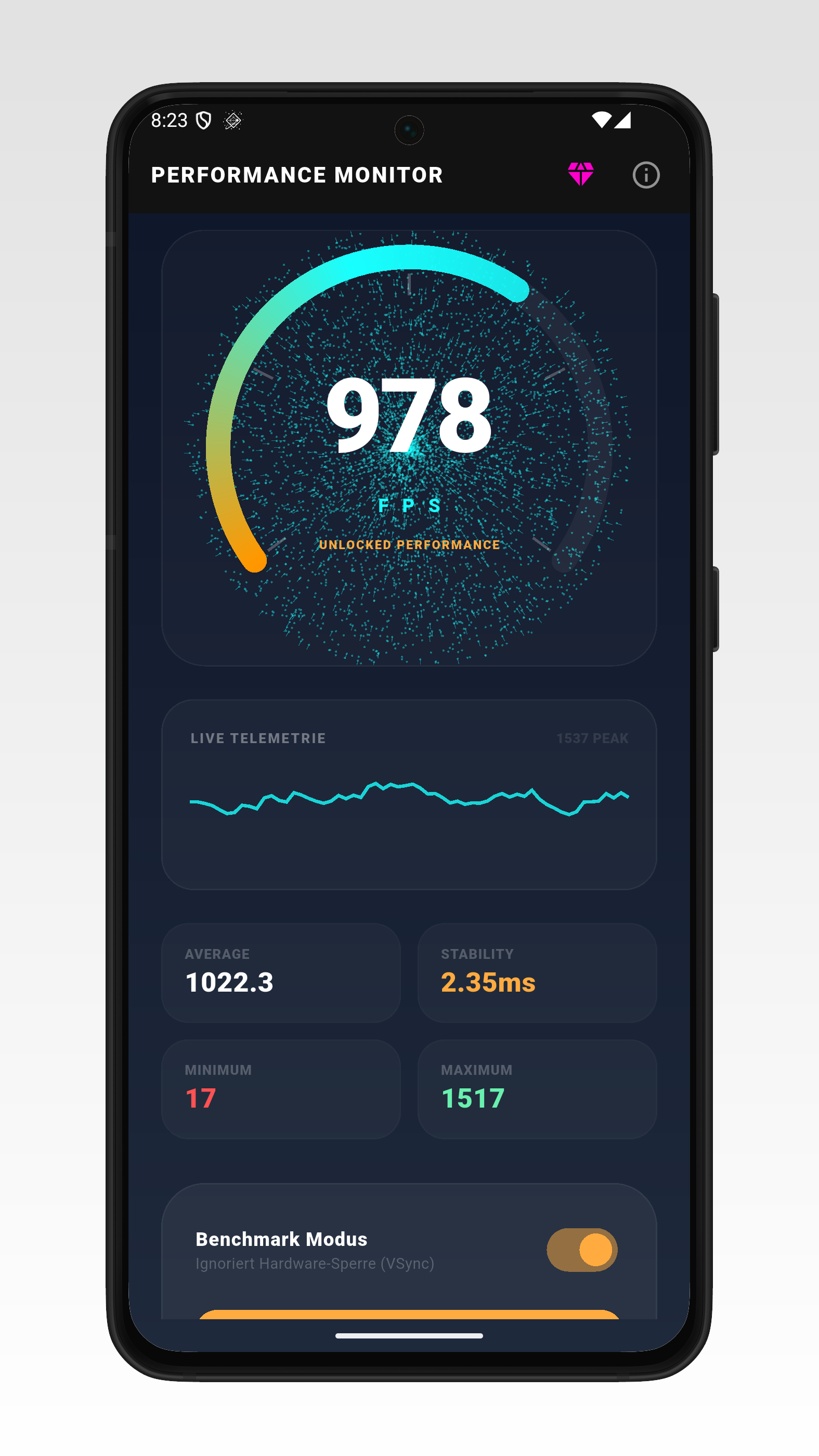
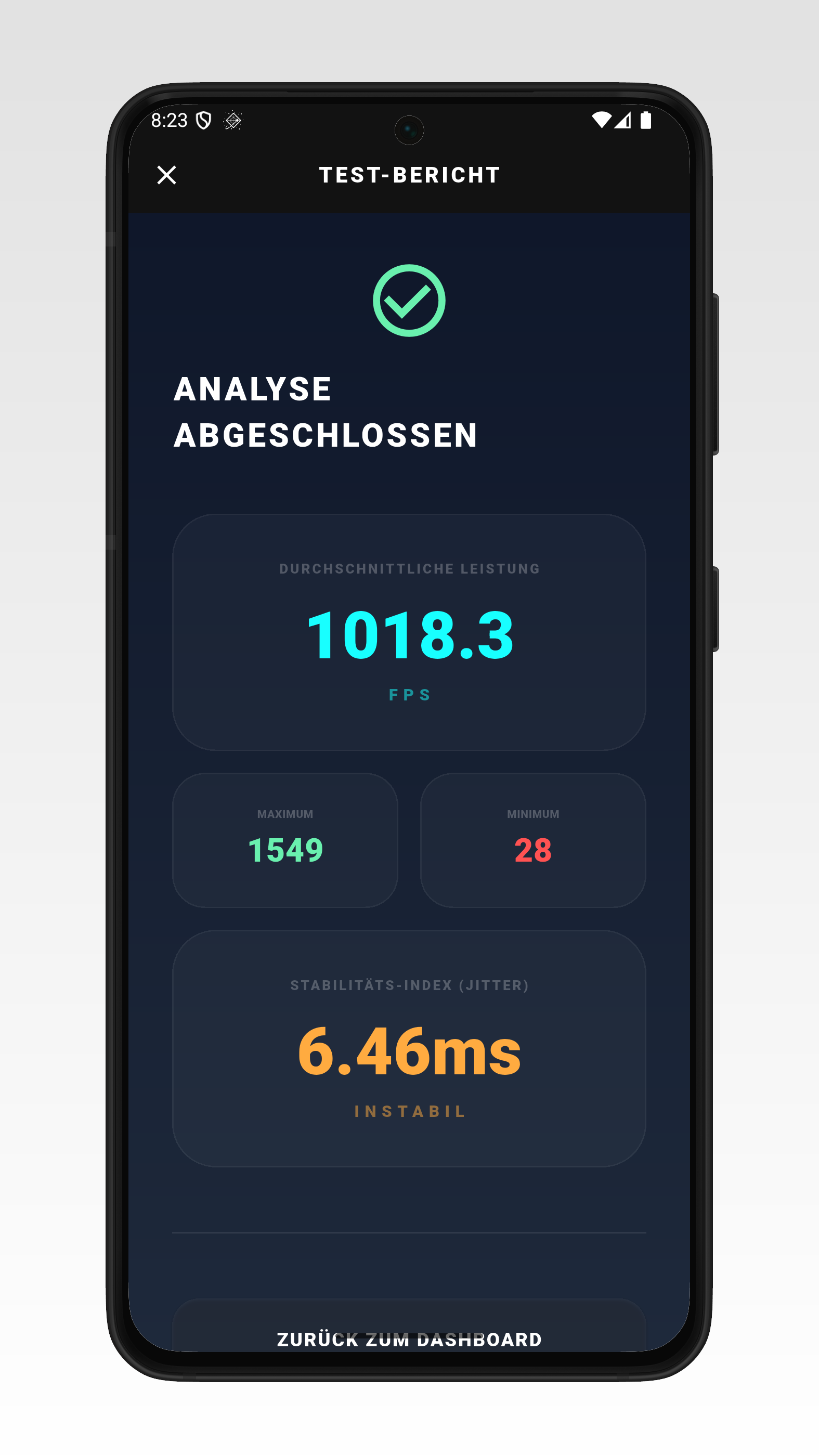
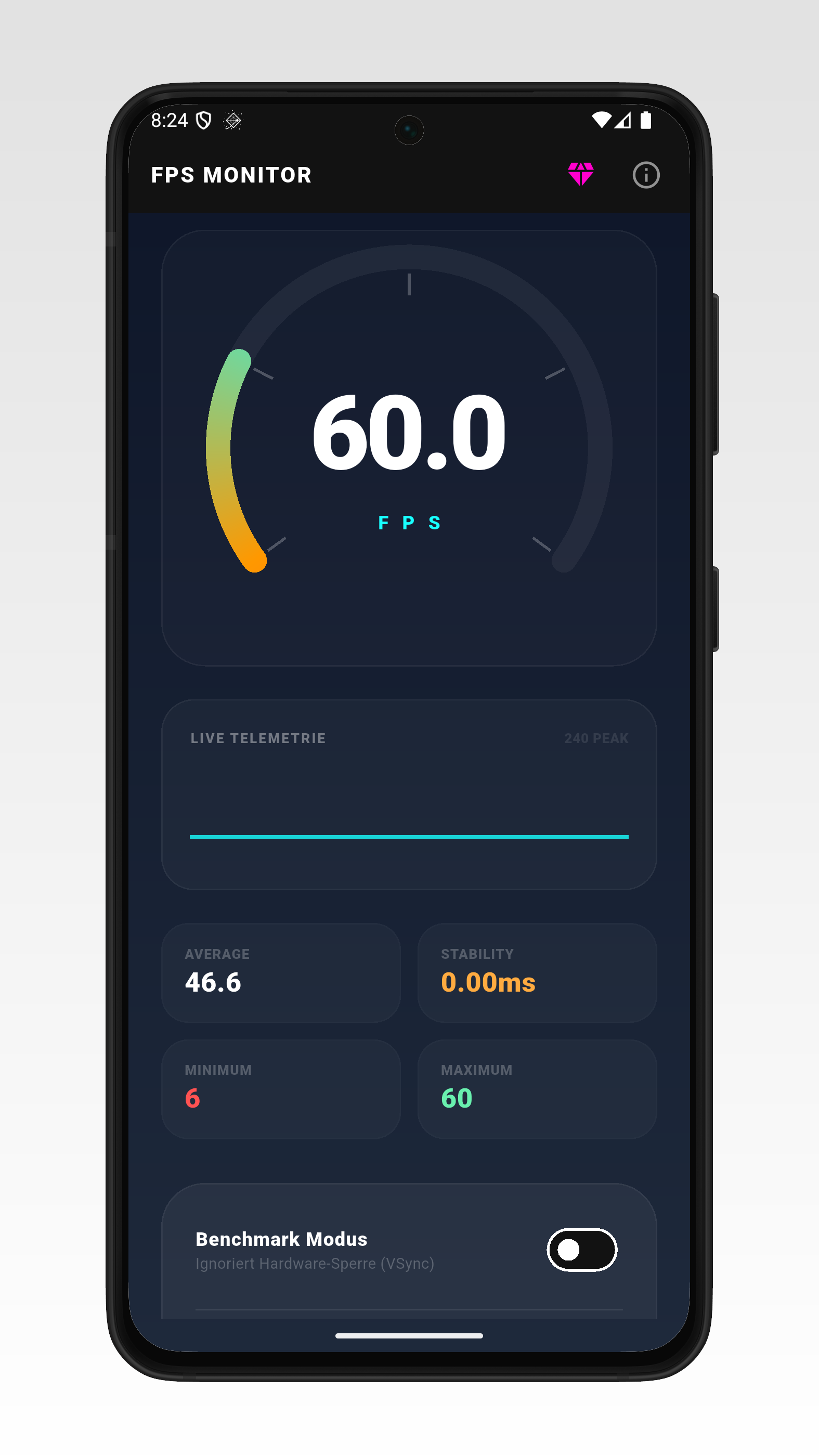
How fast is your phone really? FPS Tachometer measures your device's frame rate (FPS, frames per second) live and shows it on a big gauge. With benchmark mode and the GPU stress test you can find out where the performance limit of your smartphone or tablet lies. HOW THE FPS TEST WORKS The app continuously counts how many frames per second your device renders. Turn on the GPU stress test and raise the number of animated vector objects until the FPS drop – that shows how much load your device can handle. In benchmark mode the measurement runs without the frame-rate cap (VSync). At the end you get a test report with all values. FEATURES • FPS tachometer: current frame rate live on a gauge display • Live telemetry: graph of the latest readings • Real-time stats: average, minimum, maximum and stability (jitter in ms) • Benchmark mode without VSync cap, with test report: average performance, min/max and stability index (stable/unstable) • GPU stress test: 100 to 5,000 animated objects as artificial graphics load • Adjustable FPS target from 10 to 240 Hz • Dark neon design, easy to use • Available in 16 languages PRO VERSION • High-speed mode: FPS target up to 500 Hz • Maximum load: up to 30,000 objects in the stress test • Ad-free – no interruptions during your measurements Pro is available as a monthly or yearly subscription or as a one-time purchase. FPS COUNTER & REFRESH RATE TEST Use the FPS counter as a quick refresh rate test: with the frame-rate cap active, the maximum FPS shows whether your display really runs at 60, 90, 120 or 144 Hz. A simple Hz test for phones and tablets – no root needed. WHAT FOR? Compare the performance of phones and tablets, check whether your device stutters under load, or test after an update whether graphics performance is still up to par. The FPS test is ideal for gamers, tech fans and anyone who wants to know what's inside their device. Note: FPS Tachometer measures your device's graphics performance (frames per second) – it is not a GPS speedometer for measuring driving speed. No account, no sign-up needed. The free version is supported by ads.
FPS Tachometer 2.2.4 Update
• New test scenes: Classic, Swarm (shake it) and Gravity (Pro) • FPS vs. object count chart, benchmark measures real frames • Improvements and bug fixes
APKFab.com and the download link of this app are 100% safe. All download links of apps listed on APKFab.com are from Google Play Store or submitted by users. For the app from Google Play Store, APKFab.com won't modify it in any way. For the app submitted by users, APKFab.com will verify its APK signature safety before release it on our website.