Focus Keeper (Package Name: co.pixo.apps.focuskeeper) is developed by PIXO Inc and the latest version of Pomodoro Timer - Focus Keeper 1.2.1 was updated on August 12, 2026. Pomodoro Timer - Focus Keeper is in the category of Productivity. You can check all apps from the developer of Pomodoro Timer - Focus Keeper and find 110 alternative apps to Pomodoro Timer - Focus Keeper on Android. Currently this app is for free. This app can be downloaded on Android 7.0+ on APKFab or Google Play. All APK/XAPK files on APKFab.com are original and 100% safe with fast download.
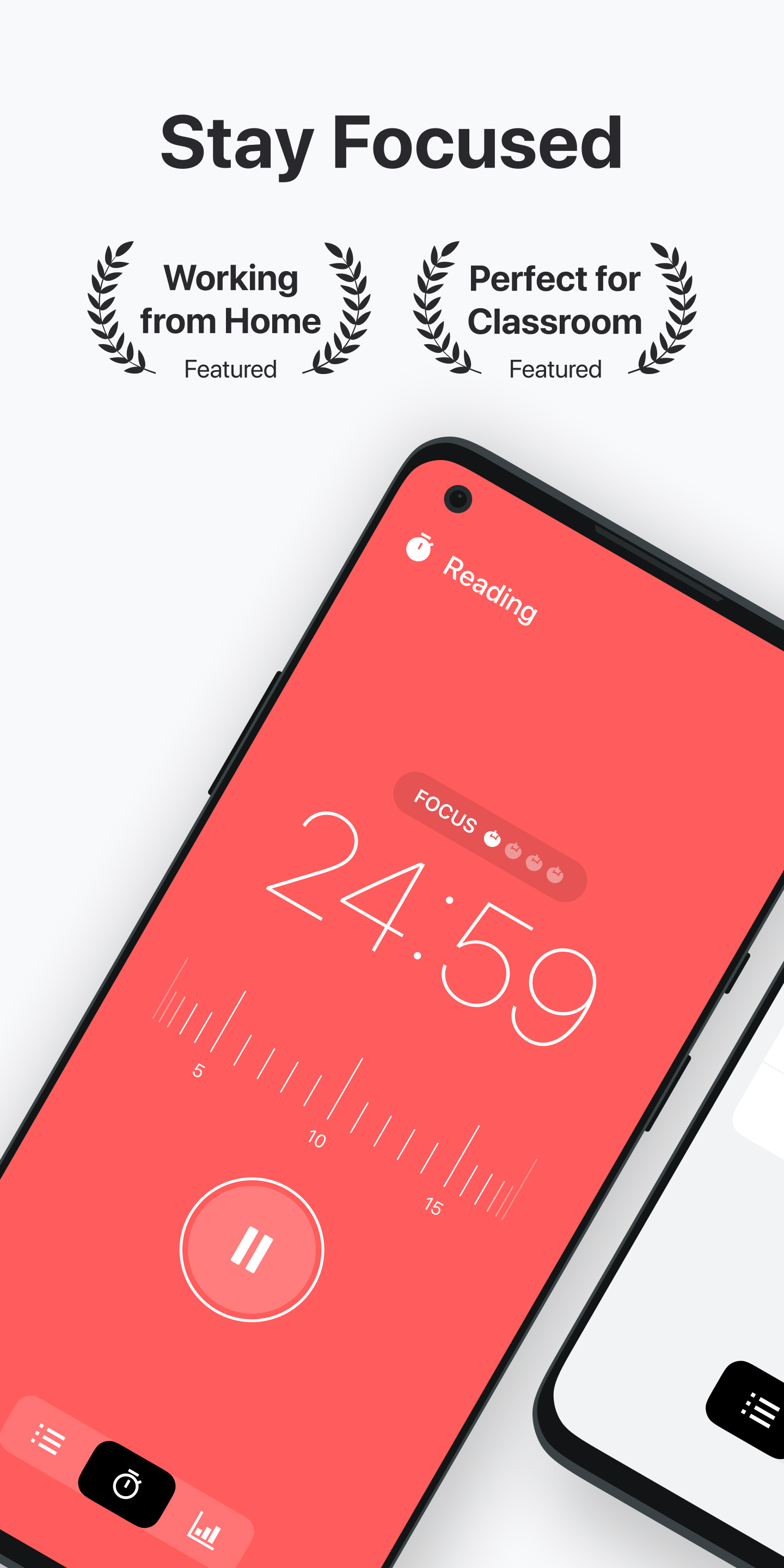
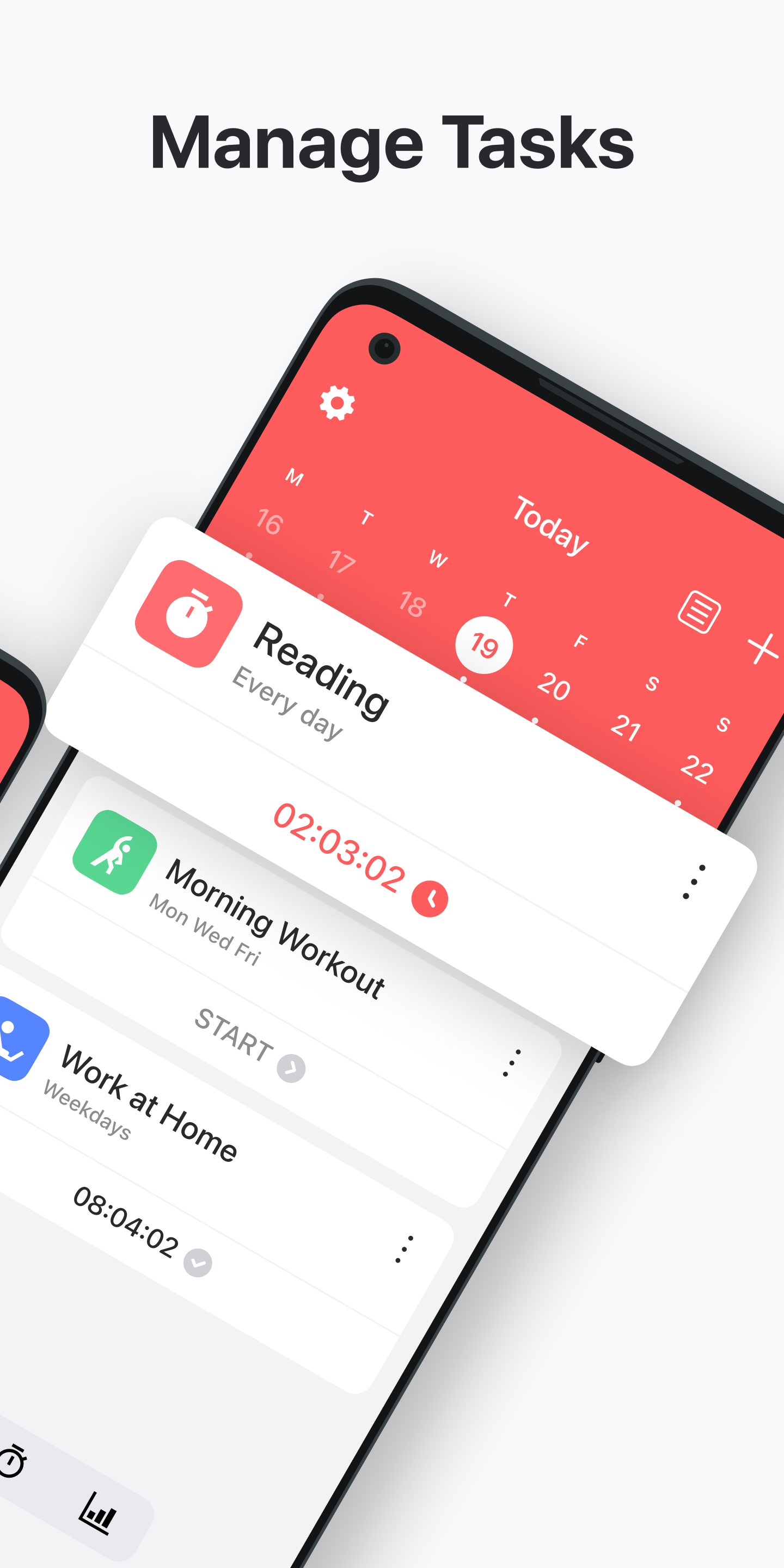
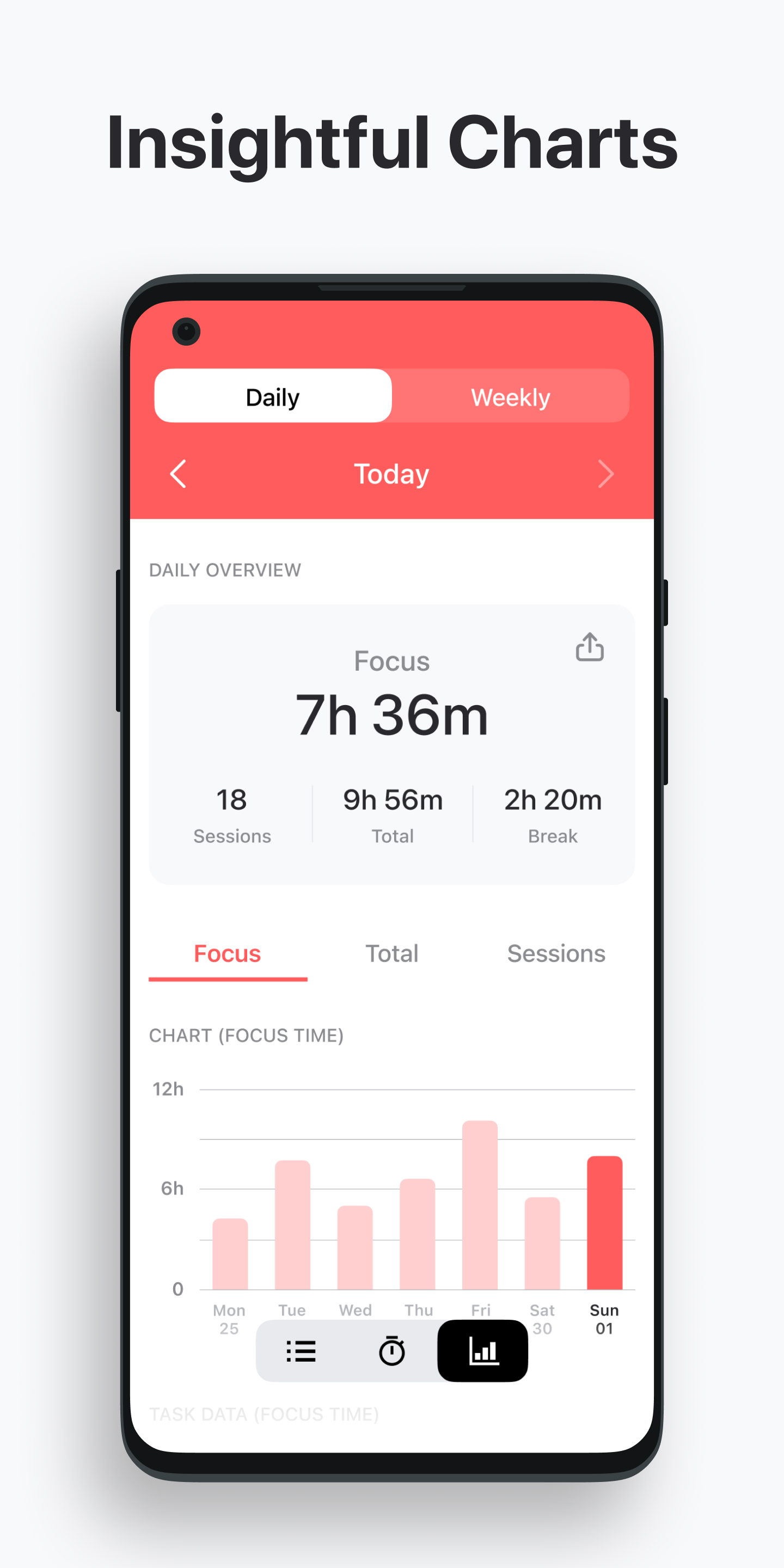
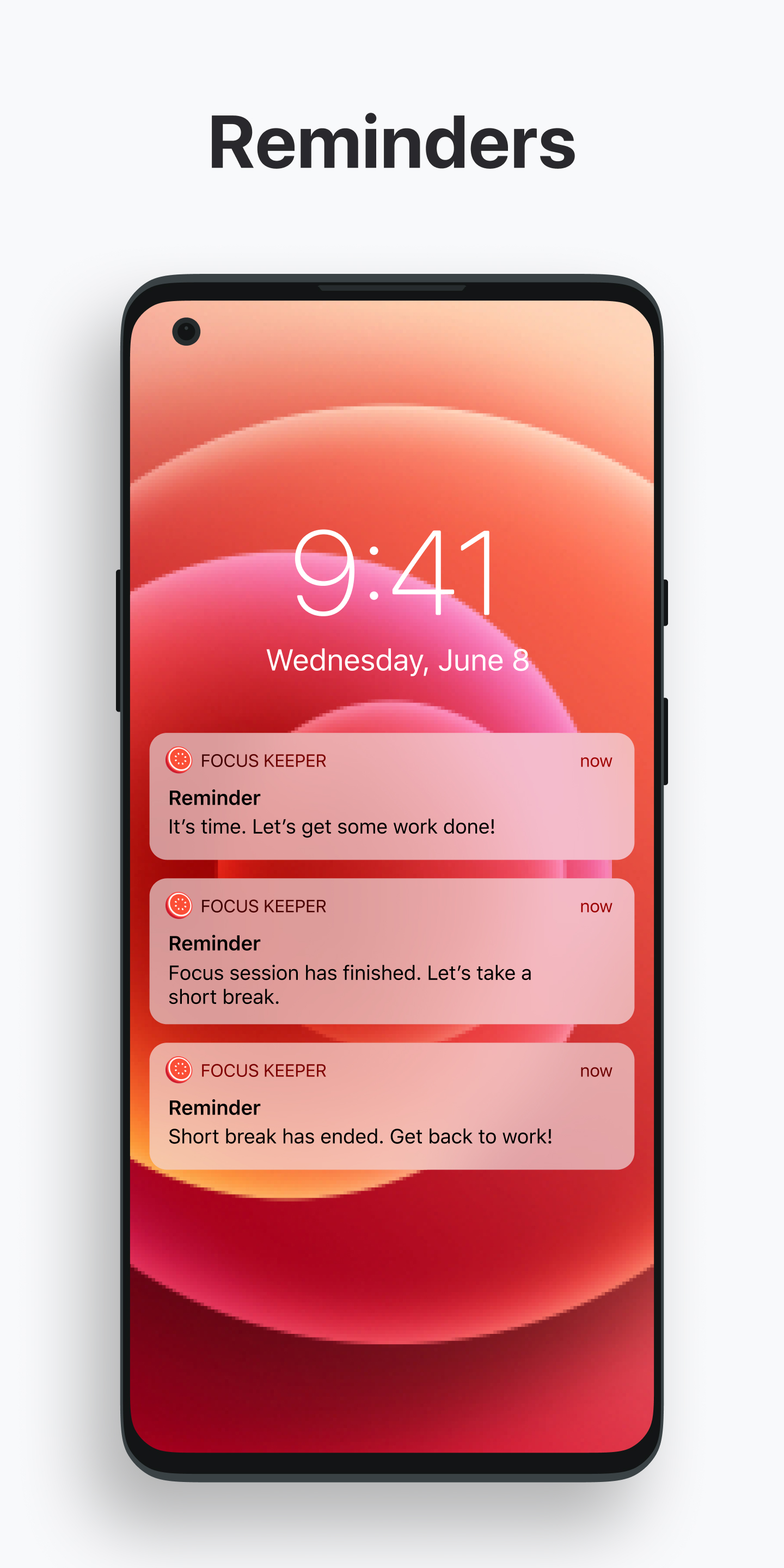
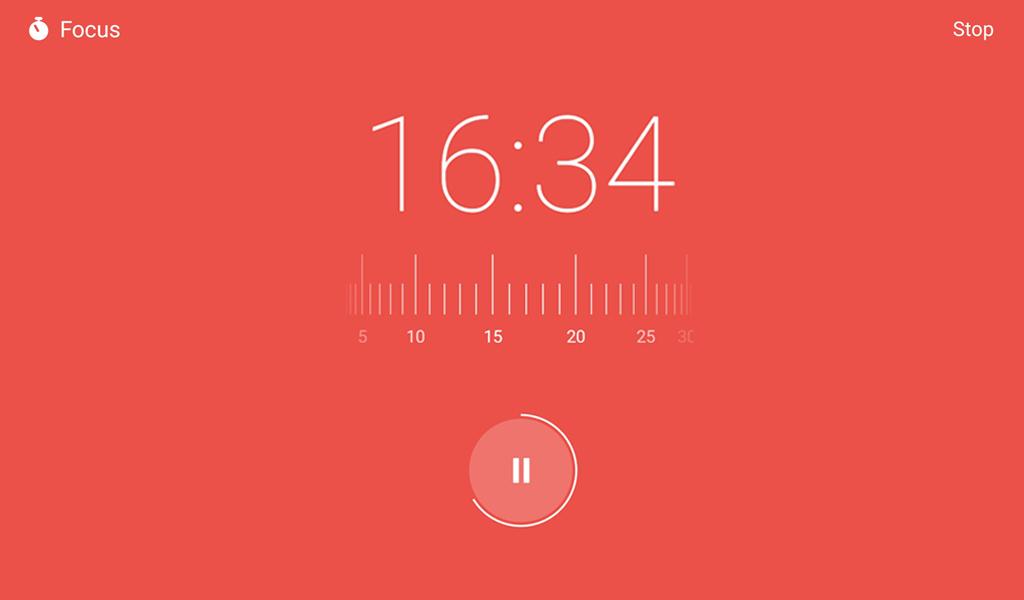
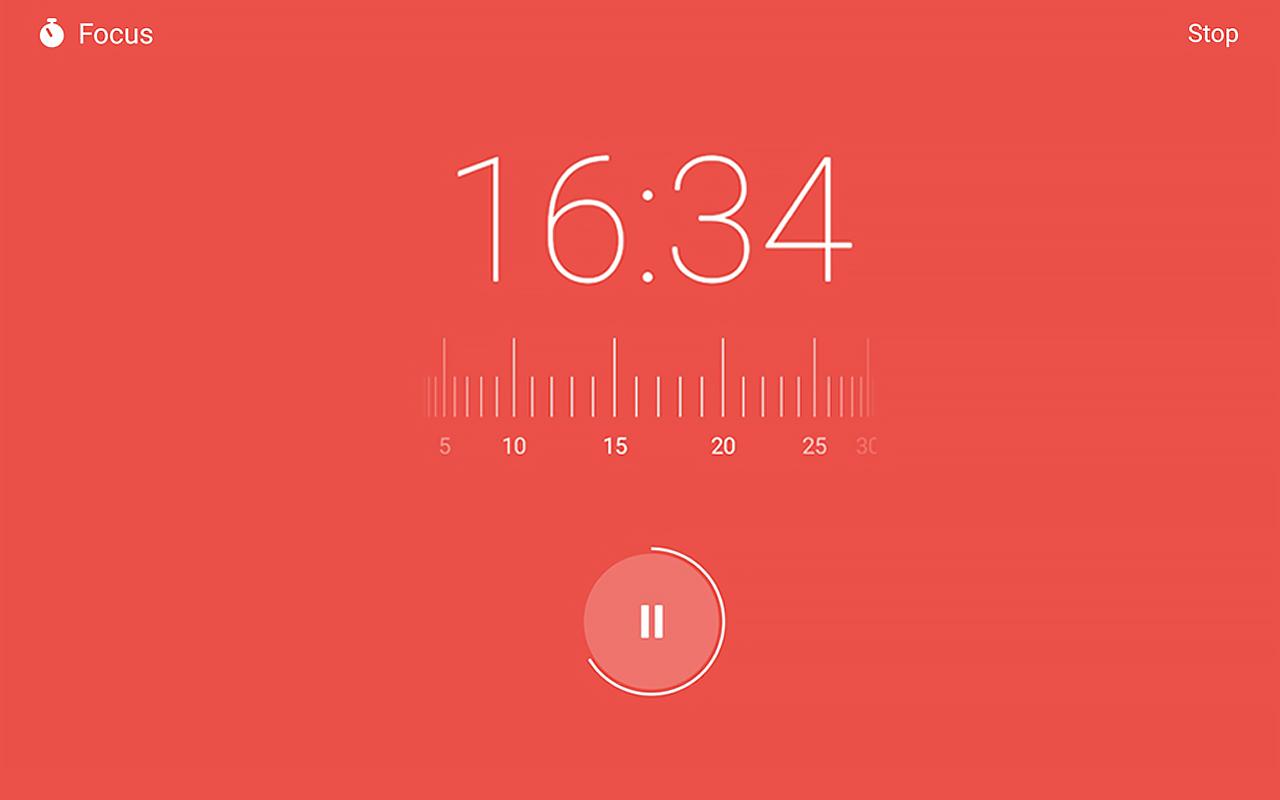
Focus Keeper is the ultimate focus timer and Pomodoro timer designed to help you boost productivity, and your study time. Fight against procrastination and improve productivity. Unlock your full potential with a simple yet powerful method for staying focused and managing your time effectively. Built around the proven Pomodoro Technique, this app helps you focus on studies, break your work into manageable intervals with a focus booster so you can accomplish more while avoiding burnout. Whether you're tackling a big project, time management and productivity is helpful for preparing for your exams, or aiming to improve your study habits, this tool is designed to keep you on track and in control. Pomodoro Timer and Customizable Focus Sessions ✔ Pomodoro Technique – Follow the classic 25-minute intervals to maintain energy and productivity throughout the day. ✔ Focus Timer – Tailor your focus intervals, short breaks, and long breaks to suit your needs. ✔ Focus Task Tracker – Keep track of tasks and ensure your focus remains sharp. ✔ Study Timer – Perfect for students aiming to improve focus during study sessions. ✔ Be Focused, Stay Productive – Manage distractions with features designed for deep work and concentration. ✔ Analyze Focus Sessions – Use detailed progress charts to evaluate your completed focus intervals. How to Use the App Set a Focus Timer: Start with a 25-minute work session using the Pomodoro Technique. Stay Focused on the Task: Commit to your chosen task until the timer rings. Take Short Breaks: Recharge with 5-minute breaks to maintain momentum. Reward Yourself with Long Breaks: After four focus sessions, enjoy a longer break to relax and refresh. The app ensures your workflow is uninterrupted and productive, automating the cycle of focus and rest to keep you moving forward. Who Benefits the Most? ✔ Students: Leverage the focus timer for study to optimize exam preparation and learning. ✔ Professionals: Manage your workload with ease by tackling each focus task effectively. ✔ ADHD-Friendly: Establish better routines with tools specifically designed for sustained attention and productivity. Why This App Stands Out Built on the core principles of the Pomodoro Technique, this app goes beyond basic timers. Its custom features allow you to tailor your sessions, while its analytics help you monitor progress and refine your workflow. Whether you need a study timer, a focus timer, or a tool to manage ADHD, this app adapts to your needs, keeping distractions at bay. Key Features: Proven Pomodoro Technique implementation for deep focus. Customizable focus timers to match any task or schedule. Track and analyze completed focus sessions for improved efficiency. Easy-to-use interface designed to help you be focused and stay productive. Take Control of Your Time Now! Stop procrastinating and start achieving with this powerful time management tool. Whether you're a student, a professional, or someone looking to boost productivity, this app is your ideal companion. Download today and transform the way you work and study with a simple yet effective focus timer that truly makes a difference.
Focus Keeper 1.2.1 Update
Updates: - Ads have been removed. - Bug fixes and stability improvements. More Free Options: - Choose sounds for ticking and alarm - Set any sounds separately for each session - Set different volume sounds for each ticking and alarm sound. - Set any colors separately for each session
Updates: - Ads have been removed. - Bug fixes and stability improvements. More Free Options: - Choose sounds for ticking and alarm - Set any sounds separately for each session - Set different volume sounds for each ticking and alarm sound. - Set any colors separately for each session
Updates: - Ads have been removed. - Bug fixes and stability improvements. More Free Options: - Choose sounds for ticking and alarm - Set any sounds separately for each session - Set different volume sounds for each ticking and alarm sound. - Set any colors separately for each session
Updates: - Ads have been removed. - Bug fixes and stability improvements. More Free Options: - Choose sounds for ticking and alarm - Set any sounds separately for each session - Set different volume sounds for each ticking and alarm sound. - Set any colors separately for each session
Updates: - Ads have been removed. - Bug fixes and stability improvements. More Free Options: - Choose sounds for ticking and alarm - Set any sounds separately for each session - Set different volume sounds for each ticking and alarm sound. - Set any colors separately for each session
Updates: - Ads have been removed. - Bug fixes and stability improvements. More Free Options: - Choose sounds for ticking and alarm - Set any sounds separately for each session - Set different volume sounds for each ticking and alarm sound. - Set any colors separately for each session
Updates: - Bug fixes and stability improvements. More Free Options: - Choose sounds for ticking and alarm - Set any sounds separately for each session - Set different volume sounds for each ticking and alarm sound. - Set any colors separately for each session
Updates: - Bug fixes and stability improvements. More Free Options: - Choose sounds for ticking and alarm - Set any sounds separately for each session - Set different volume sounds for each ticking and alarm sound. - Set any colors separately for each session
Updates: - Bug fixes and stability improvements. More Free Options: - Choose sounds for ticking and alarm - Set any sounds separately for each session - Set different volume sounds for each ticking and alarm sound. - Set any colors separately for each session
Updates: - Bug fixes and stability improvements. More Free Options: - Choose sounds for ticking and alarm - Set any sounds separately for each session - Set different volume sounds for each ticking and alarm sound. - Set any colors separately for each session
APKFab.com and the download link of this app are 100% safe. All download links of apps listed on APKFab.com are from Google Play Store or submitted by users. For the app from Google Play Store, APKFab.com won't modify it in any way. For the app submitted by users, APKFab.com will verify its APK signature safety before release it on our website.