Files To SD Card (Package Name: cz.bukacek.filestosdcard) is developed by Michal Bukáček and the latest version of Files To SD Card or USB Drive 1.70233 was updated on September 17, 2026. Files To SD Card or USB Drive is in the category of Tools. You can check all apps from the developer of Files To SD Card or USB Drive and find 200 alternative apps to Files To SD Card or USB Drive on Android. Currently this app is for free. This app can be downloaded on Android 6.0+ on APKFab or Google Play. All APK/XAPK files on APKFab.com are original and 100% safe with fast download.
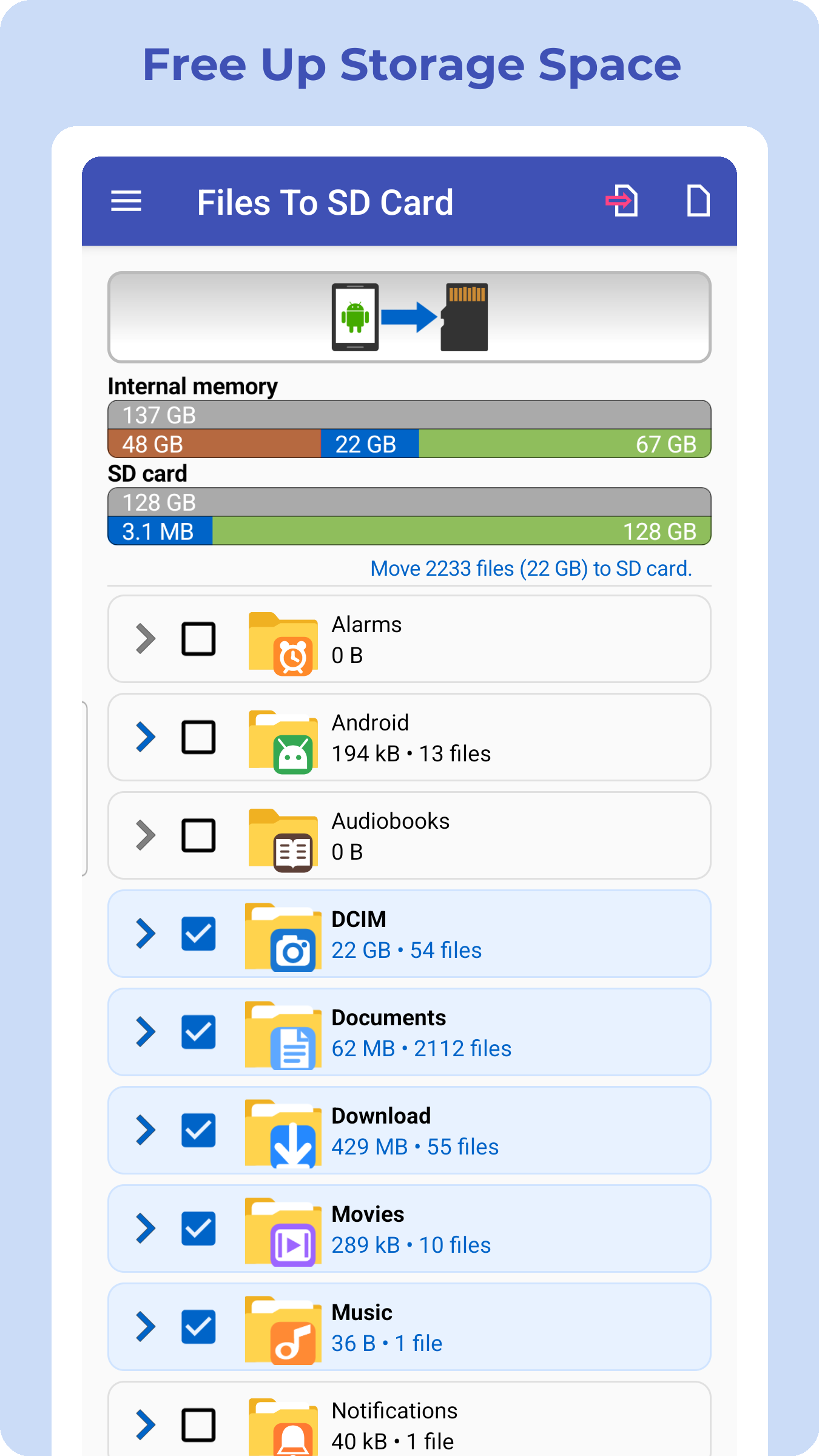
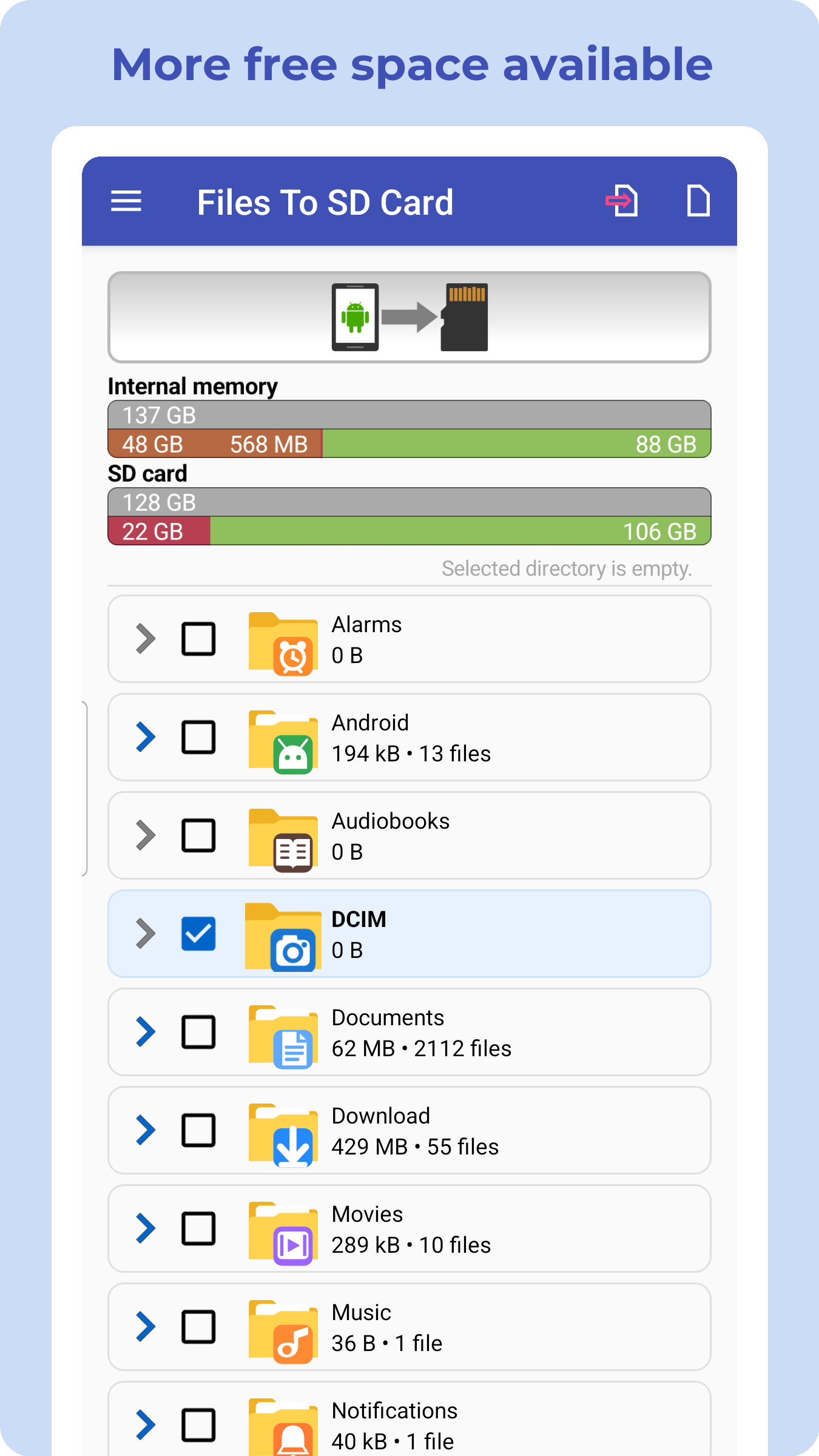
Make room on your phone or back up files to an SD card or USB drive 🚀 Files To SD Card makes it easy to move or copy files from internal storage to an SD card or USB flash drive. Transfer photos, videos, music, downloads and documents in just a few taps. Move files to make room in internal storage, or copy them to keep a backup on your SD card or USB drive. 📂 Move or copy your files Choose exactly what you need: • Move files to make room on your phone • Copy files to create a backup • Transfer files to an SD card • Transfer files to a USB flash drive using USB OTG 💾 Make room on your phone Move photos, videos, downloads and other files from internal storage to an SD card or USB drive and make more room for apps and new files. 🛡️ Keep a backup of your files Use the copy option to keep the original files on your phone while creating another copy on your SD card or USB drive. Existing files on the destination can be automatically skipped when copying. 🔌 USB OTG support Connect a compatible USB flash drive using USB OTG and move or copy files directly between your phone and external storage. 📁 Select the files you need Work with common file types including: • Photos • Videos • Music • Documents • Downloads • Other files 📴 No cloud required Files are transferred directly between your phone and your SD card or USB drive. No cloud upload is required and file transfers can work without an internet connection. 🚀 Useful storage tools ✔ Move or copy files ✔ Select specific folders or files ✔ Skip files that already exist when copying ✔ Browse your files before transfer ✔ Receive optional reminders about new files ✔ Dark mode support Designed for phones with limited storage Running low on internal storage? Move files to an SD card or USB drive to make more room, or copy important files to external storage as a simple backup. Important Files To SD Card works with files such as photos, videos, music and documents. The app cannot move installed Android apps to an SD card. Moving apps depends on Android and device manufacturer support. 📥 With Files To SD Card you can: ✔ Make room in internal storage ✔ Move files to an SD card or USB drive ✔ Copy files for backup ✔ Manage files on external storage Simple. Fast. Reliable.
Files To SD Card 1.70233 Update
✅ Updated translations for easier navigation. ✅ Fixed bugs for a smoother experience.
✅ Fixed bugs ✅ Added a new widget for displaying free storage space ✅ Faster process ✅ Improved recognition of connected USB drives ✅ Better control of transferred files
APKFab.com and the download link of this app are 100% safe. All download links of apps listed on APKFab.com are from Google Play Store or submitted by users. For the app from Google Play Store, APKFab.com won't modify it in any way. For the app submitted by users, APKFab.com will verify its APK signature safety before release it on our website.