ESET Authentication (Package Name: com.eset.esa) is developed by ESET and the latest version of ESET Secure Authentication 4.1.55 was updated on November 26, 2025. ESET Secure Authentication is in the category of Tools. You can check all apps from the developer of ESET Secure Authentication and find 200 alternative apps to ESET Secure Authentication on Android. Currently this app is for free. This app can be downloaded on Android 9.0+ on APKFab or Google Play. All APK/XAPK files on APKFab.com are original and 100% safe with fast download.
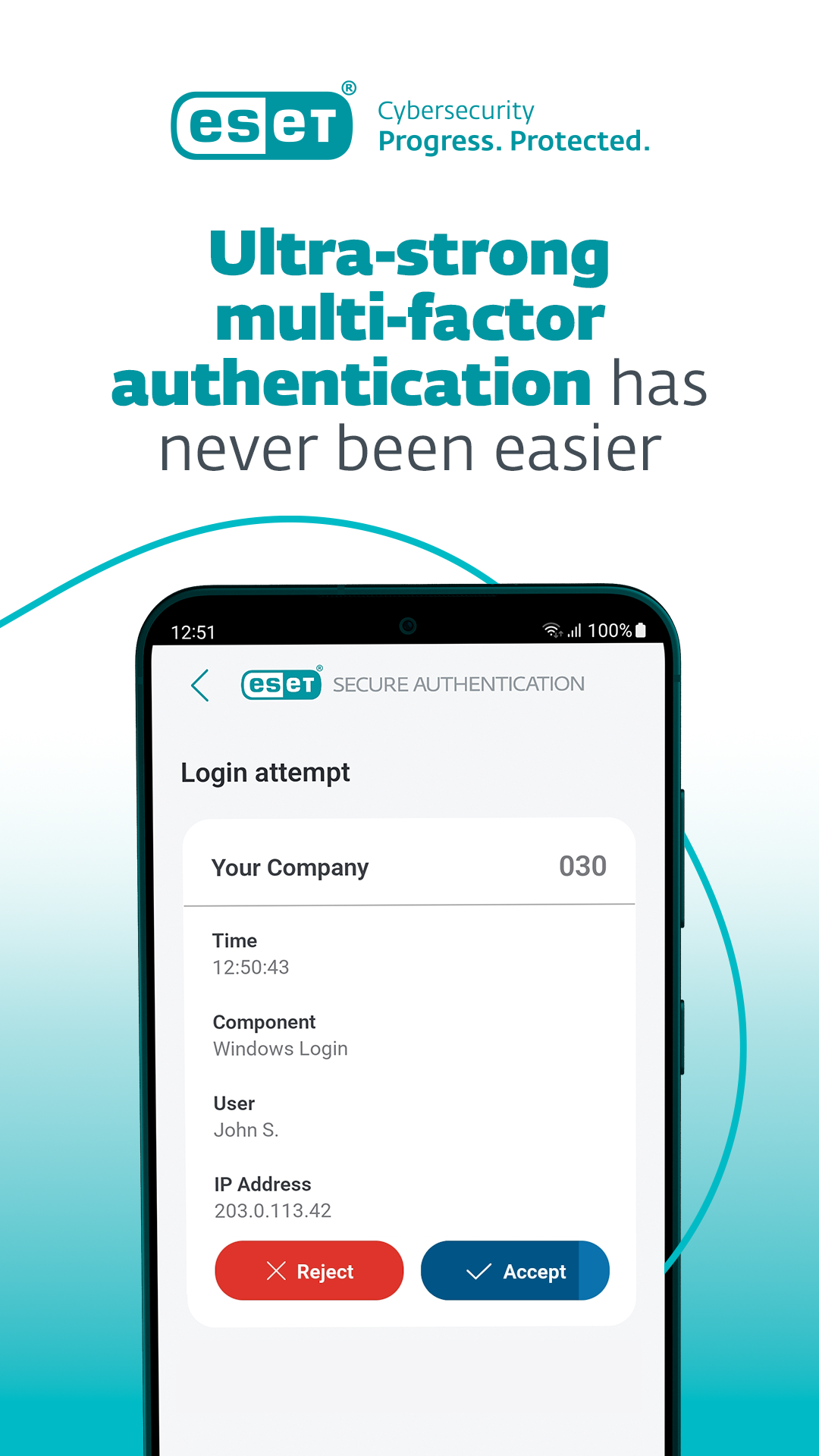
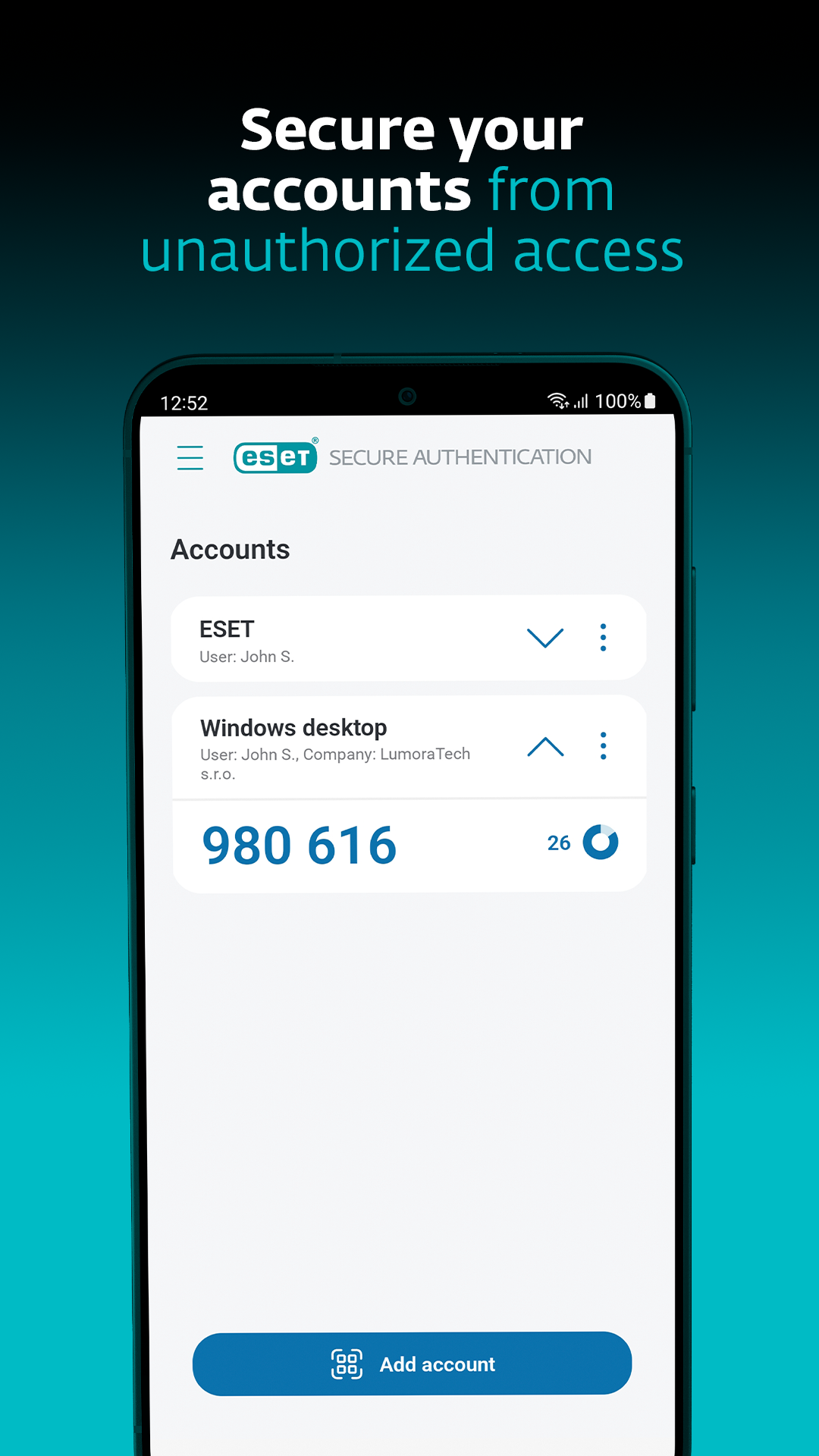
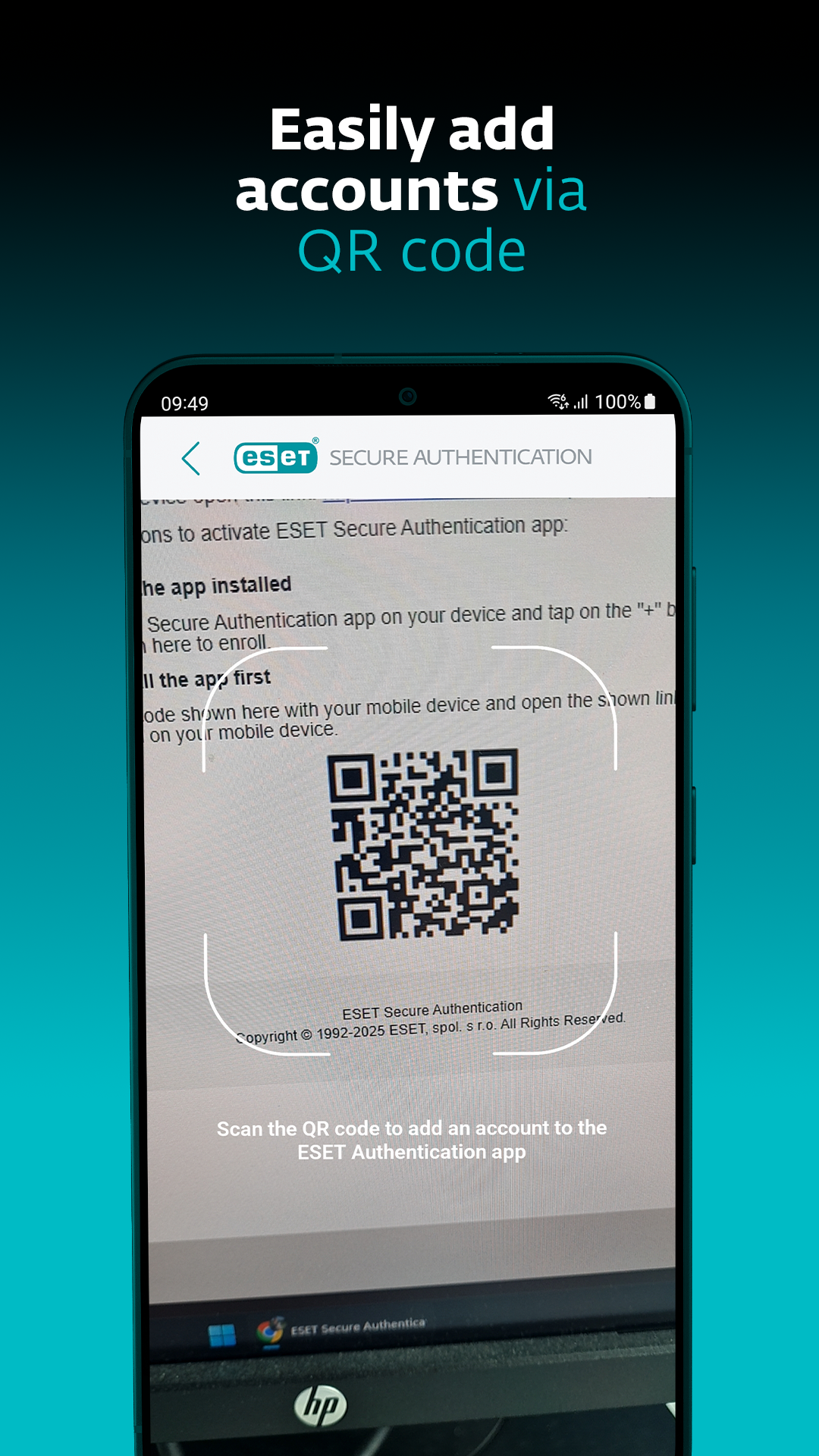
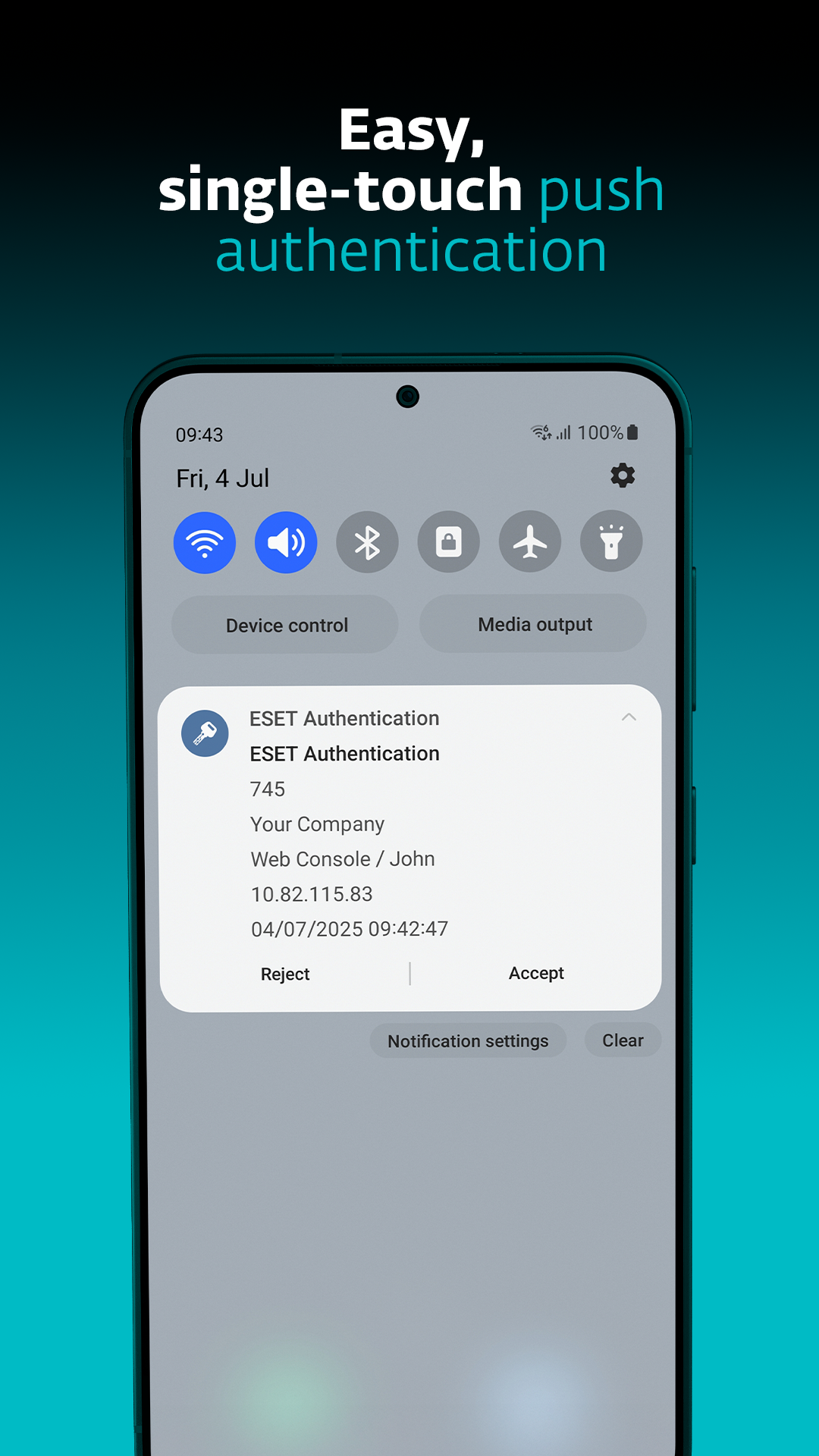
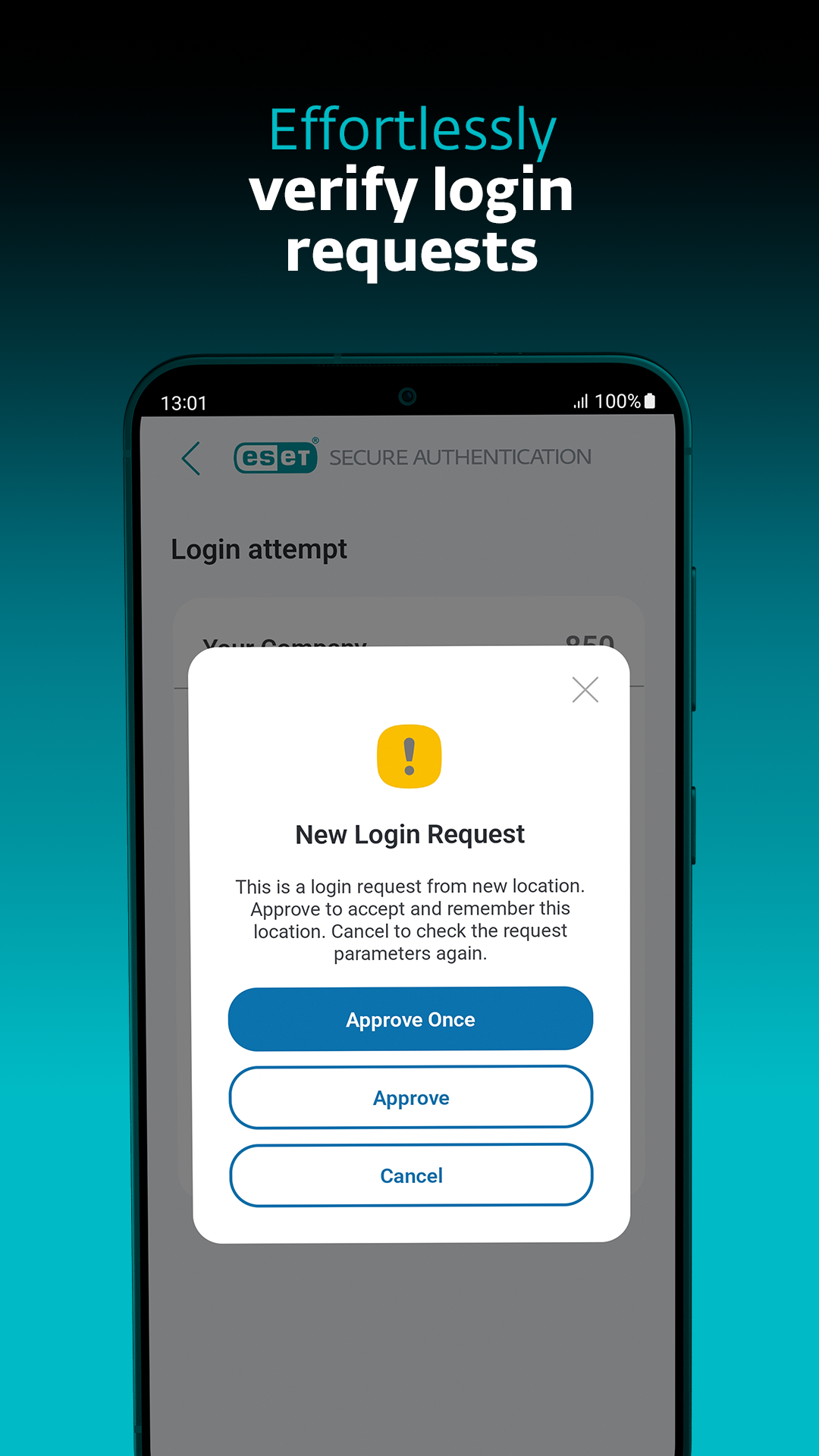
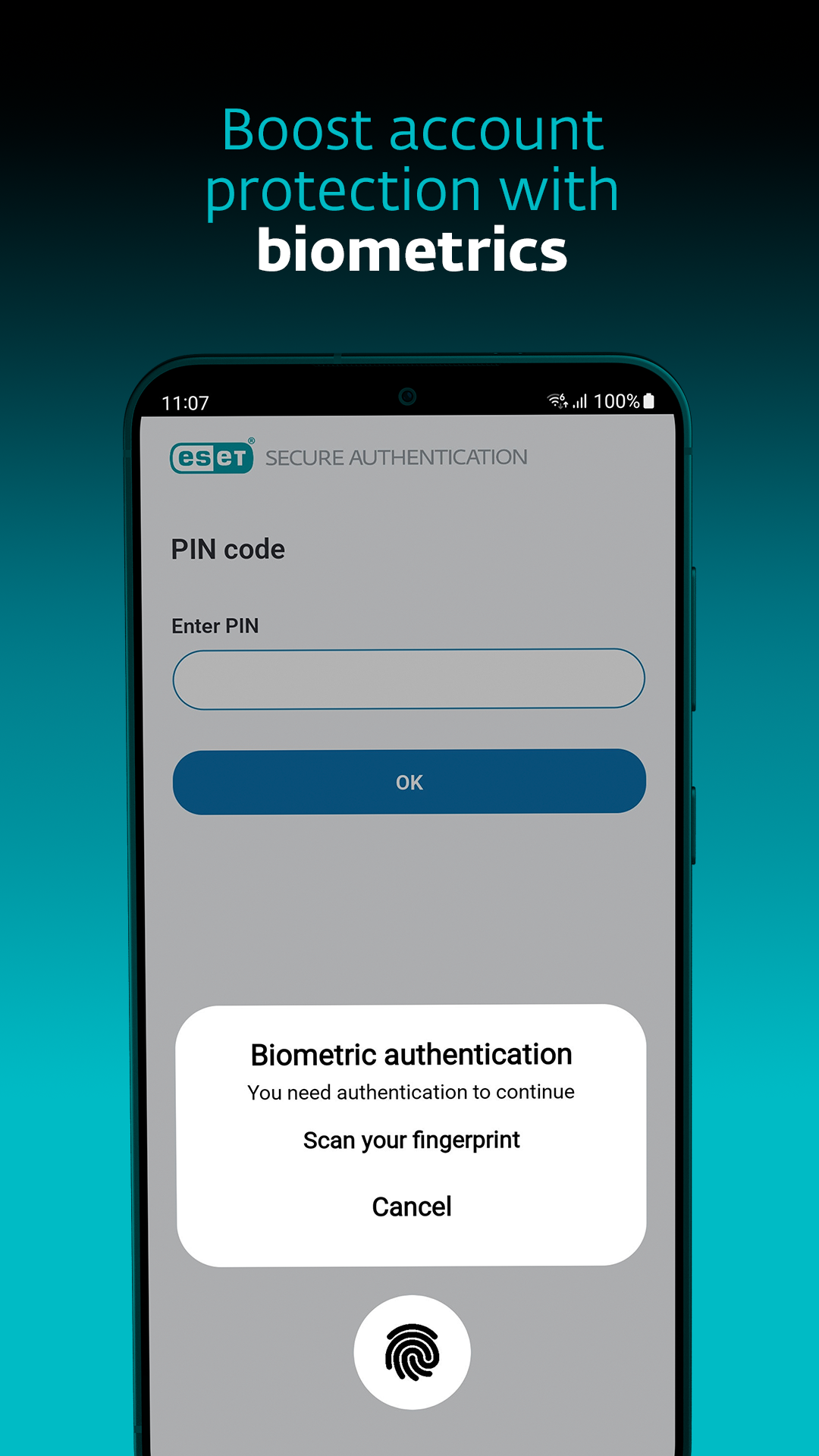
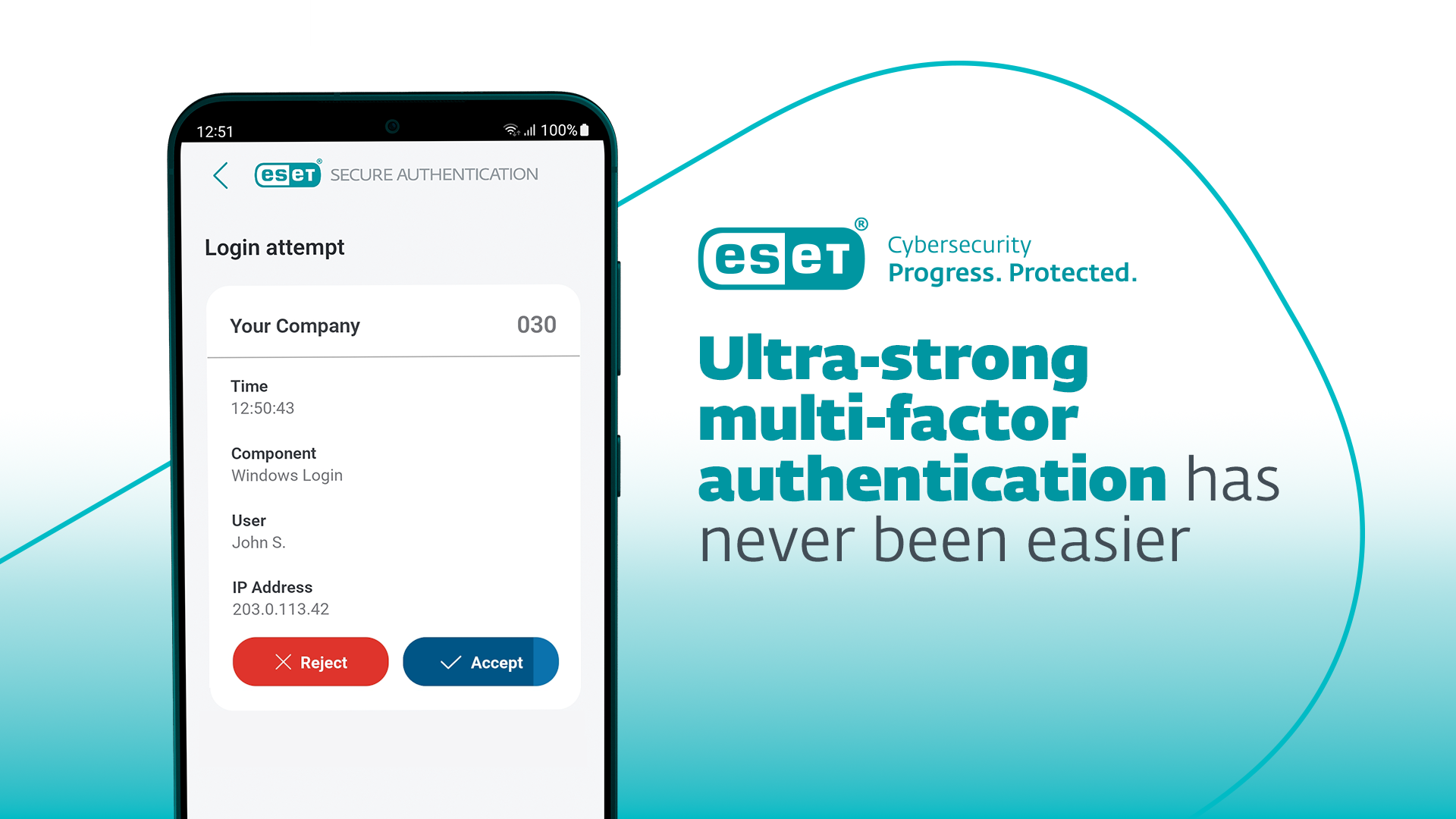
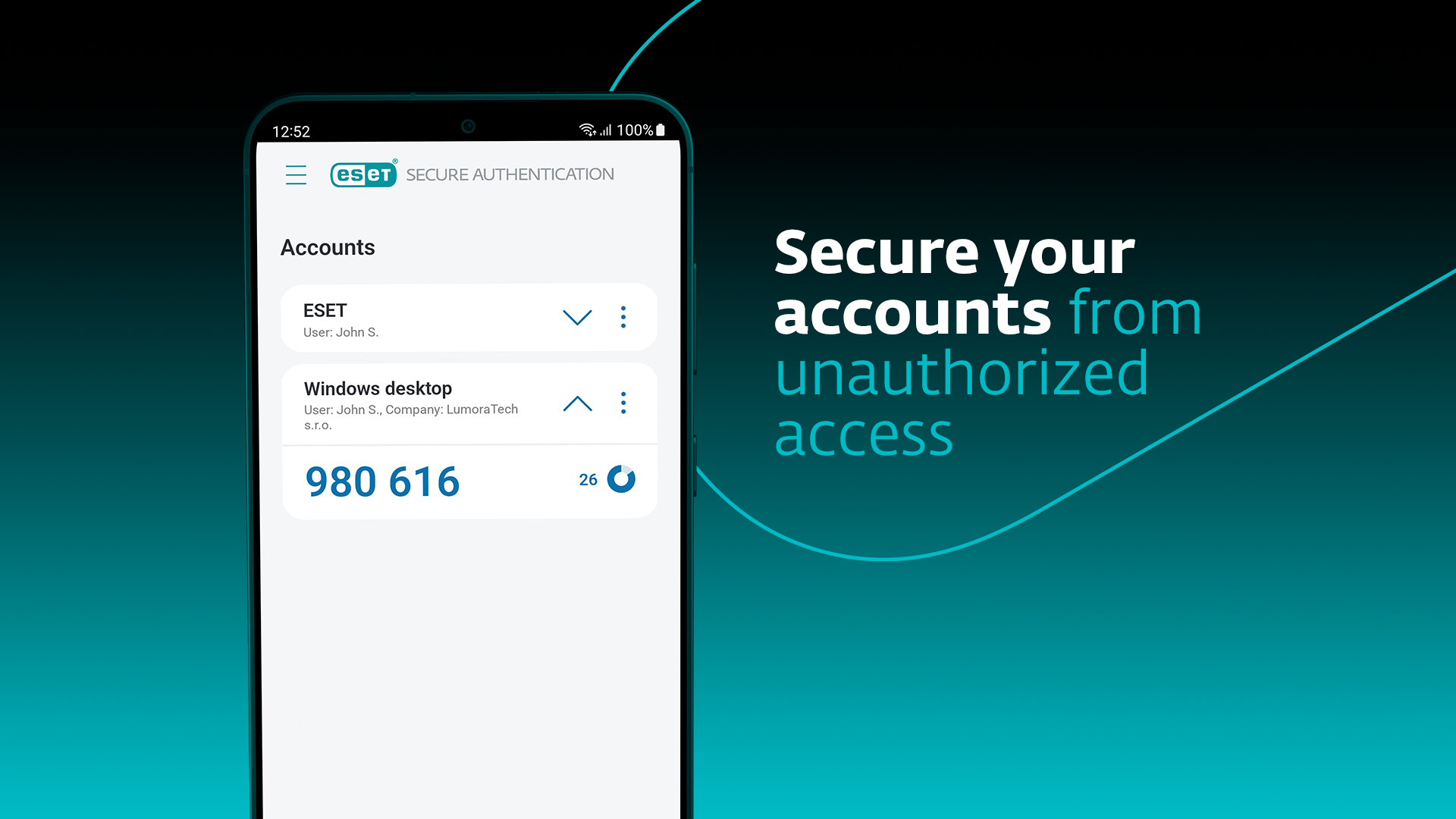
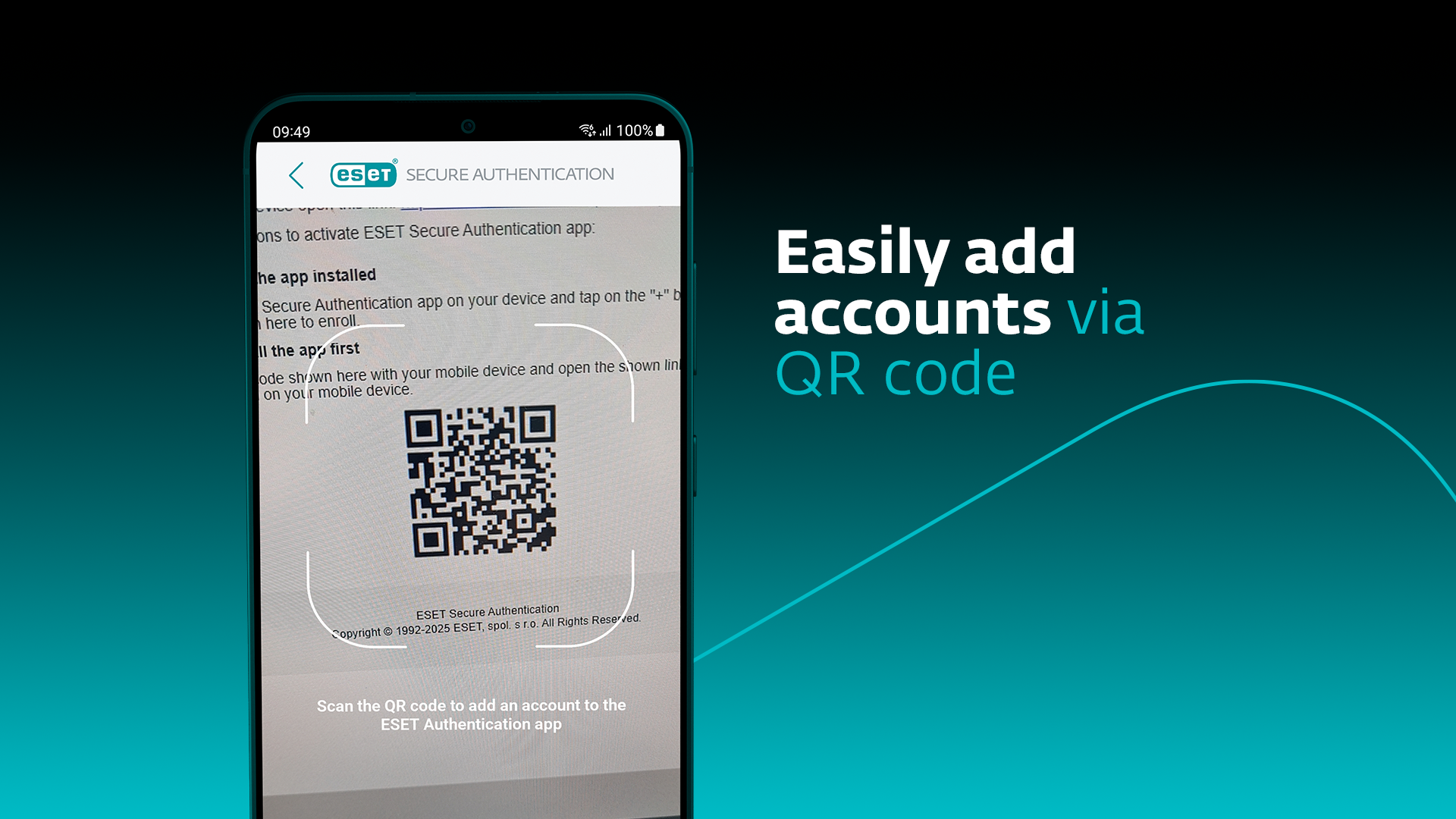
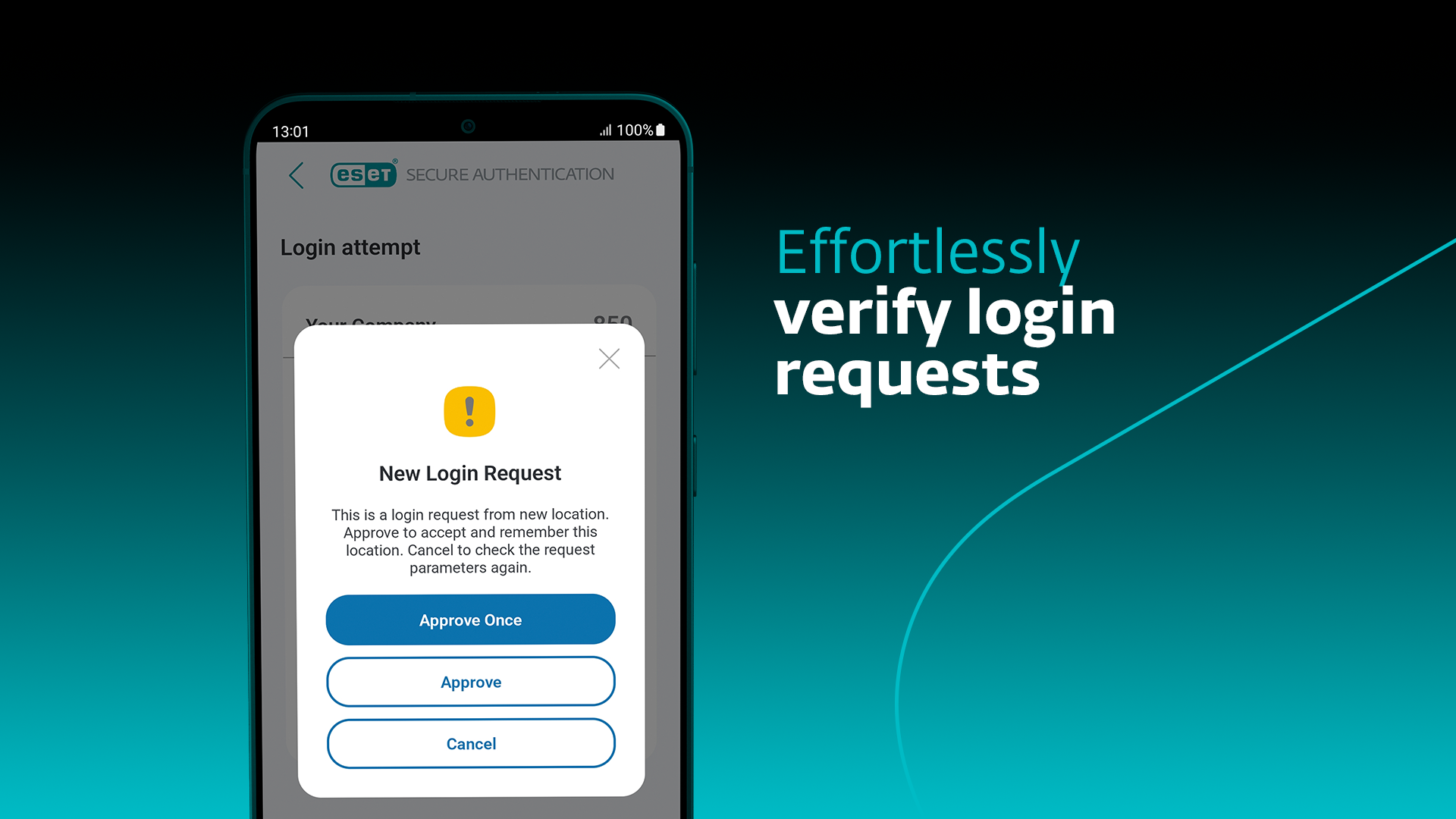
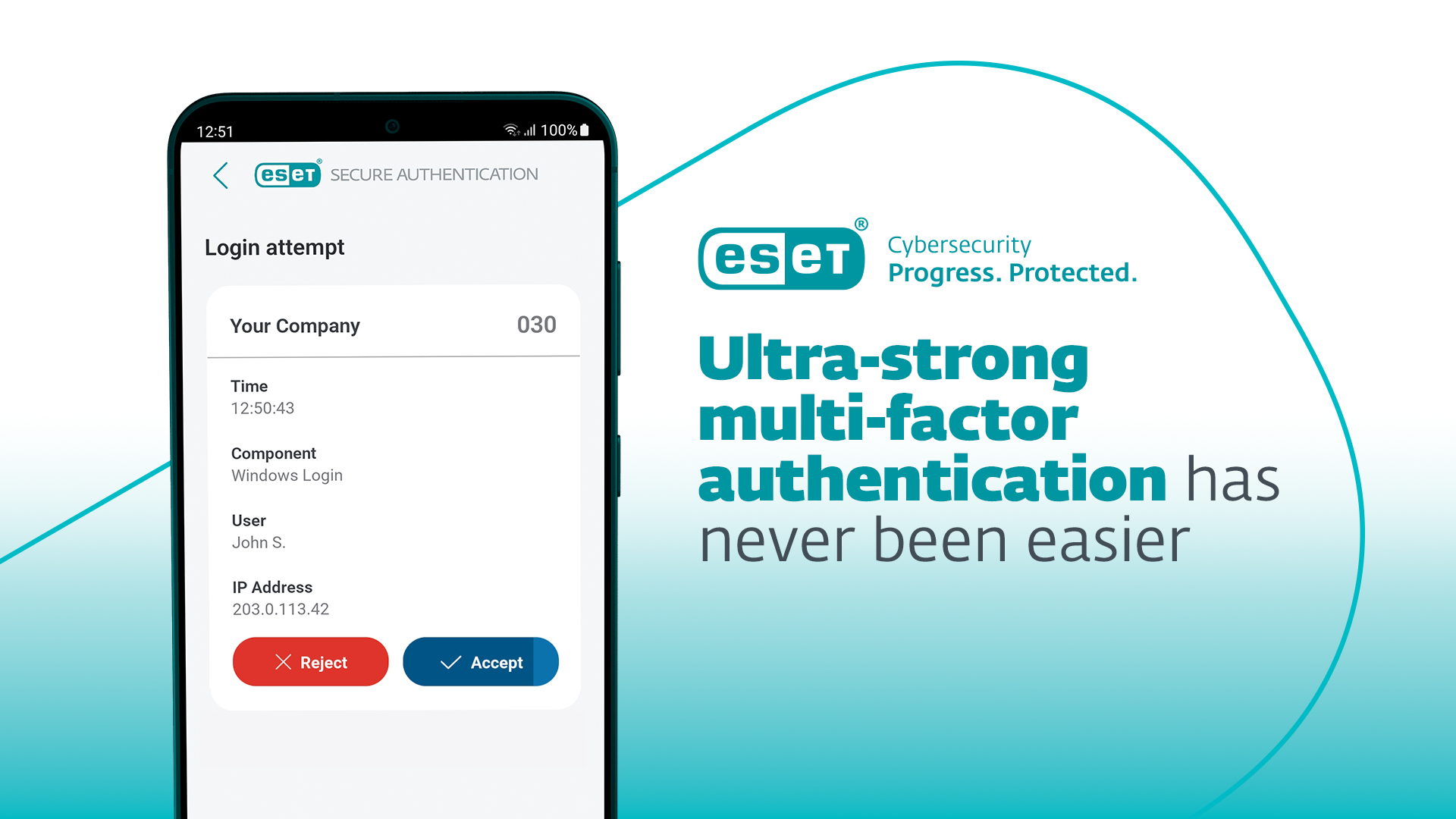
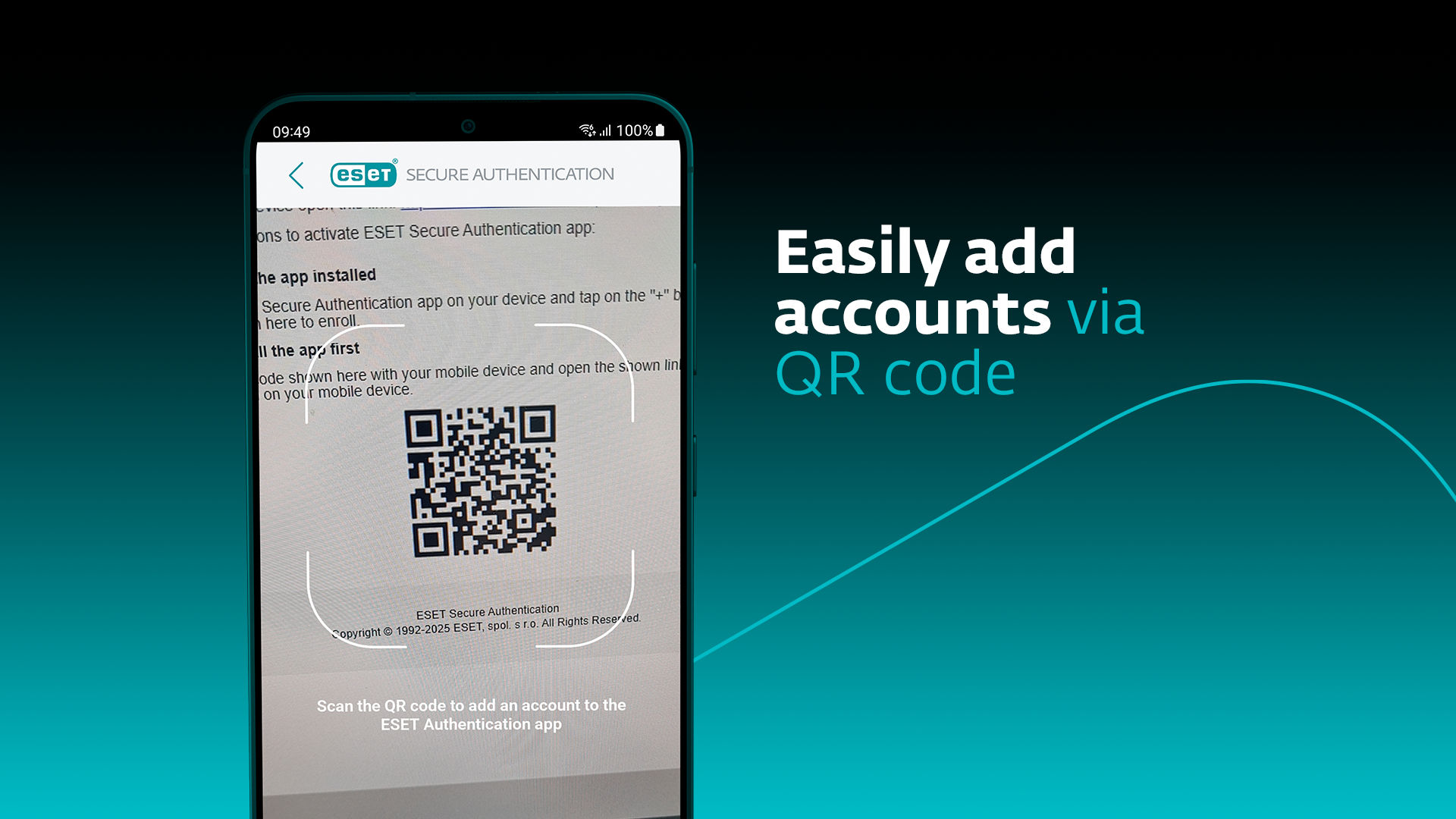
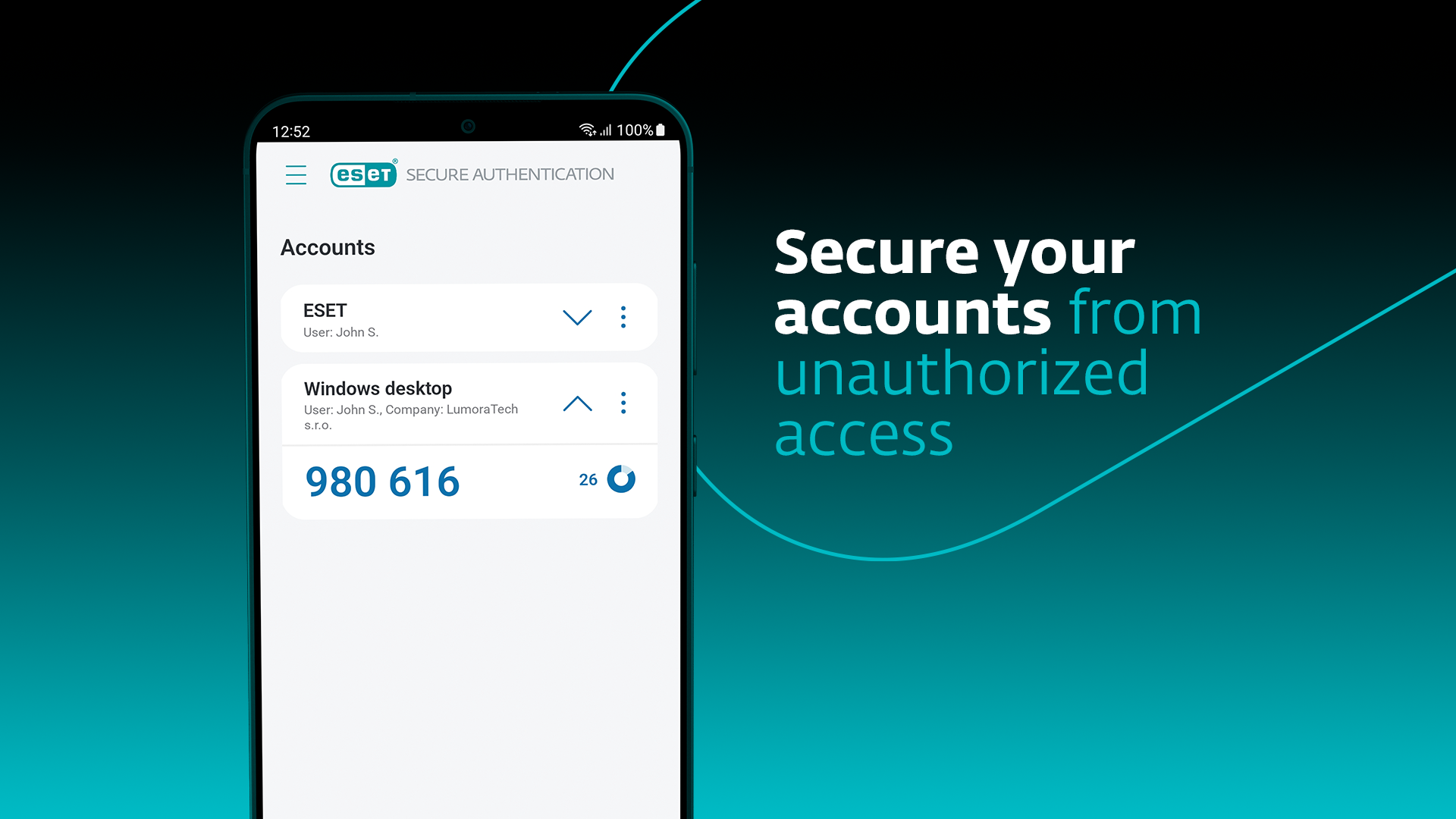
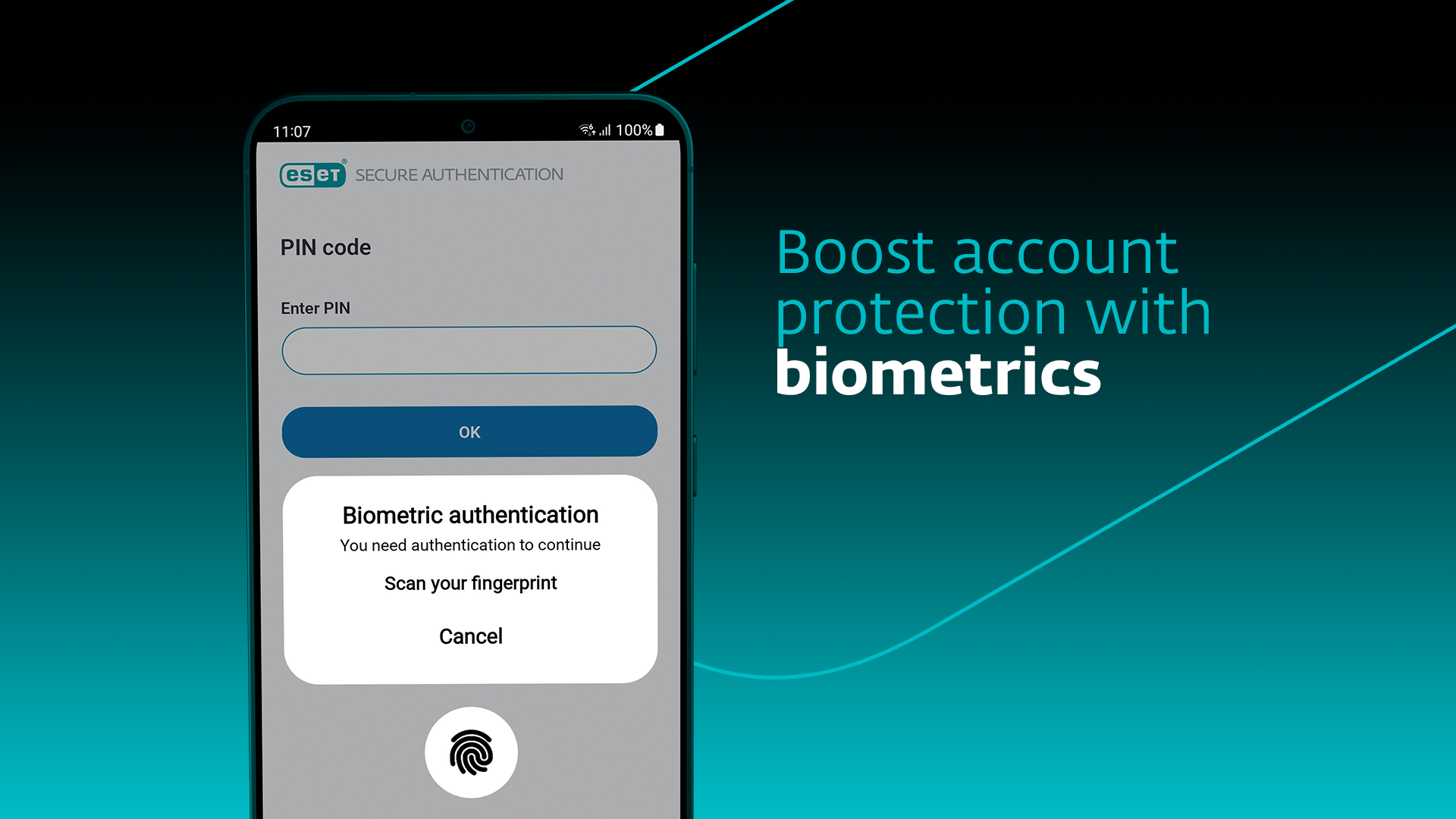
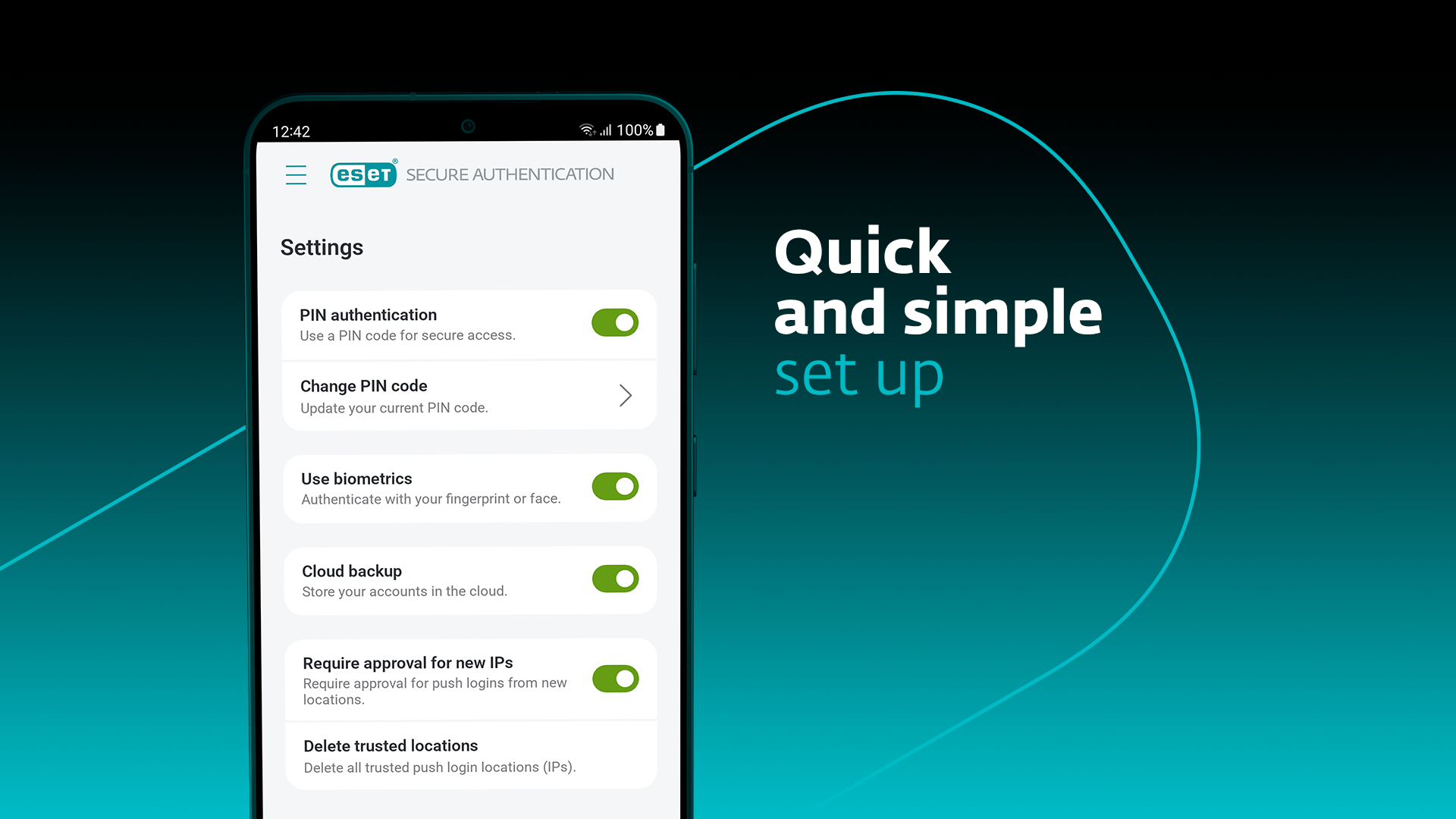
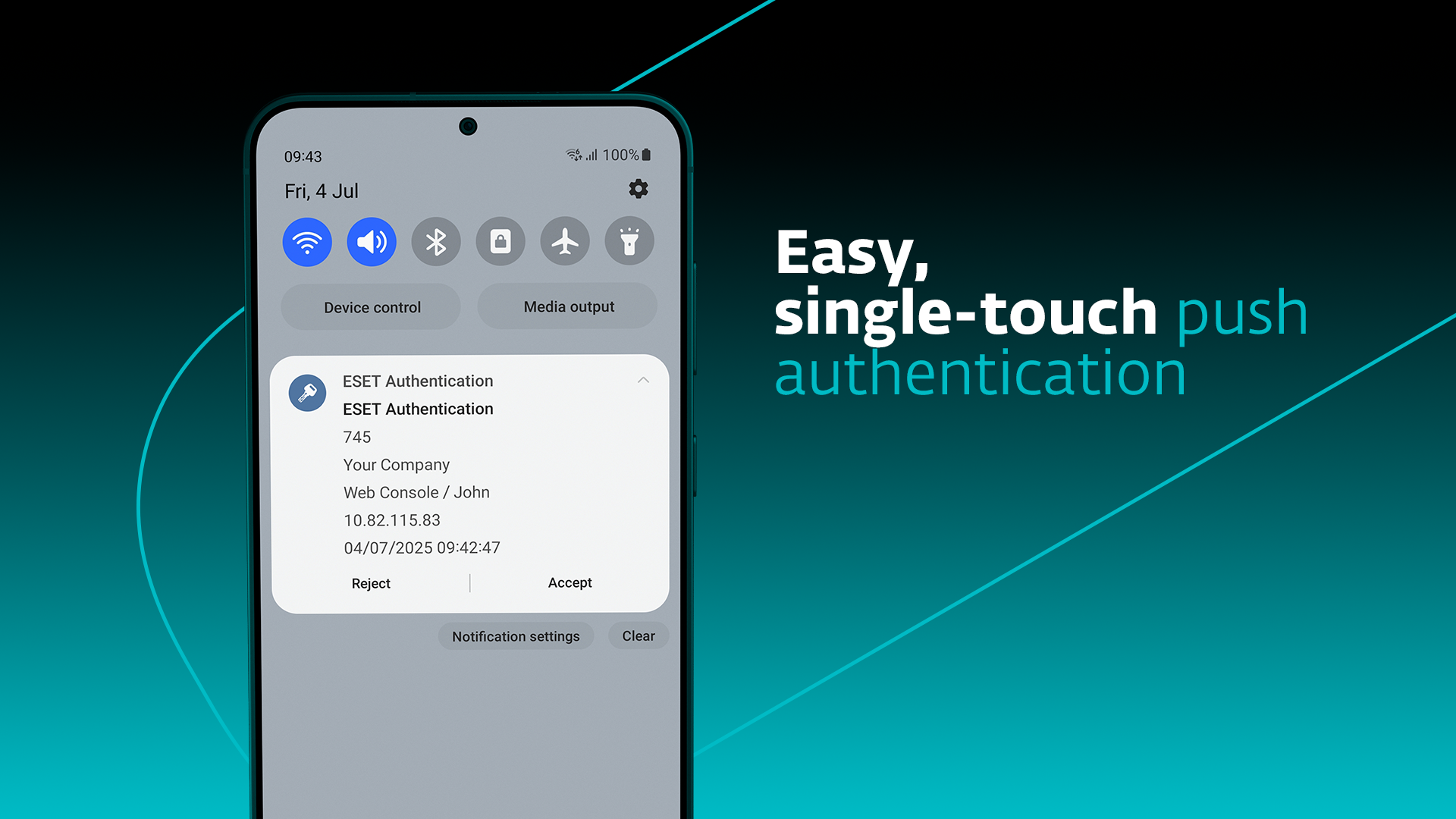
NOTE: Before installing ESET Secure Authentication, please note that the product requires server-side installation. This is a companion app and will not work independently. Contact your company‘s network administrator to receive your enrollment link. ESET Secure Authentication is an easy-to-install, deploy, and manage, multi-factor authentication (MFA) solution for businesses. The additional factor—received or generated by the mobile app—complements and strengthens the standard authentication process and secures access to your company’s systems and data. The ESET Secure Authentication app allows you to: ✔ Receive push notifications on your device that you can approve to complete authentication ✔ Generate one-time passwords to use alongside your username and password ✔ Add a new account simply by scanning a QR code Supported integrations: ✔ Microsoft Web Apps ✔ Local Windows logins ✔ Remote Desktop Protocol ✔ VPNs ✔ Cloud services via AD FS ✔ Mac/Linux ✔ Custom apps Multi-factor authentication is a combination of two or more security factors—“something the user knows” (e.g., a password), “something the user has” (such as a mobile phone to generate a one-time password or receive a push notification), and even “something the user is” (when approving push notifications via biometrics). Find out more about ESET Secure Authentication for businesses: https://www.eset.com/us/business/solutions/multi-factor-authentication/ This app uses the Device Administrator permission. This app uses Accessibility services.
ESET Authentication 4.1.55 Update
Fixed: Whitespace copied as well when copying OTPs to clipboard Fixed: OTP digits reversed in right-to-left localizations
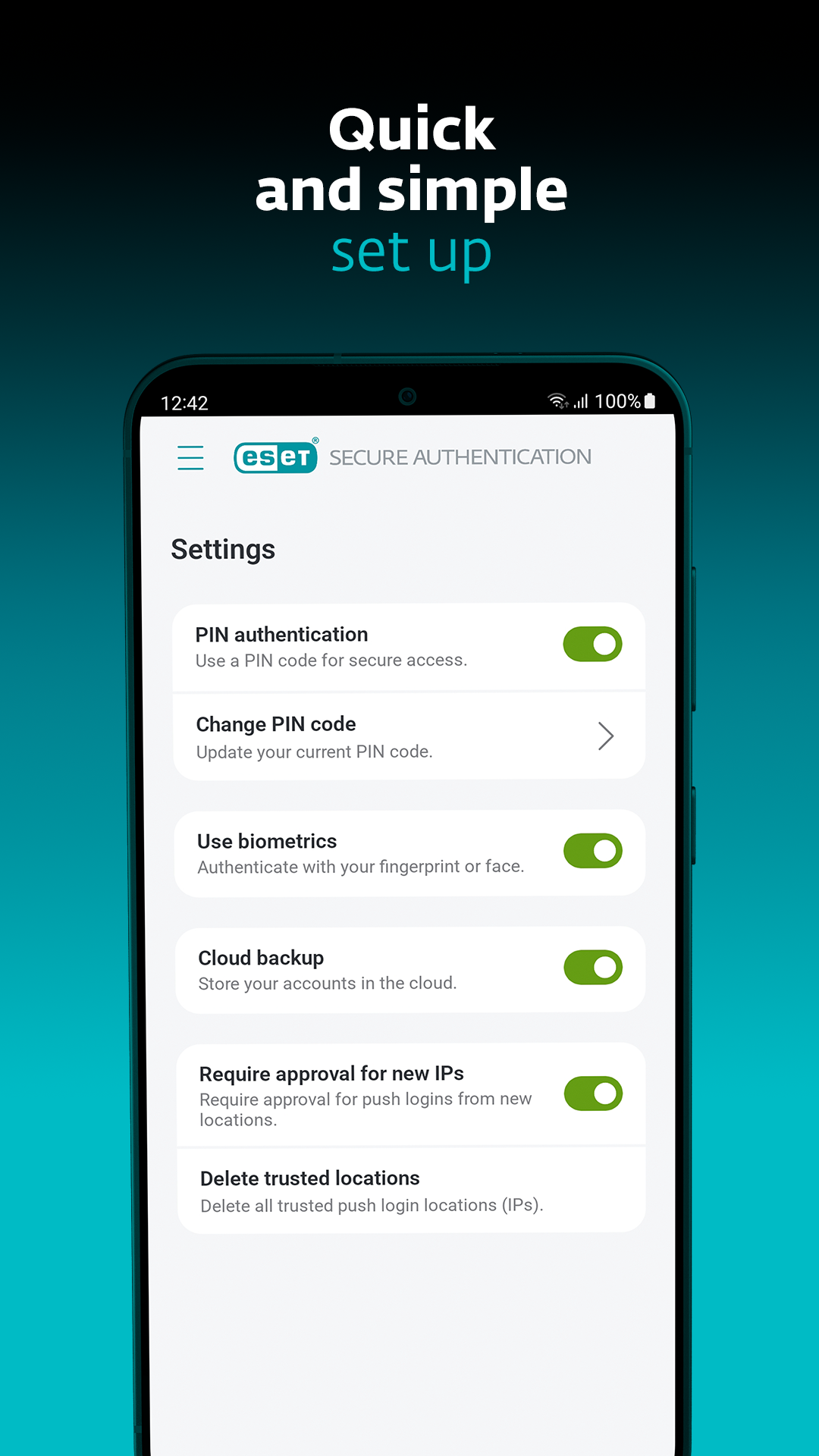
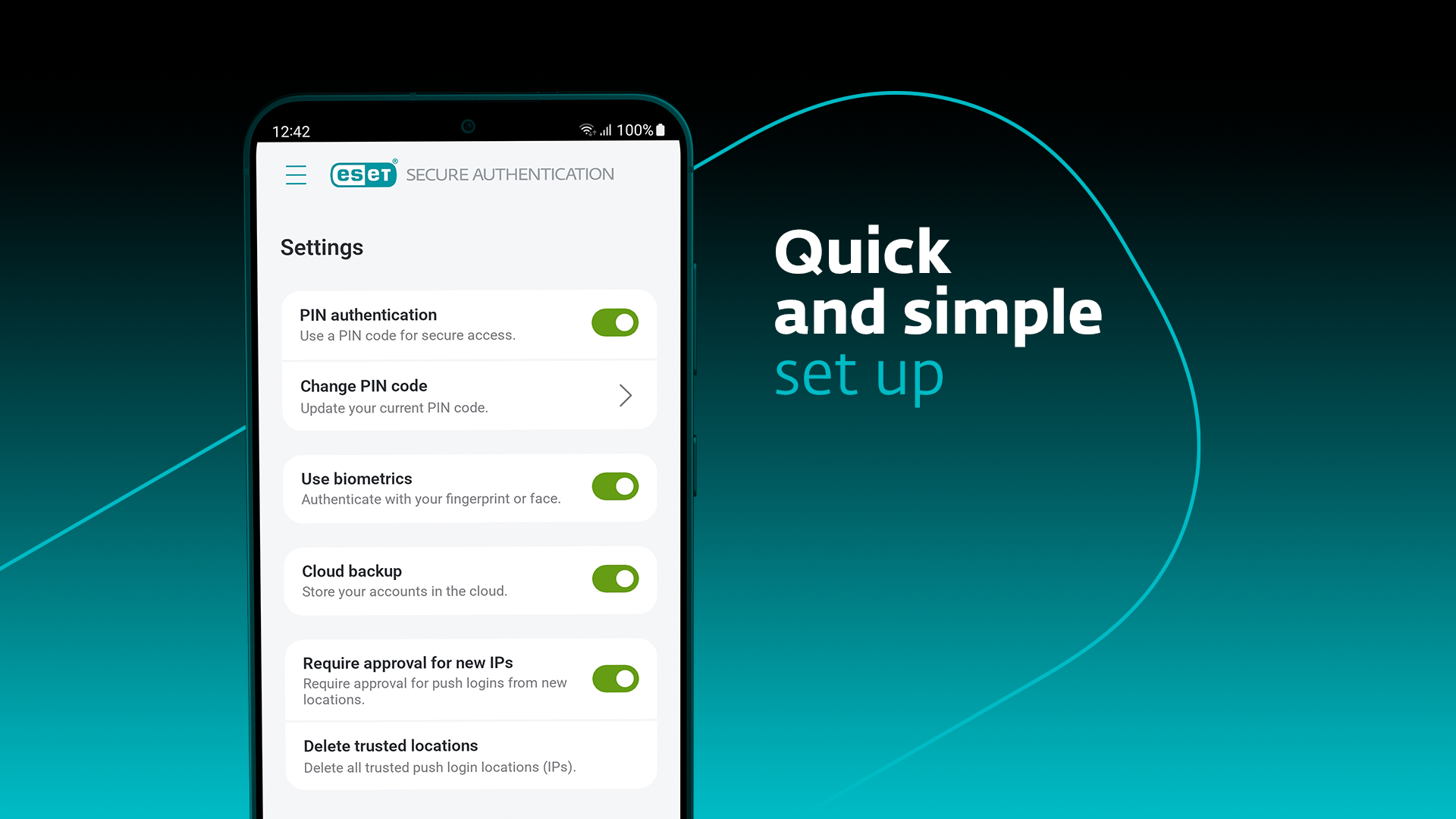
- Added: Ability to rename & search accounts - Added: Accounts deletion option – forgotten PIN - Added: Support for Android 16 - Improved: New UI design - Improved: Application migration to a new device & cloud backup - Improved: PIN brute-force prevention - Improved: App does not close after approving push - Fixed: Push notification disappears after screen unlock - Fixed: Application crash when requesting biometrics - Removed: Support for OS versions older than Android 9
- Fixed: Duplicate tokens no longer created when adding new token. (Already existing duplicate tokens can be removed by the user.) - Improved: Provisioning flow stabilization - Improved: Backend improvements for provisioning and authentication
IMPROVED: Scan QR code is not working on first try IMPROVED: "Reject" in push 2FA is not working IMPROVED: OTP is missing after PUSH is canceled IMPROVED: Migration to another phone - better biometrics error message IMPROVED: Dark texts on dark background in iOS app header IMPROVED: Impossible to use finger print when the first one token is added ADDED: Support for Ukraine and Spanish (LATAM) languages
APKFab.com and the download link of this app are 100% safe. All download links of apps listed on APKFab.com are from Google Play Store or submitted by users. For the app from Google Play Store, APKFab.com won't modify it in any way. For the app submitted by users, APKFab.com will verify its APK signature safety before release it on our website.