Dual Camera Blur Background & Photo Frames

7.6 77

v1.1.2 by Codelogic studios
Dual Camera Blur Background & Photo Frames APK download Dual Camera Blur Background & Photo Frames APK download

About DUAL CAMERA BLUR

DUAL CAMERA BLUR (Package Name: com.codelogicstudios.dualcamerablur) is developed by Codelogic studios and the latest version of Dual Camera Blur Background & Photo Frames 1.1.2 was updated on May 1, 2018. Dual Camera Blur Background & Photo Frames is in the category of Photography. You can check all apps from the developer of Dual Camera Blur Background & Photo Frames and find 6 alternative apps to Dual Camera Blur Background & Photo Frames on Android. Currently this app is for free. This app can be downloaded on Android 4.0.3+ on APKFab or Google Play. All APK/XAPK files on APKFab.com are original and 100% safe with fast download.
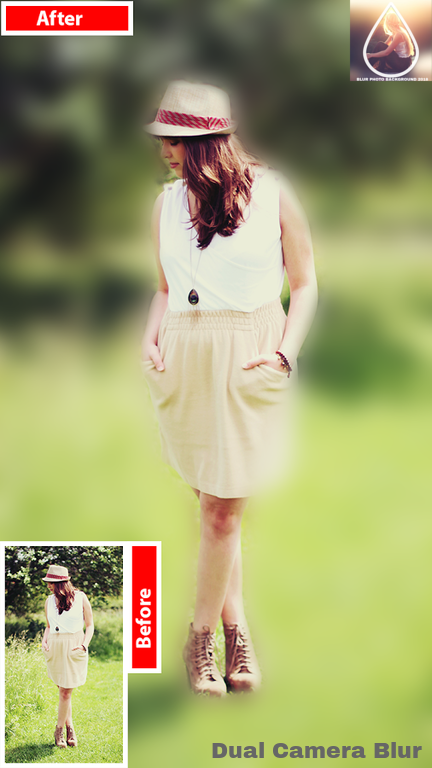
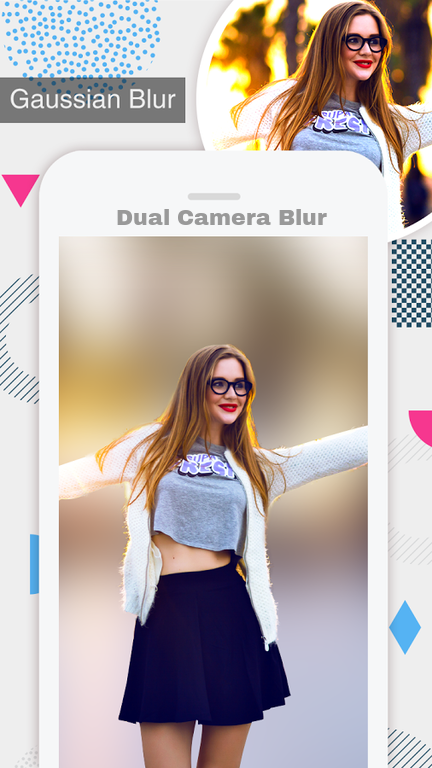
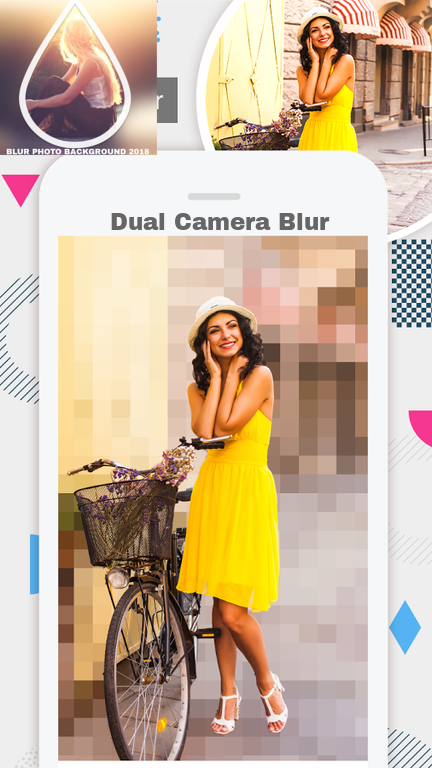
Dual Camera Blur Background Photo editor app is your ultimate Blur effect app. Now, you don't need a DSLR camera or you don't need be a professional photographer to make a DSLR Style Blur Background effect on your Photo.
DSLR Camera Blur Background app has lots of photo blurring,bokeh tools. Using them you can easily make your own DSLR Bokeh Effect. It has manual and shape blur features. Use your finger and touch on unwanted part of your photo that you want to blur and keep your special part focused on.
Key features blur bokeh background
1.Image selection
Choose the photo to be blurred from the gallery or take a snap using the camera option.
2. Zoom in and Zoom out
Use this option to precisely view the picture to be blurred and apply a blur effect with a blur background.
3. Picture Blur intensity adjustment
The image blur intensity can be adjusted based on the size of the blur effect, you want to give to blur the picture.
4. Brush Size adjustment
The brush size can be adjusted for pic blurring and for adding a blur background.
5. Undo and reset option
The applied blur effect can be erased with this blur photo editor. Use the reset option to completely reset the blurred pic.
6 .Attractive UI
This blur photo editor app, used to add a blurred background to your photo, comes with an attractive GUI.
7. Bokeh effects
Use the bokeh effects option to choose from a variety of amazing bokeh effects.
7. Save and share
Save the blurred pic to the phone’s gallery using this blur photo editor. Share the blurred picture through platforms like Facebook, Instagram and many such platforms.
Blur bokeh background is one of the best photo editing apps for pic blurring. Download this top pic editor, for free, and blur pics by adding a blur background and a bokeh effect.

DUAL CAMERA BLUR 1.1.2 Update

Smooth And Easy Experience
Save photo frames crash fixed.
Crop and Resize image improvements.
Read More
DUAL CAMERA BLUR Features
Previous Versions More
Dual Camera Blur Background & Photo Frames
Dual Camera Blur Background & Photo Frames 1.1.2 APK
May 1, 2018 9.9 MB

Requires Android: Android 4.0.3+

Screen DPI: nodpi

SHA1: 6eb20469a7151751f2a3a26fcf361877219a84b9

Size: 9.9 MB

What's New:

Smooth And Easy Experience
Save photo frames crash fixed.
Crop and Resize image improvements.
Dual Camera Blur Background & Photo Frames
Dual Camera Blur Background & Photo Frames 1.1.1 APK
April 26, 2018 9.9 MB

Requires Android: Android 4.0.3+

Screen DPI: nodpi

SHA1: 8d011febd5c10778c4f952f10f5afd5be5d45c92

Size: 9.9 MB

What's New:

New Shapes and Blur effects.
Dual Camera Blur Background & Photo Frames
Dual Camera Blur Background & Photo Frames 1.0 APK
April 4, 2018 9.6 MB

Requires Android: Android 4.0.3+

Screen DPI: nodpi

SHA1: c21d167d147df5fe923b8369ffb7edb3a568a4c8

Size: 9.6 MB

More Information

Update Date:

Latest Version:

1.1.2

Need Update:

Submit latest version

Requirements:

Android 4.0.3+