DroidPass (Package Name: com.passwordmanager.droidpass) is developed by DroidApp BD and the latest version of DroidPass: Password Manager 1.6.4 was updated on September 16, 2026. DroidPass: Password Manager is in the category of Productivity. You can check all apps from the developer of DroidPass: Password Manager and find 200 alternative apps to DroidPass: Password Manager on Android. Currently this app is for free. This app can be downloaded on Android 7.0+ on APKFab or Google Play. All APK/XAPK files on APKFab.com are original and 100% safe with fast download.
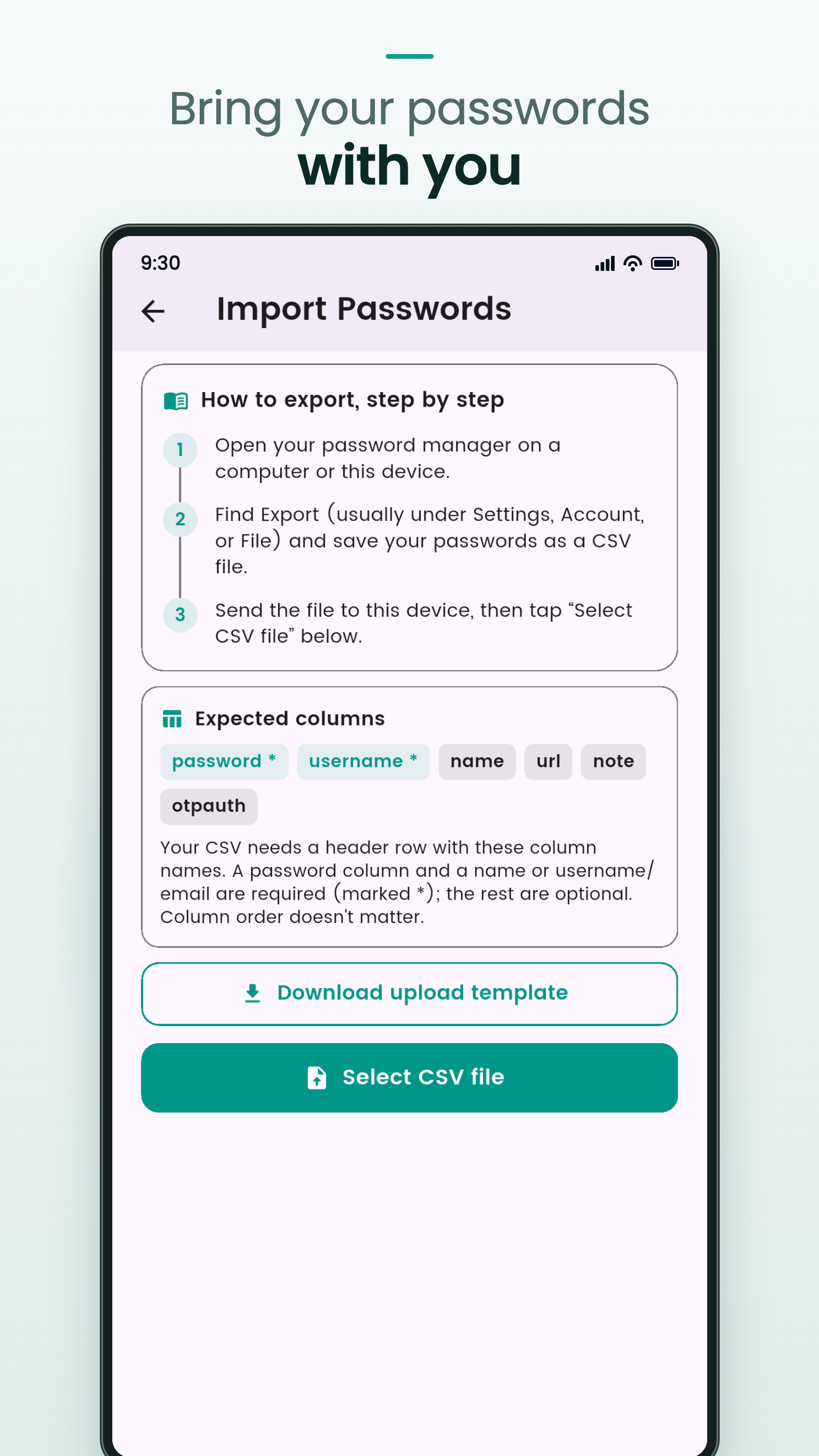
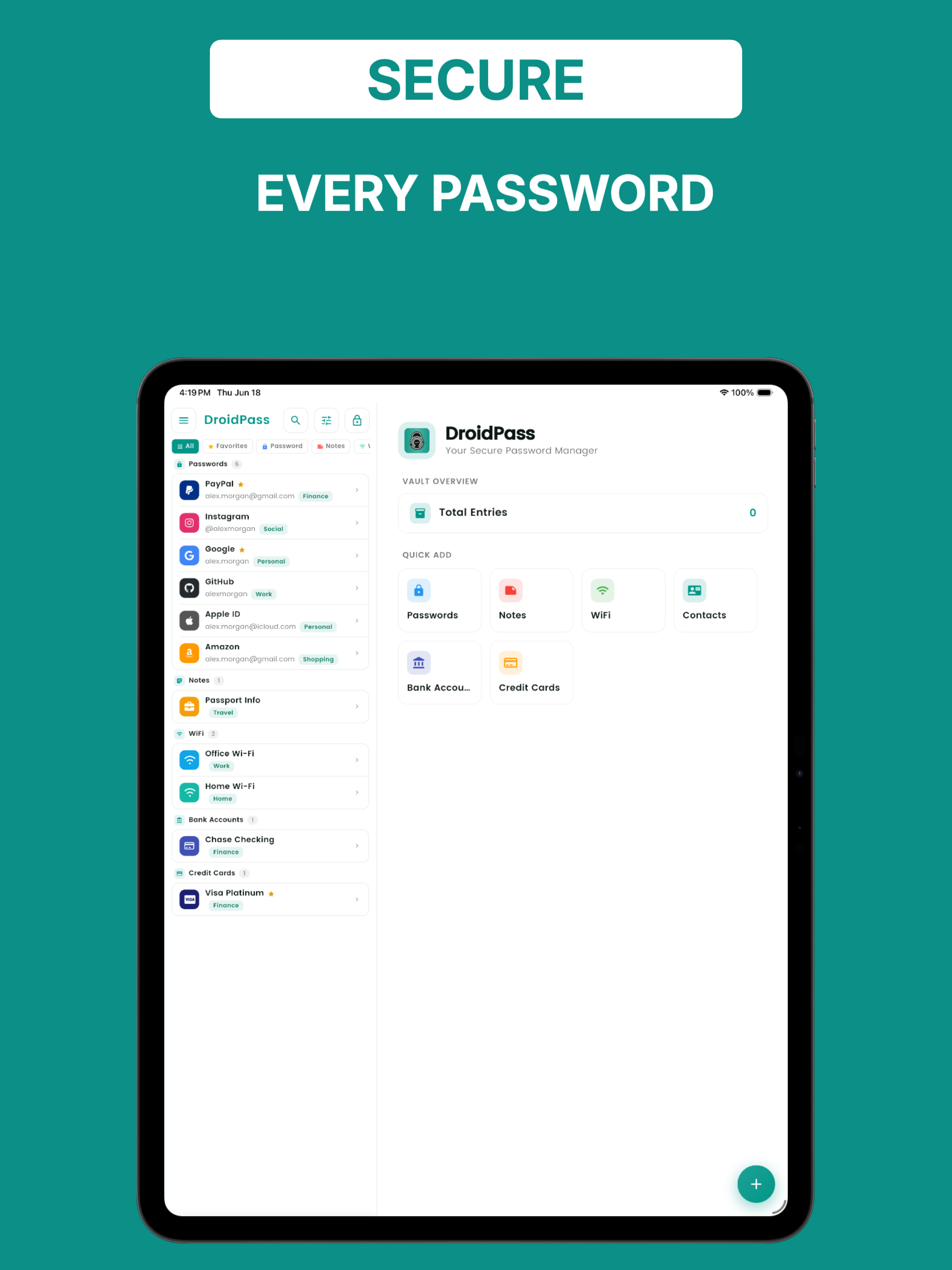
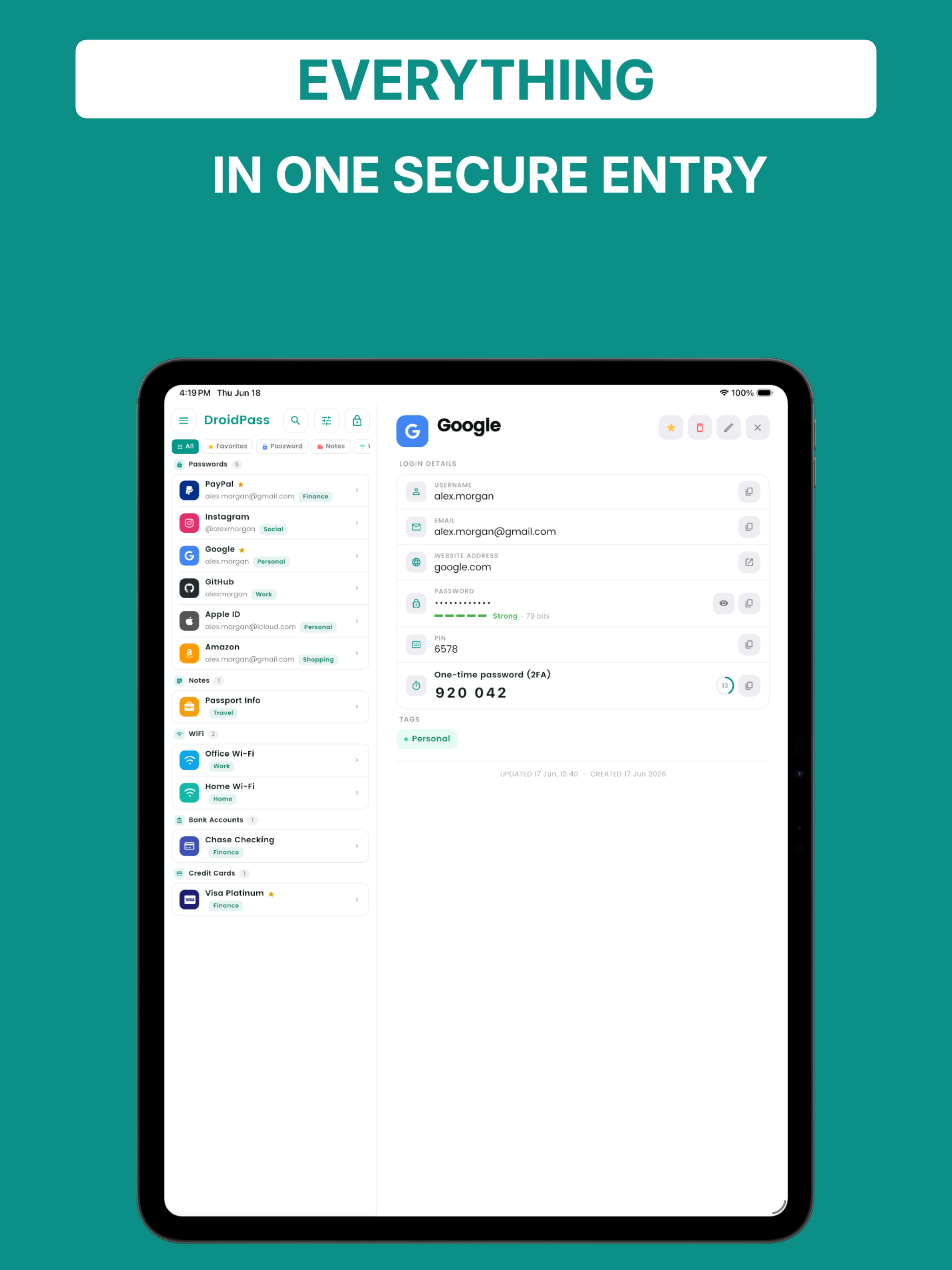
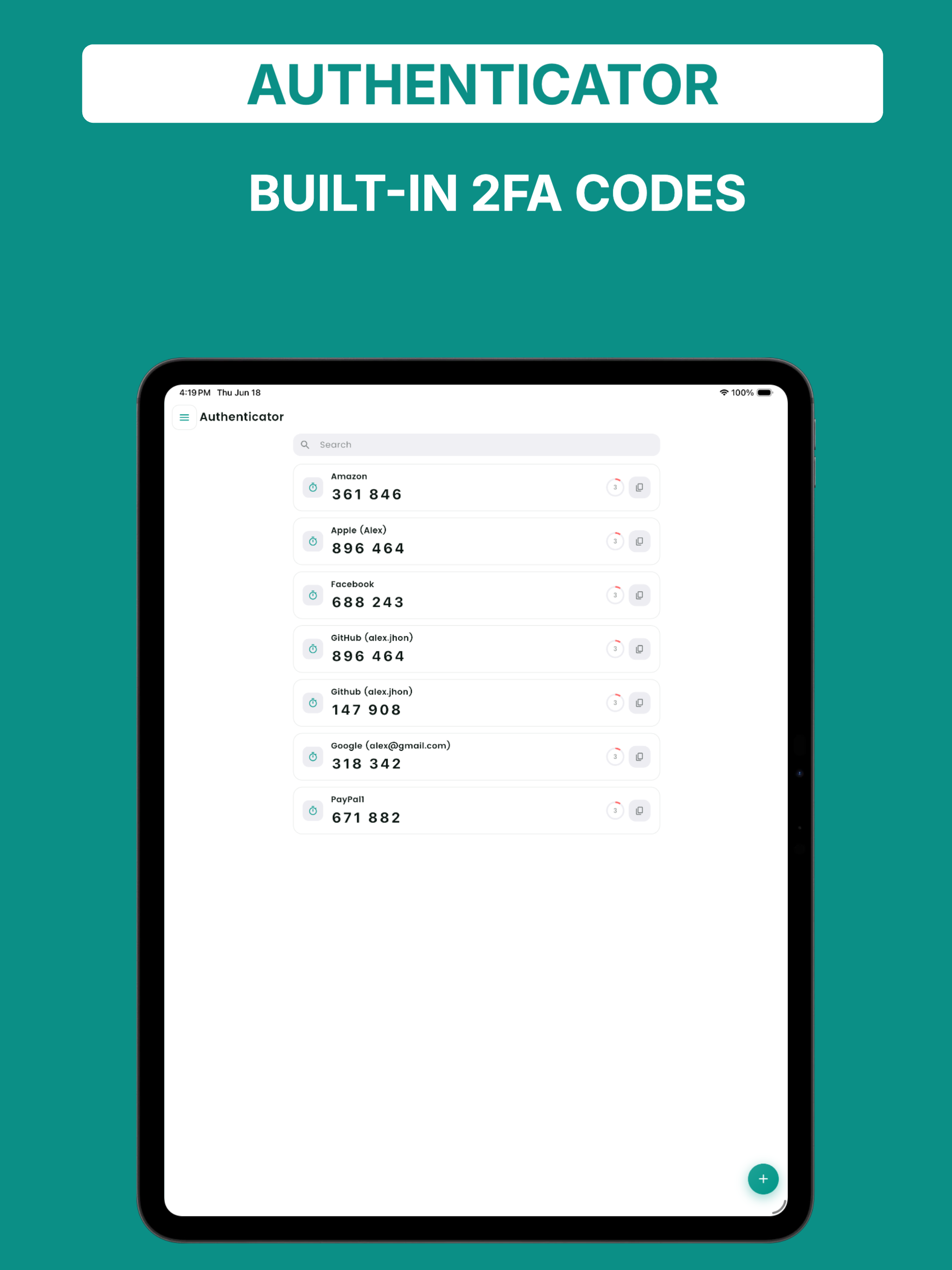
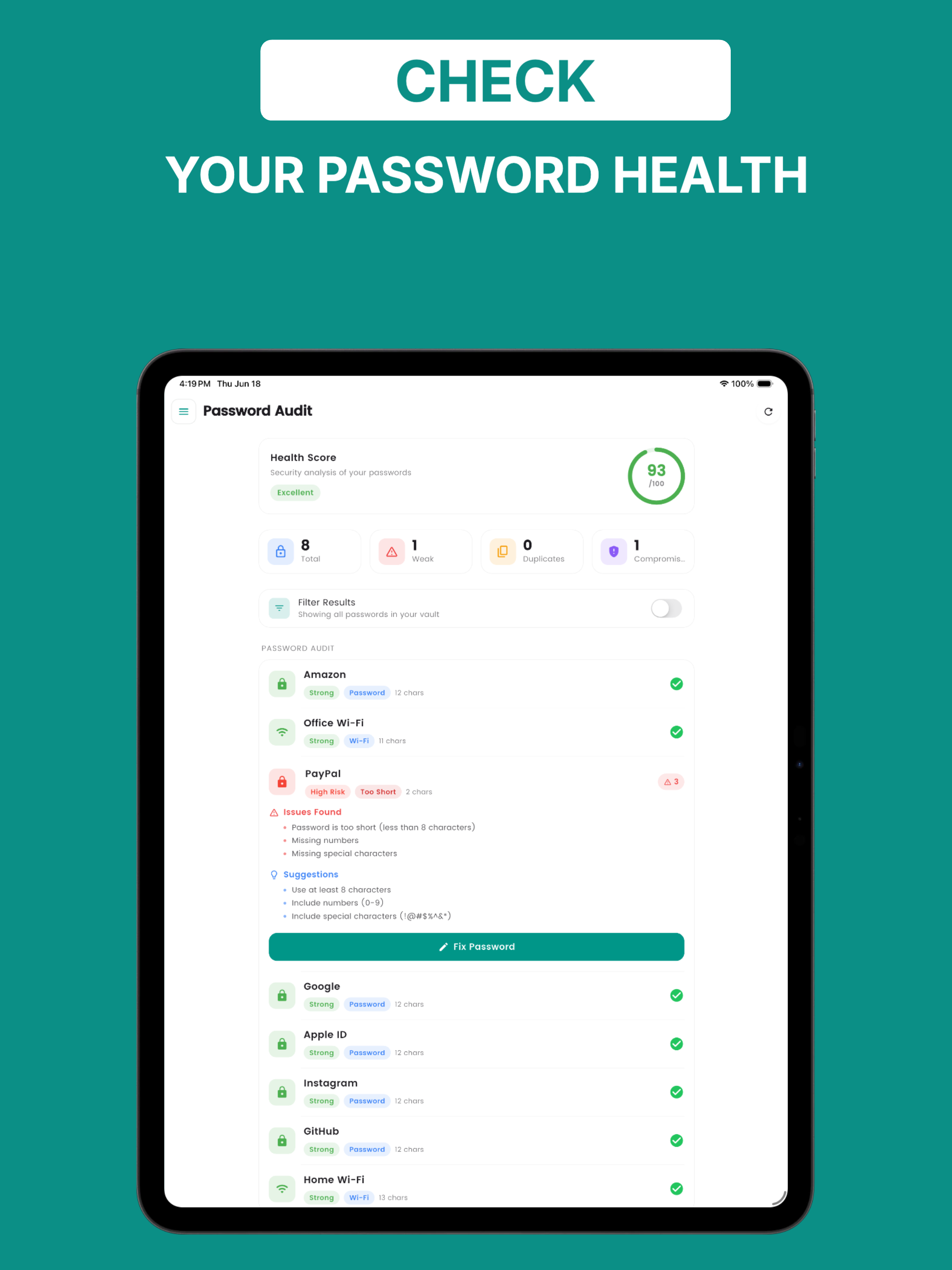
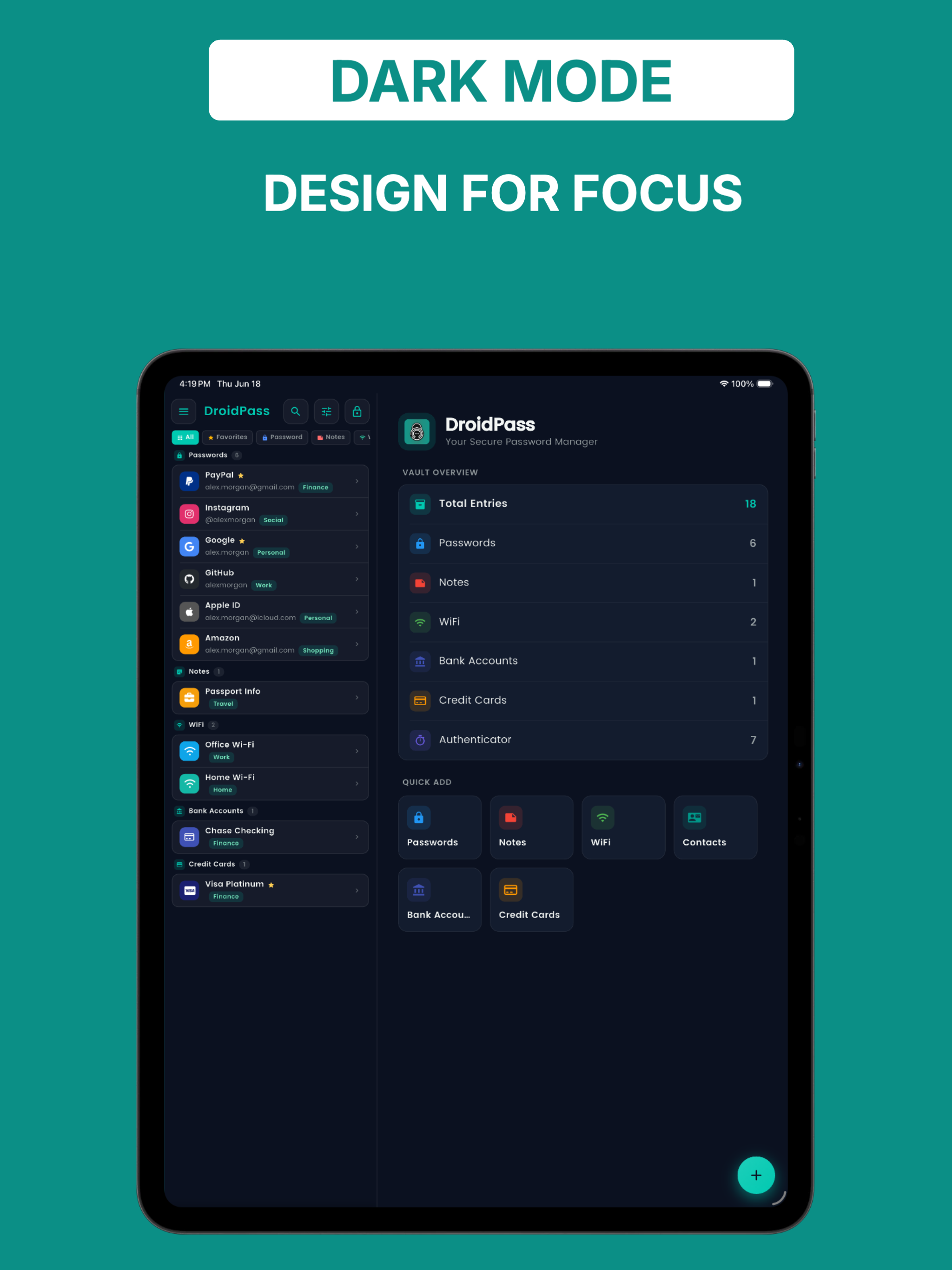
DroidPass is a password manager and 2FA authenticator with autofill, in one app. It fills your logins in other apps and browsers, works offline, and syncs when you are online, so your passwords, one-time codes, cards and notes are on every phone and tablet you own. Everything lives in an AES-256 encrypted vault, unlocked with your fingerprint, face or Master PIN. AUTOFILL YOUR LOGINS • Tap a username or password field in any app or website • Tap "Autofill with DroidPass" on the keyboard, unlock, and the login fills • The first time in an app you pick the login; after that it fills straight away • DroidPass also offers to save new logins you type, so your vault stays current • Sign-up forms get a freshly generated password in one tap • Logins with 2FA can supply the current one-time code as you sign in • Works on Android 10 and newer, in apps and in browsers that support Android autofill WORKS OFFLINE, SYNCS EVERYWHERE • A password saver that works offline: read your passwords with no connection • Encrypted sync keeps every phone and tablet up to date when you are back online • Create a free account so your vault can sync; data is encrypted on your phone before it leaves it • No ads, and no tracking of what you save BUILT-IN 2FA AUTHENTICATOR • Generate one-time OTP codes (TOTP) right next to your logins • Add 2FA by scanning a QR code or pasting a secret key • Replace a separate authenticator app: passwords and 2FA codes in one place SWITCHING PASSWORD MANAGERS? IMPORT IN MINUTES • Import saved passwords from your browser or any other password manager (CSV file) • Bring your whole vault with you: logins move over in a few taps • Start with everything in place instead of typing passwords one by one STRONG PASSWORD GENERATOR • Create long, random, hard-to-guess passwords or memorable passphrases in one tap • Customize length and characters for every account PASSWORD AUDIT • Find weak, reused and too-short passwords in seconds • Fix risky logins before they become a problem MORE THAN A PASSWORD VAULT Keep all your sensitive information organized and encrypted: • Credit and debit cards • Bank account details • Wi-Fi passwords • Secure notes • Contacts UNLOCK WITH FINGERPRINT OR FACE • Biometric unlock, with your Master PIN as backup • App lock keeps DroidPass closed until you open it FREE AND PRO DroidPass is free to download, and autofill is part of the free app. The free plan holds a few entries in each category and one 2FA code. DroidPass Pro removes those limits with one subscription, and you can try it free first. YOUR PRIVACY COMES FIRST Your Master PIN is the key. Records are encrypted on your device before they are stored or synced, and DroidPass does not sell your data or track what you save. Download DroidPass and take control of your passwords, 2FA codes and private data, with a vault that works offline and fills your logins wherever you sign in.
DroidPass 1.6.4 Update
Autofill is now available. DroidPass can now sign you in to other apps and websites without typing. Turn it on in Settings, then Autofill. Requires Android 10 or newer. • Saves new logins as you type them • Fills your 2FA code along with the password • Suggests a strong password on sign-up forms • Simpler Master PIN setup • The generator uses every character type you choose • More reliable imports and general fixes
• A simpler sign-up — create your account first, then set your master PIN • Import in seconds — bring your passwords over from your browser or another password manager • Meet the built-in authenticator: keep your 2FA codes beside the logins they belong to • A roomier layout that fits tablets properly • Reliability and performance improvements throughout
• A fresh, modern design for your password manager • Built-in 2FA authenticator (TOTP codes) next to your logins • Unlock your password vault with fingerprint, face, or Master PIN • Faster search and sorting for your saved passwords • Performance and stability improvements
APKFab.com and the download link of this app are 100% safe. All download links of apps listed on APKFab.com are from Google Play Store or submitted by users. For the app from Google Play Store, APKFab.com won't modify it in any way. For the app submitted by users, APKFab.com will verify its APK signature safety before release it on our website.