About Drawing Art : Draw, Paint
Drawing Art : Draw, Paint (Package Name: com.thika.drawingspace) is developed by Draw Space and the latest version of Drawing Art: Sketch & Paint 7.2.0 was updated on October 31, 2026. Drawing Art: Sketch & Paint is in the category of Art & Design. You can check all apps from the developer of Drawing Art: Sketch & Paint. Currently this app is for free. This app can be downloaded on Android 8.0+ on APKFab or Google Play. All APK/XAPK files on APKFab.com are original and 100% safe with fast download.
Drawing Art is a sketch studio for your phone and tablet. Open a canvas, pick a brush and start drawing: the tools stay out of the way so your art gets the whole screen.
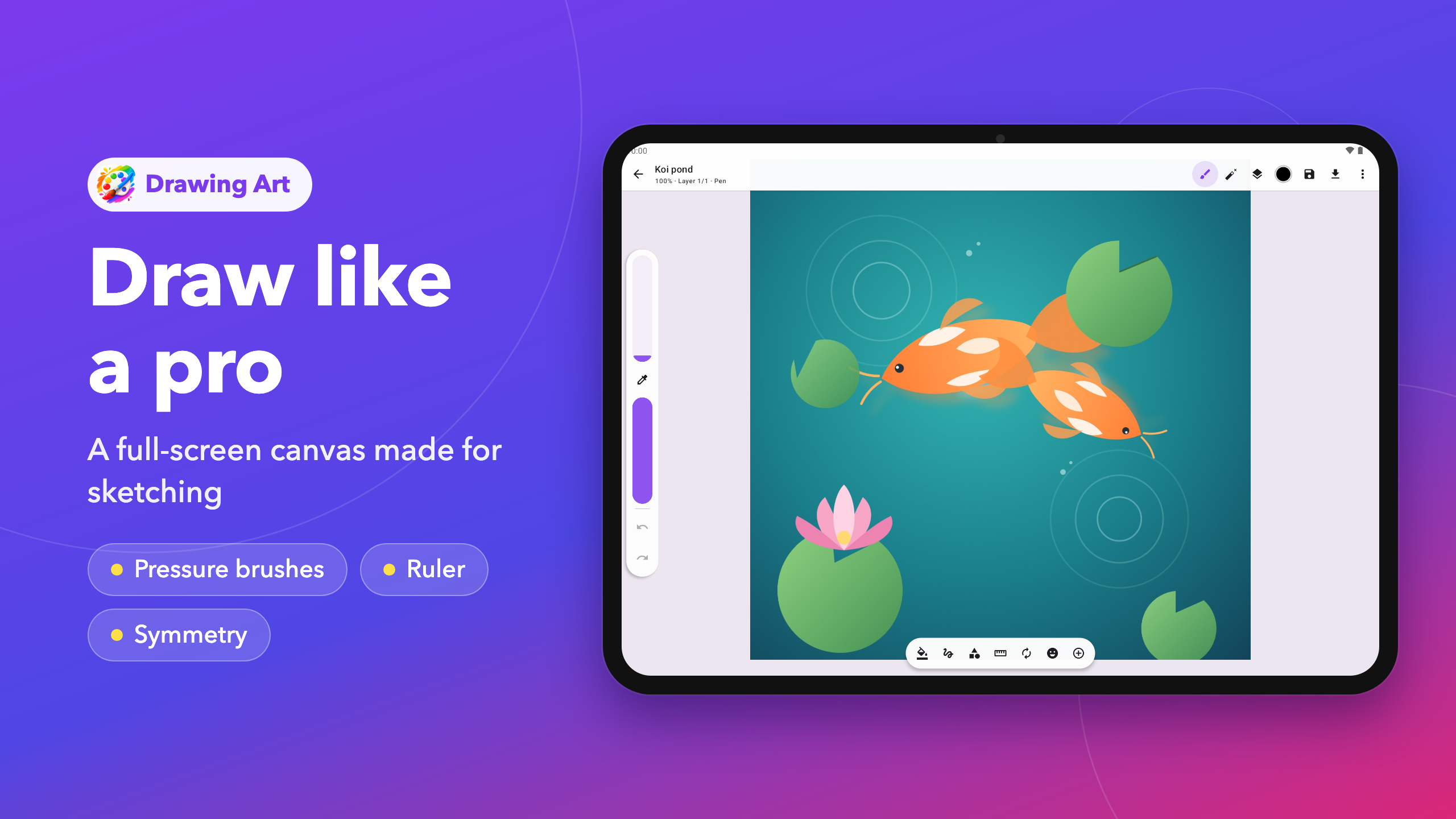
A CANVAS BUILT FOR SKETCHING
• Full-screen canvas with a slim top bar, a side bar for brush size and opacity, and a tool dock at the bottom
• Smooth, pressure-aware strokes that thin out on a light touch
• Undo and redo, pinch to zoom and rotate, quick-pinch to fit the screen
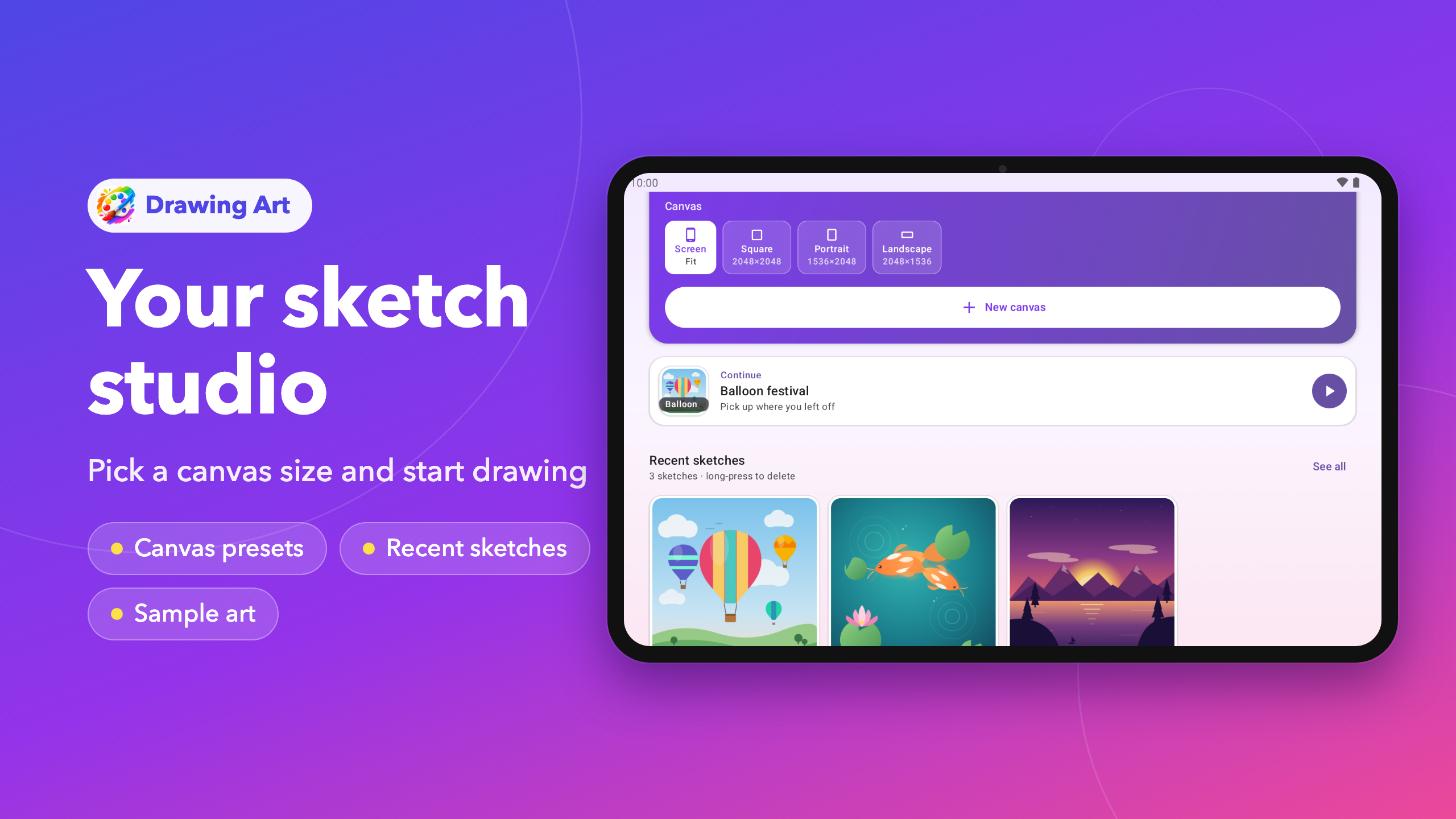
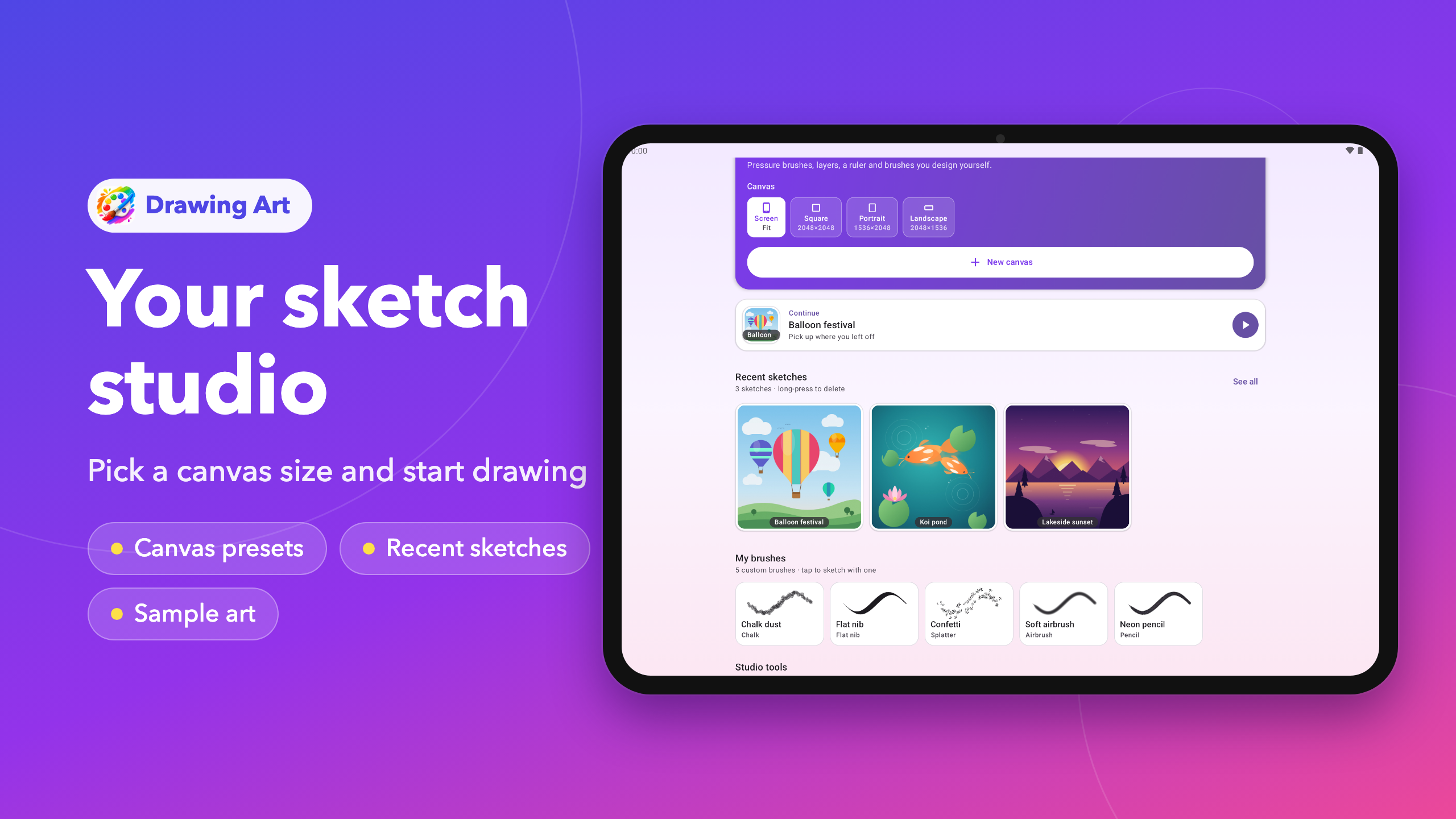
• Canvas sizes for every project: fit the screen, square, portrait or landscape
DESIGN YOUR OWN BRUSHES
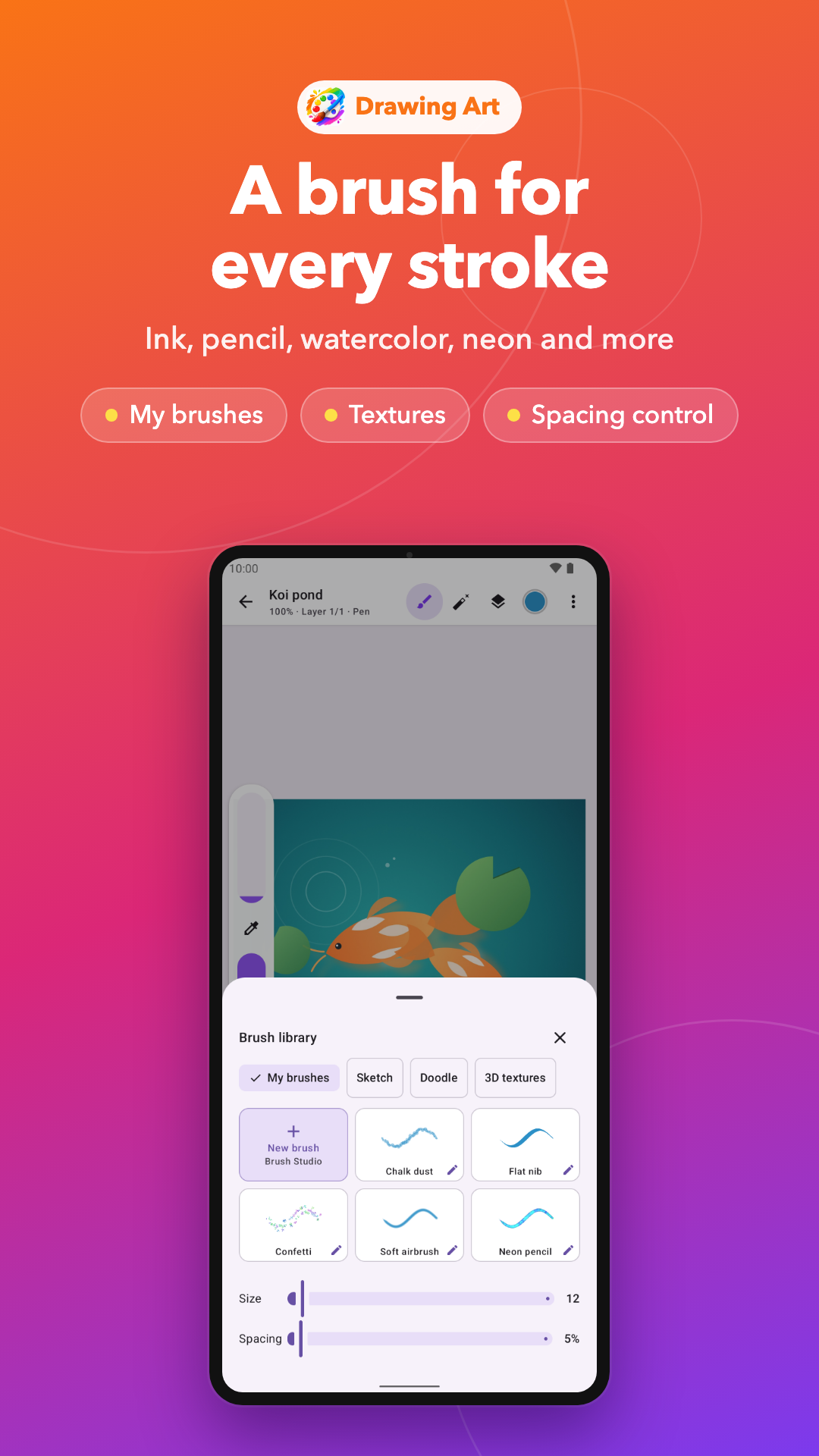
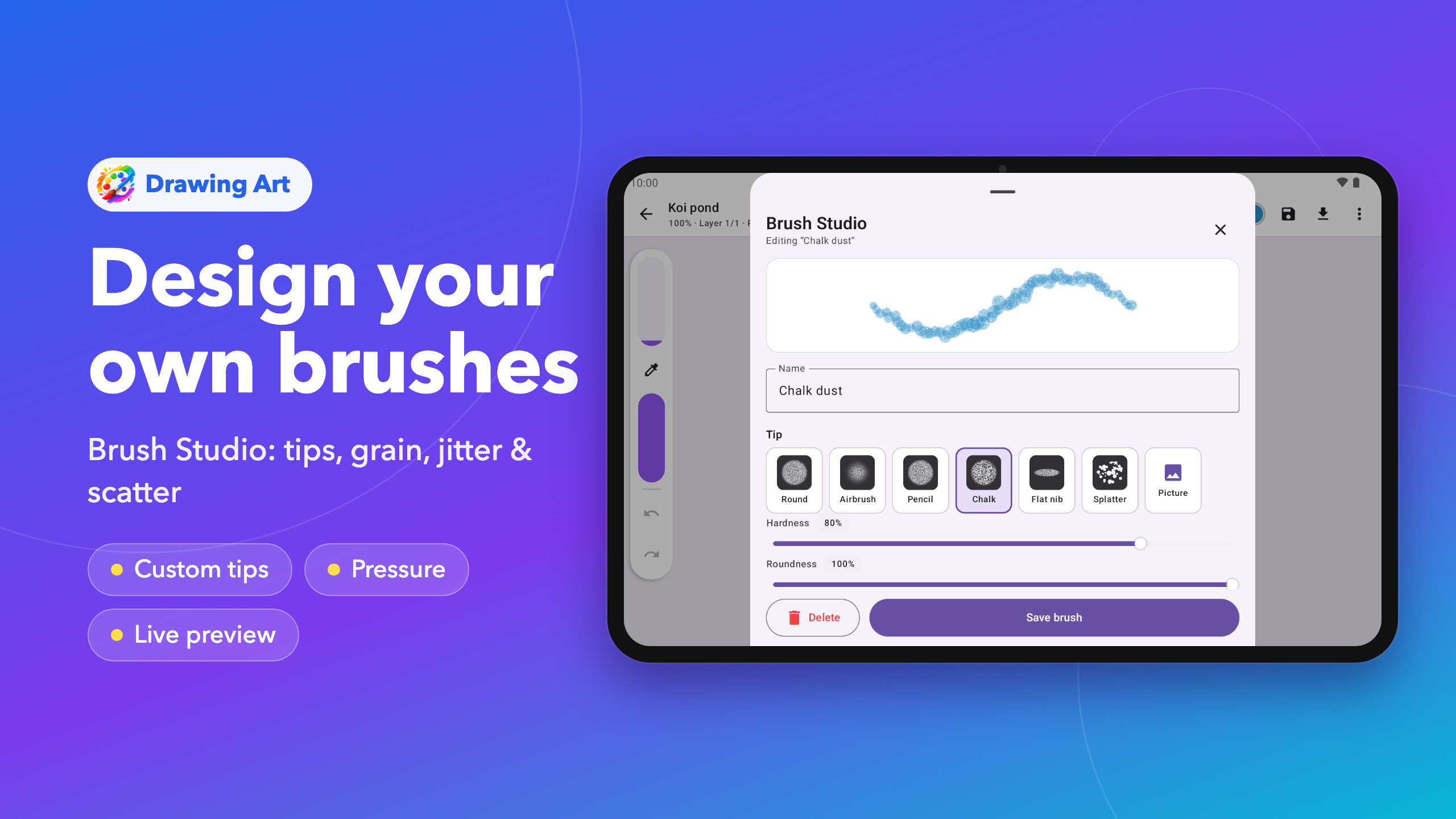
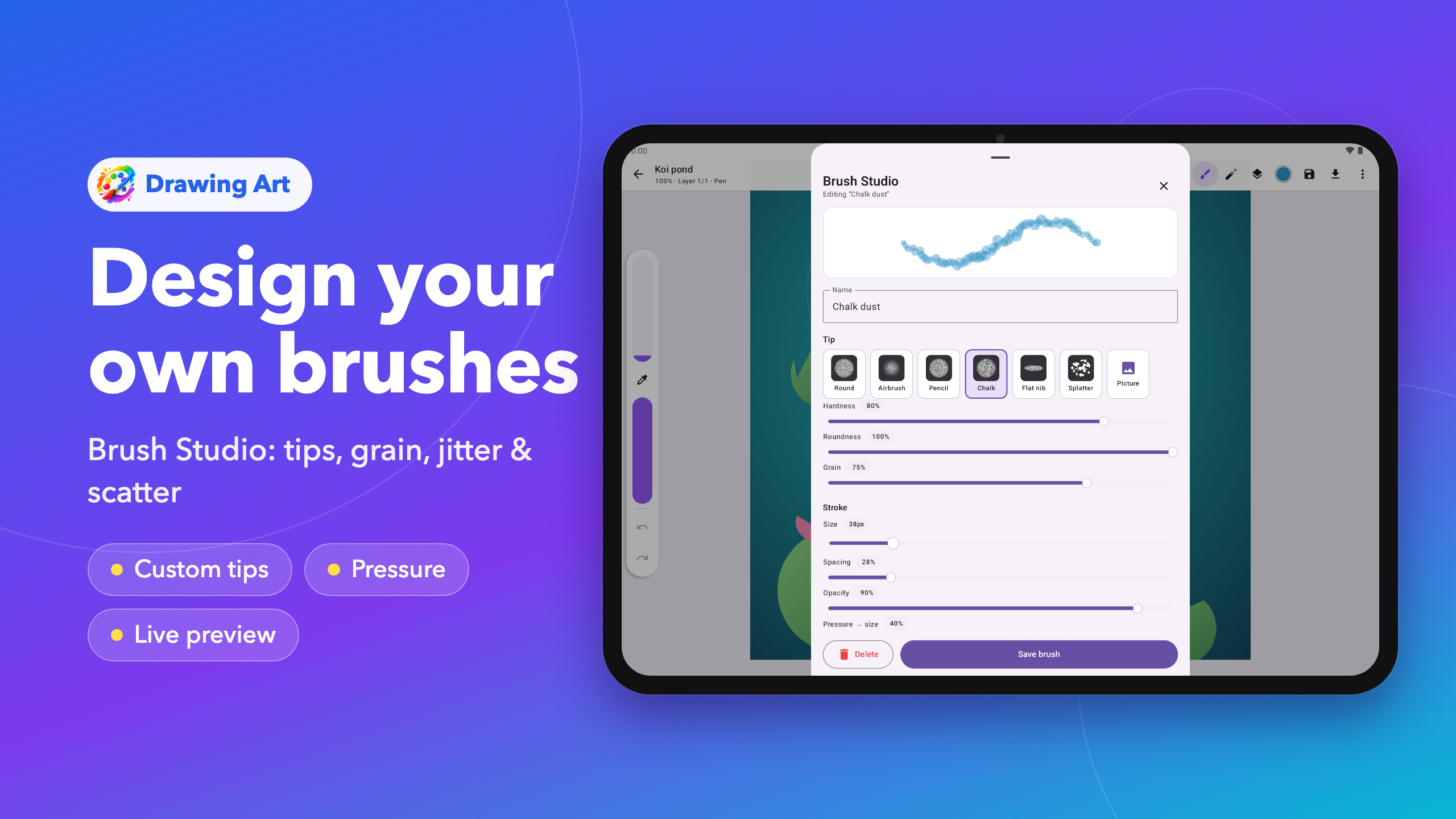
Brush Studio lets you build a brush from scratch and see a live preview as you go:
• Start from a round, airbrush, pencil, chalk, flat nib or splatter tip, or turn your own picture into a brush tip
• Tune hardness, roundness and grain for texture
• Set size, spacing, opacity, pressure response and a tapered start
• Add size and opacity jitter, scatter and color jitter for natural, lively strokes
• Make marks follow the stroke, turn randomly or keep a fixed angle like a calligraphy pen
• Glow mode for neon-style light
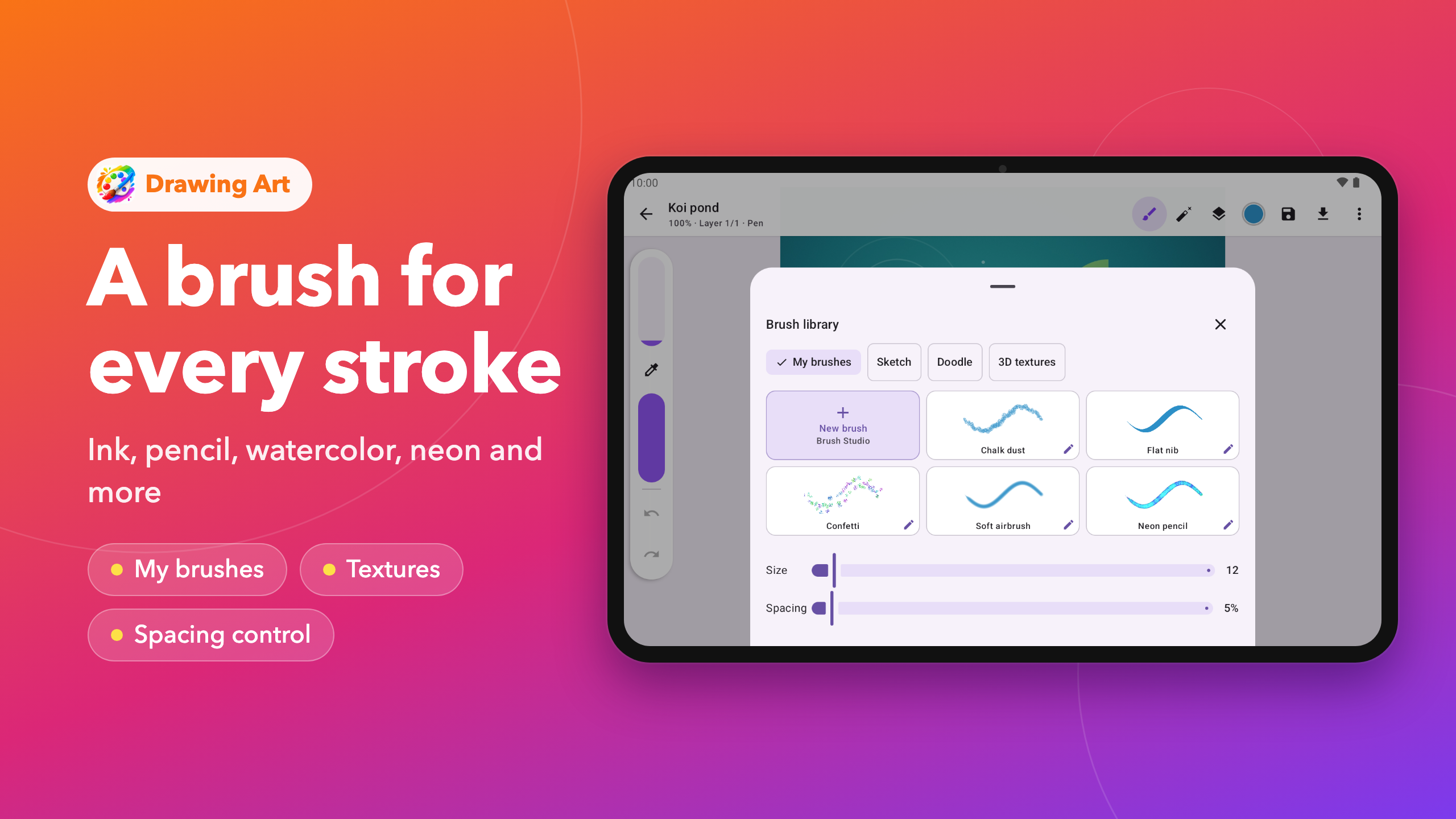
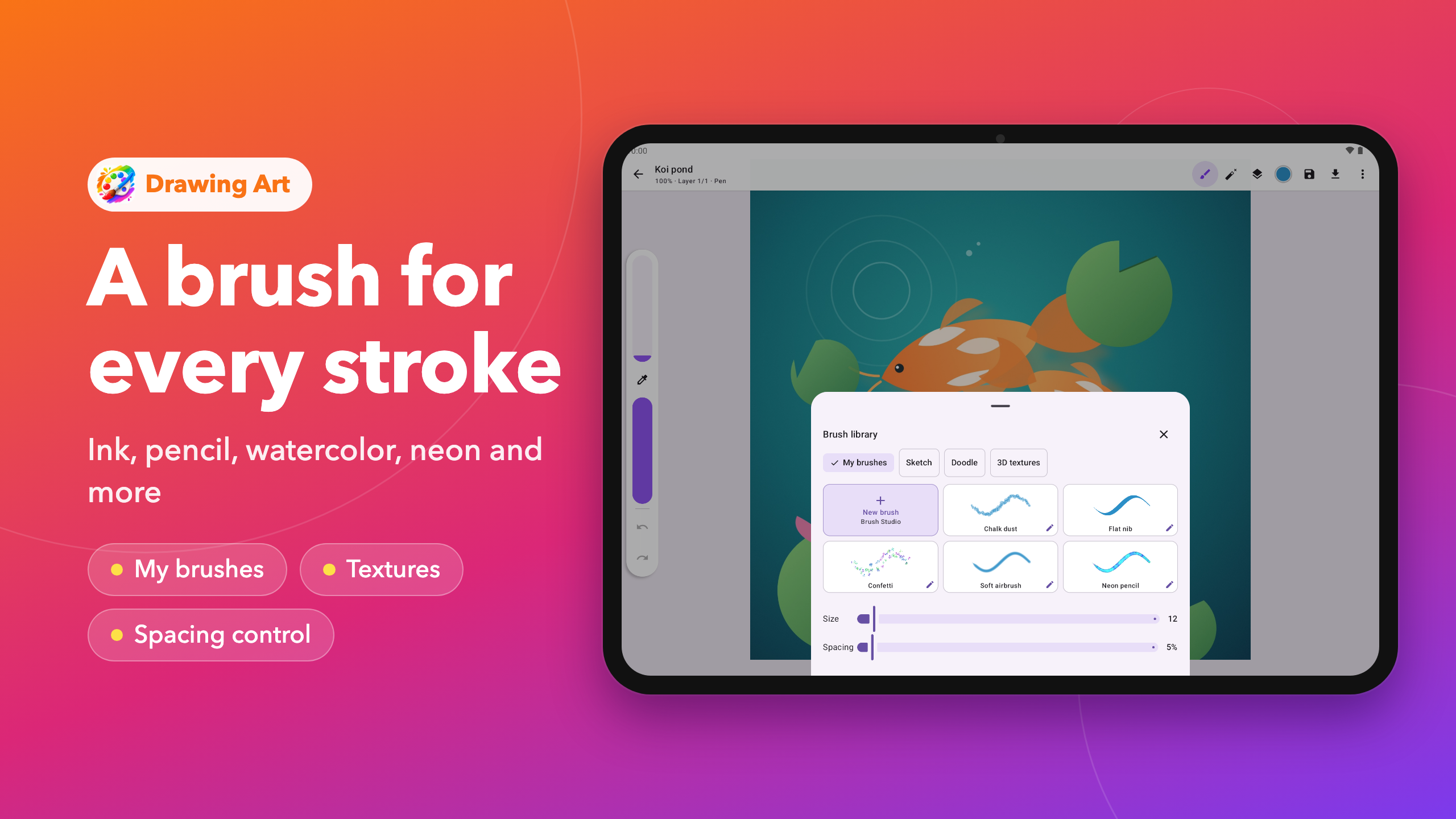
Your brushes are saved in My brushes, ready in every sketch.
15 BUILT-IN BRUSHES
Ink, pen, pencil, chalk, crayon, watercolor, spray, highlighter, calligraphy, neon, glitter, progressive, rainbow, 3D paint and picture stamps, plus an eraser, a fill bucket and a fill brush.
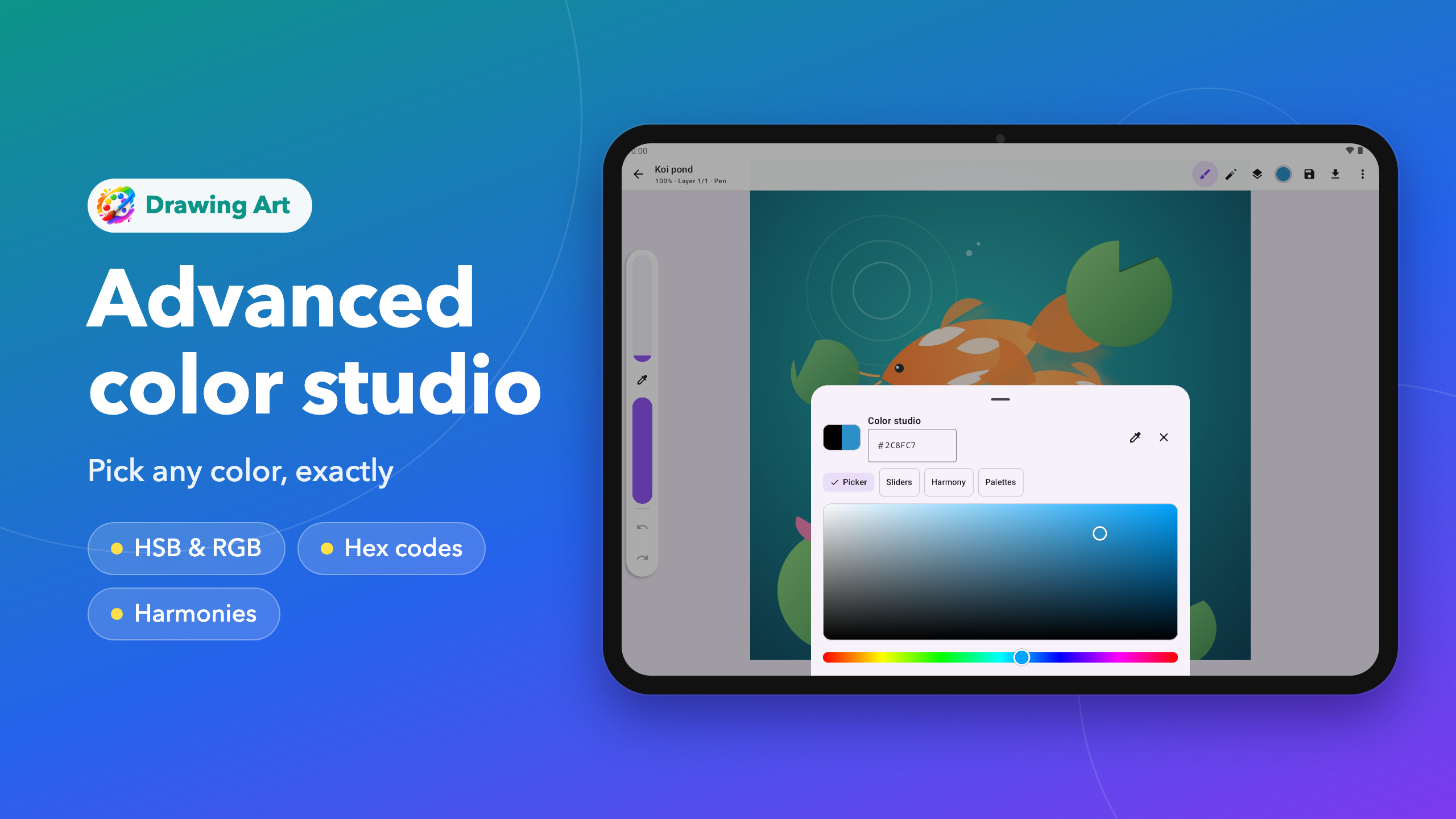
ADVANCED COLOR STUDIO
• Saturation and brightness square with a hue bar
• HSB and RGB sliders and hex codes for exact colors
• Color harmonies: complementary, analogous, triadic, split complementary, square, shades and tints
• Ready-made palettes (skin tones, pastel, earth, ocean, sunset, neon and more), your own saved colors and recent colors
• Eyedropper to pick any color from your canvas
LAYERS AND PRECISION TOOLS
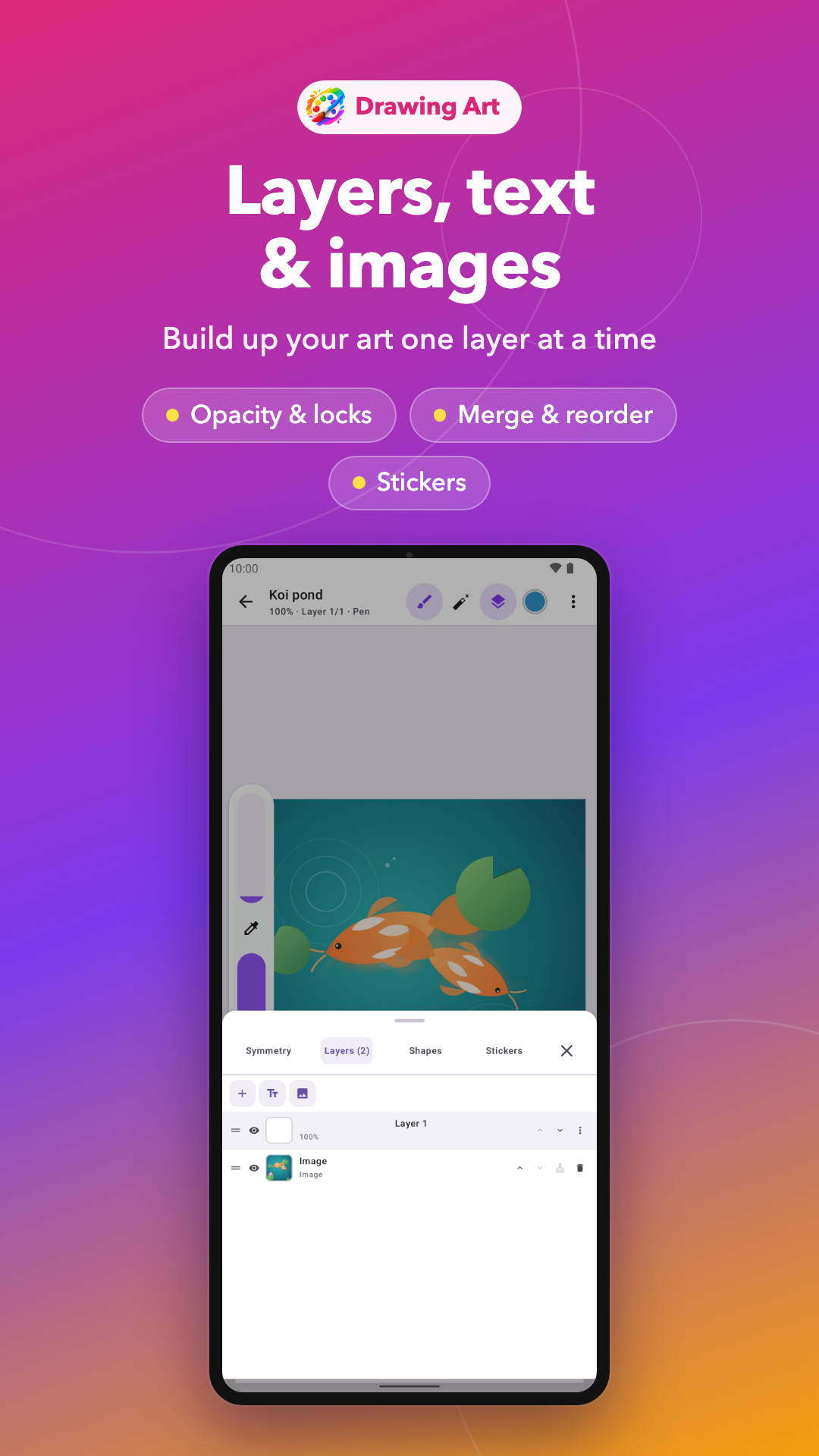
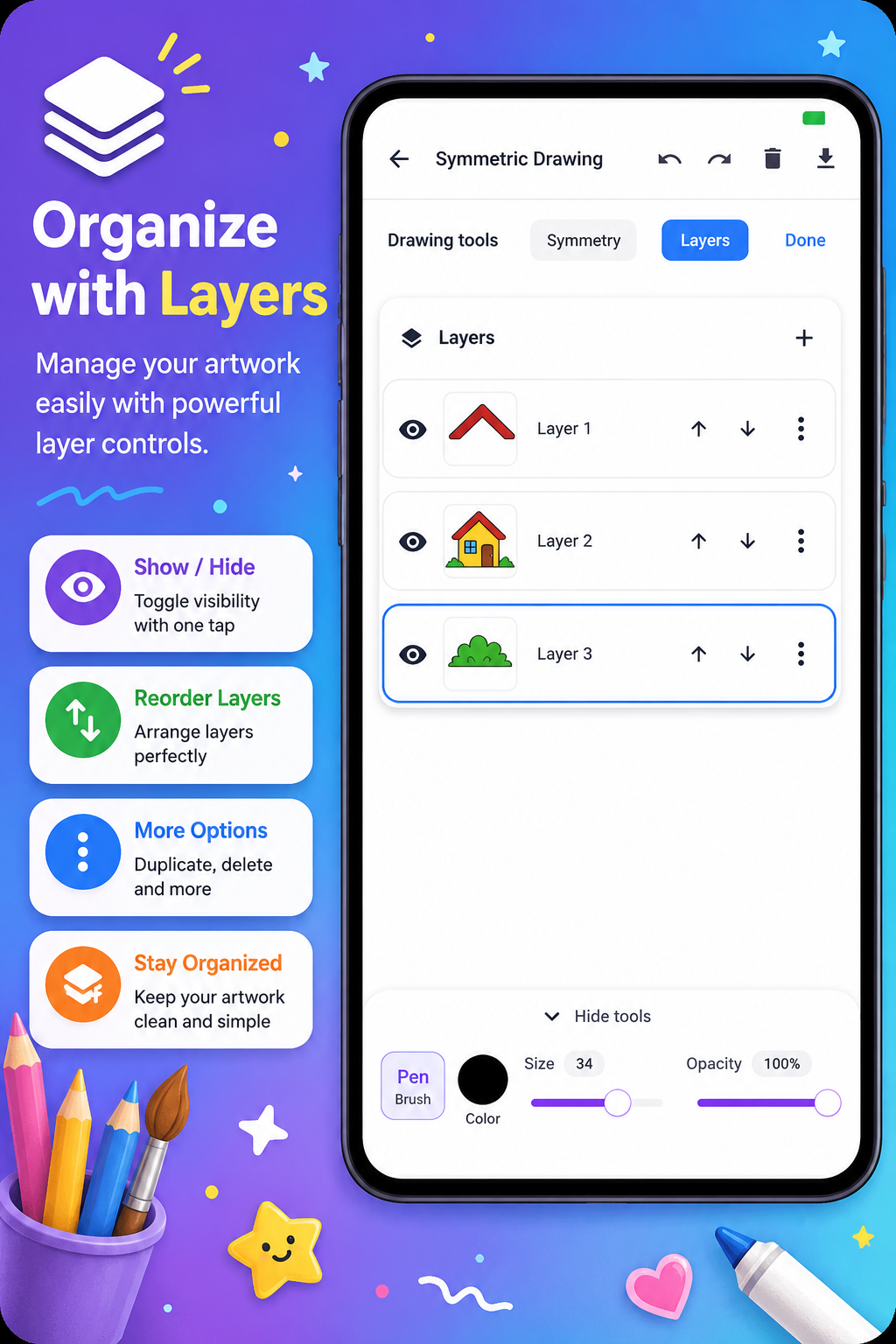
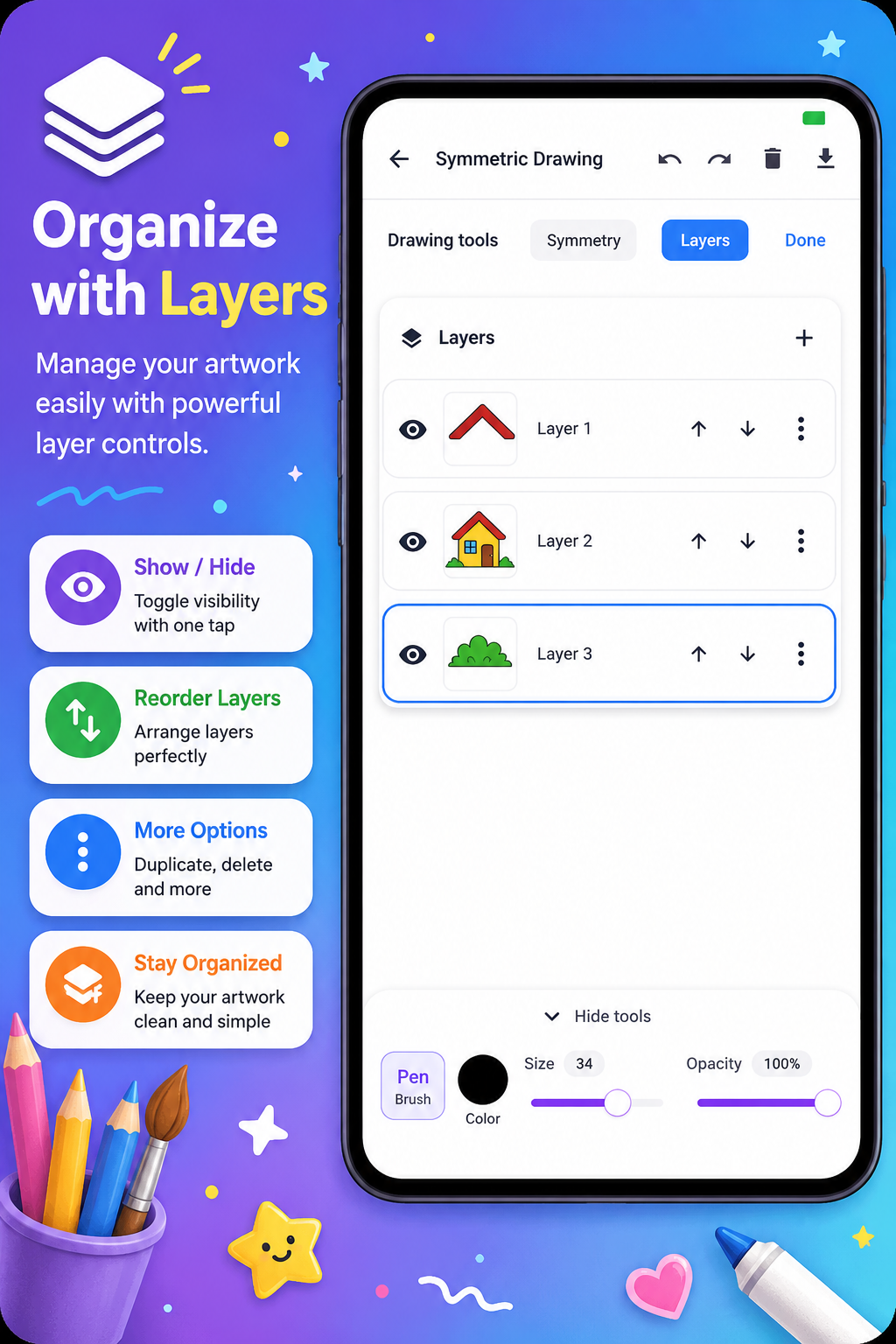
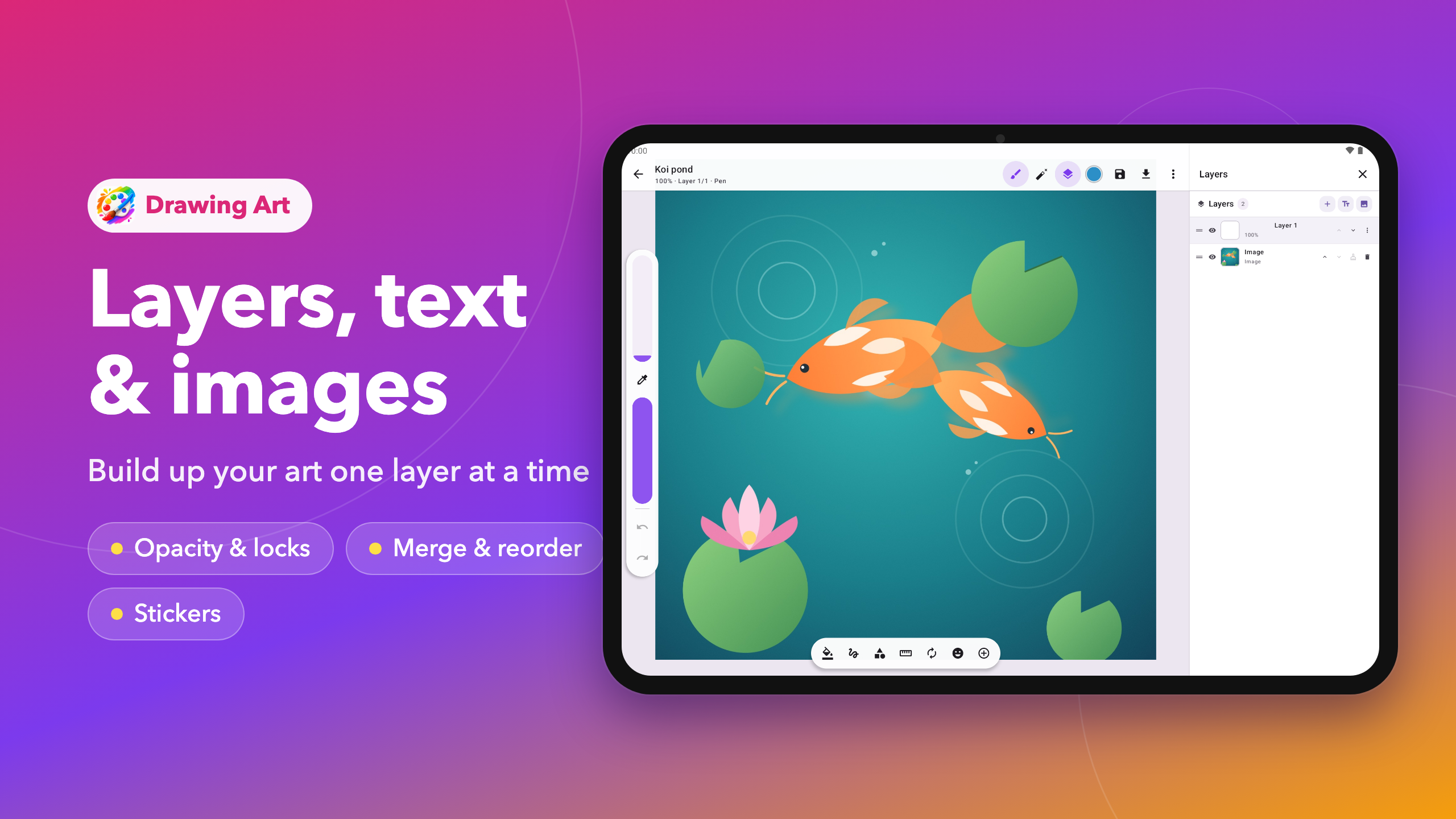
• Layers with opacity, visibility, locks, alpha lock, duplicate, merge and reorder
• Ruler for perfectly straight lines: drag it, turn it with two fingers, and strokes snap to its edge
• Symmetry: vertical, horizontal, quad or radial with 2 to 16 lines
• Perfect shapes and a lasso to cut, copy, move or erase part of a layer
• Add text, images and stickers on their own layers
SAVE AND SHARE
• Your sketches save on your device and reopen with every layer intact
• Export to your gallery or share in one tap
• Three sample artworks to explore and draw over
Light and dark themes, phone and tablet layouts.
Grab your stylus or your finger and start your next sketch with Drawing Art.
Read More