sDraw | Easy Drawing App

8.5 431

v9.4 by Fsoft Production

sDraw | Easy Drawing App APK download sDraw | Easy Drawing App APK download

About sDraw

sDraw (Package Name: com.fsoft.FP_sDraw) is developed by Fsoft Production and the latest version of sDraw | Easy Drawing App 9.4 was updated on May 7, 2026. sDraw | Easy Drawing App is in the category of Art & Design with the feature Tools. You can check all apps from the developer of sDraw | Easy Drawing App and find 200 alternative apps to sDraw | Easy Drawing App on Android. Currently this app is for free. This app can be downloaded on Android 2.2+ on APKFab or Google Play. All APK/XAPK files on APKFab.com are original and 100% safe with fast download.
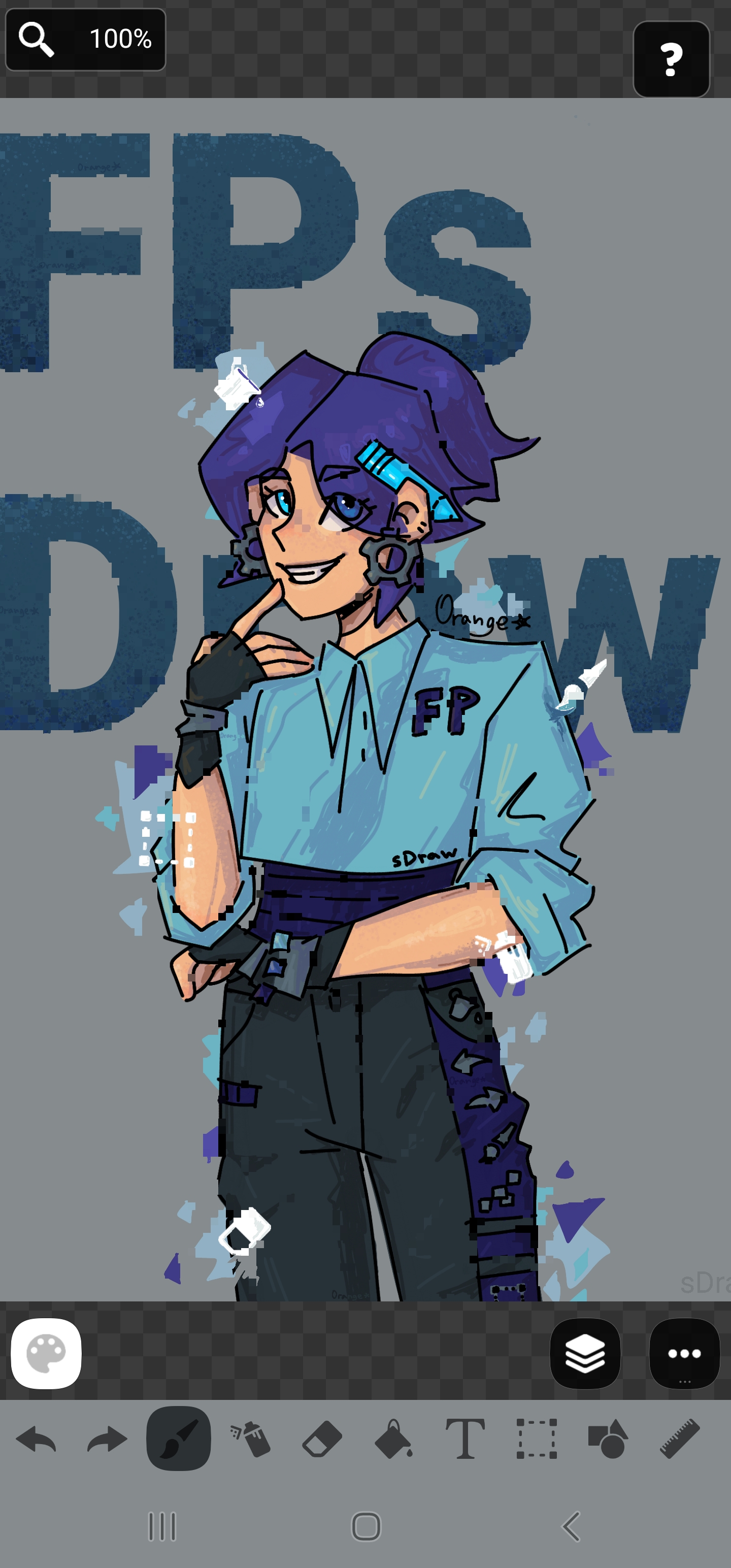
sDraw is a simple and lightweight drawing app - no ads, no clutter, just open and draw.
✅ Designed for those who need a simple tool for simple tasks.
Perfect for quick moments when you need to:
🎭 Create a meme or add text to a photo.
🧠 Sketch a diagram, note, or quick idea.
🖼️ Highlight or mark something directly on an image.
🎨 Experiment with different styles - lines, shapes, airbrush, text, and more.
Why FP sDraw is worth having:
📦 Doesn’t take up space or run in the background.
🛑 No ads - nothing distracts you from drawing.
📉 Less than 1 MB - installs in seconds.
⚙️ No setup needed - starts instantly.
📱 Works even on very old phones.
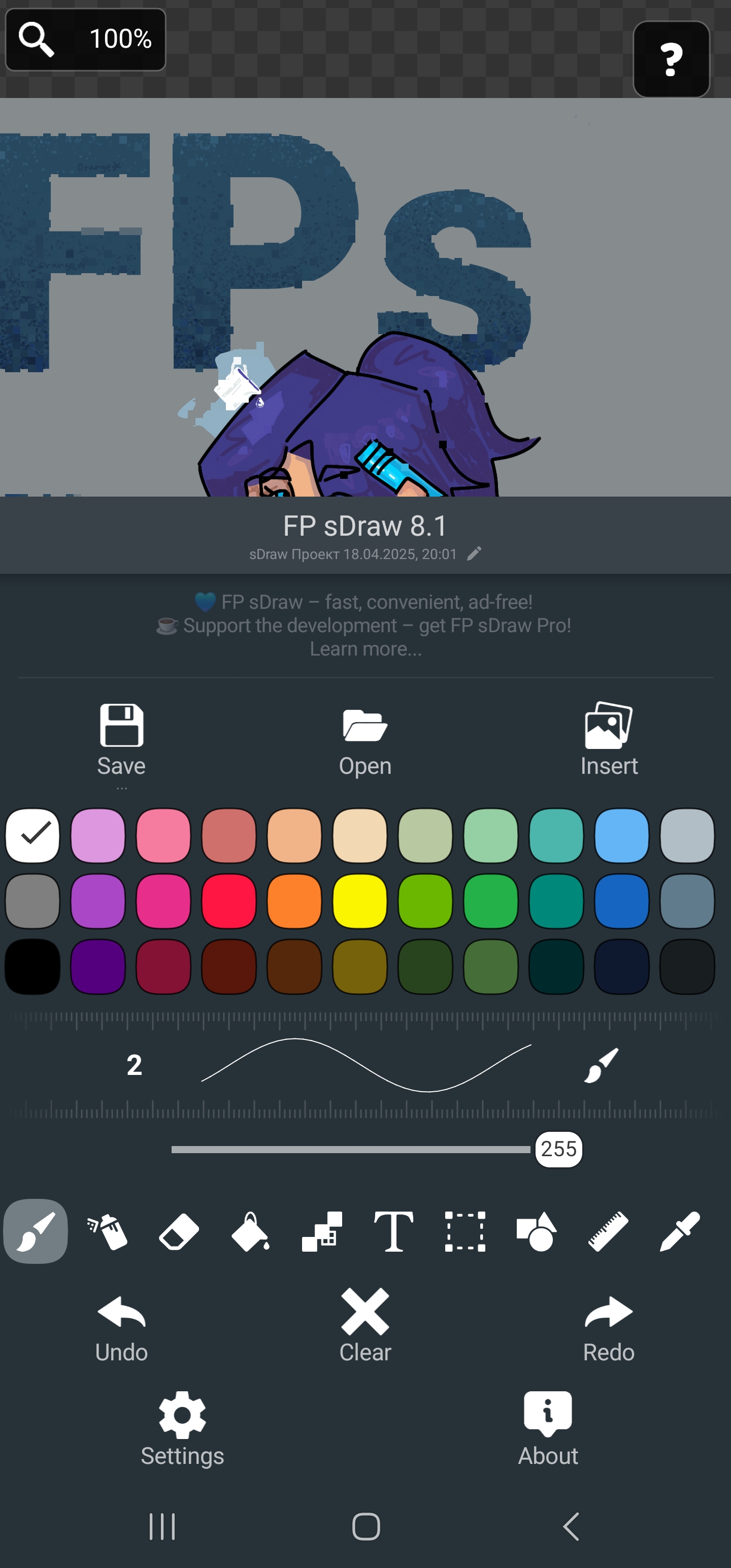
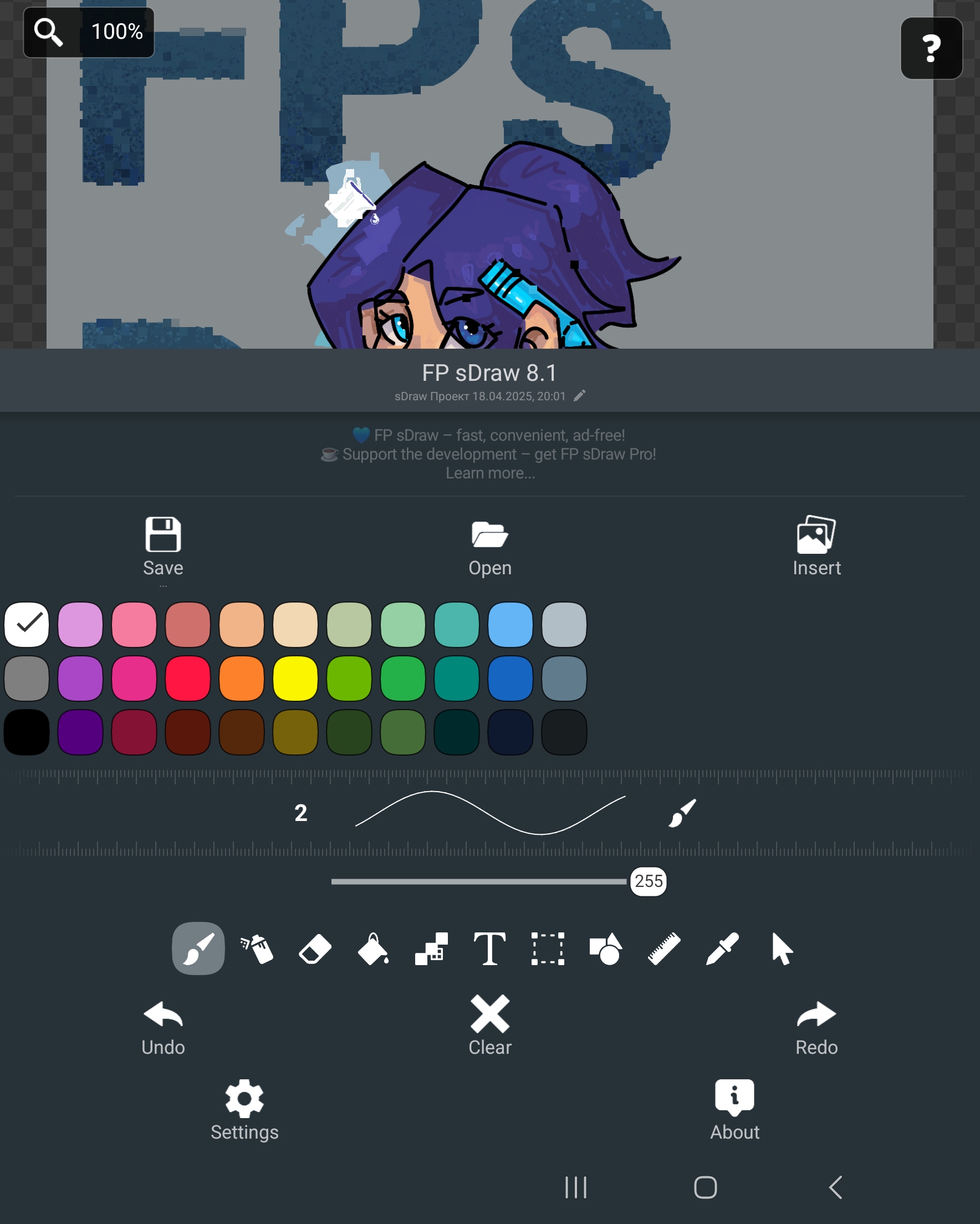
🧩 Flexible UI - even the button shapes can be customized.
✍️ Stylus support: sPen, Active Pen, etc.
💡 Helpful tips appear only when needed.
🛟 Automatic backup keeps your sketches safe.
🔊 Volume buttons can trigger quick actions.
Drawing tools:
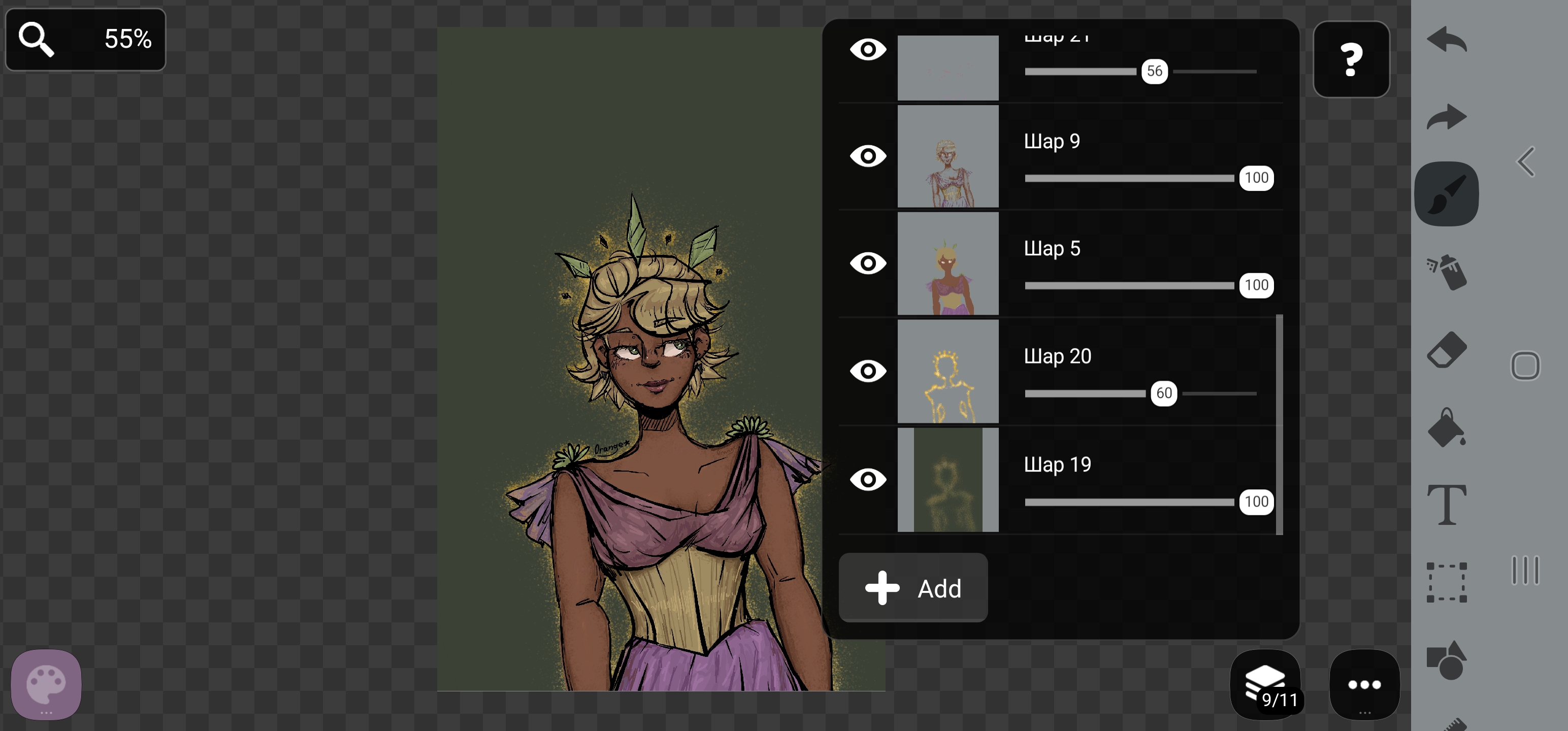
🪄 Layers - organize complex sketches.
🖼️ Insert from gallery.
🖍 Brush and eraser.
🌬 Airbrush.
🏺 Fill.
🅰️ Text.
✂️ Selection.
🔳 Shapes.
📏 Ruler.
🎨 Eyedropper.
🧩 Mosaic.
🖱 Precision brush.
The free version is fully functional - no essential features locked.
Pro version adds a few nice extras:
💛 Support the developer.
🖼️ Option to remove “sDraw” label from saved images.
🚫 Removes the message in the main menu.
🙅‍♂ No more “Buy Pro” reminders when saving.
⚡️ Projects from the free version are fully compatible with Pro.
🍞 Doesn’t eat resources or space - but always ready when needed 😊

sDraw 9.4 Update

- New Blur tool
- Fixed size indicator when hovering with a pen or cursor
- Added size indicator when hovering with the precision brush
- Updated Share behavior. If a project is already open — paste. If not — open as project.
- Disabling hints now also disables them in settings and context menus
- Fixed issues in behavior, text, and design
Read More
sDraw Features
Related Videos
Previous Versions More
sDraw | Easy Drawing App
sDraw | Easy Drawing App 9.4 APK
May 7, 2026 875.11 KB

Requires Android: Android 2.2+

Screen DPI: 160-640dpi

SHA1: f1a037696046be49cce6a1123008a05568546fc4

Size: 875.11 KB

What's New:

- New Blur tool
- Fixed size indicator when hovering with a pen or cursor
- Added size indicator when hovering with the precision brush
- Updated Share behavior. If a project is already open — paste. If not — open as project.
- Disabling hints now also disables them in settings and context menus
- Fixed issues in behavior, text, and design
sDraw | Easy Drawing App
sDraw | Easy Drawing App 9.3 APK
April 24, 2026 867.11 KB

Requires Android: Android 2.2+

Screen DPI: 160-640dpi

SHA1: 64ce1dd3f86a66b609e81177b4330a2f7491ab01

Size: 867.11 KB

What's New:

- Added "Open from Gallery"
- Added hints in context menus for save, open, and paste
- Added "Export as JPEG"
- Fixed shape snapping behavior
- Improved autosave
- Fixed various bugs
sDraw | Easy Drawing App
sDraw | Easy Drawing App 9.2 APK
April 14, 2026 627.11 KB

Requires Android: Android 2.2+

Screen DPI: 160-640dpi

SHA1: 3ef24aebe3f14e83b3fd691b3cbea7acdf05ceaf

Size: 627.11 KB

What's New:

🔷 New tool: "Liquify"
🔷 New tool: "Arrows"
🔷 New line types
🔷 Updated "Precise Brush" icon
🔷 New tool size settings
🔷 Improved opacity control
🔷 Bug fixes
sDraw | Easy Drawing App
sDraw | Easy Drawing App 9.1 APK
March 17, 2026 830.81 KB

Requires Android: Android 2.2+

Screen DPI: 160-640dpi

SHA1: 3caa2a9c3c83a7e7d574fc47c50f1ec2d2483bec

Size: 830.81 KB

What's New:

Coloring Brush tool
Lasso Fill tool
Hand tool for moving
Zoom with mouse wheel
Change text outline color
"Create Speedpaint" function
"Mask" option for selection
Setting for number of autosaves
Option to disable the "You haven't saved the project for a long time" notification
Display project count in "Open Project"
Many bugs fixed
More Information

Package Name:

com.fsoft.FP_sDraw

Update Date:

Latest Version:

9.4

Need Update:

Submit latest version

Available on:

Google Play

Requirements:

Android 2.2+