Downloader (Package Name: com.esaba.downloader) is developed by AFTVnews.com and the latest version of Downloader by AFTVnews 2.0.4-ForGoogleAndroidDevices was updated on July 30, 2026. Downloader by AFTVnews is in the category of Tools. You can check all apps from the developer of Downloader by AFTVnews and find 109 alternative apps to Downloader by AFTVnews on Android. Currently this app is for free. This app can be downloaded on Android 6.0+ on APKFab or Google Play. All APK/XAPK files on APKFab.com are original and 100% safe with fast download.
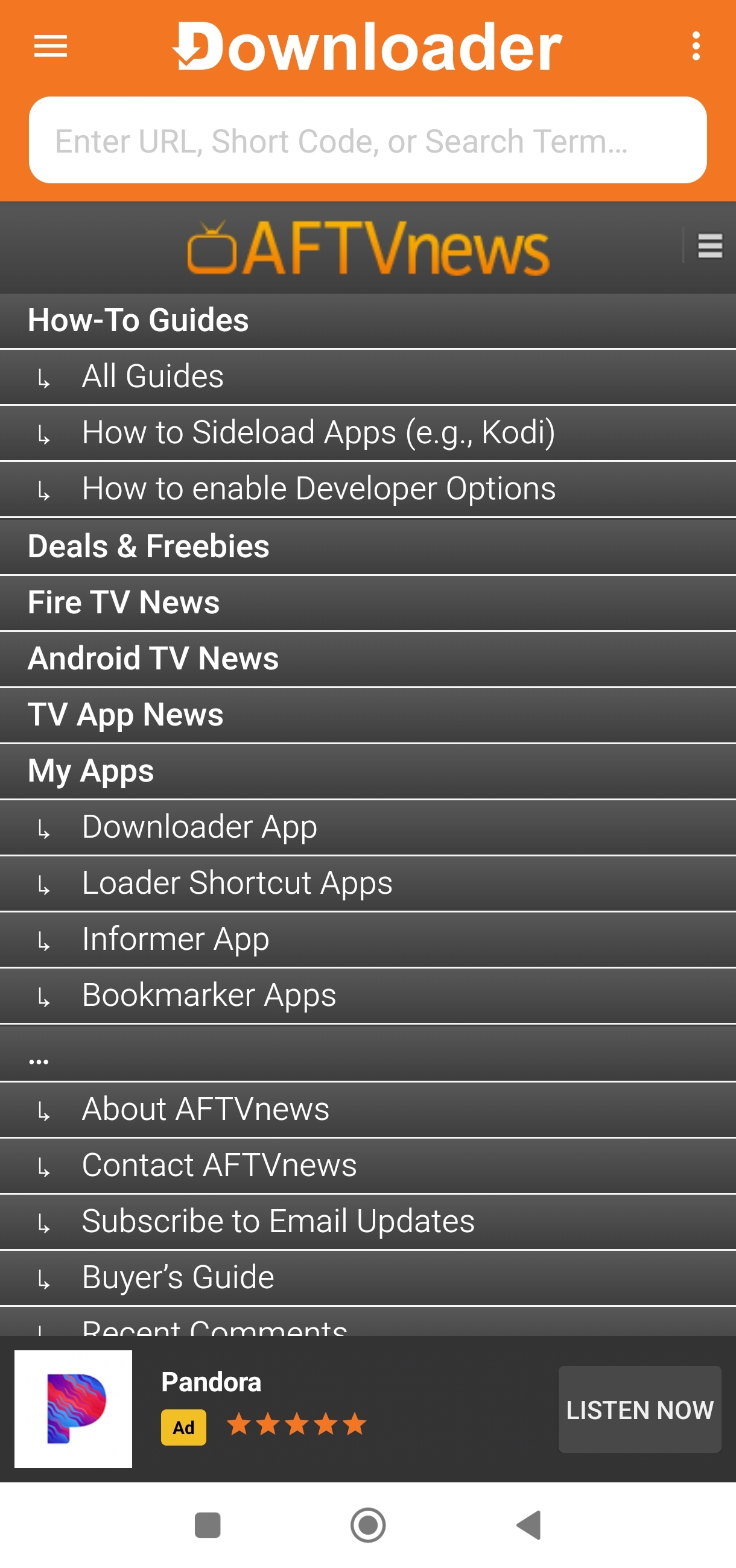
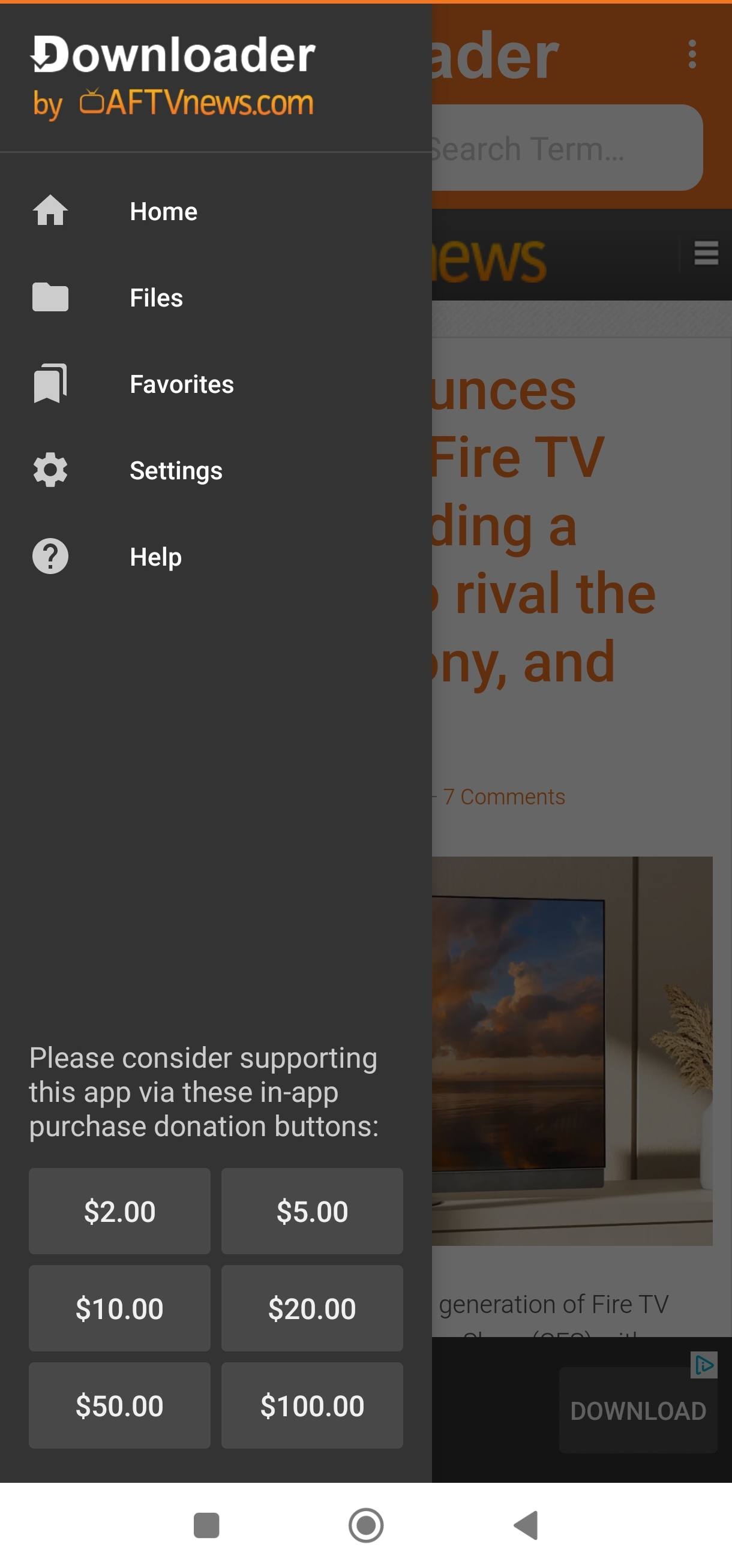
Enter URLs, browse websites, or enter short codes to easily download files, such as app APKs, from the internet onto your Android TV, Google TV, phone, or tablet. Favorites allow you to easily save and open frequently visited URLs. Once files are downloaded, you can use the app's file manager to open them, install them if they are APK applications, or delete them.
Downloader 2.0.4-ForGoogleAndroidDevices Update
Resolved an issue causing downloads from MediaFire.com to fail on some devices.
- Fixed an issue preventing certain sites, like Linktree, from loading correctly on older devices. - Fixed an issue with videos not playing in full-screen. - Fixed several issues causing random app crashes.
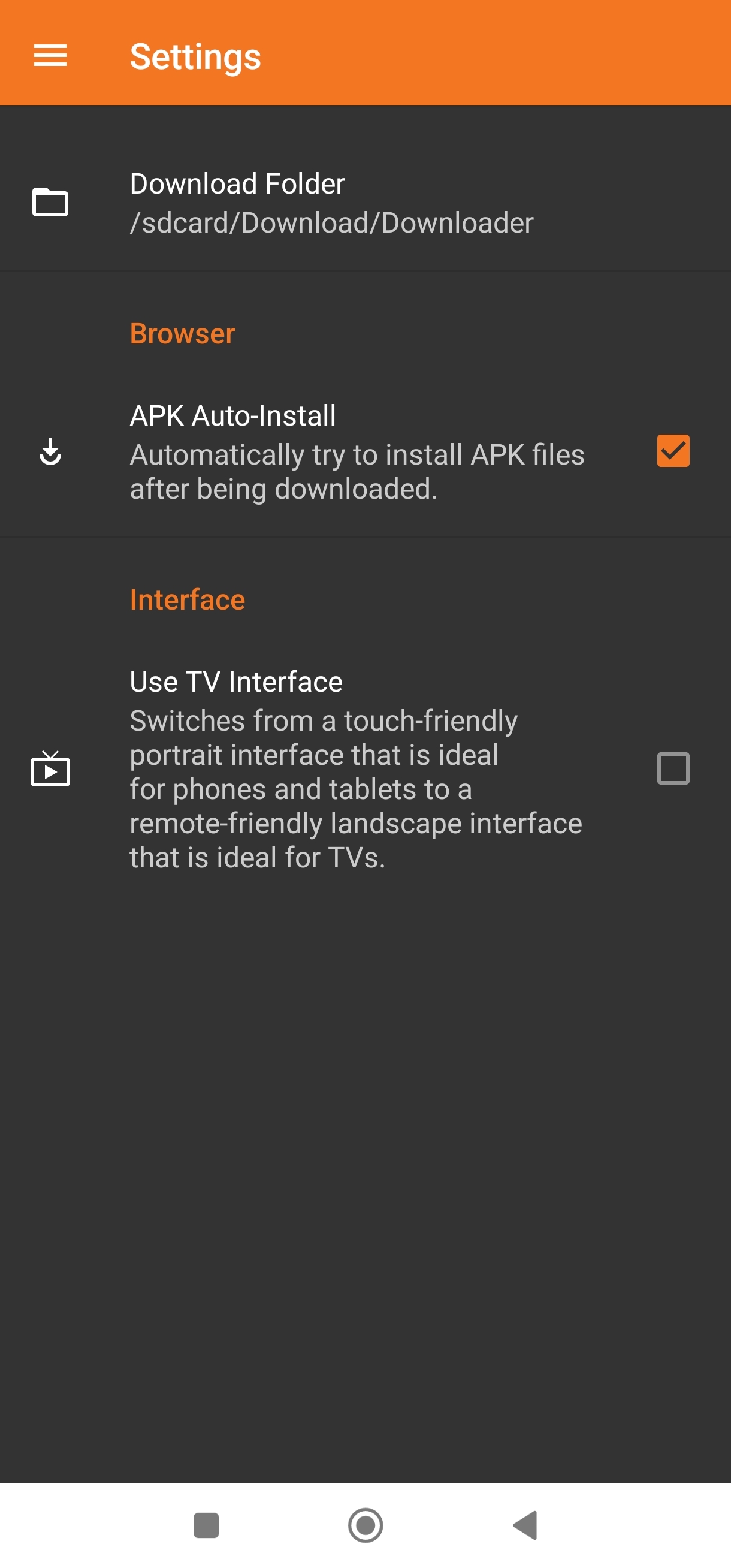
- The TV interface has been redesigned so browsing happens right on the Home screen. - The navigation menu now hides away for an edge-to-edge browser view that's 38% larger than before. - A new "#" button next to the address bar opens a numeric keypad for easier short code entry. - Browser cursor movement is now smoother and more precise. - The Files menu now includes a "Delete All Files" option. - Downloader now registers with Android as a browser and can be opened with "downloader://" links.
APKFab.com and the download link of this app are 100% safe. All download links of apps listed on APKFab.com are from Google Play Store or submitted by users. For the app from Google Play Store, APKFab.com won't modify it in any way. For the app submitted by users, APKFab.com will verify its APK signature safety before release it on our website.