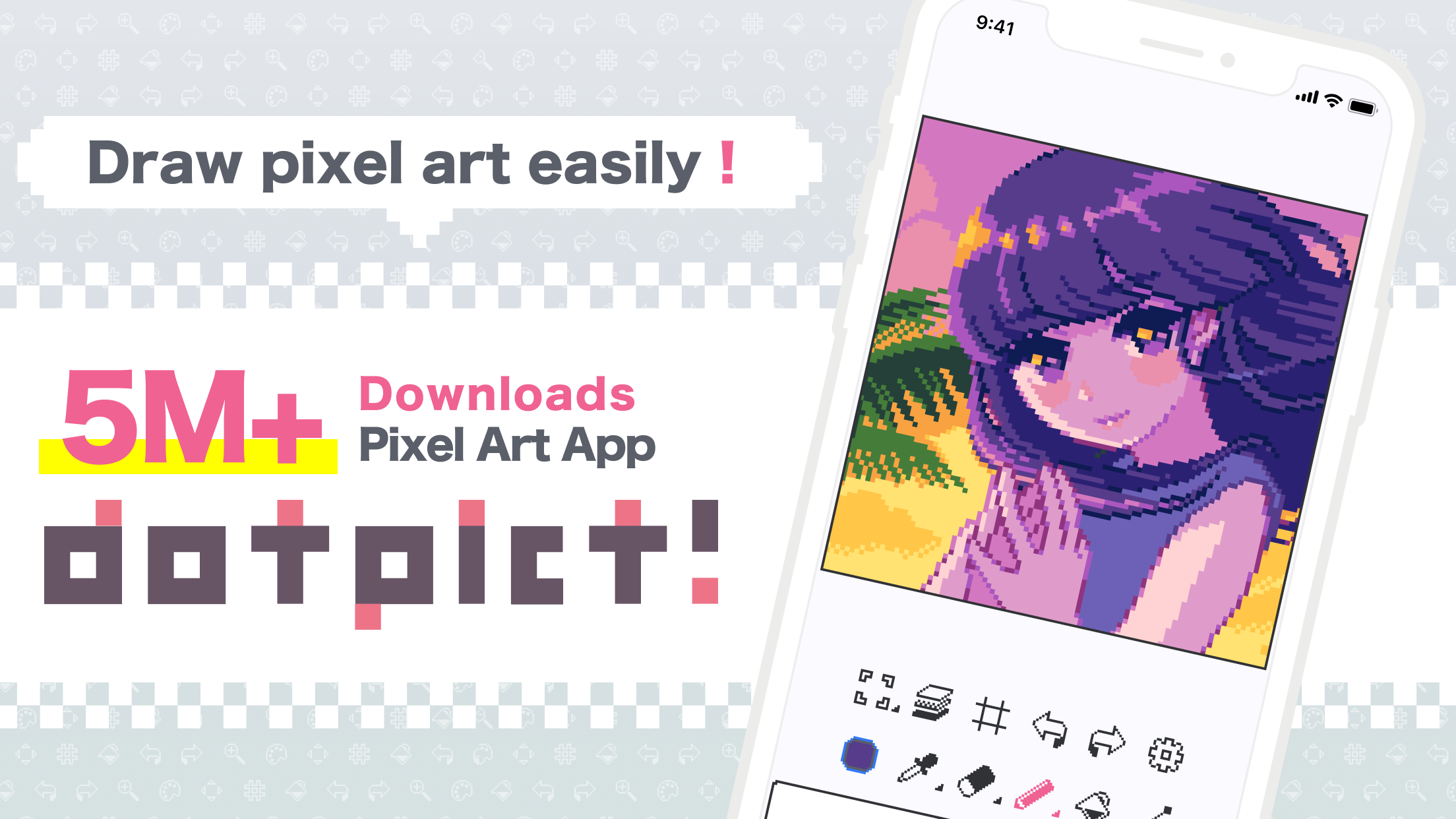
Dotpict is a simple, intuitive and effective pixel art editor designed for mobile use.
About dotpict
dotpict (Package Name: net.dotpicko.dotpict) is developed by dotpict LLC and the latest version of dotpict Easy to draw pixelart 23.11.12 was updated on September 4, 2026. dotpict Easy to draw pixelart is in the category of Entertainment with the feature Tools and Pixel, etc. You can check all apps from the developer of dotpict Easy to draw pixelart and find 200 alternative apps to dotpict Easy to draw pixelart on Android. dotpict Easy to draw pixelart is listed in Top 10 Apps to Make Digital Art on Your Smartphone. Currently this app is for free. This app can be downloaded on Android 9.0+ on APKFab or Google Play. All APK/XAPK files on APKFab.com are original and 100% safe with fast download.
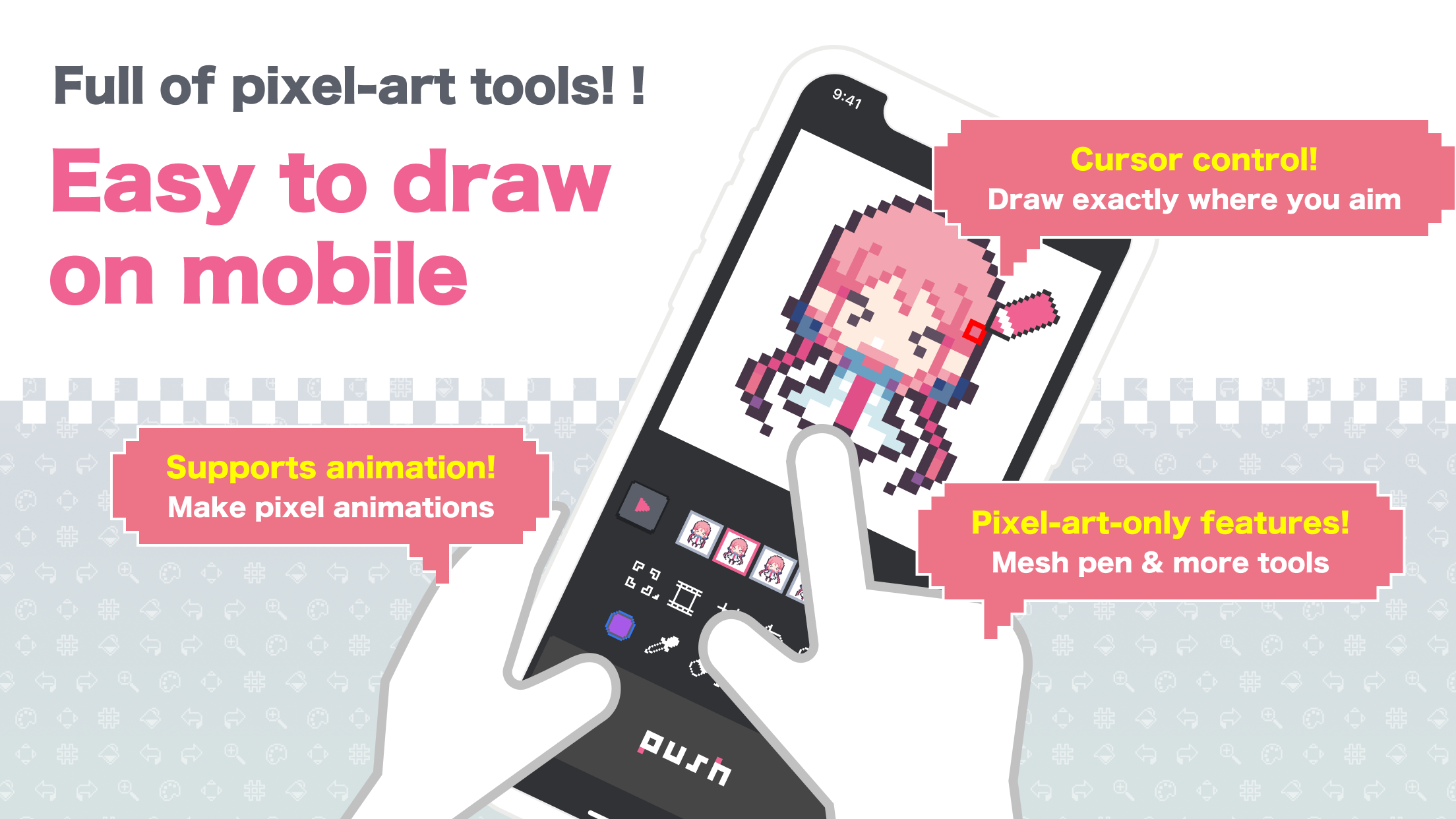
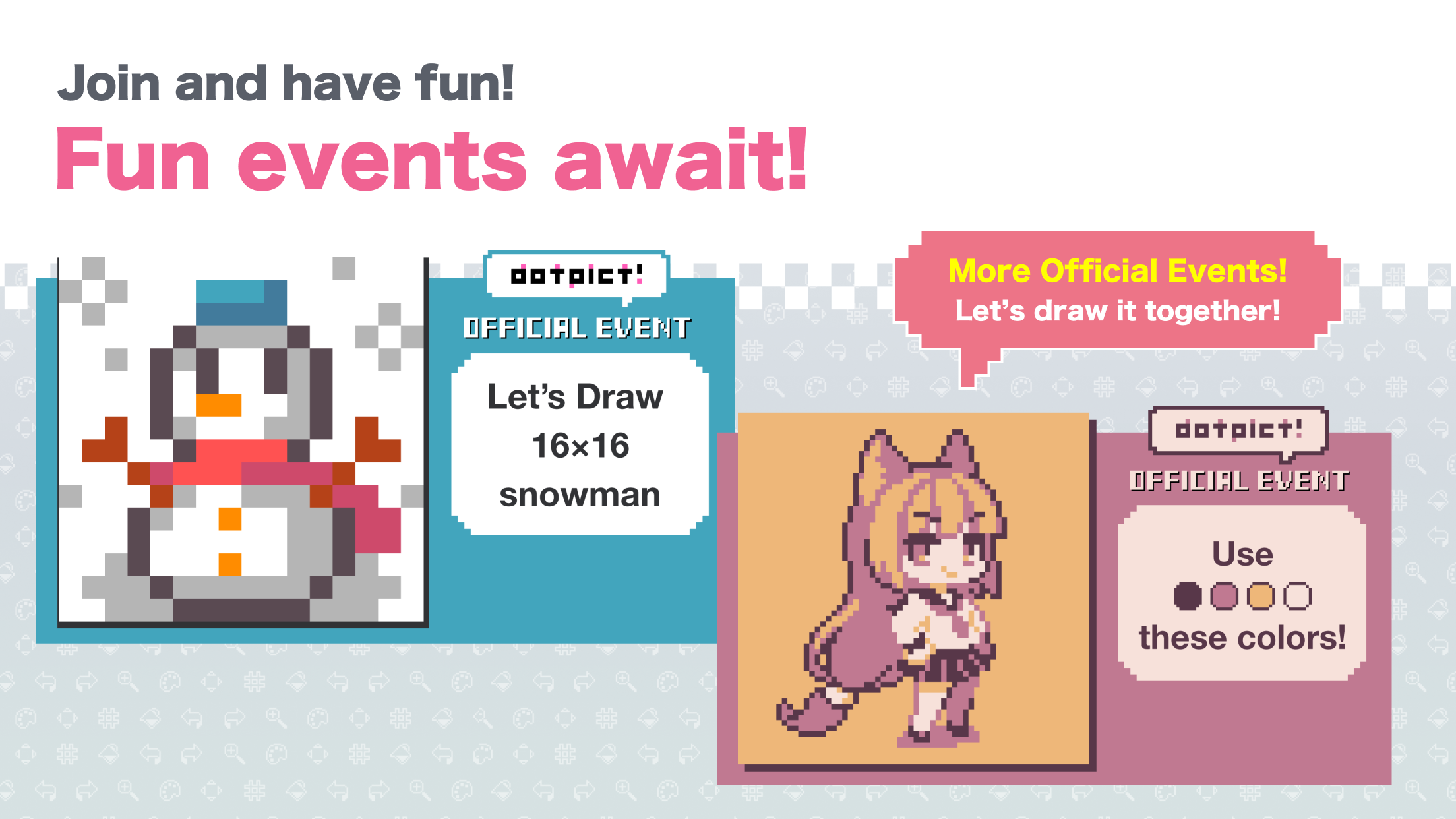
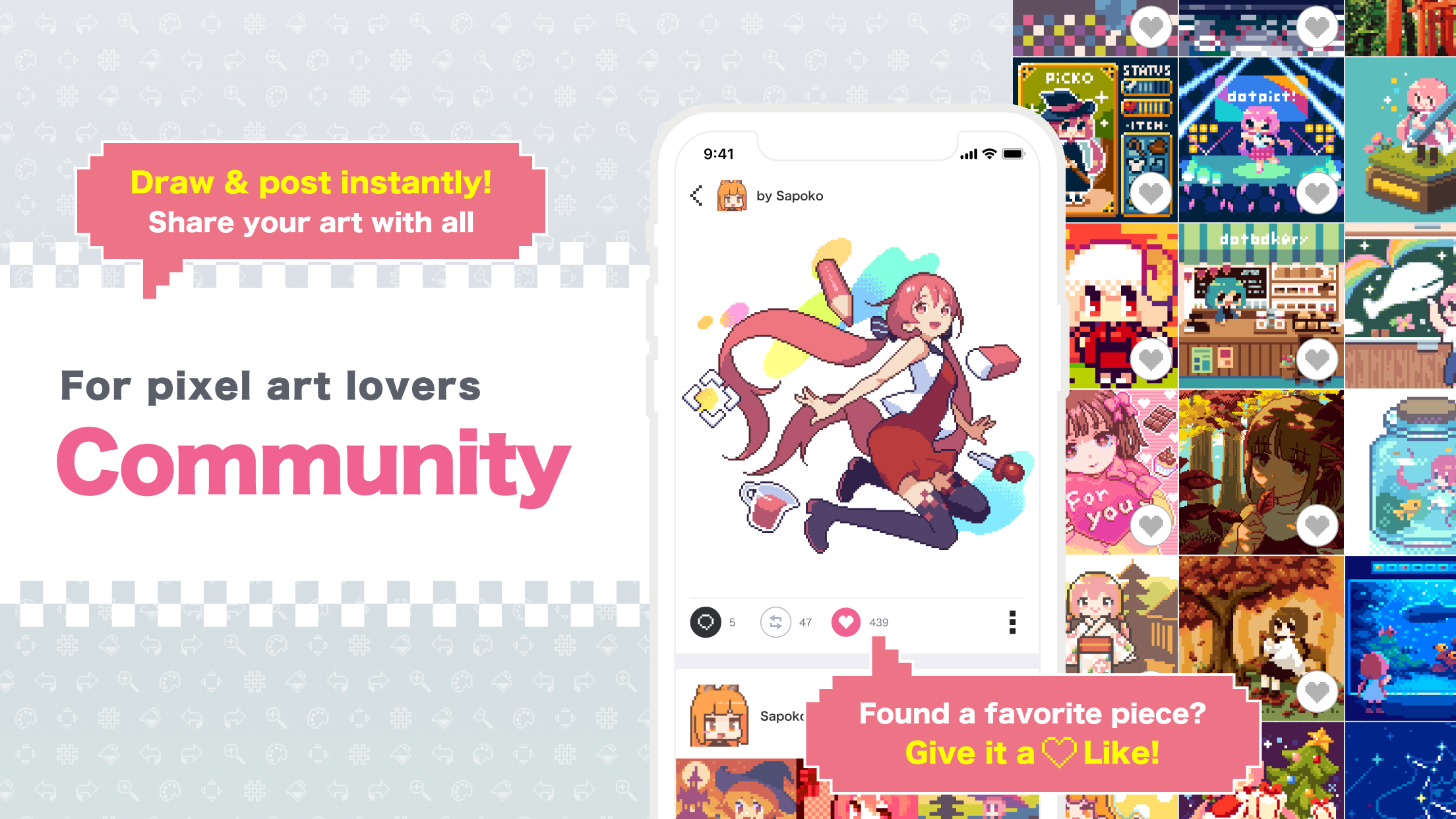
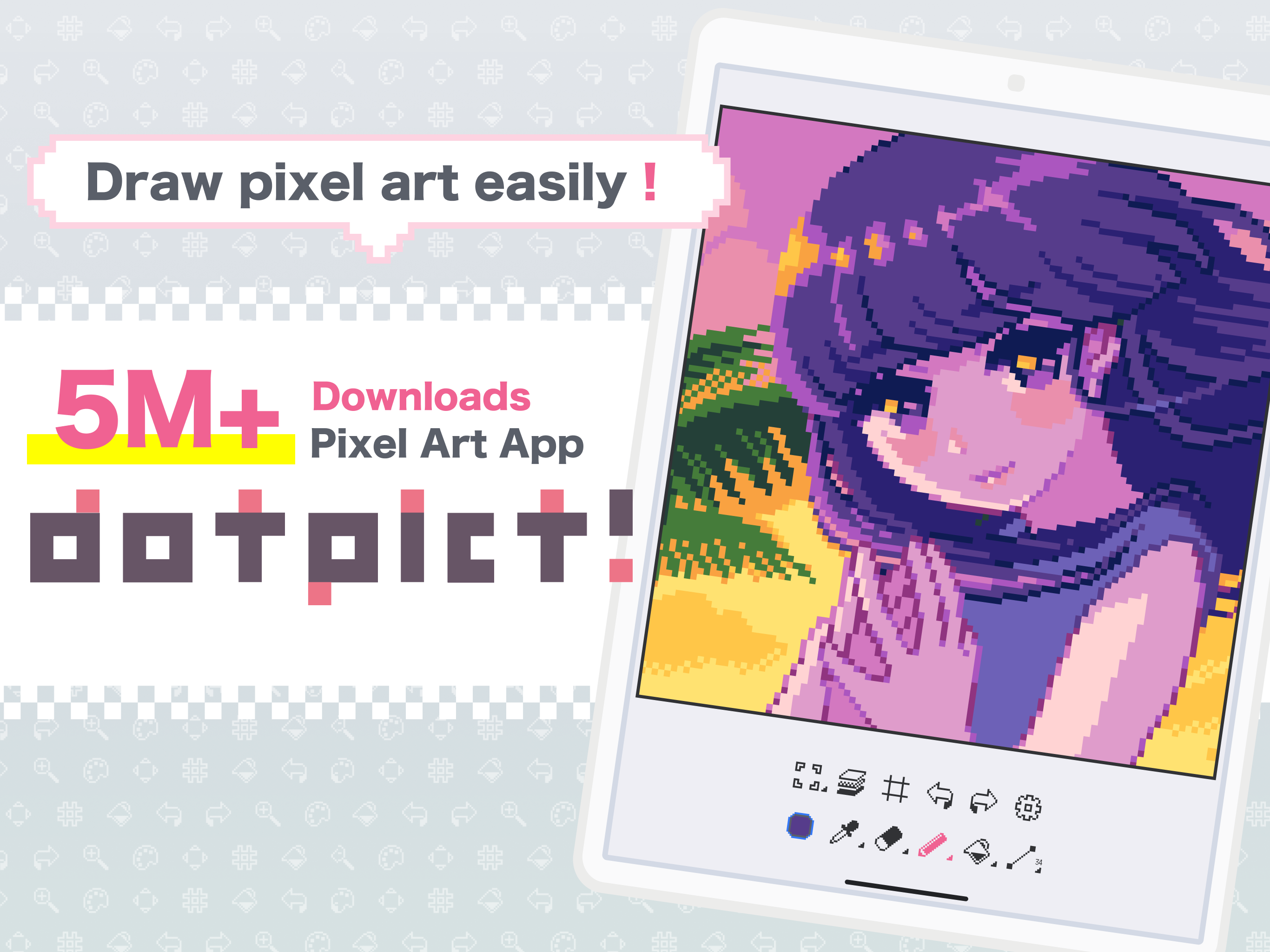
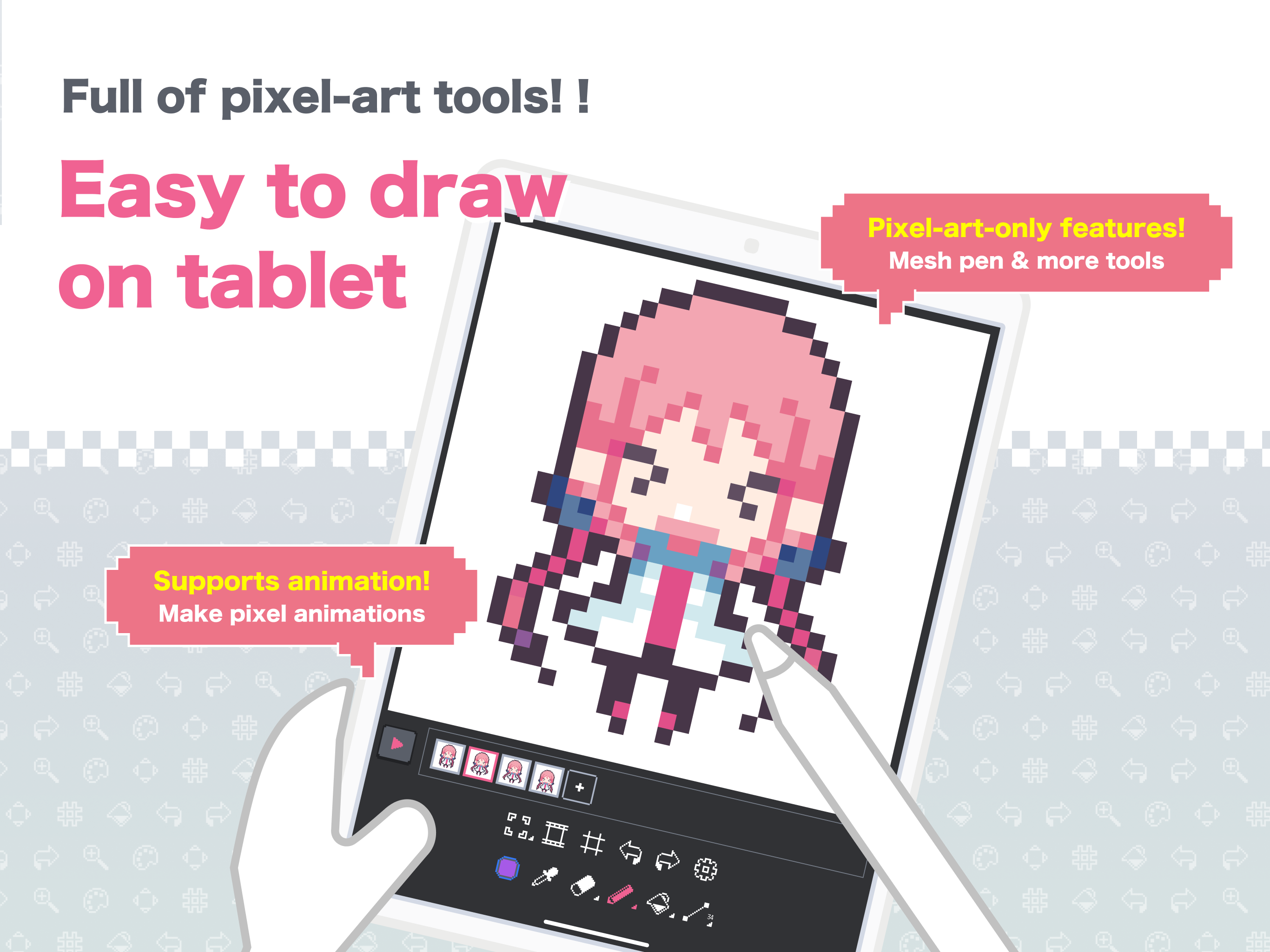
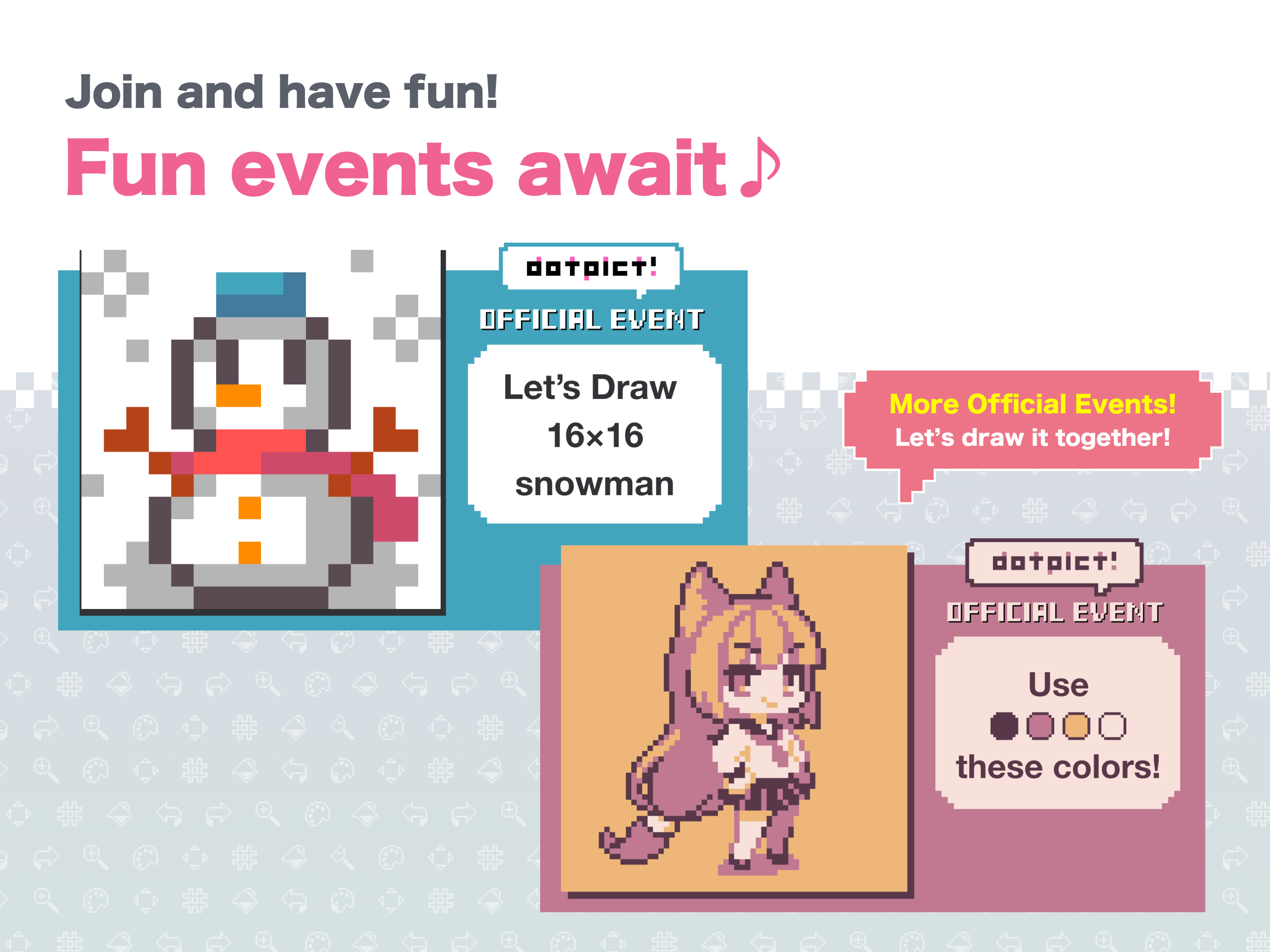
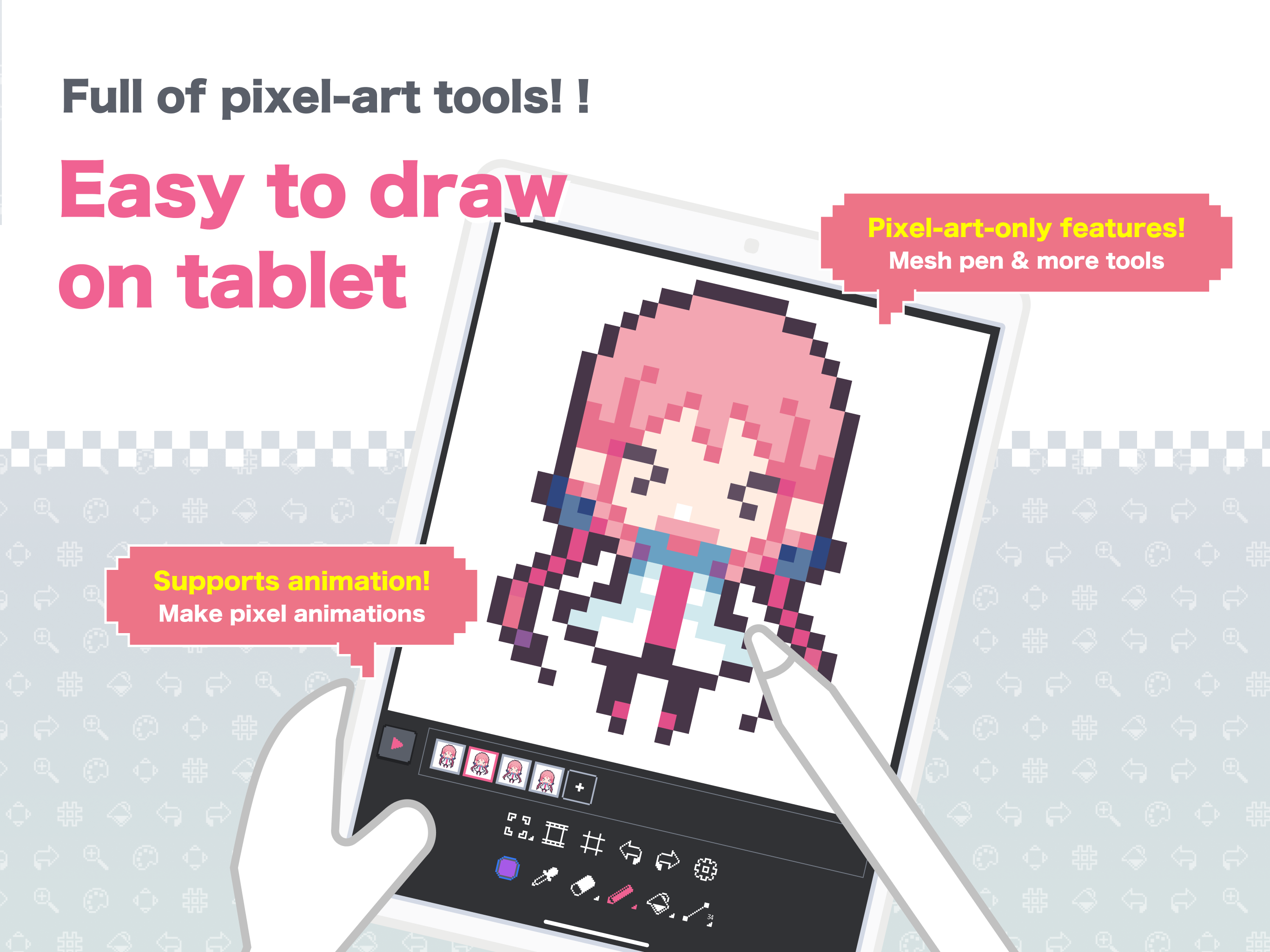
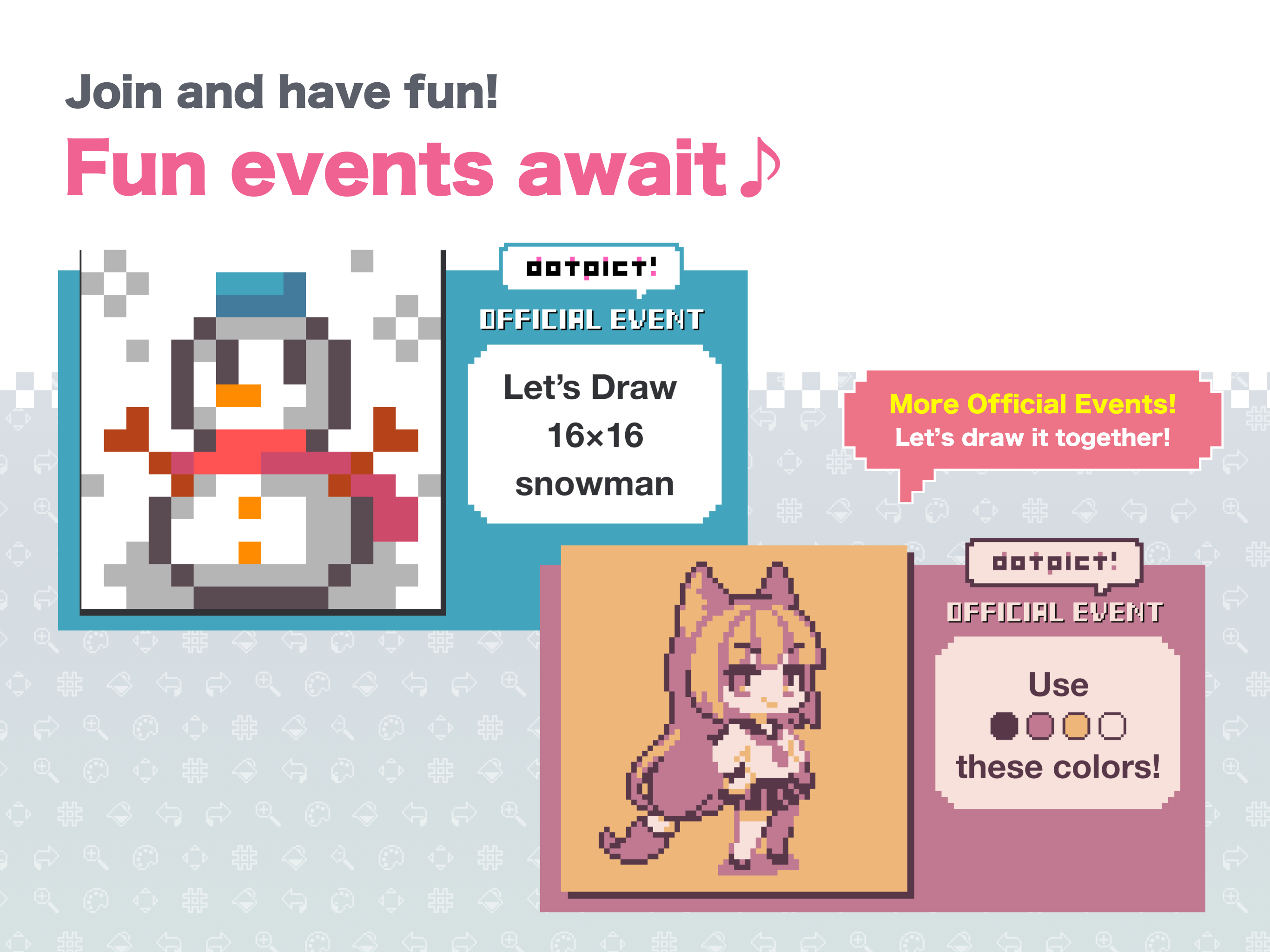
Over 5 million downloads! Draw the pixel art you want on your mobile device Post your creations to the community and enjoy pixel art with users worldwide! ◆ Quick Pixel Art Creation ・Place pixels exactly where you want with precise cursor controls ・Switch to draw‑along‑trace mode using pen or finger ・Packed with pixel‑art tools like mesh pen, outline, onion skin, and more ・Auto‑save keeps your work safe ・Easily create animated GIFs ◆ Join Prompts & Challenges ・Challenge yourself with daily prompts like “apple,” “seal,” or “clock” ・Take on color‑ or size‑limited challenges such as “Draw a fox using only ⚫️🟠🟡⚪️” or “Create a ⛄️ in 16×16” ・Customize templates in challenges like “Decorate an omelette rice” ・Create your own challenges and invite participants ◆ Post & Connect ・Post creations made in dotpict or other apps ・Hundreds of new works are posted daily ・Connect through likes, comments, and follows ・With many active users, getting feedback is easy Download now and enjoy pixel art with creators around the globe!
dotpict 23.11.12 Update
- You can now choose the cursor size from Small, Medium, Large, or Extra Large. - A mark will now appear on the cursor when editing hidden layers. - The color display of the eyedropper has been changed to "Top: Picked Color / Bottom: Current Color." This was reversed previously, so we have aligned it with the common display order. We appreciate your understanding, especially if you are used to the old display. - Fixed some bugs.
- A character introducing the daily theme will appear every day. - Fixed a bug that sometimes prevented screen operations during ad display. - Fixed a bug where the border color of the palette was hard to see in dark mode.
APKFab.com and the download link of this app are 100% safe. All download links of apps listed on APKFab.com are from Google Play Store or submitted by users. For the app from Google Play Store, APKFab.com won't modify it in any way. For the app submitted by users, APKFab.com will verify its APK signature safety before release it on our website.