Delivery (Package Name: com.coalminingstudio.dnc) is developed by Coal Mining Studio and the latest version of Delivery Notes 2.21.0 was updated on February 10, 2026. Delivery Notes is in the category of Productivity. You can check all apps from the developer of Delivery Notes. Currently this app is for free. This app can be downloaded on Android 7.0+ on APKFab or Google Play. All APK/XAPK files on APKFab.com are original and 100% safe with fast download.
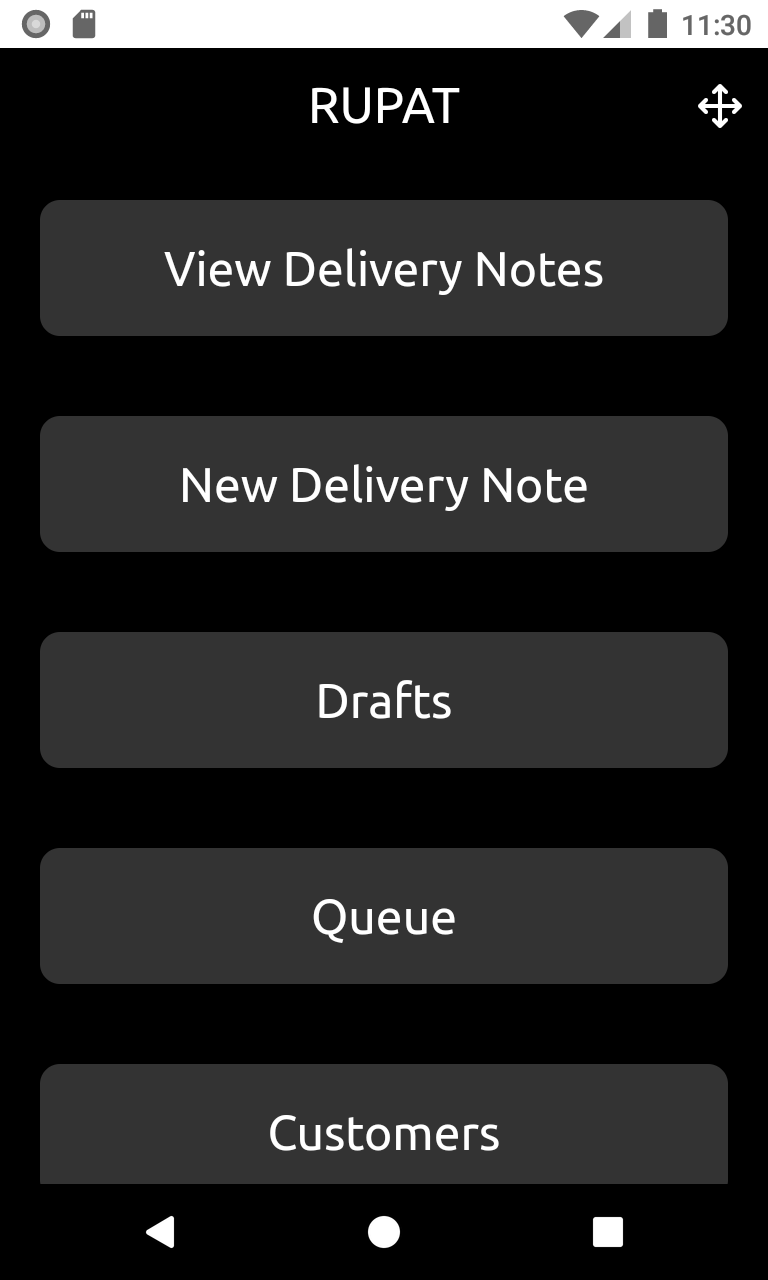
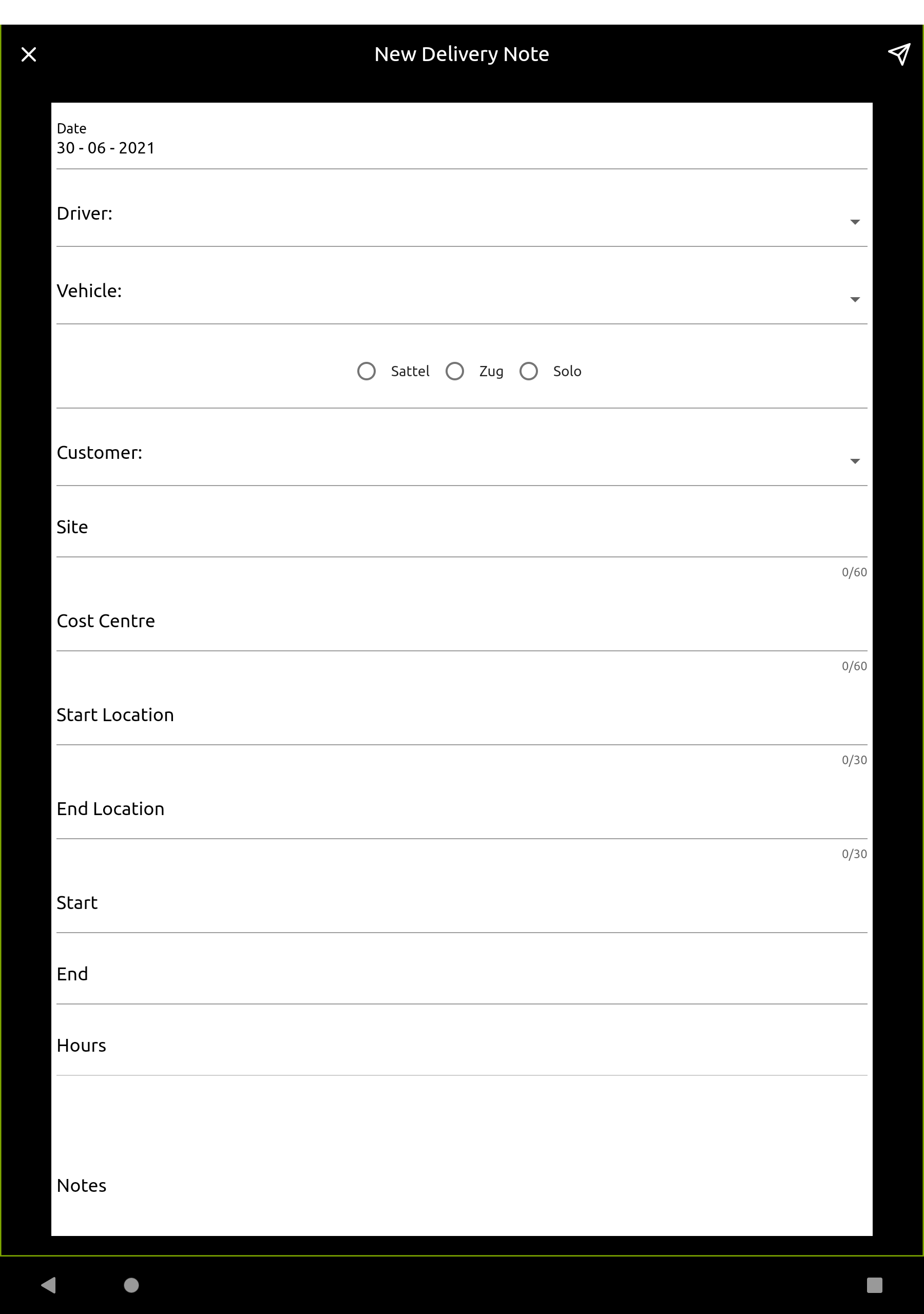
Welcome to Delivery Notes. The purpose of this tool is to provide an easy and stable platform for creating digital delivery notes for small businesses. No matter what service you provide or what goods you are delivering to your customers as a small business, we hope and believe that Delivery Notes will make your life easier. We aimed to make Delivery Notes an easy-to-use tool for all people using it by considering the employees who need to process delivery notes and the ones who are creating them on the road. First and foremost, Delivery Notes is about creating delivery notes and let your customer sign them straight away. As everything is stored centrally there won’t be anymore any lost delivery notes. We appreciate that every business is unique hence Delivery Notes contains a way to create and maintain your own template based on your requirements and needs. This starts from adding your logo over various other options like single- and multiple-choice fields, dropdown fields, text fields, and more. Of course, every delivery note can be clearly identified by whom it was created. Further, the system automatically is counting up your delivery notes, so that each one is unique. You can even configure a 4-digit prefix before each delivery note number if you wish to. The system provides also two different paper sizes for delivery notes which are A4 and Letter. Creating a new delivery note is super simple. Each new delivery note is based on the current template. An employee simply needs to fill out the fields and submit the form. The employee has access to all delivery notes created by himself and has the option to share them with the customer as PDF via various options like e-Mail. Employees can also attach afterward images to a delivery note in case they want to. Sometimes it is necessary to create delivery notes upfront to save time and effort. Delivery Notes has you covered here as well. When you start a new delivery note, the system allows you to store them locally in your drafts. So employees can prepare them in advance and then simply revert back to them in their drafts, finish and submit them. For submitting a delivery note a connection to the internet is required but sometimes not available. In case the system can not upload a note it stores it locally in a queue. Once you are back online you can simply visit the queue and upload them to make sure no delivery note is lost. Administrators have access to a different view in the system which allows them to see all delivery notes of all employees. Further, they can add and view images attached to a delivery note, add and view internal comments and categorize them into three different categories like new, shared, settled. With an integrated powerful search, you are able to locate any created delivery note to save time and money compared to a paper solution. With our simple permissions levels, you can decide which users will have access to which components in Delivery Notes. Another handy feature is the Contacts module. It allows having central important contacts provided to each user. Information in contacts can be name, company, phone number, address, or e-mail address. We have implemented many more little features into this service and will improve it over time with even more like assigning delivery notes remotely, chats, polls, and surveys. We hope you like and enjoy this service and would like to ask you to get in touch with us for any comments, questions, or feedback.
Delivery 2.21.0 Update
Delivery notes can now be deleted if the user has the appropriate rights. Some small improvements.
We have updated the code and removed some bugs. Furthermore, the new option 'distance' offers a new feature that can be added to delivery notes via templates. When using 'distance', simply enter the start and end as a number when filling out a delivery note and the difference will be displayed automatically.
APKFab.com and the download link of this app are 100% safe. All download links of apps listed on APKFab.com are from Google Play Store or submitted by users. For the app from Google Play Store, APKFab.com won't modify it in any way. For the app submitted by users, APKFab.com will verify its APK signature safety before release it on our website.