D Image Editor

7.0 44

v2.6.2 by DDual

D Image Editor XAPK download D Image Editor XAPK download

About D Image Editor

D Image Editor (Package Name: com.DDual.DImageEditor) is developed by DDual and the latest version of D Image Editor 2.6.2 was updated on August 6, 2026. D Image Editor is in the category of Photography. You can check all apps from the developer of D Image Editor. Currently this app is for free. This app can be downloaded on Android 5.0+ on APKFab or Google Play. All APK/XAPK files on APKFab.com are original and 100% safe with fast download.
Looking for a fast, lightweight way to draw on photos and annotate images? D Image Editor is a completely free photo markup tool designed for quick, simple image editing directly from your camera or gallery.
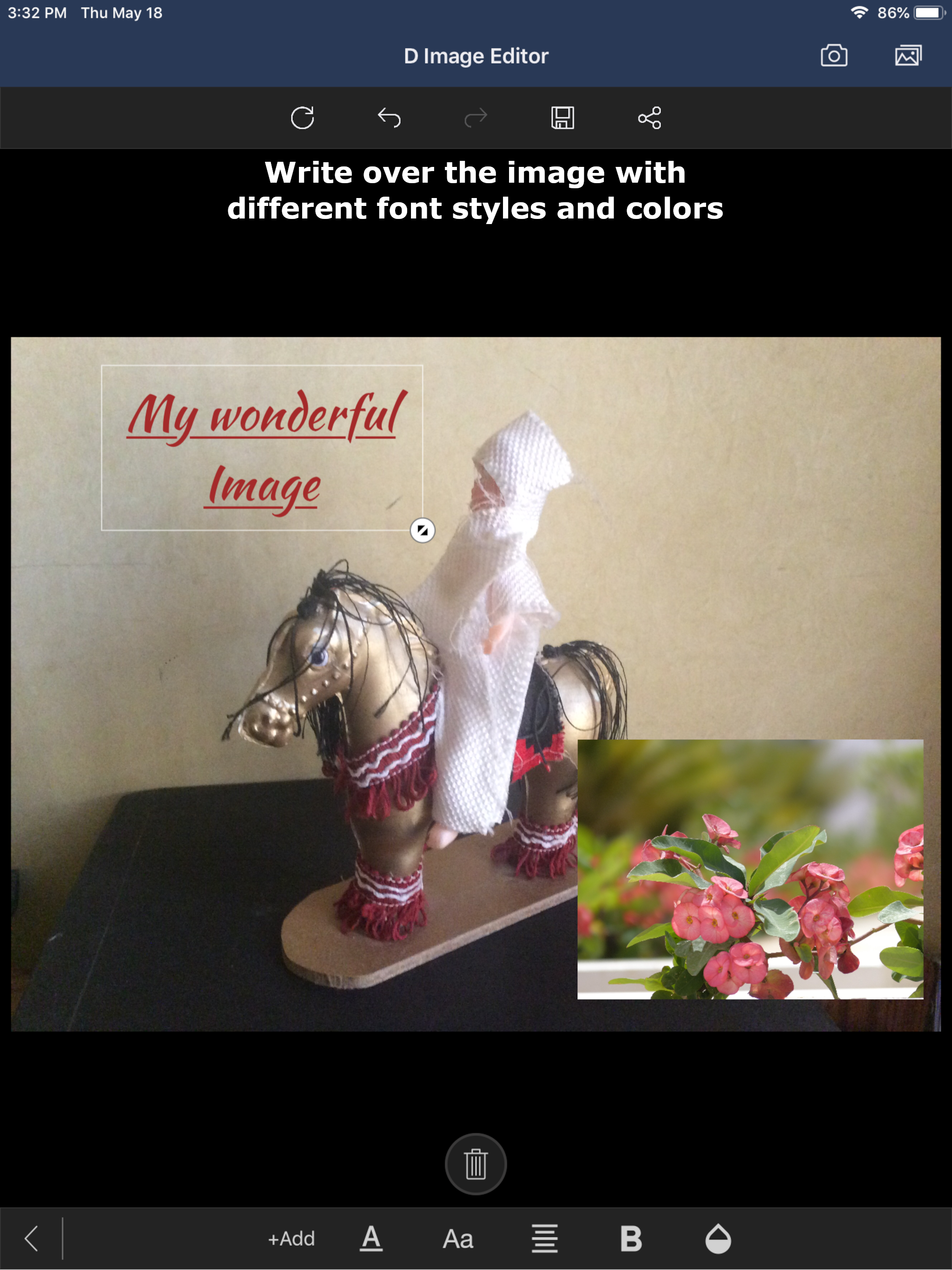
Whether you need to sketch over a screenshot, add an arrow to a map, insert text on pictures, or crop photos before sharing, D Image Editor gives you the tools completely free—with no hidden costs or in-app purchases.
Key Features:
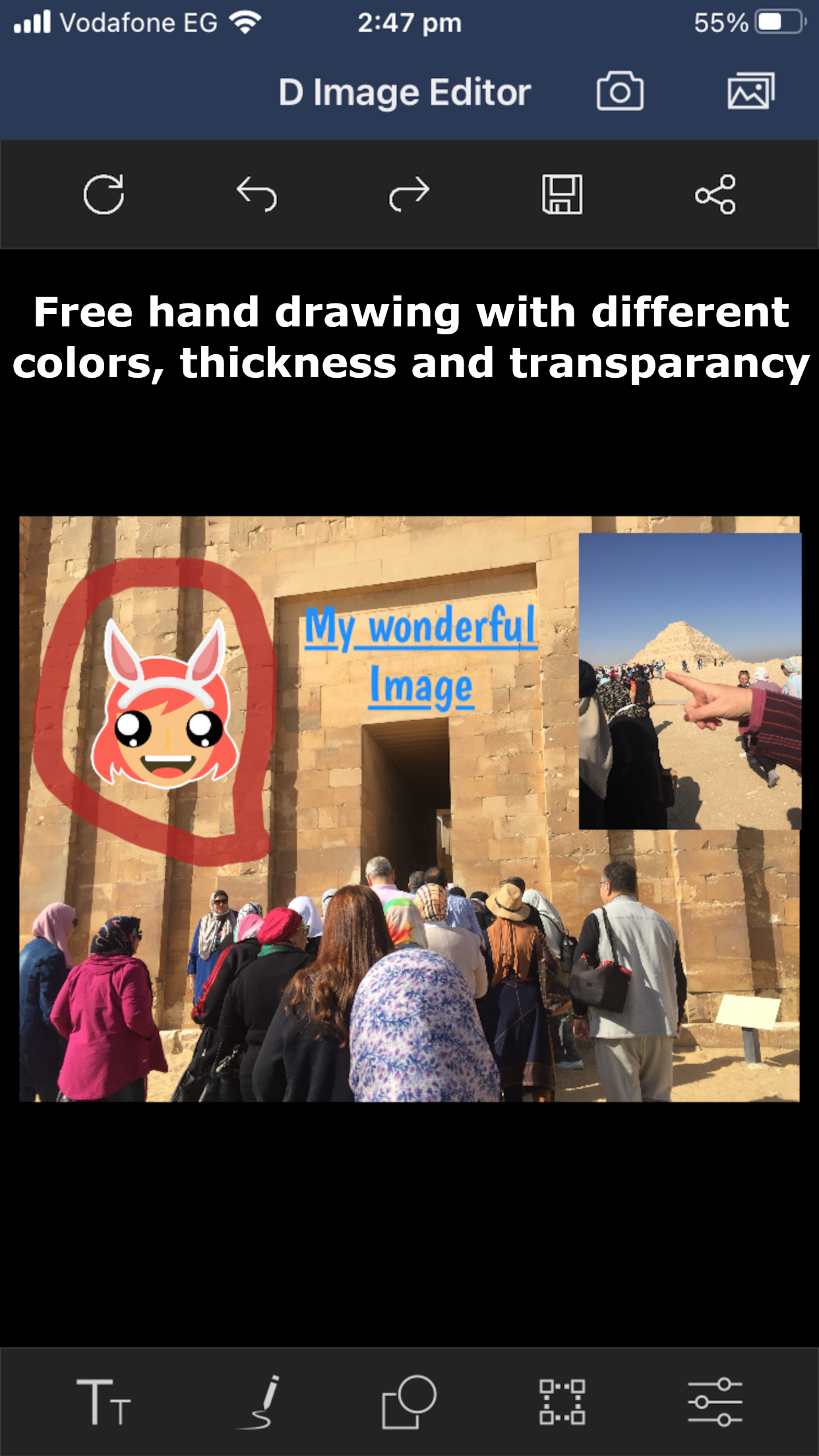
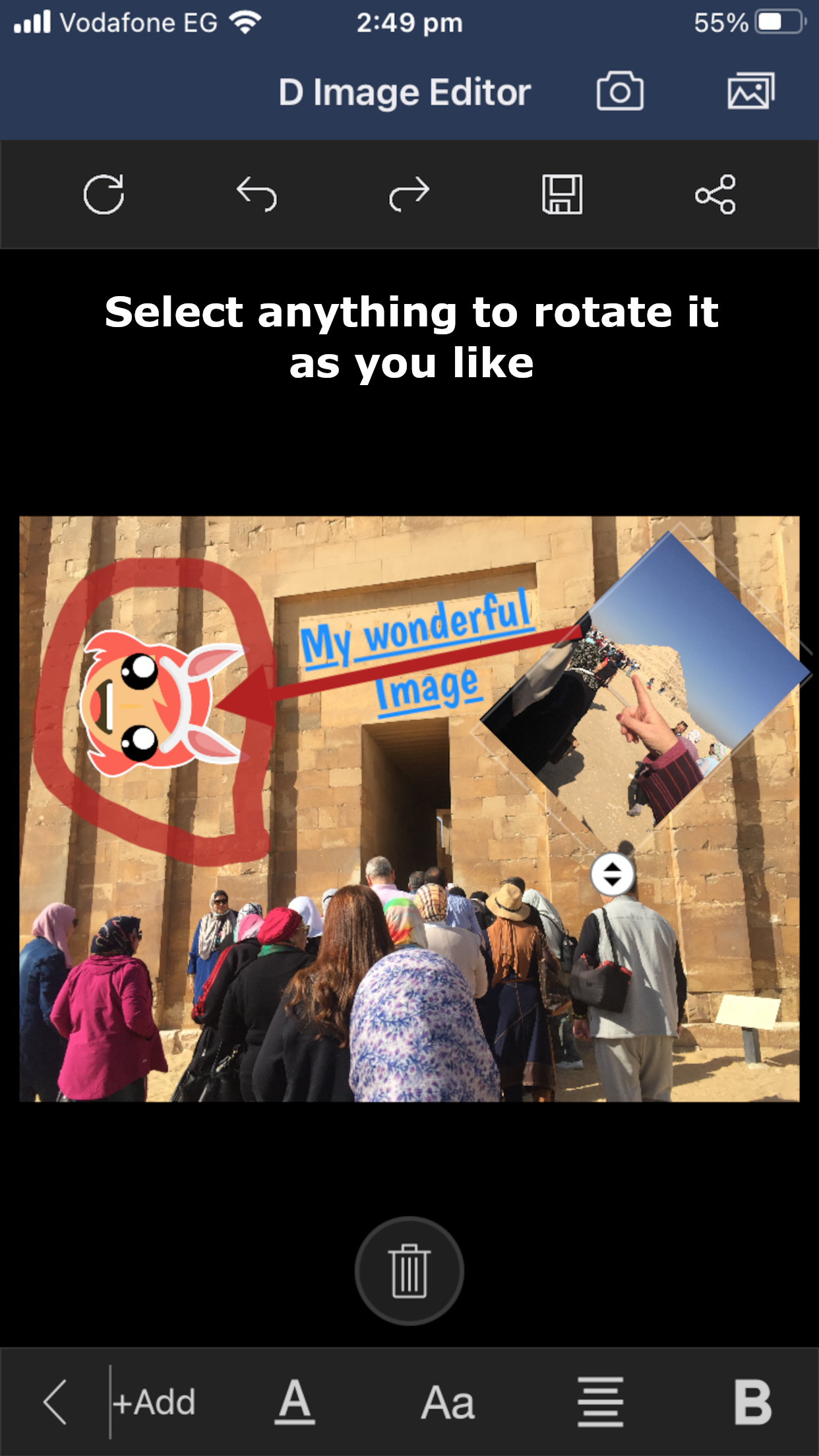
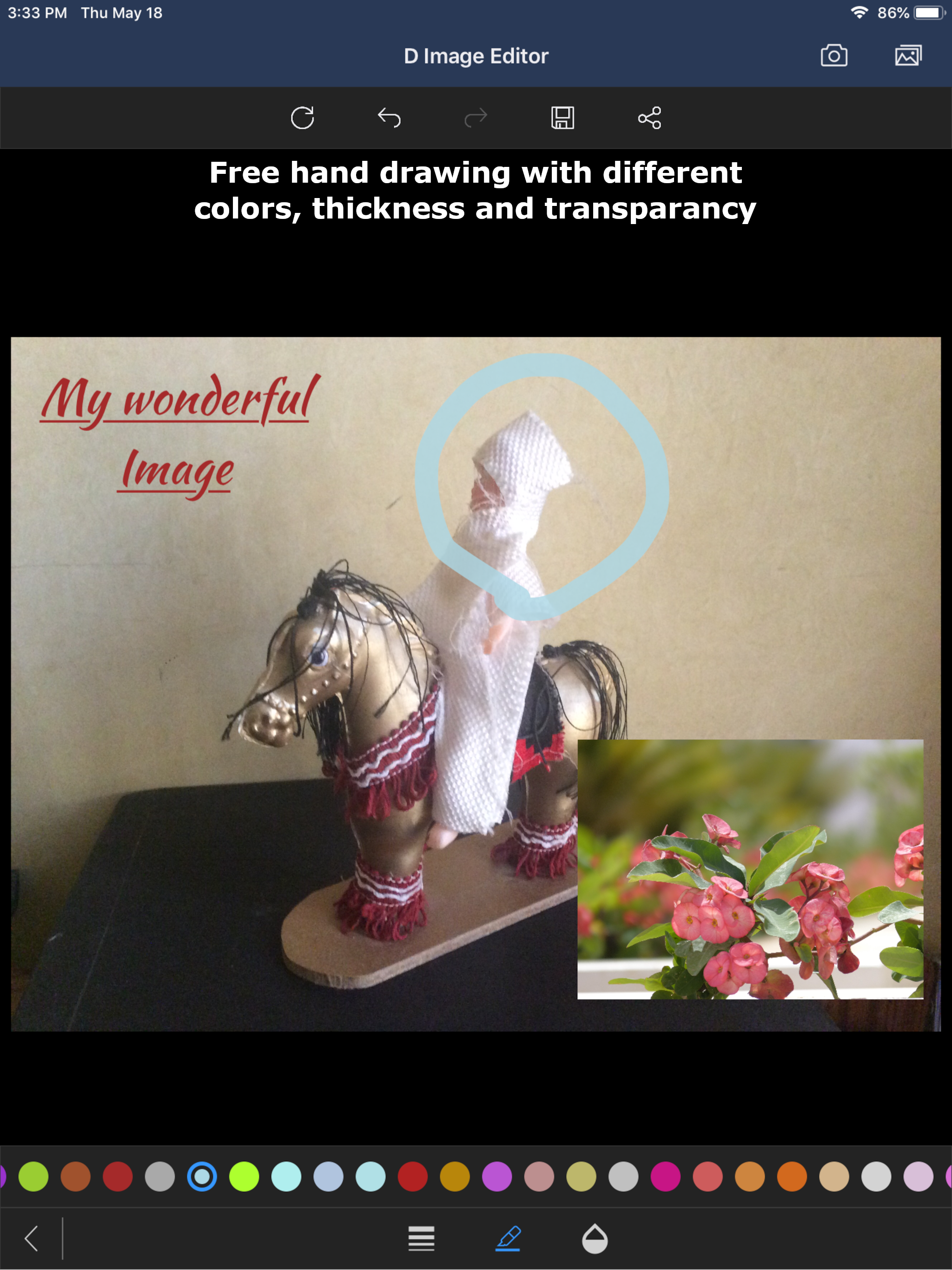
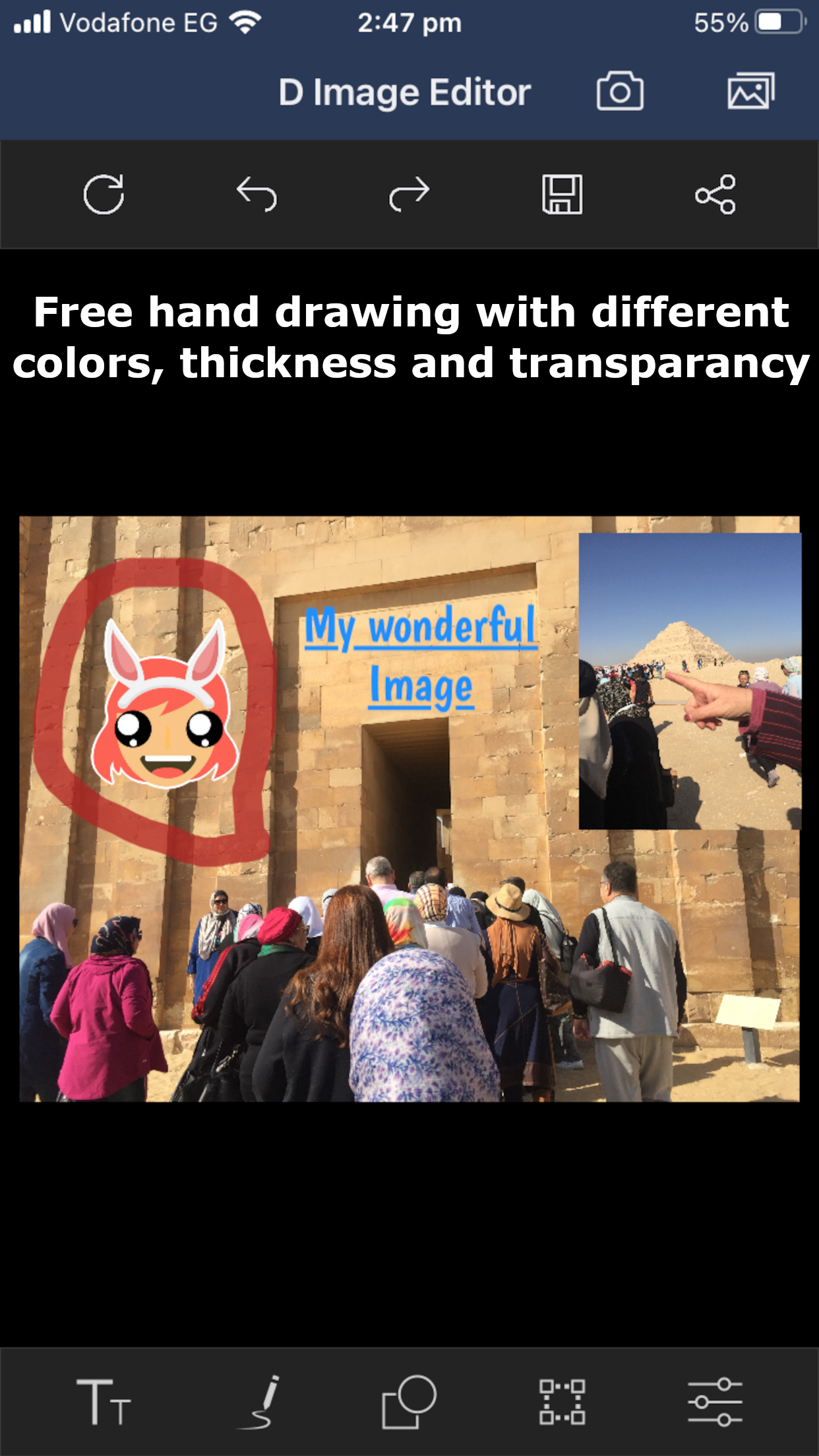
• Freehand Drawing: Draw on photos smoothly with fully customizable brush stroke thickness.
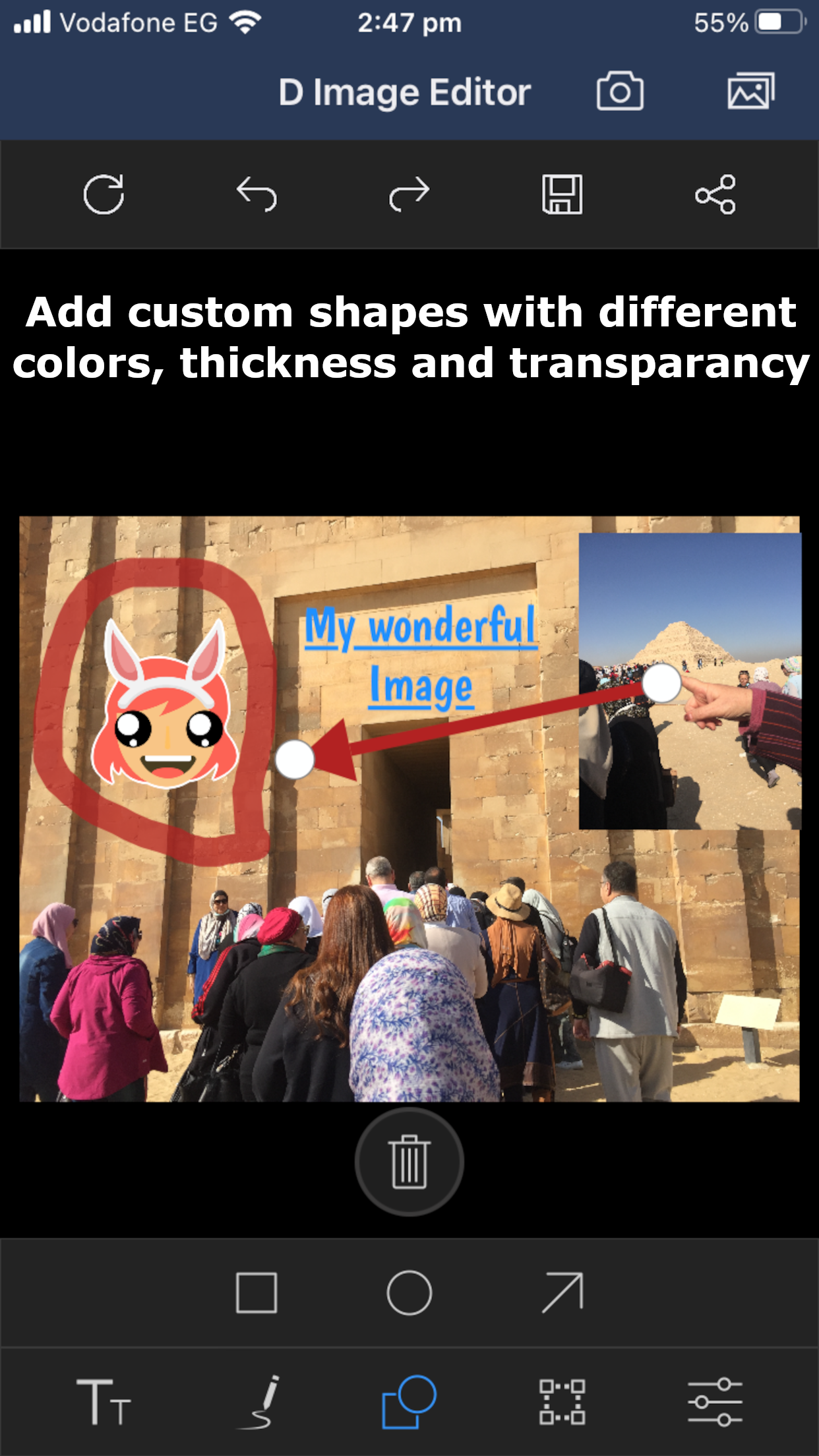
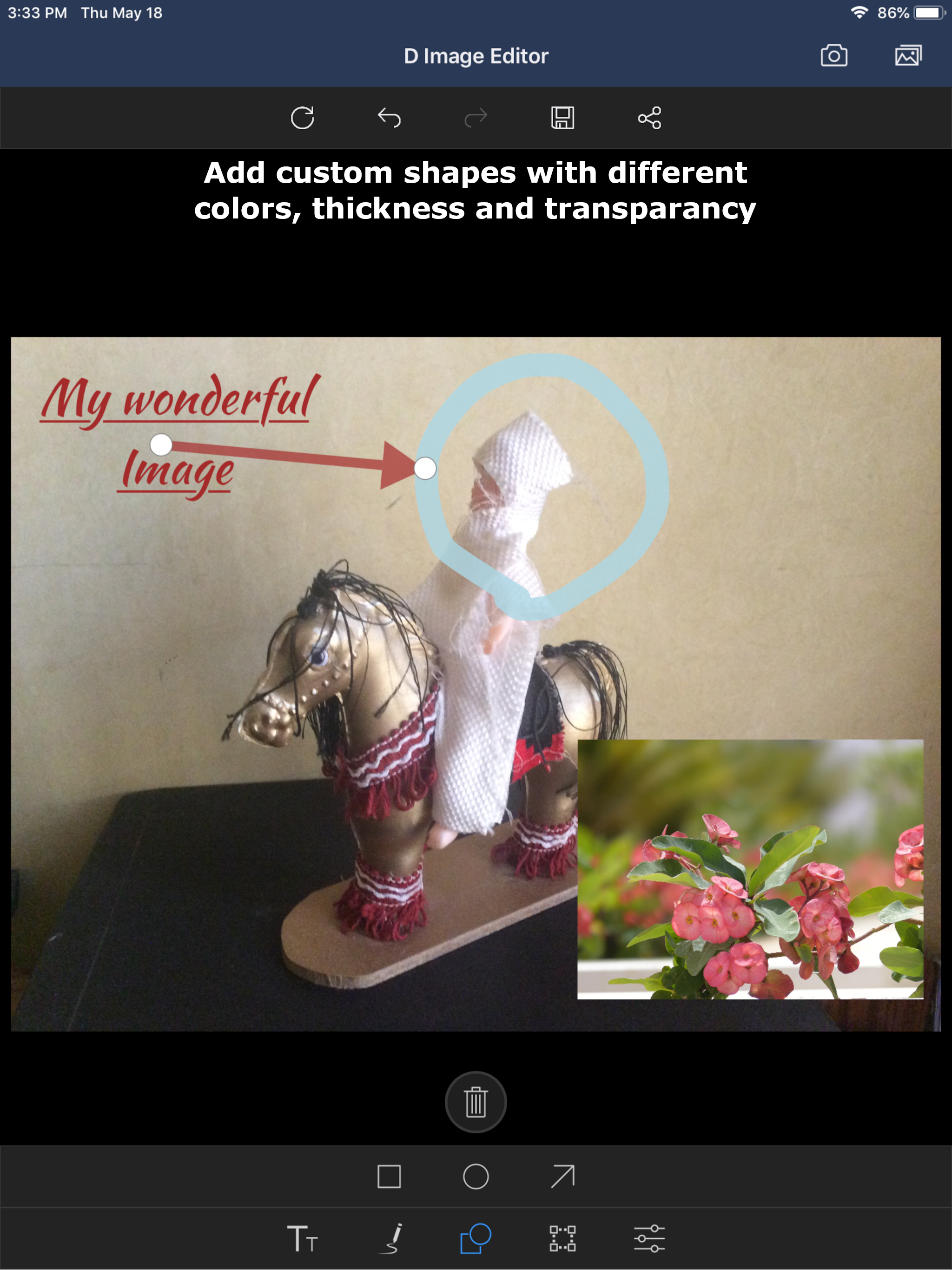
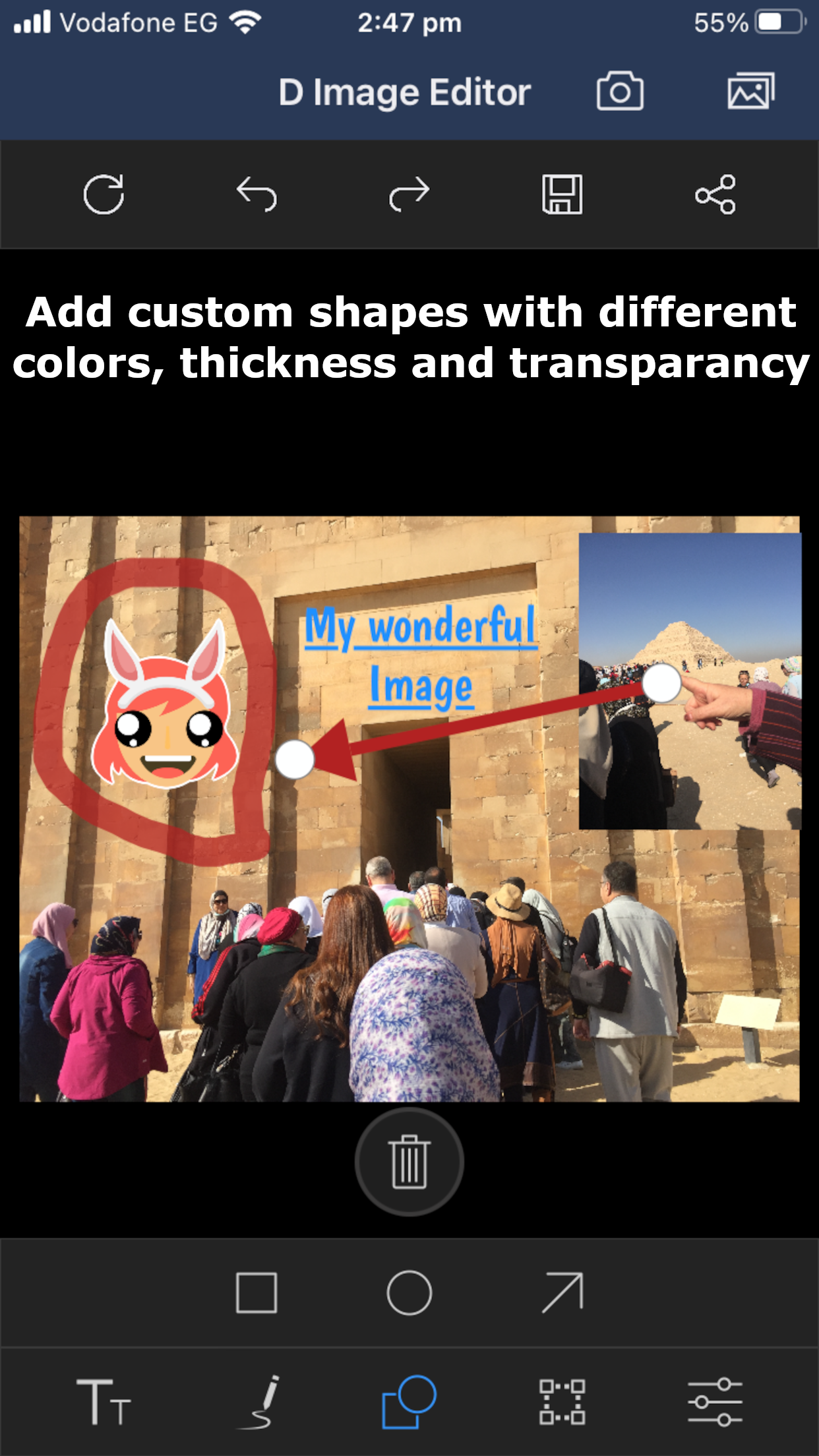
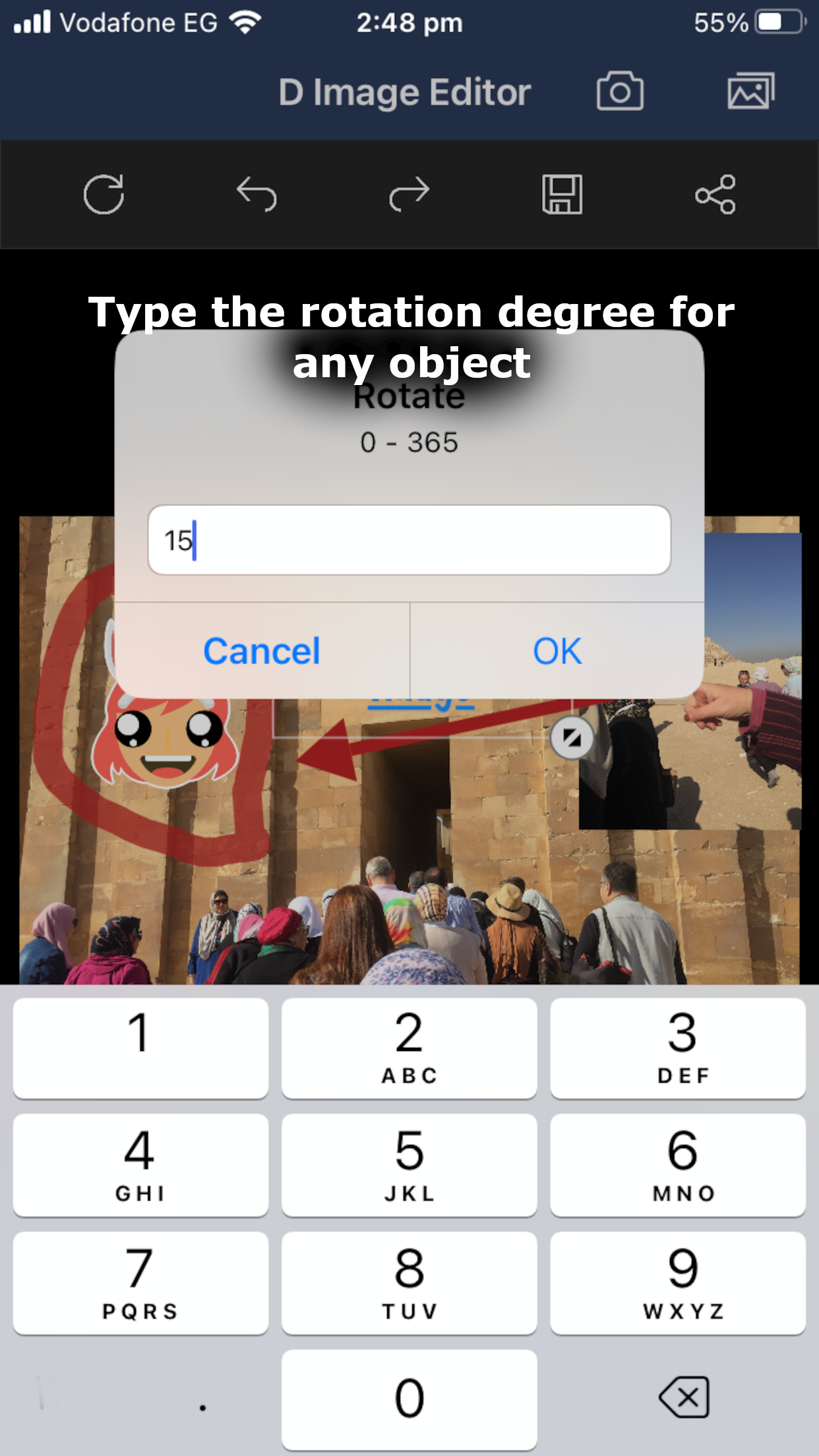
• Photo Annotation & Shapes: Drop built-in shapes like arrows, rectangles, and circles onto your images to highlight important details.
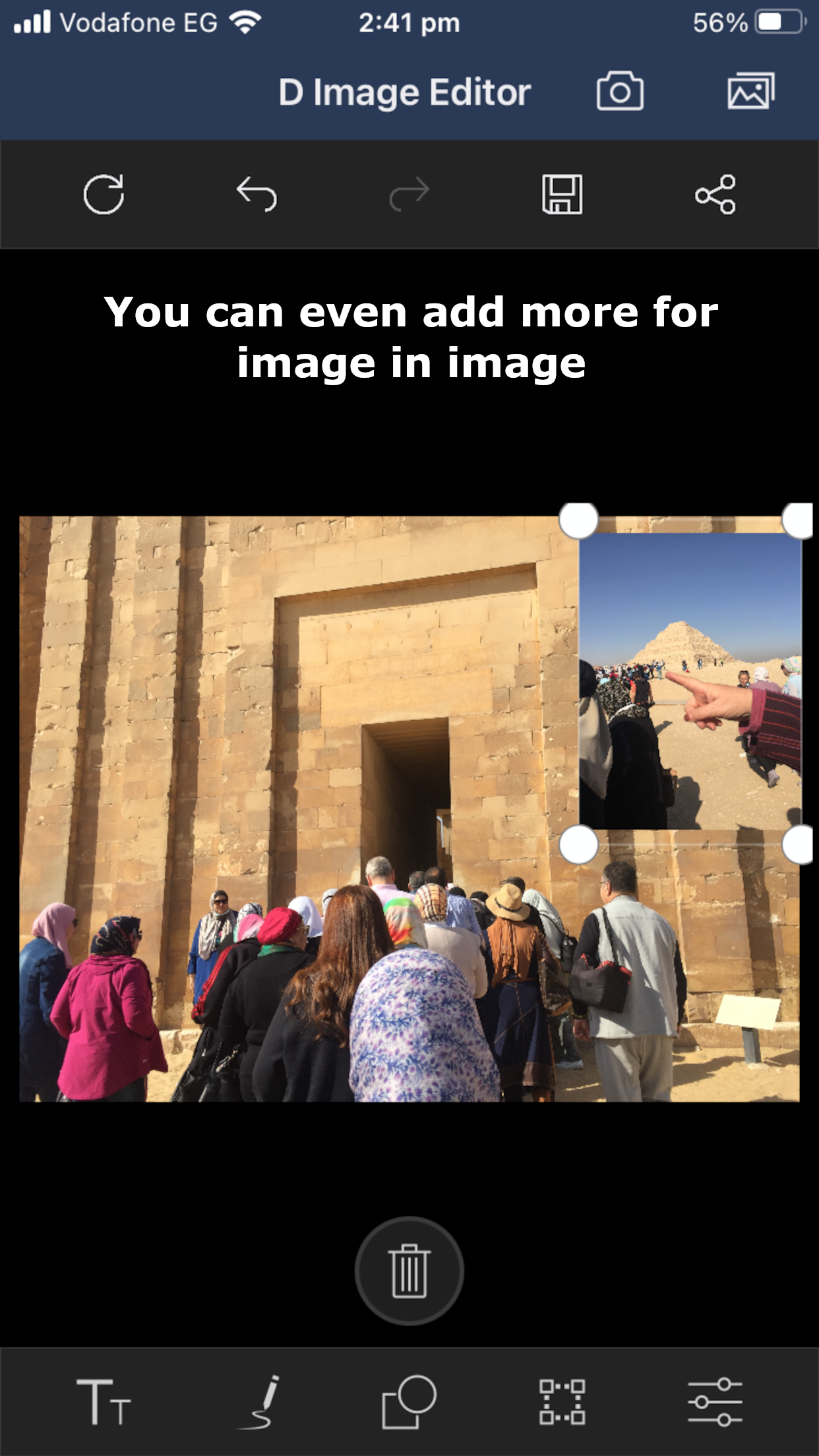
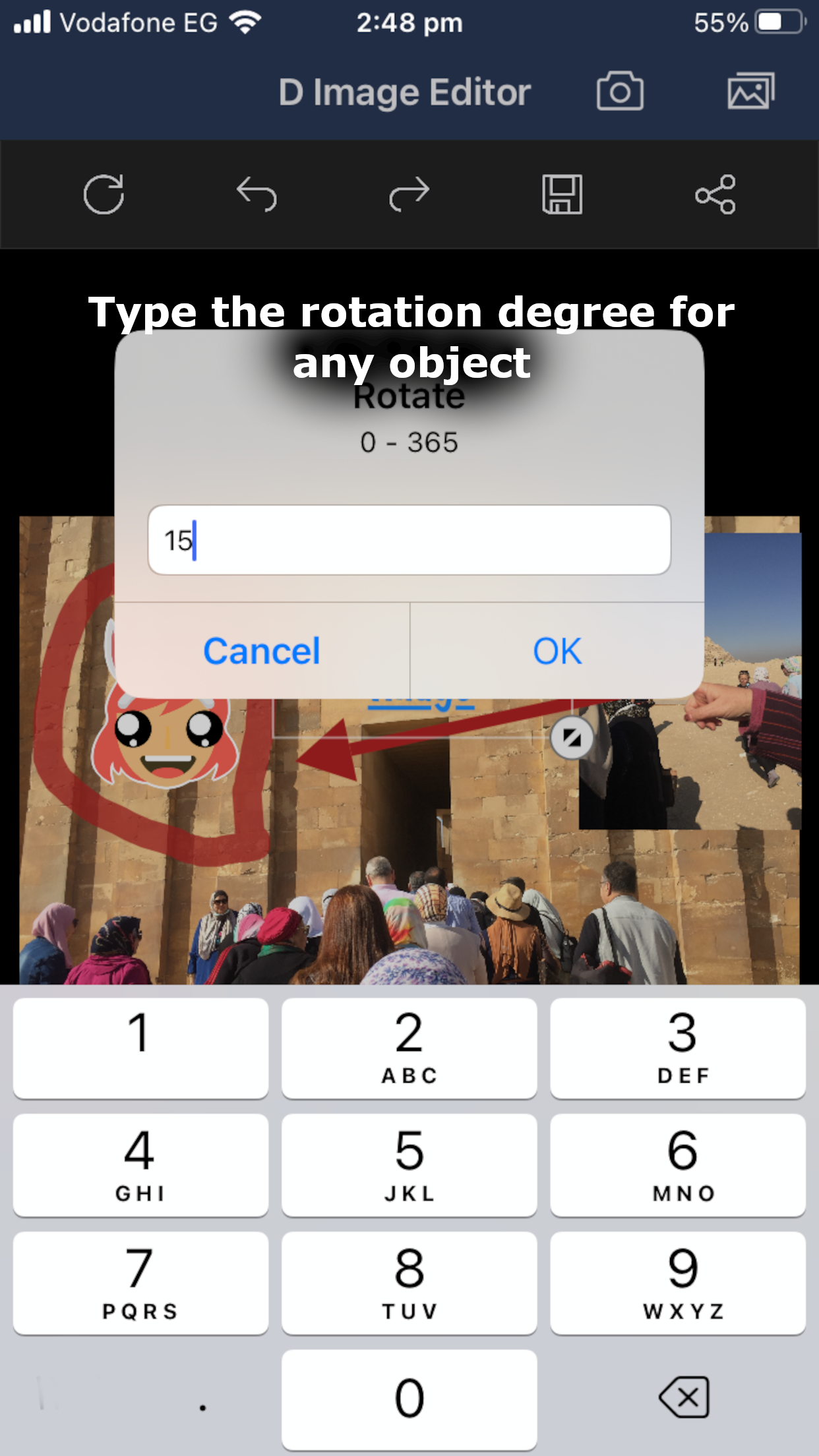
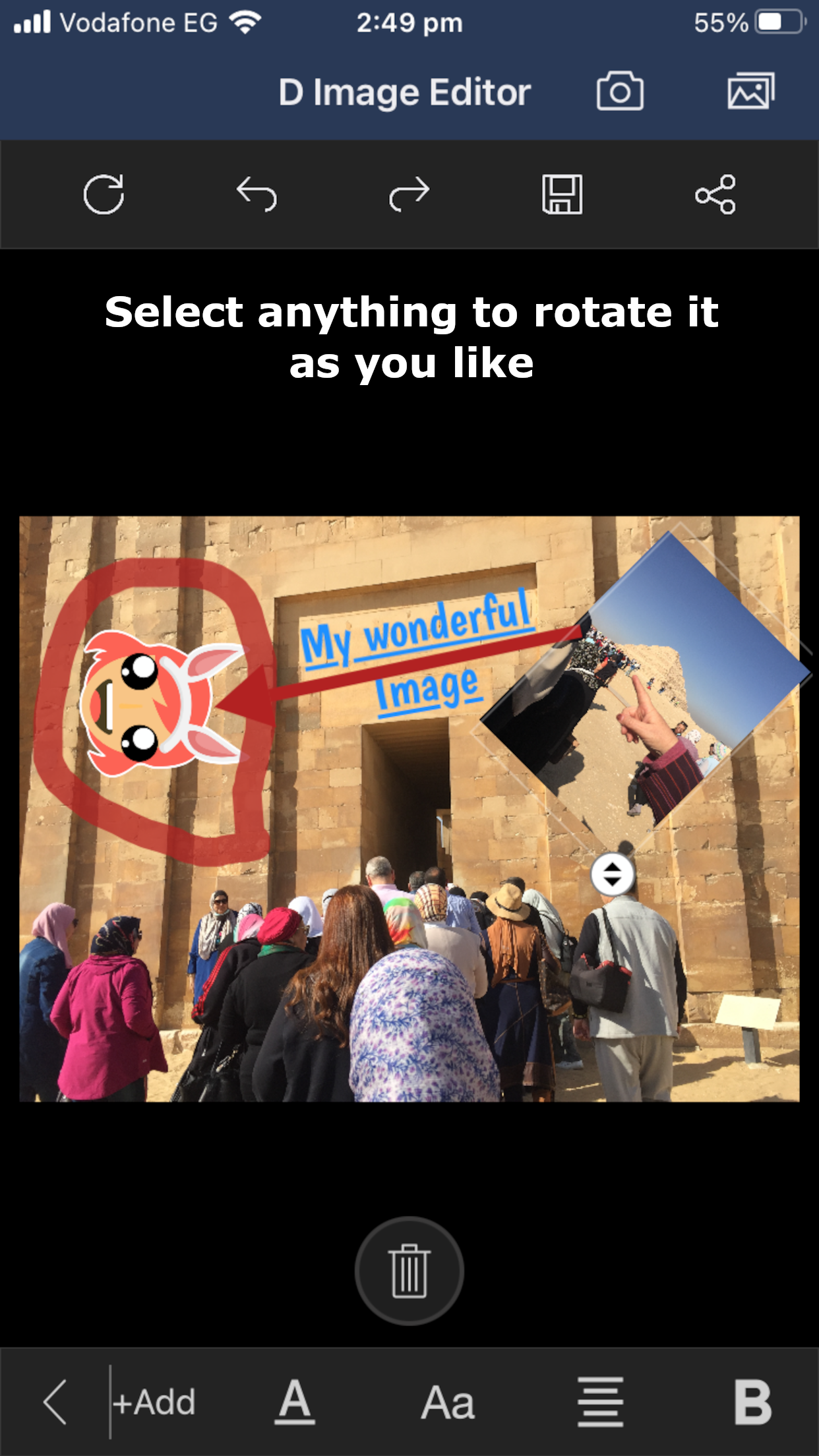
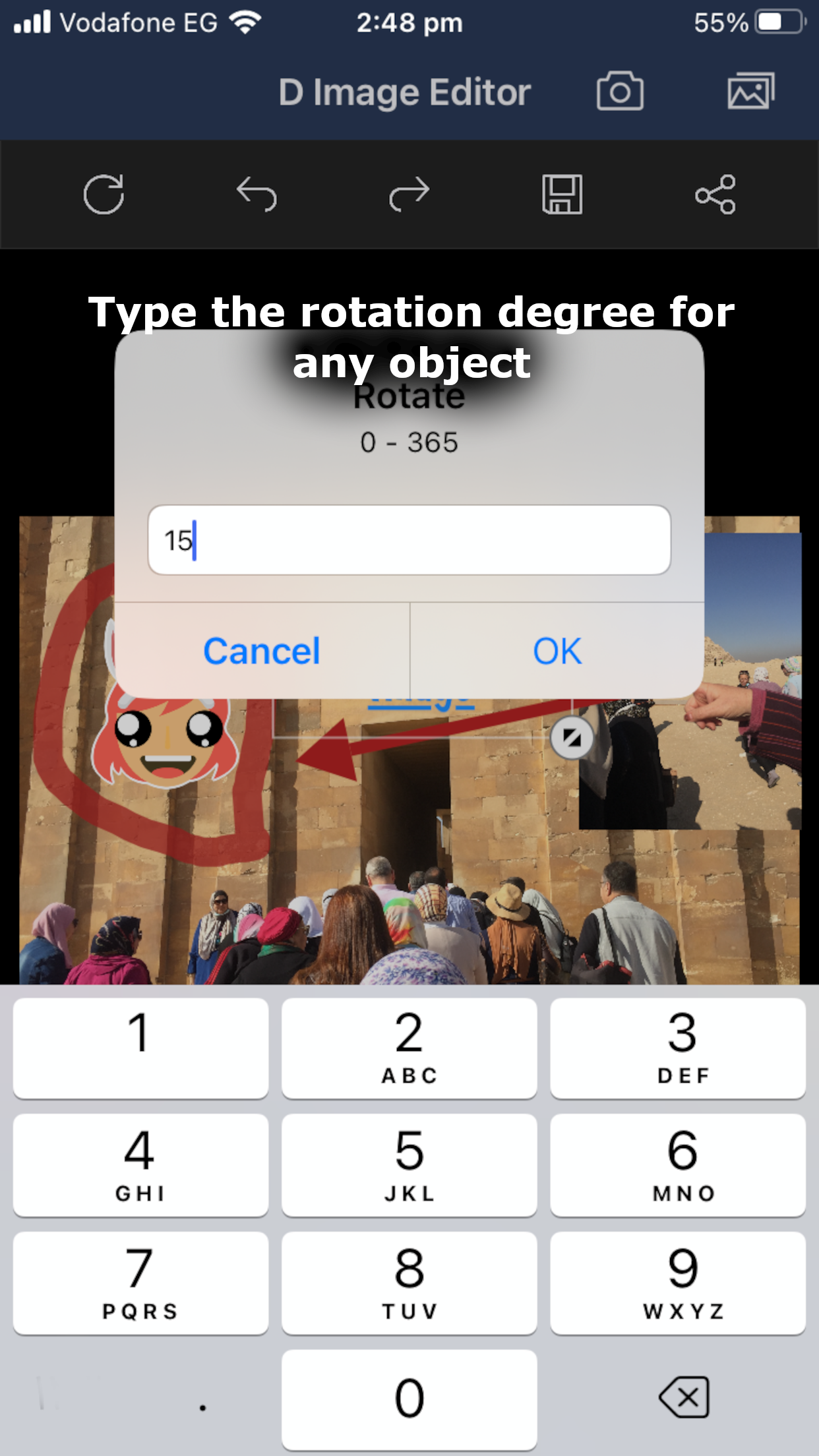
• Move & Resize: Drag, drop, rotate, and resize your text and shapes dynamically.
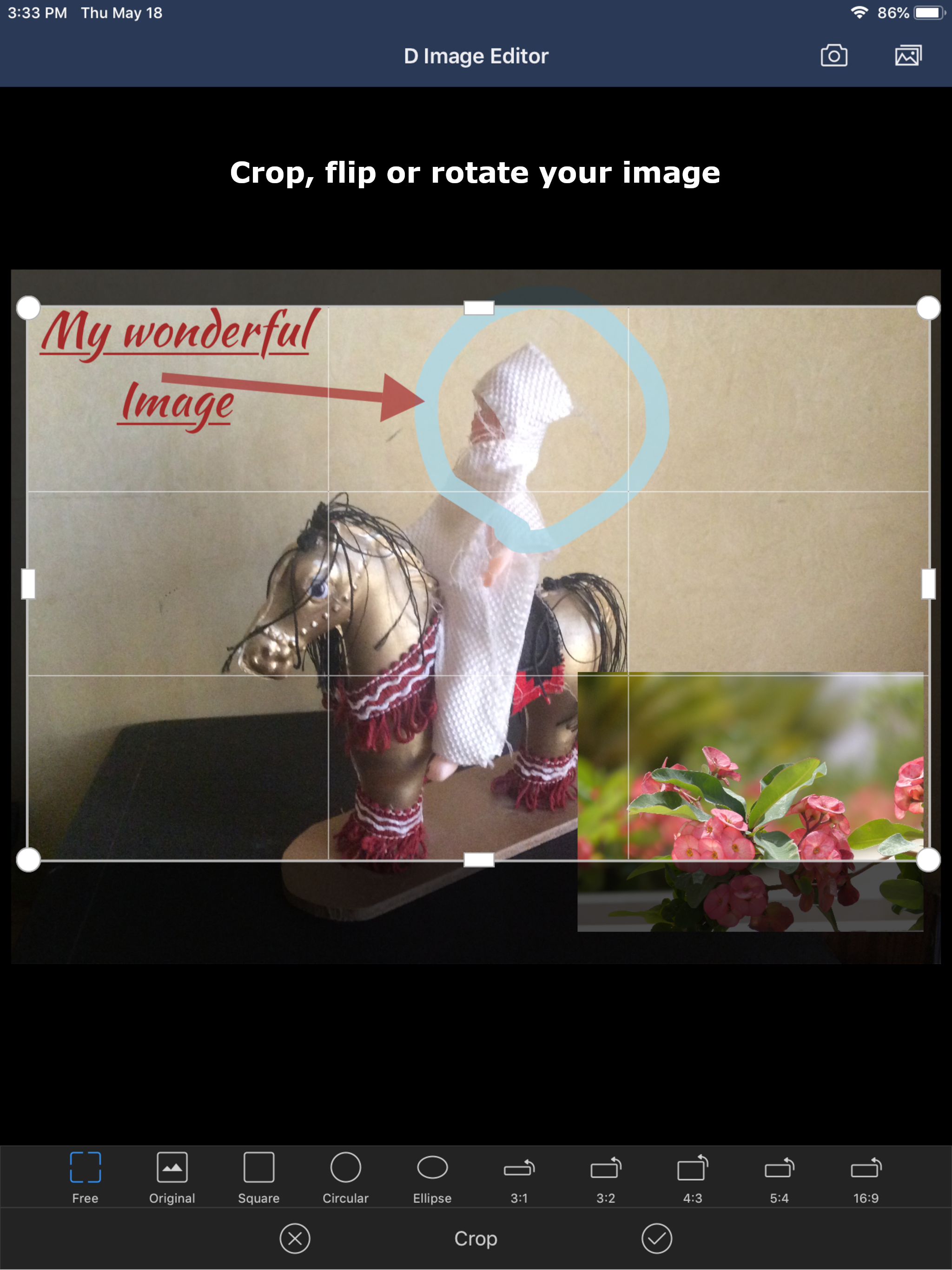
• Image Transformation: Quickly rotate, flip, and crop images to any specific region.
• Zoom & Pan: Pinch to zoom into pictures for high-precision drawing and precise pixel editing.
Why Choose D Image Editor?
Unlike bloated photo editing software that slows down your device, this app is incredibly small, light, and optimized for mobile performance. It is a cross-platform, free software tool built for absolute simplicity.
Perfect for quick picture annotation, adding text to screenshots, marking up diagrams, or just sketching out creative ideas over your favorite images.
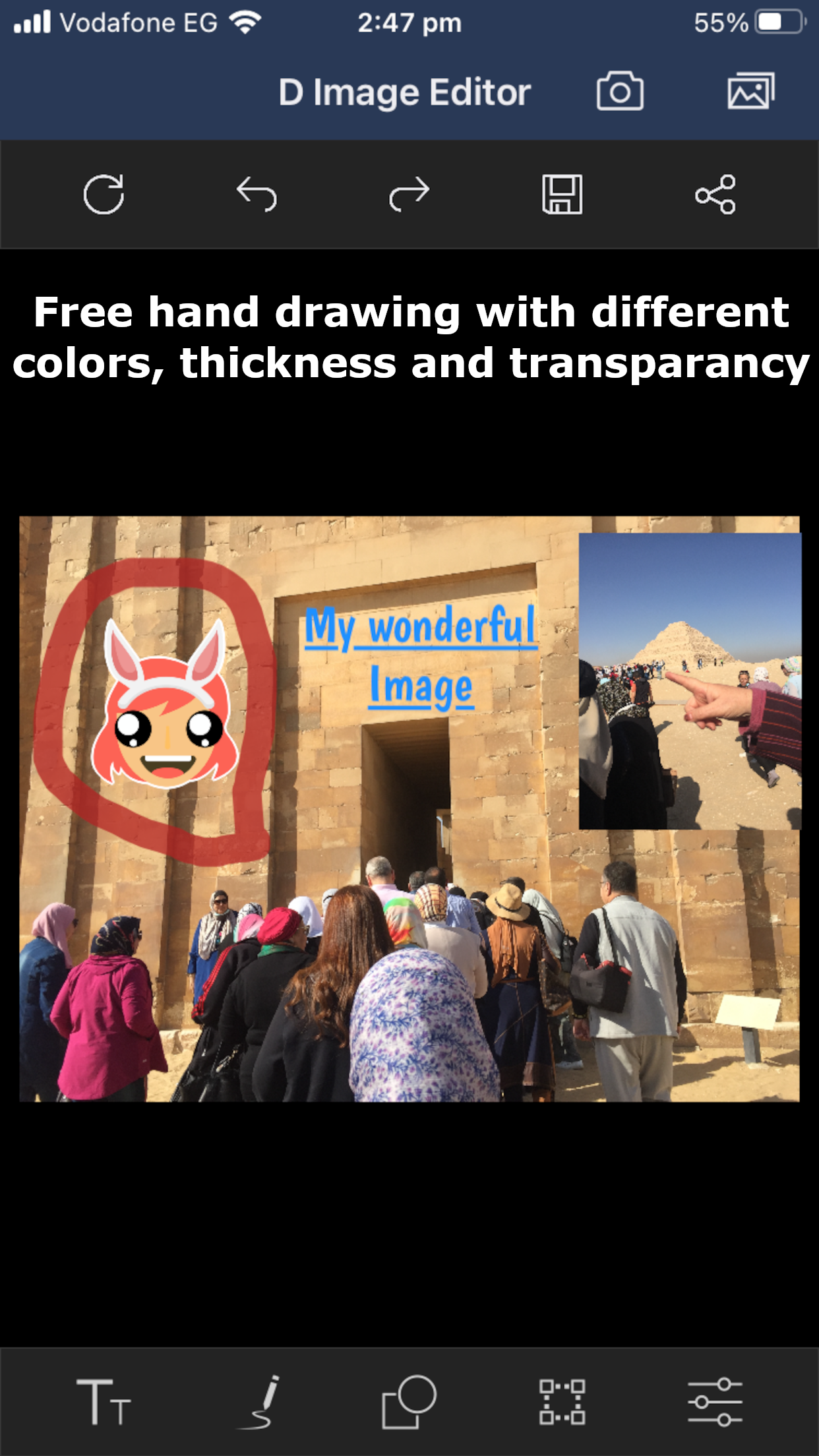
This app is a free and very convenient tool for editing an image by annotating it with freehand drawing paths, text, and built-in shapes. It also allows you to crop and flip the image.
- D Image Editor support freehand drawing over images with customizable stroke thickness options.
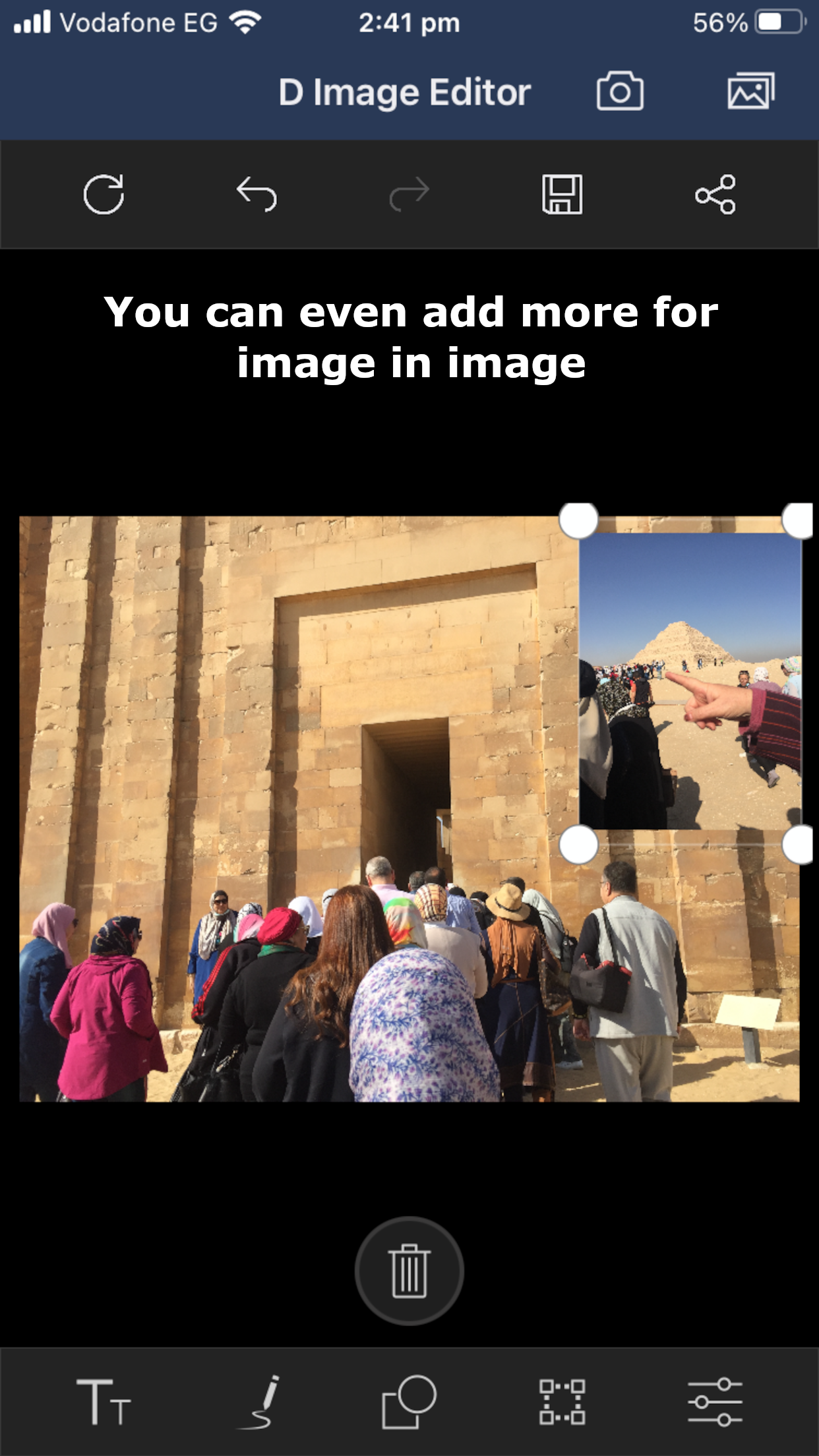
- Annotate images with shapes (rectangle, arrow, and circle), text, and freehand drawings that can be dragged and dropped, and resized.
- D Image Editor provides an option to perform image transformations such as rotate and flip.
- D Image Editor provides an option to crop a particular region of an image as desired with the help of the built-in cropping tool.
- D Image Editor supports image zooming and panning.
- All of that is for free without paying anything or in app purchase.
So this Free & Open Source Image Editor is a cross-platform image editor available for Android and iOS and more operating systems. It is free software, so whether you are a graphic designer, photographer, illustrator, or scientist. You will have a sophisticated tools to get your job done. You can further enhance your productivity with it thanks to many customization options.
You have the tools you needed for high quality image manipulation. From retouching to restoring to creative composites, the only limit is your imagination.
You have the power and flexibility to transform images into truly unique creations. So it is a freely distributed program for such tasks as photo retouching, image composition and image authoring.
D Image Editor is a versatile graphics manipulation package. This page should help you get a taste of what is capable of.
Each task requires a different environment and D Image Editor allows you to customize the view and behavior the way you like it. Starting from the widget theme, allowing you to change colors, widget spacings and icon sizes to custom tool sets in the toolbox. The interface is modulized into so called docks, allowing you to stack them into tabs or keep them open in their own window. Pressing the tab key will toggle them hidden.
Numerous digital photo imperfections can be easily compensated for using D Image Editor. Fix perspective distortion caused by lens tilt simply choosing the corrective mode in the transform tools. Eliminate lens’ barrel distortion and vignetting with a powerful filter but a simple interface.
The included channel mixer gives you the flexibility and power to get your B/W photography stand out the way you need.

D Image Editor 2.6.2 Update

Bug fixes.
Read More
D Image Editor Features
Previous Versions More
D Image Editor
D Image Editor 2.6.2 XAPK APKs
August 6, 2026 33.95 MB

Requires Android: Android 5.0+

Architecture: arm64-v8a

Screen DPI: 160-640dpi

SHA1: c9462e2e345e49a4c088900e6a485974ed29ed78

Size: 33.95 MB

What's New:

Bug fixes.
D Image Editor
D Image Editor 2.6.1 XAPK APKs
June 30, 2026 40.91 MB

Requires Android: Android 5.0+

Architecture: arm64-v8a

Screen DPI: 160-640dpi

SHA1: 1ce123f19062fb0499ab8cb9044c943582470af2

Size: 40.91 MB

What's New:

Bug fixes.
D Image Editor
D Image Editor 2.6 XAPK APKs
June 28, 2026 40.91 MB

Requires Android: Android 5.0+

Architecture: arm64-v8a

Screen DPI: 160-640dpi

SHA1: 3f7641a2f957812e21a10874b10bb247d54b31a2

Size: 40.91 MB

What's New:

Bug fixes.
D Image Editor
D Image Editor 2.5 XAPK APKs
June 23, 2026 41.2 MB

Requires Android: Android 5.0+

Architecture: arm64-v8a

Screen DPI: 160-640dpi

SHA1: 7fe78f7ea3ee7a51505172bd2ca143f8d02a7194

Size: 41.2 MB

What's New:

To ensure compliance with Google Play policies, this update removes current advertising functionality.
The app no longer integrates AdMob, also the remove ads purchase options are no longer available.
More Information

Package Name:

com.DDual.DImageEditor

Update Date:

Latest Version:

2.6.2

Need Update:

Submit latest version

Available on:

Google Play

Requirements:

Android 5.0+