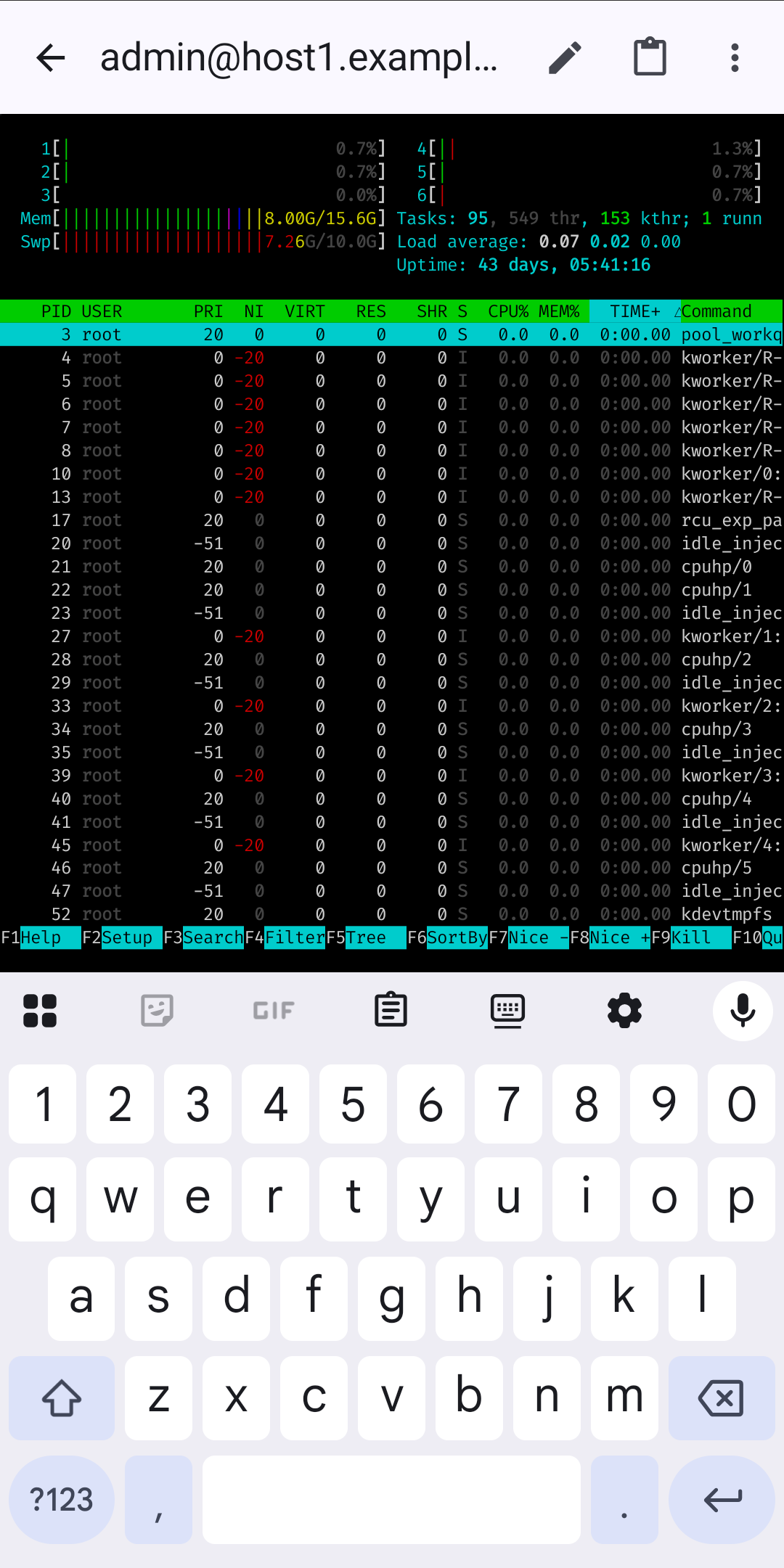
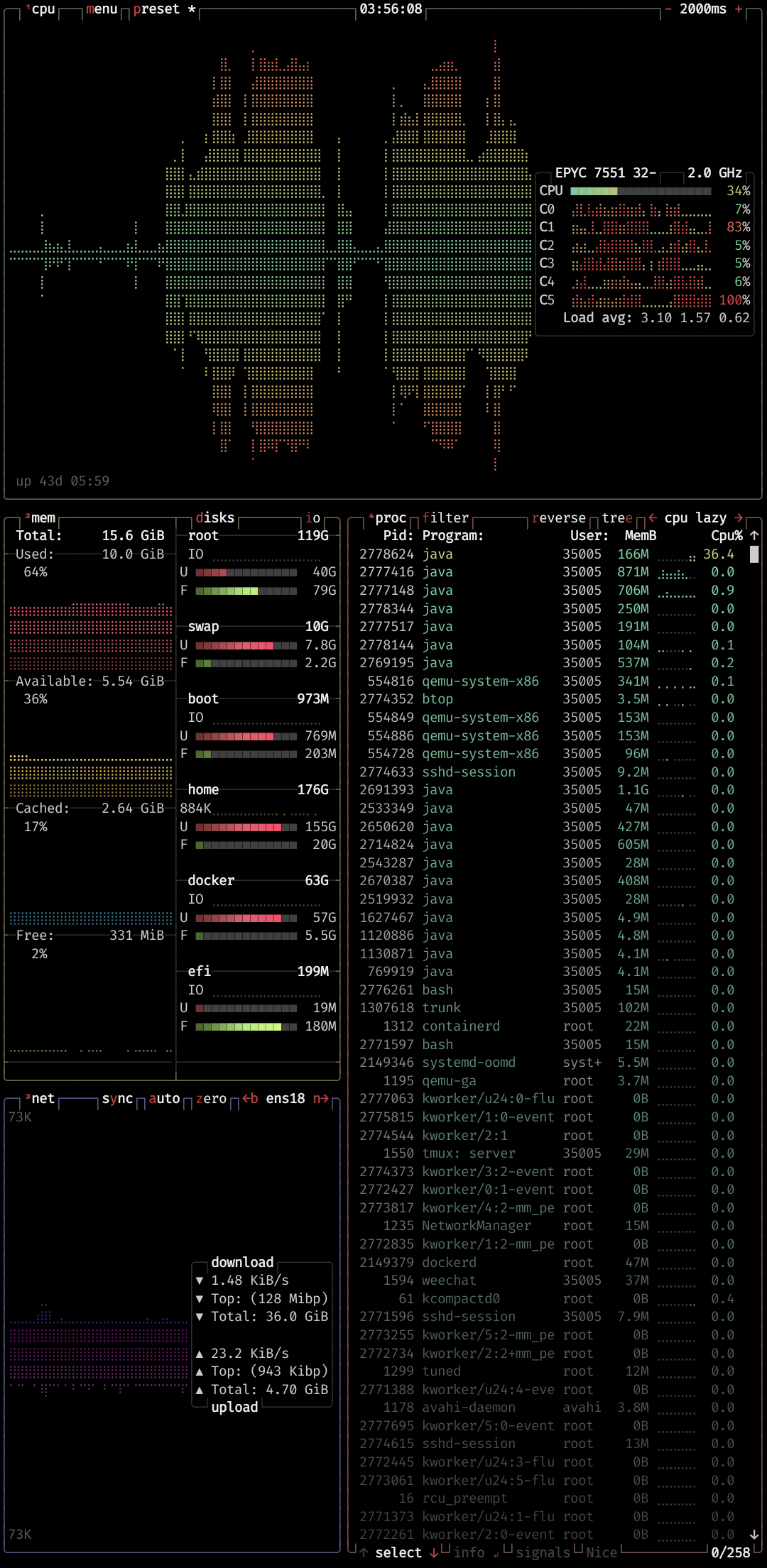
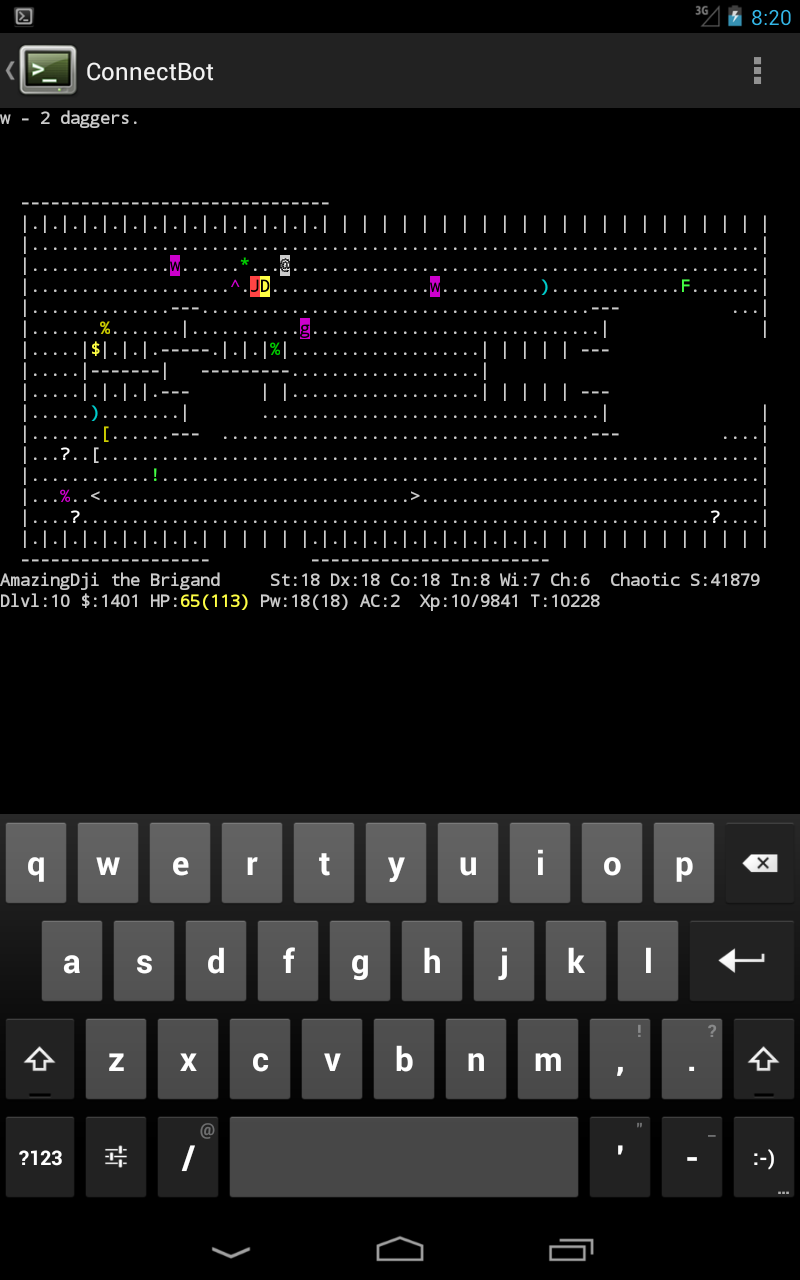
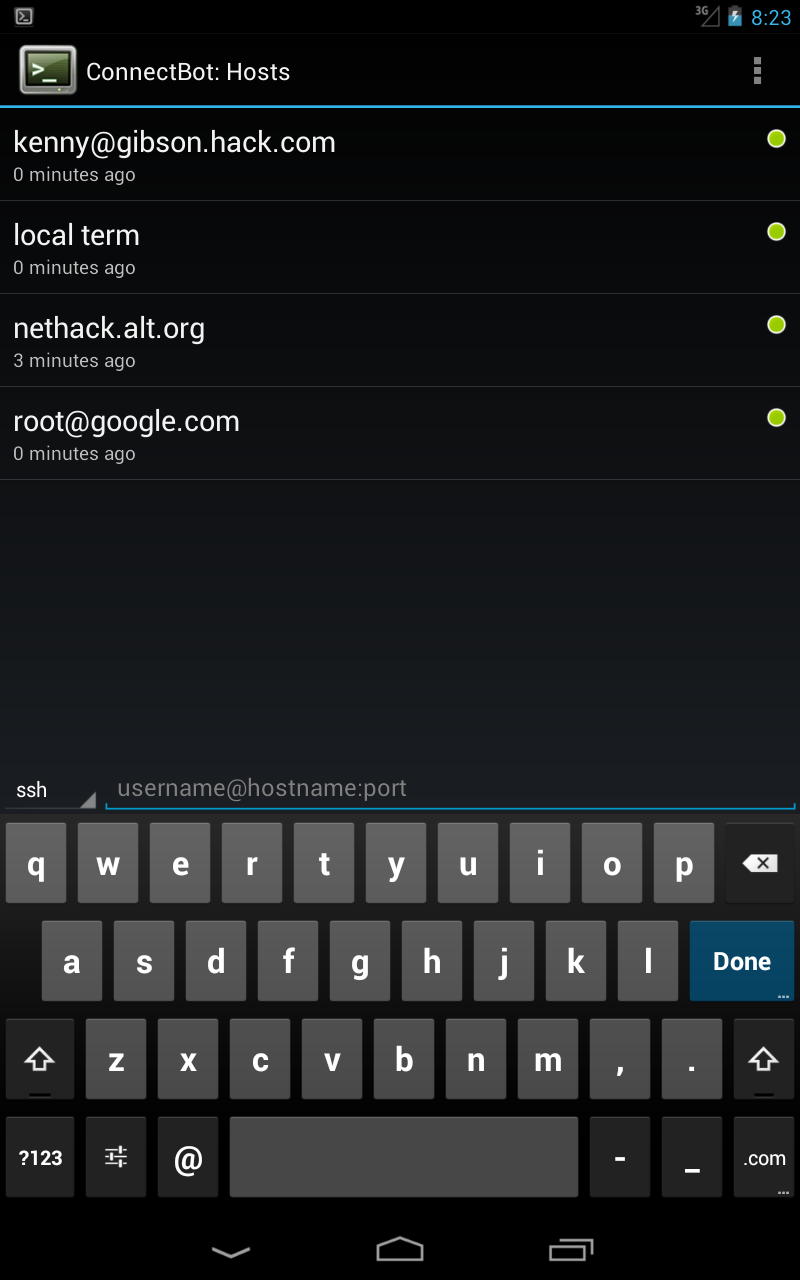
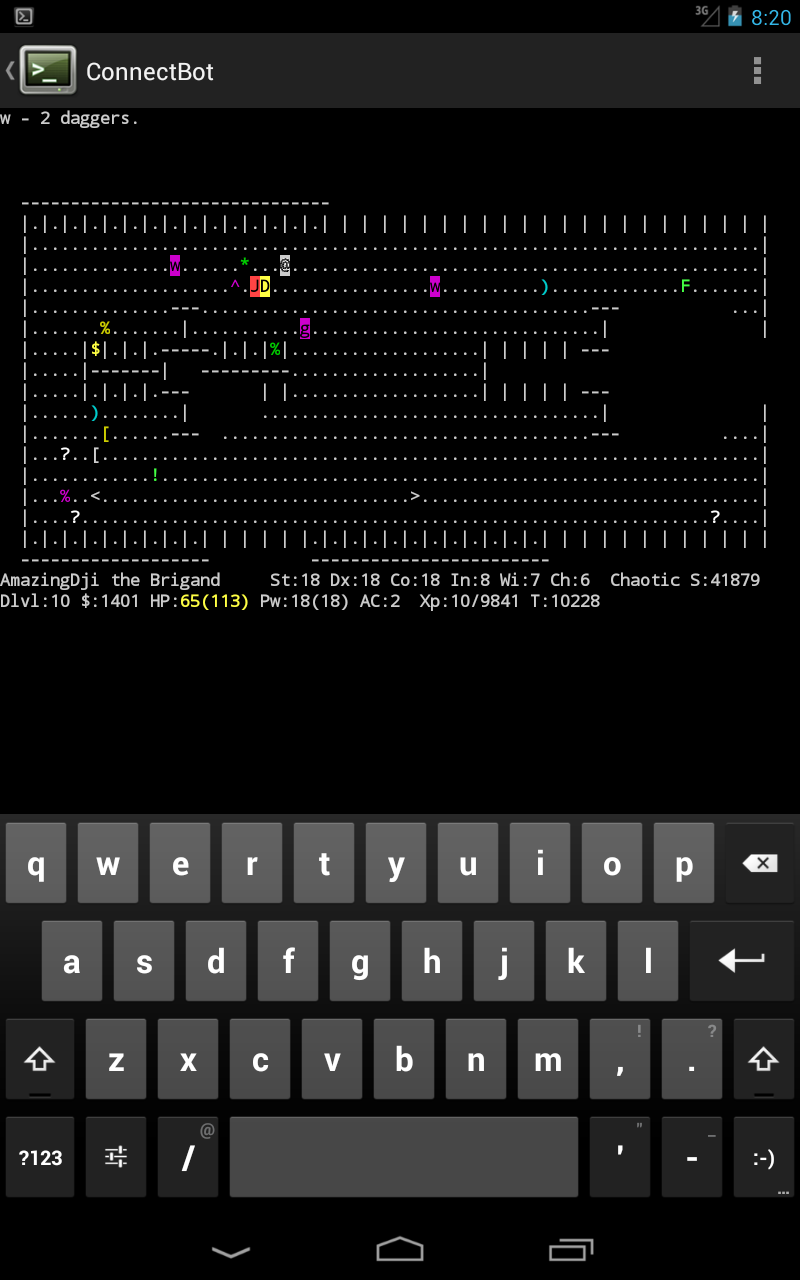
ConnectBot is a Secure Shell client for the Android platform.
About ConnectBot
ConnectBot (Package Name: org.connectbot) is developed by Kenny Root and the latest version of ConnectBot v1.11.1 was updated on October 14, 2026. ConnectBot is in the category of Communication. You can check all apps from the developer of ConnectBot and find 200 alternative apps to ConnectBot on Android. Currently this app is for free. This app can be downloaded on Android 10.0+ on APKFab or Google Play. All APK/XAPK files on APKFab.com are original and 100% safe with fast download.
ConnectBot is a powerful open-source Secure Shell (SSH) client. It can manage simultaneous SSH sessions, create secure tunnels, and copy/paste between other applications. This client allows you to connect to Secure Shell servers that typically run on UNIX-based servers.
ConnectBot v1.11.1 Update
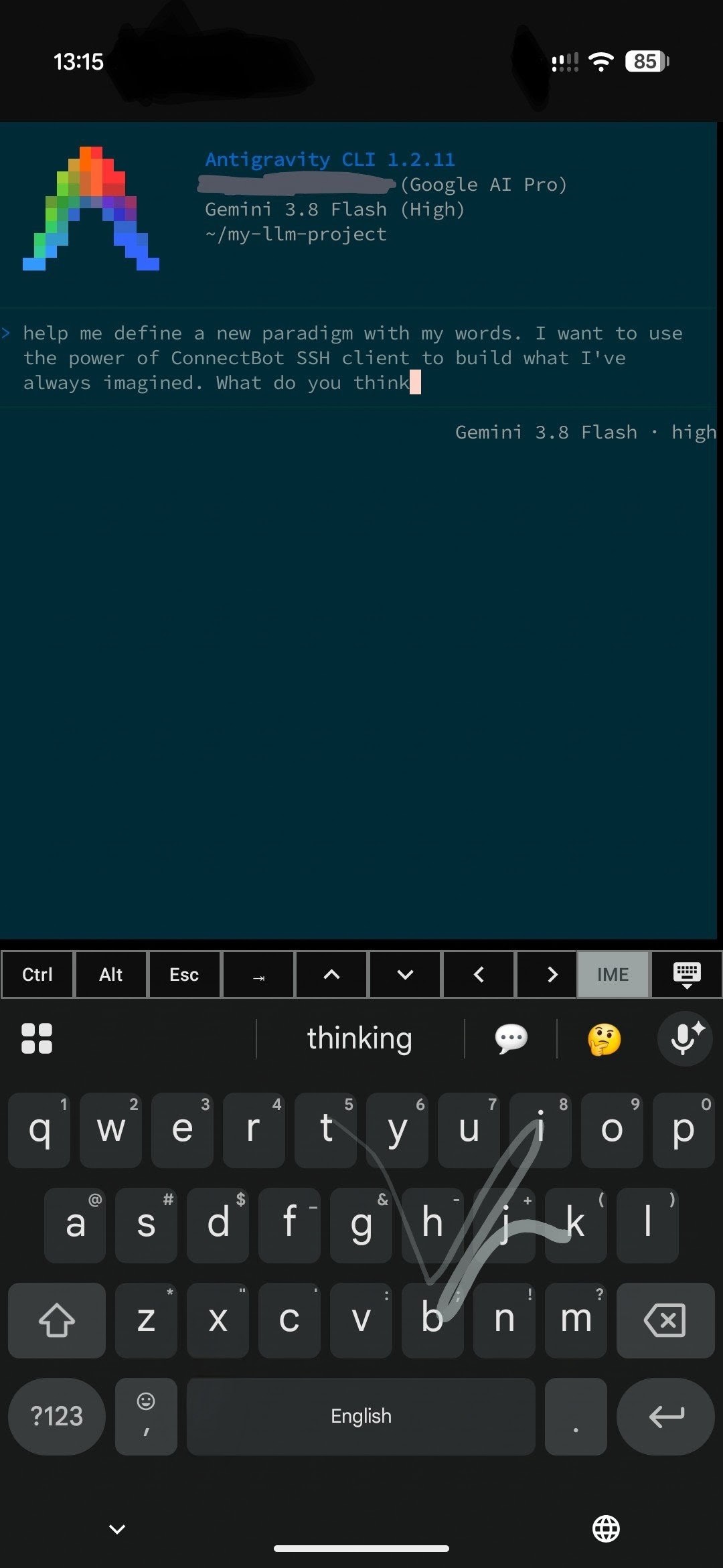
• Mosh support for roaming, drop-resilient mobile connections • You can now select and copy text from scrollback • Better rendering for boxes and complex scripts (Arabic shaping, emoji) • Inline image support for iTerm2 and Kitty graphics • Advanced post-login automation (prompt, input, delay, port forwards) • Full IME support with dedicated shortcut controls • In-console session switching with optional swipe gesture
Features: • Downloadable language packs for a smaller app size • Import private keys from clipboard • Source address field for port forwards • Context menu paste in console Fixes: • Huge terminal rendering performance boost • Fixed Telnet connection crashes • Fixed console history scroll drifting • Fixed double-press and IME Enter key bugs • Added background connection loss warnings
APKFab.com and the download link of this app are 100% safe. All download links of apps listed on APKFab.com are from Google Play Store or submitted by users. For the app from Google Play Store, APKFab.com won't modify it in any way. For the app submitted by users, APKFab.com will verify its APK signature safety before release it on our website.