Compass (Package Name: tntstudio.supercompass) is developed by ADMAVA and the latest version of Compass - GPS Simply 4.0.1 was updated on November 19, 2026. Compass - GPS Simply is in the category of Tools. You can check all apps from the developer of Compass - GPS Simply and find 102 alternative apps to Compass - GPS Simply on Android. Currently this app is for free. This app can be downloaded on Android 8.0+ on APKFab or Google Play. All APK/XAPK files on APKFab.com are original and 100% safe with fast download.
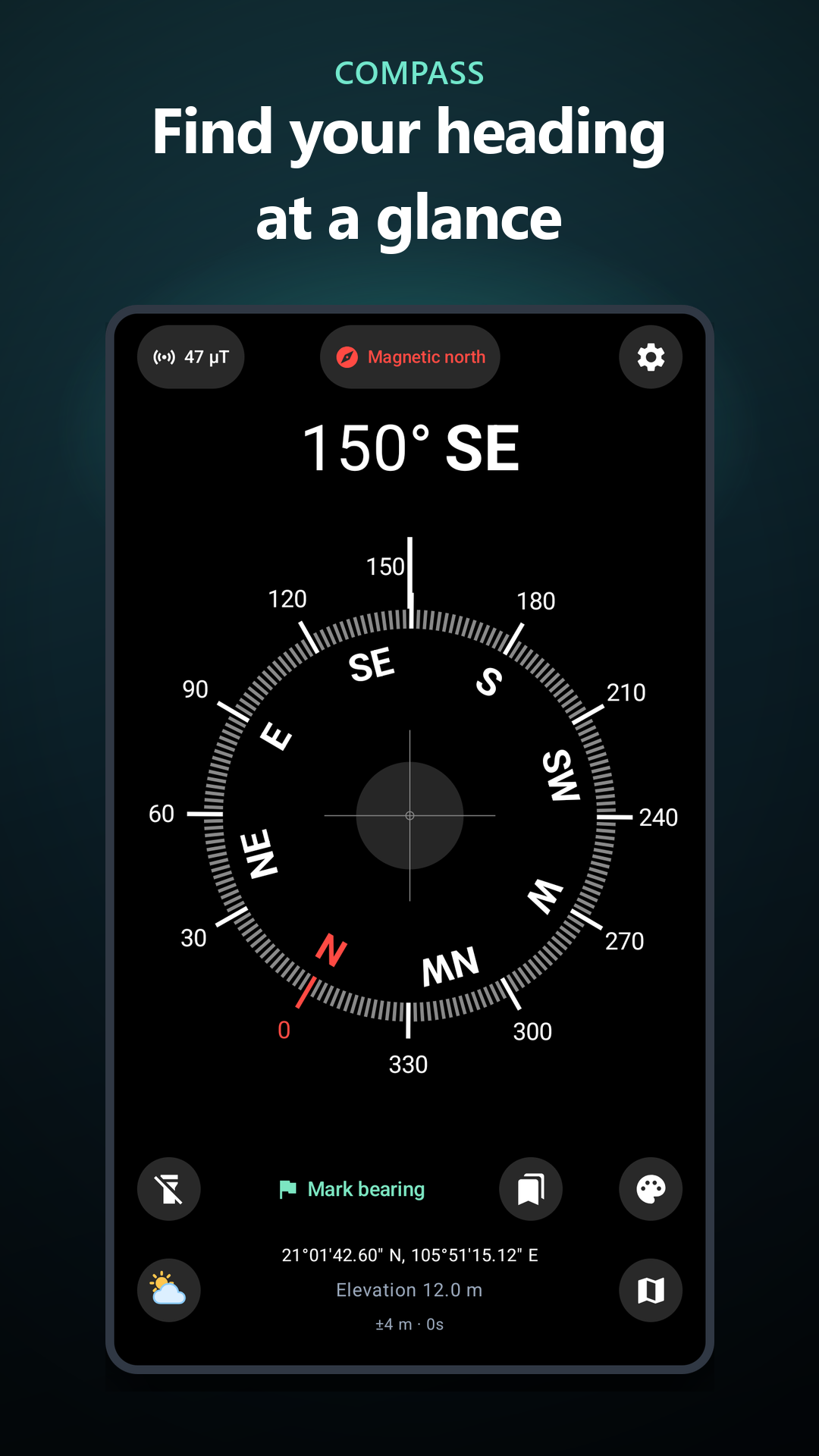
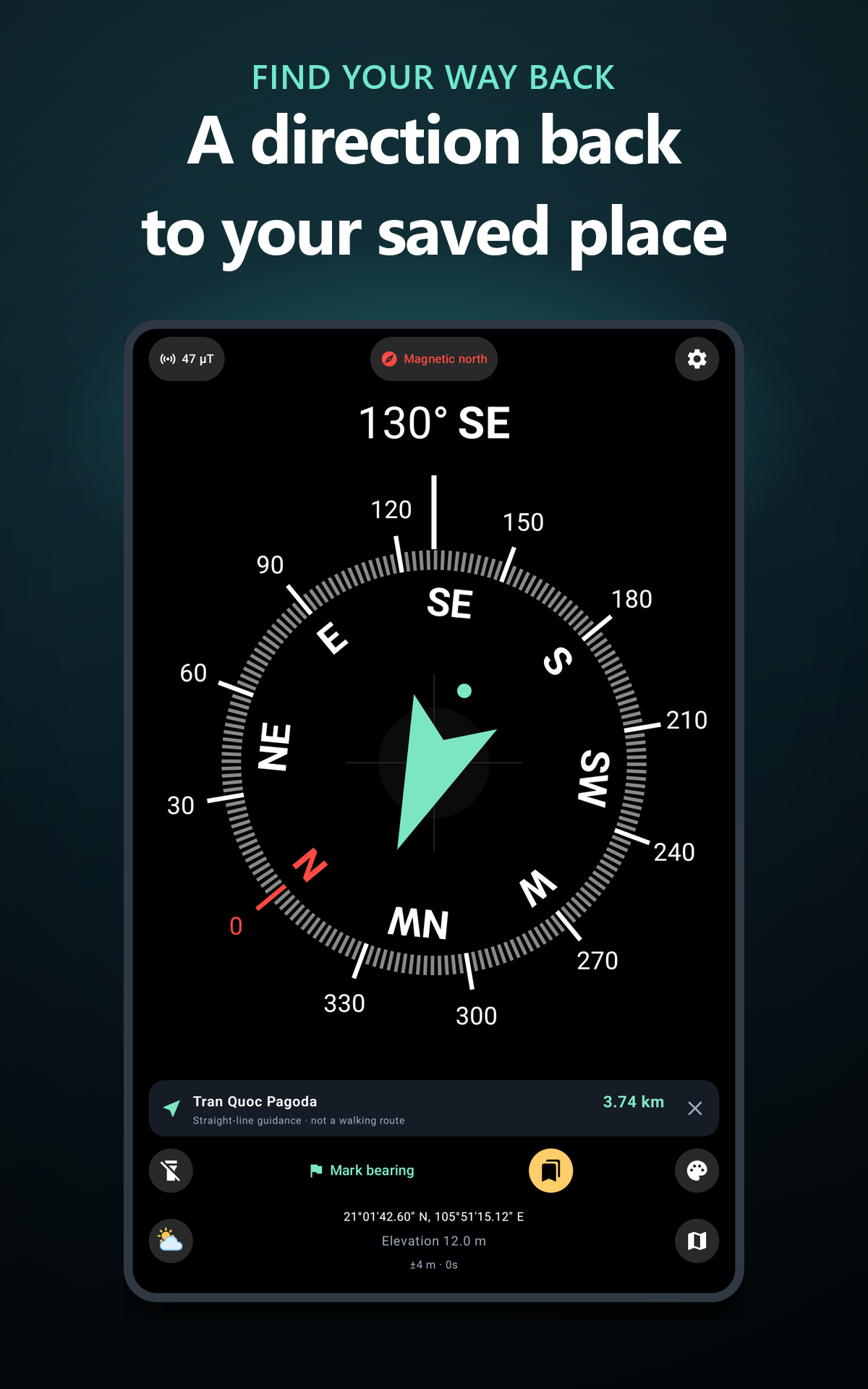
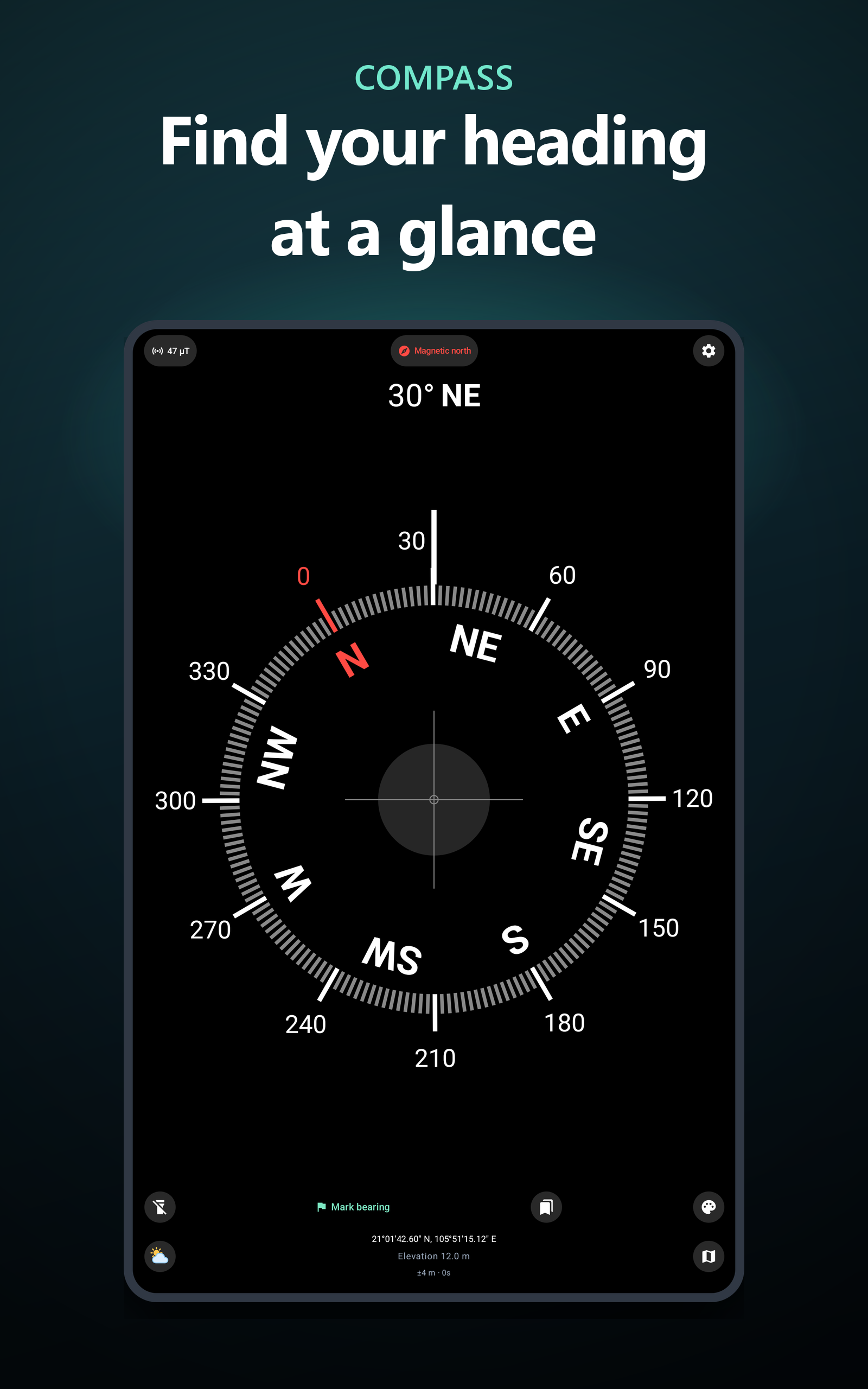
Find your heading, save important places and explore your surroundings with Compass for Android. A clear digital compass, return direction, maps and local weather bring useful navigation tools together in one app.
Whether you are exploring a new city, enjoying the outdoors or checking which way you are facing, keep the information you need close at hand.
• DIGITAL COMPASS
See your heading in degrees and cardinal directions. Switch between magnetic north and true north, save a bearing and check your phone’s level with the built-in tilt indicator. Core compass functions work offline using your device’s sensors.
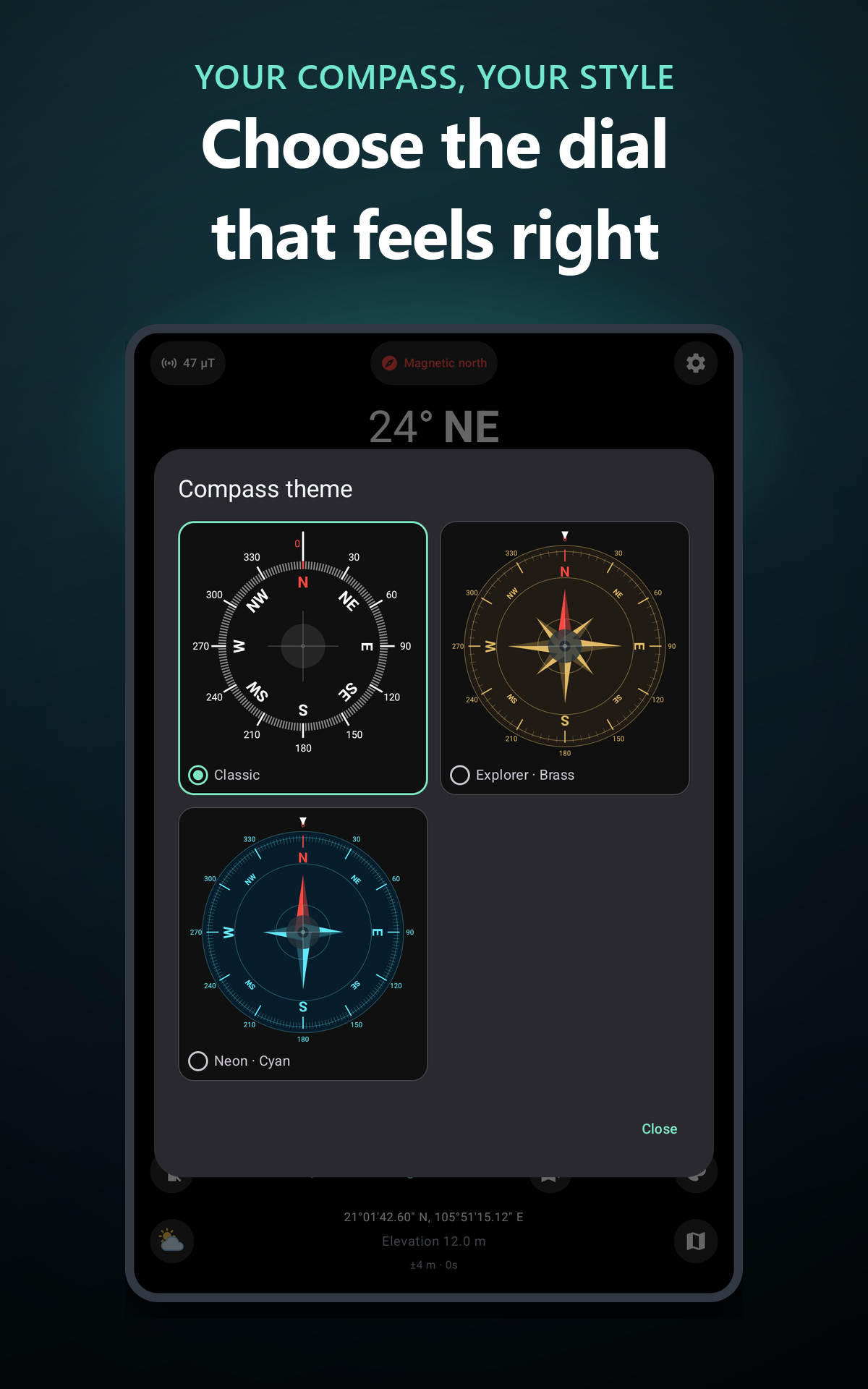
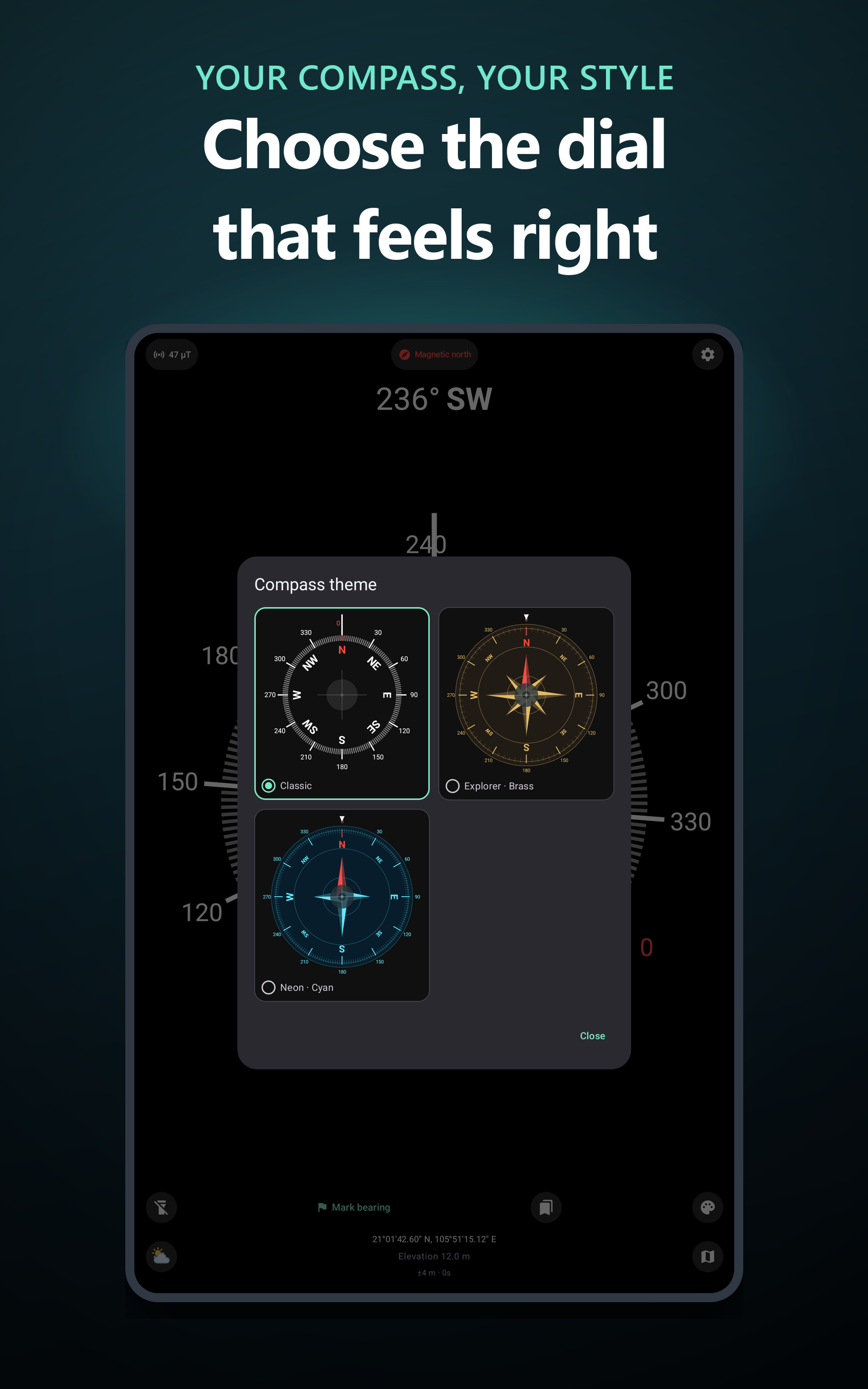
• CHOOSE YOUR COMPASS STYLE
Personalize your compass with Classic, brass-inspired Explorer and cyan Neon dials. Use full-screen mode, keep the screen awake and choose the display settings that suit you.
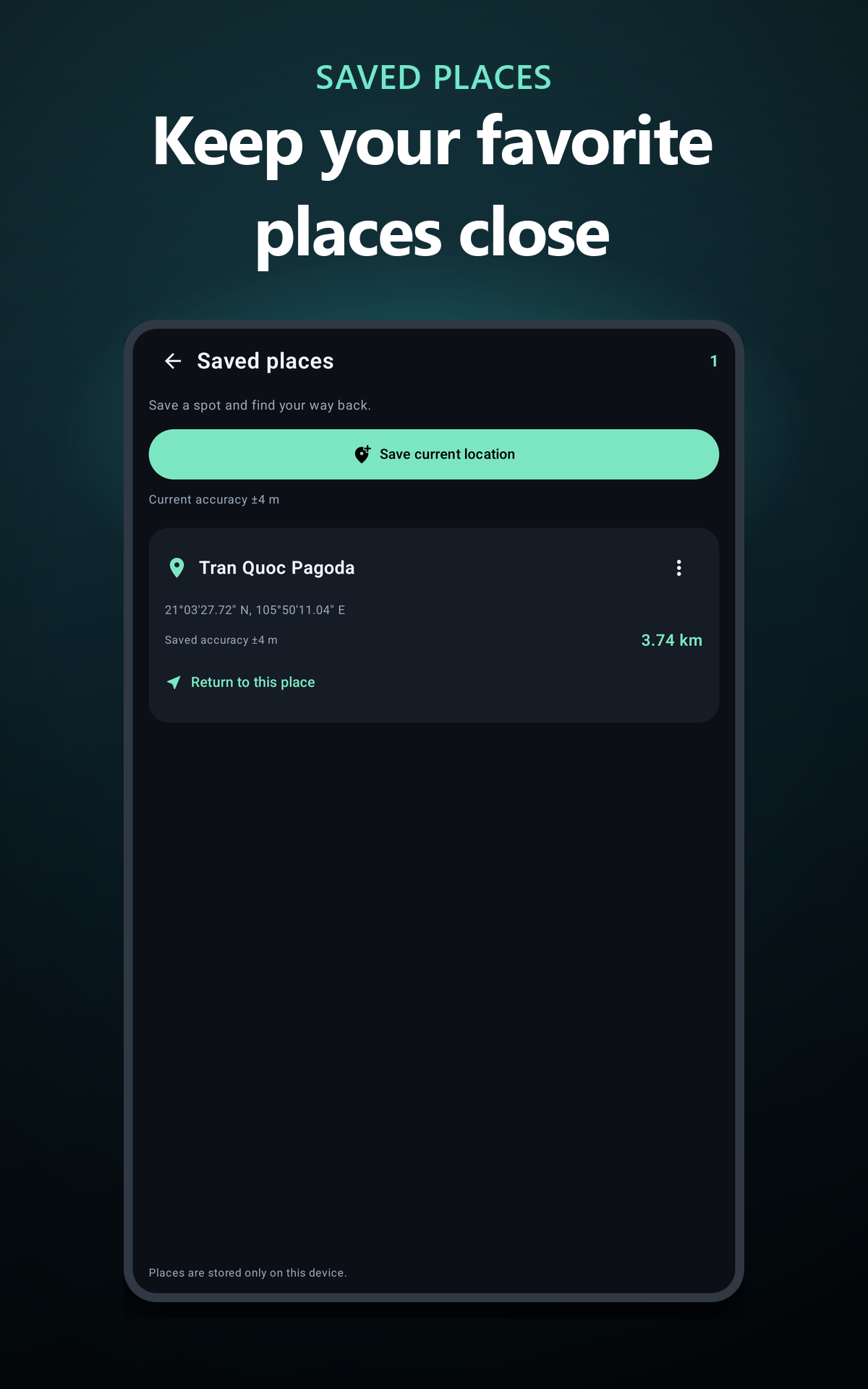
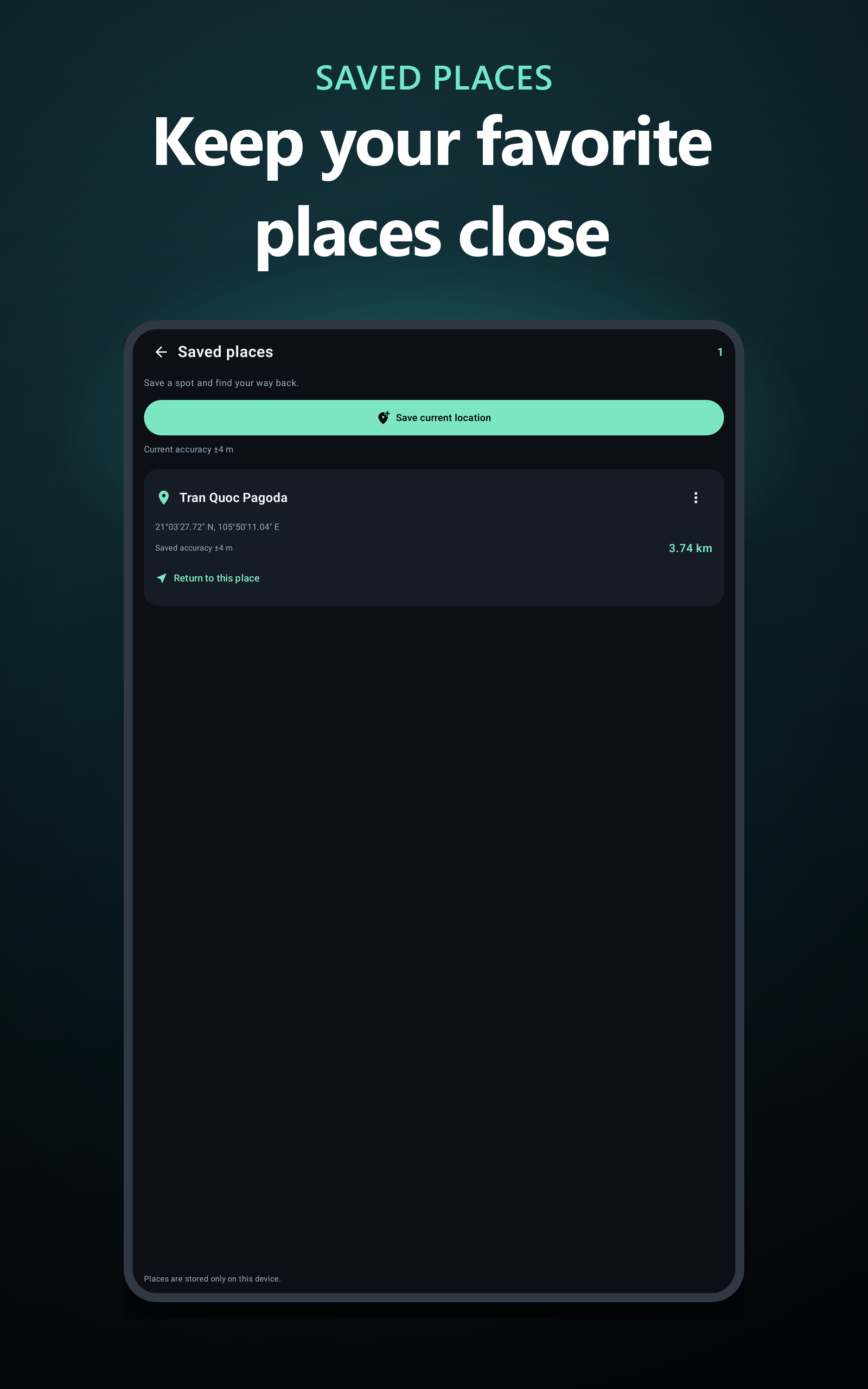
• SAVE PLACES AND FIND YOUR WAY BACK
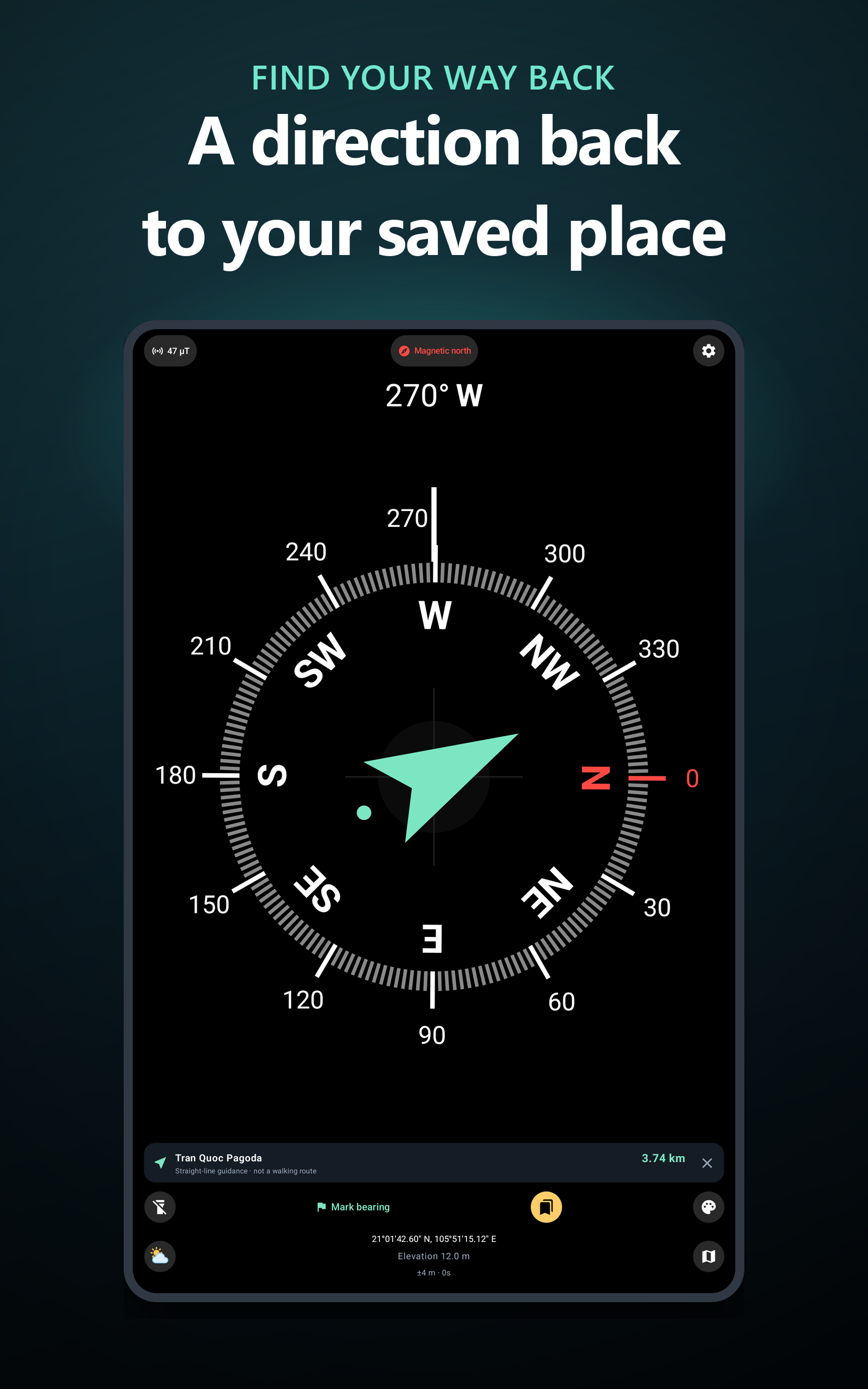
Save your current location, give it a name and keep your important spots in one place. Select a saved place to see an arrow pointing toward it and the straight-line distance from your current position. Saved places stay on your device.
Return guidance shows a direction and distance; it does not provide walking or driving routes.
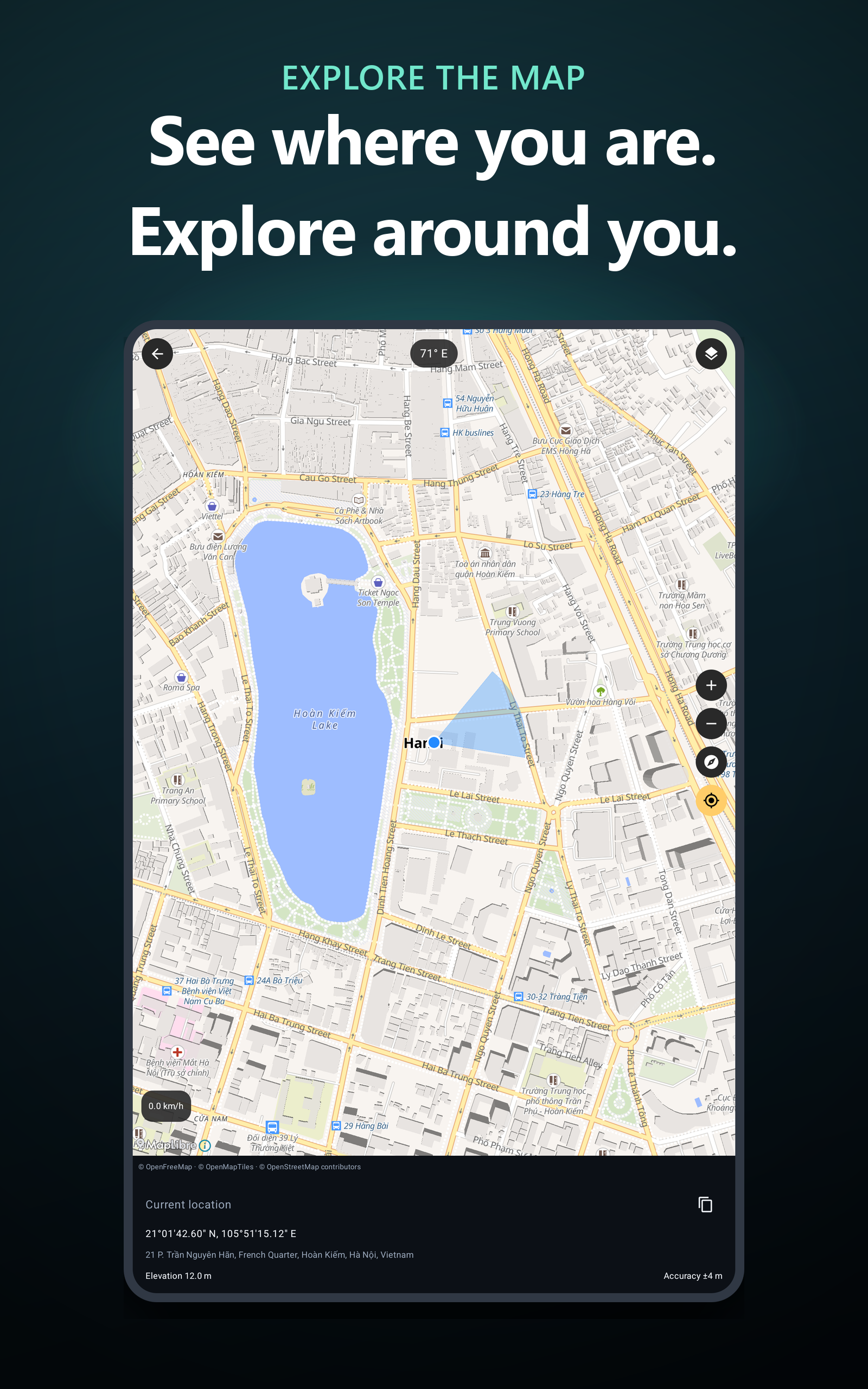
• EXPLORE THE MAP
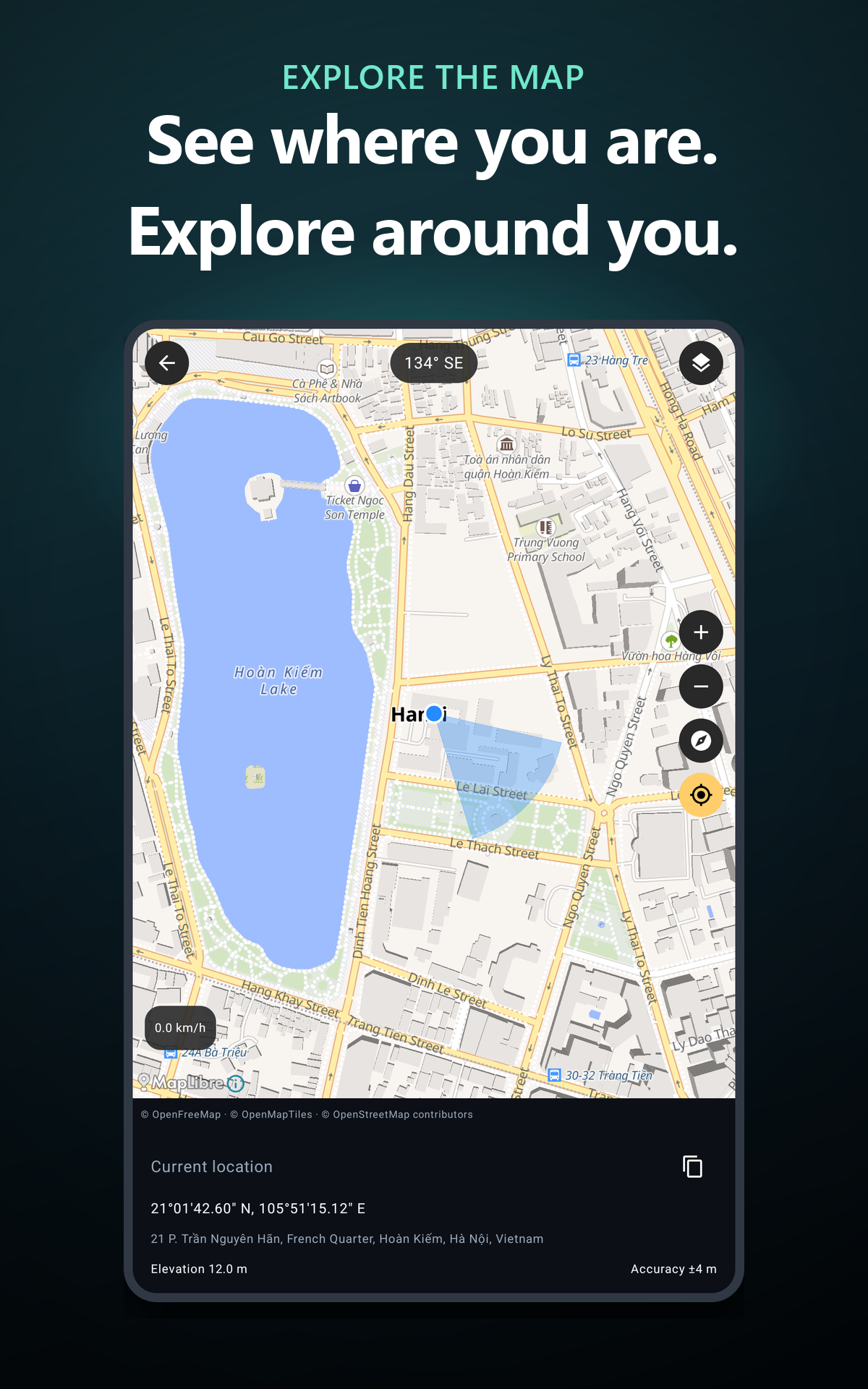
View your location on an interactive street map. Zoom, move around, switch map styles, follow your heading and copy your coordinates. Check location accuracy, elevation and speed when available.
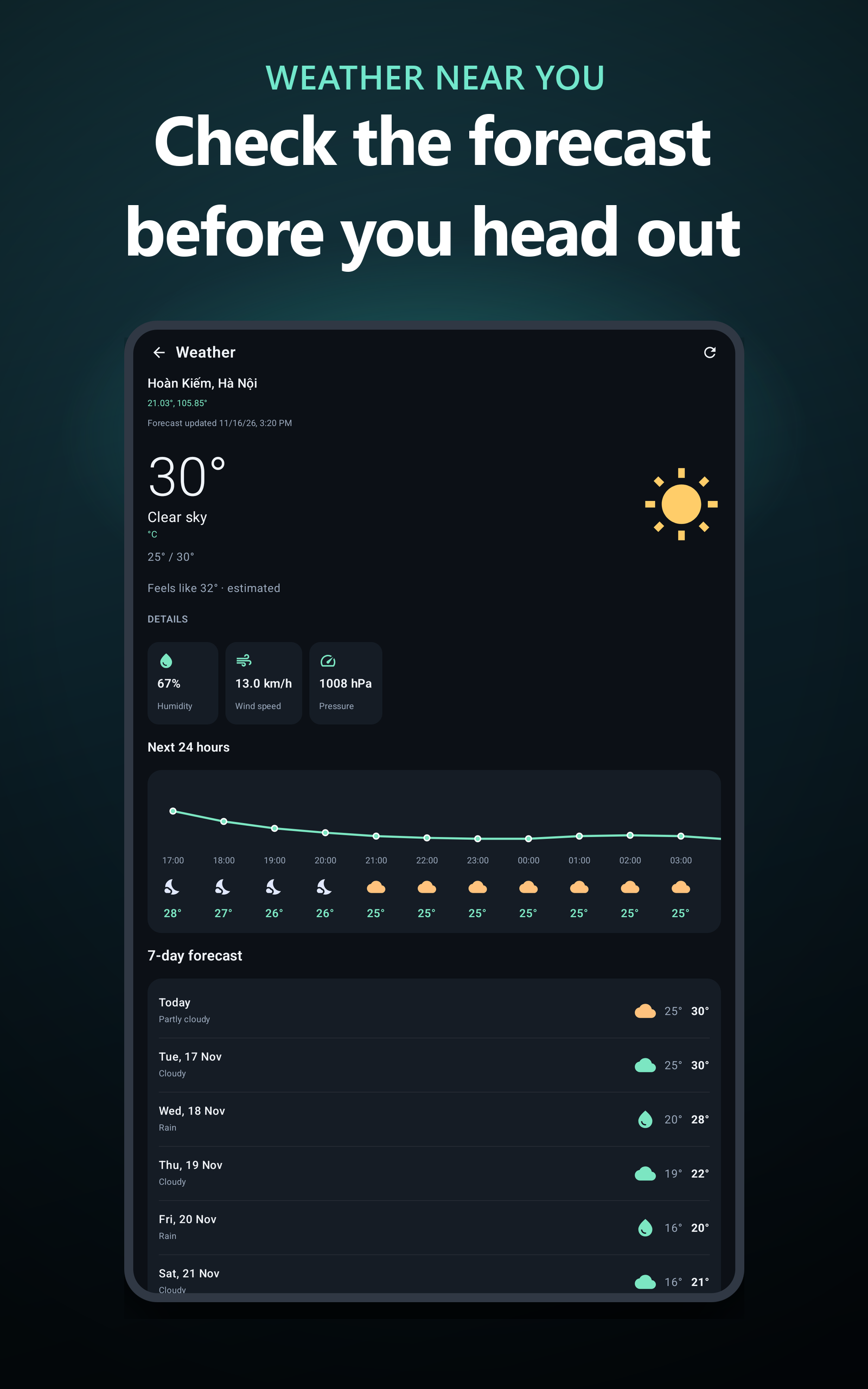
• CHECK LOCAL WEATHER
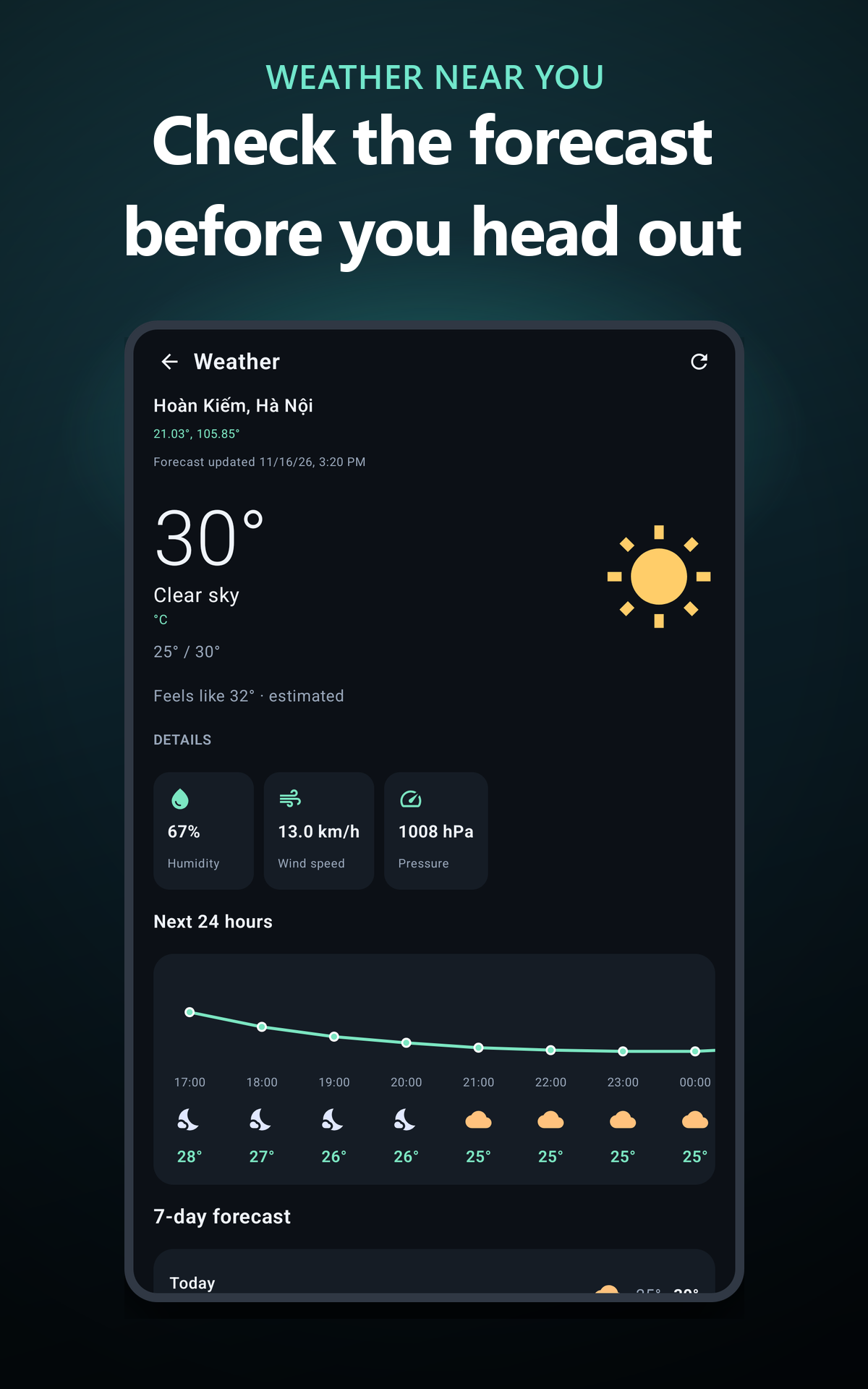
See temperature, feels-like temperature, humidity, wind and pressure. Explore the next 24 hours, a 7-day forecast and sunrise and sunset times.
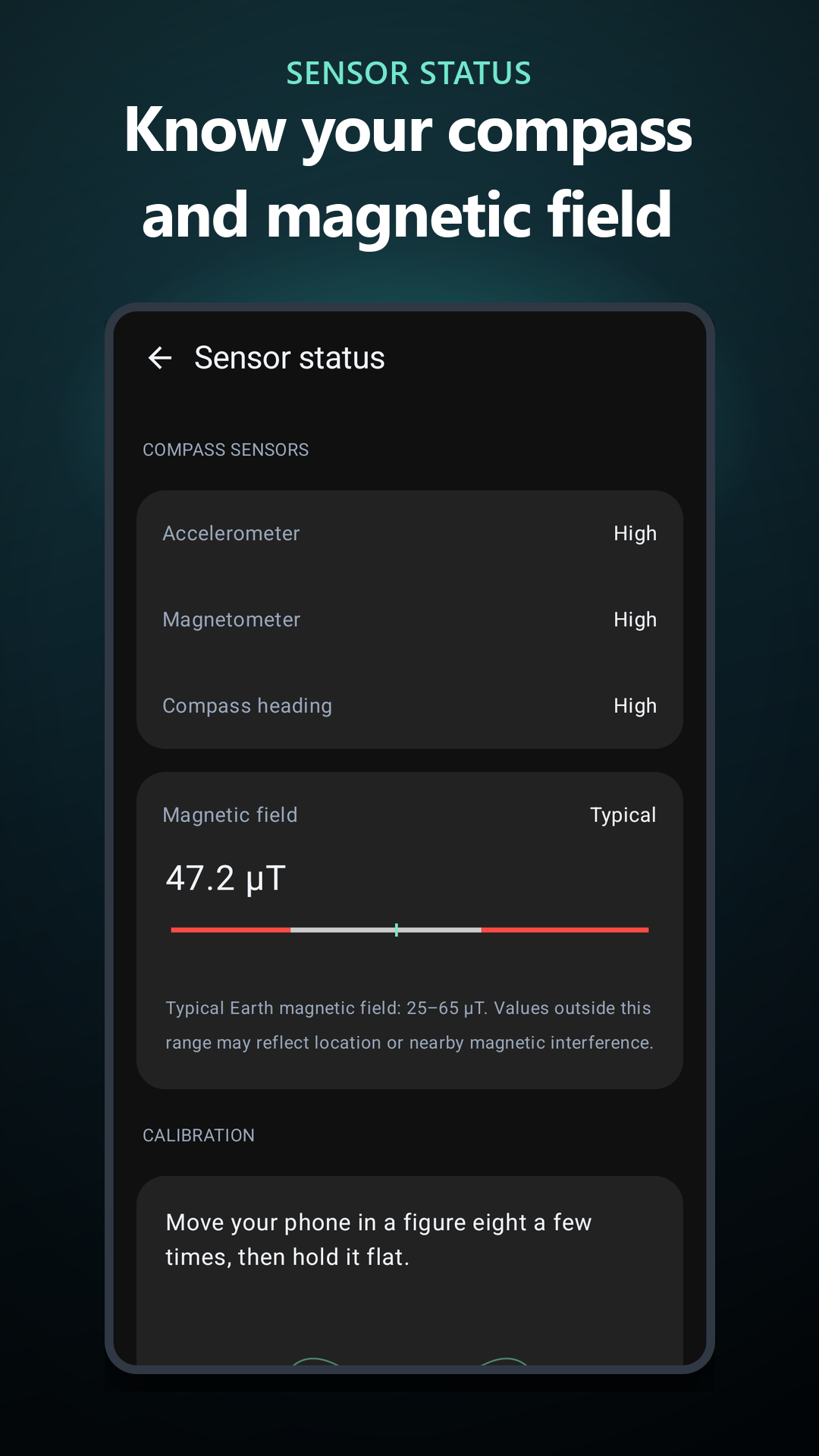
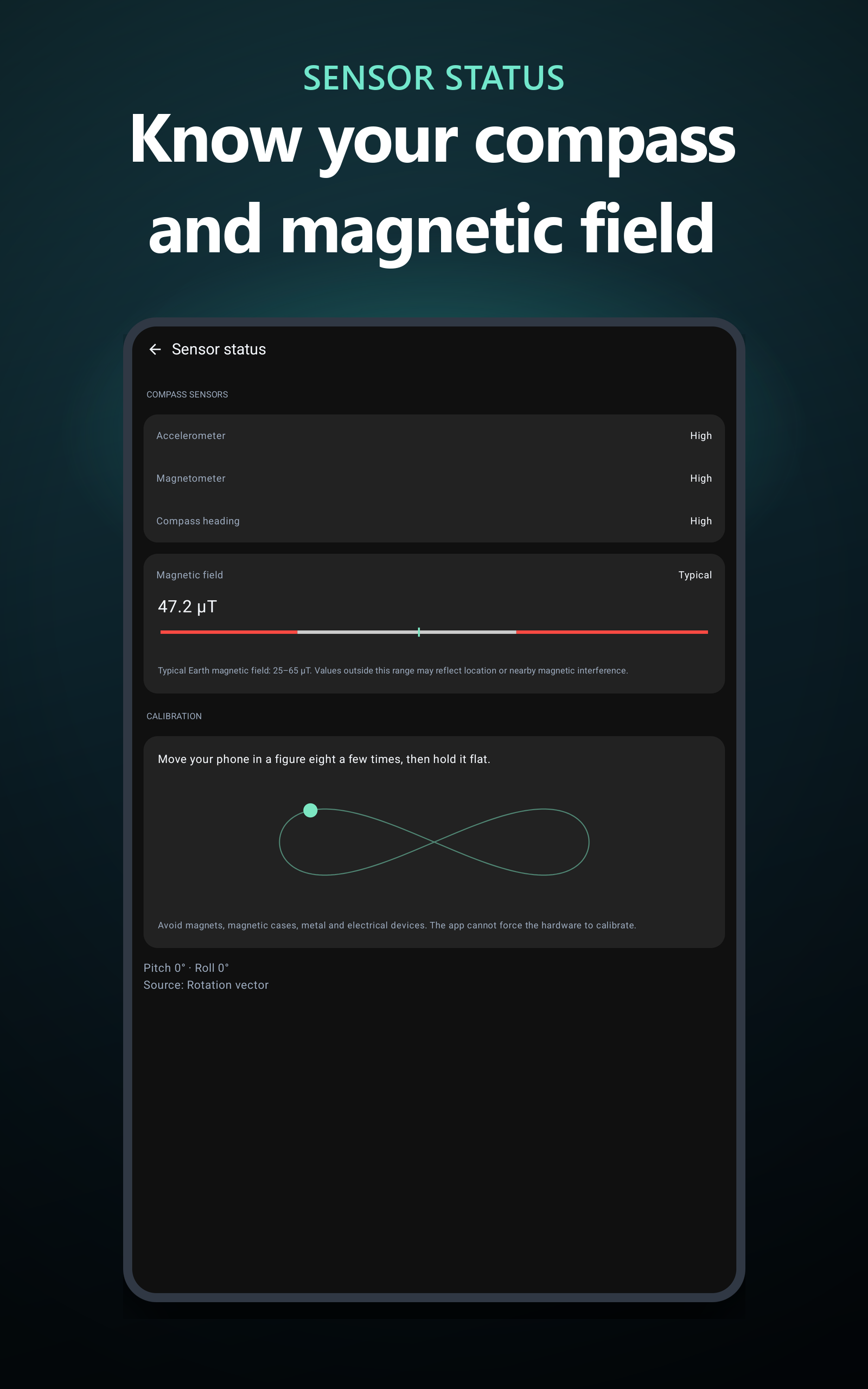
• UNDERSTAND YOUR SENSORS
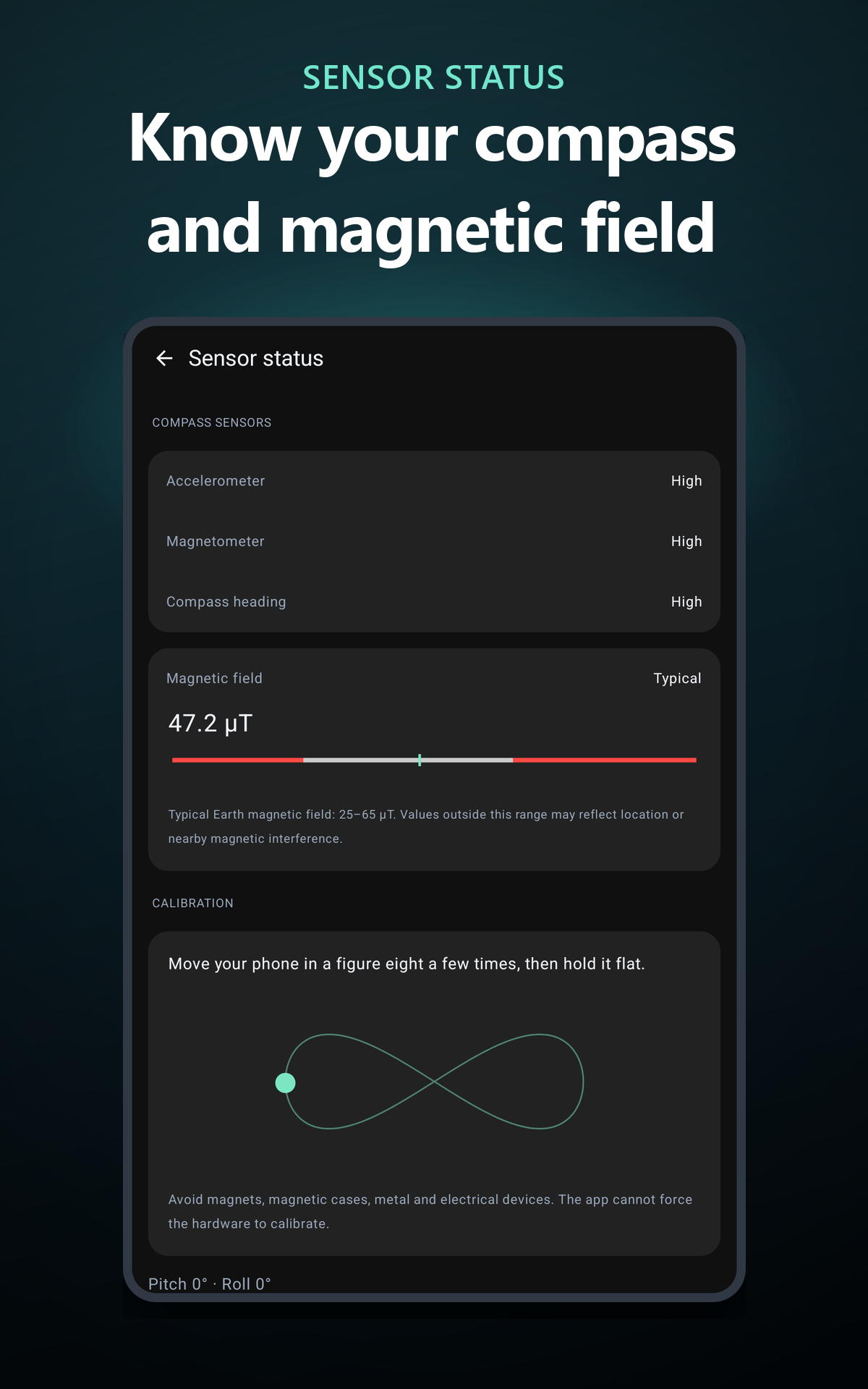
Check compass accuracy, magnetic-field strength and sensor status. Calibration guidance helps you recognize interference and improve your readings.
• MORE USEFUL TOOLS
Choose coordinate formats including DD, DMS, DDM, UTM and MGRS, switch measurement units and enable the Qibla direction indicator. Use the flashlight or live camera background on supported devices.
DEVICE REQUIREMENTS AND ACCURACY
Compass readings require compatible device sensors. Hold your phone flat and keep it away from magnets, metal objects and electrical equipment. Accuracy depends on your device, calibration and surroundings.
Location features require location permission. Maps and weather require an internet connection to load or update their data. Flashlight and camera features depend on device hardware.
The app includes ads. Optional monthly, yearly or lifetime purchases are available to remove ads.
Support:
[email protected]