Clockify (Package Name: me.clockify.android) is developed by CAKE.com Inc and the latest version of Clockify — Time Tracker 4.3.3 was updated on October 22, 2026. Clockify — Time Tracker is in the category of Productivity. You can check all apps from the developer of Clockify — Time Tracker and find 175 alternative apps to Clockify — Time Tracker on Android. Currently this app is for free. This app can be downloaded on Android 10.0+ on APKFab or Google Play. All APK/XAPK files on APKFab.com are original and 100% safe with fast download.
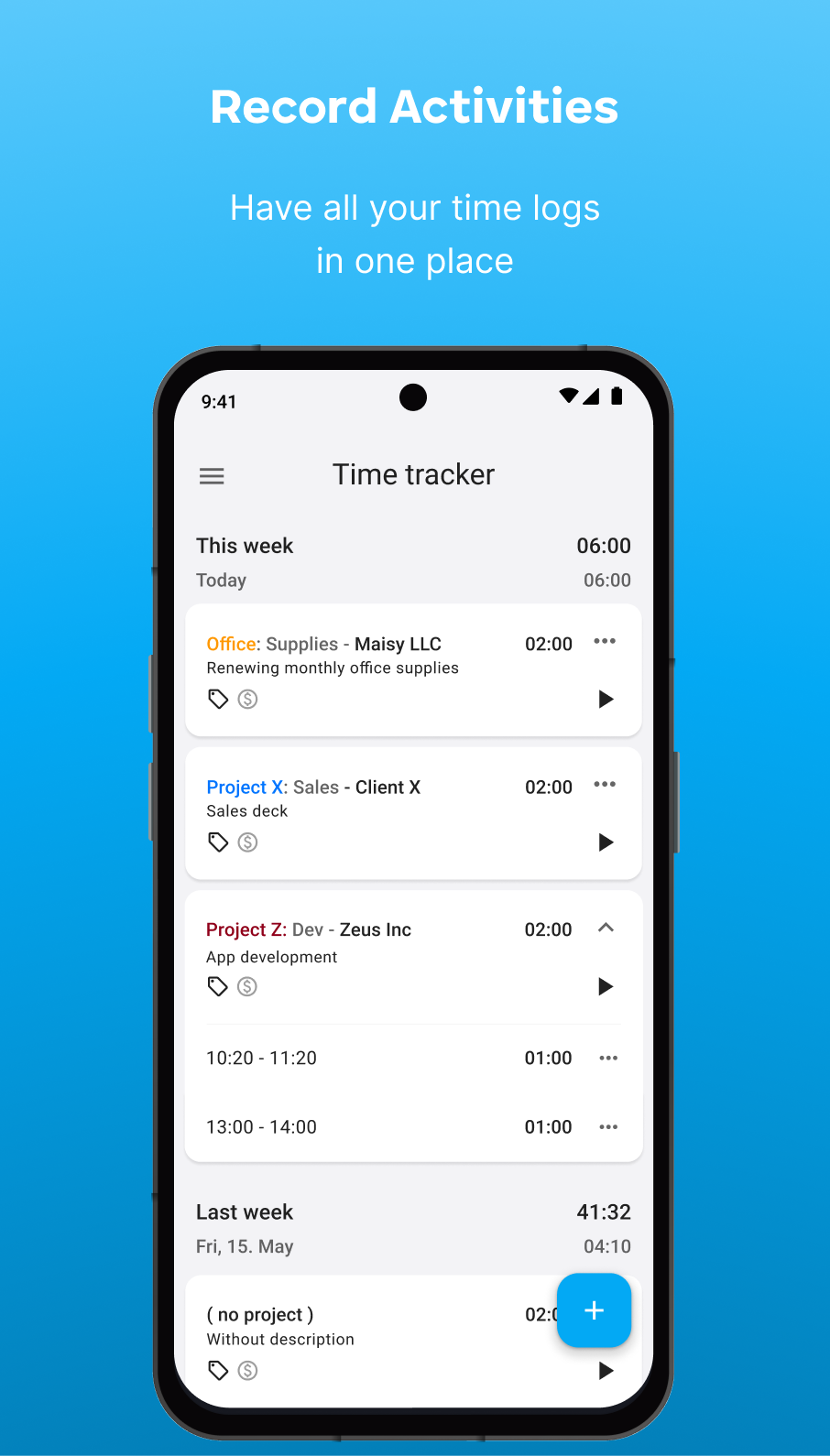
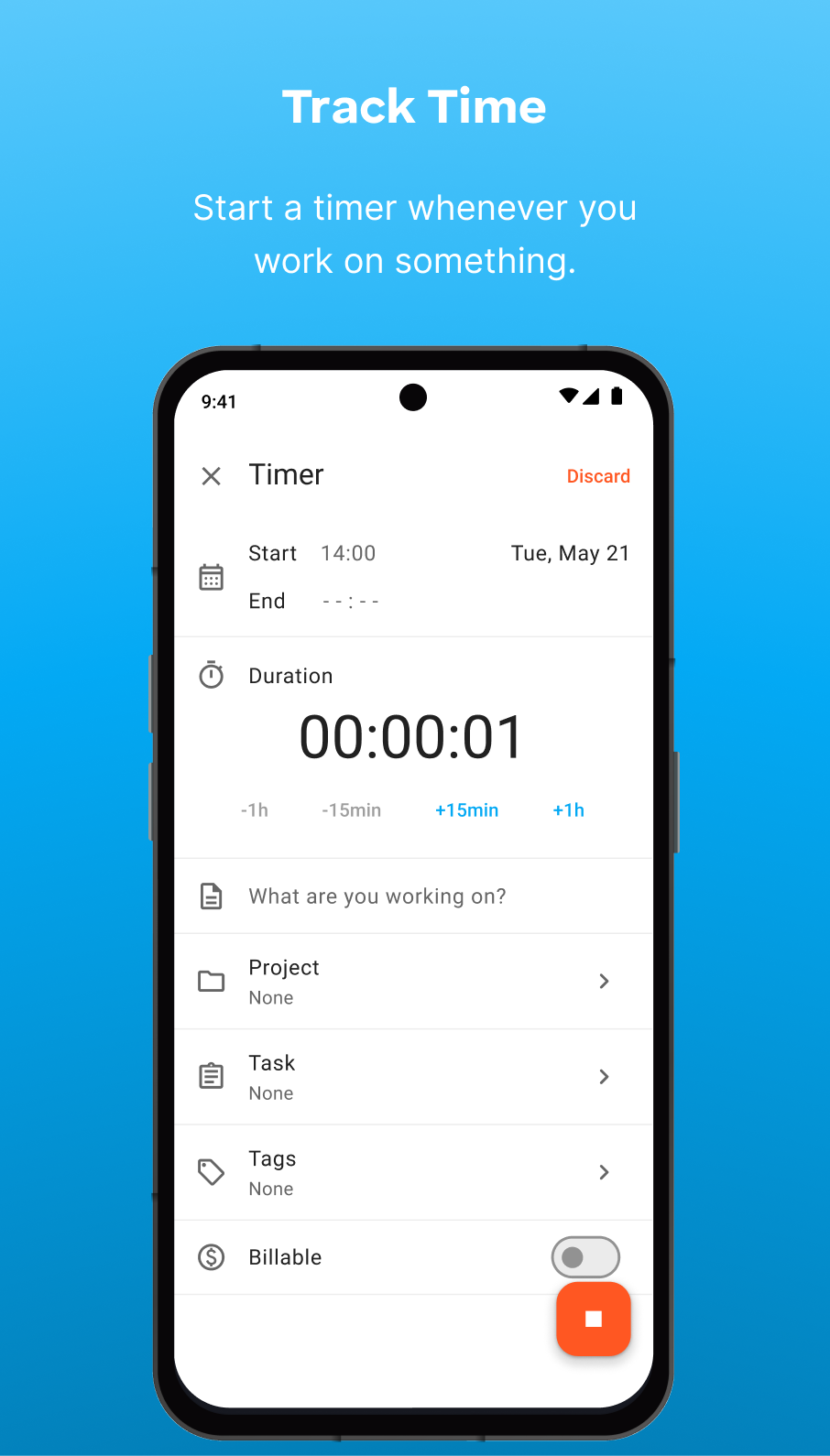
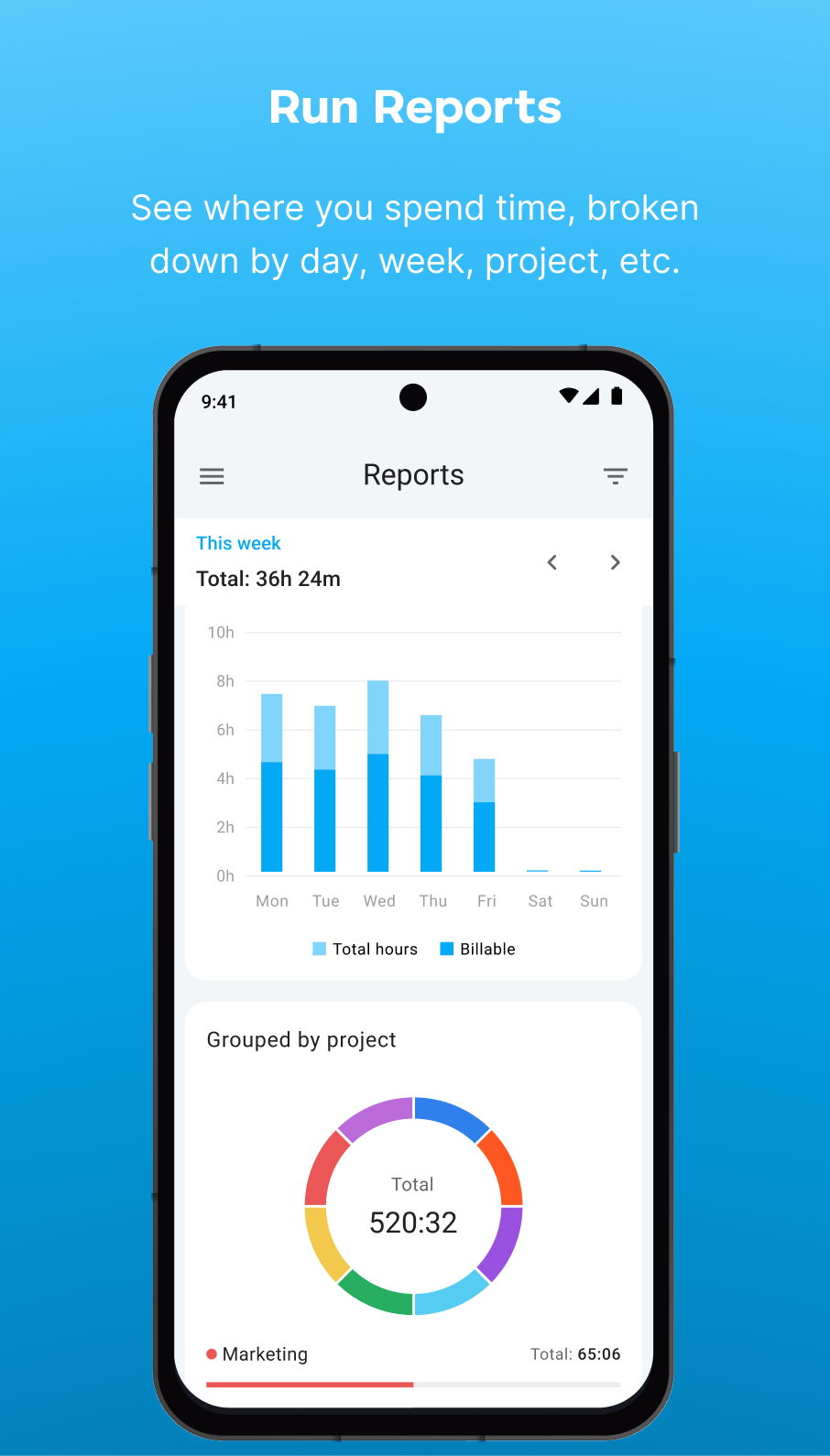
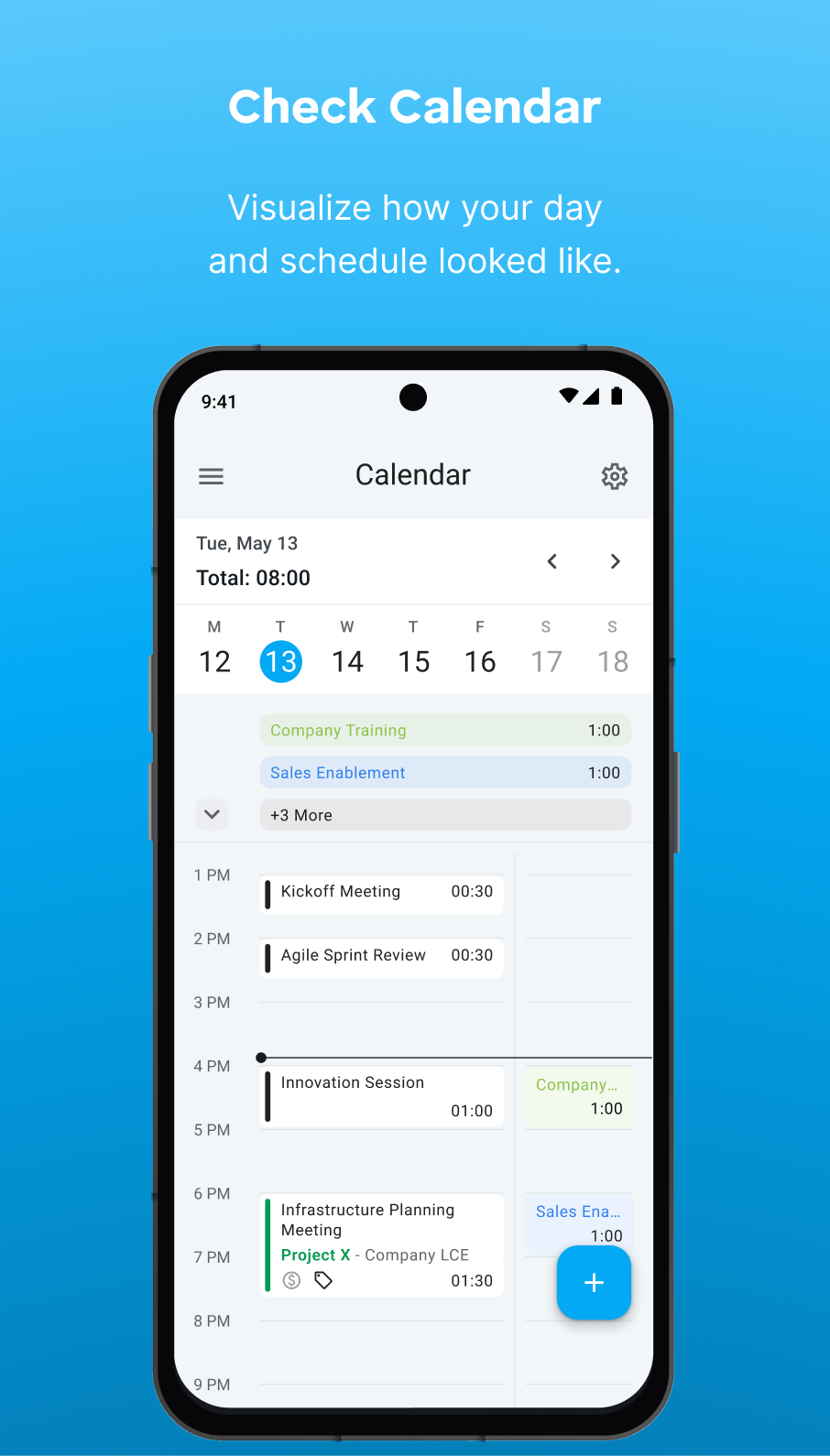
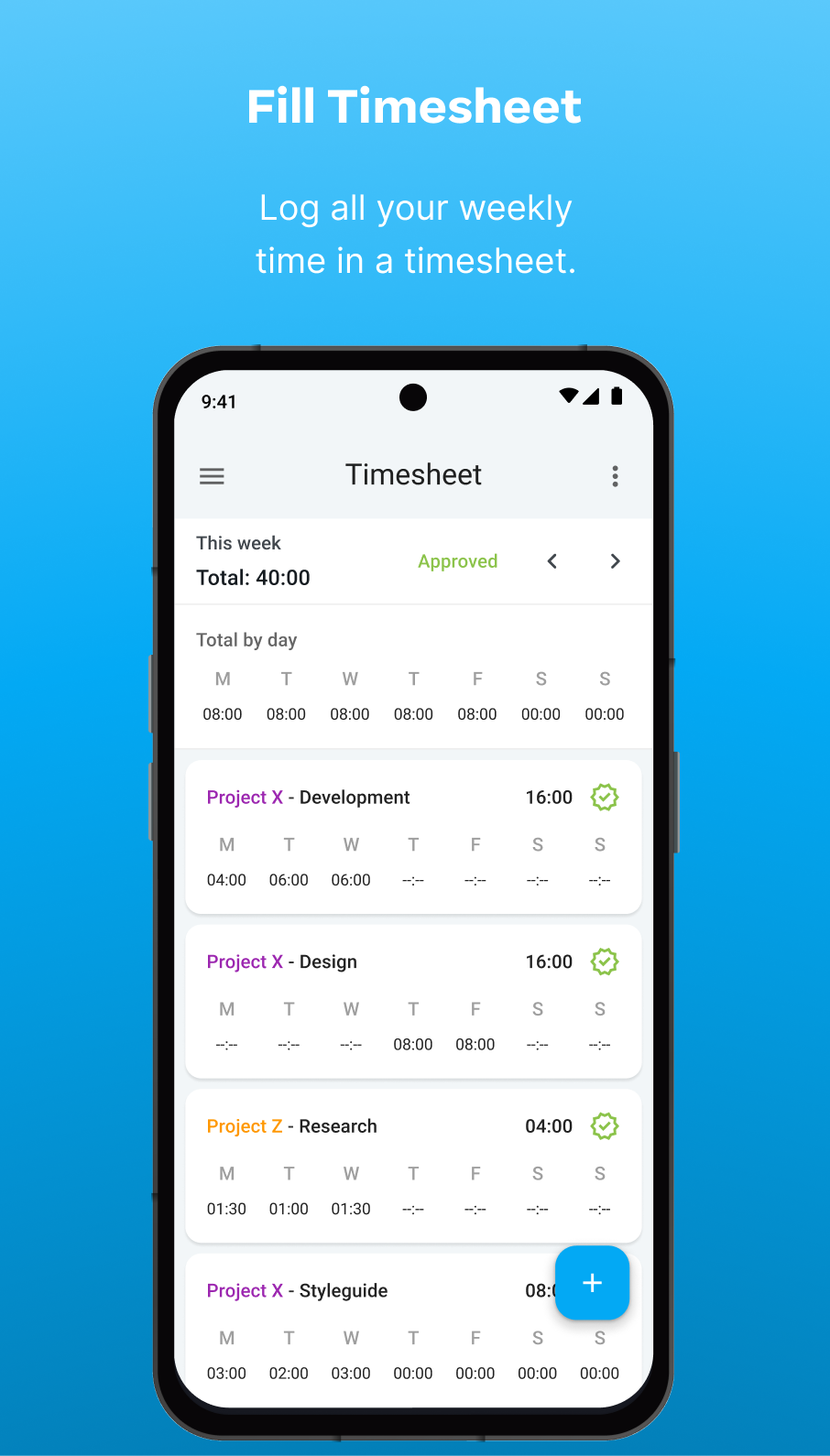
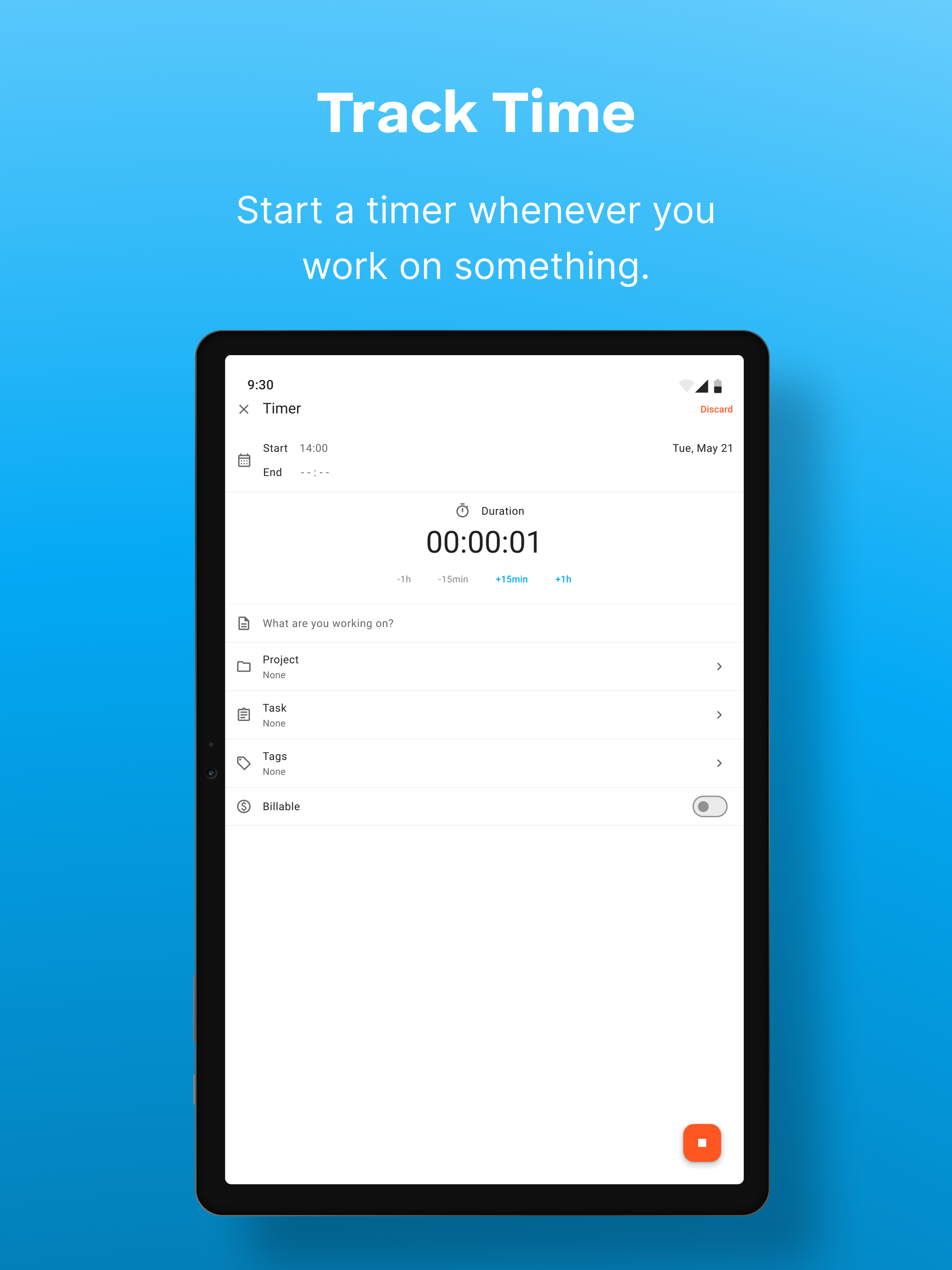
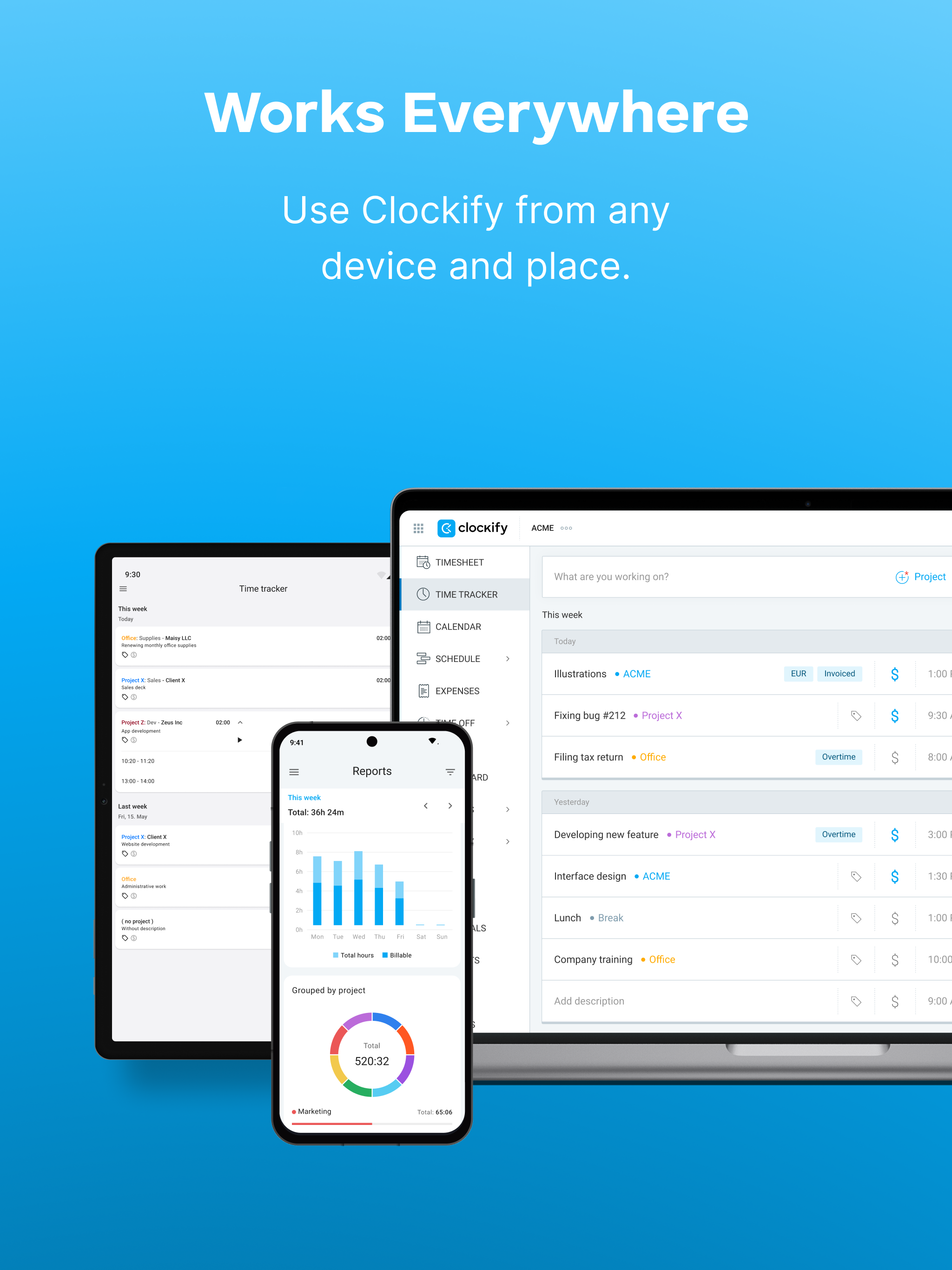
Track work hours, projects, and billable time in one place. Clockify is a time tracking and timesheet app used by individuals, teams, and businesses to track work, manage projects, and understand how time is spent. Start the timer, fill out timesheets, and generate reports with a free plan. Clockify works for small businesses, agencies, and larger teams that want a clear insight into how work time is spent. SIMPLE TIME TRACKING Track work hours with a timer or log time manually. - Start and stop the timer as you work - Enter hours manually when needed - Continue tracking previous activities with one click - Track time across projects and tasks TIMESHEETS AND WORK HOURS Log your weekly activities in a clear timesheet view. - Fill out timesheets quickly - Reuse common activities with templates - See total hours per day, project, or task - Submit timesheets for approval PROJECT AND BILLABLE TIME TRACKING Track how much time is spent on projects and clients. - Assign time entries to projects - Mark hours as billable or non-billable - Track project progress and costs - Calculate earnings based on hourly rates REPORTS AND INSIGHTS Understand where your time goes with detailed reports. - Get summary and detailed reports - Generate weekly and team reports - Filter by project, user, or date - Export reports to PDF, CSV, or Excel WORK FROM ANYWHERE Track time across devices and platforms. Clockify works on: - Mobile - Desktop - Web You can also use it via a browser extension. FREE PLAN AVAILABLE Clockify offers a FREE plan that includes: - Unlimited projects - Time tracking with timer and timesheets - Reporting ADVANCED FEATURES FOR TEAMS Organizations that need additional management and control can benefit from advanced capabilities, such as: - Billable rates - Scheduling and team capacity planning - Time off tracking and approvals - Expense tracking - Invoicing for billable work - Screenshots and GPS tracking - Team roles and permissions Download the app and create an account for free, or log in using your existing details.
Clockify 4.3.3 Update
Features: - Timesheet: Added template info and warning when it can't be applied, Fixes: - Time Tracker: Fixed loader when tapping a deleted entry, - Calendar: Disabled copy and manual entries on locked dates, - Calendar: Fixed loader after stop timer then new entry, - Sync: Project and client name updates reflect across screens, - Calendar: Fixed landscape duration minimizing the entry screen.
Features: - Timesheet: Added template info and warning when it can't be applied, Fixes: - Time Tracker: Fixed loader when tapping a deleted entry, - Calendar: Disabled copy and manual entries on locked dates, - Calendar: Fixed loader after stop timer then new entry, - Sync: Project and client name updates reflect across screens, - Calendar: Fixed landscape duration minimizing the entry screen.
Features: - Timesheet: Added template info and warning when it can't be applied, Fixes: - Time Tracker: Fixed loader when tapping a deleted entry, - Calendar: Disabled copy and manual entries on locked dates, - Calendar: Fixed loader after stop timer then new entry, - Sync: Project and client name updates reflect across screens, - Calendar: Fixed landscape duration minimizing the entry screen.
Fixes: - Expenses: Fixed PDF attachment loading loop and category create/edit bugs, - Clients: Fixed new project currency not displaying, - MyProfile: Fixed long nickname alignment, - Pomodoro: Fixed 1-min length validation on French and duplicate details screen, - Timesheet: Fixed confirm modal on empty sheet, - Time Off: Fixed discard on edit PTO.
Fixes: - Expenses: Fixed PDF attachment loading loop and category create/edit bugs, - Clients: Fixed new project currency not displaying, - MyProfile: Fixed long nickname alignment, - Pomodoro: Fixed 1-min length validation on French and duplicate details screen, - Timesheet: Fixed confirm modal on empty sheet, - Time Off: Fixed discard on edit PTO.
Fixes: - Time Off: Fixed holiday rejections and restricted Team filter access for managers, - Calendar: Prevented duplicate time entry creation on double-tap, - Time Tracker: Fixed weekly totals doubling after withdrawing submitted entries, - Reports: Removed unnecessary tooltip and fixed member selection display, - General: Aggregate mode bugfixes.
Fixes: - Time Off: Fixed holiday rejections and restricted Team filter access for managers, - Calendar: Prevented duplicate time entry creation on double-tap, - Time Tracker: Fixed weekly totals doubling after withdrawing submitted entries, - Reports: Removed unnecessary tooltip and fixed member selection display, - General: Aggregate mode bugfixes.
APKFab.com and the download link of this app are 100% safe. All download links of apps listed on APKFab.com are from Google Play Store or submitted by users. For the app from Google Play Store, APKFab.com won't modify it in any way. For the app submitted by users, APKFab.com will verify its APK signature safety before release it on our website.