Charging LED (Package Name: hk.ChargingLED) is developed by Hairy Robot and the latest version of Charging LED 0.6.0 was updated on December 25, 2018. Charging LED is in the category of Tools. You can check all apps from the developer of Charging LED and find 86 alternative apps to Charging LED on Android. Currently this app is for free. This app can be downloaded on Android 4.0.3+ on APKFab or Google Play. All APK/XAPK files on APKFab.com are original and 100% safe with fast download.
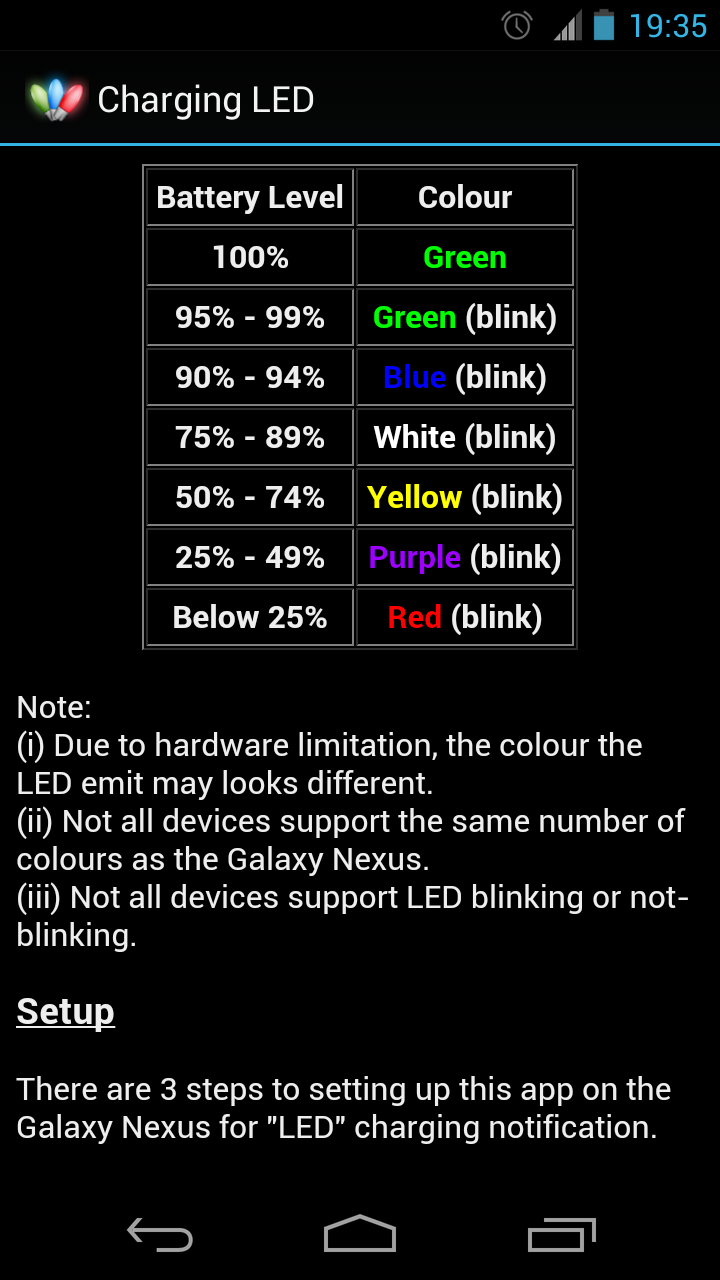
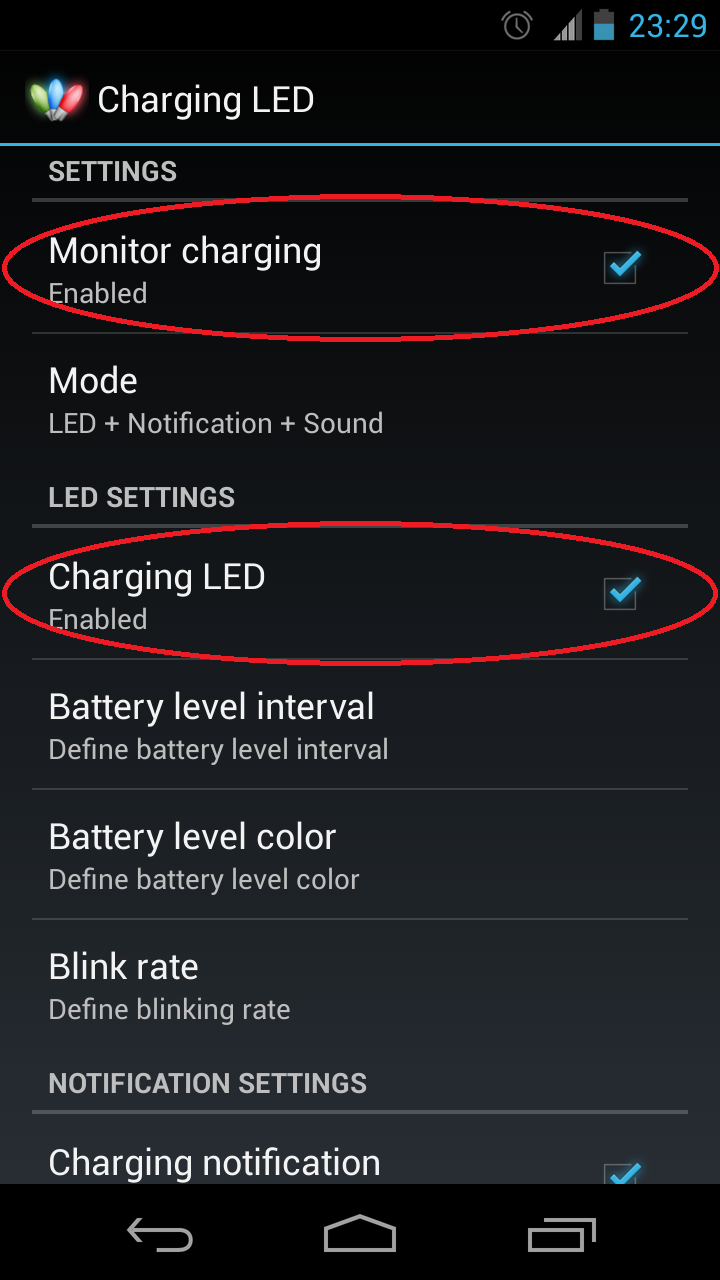
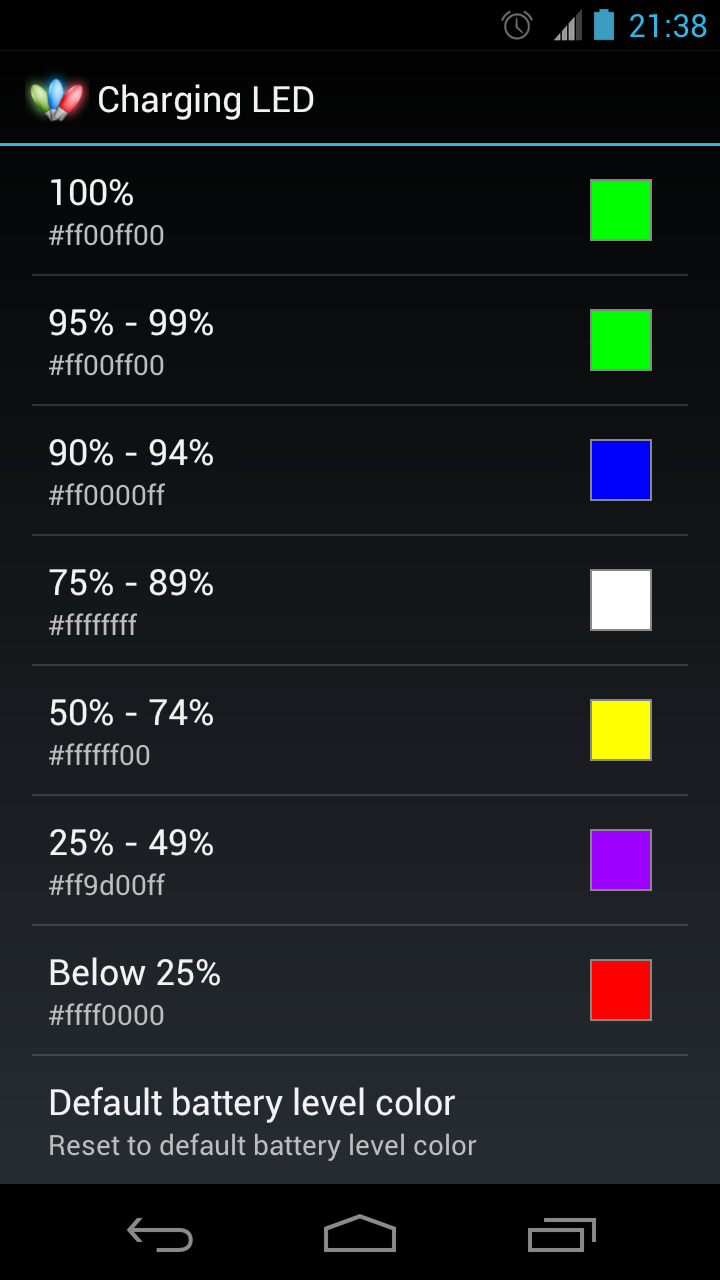
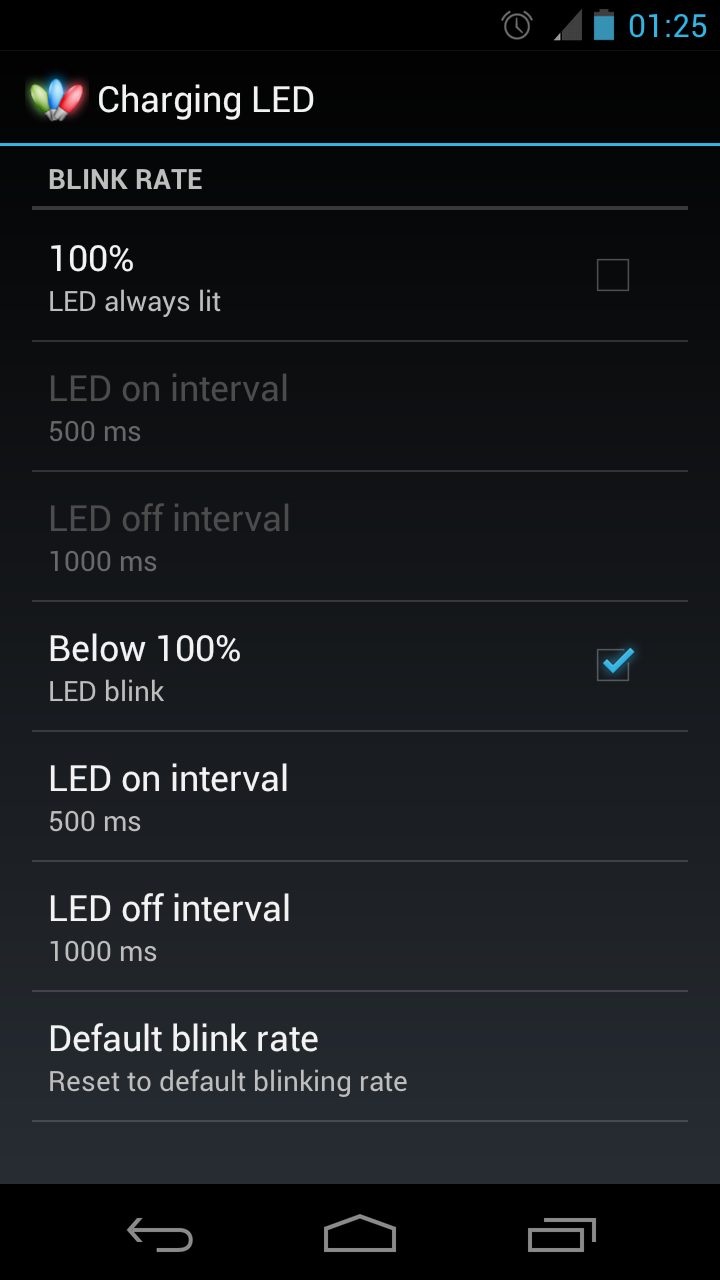
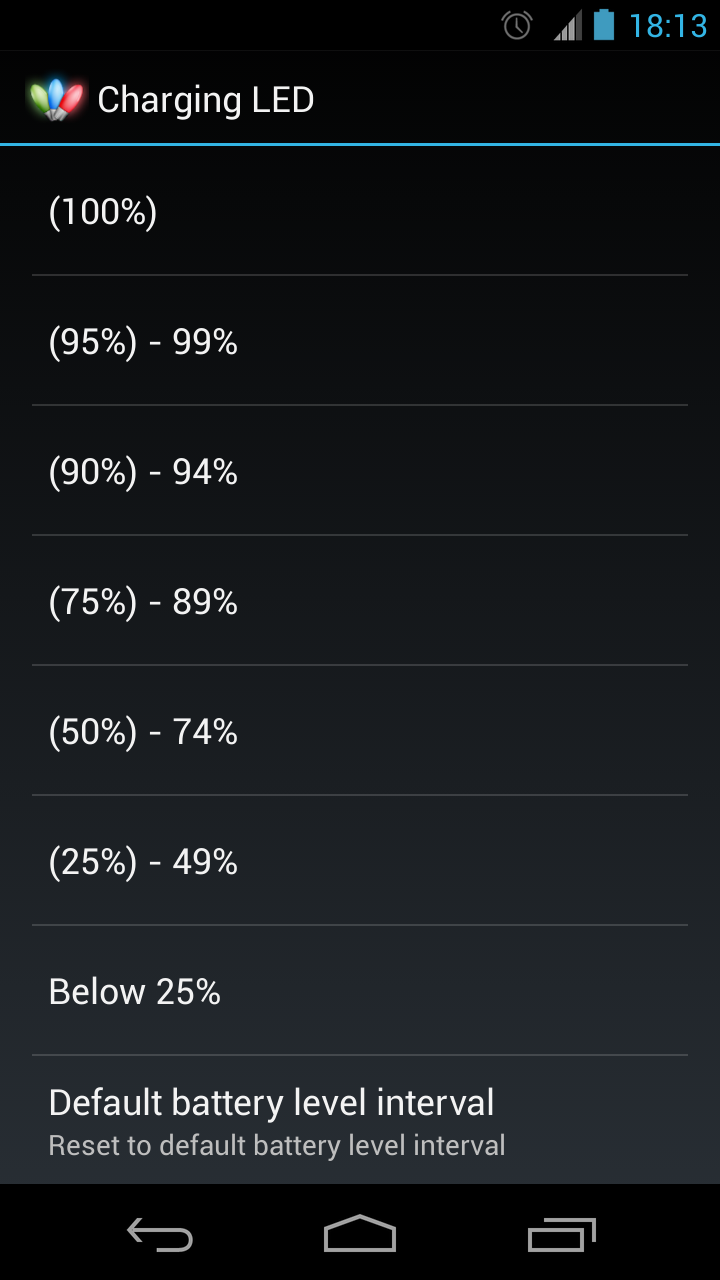
Important: On Android 8.0 (API level 26) or above, due to "Background execution limits" introduced in Oreo to improve battery life, Android no longer register broadcast receivers for implicit broadcasts in the manifest, this mean Charging LED may take up to 3-4 minutes before receiving the signal from Android that it detected USB plugged in for charging. Note: This does not affect any apps that detect "ACTION_POWER_CONNECTED" in a service, since Charging LED is designed specifically to avoid a constantly running service, it is something that can't be avoided. Battery Charging LED is developed and tested for the Galaxy Nexus, because the phone don't provide any indication during charging. It may works on other phones (NO GUARANTEE). Once the app is installed and setup, the phone's LED will blink in different colour during charging when screen off (Android constraint). Features: * Definable LED blink rate * Definable LED colour * Definable battery level interval * Charging status notification * Charging sound notification * Import/Export settings (Advanced users can edit the colour hex code in ini file, and import settings for more precise colour) *** For users wanting to enter HEX colour code, follow below steps: (1) Export settings to storage (2) Edit the exported ChargingLED.ini file with required colour code (3) Import the ChargingLED.ini back to the app *** Important *** Read the Help and FAQ inside the app, it provide important information on how to setup the app. *** Note *** If you do decide to rate this app, positive or negative, please include your device type and os version, as this would help other users. Thanks. Localization: * English * Chinese (繁體/简体) *** IMPORTANT *** - LED will only light up when the screen is off. - Lollipop users should ensure "Settings > Sound & notification > Interruptions > When notification arrive" is set to "Always interrupt", otherwise, LED notification from Charging LED may not be recognize. *** For Nexus 5X users on Android 7 *** 1 - Goto "Settings > System UI Tuner > Other > Power Notification Controls" and turn it on. 2 - Goto "Settings > Notifications > Charging LED" and change the notification level from Auto (tap on the 'A') to Level 4 (one level higher to the right). Note: The above options may also exists on different devices, so take a look yourself. Thanks to anonymous for the above info left in comment. *** For Samsung Galaxy Nexus (4.2+) *** Comment dated 2012-12-29, report "Daydream" feature does not conflict with the app, but as always the screen needs to be off for the LED to light up. Thanks you for the report. *** For Samsung Galaxy S3 users *** The GS3 actually have a built in charging LED indicator option. The app maybe having conflict with this option, try disable this first. "Setting > LED indicator > Charging". Again, as I don't own a GS3, appreciate anyone with a GS3 to test this out and report finding. *** For Android 7.1.1 (Lineage OS) *** Try set notifications to be at least level 4. This may also apply to all Android 7. So give it a check. The code is open source and available on github: https://github.com/HairyRobot/ChargingLED
Charging LED 0.6.0 Update
★ Check the app description for more information. ★ All information required to setup or troubleshoot is in the Help & FAQ inside the app. *** Suggest before update, backup current version, if you don't have a backup app, try AppWererabbit *** v0.6.0 * Added REQUEST_IGNORE_BATTERY_OPTIMIZATIONS permission handling * Updated foreground service handling * Updated targetSdkVersion to 28 from 26 * Updated FAQ * md5: ab0955a2192ab1fc125552e288d75388
★ Check the app description for more information. ★ All information required to setup or troubleshoot is in the Help & FAQ inside the app. *** Suggest before update, backup current version, if you don't have a backup app, try AppWererabbit *** v0.6.0 * Added REQUEST_IGNORE_BATTERY_OPTIMIZATIONS permission handling * Updated foreground service handling * Updated targetSdkVersion to 28 from 26 * Updated FAQ * md5: ab0955a2192ab1fc125552e288d75388
★ Check the app description for more information. ★ All information required to setup or troubleshoot is in the Help & FAQ inside the app. *** Suggest before update, backup current version, if you don't have a backup app, try AppWererabbit *** v0.5.3 * Fixed fc running on Android 8+ * Updated FAQ * md5: 4e5fec79adbca71a6c021a4843ac4389 v0.5.2 * Catch SecurityException caused by Ringtone.getTitle (See FAQ-15) * Updated FAQ * md5: 8f7049ba1256b4628b3f01bb10cf8443
★ Check the app description for more information. ★ All information required to setup or troubleshoot is in the Help & FAQ inside the app. *** Suggest before update, backup current version, if you don't have a backup app, try AppWererabbit *** v0.5.2 * Catch SecurityException caused by Ringtone.getTitle (See FAQ-15) * Updated FAQ * md5: 8f7049ba1256b4628b3f01bb10cf8443 v0.5.1 * Fix flash LED fc on some devices (See FAQ-14) * Updated FAQ * md5: 3303d92ccac898037c9ada11bf6693e5
★ Check the app description for more information. ★ All information required to setup or troubleshoot is in the Help & FAQ inside the app. *** Suggest before update, backup current version, if you don't have a backup app, try AppWererabbit *** v0.5.1 * Fix flash LED fc on some devices (Sorry. See FAQ-14) * Updated FAQ * md5: 3303d92ccac898037c9ada11bf6693e5 v0.5.0 * Added runtime permission handling * Updated targetSdkVersion to 26 from 21 * md5: 9f0855895afd6d7e8a3515f3cf41f883
APKFab.com and the download link of this app are 100% safe. All download links of apps listed on APKFab.com are from Google Play Store or submitted by users. For the app from Google Play Store, APKFab.com won't modify it in any way. For the app submitted by users, APKFab.com will verify its APK signature safety before release it on our website.