Canvas (Package Name: com.instructure.candroid) is developed by Instructure and the latest version of Canvas By Instructure 8.6.1 was updated on March 9, 2026. Canvas By Instructure is in the category of Education. You can check all apps from the developer of Canvas By Instructure and find 200 alternative apps to Canvas By Instructure on Android. Currently this app is for free. This app can be downloaded on Android 9.0+ on APKFab or Google Play. All APK/XAPK files on APKFab.com are original and 100% safe with fast download.
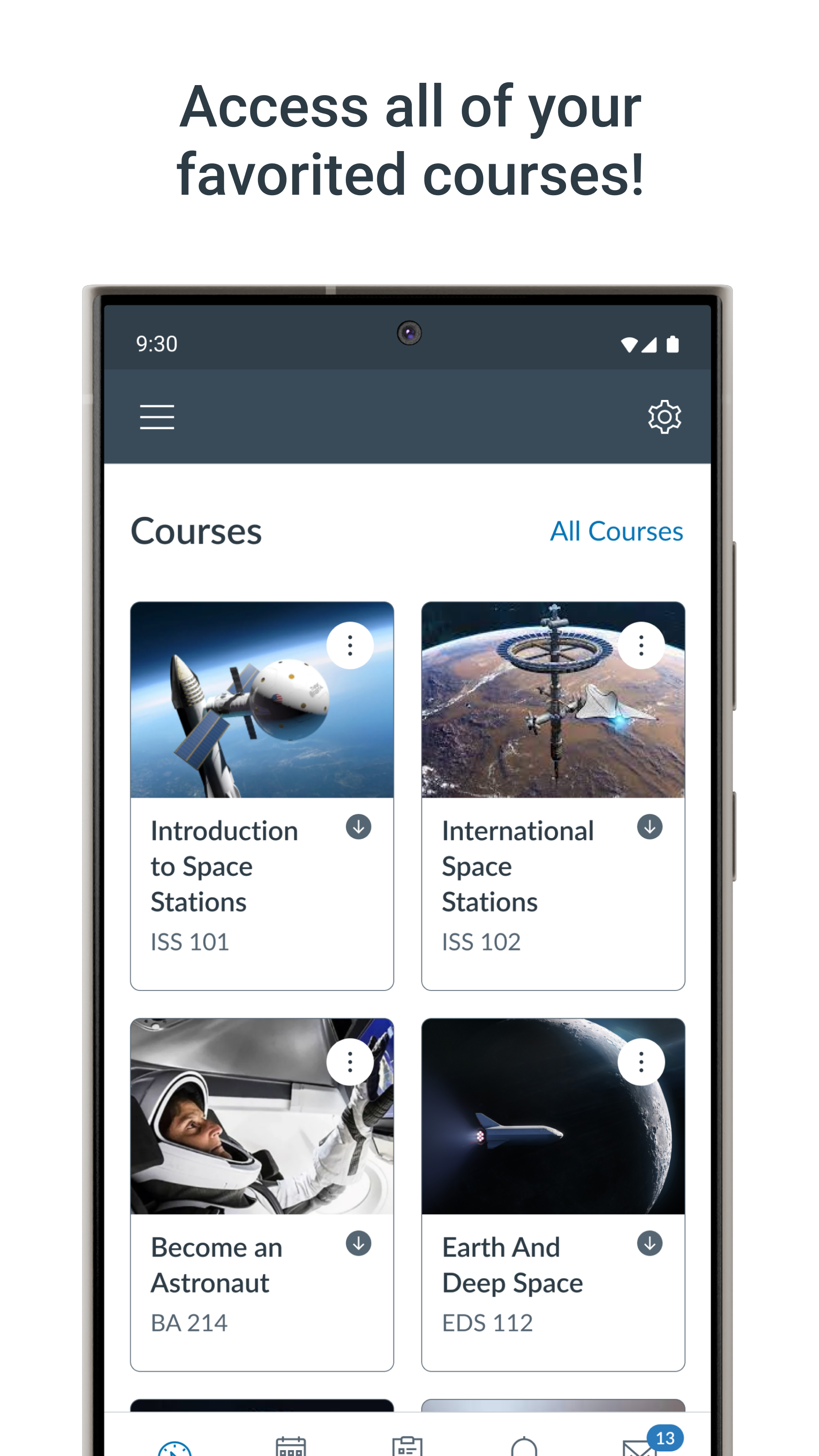
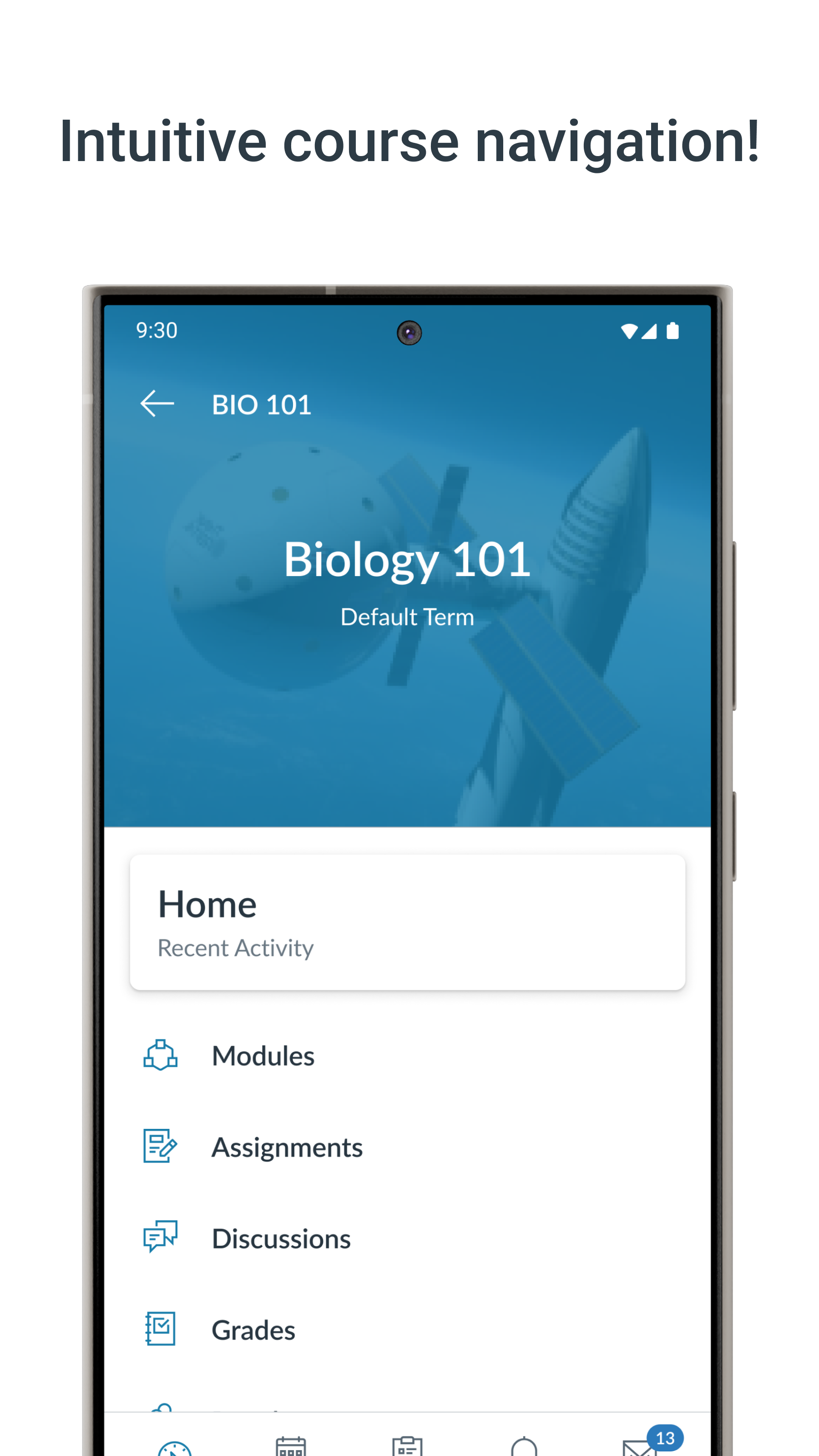
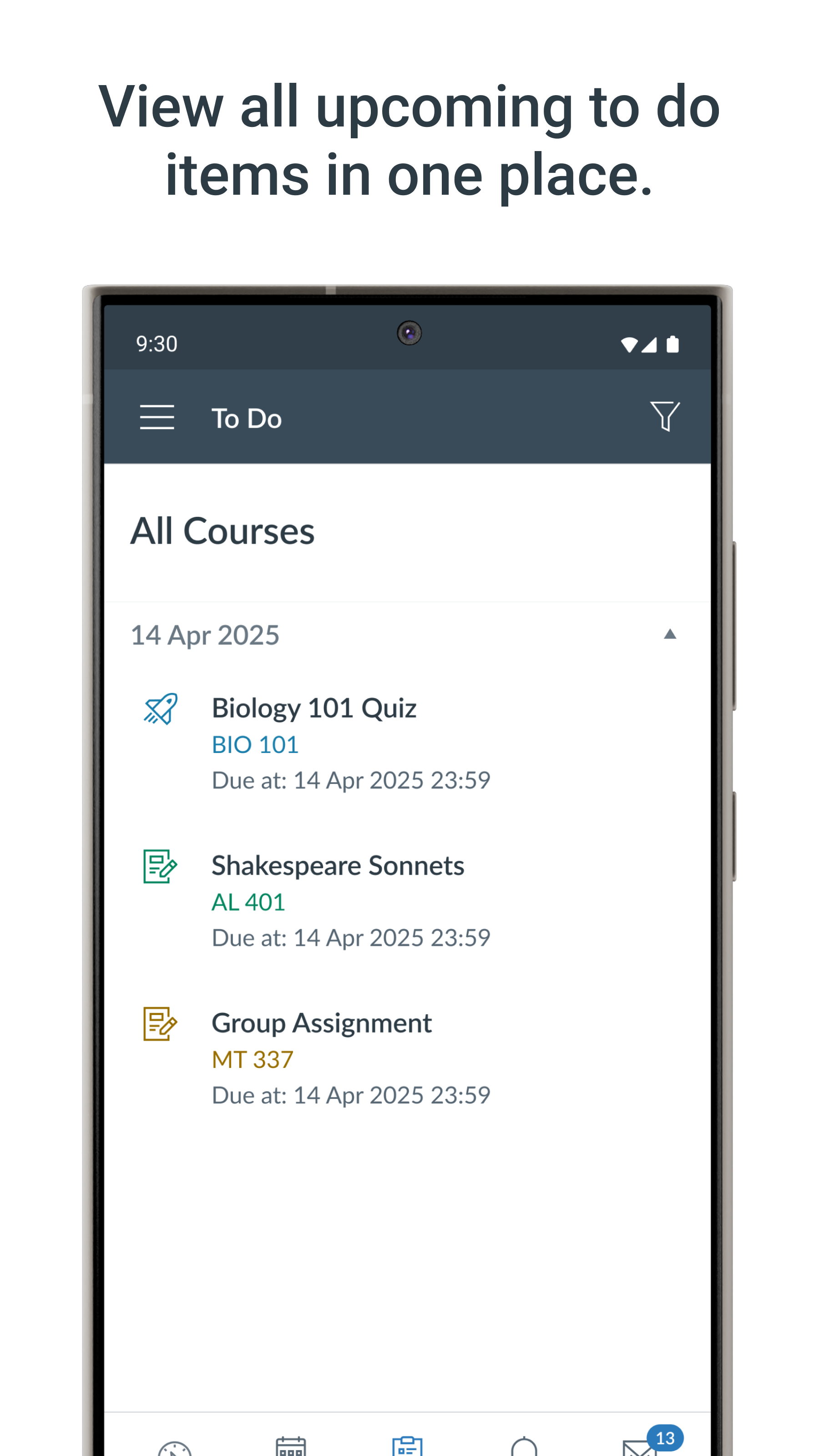
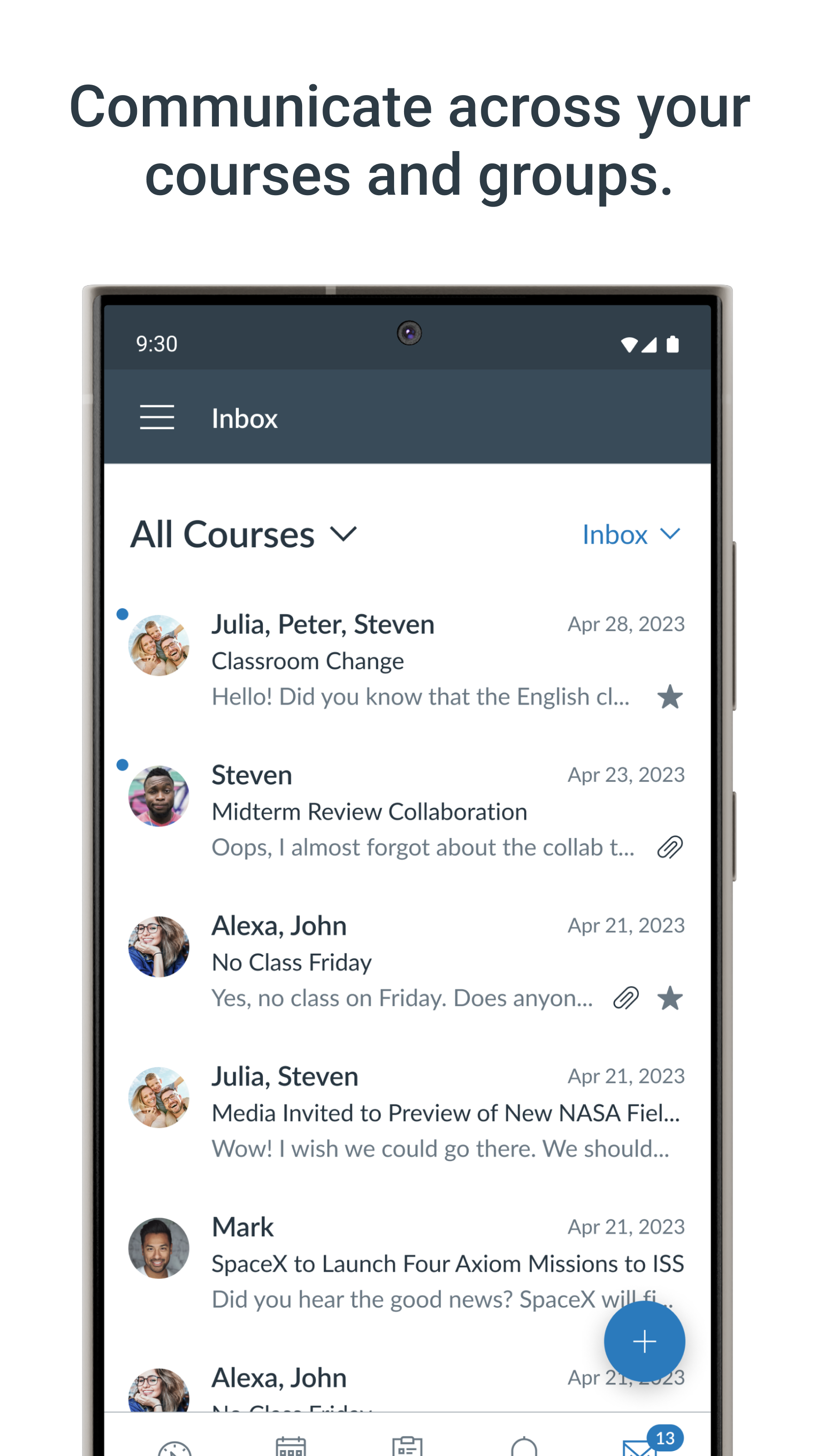
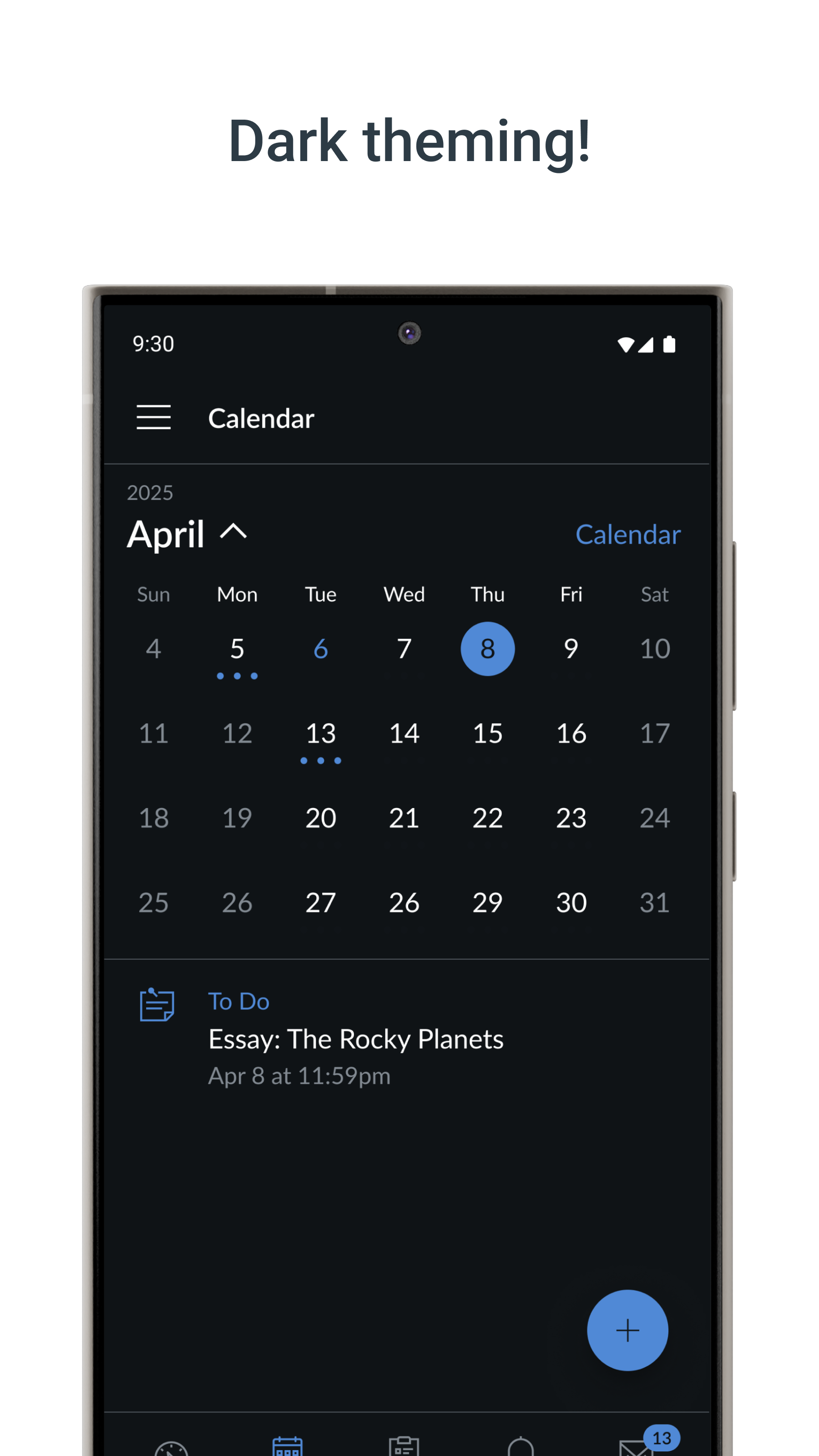
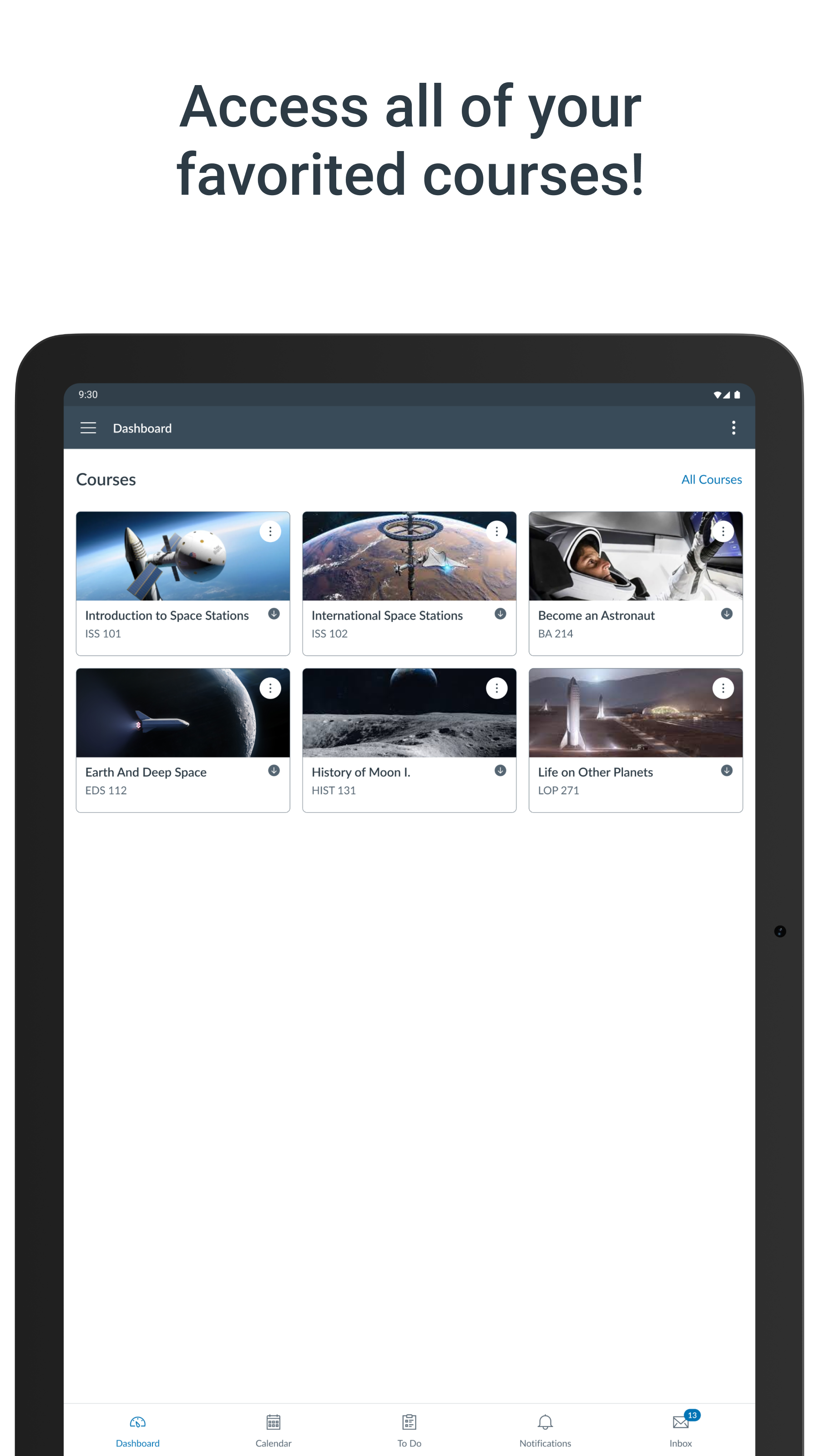
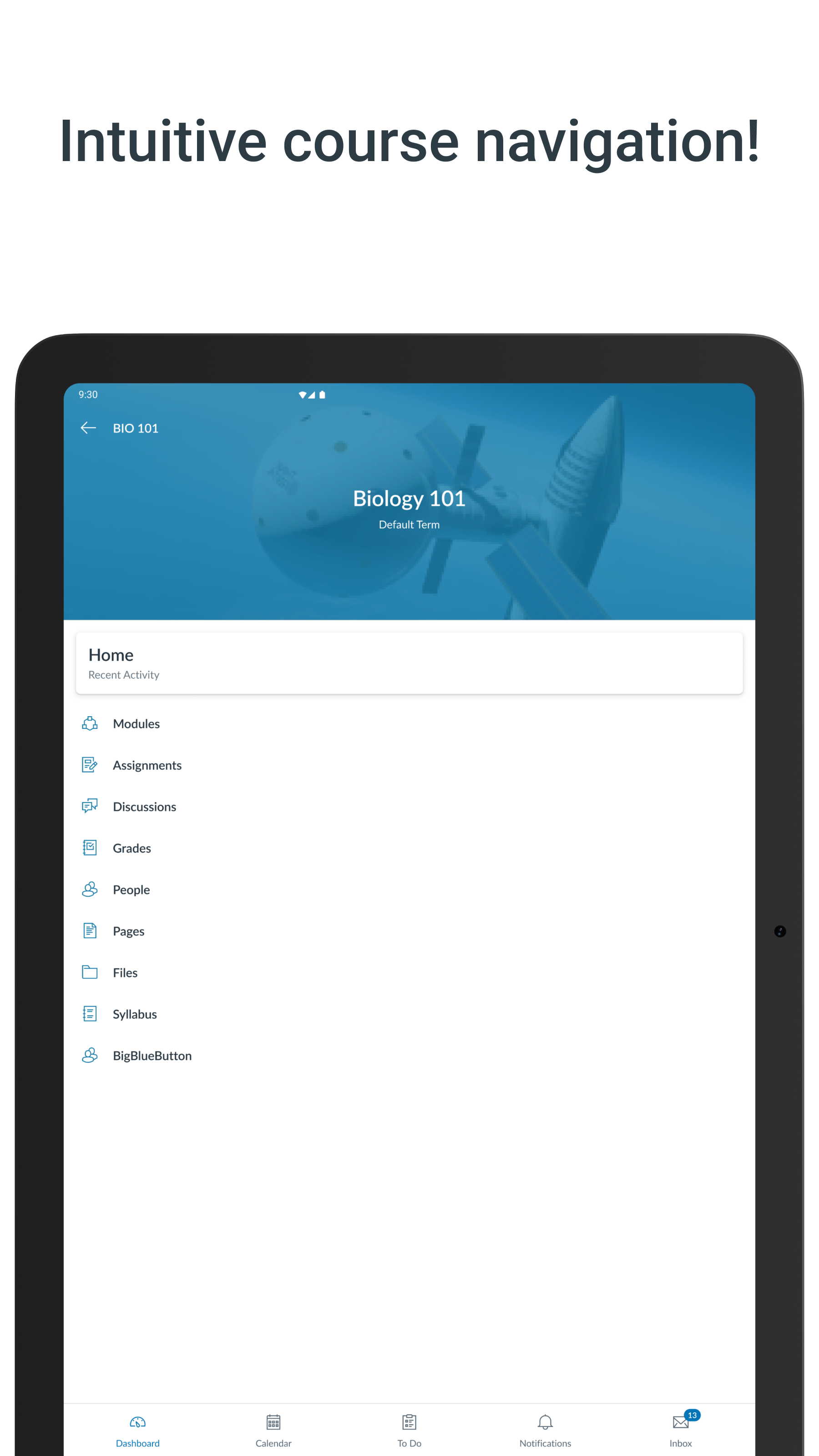
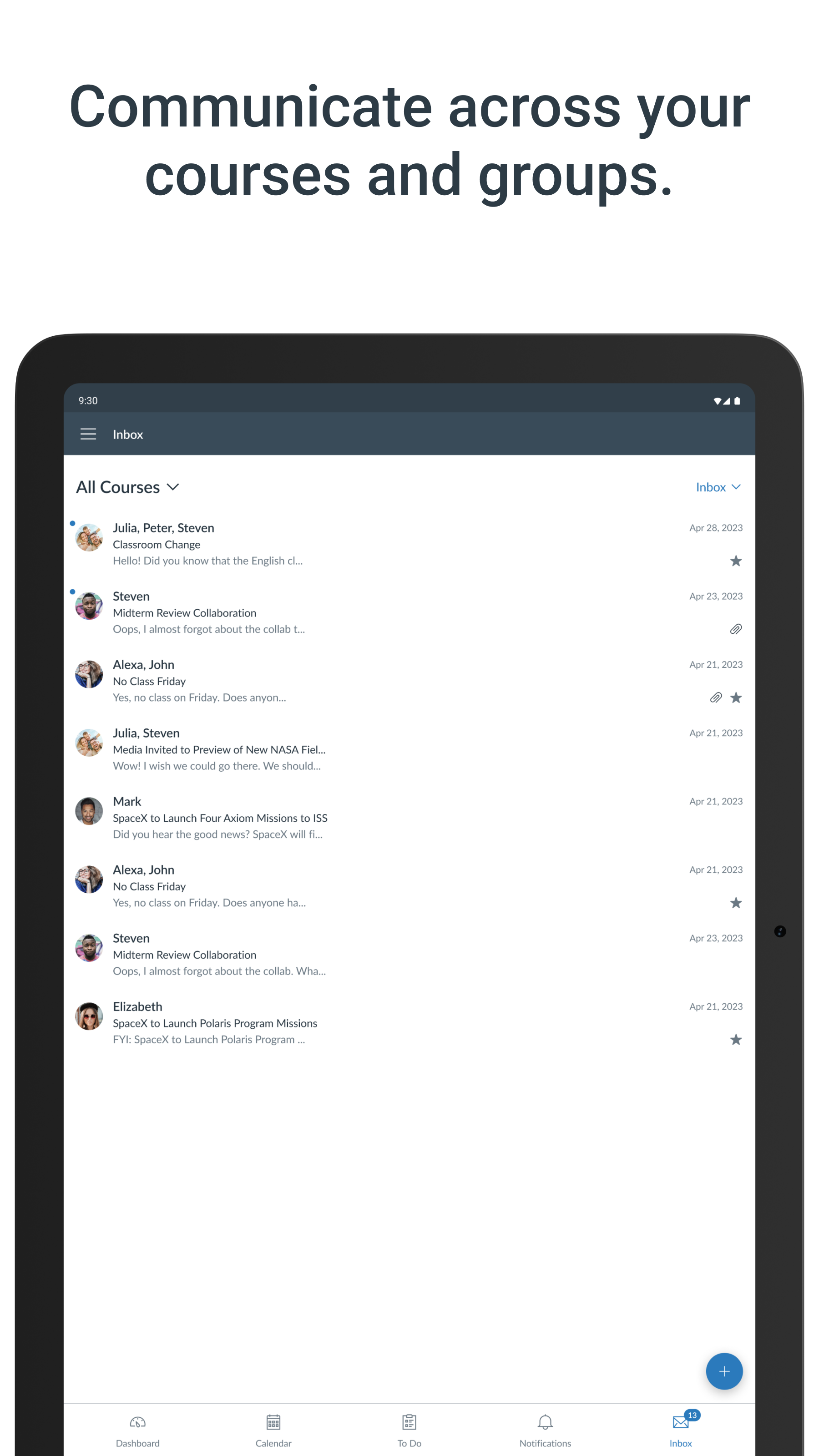
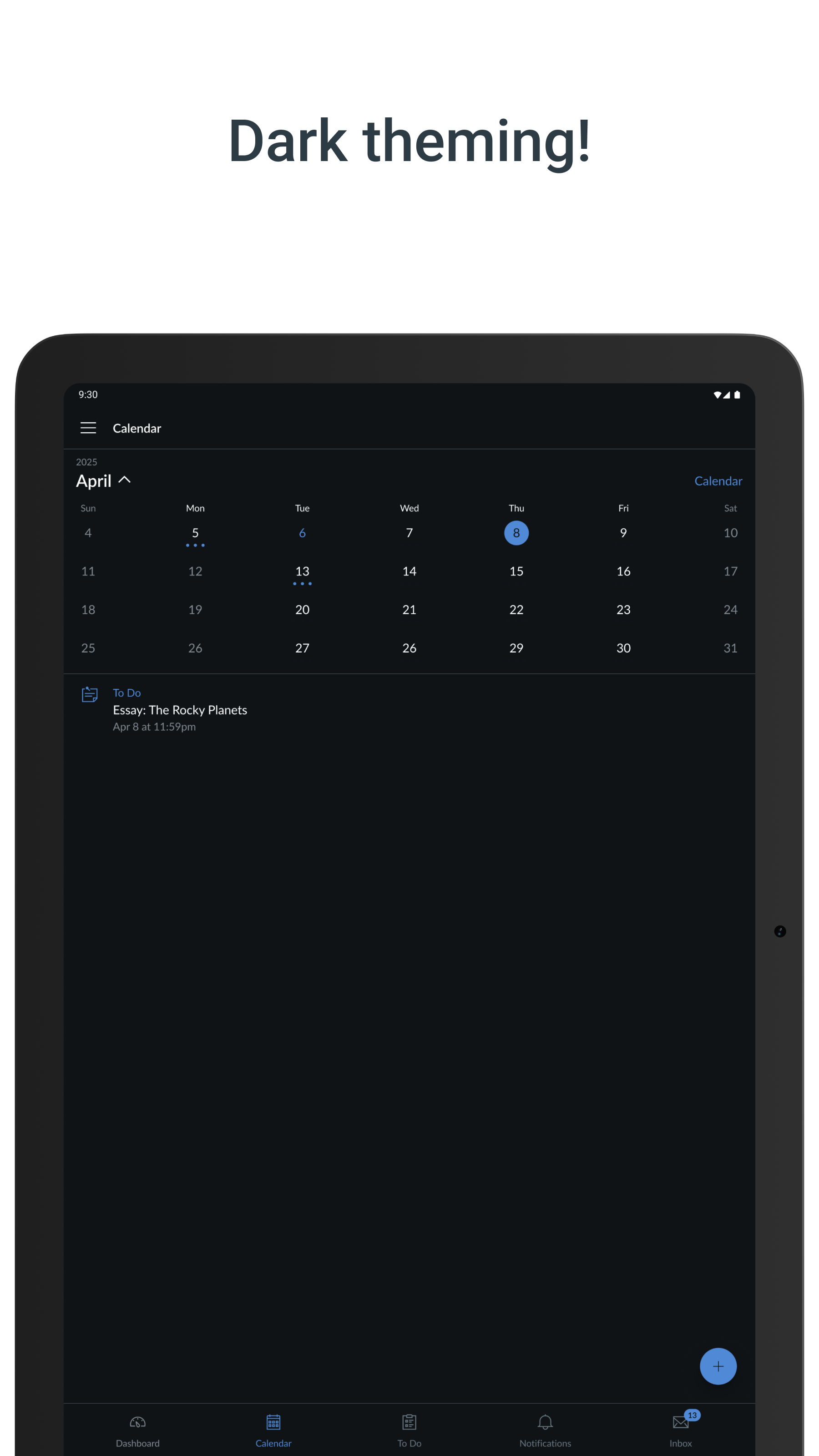
Your learning, anywhere. Stay connected to your courses with the official Canvas app for learners. Whether you’re in class, commuting, or offline, Canvas helps you stay organized and engaged. -Note for instructors: For teaching and grading features, use the Canvas Teacher app. -Note for parents & guardians: Use Canvas Parent app to follow student progress. What you can do: • Organize: View grades, track assignments, homework, and schoolwork; get reminders, push notifications and add customizable widgets for quick access • Engage: Send messages, join class discussions and collaborate with classmates in real time • Learn: Submit assignments, PDFs, docs, and media files for teachers to annotate in SpeedGrader, take quizzes, and watch videos on the go • Strategic Planning: Use "What-If" grade calculations to simulate future scores and plan your study goals with confidence • Offline: Download full courses and keep studying even without internet • Integration & inclusivity: Use integrated classroom tools (LTIs), enjoy dark mode, and rely on built-in accessibility for everyone (VPAT 2.2 compliant) • Lifelong learning: Support for continuous learning, career-focused skill based learning programs, and AI-powered learning experience via Career experience Trusted by over 40 million learners worldwide.
Canvas 8.6.1 Update
- The "Submission & Rubric" has been renamed to "Submission & Feedback". - Calendar and to-do lists now respect your device's first day of week setting - Fixed an issue where students could not send inbox messages in certain courses. - Future unpublished courses now appear in the All Courses list under Future Enrollments - Fixed an issue when opening discussion attachments from Assignment Details in offline mode - Career - Redesigned Learn screen - Bugfixes and stability improvements.
- Redesigned Grades screen with improved What-If scoring to preview grade impacts, extended i.a with search, filtering, support for custom grades and discussion checkpoints - Users can now open Studio embedded videos in immersive full-screen view for a better viewing experience - Added Portfolio to the navigation menu - Career - Redesigned Report a problem screen - Career - Redesigned IgniteAI experience - Added Korean language localization - Various bug fixes
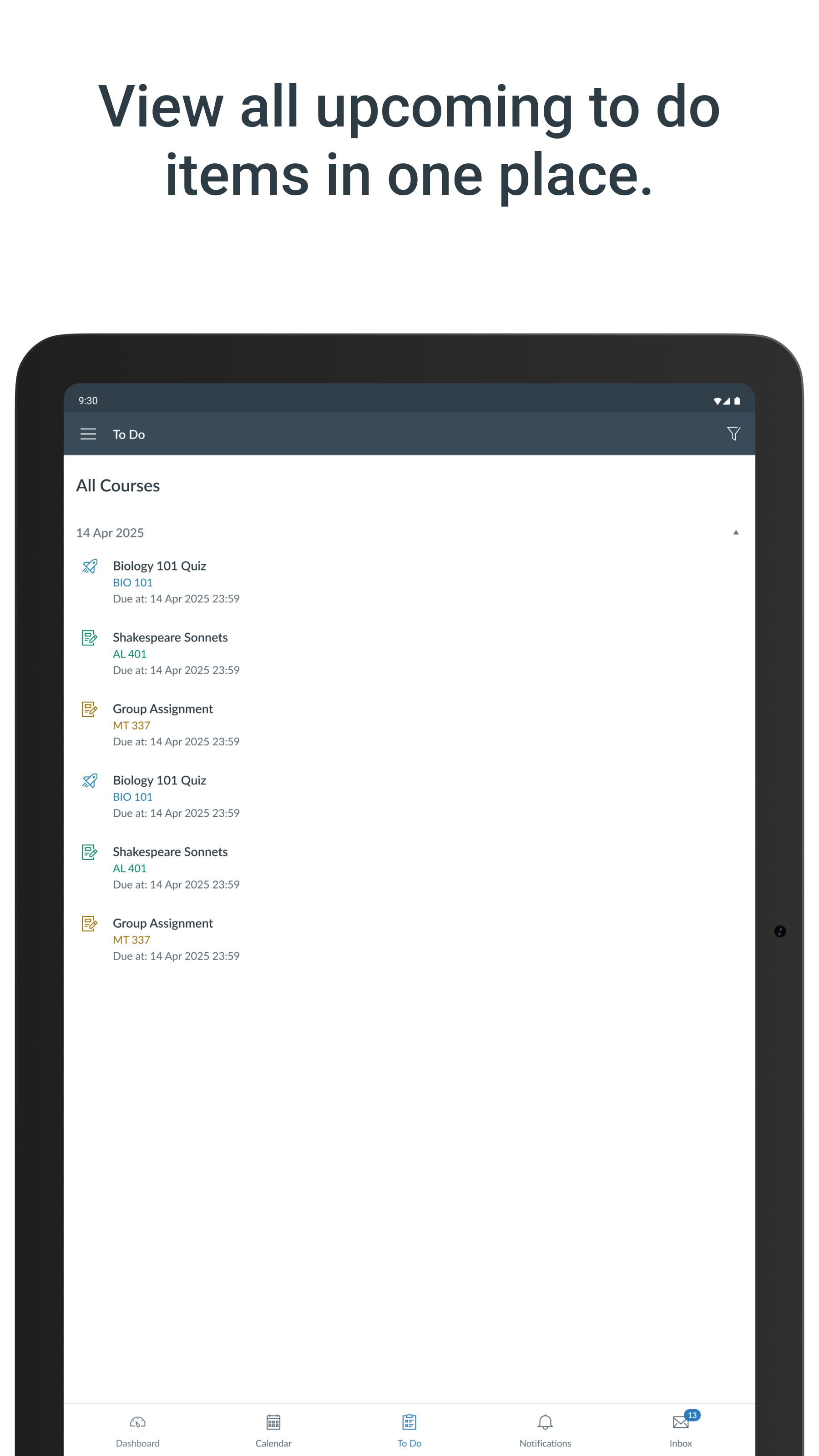
- Stability improvements. - Fixed issue where file submissions occasionally didn't appear in SpeedGrader after successful upload - Students in sections with extended dates can now submit assignments after course end dates - Added new To Do List view for students to see upcoming assignments and tasks - Adjusted widgets to respect ToDo list filters and settings. - Career - Redesigned notebook experience.
APKFab.com and the download link of this app are 100% safe. All download links of apps listed on APKFab.com are from Google Play Store or submitted by users. For the app from Google Play Store, APKFab.com won't modify it in any way. For the app submitted by users, APKFab.com will verify its APK signature safety before release it on our website.