Camera lens blur (portrait mode or boke) LITE

9.8 2

v1.0 beta by assusdan

Camera lens blur (portrait mode or boke) LITE APK download Camera lens blur (portrait mode or boke) LITE APK download

About Camera Lens blur LITE

Camera Lens blur LITE (Package Name: ru.portrait.cameradev) is developed by assusdan and the latest version of Camera lens blur (portrait mode or boke) LITE 1.0 beta was updated on February 4, 2018. Camera lens blur (portrait mode or boke) LITE is in the category of Photography. You can check all apps from the developer of Camera lens blur (portrait mode or boke) LITE. Currently this app is for free. This app can be downloaded on Android 4.0.3+ on APKFab or Google Play. All APK/XAPK files on APKFab.com are original and 100% safe with fast download.
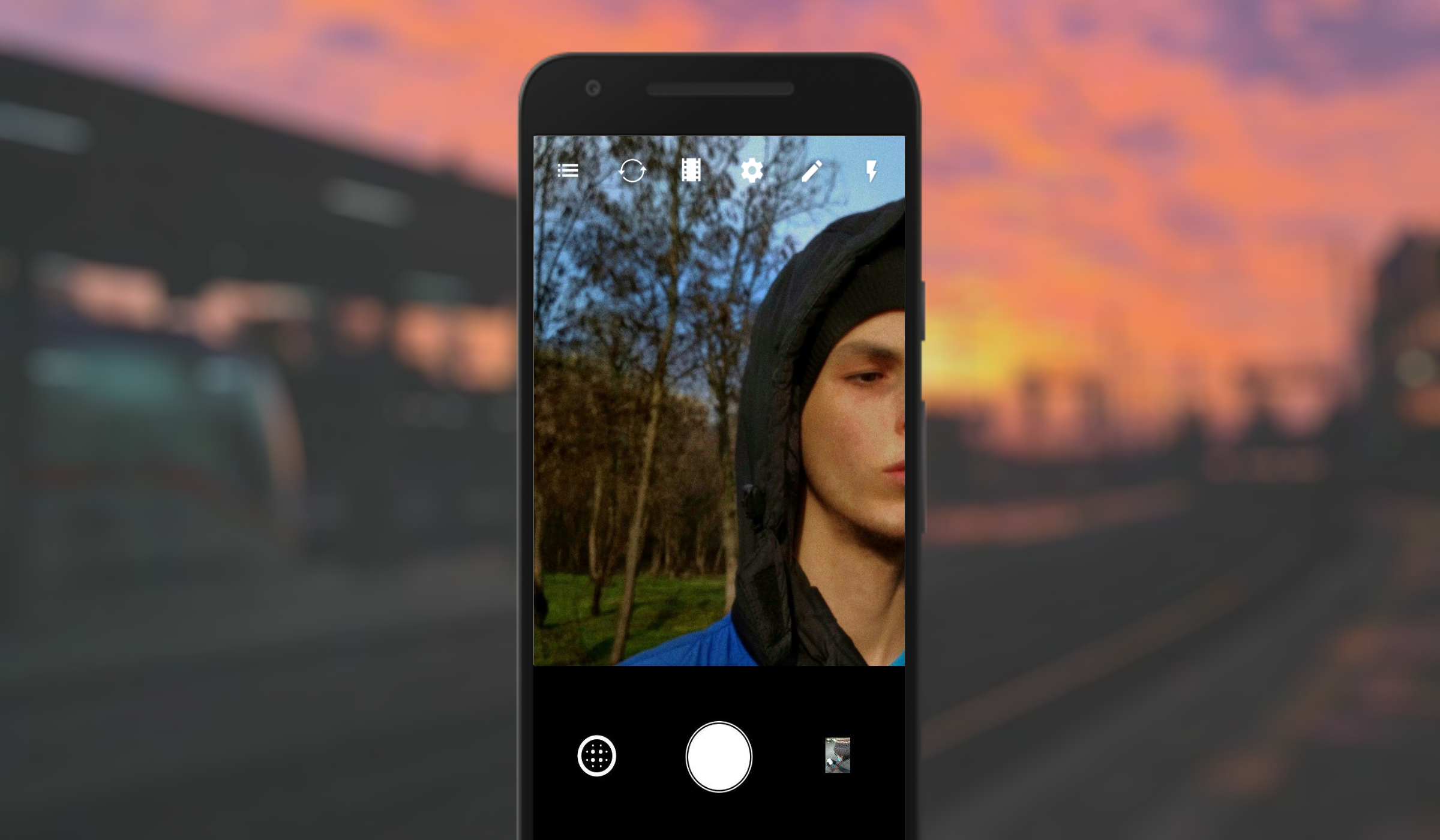
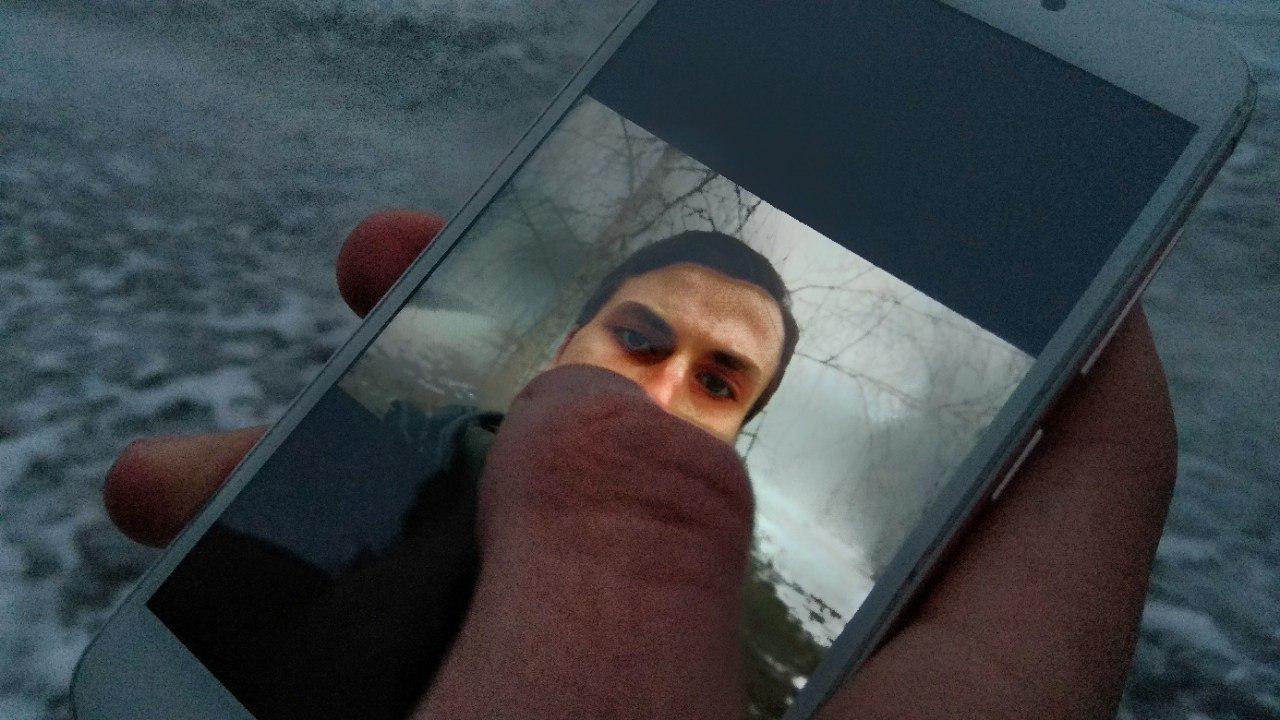
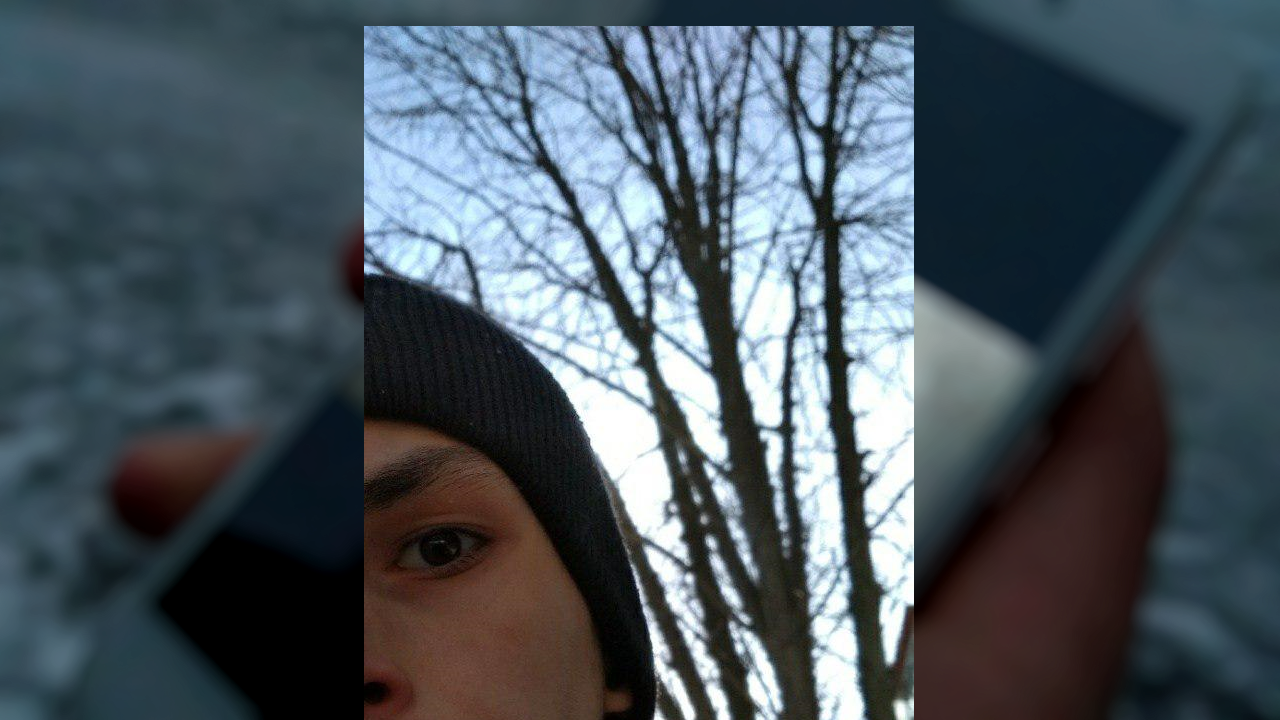
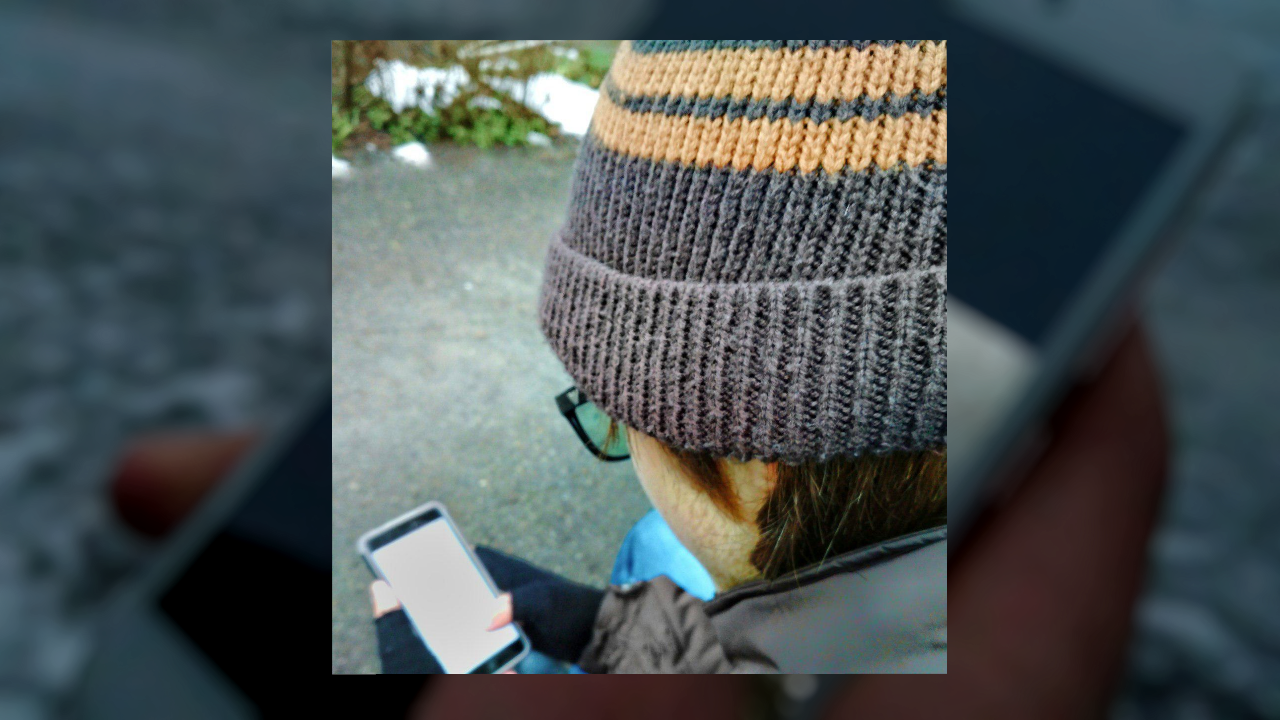
How does it work? Focus your hand on the main camera - and take a picture of yourself by pressing (!) On any volume key (the resulting focus will be blocked - this will allow focus to focus on the near object: on the person, and thus technically the real focus will perfectly blur the background)!
Portrait mode will be ideal in case of creating a photo in the open space. It's better than making selfies on the front-facing camera! You can photograph your friends - the working blur will work perfectly if the correct distance from a person to a smartphone is correct: no more than one meter.
This method is test and for creating a more accurate manual for creating such images, you can send your results and feelings to the author: telegram.me/vojtenko14
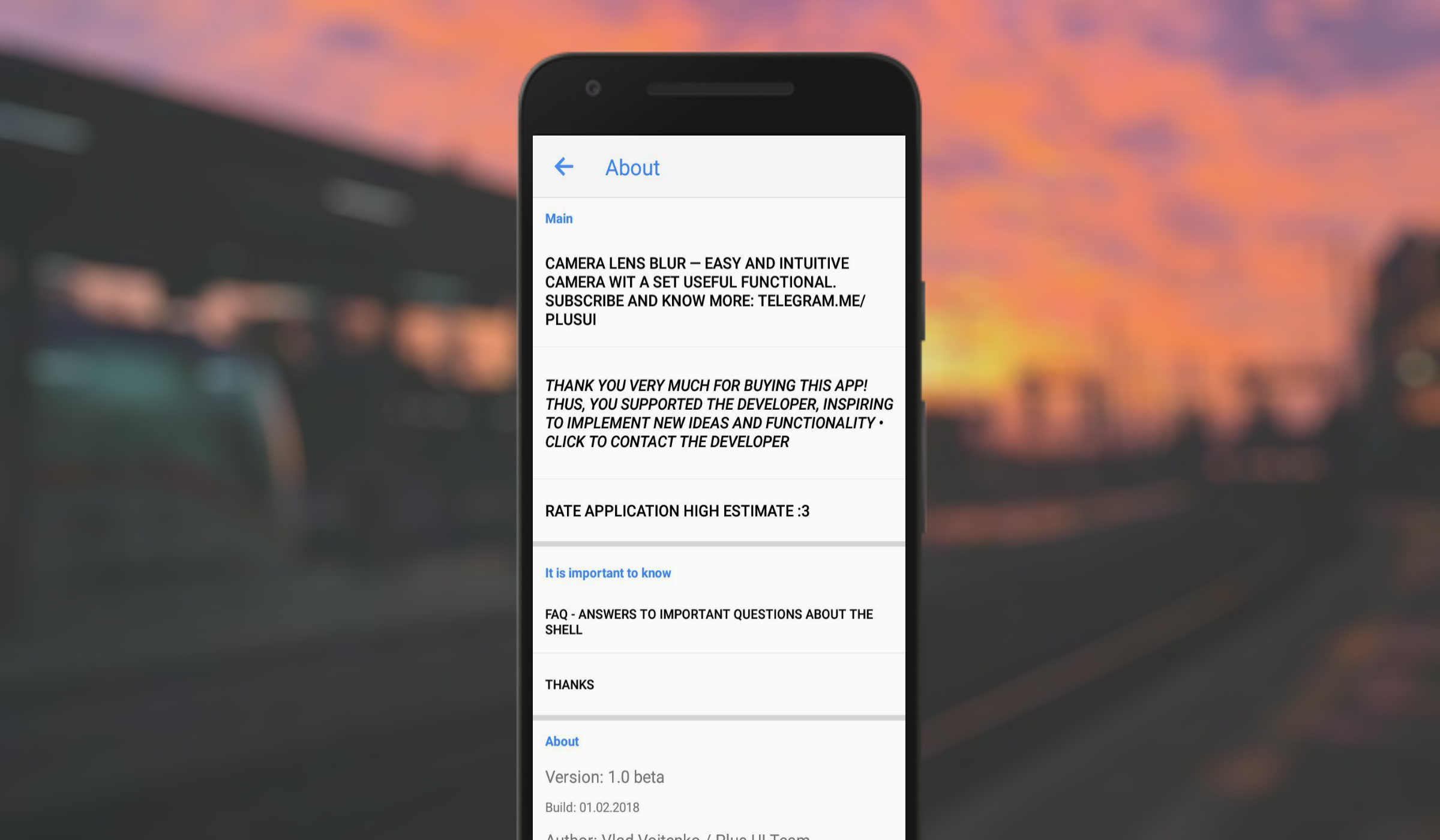
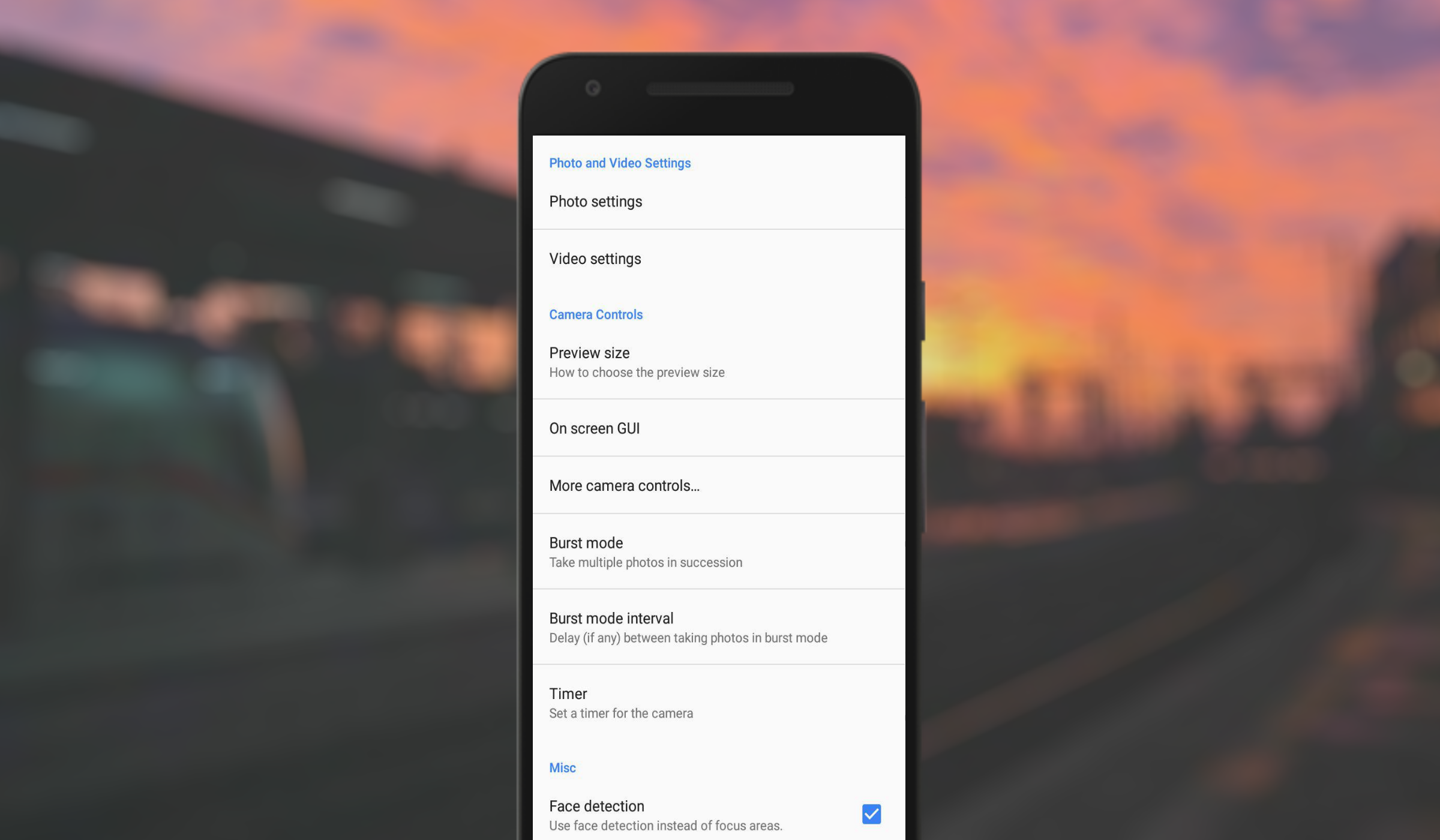
Also the application is equipped with a number of useful functions:
- Support HDR (Android 5.0+)
- Support for the Camera2 API on new devices
- Select image quality, camera and video resolution
- Supports all resolutions supported by the camera in the device
- Serial shooting mode, with delay setting
- Take pictures and shoot videos with convenience! Adjustable volume keys (make a photo or video, zoom, or change exposure compensation)
- Timer
- Selecting a folder to save pictures
- Different grid shapes
- Displays the orientation of the device in degrees
- Turn on geolocation, and your photos or videos will be marked with a location
A photo:
- Control the flash of your device. Modes on / off / auto / flashlight
- Ability to recognize faces (if the device supports the function)
- Support for changing ISO
- Many color effects, scene modes, white balance
Video:
- Support for changing frame rates and bitrates
- Support for additional audio for video, support for external microphones
- Support shooting in 4K (3840x2160)
- Support for image auto-stabilization at the software level (if supported by the device)
Support the project with a positive evaluation! If you want to support the development and unlock all the functionality - buy a camera (the minimum price on Google Play): https://play.google.com/store/apps/details?id=en.portrait.cameradevpro
Channel with news: http://telegram.me/plusui
Privacy Policy: http://telegra.ph/Privacy-Policy-Camera-Lens-blur-02-03
Contact with the developer: http://telegram.me/vojtenko14
Talk in Telegram: http://telegram.me/plus_ui
VKontakte: vk.com/vk_com_plus

Camera Lens blur LITE 1.0 beta Update

Focus your hand on the main camera - and take a picture of yourself by pressing (!) On any volume key! Portrait mode will be ideal in case of creating a photo in the open space. You can photograph your friends - the working blur will work perfectly if the correct distance from a person to a smartphone is correct: no more than one meter. This method is test and for creating a more accurate manual for creating such images, you can send your results and feelings to the author: t.me/vojtenko14
Read More
Camera Lens blur LITE Features
Previous Versions More
Camera lens blur (portrait mode or boke) LITE
Camera lens blur (portrait mode or boke) LITE 1.0 beta APK
February 8, 2018 4.39 MB

Requires Android: Android 4.0.3+

Screen DPI: 160-640dpi

SHA1: c2880827f009aa8b73a340d26d194d10c81562bb

Size: 4.39 MB

What's New:

Focus your hand on the main camera - and take a picture of yourself by pressing (!) On any volume key! Portrait mode will be ideal in case of creating a photo in the open space. You can photograph your friends - the working blur will work perfectly if the correct distance from a person to a smartphone is correct: no more than one meter. This method is test and for creating a more accurate manual for creating such images, you can send your results and feelings to the author: t.me/vojtenko14
More Information

Package Name:

ru.portrait.cameradev

Update Date:

Latest Version:

1.0 beta

Need Update:

Submit latest version

Requirements:

Android 4.0.3+