C3D Mobile

7.8 14

v2.2 by CCT International
C3D Mobile APK download C3D Mobile APK download

About C3D Mobile

C3D Mobile (Package Name: cctintl.c3d.android) is developed by CCT International and the latest version of C3D Mobile 2.2 was updated on September 6, 2019. C3D Mobile is in the category of Productivity. You can check all apps from the developer of C3D Mobile and find 113 alternative apps to C3D Mobile on Android. Currently this app is for free. This app can be downloaded on Android 5.0+ on APKFab or Google Play. All APK/XAPK files on APKFab.com are original and 100% safe with fast download.
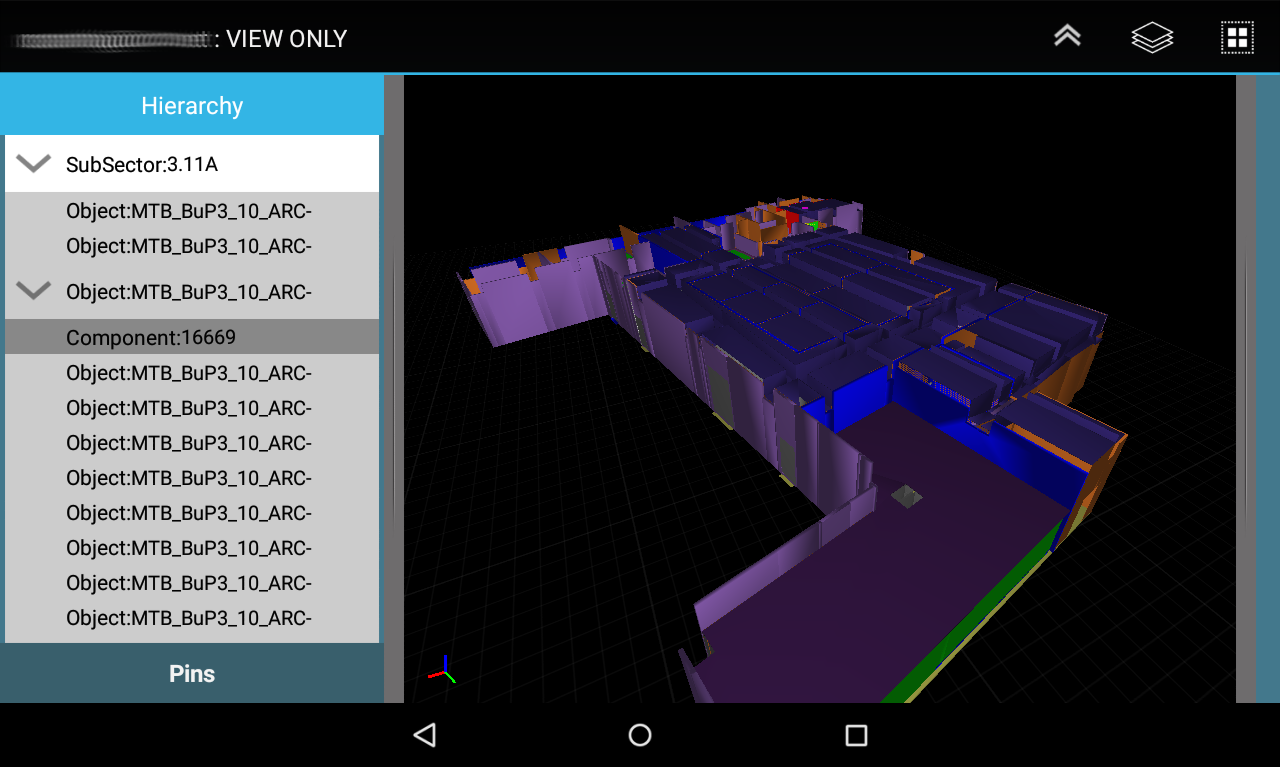
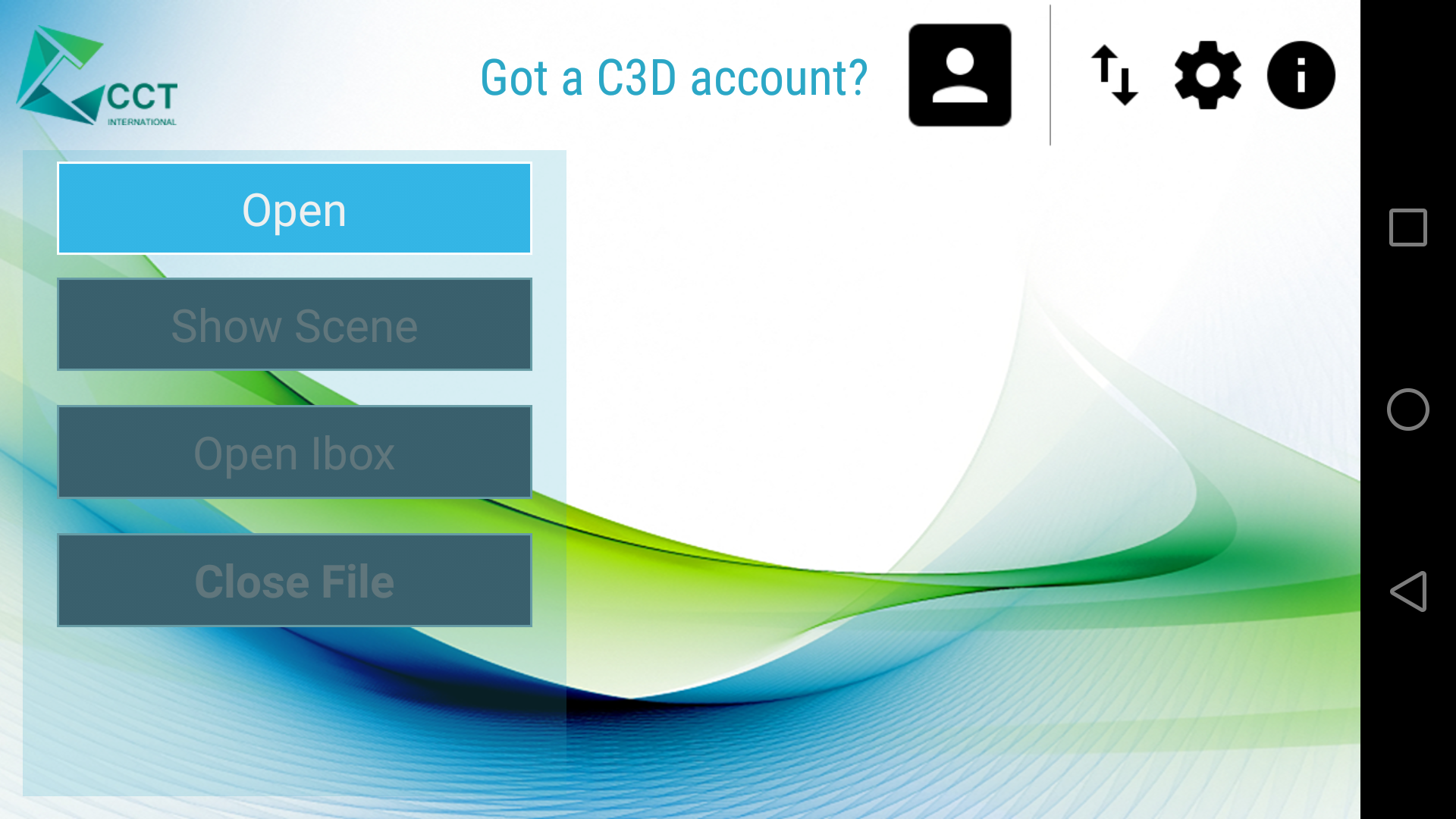
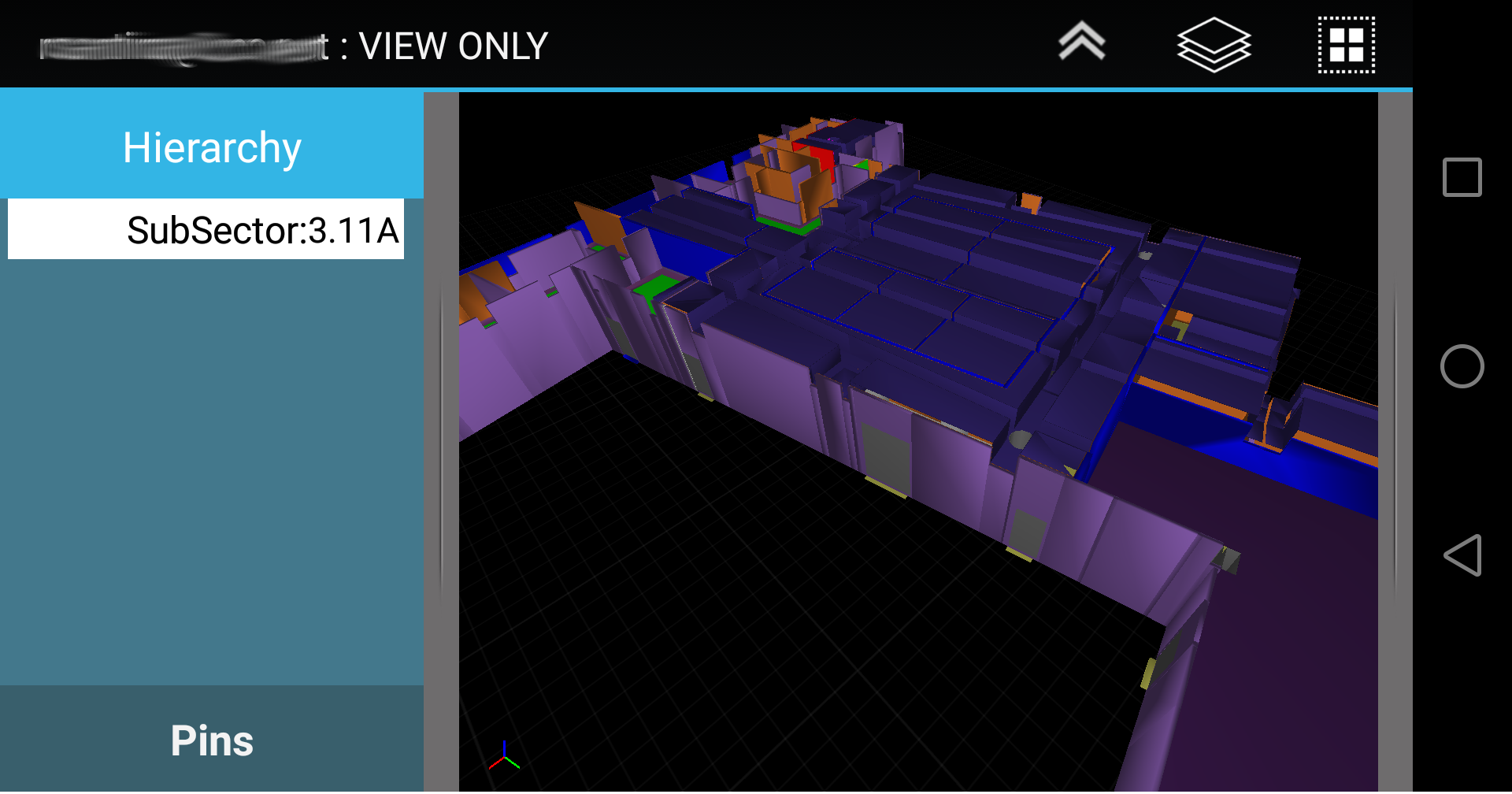
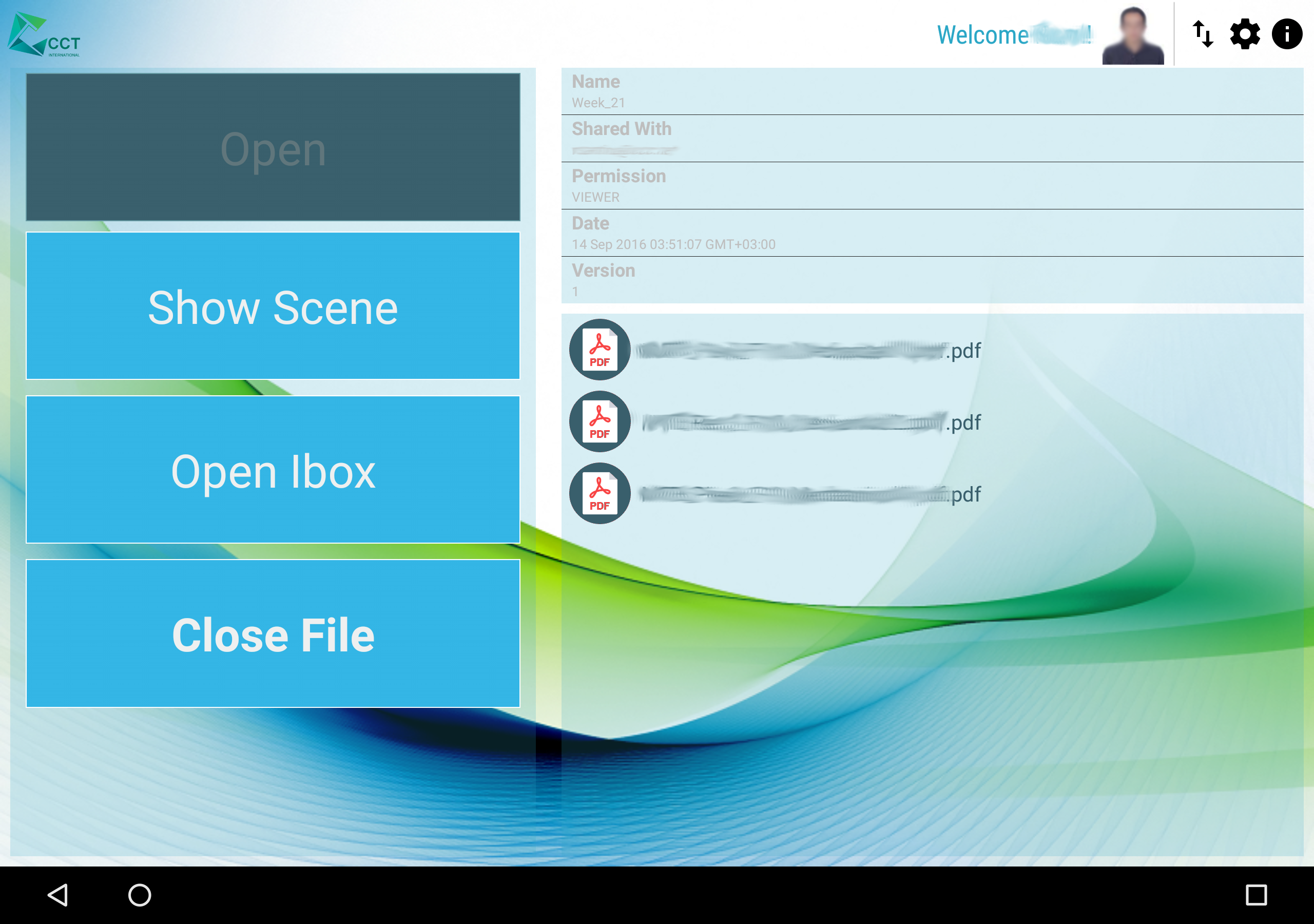
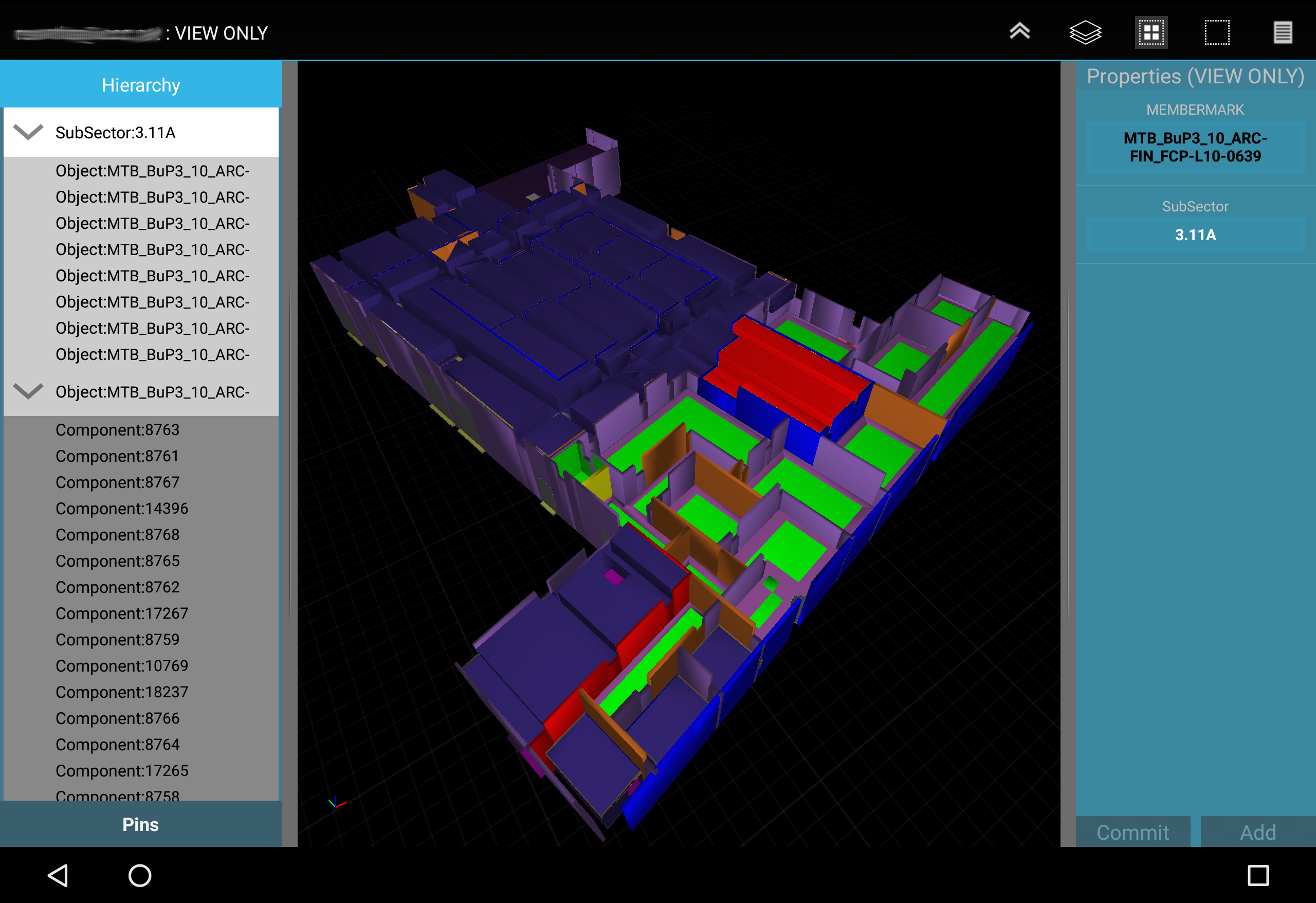
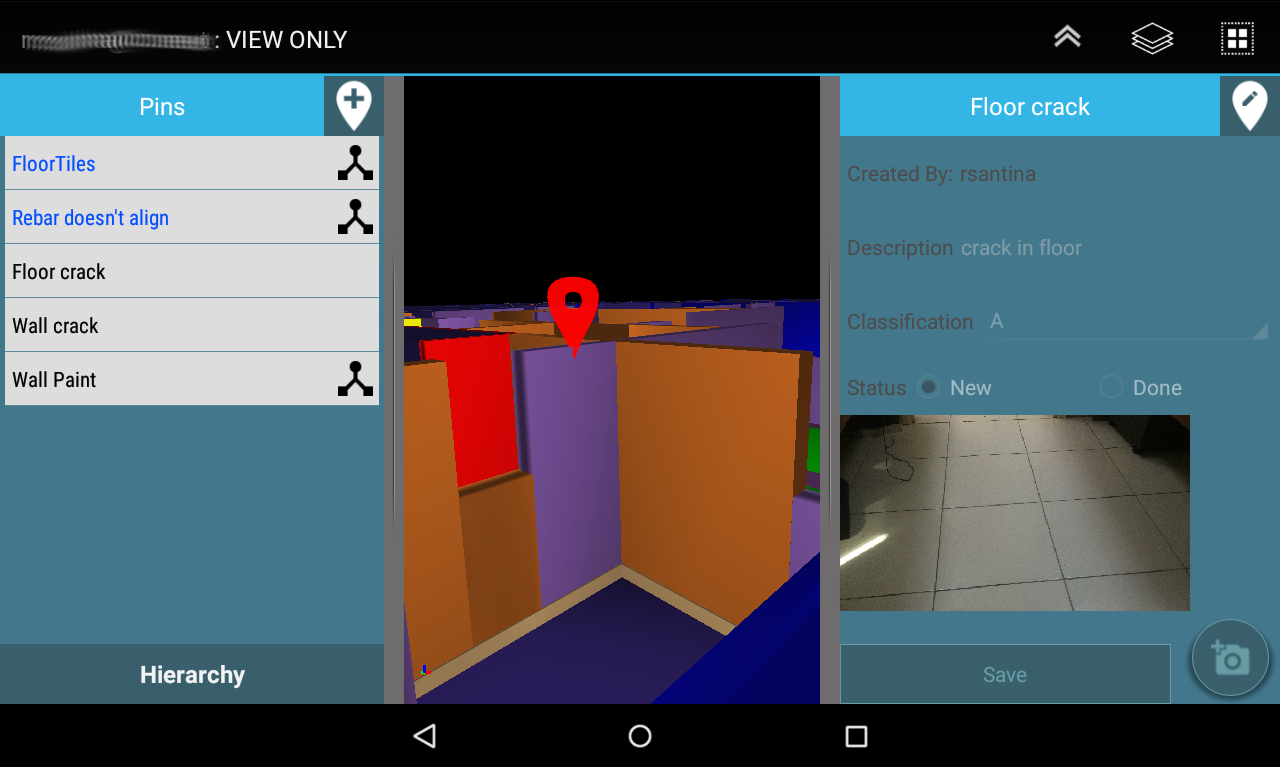
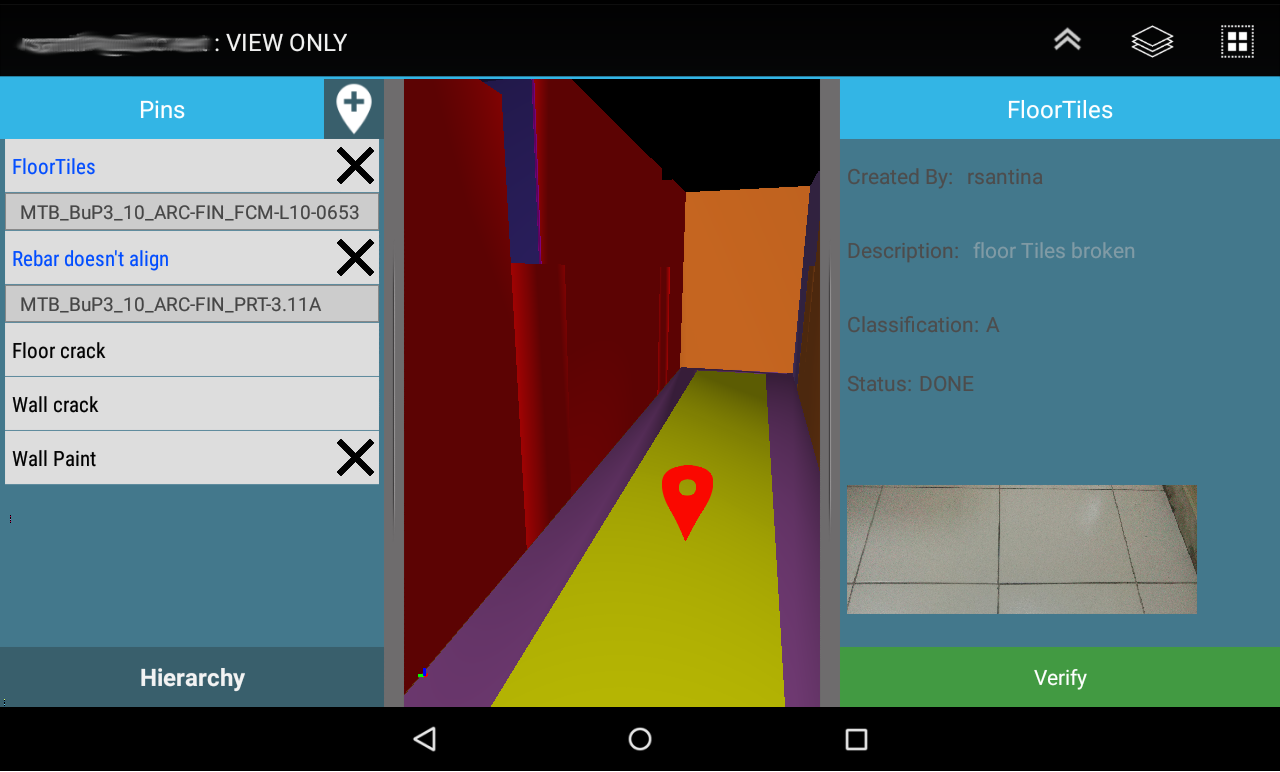
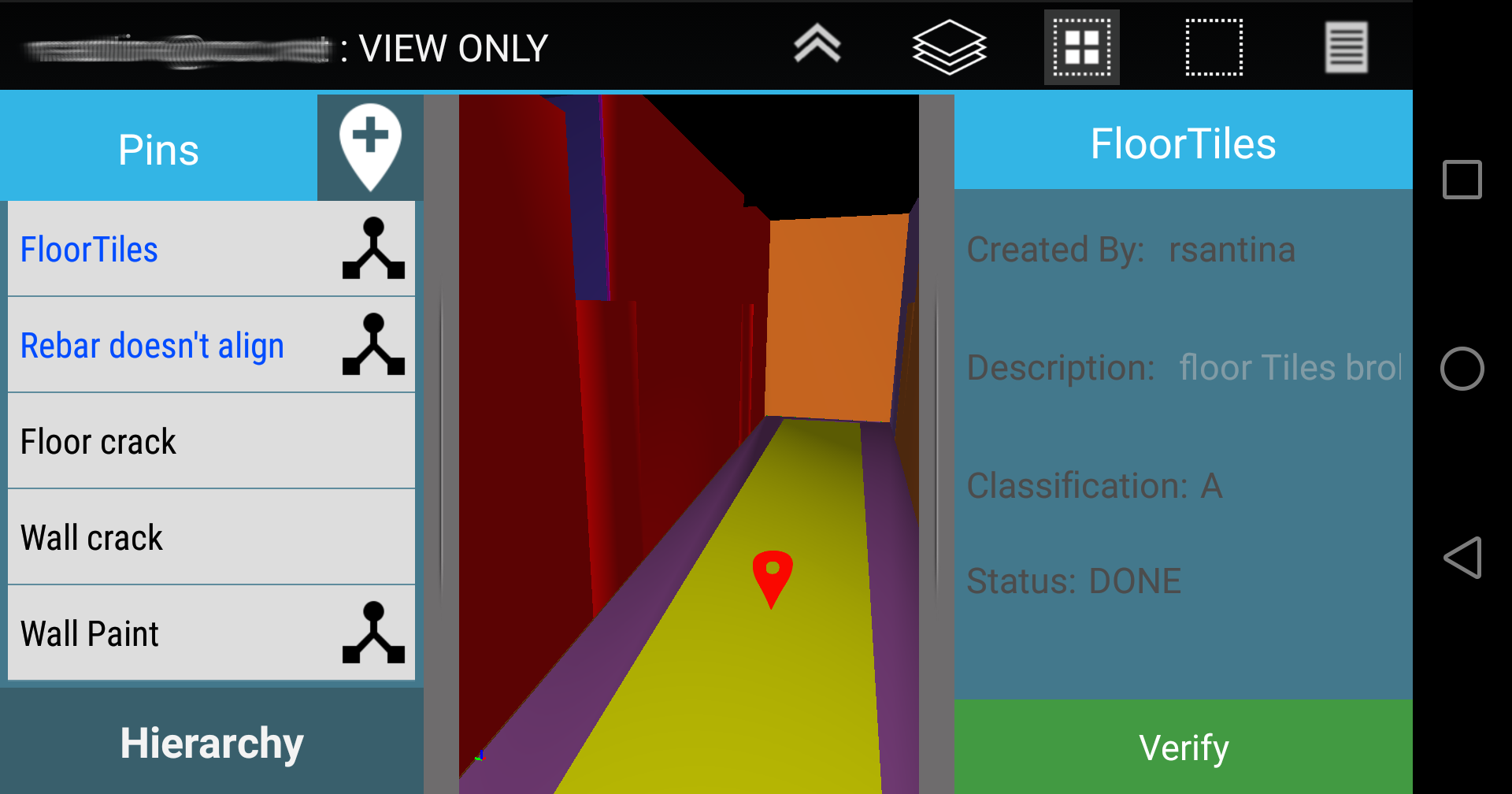
C3D Mobile is a specialized 3D Construction management application. C3D Mobile allows site supervisors to interact with the
3D model relevant to their area of responsibility. C3D Mobile also allows the user to create, edit, and verify punchitems.
Using C3D Mobile, you will be fully informed on all the details of the model and parameters that are needed on the
move. No need to go back to the office to verify, check, or print the drawings before heading to the construction site. Share
your models, updates, and revisions using C3D Collaboration Server.
Main usage of C3D Mobile includes:
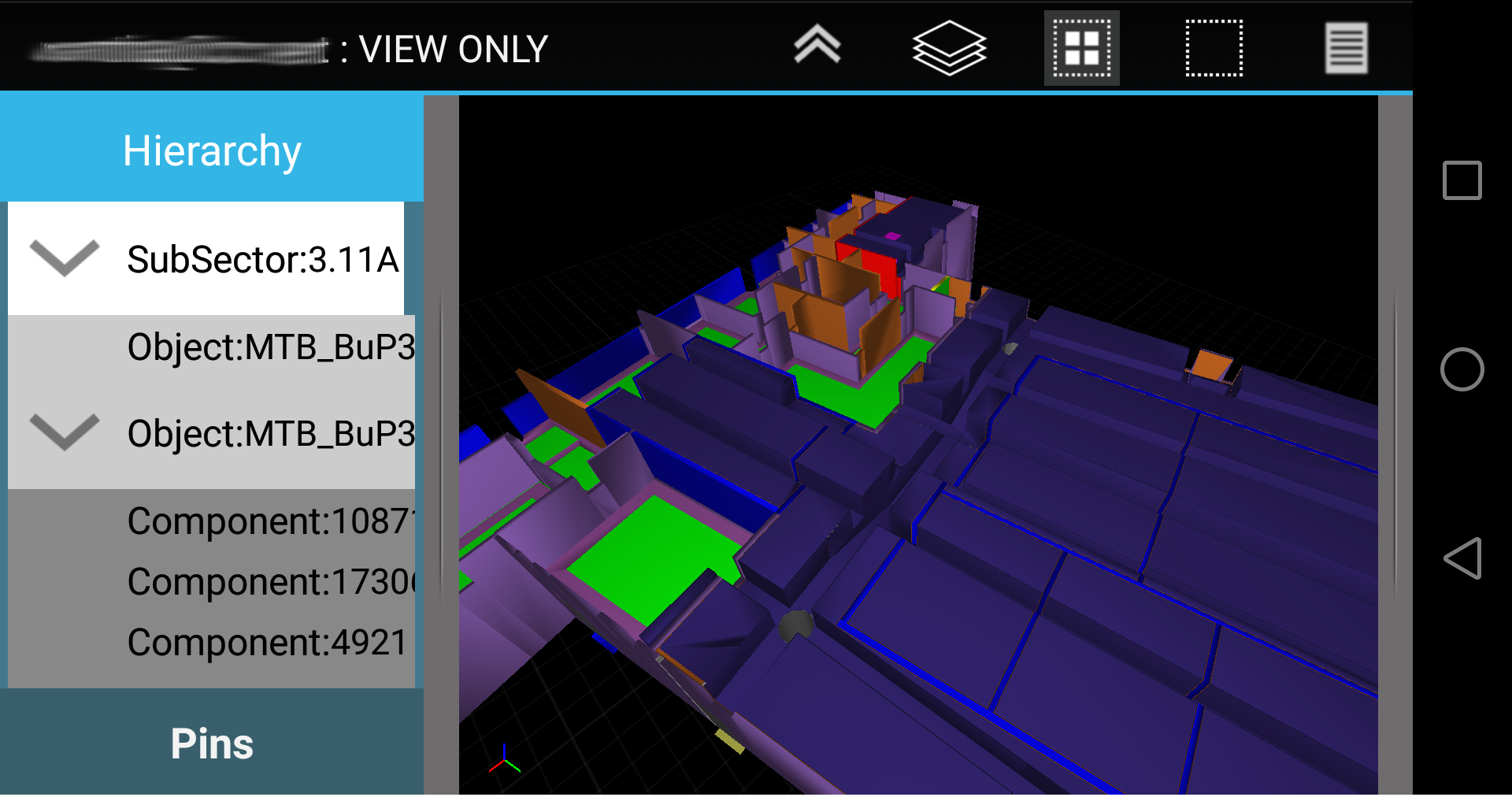
Visualize Model & Related Properties
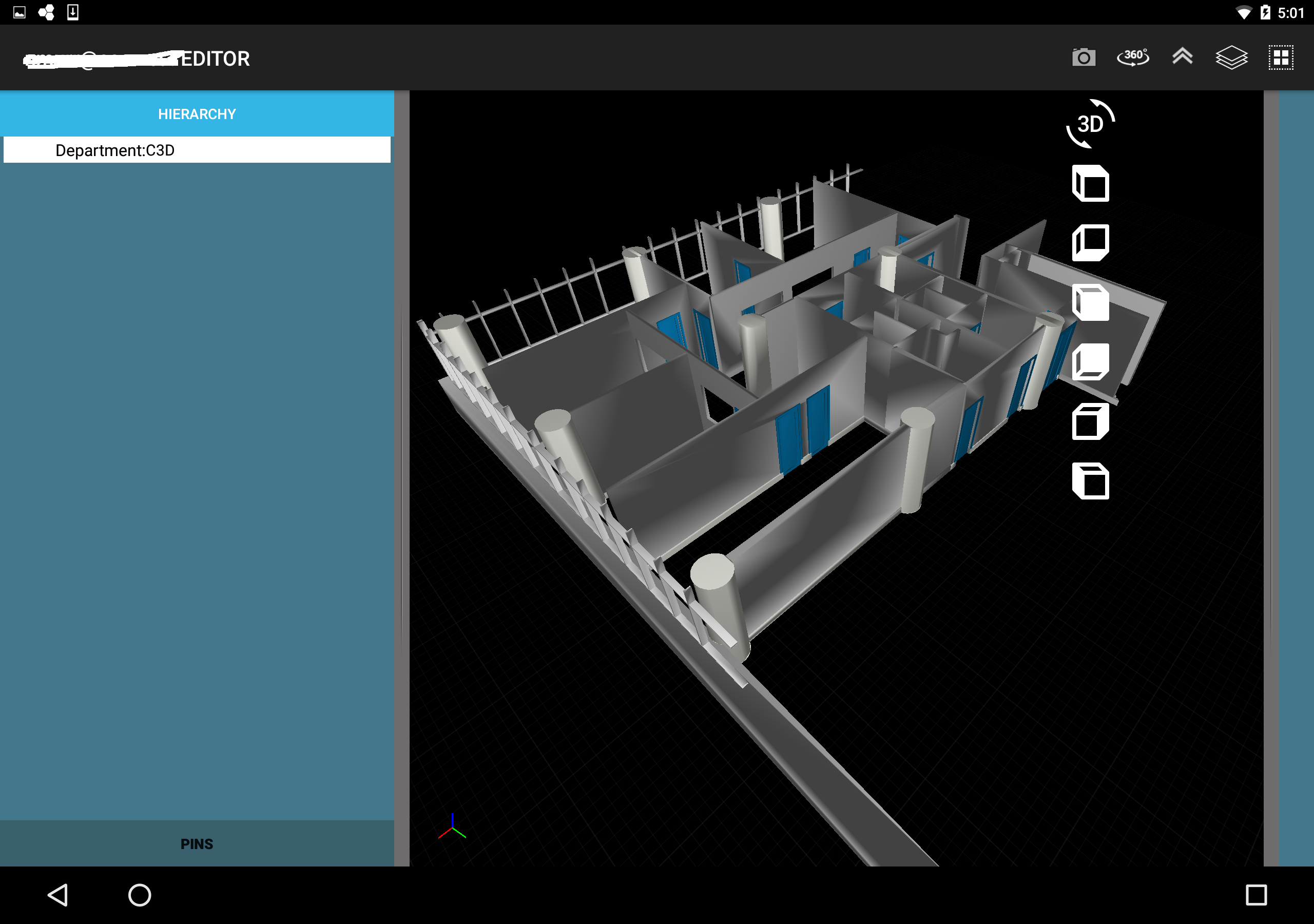
- Smooth Navigation of the 3D model.
- View properties and BOQs per object.
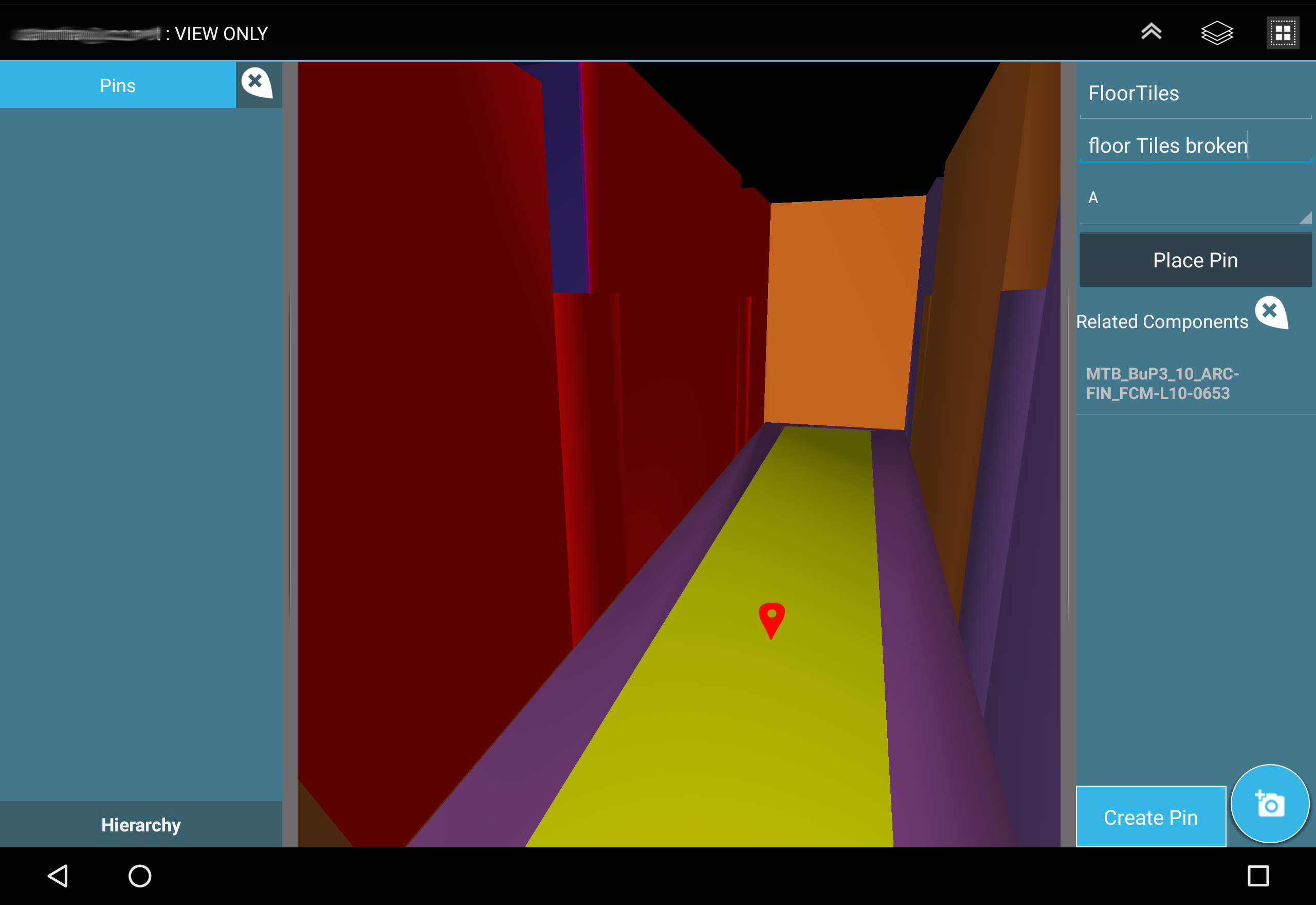
Punch Listing & Handover
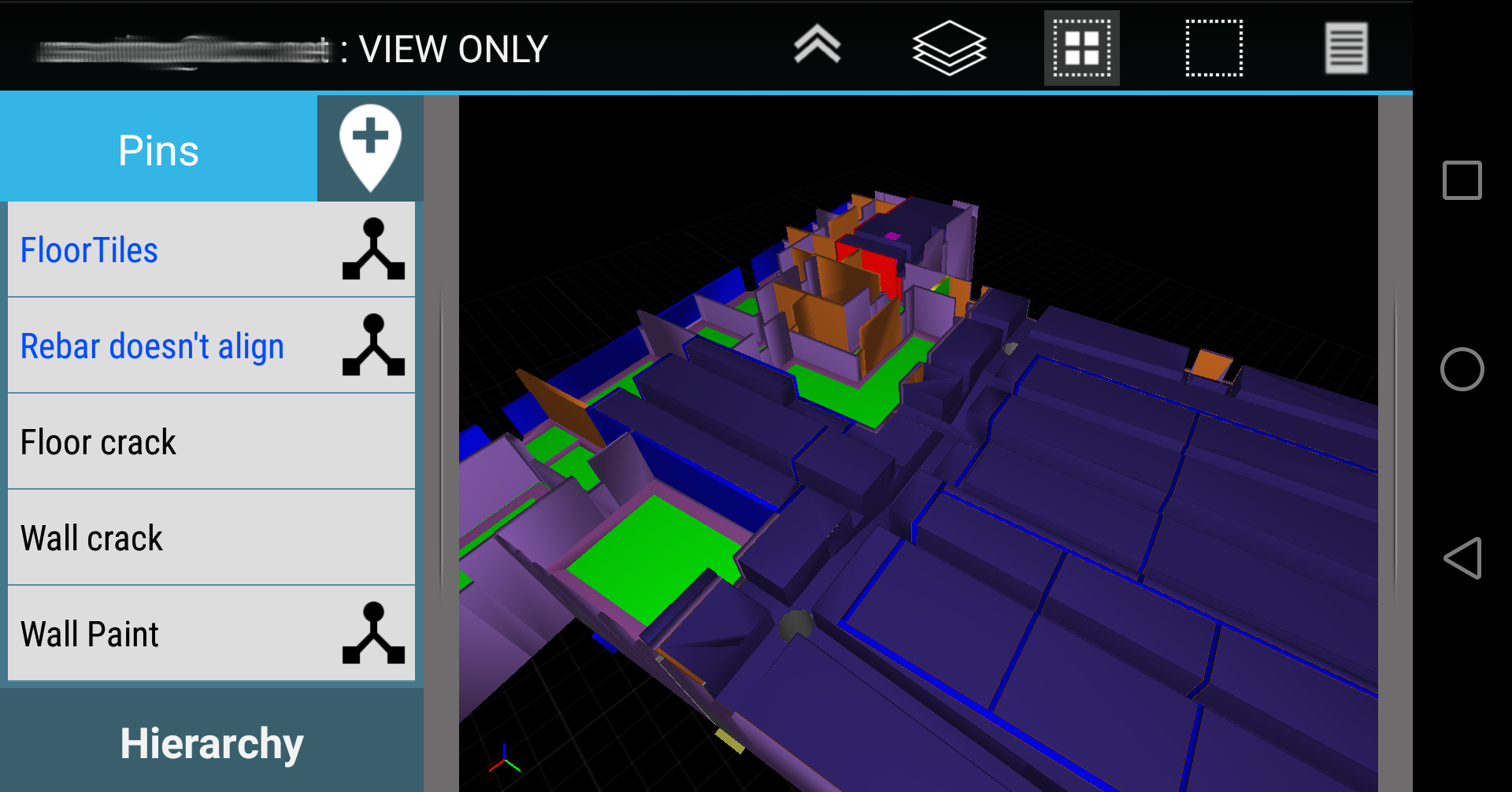
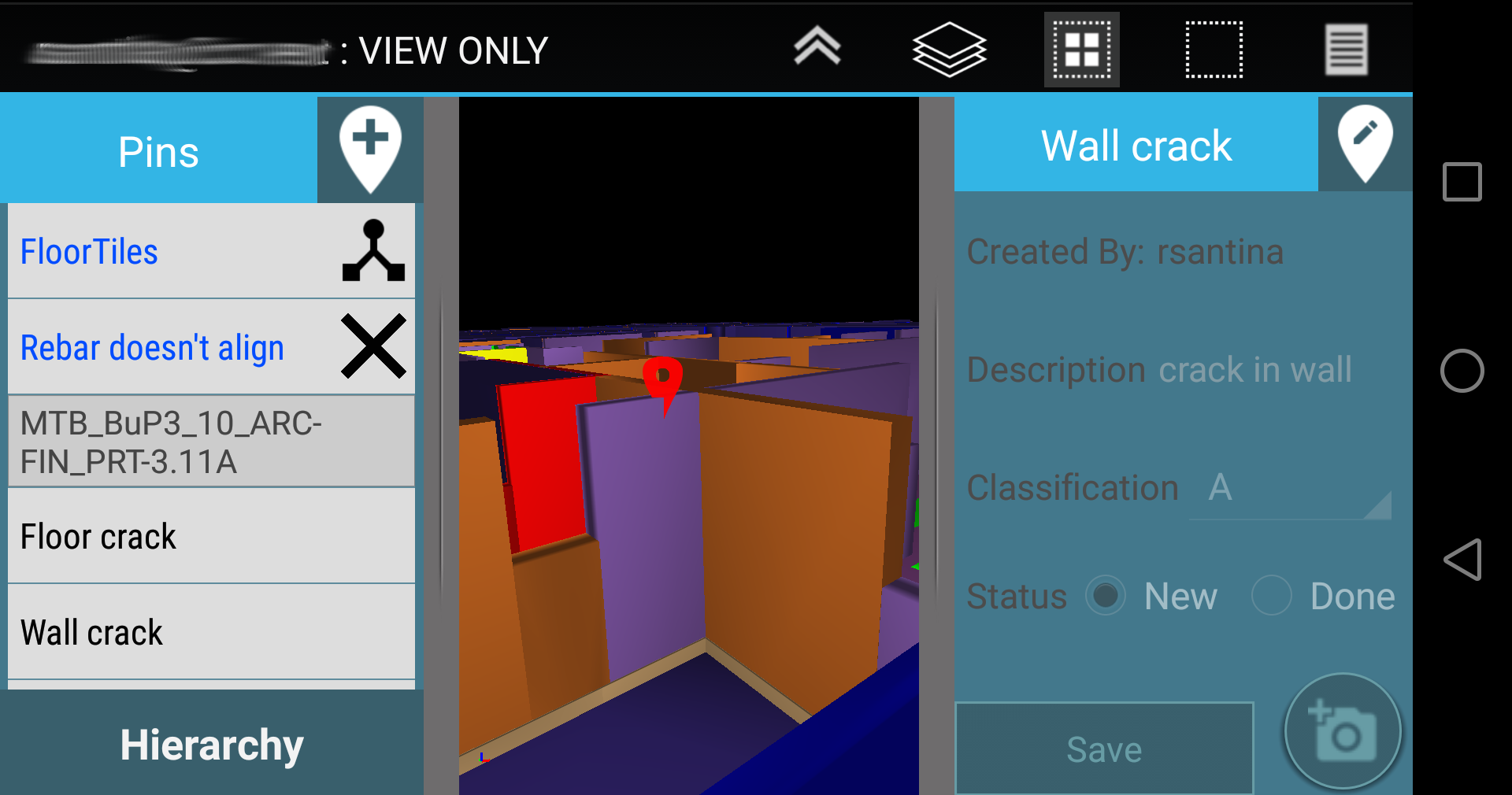
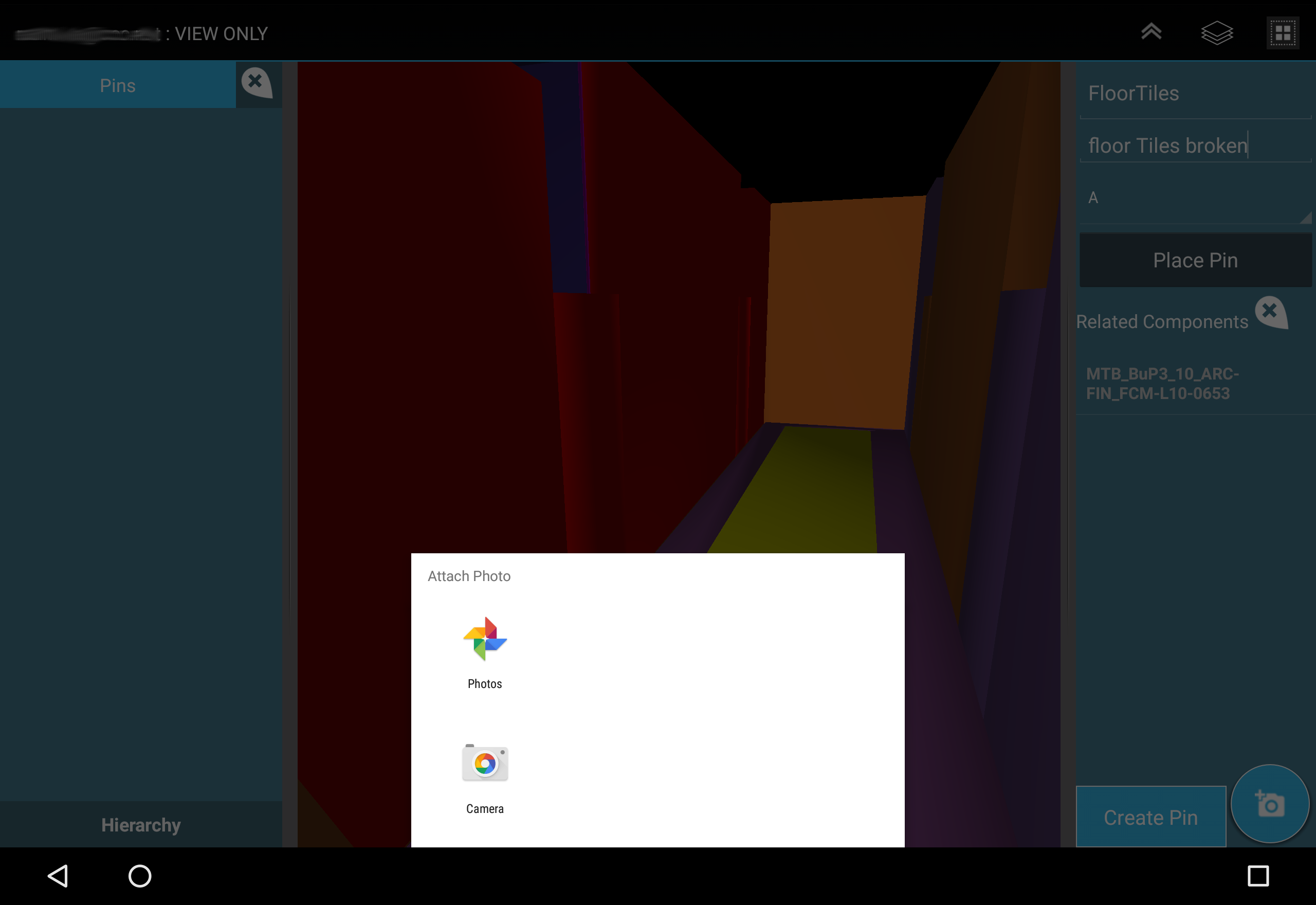
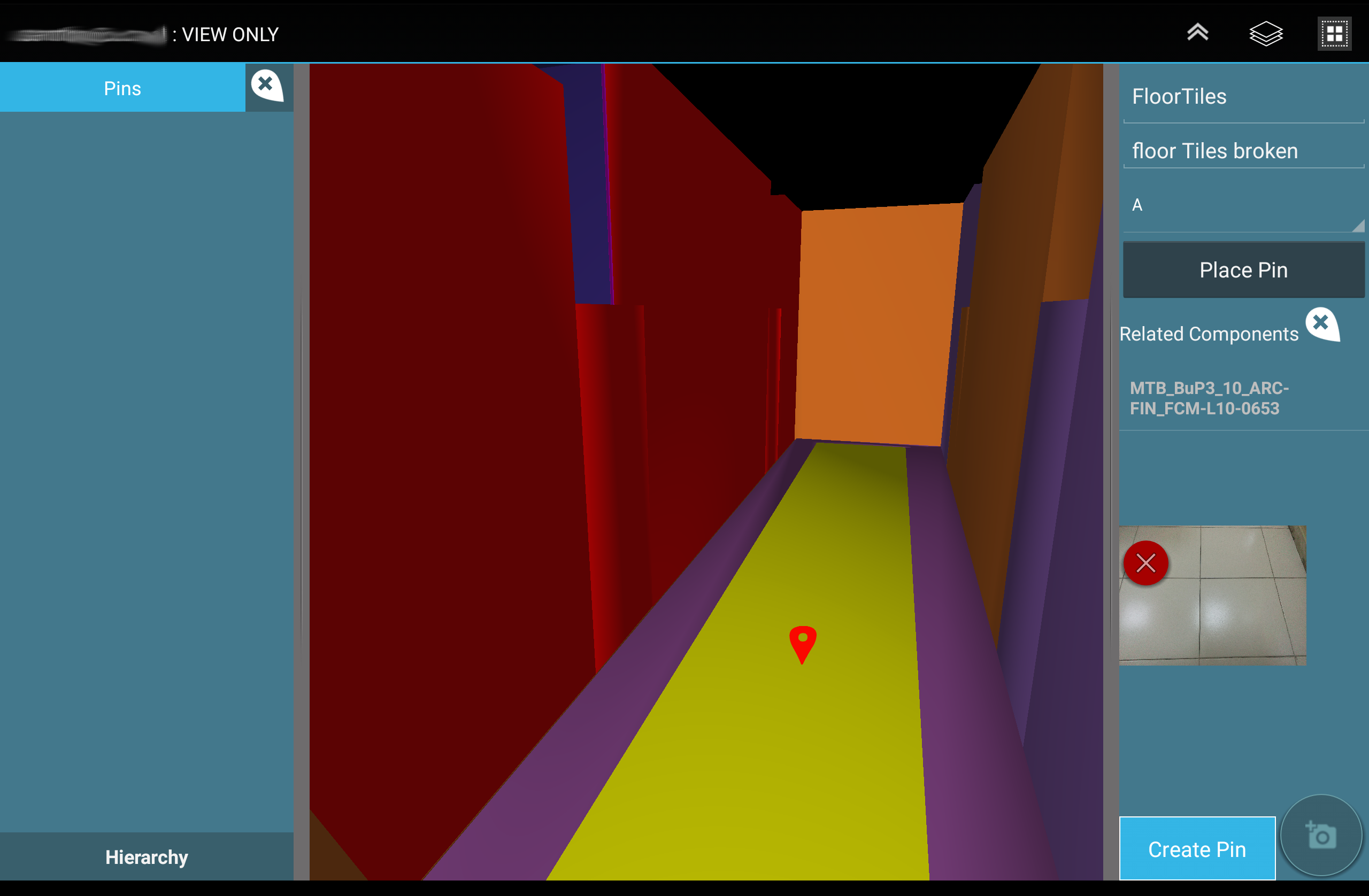
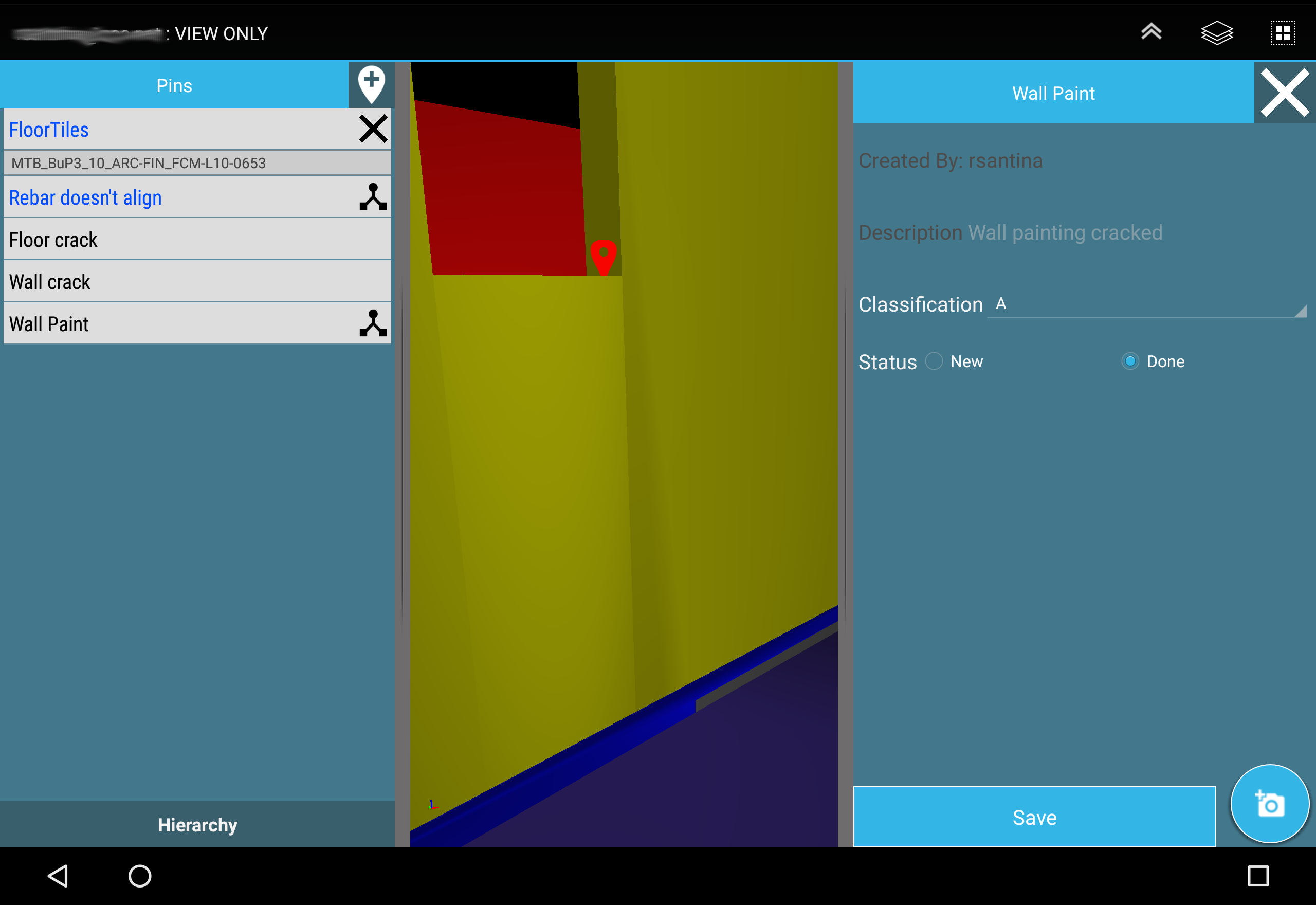
- Create Punchitems with optional image (diretly from camera or from user gallery).
- Link Objects to Punchitem
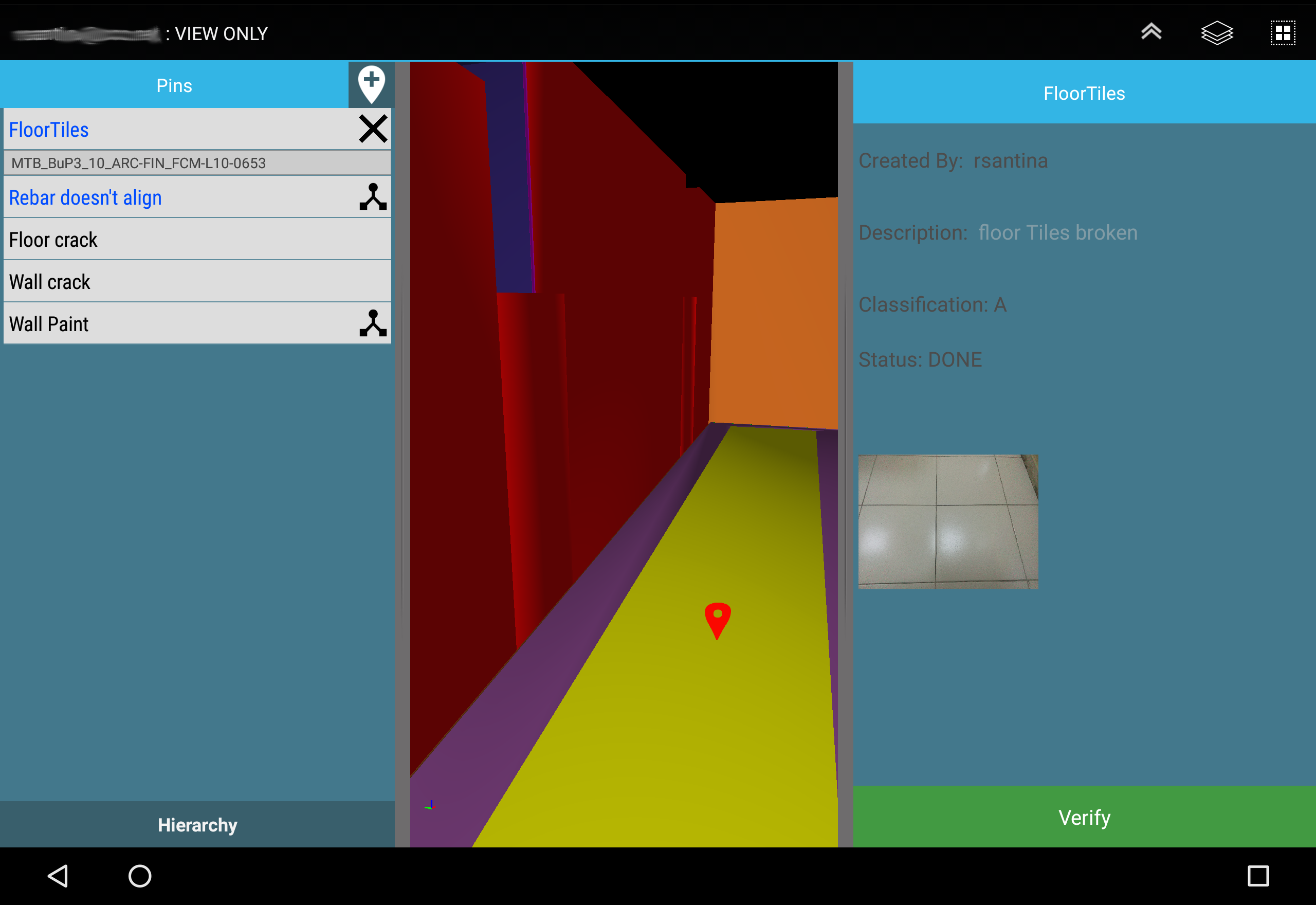
- Set Punchitem as Done, and send it for verification.
- Works offline & Online
- Verify Punchitems assigned to you. (JV, Contractor, Client)
- View supporting documents and drawings.
- Automatically upload changes to server (if connection available)
- Fully Compatible with C3D Atlas Handover System and/or C3D SiteWalk Add-on.
Having C3D Interactive as its desktop counterpart, the user can share to C3D Mobile the whole model or part
of a model depending on user, location, activity, and any other filtering criteria. Convert models coming
from industry standard file formats and multiple design authoring tools. The converted models are then
combined to be linked to your plan and WBS coming from reputed scheduling applications.
Sample Model with Punch-items is availabe for download thru the app.
For more information, visit http://c3d.com

C3D Mobile 2.2 Update

-Support v4.x of C3D
-Support 64bit devices
-Rendering Enhancements : major update on shading model to enhance visualization
-2D Drawing support: support loading 2D drawings based files on mobile
-Add support for position based navigation
-Compress model for ability to load more geometry.
-Job Cards for use with C3D Planner (beta)
-Settings
Add ability to change background Color
Setting max vertex load capacity
Allow user to modify URL
-Bug fixes & enhancements
Read More
C3D Mobile Features
Previous Versions More
C3D Mobile
C3D Mobile 2.2 APK
January 19, 2020 8.75 MB

Requires Android: Android 5.0+

Architecture: arm64-v8a, armeabi-v7a

Screen DPI: 160-480dpi

SHA1: ce6a07127ec32a56e167f193a143f884c942964c

Size: 8.75 MB

What's New:

-Support v4.x of C3D
-Support 64bit devices
-Rendering Enhancements : major update on shading model to enhance visualization
-2D Drawing support: support loading 2D drawings based files on mobile
-Add support for position based navigation
-Compress model for ability to load more geometry.
-Job Cards for use with C3D Planner (beta)
-Settings
Add ability to change background Color
Setting max vertex load capacity
Allow user to modify URL
-Bug fixes & enhancements
C3D Mobile
C3D Mobile 2.1 APK
May 3, 2017 7.47 MB

Requires Android: Android 5.0+

Architecture: armeabi-v7a

Screen DPI: 120-480dpi

SHA1: 11aa1772a56e2844c10a5590330397cbf2dc7ede

Size: 7.47 MB

What's New:

-Pins:
Support additional properties on Pins from a related class
Properties: Text, List, & Date. (Options: default values, read-only, & required)
-Notifications
System service to check for new/revised files, with system notification.
User can change checking frequency or disable it from application settings.
-Scene:
360 based navigation mode (based on devise orientation)
System camera views (Top, bottom, left, right, back, front)
Align Camera View option.
Various Bug Fixes & Enhancements
C3D Mobile
C3D Mobile 2.0 APK
November 22, 2016 6.2 MB

Requires Android: Android 4.1+

Architecture: armeabi-v7a

Screen DPI: 160-320dpi

SHA1: 3a1410619cf8d3ff0d3827a386070b1d1a48821e

Size: 6.2 MB

What's New:

V2.0
- New Look and feel & Major Performance Enhancements
- Enhance scene navigation
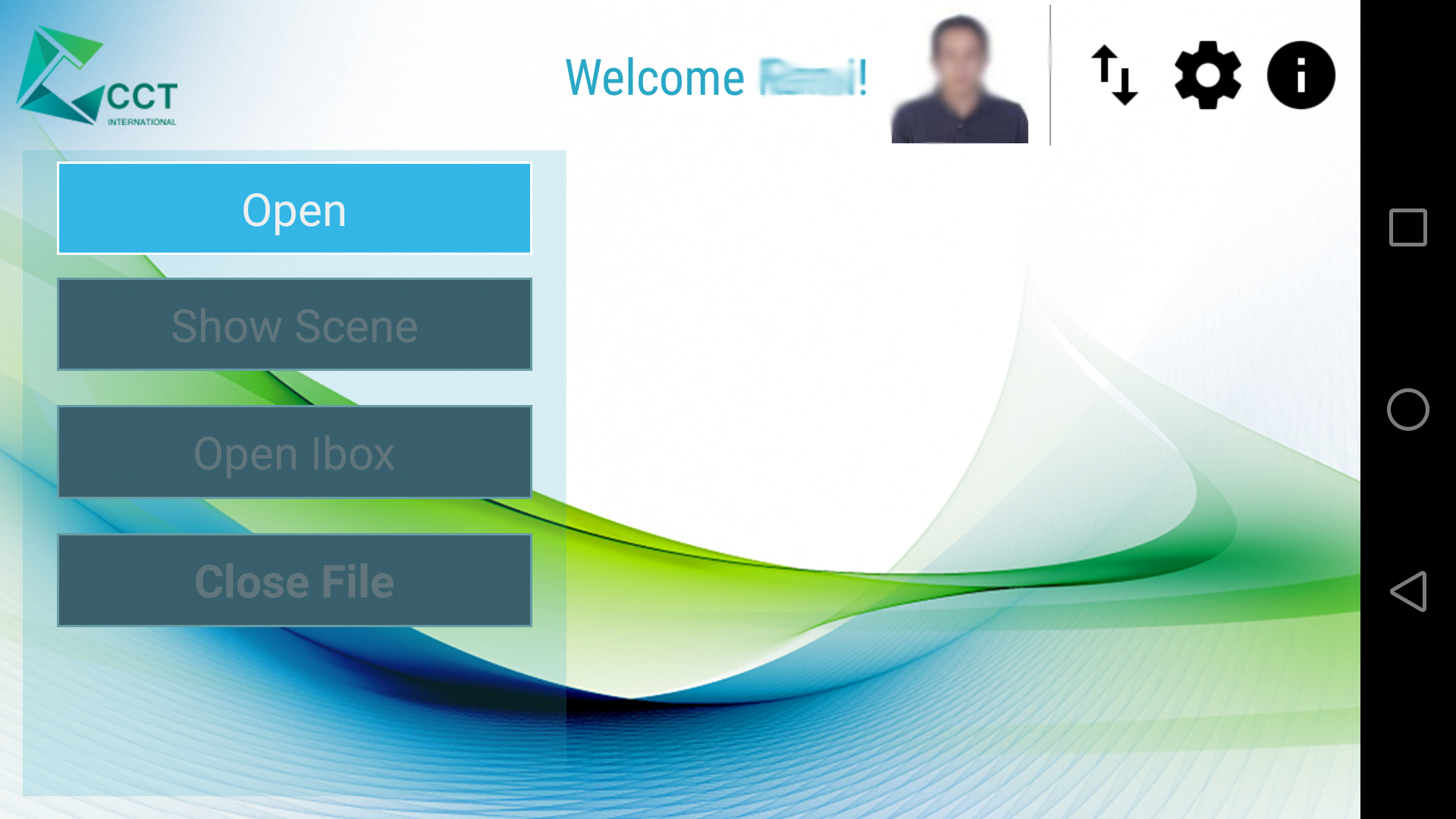
- Sign-in thru C3D LUCAS
- Pin Annotations:
- Create and edit Pins
- Attach images and relate to objects
- Pin Verification (via C3D Sitewalk Addon only)
- Pin Hierarchy Viewer
- Colorized as per status (New, Done, to Be Verified *, Verified*)
- Expands/Highlight related Objects.
- Show Attached Documents/Drawings.
- Update to Android 6.0

PS: old c3dm files are not compatible with this version.

C3D Mobile
C3D Mobile 1.1 APK
August 15, 2015 3.84 MB

Requires Android: Android 3.0+

Architecture: armeabi-v7a

Screen DPI: 120-320dpi

SHA1: ae6c2699e775ff536a67ec569ff2c493148ca543

Size: 3.84 MB

What's New:

Version 1.1:
Added Support for Android 4.4
Selection enhancements
Navigation Enhancements
General Enhancements and Bug fixes
More Information

Package Name:

cctintl.c3d.android

Update Date:

Latest Version:

2.2

Need Update:

Submit latest version

Available on:

Google Play

Requirements:

Android 5.0+