About Buildings for Minecraft
Buildings for Minecraft (Package Name: com.kristopher.buildingsforminecraftpe) is developed by Kristopher Studios and the latest version of Buildings for Minecraft PE 4.6.1 was updated on June 14, 2026. Buildings for Minecraft PE is in the category of Entertainment. You can check all apps from the developer of Buildings for Minecraft PE. Currently this app is for free. This app can be downloaded on Android 7.0+ on APKFab or Google Play. All APK/XAPK files on APKFab.com are original and 100% safe with fast download.
🏰 Buildings for Minecraft - Ultimate Building Tool
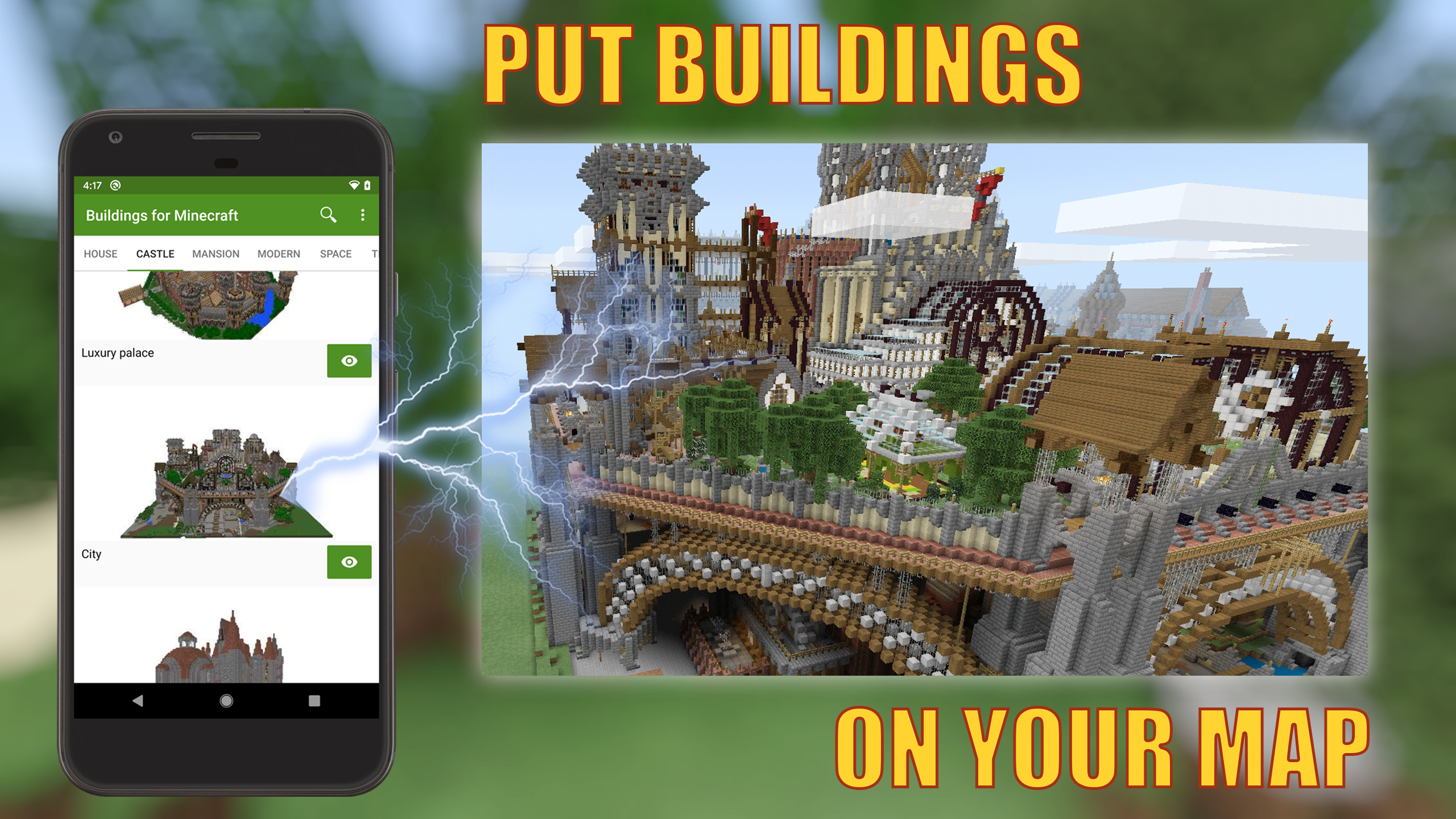
Transform your Minecraft worlds instantly! Browse 10,000+ community builds, generate your own houses and photo builds, preview in 3D, install with one tap, and share your creations worldwide!
✨ CORE FEATURES
🌐 10,000+ ONLINE STRUCTURES
• Real-time cloud access to 10,000+ community builds
• Daily new uploads from builders worldwide
• Houses, castles, skyscrapers, redstone machines, vehicles & more
📦 OFFLINE STRUCTURE LIBRARY
• Premium curated builds available without internet
• Fully tested for compatibility
🏠 HOUSE GENERATOR
• Generate custom 3D houses with adjustable style and size
• Choose house type, width, depth, floors, roof, walls, doors & windows
• Add balconies, chimneys, and more exterior details
• Randomize settings or fine-tune manually, then generate in one tap
• Preview the result and install directly into your world
🎨 COLOR STUDIO
• Turn photos into block-by-block fill-in templates
• Pick color detail from 12 to 72 colors for the look you want
• Tap each color region to choose the right Minecraft block
• Great for characters, buildings, ships, castles, and custom pixel art
• Generate your finished build and install it when you are ready
📸 PHOTO BUILDING MAKER
• Create builds automatically from camera photos or gallery images
• Fast pixel-art conversion for bold shapes and simple scenes
• Works alongside Color Studio for more control when you need it
🎮 3D PREVIEW & SMART INSTALLATION
• Rotate 360° preview with dimensions check
• Visual world map browser with one-tap install
• Automatic world backup before placement
🔨 CREATOR TOOLS
• Extract builds from your Minecraft worlds
• Create from photos, Color Studio, or House Generator
• Upload to the community and track downloads
💾 MANAGEMENT
• Favorites, Downloads, My Creations
• Search by name, category, creator
• Import/export .mcworld files
⚡ QUICK START
• Install: Browse → Preview → Select location → Install
• House Generator: Choose style → Customize → Generate → Install
• Color Studio: Pick photo → Choose colors → Fill blocks → Generate → Install
• Photo Maker: Photo → Auto convert → Install
• Upload: Build in game → Extract → Upload
🎁 KEY BENEFITS
• 10,000+ structures, constantly growing
• Three ways to create: house generator, color studio, and photo maker
• Instant installation with 3D preview
• Online + offline modes
• Active global community
• Auto backups, safe & secure
• Free with full features
🚀 DOWNLOAD NOW!
Browse thousands of builds, generate houses in seconds, or turn your favorite photos into Minecraft structures. Join MC players worldwide and upgrade your worlds today!
---
Disclaimer: This is an unofficial application for Minecraft. This application is not affiliated with Mojang AB. The Minecraft Name, the Minecraft Brand and the Minecraft Assets are all property of Mojang AB or their respectful owner. All rights reserved. According to http://account.mojang.com/documents/brand_guidelines
Buildings for Minecraft 4.6.1 Update
• New Color Studio in Photo Maker: take or pick a photo, turn it into a fill-in template, choose a block for each color, and generate your own building
• Fixed known issues to improve stability and user experience
Read More