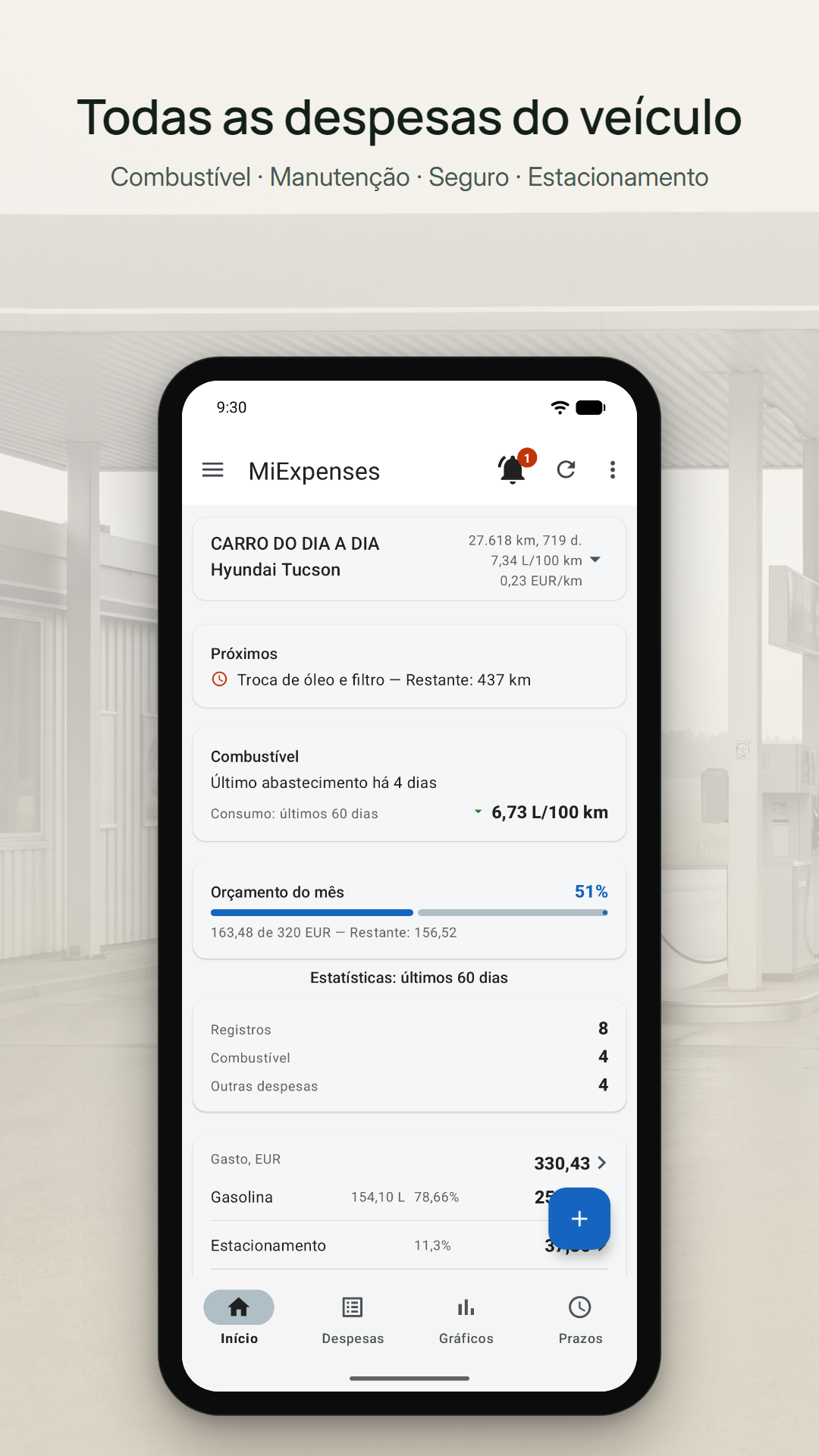
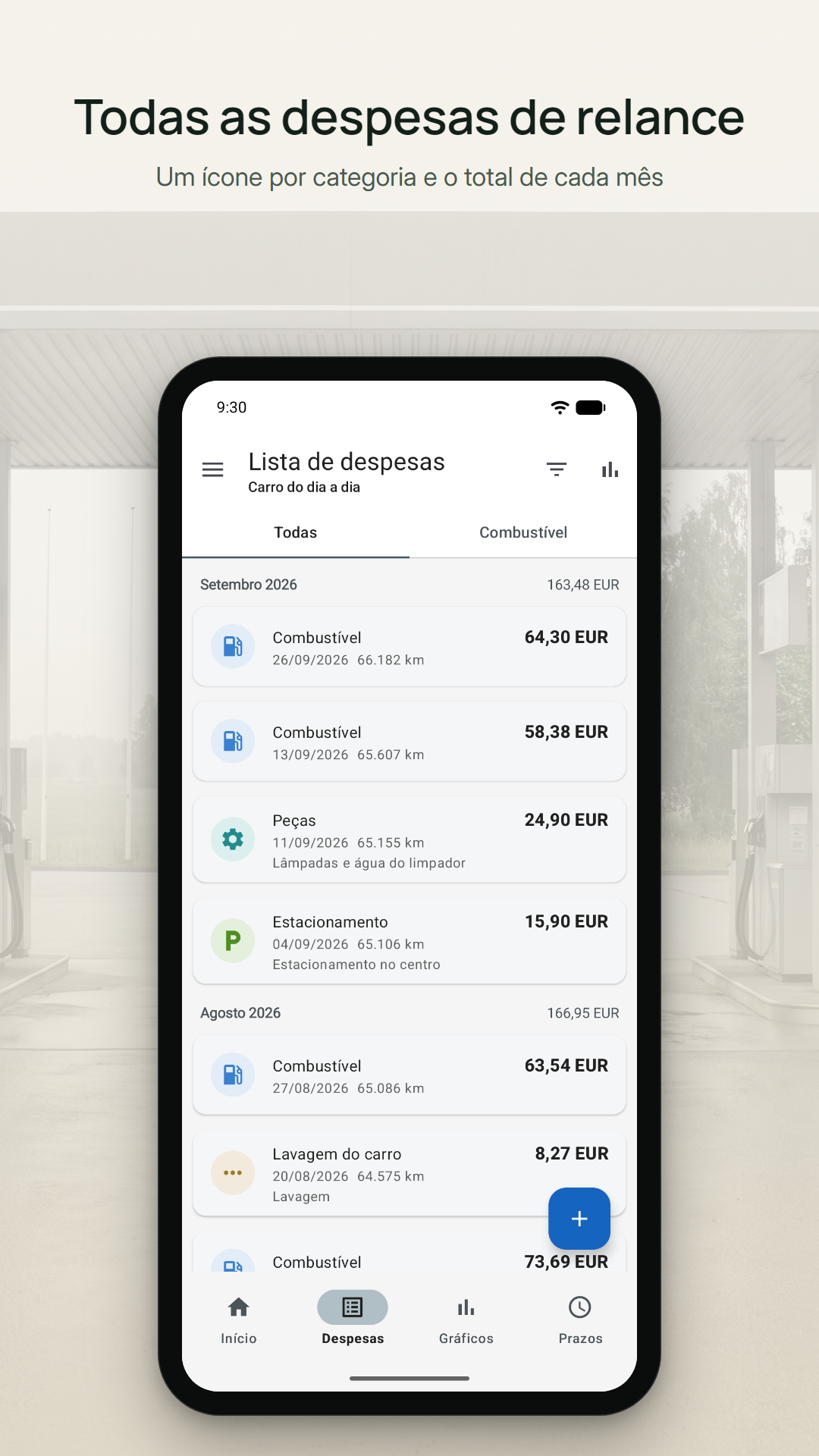
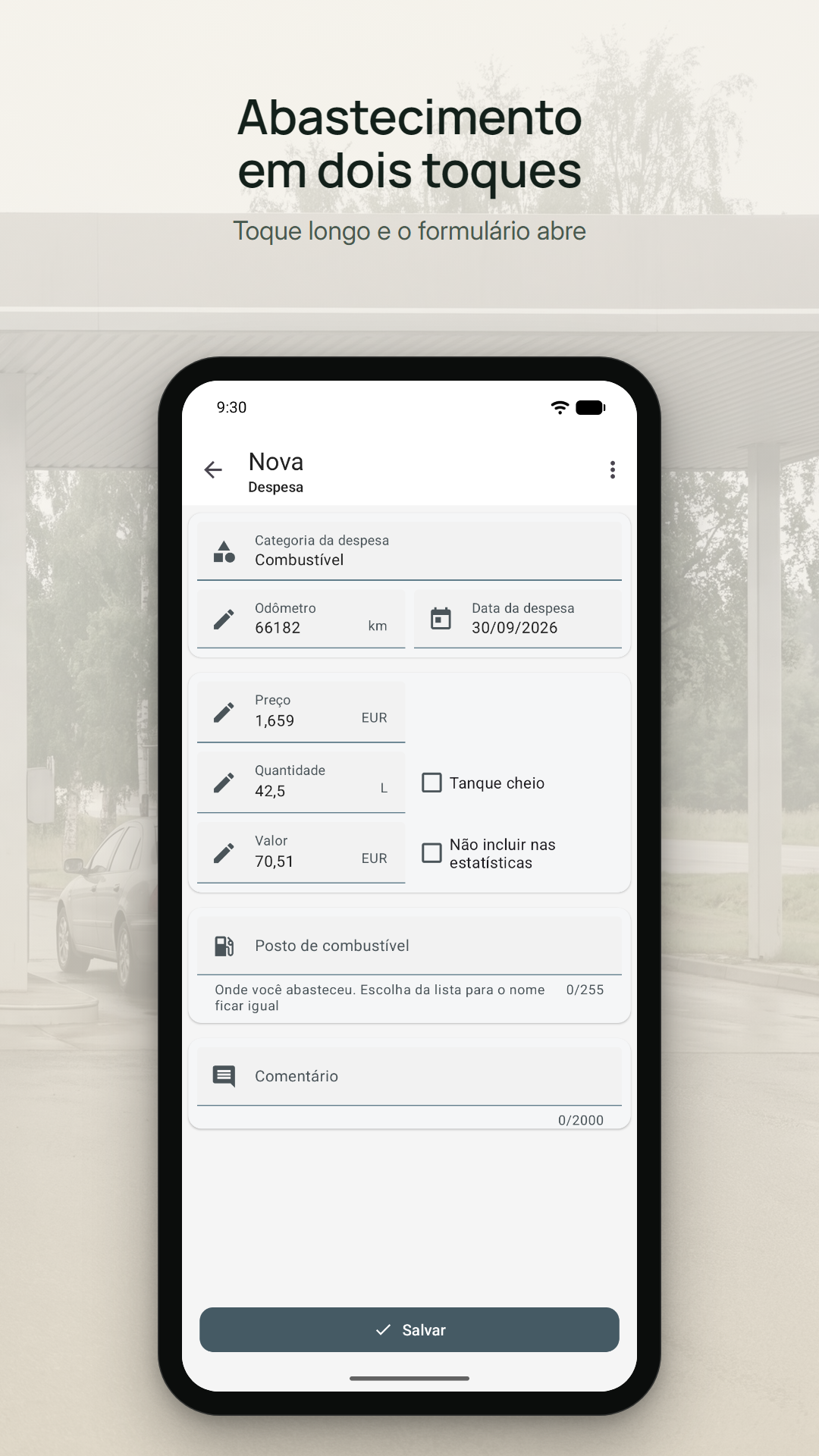
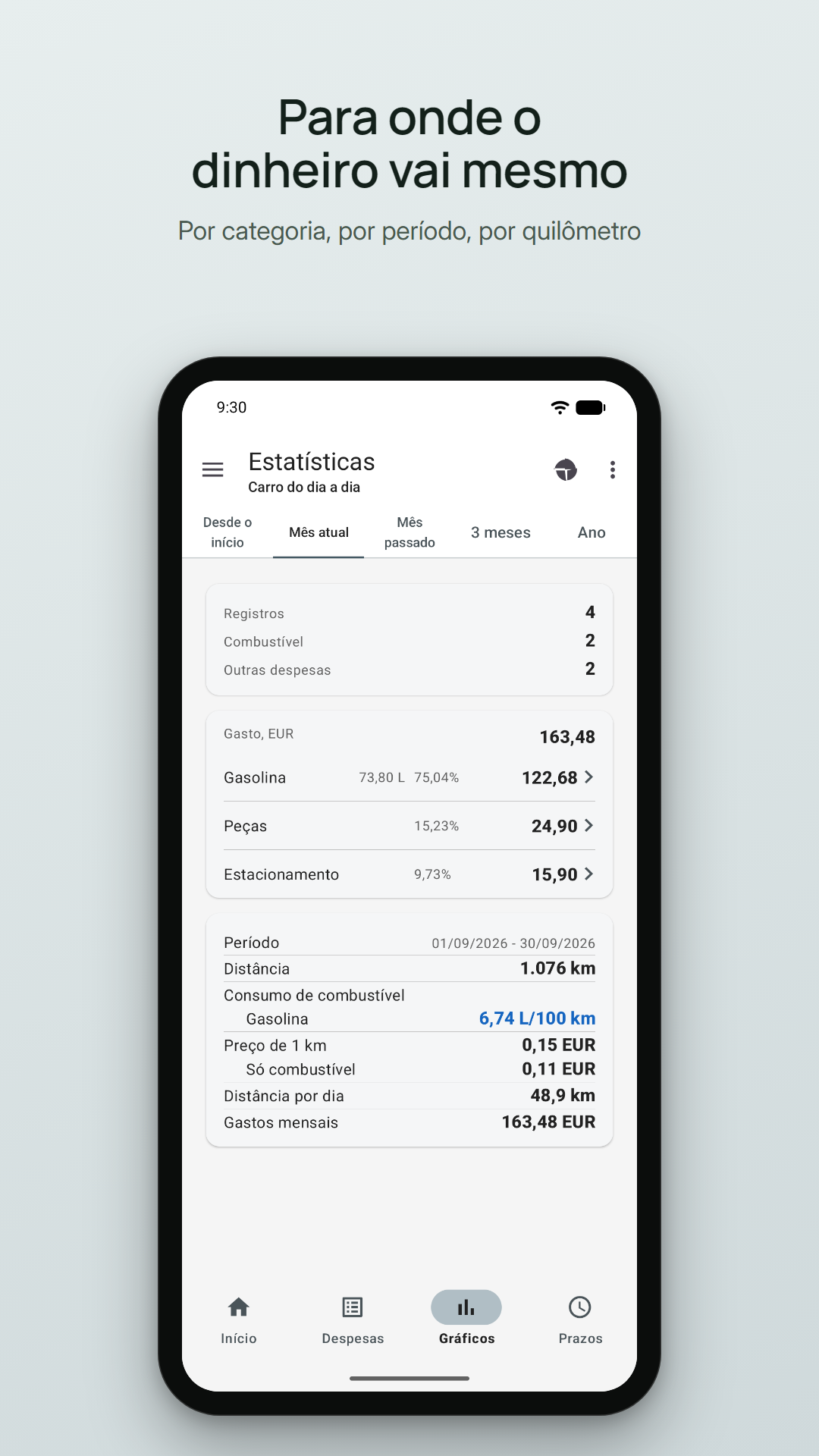
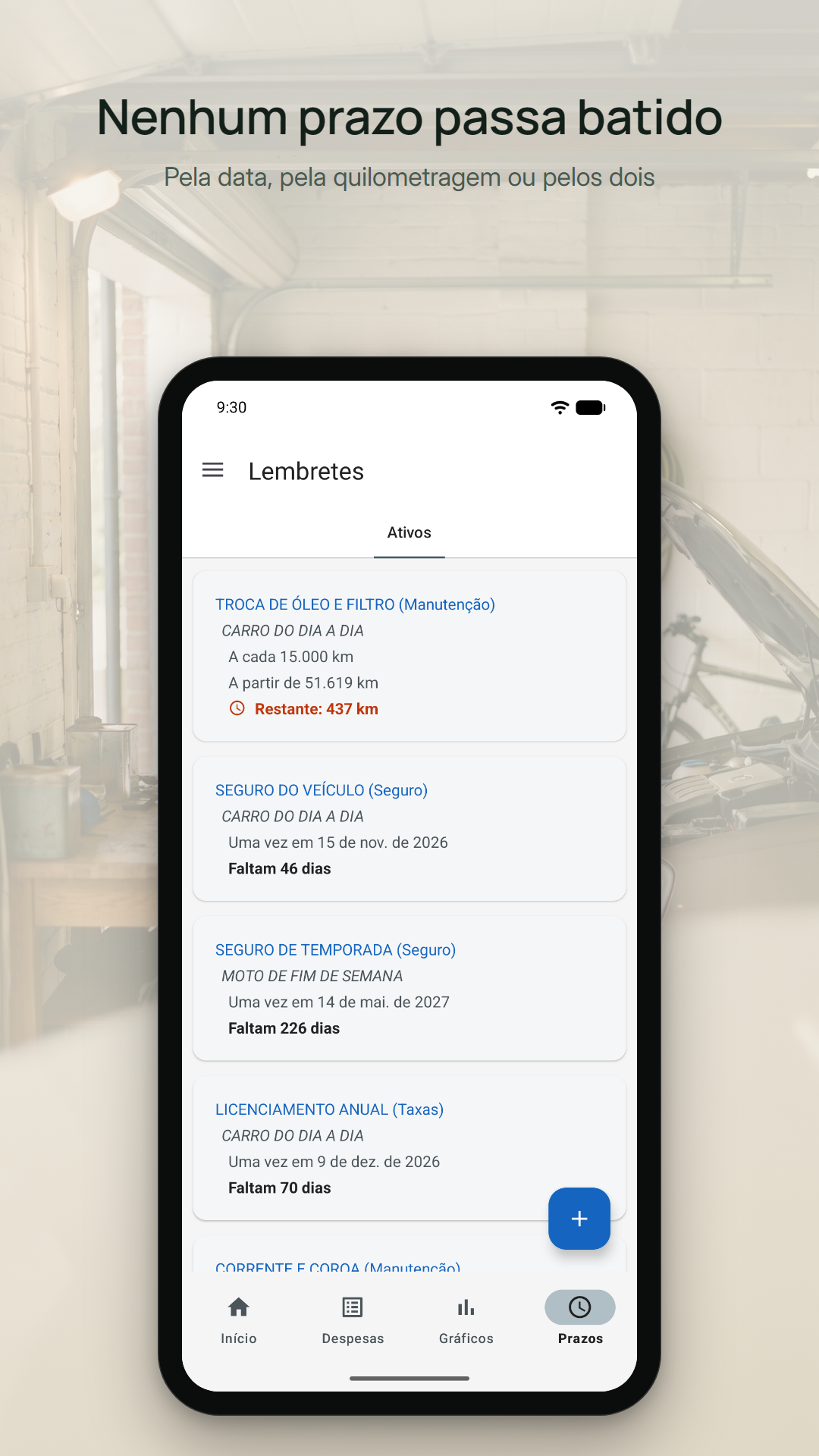
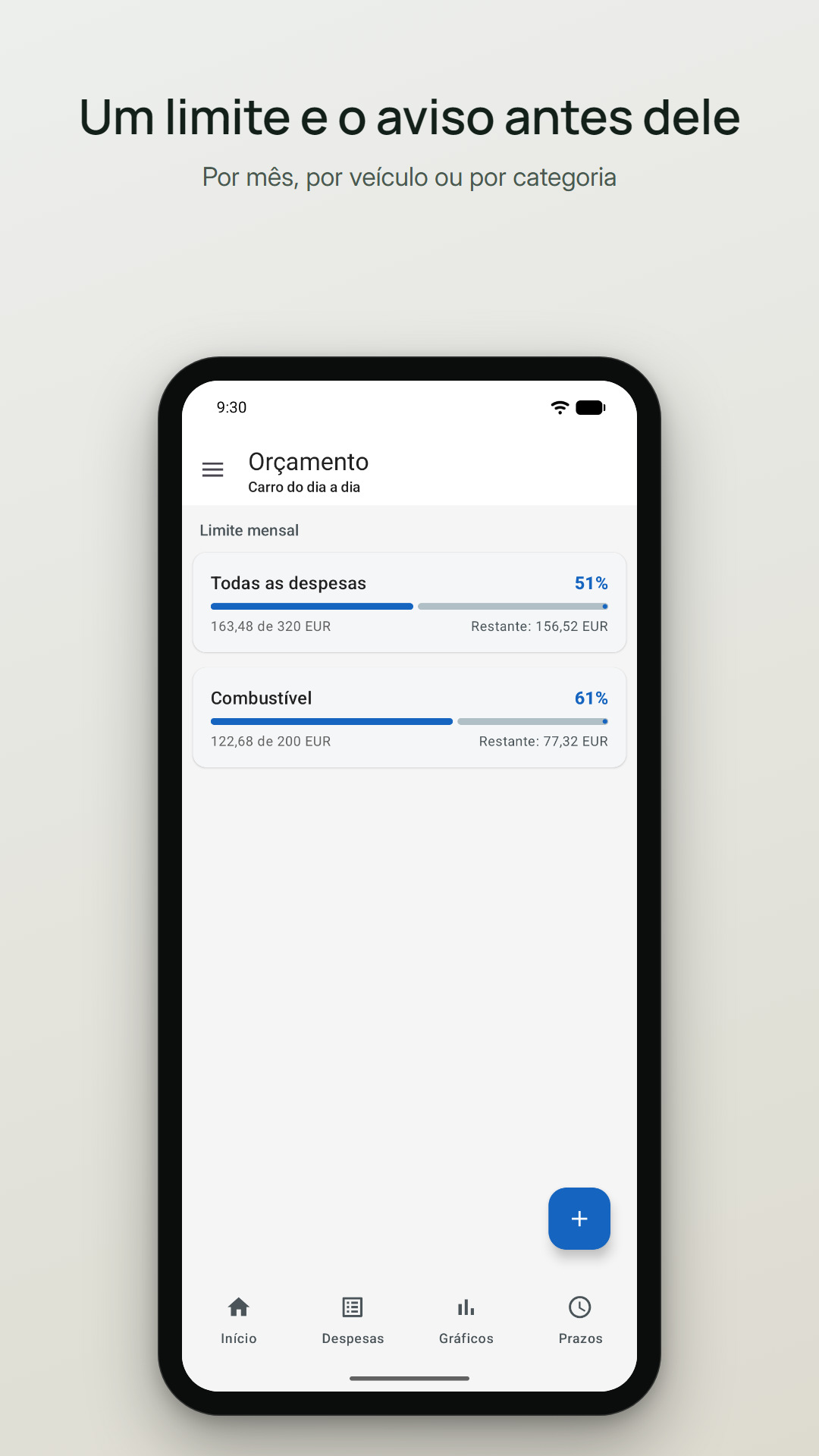
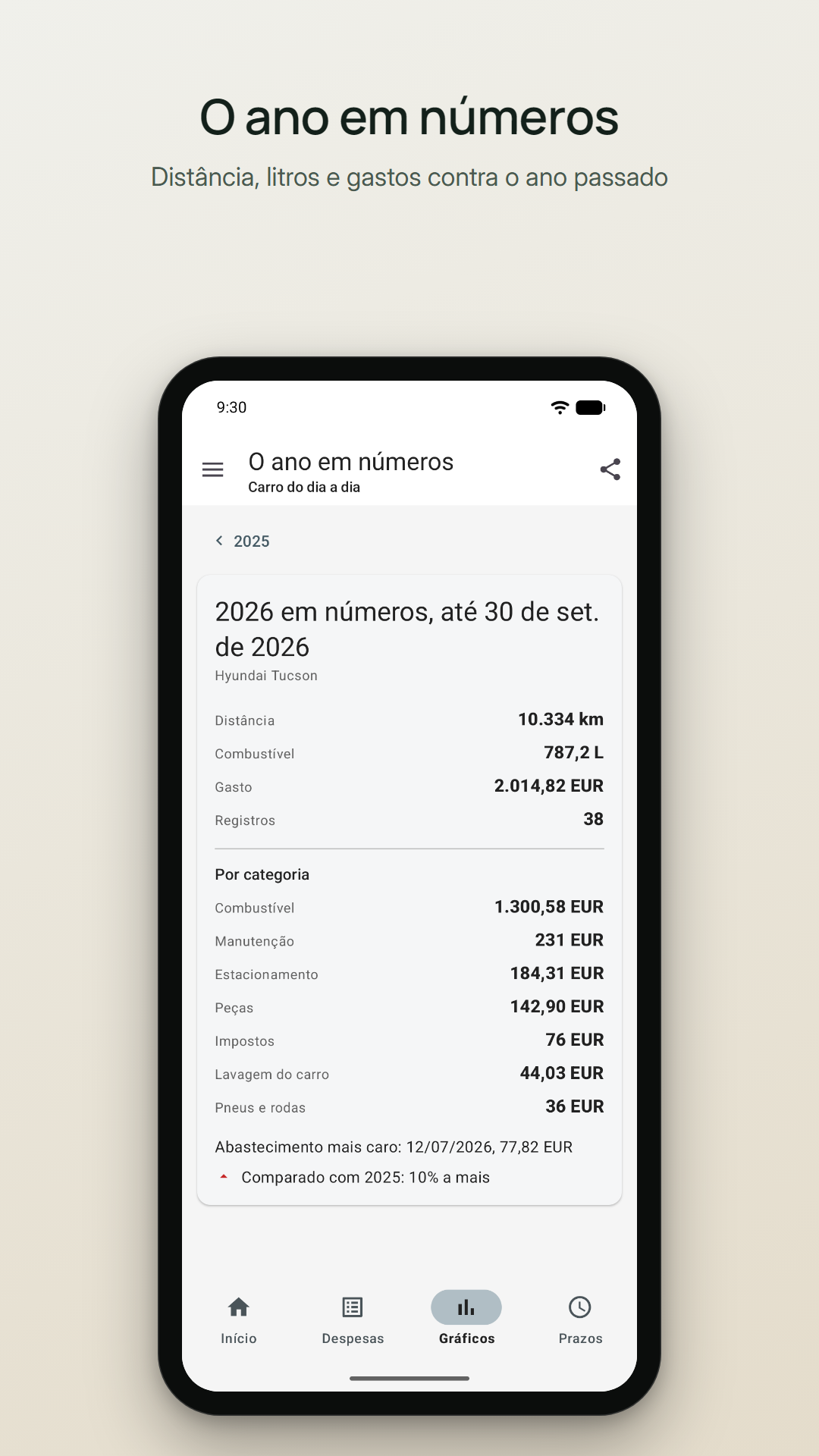
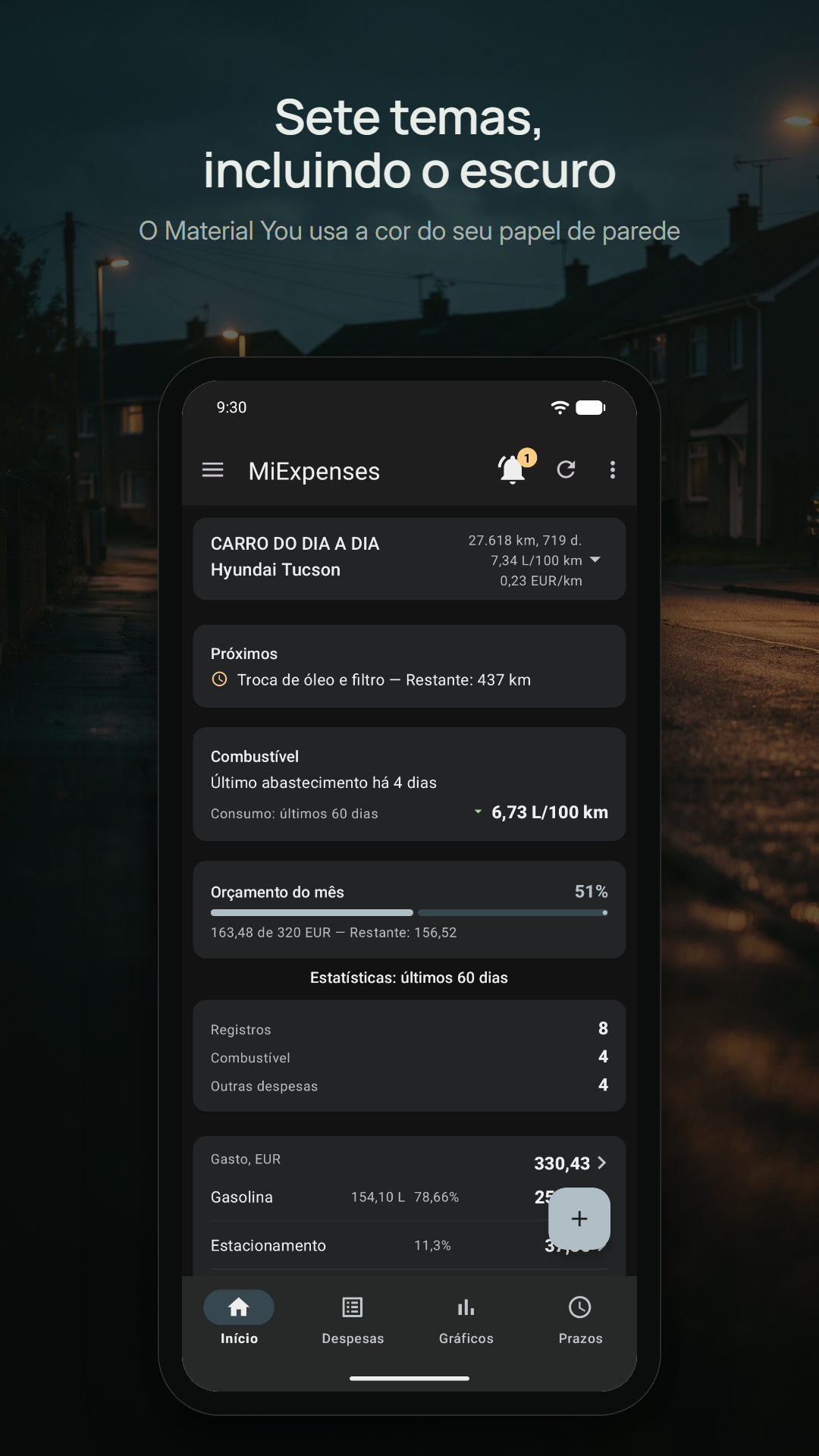
O MiExpenses é um gerenciador de orçamento do veículo para quem acompanha de perto o que gasta. Simples e direto, ele ajuda você a controlar os custos do carro, entender para onde vai o dinheiro e decidir com base em números. Com o "Minhas Despesas do Veículo" você pode: 1. Gerenciar a lista de veículos 2. Gerenciar a lista de despesas: combustível, manutenção, peças e o resto 3. Montar sua própria lista de categorias de despesas 4. Ver as estatísticas: custo por unidade de distância, consumo de combustível e muito mais 5. Escolher o período de acompanhamento: semana, mês ou ano 6. Criar lembretes (por exemplo, "Troca de óleo" ou "Troca de pneus") 7. Receber um aviso quando o prazo estiver chegando 8. Compartilhar o diário de despesas com outros usuários 9. Escolher o seu tema de cores 10. Exportar a lista de despesas 11. Abrir as estatísticas globais: um conjunto de indicadores calculados sobre todos os dados coletados MiExpenses Premium — uma única compra, para sempre, em todos os aparelhos onde você entrar: • Limites mensais: para o veículo inteiro, para um tipo de despesa ou para uma categoria • Modelos e registro rápido: uma despesa que se repete em dois toques em vez de seis • Limites e modelos em todos os aparelhos: entre em outro telefone e eles já estarão lá • «O ano em números»: totais, o mês mais caro, a comparação com o ano anterior • Estatísticas mundiais sem anúncios: hoje abrem após um vídeo, com Premium na hora Não é assinatura: nada será cobrado de novo. Todo o resto continua gratuito. Importante: o aplicativo guarda seus dados no próprio serviço web. Ou seja, não é preciso manter uma cópia no DropBox, no Google Drive nem em outro armazenamento online. Estamos sempre melhorando o aplicativo. Se você tiver alguma sugestão, conte para a gente.
Atualização de MiExpenses 5.9.0.964
* Choose email or Google on the welcome screen. The email form opens when you select it. * Email codes now appear in six cells. Paste the whole code at once. The cells are highlighted if the code is incomplete or rejected. * The new Dashboard theme combines graphite and amber with a drum-style odometer. * Import Fuelio exports from the Data screen.
* Stats: the Year tab is now By year: spending, distance, consumption and cost per km for each year, and each year opens its own screen. * Year in numbers (Premium, like the comparison with last year): why the year cost what it did, its findings as cards, pictures to share. Without Premium, a preview. In January, a notification when last year's numbers are ready. * Fixes: Monthly charges keep years apart; other or unspecified fuel no longer breaks fuel figures; implausible readings are skipped.
* With two or more vehicles, screens use the vehicle selected on Home instead of asking, and new reminders preselect your default vehicle. * The bottom bar is now a compact floating pill: lists run beneath it, and it steps aside on screens with a Back arrow. * Settings, Data, Premium and screens opened from Stats and Sharing have a Back arrow instead of the tab bar. * If Premium was opened from a Premium feature, its Back arrow returns you there, with the expense you started.
APKFab.com e o link para download deste app são 100% seguros. Todos os links para download de apps listados em APKFab.com são da Google Play Store ou enviados por usuários. Para o app da Google Play Store, APKFab.com não o modificará de nenhuma forma. Para o app enviado pelos usuários, APKFab.com verificará a segurança da assinatura do APK antes de lançá-lo em nosso site.